 GameWiki
GET YOUR BEARINGS
About ARCADE GAME SERIES: DIG DUG
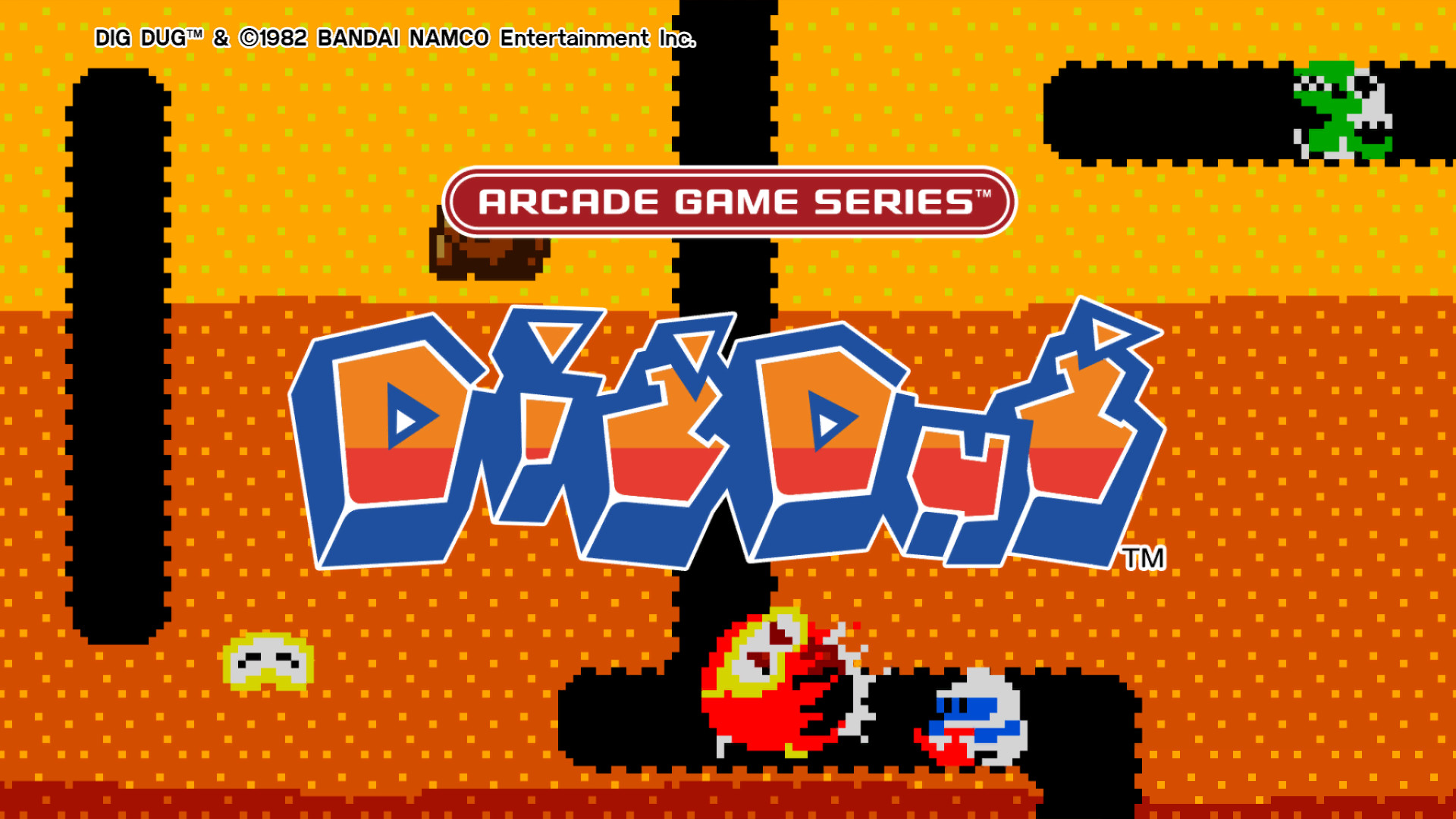
Dig Dug, originally an arcade title from 1982, has been brought to Steam for Windows players. The game lets you move in four directions and use a single button to inflate enemies with a harpoon or crush them with falling rocks. Players clear each screen by eliminating all foes, advancing through successive stages.
The port includes visual scanline filters, sound adjustments, and a toggle between classic and updated versions, preserving the original’s pixel‑art charm while offering modern options. Single‑player mode supports Steam achievements, leaderboards, and Family Sharing, letting friends compete and share the experience.
01 / THE GUIDE
Gameplay Mechanics
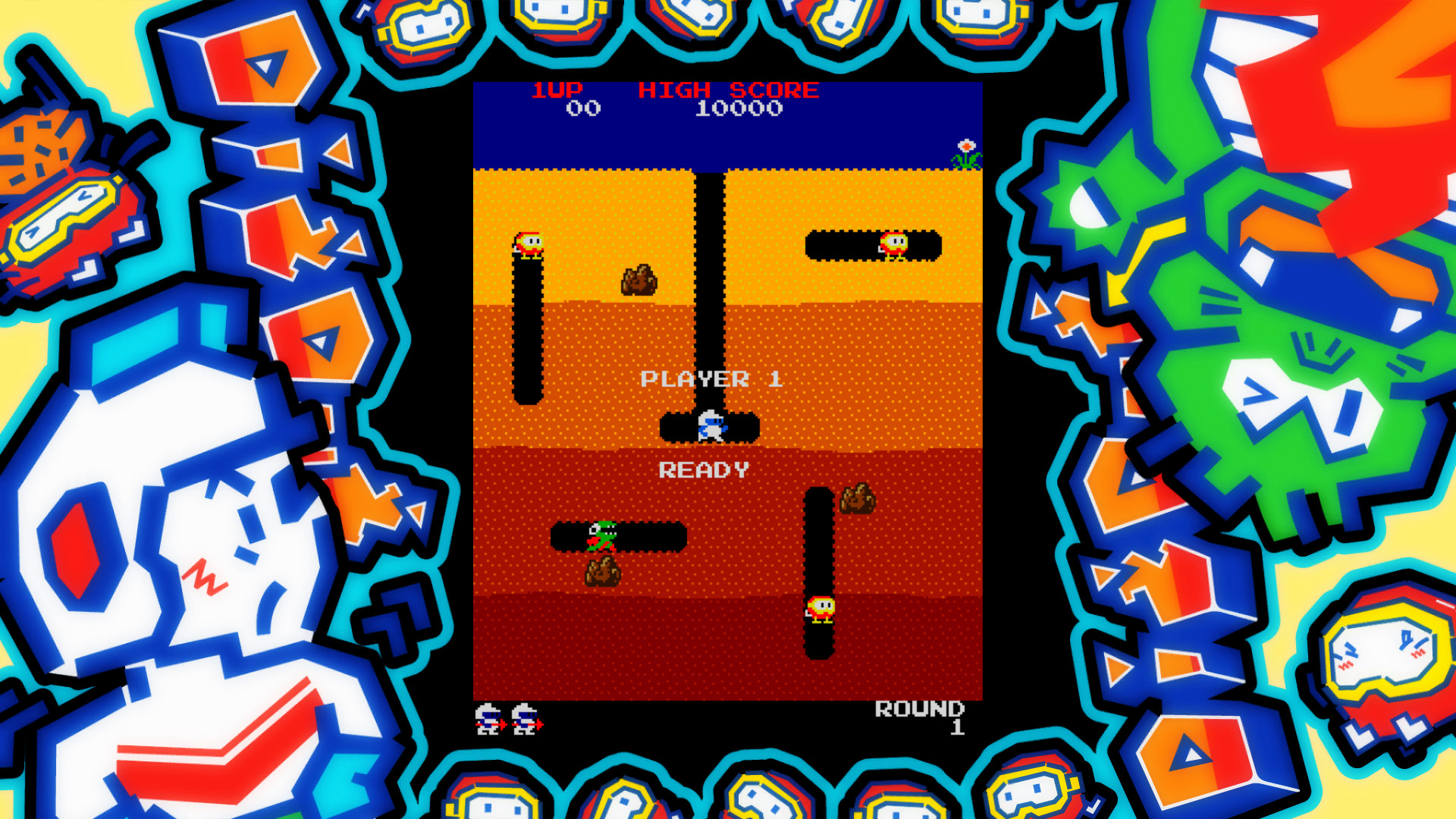
Movement is limited to up, down, left, and right, letting you tunnel through earth to chase or evade enemies. A single button triggers the harpoon to inflate foes until they pop, or drops a rock to squash them.
The game’s design encourages strategic positioning: lure enemies into confined tunnels for multiple kills, and combine the rock drop with the "pump and stall" technique to maximize points while managing limited space.
- Experiment with tunneling patterns to see which corridors funnel enemies most efficiently.
- Try timing the rock drop after inflating an enemy to create chain reactions.
02 / THE GUIDE
Scoring Techniques
Points increase when you crush several enemies at once by luring them into a single tunnel. The rock drop can eliminate multiple foes, delivering a “massive points” bonus. Clearing a screen of all enemies advances you to the next stage.
Mastering the "pump and stall" combo—inflating an enemy then pausing before popping—is one of the techniques the game lets you perform with its simple controls.
- Plan routes that bring enemies together before using the rock drop.
- Use the pump‑and‑stall method on tougher enemies for higher scores.
03 / THE GUIDE
Visual & Audio Options
The Steam port offers scanline filters that emulate the original arcade display, alongside adjustable sound settings. Players can switch between the classic version and a refreshed edition, choosing the aesthetic that best fits their preference.
These options let you tailor the experience without altering core gameplay, preserving the original’s rhythmical beats and distinctive SFX while providing modern visual clarity for new players.
- Enable scanlines for a nostalgic arcade feel.
- Adjust sound levels to highlight the rhythmical beats during intense stages.
04 / THE GUIDE
Steam Features
Dig Dug integrates Steam achievements, rewarding players as they progress through the game. Leaderboards track performance globally, fostering competition among diggers. Family Sharing allows the game to be accessed by multiple accounts on the same device.
These features operate within the single‑player framework, meaning you can pursue achievements and leaderboard rankings without multiplayer modes, while still sharing the title with family members.
- Check the achievement list to set personal goals.
- Use Family Sharing to let a sibling try the game without purchasing a second copy.
05 / THE GUIDE
Platform Availability
The game is released on Steam for Windows computers only; macOS and Linux versions are not listed. This focus ensures full compatibility with Windows hardware and the Steam client’s features.
While the port does not mention other operating systems, Windows players can enjoy the full suite of options, from visual filters to achievement tracking, without needing additional platforms.
- Verify your Windows version meets Steam’s system requirements before installing.
- Keep your Steam client updated to ensure all features load correctly.


COMMUNITY
Player discussion