 GameWiki
GET YOUR BEARINGS
About Aquarist
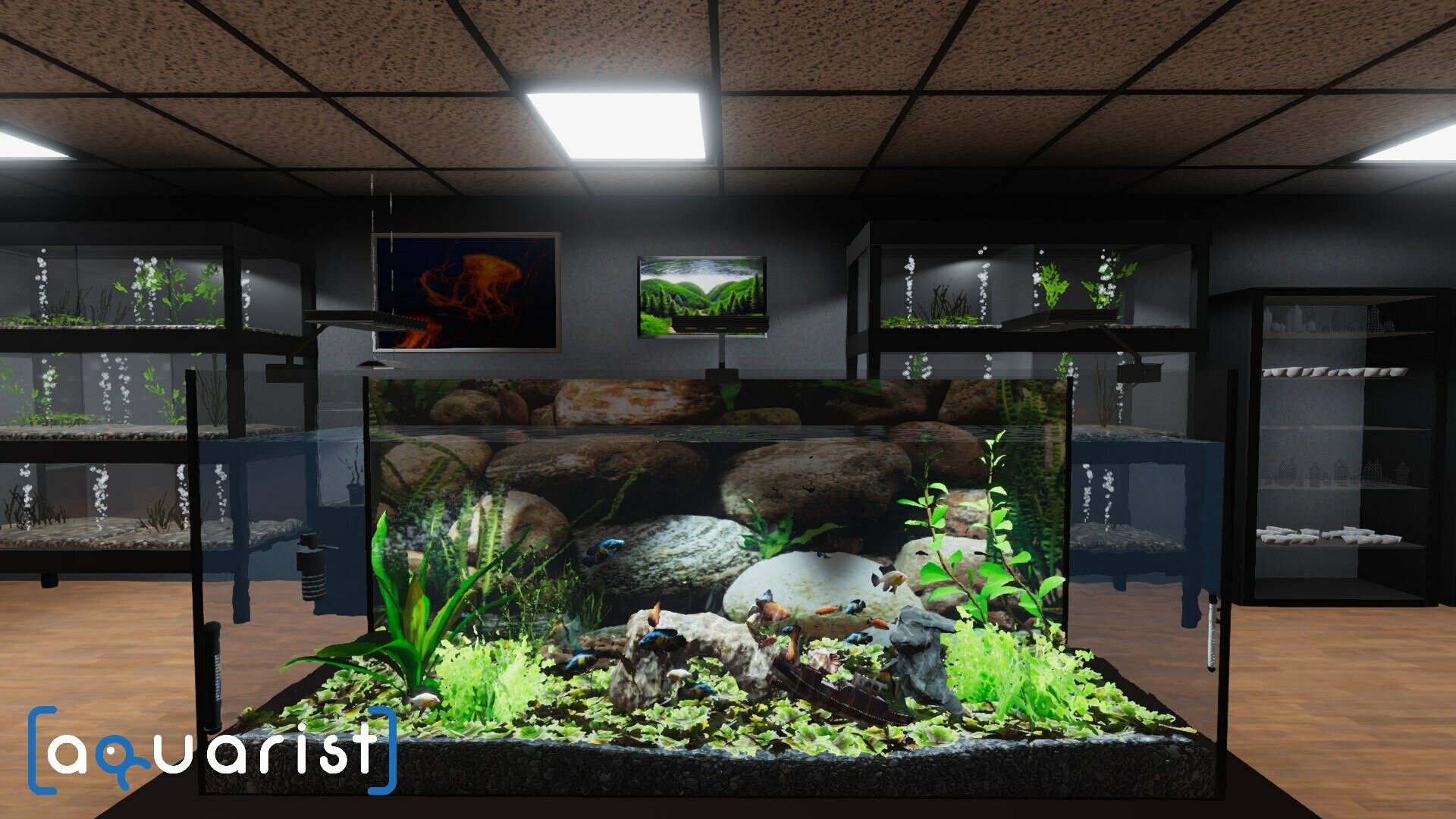
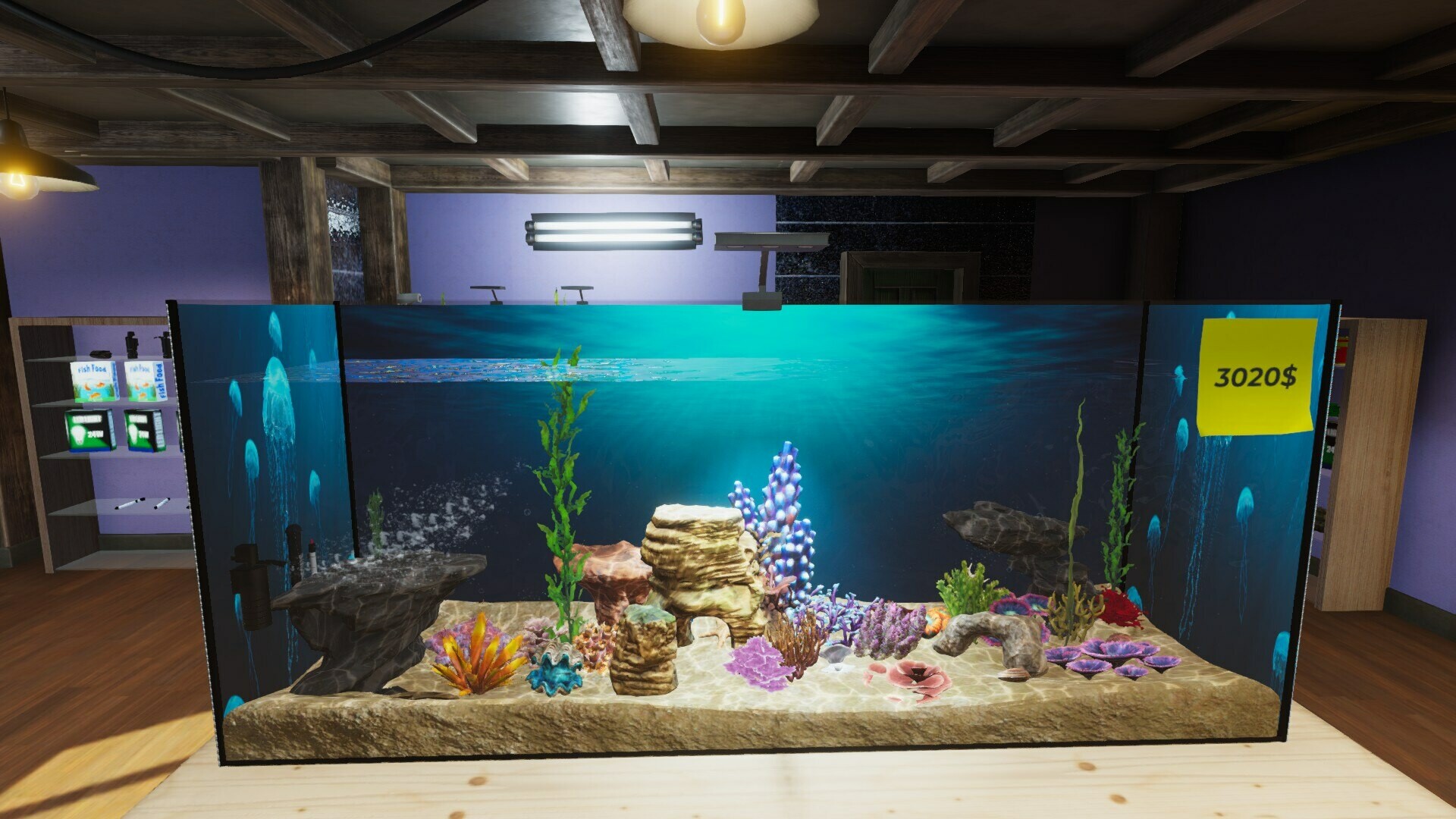
Aquarist is a single‑player aquarium simulator that blends creative building with business management. Players design fully customizable tanks—choosing size, layout, decorations, plants, rocks, backgrounds, and equipment—to craft anything from tranquil nature scenes to lavish exhibits.
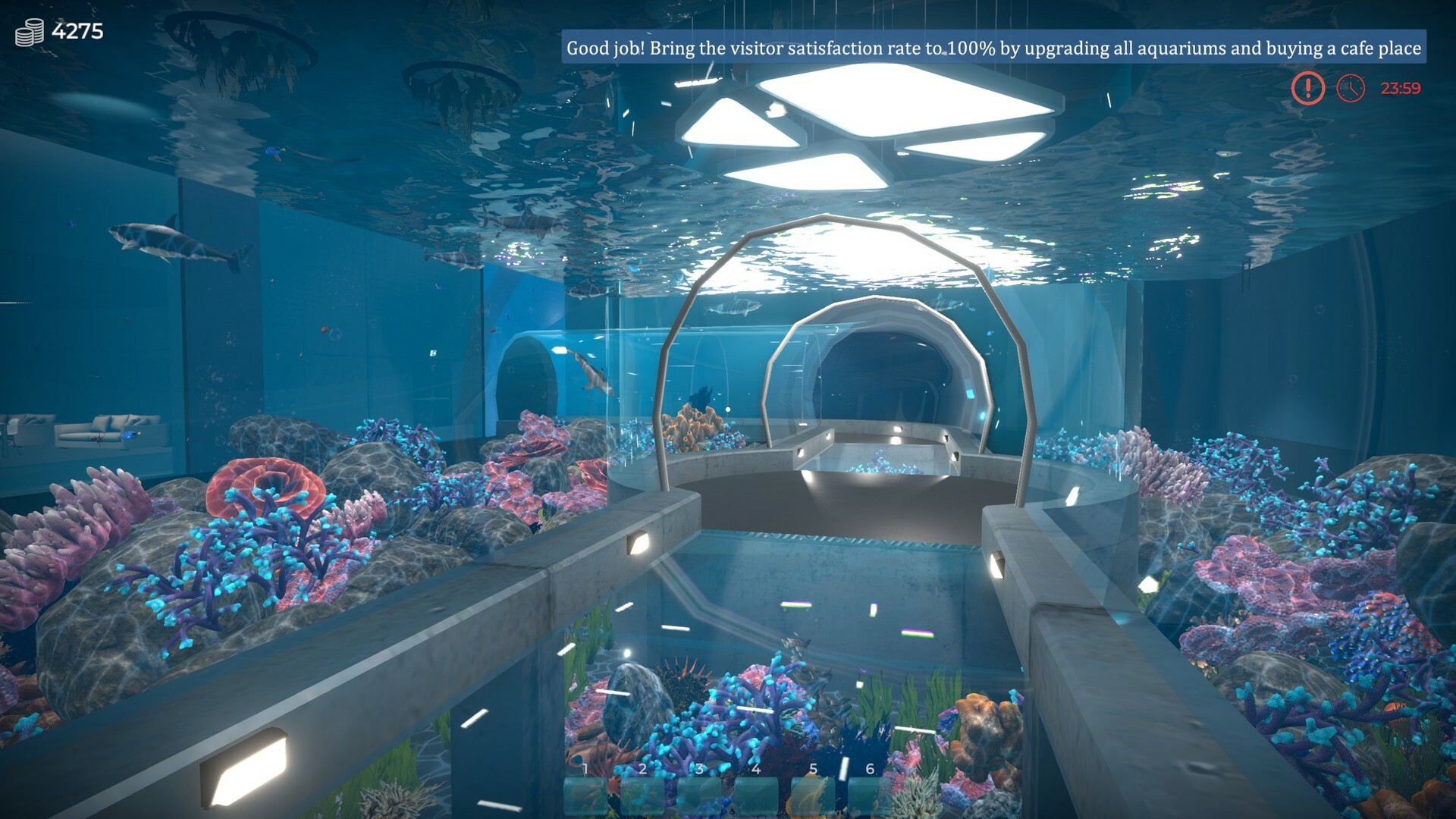
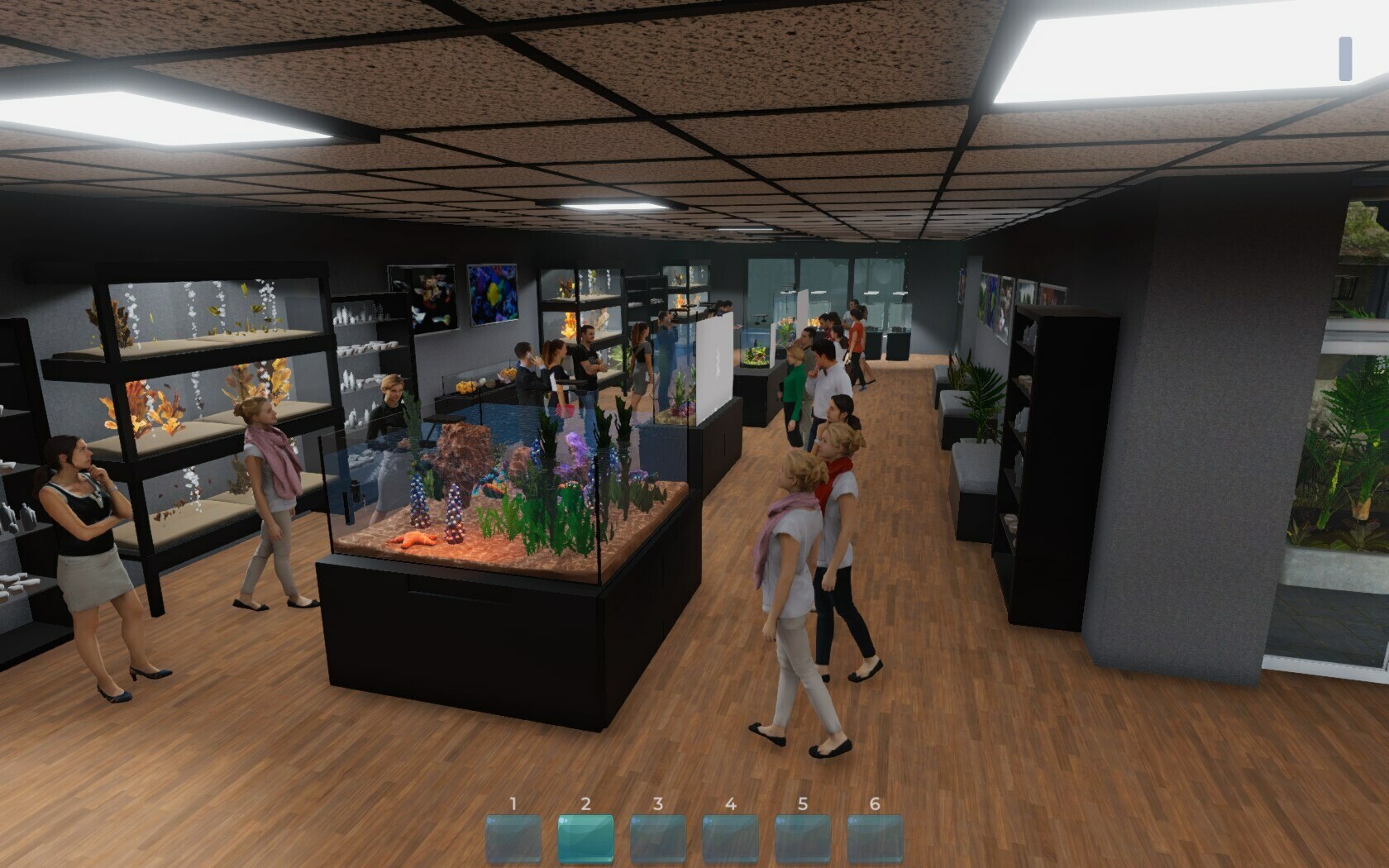
The game also lets you run an aquarium shop, fulfill customer orders, and expand into larger venues such as exhibition halls and a massive oceanarium. Along the way you care for a wide range of freshwater and saltwater species, maintaining water conditions and feeding to keep them thriving.
01 / THE GUIDE
Custom Aquarium Design
Aquarist provides a sandbox where every tank can be shaped to the player’s vision. You select tank dimensions, arrange decorations, plants, rocks, and even set a personal photo as the background, allowing limitless aesthetic possibilities.
Design choices also affect the suitability for different species, encouraging players to match décor with the needs of tropical fish, sharks, corals, and more. This flexibility makes each project a unique visual challenge.
- Experiment with background images to give each tank a distinct atmosphere.
- Balance decorative elements with space needed for larger marine life.
02 / THE GUIDE
Business Management
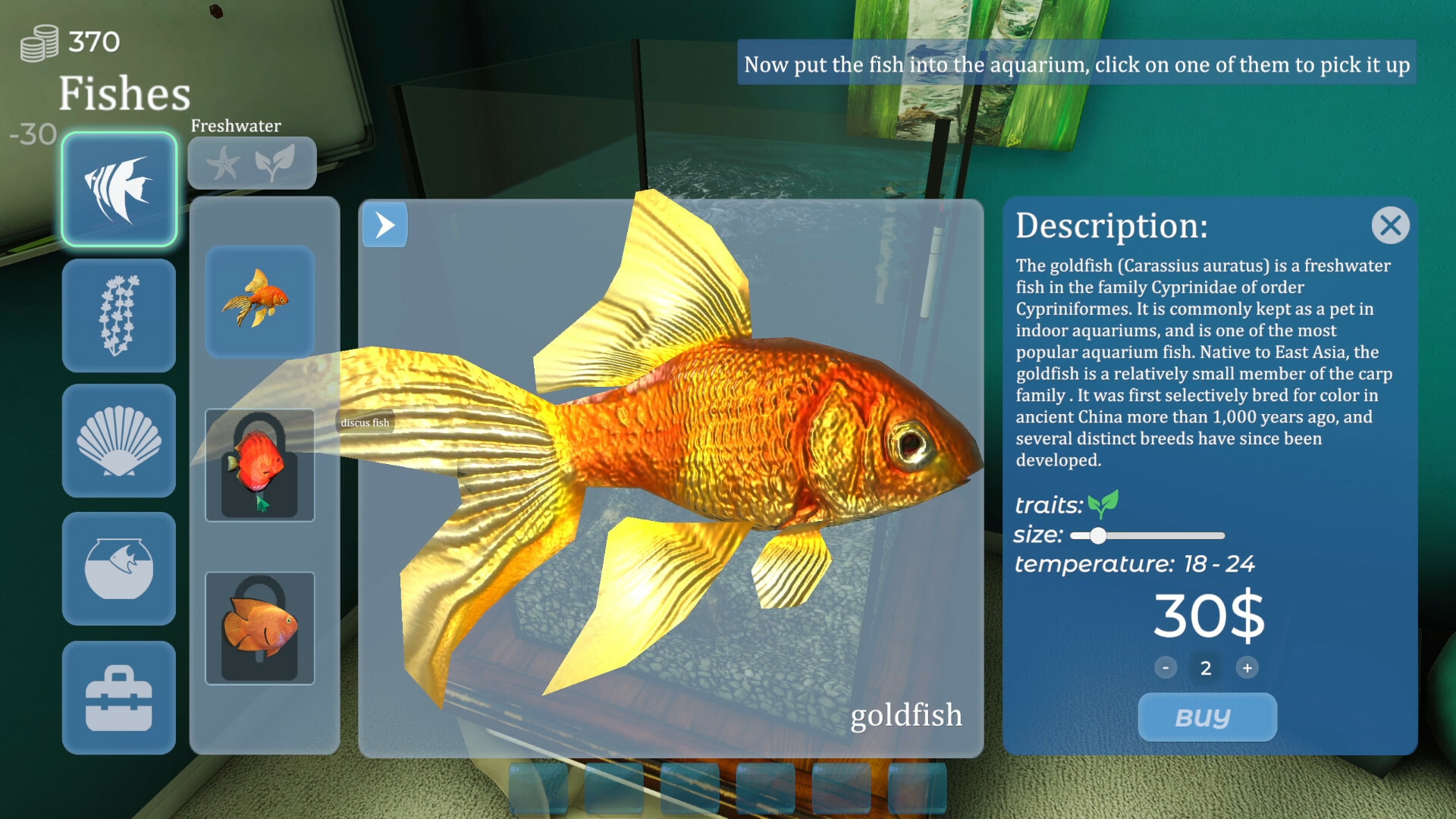
Starting from a modest aquarium shop, players complete customer orders to earn money, unlock equipment, and purchase rare fish and décor. Successful projects increase reputation, unlocking larger locations and new building types.
The progression system encourages strategic investment, as expanding into exhibition halls or an oceanarium requires careful budgeting and selection of profitable projects.
- Prioritize orders that unlock new equipment early on.
- Track earnings to plan timely upgrades to larger venues.
03 / THE GUIDE
Animal Care
A core loop involves maintaining proper water conditions, feeding, and providing suitable habitats for a diverse roster of species, including tropical fish, sharks, rays, sea turtles, octopuses, shrimp, and corals.
Healthy animals thrive, while neglect can jeopardize project success, making attentive care essential for both aesthetic and business outcomes.
- Monitor water parameters regularly for each species.
- Feed animals according to their specific dietary needs.
04 / THE GUIDE
Unique Projects
Each job presents a distinct setting—museums, bars, restaurants, private homes, or exotic locations—requiring tailored designs such as turtle habitats, decorative piranha tanks, or renovated neglected aquariums.
Projects introduce new mechanics and rewards, prompting players to adapt their design and management strategies for varied client expectations.
- Read project briefs carefully to match client themes.
- Reuse successful layout patterns when appropriate.
05 / THE GUIDE
Platform Features
Aquarist runs on Windows with full controller support, Steam achievements, and cloud saves, allowing flexible play styles and progress preservation across sessions.
Additional Steam integrations such as trading cards and family sharing expand the game’s accessibility without altering core gameplay.
- Enable cloud sync to safeguard progress.
- Try controller input for a relaxed building experience.
COMMUNITY
Player discussion