 GameWiki

GET YOUR BEARINGS
About Aooni
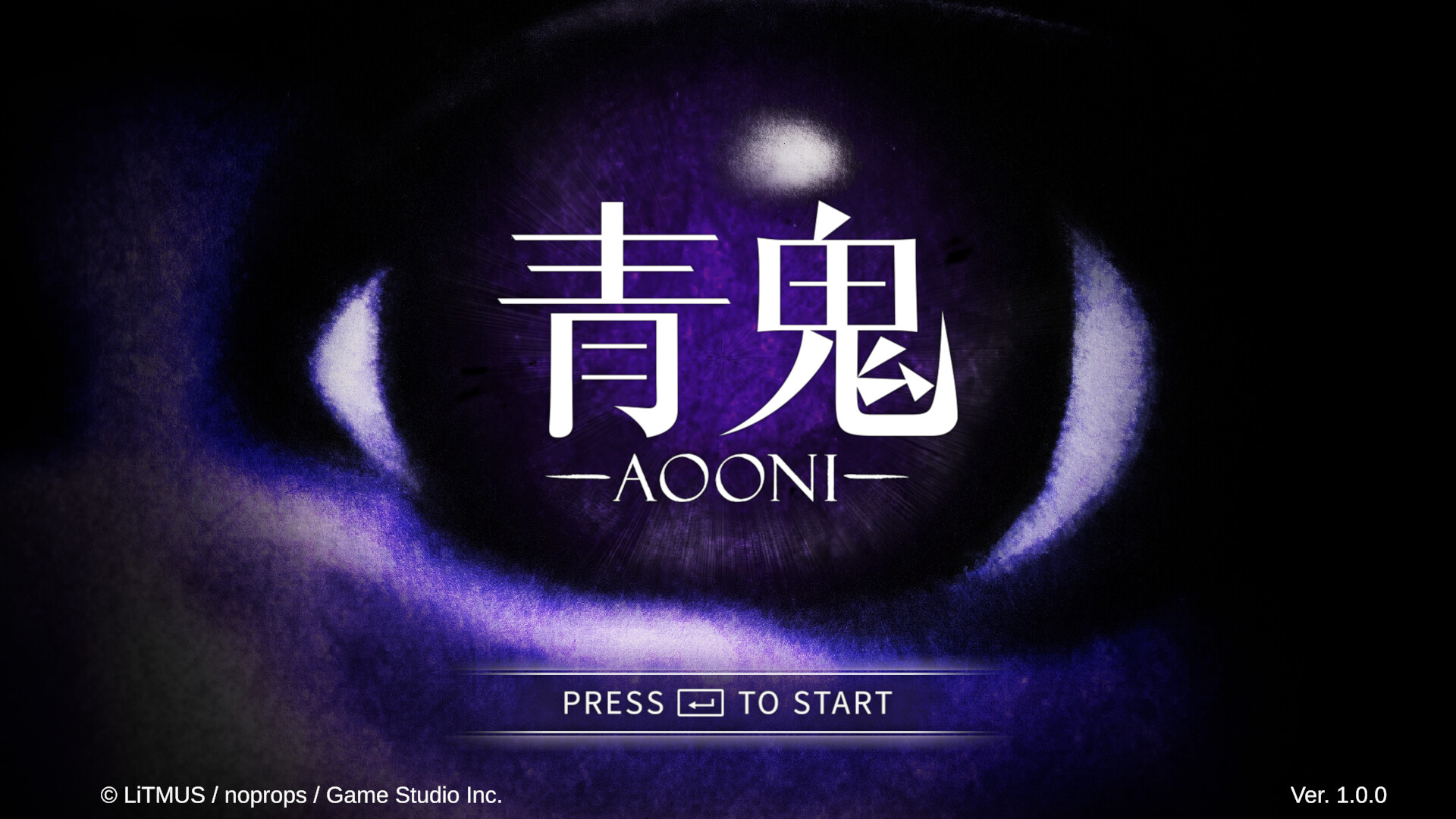
Aooni revives the classic horror puzzle adventure in a haunted mansion where a blue demon pursues the player. Four visitors must navigate shifting rooms, collect items, and survive the chase while trying to escape alive.
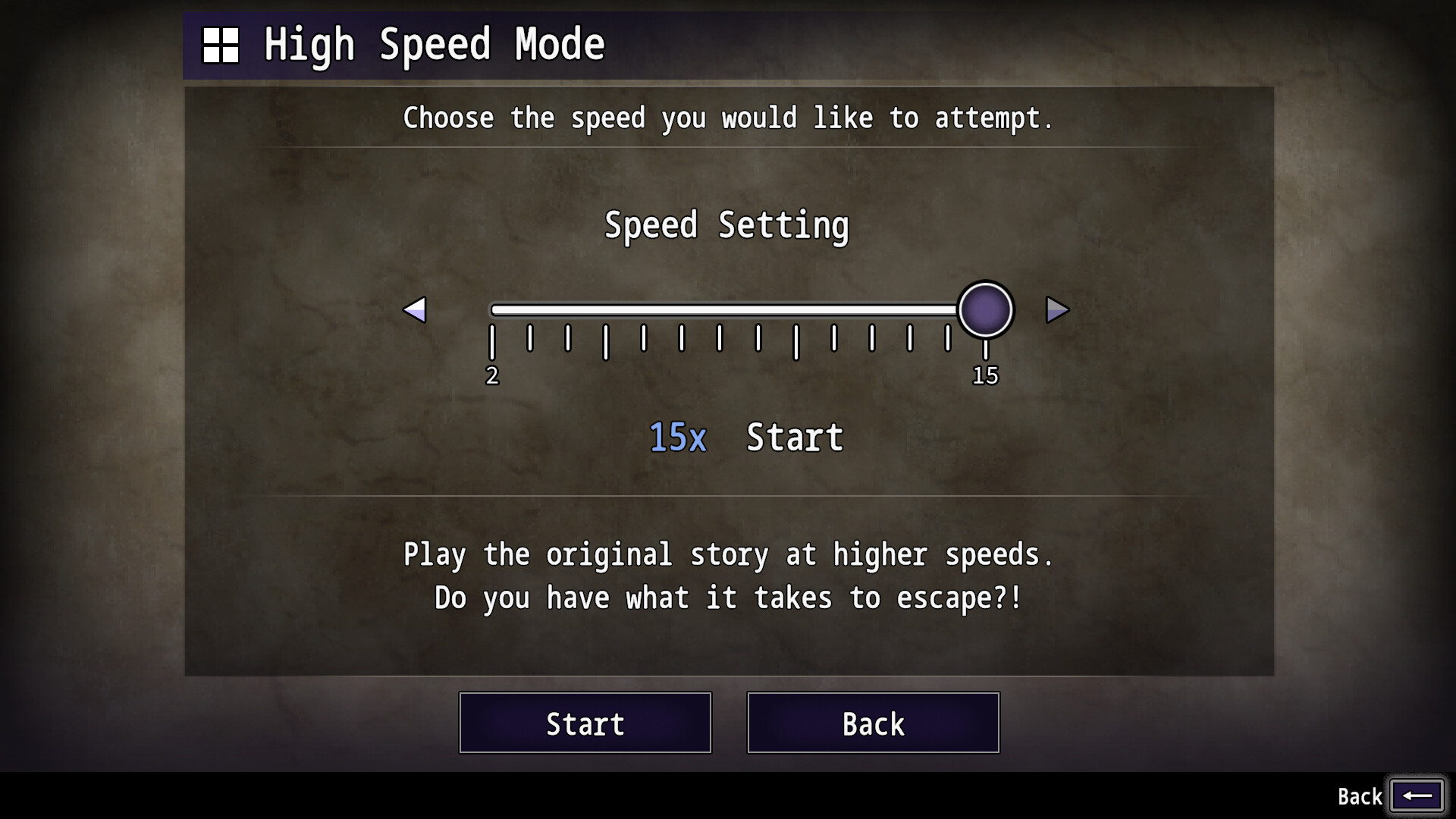
The game adds a High Speed Mode with selectable 2×‑15× speeds, a new narrative chapter called "Ao Oni -Ai's Story-", and full controller support for DualShock and DualSense on Windows, plus Steam achievements, cloud saves, stats and family sharing.
01 / THE GUIDE
Mansion Narrative
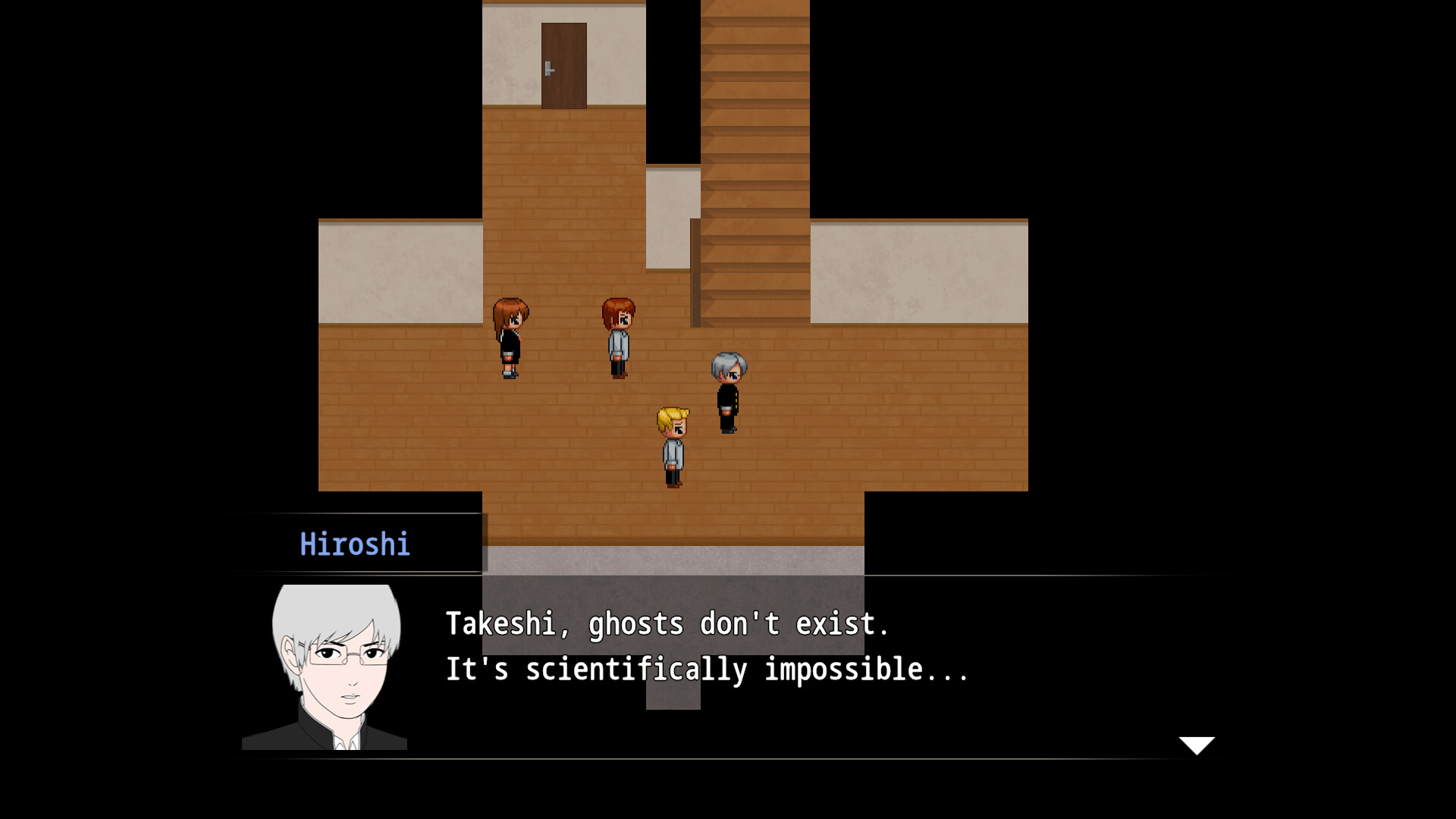
The setting returns to the original Ao Oni mansion, described as an out‑skirt town building whispered about for blue monsters. Four people enter and encounter those monsters, forming the core survival challenge.
Players must explore the mansion, locate items, and attempt to escape alive. Each playthrough can present different room configurations, influencing the routes toward possible endings.
- Take note of each room’s layout before moving on.
- Remember the locations of items you collect.
02 / THE GUIDE
High Speed Mode
High Speed Mode lets players choose a speed multiplier between 2× and 15×, speeding up the chase while the blue demon continues to pursue.
The mode challenges how far a player can progress at a chosen speed, requiring quicker decisions as the horror unfolds at a faster pace.
- Begin at 2× to learn monster timing.
- Raise the speed only after mastering basic routes.
03 / THE GUIDE
Ao Oni -Ai's Story-
A new mode introduces a girl named Ai who awakens in the mysterious mansion. The layout changes each time the mode is started, offering fresh exploration.
Players explore, find items, and seek multiple endings specific to Ai's storyline, separate from the original four‑character scenario.
- Observe each room’s changes between runs.
- Track which items you have collected.
04 / THE GUIDE
Full Controller Compatibility
Aooni provides full controller support on Windows, including compatibility with DualShock and DualSense devices, allowing navigation and interaction without a keyboard.
All core actions such as movement and item use are mapped to standard controller inputs, enabling a complete play experience via gamepad.
- Connect your controller before launching the game.
- Test both DualShock and DualSense to see which feels more comfortable.
05 / THE GUIDE
Steam Integration
The game integrates Steam Achievements, letting players earn recognitions for specific milestones, and Steam Cloud, which syncs saves across Windows devices.
Additional Steam services include Stats tracking and Family Sharing, so multiple accounts can access the game while keeping individual progress separate.
- Check the Achievements list to set personal goals.
- Enable Cloud sync in Steam settings for automatic backup.


COMMUNITY
Player discussion