 GameWiki
GET YOUR BEARINGS
About AO Tennis 2
AO Tennis 2 lets you shape the tennis experience with the Academy editing suite, where you can build a player that mirrors your own style and design custom courts. Community creators also share thousands of players and courts that you can download and use instantly.
The game features real‑world ATP and WTA stars, a rebuilt career mode for singles or doubles, and multiple multiplayer options including online and split‑screen play. Steam integration adds achievements, cloud saves, leaderboards and Family Sharing.
01 / THE GUIDE
Academy Editing Suite
The Academy provides a full set of tools for creating a player that matches your personal characteristics, letting you adjust appearance and attributes to reflect your own style.
It also lets you design your own courts, and you can download thousands of community‑created players and courts, expanding the variety of content without additional development.
- Experiment with different attribute mixes to see how they affect match flow.
- Browse community creations for inspiration before building your own court.
02 / THE GUIDE
Career Mode
A completely redesigned career mode lets you chase world‑ranking points in singles or in doubles with a friend, tracking reputation, sponsors and on‑court performance.
Both solo and cooperative play are supported, so you can advance your personal career while partnering with a friend in doubles matches.
- Observe how sponsor choices influence reputation over several tournaments.
- Try both singles and doubles to experience different strategic demands.
03 / THE GUIDE
Game Modes & Scenario Editor
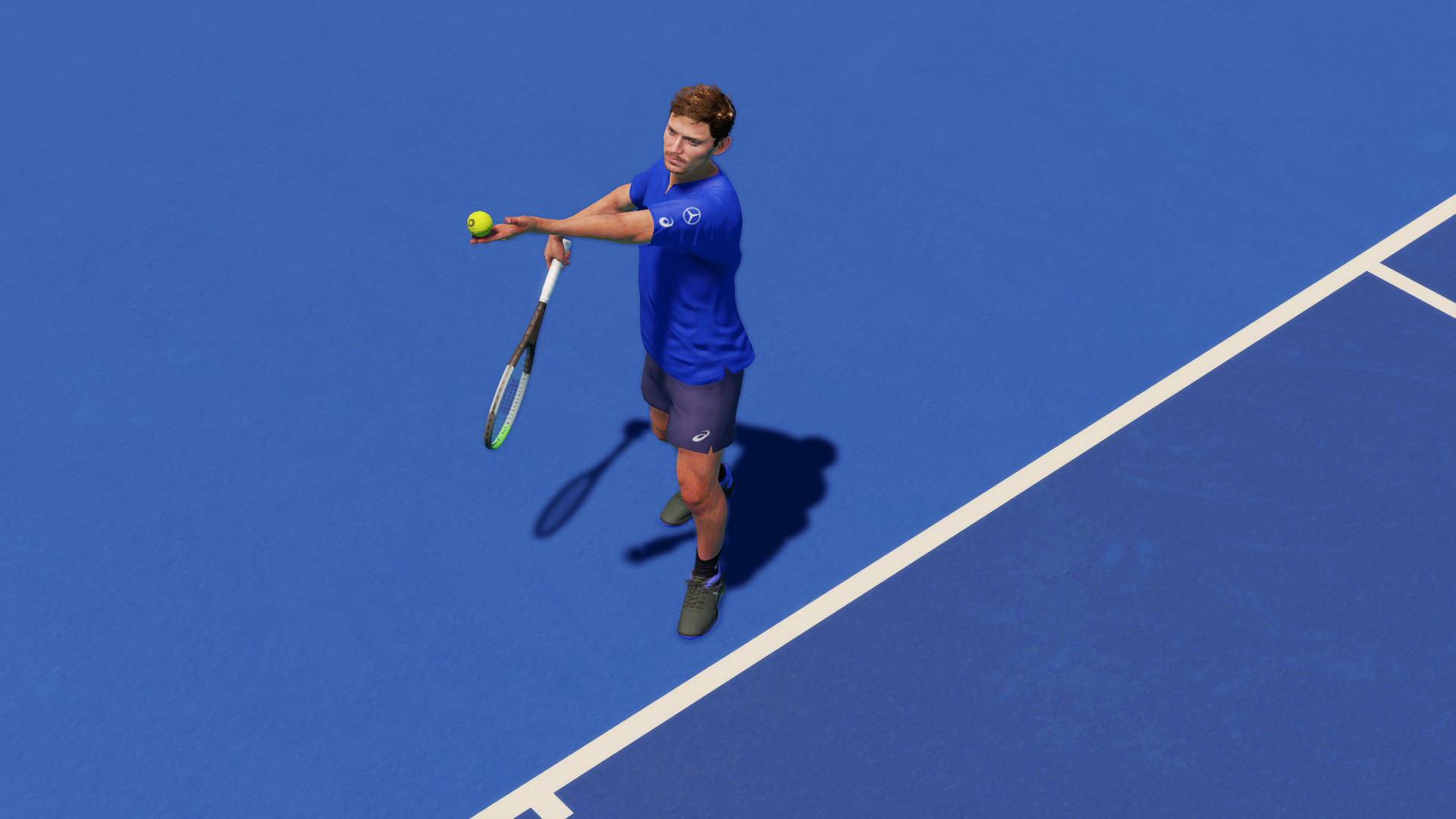
Beyond standard matches, the game includes legendary match recreations that let you relive historic moments.
The scenario editor lets you craft custom challenges, giving you a sandbox for focused practice or creative match setups.
- Use the scenario editor to isolate a specific shot or situation you want to practice.
- Replay legendary matches to relive those historic moments.
04 / THE GUIDE
Multiplayer Options
AO Tennis 2 supports online PvP, online co‑op, and shared/split‑screen play for both competitive and cooperative experiences, letting you face opponents worldwide or team up locally.
Remote Play Together extends these options, allowing friends who do not own the game to join via streaming.
- Test split‑screen co‑op to notice how shared court dynamics differ from online matches.
- Leverage Remote Play Together when a friend lacks a copy of the game.
05 / THE GUIDE
Steam Platform Features
The title integrates with Steam services, offering achievements, cloud saves and leaderboards that track your progress against other players.
Family Sharing lets multiple accounts access the game under a single purchase, making it easy for households to share the experience.
- Check the leaderboards regularly to gauge your global standing.
- Enable Steam Cloud to keep your saves synchronized across PCs.



COMMUNITY
Player discussion