 GameWiki
GET YOUR BEARINGS
About Antivirus Survivors 2003 Professional
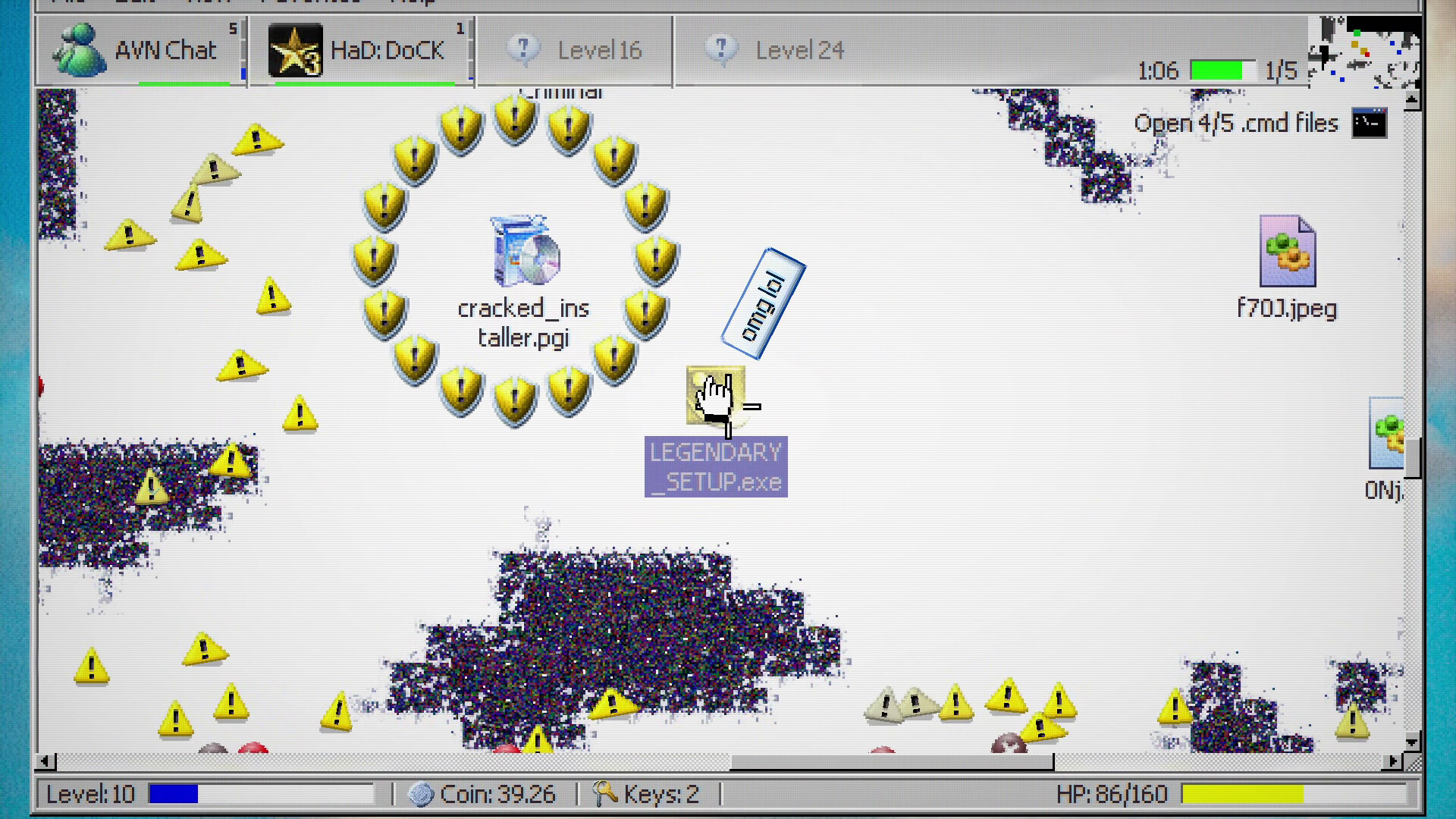
Antivirus Survivors 2003 Professional drops you into a nostalgic early‑2000s desktop where double‑clicking drives rogue‑like combat. You navigate folders, dodge voids, battle viruses and spam pop‑ups, and face bosses in runs that last about half an hour.
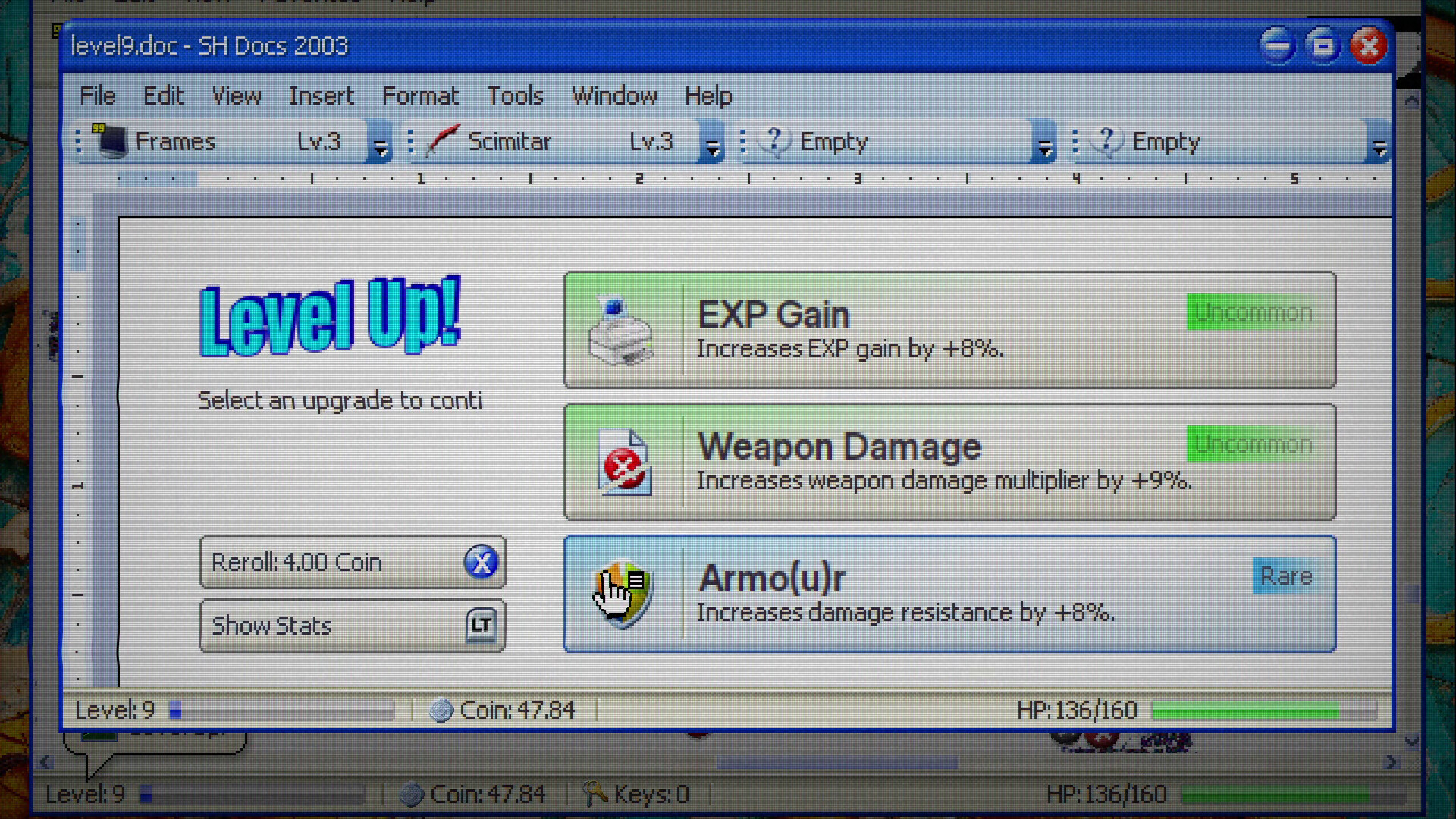
The game offers a deep build system with weapons, drivers, plugins, meta upgrades and policies, plus cosmetic wallpapers and themes. It supports single‑player on Windows, macOS and Linux, with full controller and keyboard‑only options and Steam Cloud saving.
01 / THE GUIDE
Weapons
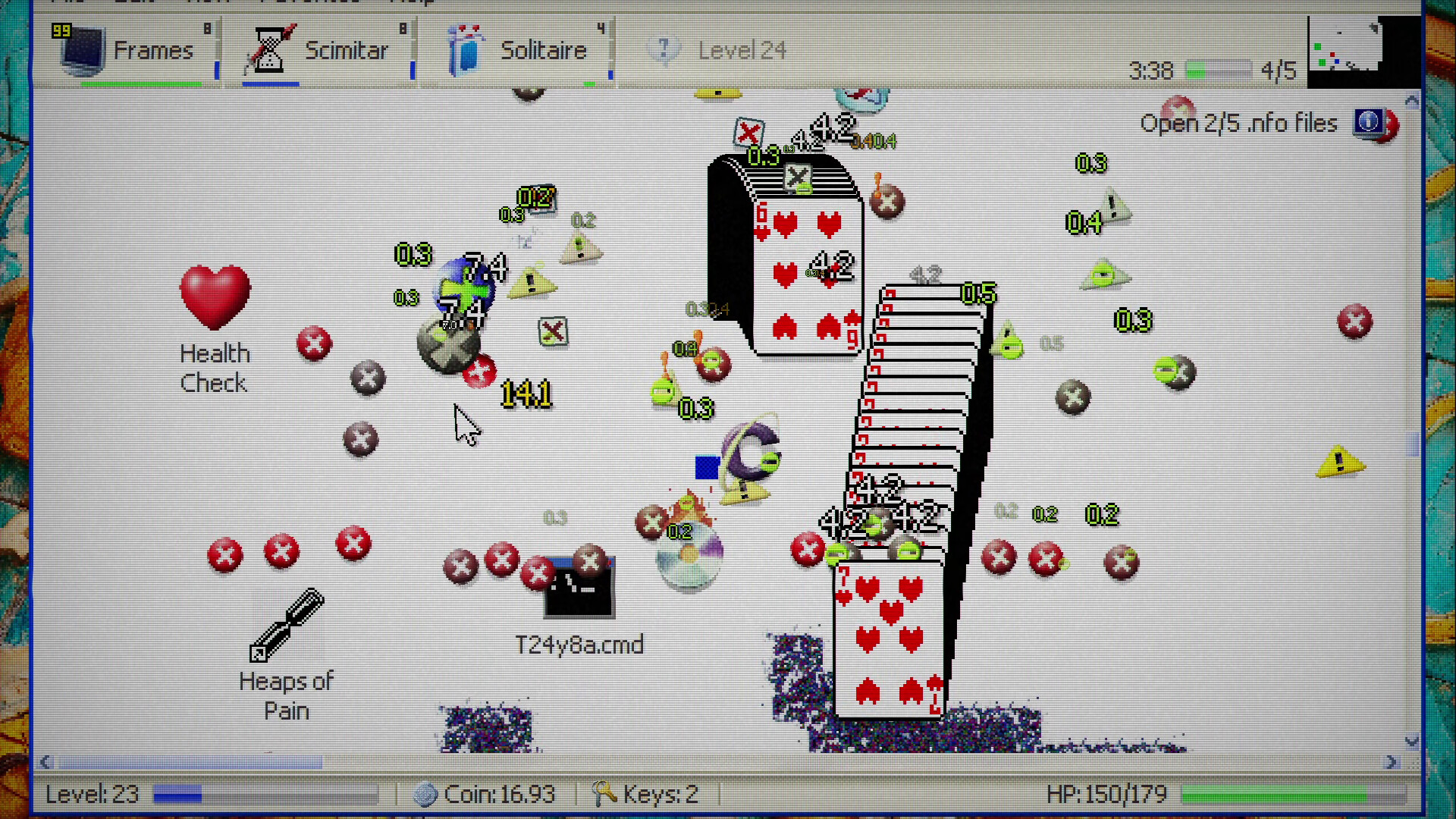
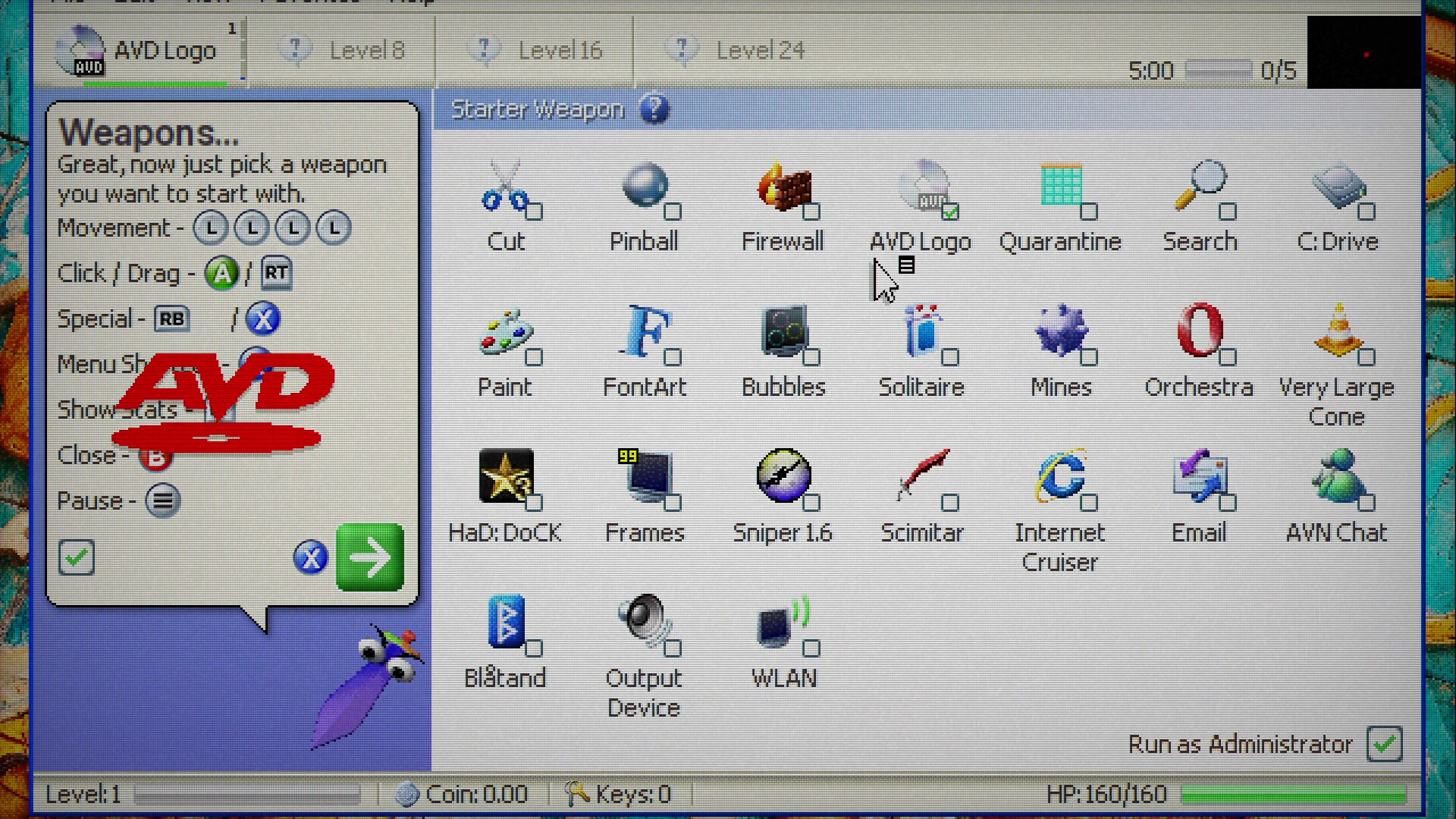
The title lists 24 weapons inspired by early‑2000s computing, such as Pinball, Solitaire, Mines and Firewall. Each weapon can be altered with drivers and plugins, allowing players to shape how it behaves in combat.
Weapons are central to combat against viruses, spam pop‑ups and bosses, and they can be modified through drivers and plugins to fit different playstyles.
- Experiment with different weapons to see which fits your preferred speed and damage balance.
- Combine weapons with drivers that change their core behavior for unexpected strategies.
02 / THE GUIDE
Plugins
There are 62 plugins that can be opened like keygens to greatly modify weapons and player stats. Installing plugins provides substantial changes to how you handle combat and progression.
Plugins are discovered by opening files and completing tasks, adding another layer of customization beyond basic weapon upgrades.
- Check newly unlocked files for hidden plugins that may boost your stats.
- Compare plugin effects before installing to avoid unwanted stat changes.
03 / THE GUIDE
Difficulty Levels
The game features five difficulty levels, described as protocol folders, each offering escalating risks and rewards. Higher levels increase the challenge of voids, viruses and boss encounters.
Choosing a difficulty influences the amount of XP and keys you can find, affecting overall progression speed.
- Start on a lower protocol folder to learn mechanics before tackling higher risks.
- Higher difficulty can yield better bonuses if you can manage the increased challenge.
04 / THE GUIDE
Policies
There are 15 policies that act as unique challenges, altering how the game is experienced. Policies can make runs more difficult or introduce interesting constraints.
Activating policies changes the conditions of tasks and combat, encouraging varied strategies across multiple playthroughs.
- Mix and match policies to create custom challenges that test specific skills.
- Review policy descriptions before starting to ensure they align with your current build.
05 / THE GUIDE
Bosses and Mini‑Bosses
The title includes six bosses and mini‑bosses that serve as supercharged enemies. Defeating them is a key part of each run’s climax.
Boss encounters test the effectiveness of your weapon, driver, plugin and meta‑upgrade choices, rewarding successful strategies with progression bonuses.
- Study boss patterns early in the fight to adjust your weapon loadout on the fly.
- Use plugins that boost speed or luck when facing fast‑moving mini‑bosses.
COMMUNITY
Player discussion