 GameWiki
GET YOUR BEARINGS
About Antipaint
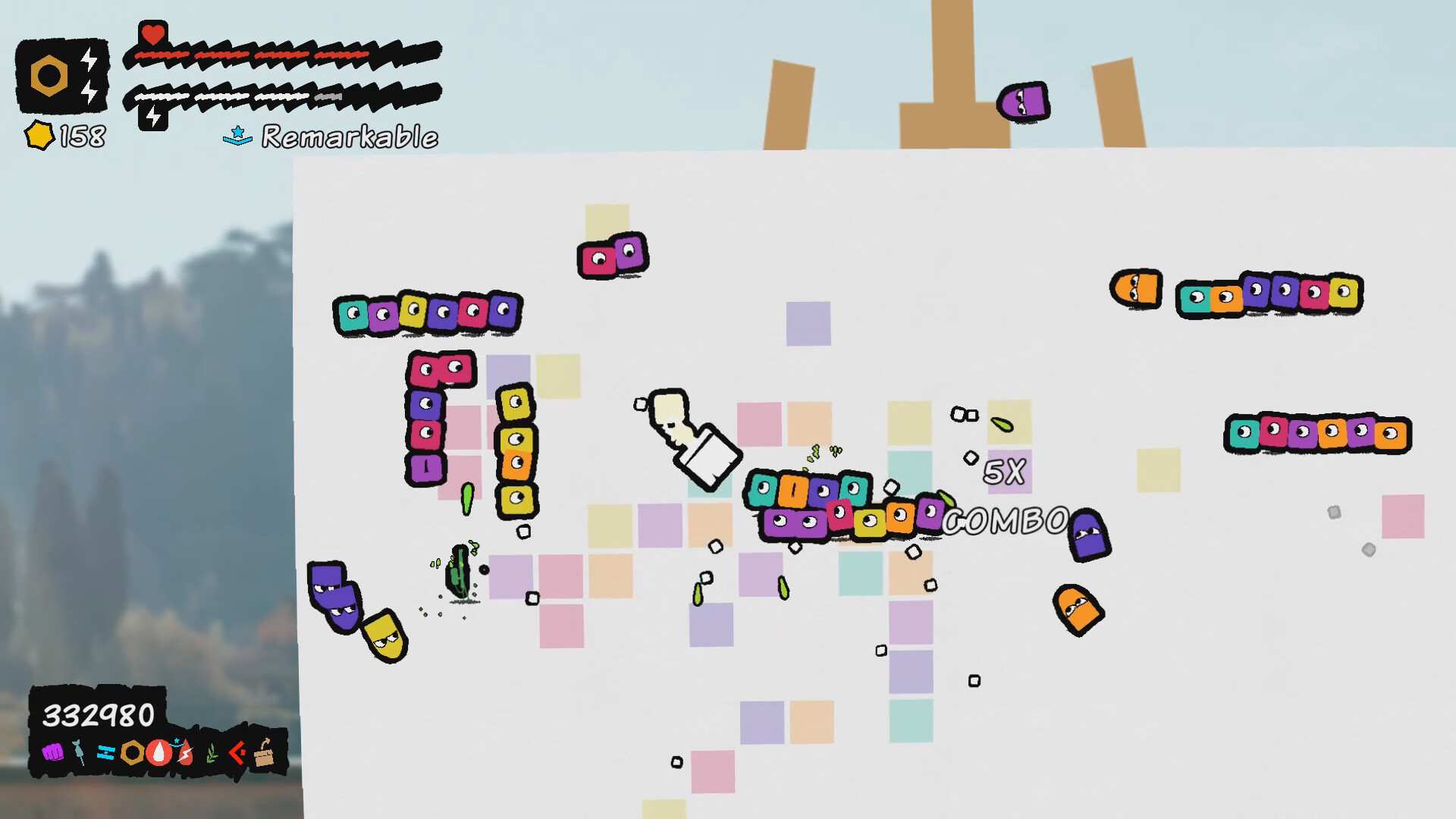
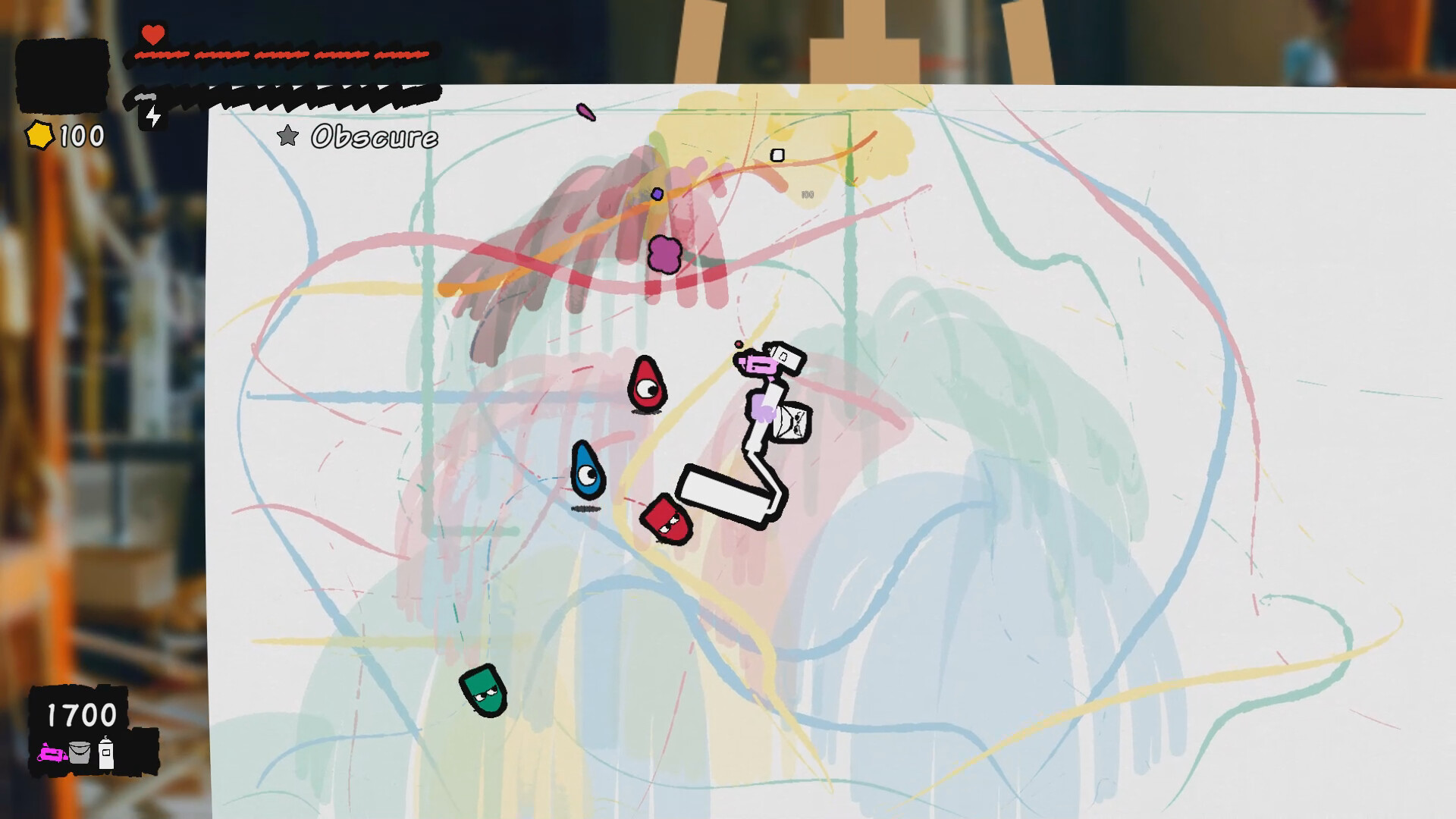
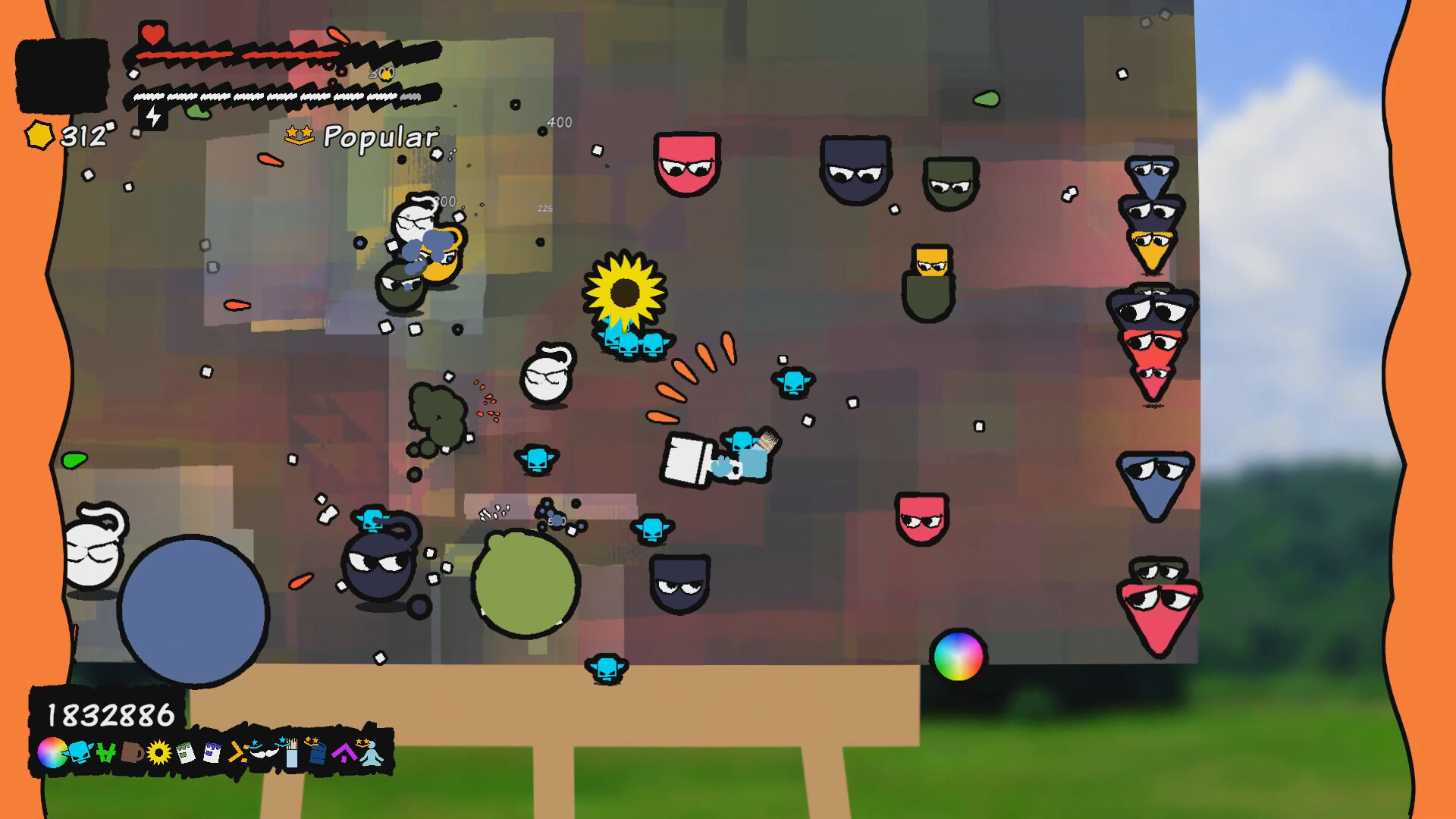
Antipaint invites players on a Paint‑tastic Adventure, tasking them with becoming the world’s greatest artist. The battlefield is a canvas, and the enemies are literal paint, letting you create and combat simultaneously.
Your creations stay with you, and after each battle you can view your work in a gallery. The game offers a range of brushes, characters, and assist items, all designed to let you express your artistic style while battling quirky works of art.
01 / THE GUIDE
Gameplay Mechanics
The core loop revolves around painting over enemies to defeat them, turning each encounter into a living artwork. Completing a painting yields items that can be used to modify future battles.
The experience is single‑player, supports full controller and keyboard‑only input, and can be played without timed inputs, allowing a relaxed pace for creative expression.
- Experiment with different brush speeds to see how they affect enemy coverage.
- Take advantage of the untimed input option for detailed painting.
02 / THE GUIDE
Brush Types
Players can select from a variety of brushes, ranging from a slow, steady thick brush to a quick, nimble paint roller. Each brush offers a distinct painting style that influences how paint spreads across the canvas.
Choosing the right brush for a given enemy can change the visual outcome and may affect how quickly you clear the battlefield.
- Match brush thickness to enemy size for efficient coverage.
- Try the paint roller for fast, sweeping strokes on larger foes.
03 / THE GUIDE
Assist Items
Finishing a painting rewards versatile items such as a friendly painting bucket, paint turrets, moustache‑granting tools, or even a robot form. These assists can be deployed to aid you during subsequent battles.
Assist items add a layer of strategy, letting you customize how you approach each artistic showdown.
- Use paint turrets to hold down tough spots while you focus on larger areas.
- Experiment with the robot form for a different movement feel.
04 / THE GUIDE
Art Battles
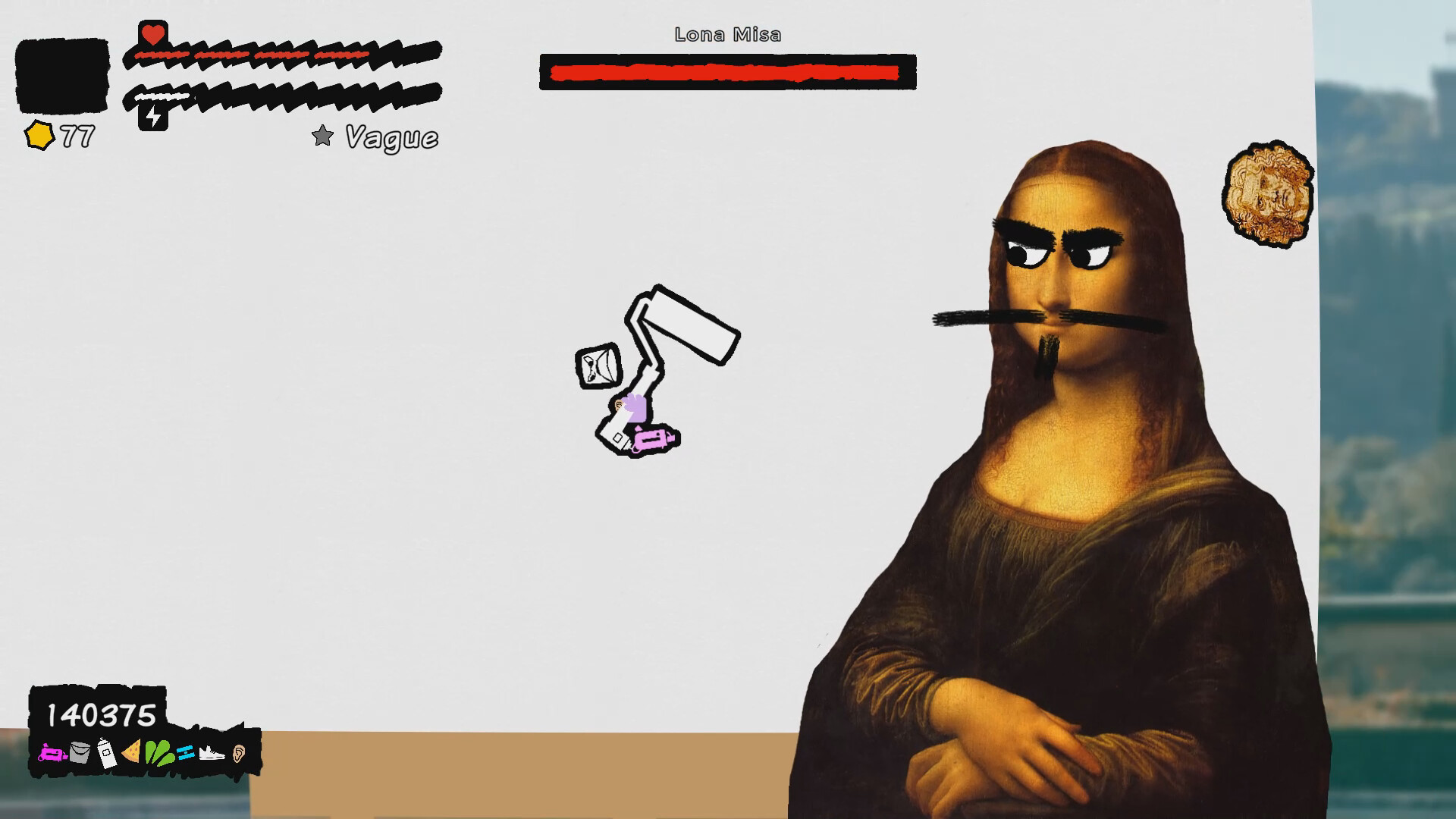
To claim the title of greatest artist, you must defeat various (and dubious) works of art that serve as opponents. Each artwork presents a unique visual challenge that you must paint over to win.
These battles blend action with creativity, turning each encounter into a living masterpiece.
- Observe the style of each artwork to plan how you paint over it.
- Prioritize covering high‑contrast areas for quicker victory.
05 / THE GUIDE
Gallery
After battles, you can step back and admire your creations in a dedicated gallery. This space showcases all finished paintings, allowing you to reflect on your artistic progress.
The gallery serves as both a visual record and a source of inspiration for future sessions.
- Review past paintings to identify which brushes you prefer.
- Use the gallery as a reference when planning new strategies.
COMMUNITY
Player discussion