 GameWiki
GET YOUR BEARINGS
About ANTHEM#9
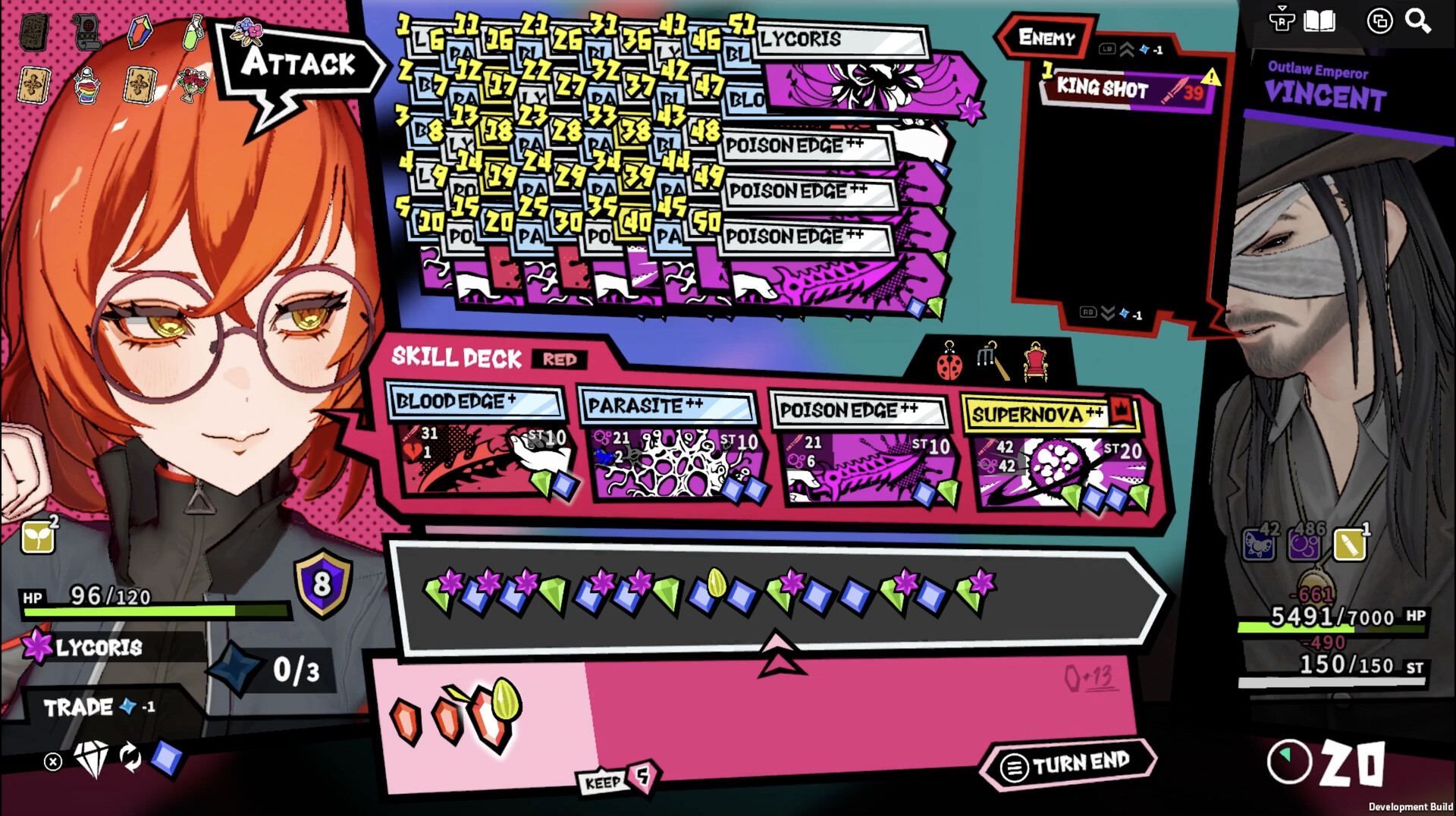
ANTHEM#9 blends match‑3 gem puzzles with roguelite deck‑building. Players match three colored gems to fire skills, chaining combos that boost damage and unlock powerful attacks. The game’s core loop revolves around constructing a deck from randomly found Attack Skills and Blessings, then timing matches to maximize combo chains within each dungeon run.
Progress is measured by clearing four standard missions, which unlock a high‑difficulty Extra Mission series. Each extra level raises enemy stats and adds new restrictions, while offering exclusive skills for deeper replay. The experience is single‑player only and runs on Windows via Steam, supporting keyboard, mouse, and partial controller input.
01 / THE GUIDE
Match‑3 Combat System
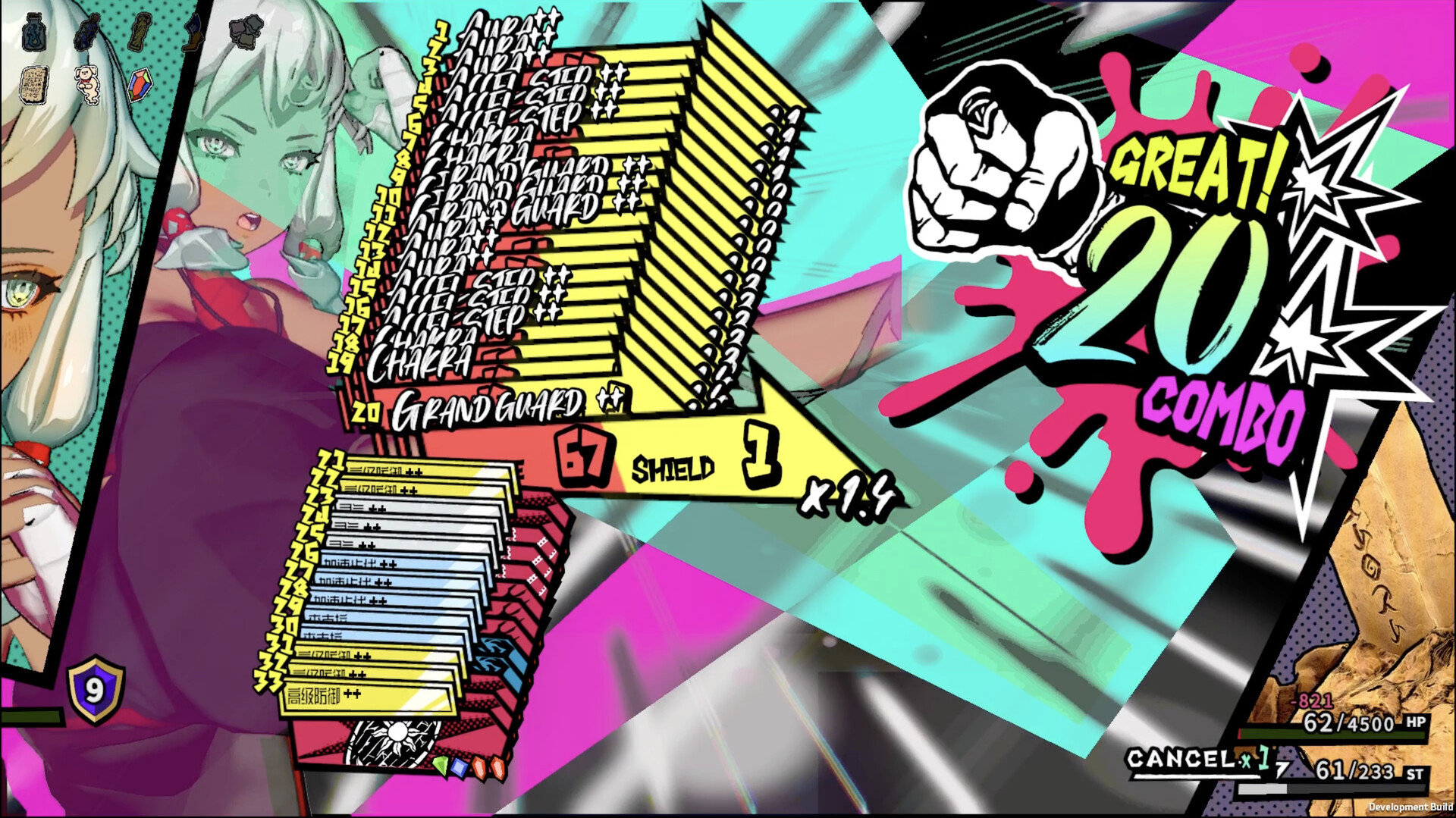
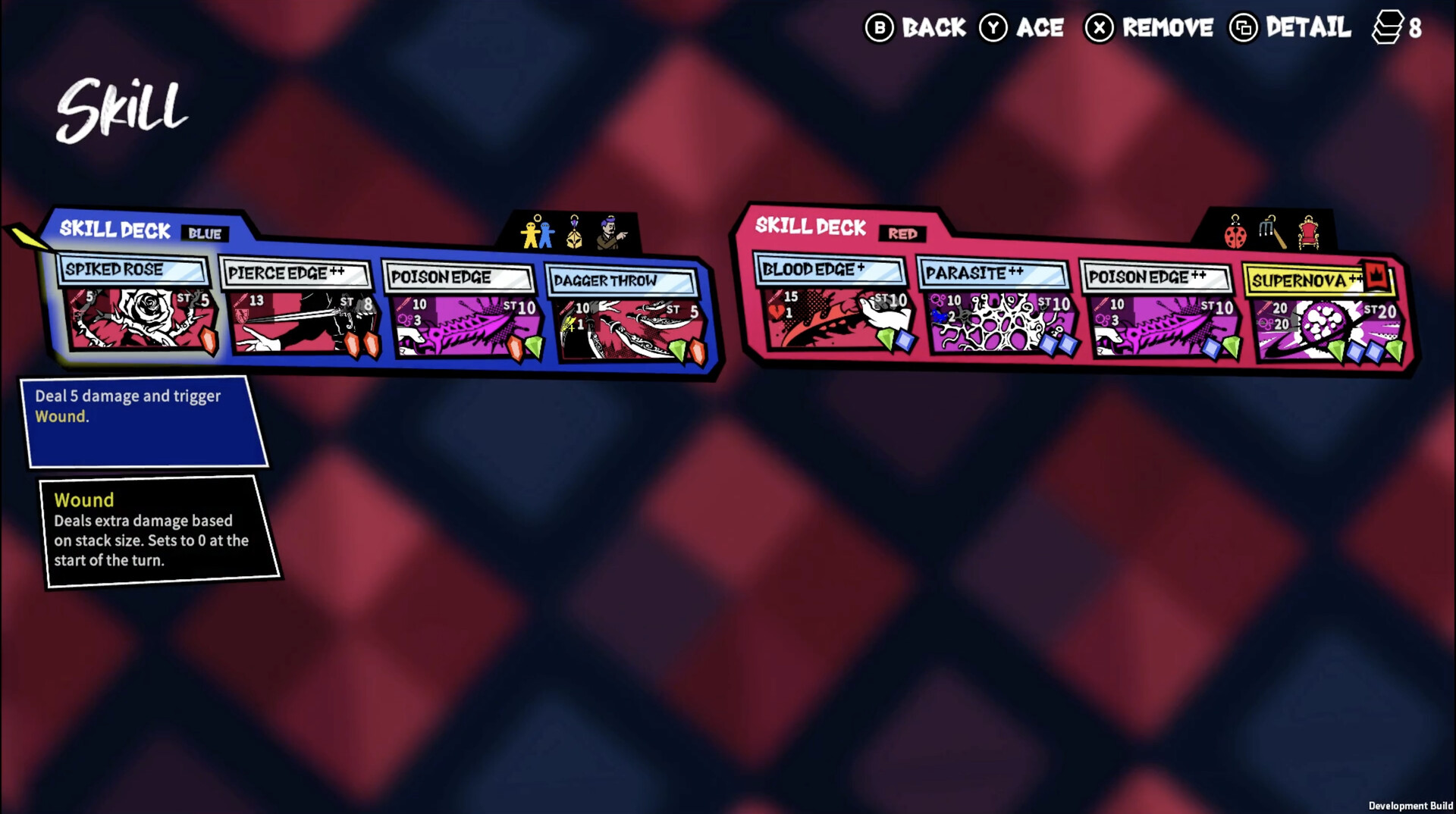
Matching three gems of the same color triggers a skill tied to that color. Skills vary from direct attacks to defensive effects, and each activation contributes to a growing combo meter. The higher the combo, the greater the damage output, creating a feedback loop that rewards rapid, accurate matching.
Combos are built by chaining matches quickly; each successive match adds to the combo count. Players can influence the board by spending Action Points (AP) to change gem colors, allowing recovery from unfavorable layouts and extending combos further.
- Observe which gem colors correspond to your strongest skills and prioritize matching those first.
- Use AP to adjust gem colors when the board stalls, keeping the combo chain alive.
02 / THE GUIDE
Deck Construction and Blessings
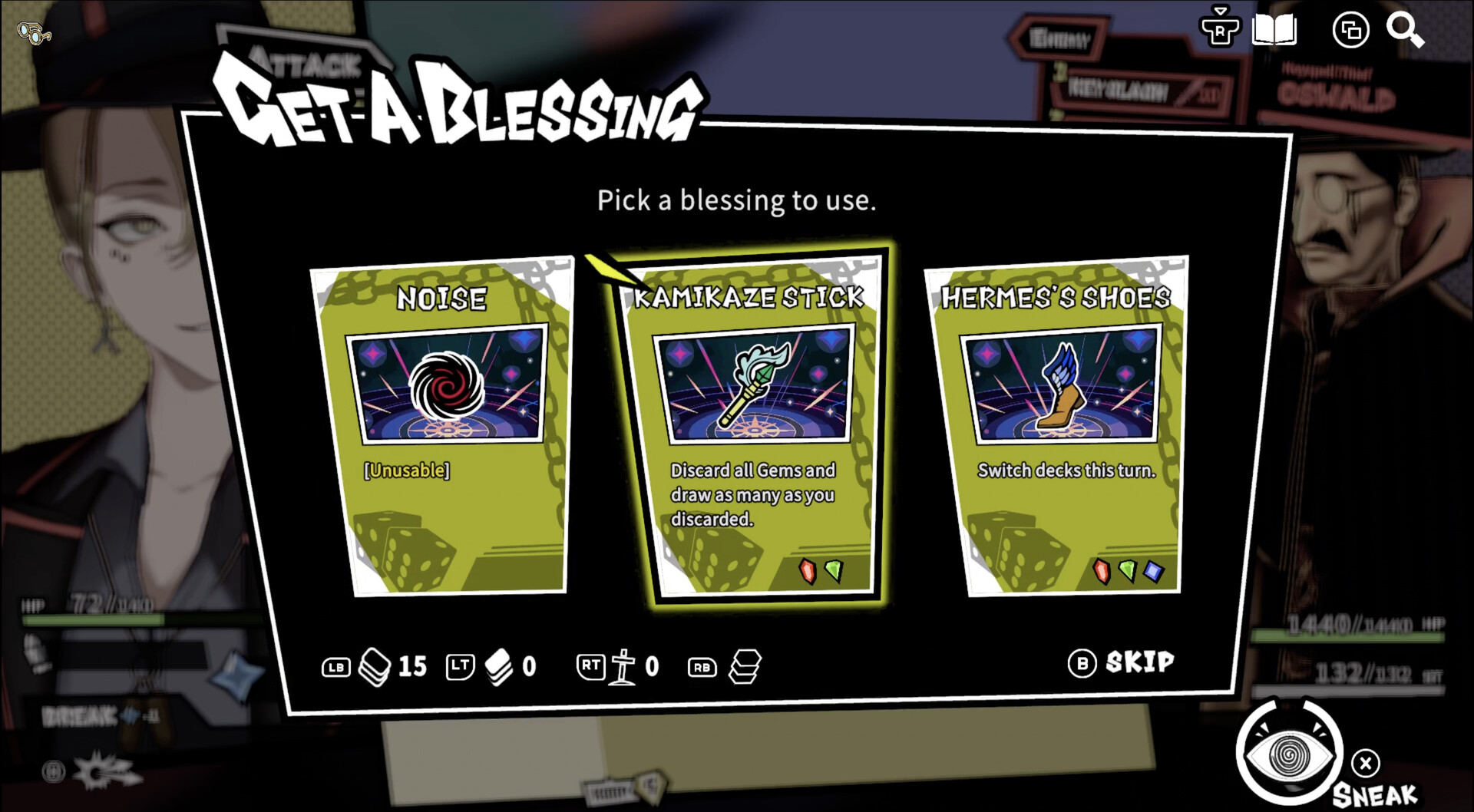
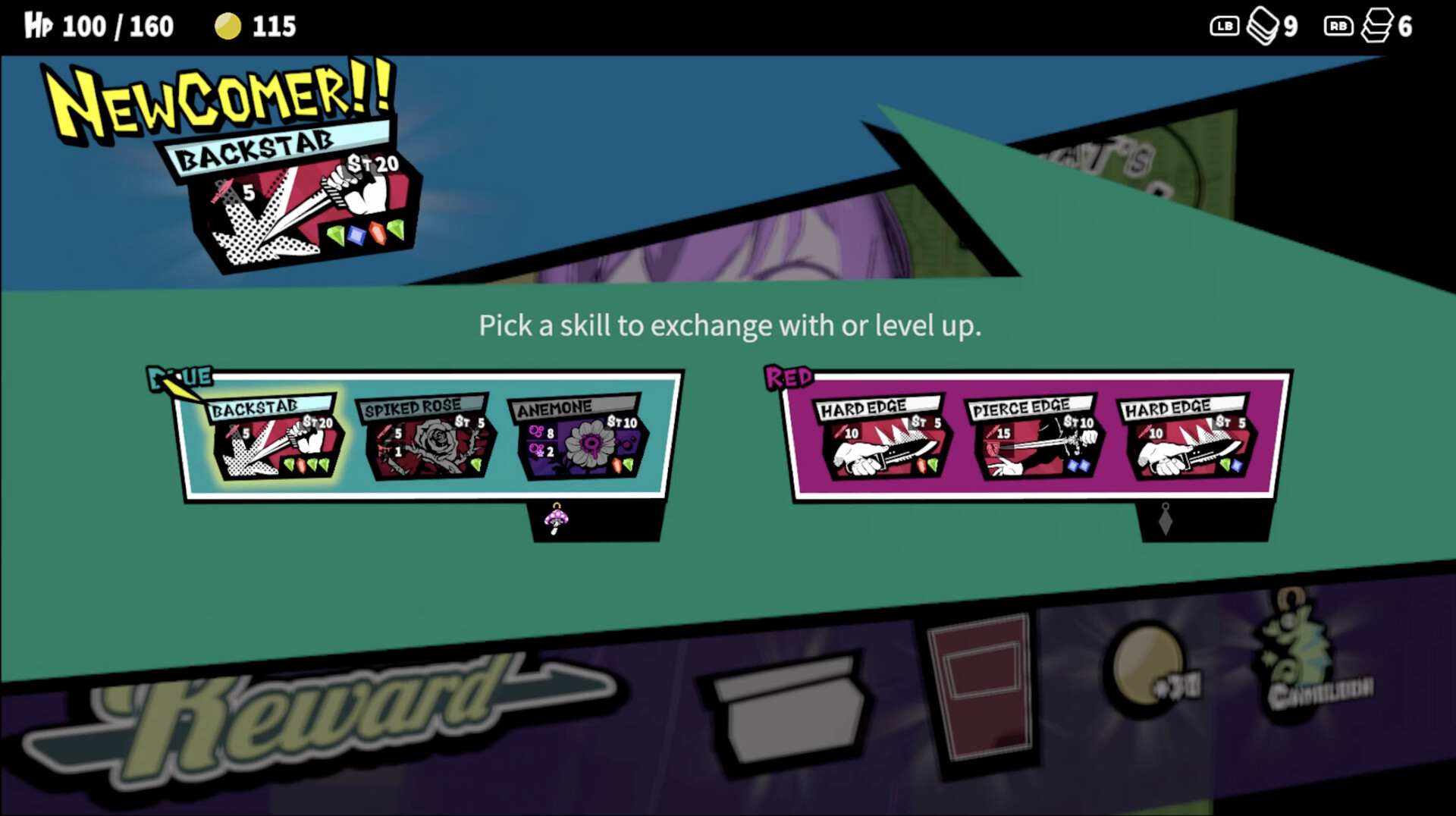
Each dungeon run provides randomly generated Attack Skills and Blessings that populate your deck. Selecting which colored gems each skill requires lets you fine‑tune the order of activation, shaping how combos unfold. A well‑balanced deck aligns skill colors with the gems you can most reliably match.
Blessings add supplemental effects such as increased damage or defensive buffs. Integrating them strategically can offset tougher enemy phases, especially in higher‑difficulty missions where enemy stats are dramatically enhanced.
- Mix offensive and defensive skills to maintain momentum during longer battles.
- Align skill colors with the gems you find most often to reduce reliance on AP.
03 / THE GUIDE
Standard and Extra Missions
Clearing Mission 1 through Mission 4 unlocks the Extra Mission mode. Each Extra level (Extra‑1, Extra‑2, etc.) raises enemy statistics and imposes new player restrictions, demanding tighter combo execution and smarter deck choices. These modes are designed for players seeking heightened challenge.
Extra missions also introduce exclusive skills and abilities not found in the standard missions, adding fresh strategic options and increasing replay value for seasoned players.
- Practice on standard missions to refine your combo timing before tackling Extra missions.
- Experiment with different skill combinations to discover which exclusive abilities best suit the added restrictions.
04 / THE GUIDE
Playable Agents
Three agents are available, each with a unique AP‑based gem manipulation. Rubit can change gem colors on the fly, offering adaptability when the board is unfavorable. Phannie spends AP to split double gems, amplifying gem counts for multi‑trigger skills. Beni consumes gems for shields, healing, and attack buffs, allowing a single powerful hit to be fortified.
All agents share the core match‑3 mechanic but differ in how they spend AP, influencing deck strategy and combo flow. Choosing an agent aligns with your preferred playstyle—flexible color changes, gem multiplication, or defensive resource conversion.
- Select Rubit if you often need to recover from poor board states.
- Try Phannie when your deck relies on skills that benefit from multiple gem activations.
05 / THE GUIDE
Windows Release and Input Options
ANTHEM#9 is released for Windows via Steam and includes Steam Achievements, Cloud saves, and Family Sharing. Input is supported through Keyboard Only, Mouse Only, and Partial Controller options, giving players flexibility in how they interact with the match‑3 board.
While the game recommends a gamepad, it does not require timed input, allowing players to take a measured approach to matching without pressure from strict time limits.
- If you prefer precise gem selection, use the Keyboard Only option for direct control.
- Experiment with Partial Controller support if you enjoy a more relaxed hand‑position while matching.
COMMUNITY
Player discussion