 GameWiki

GET YOUR BEARINGS
About Anomalous Coffee Machine 2
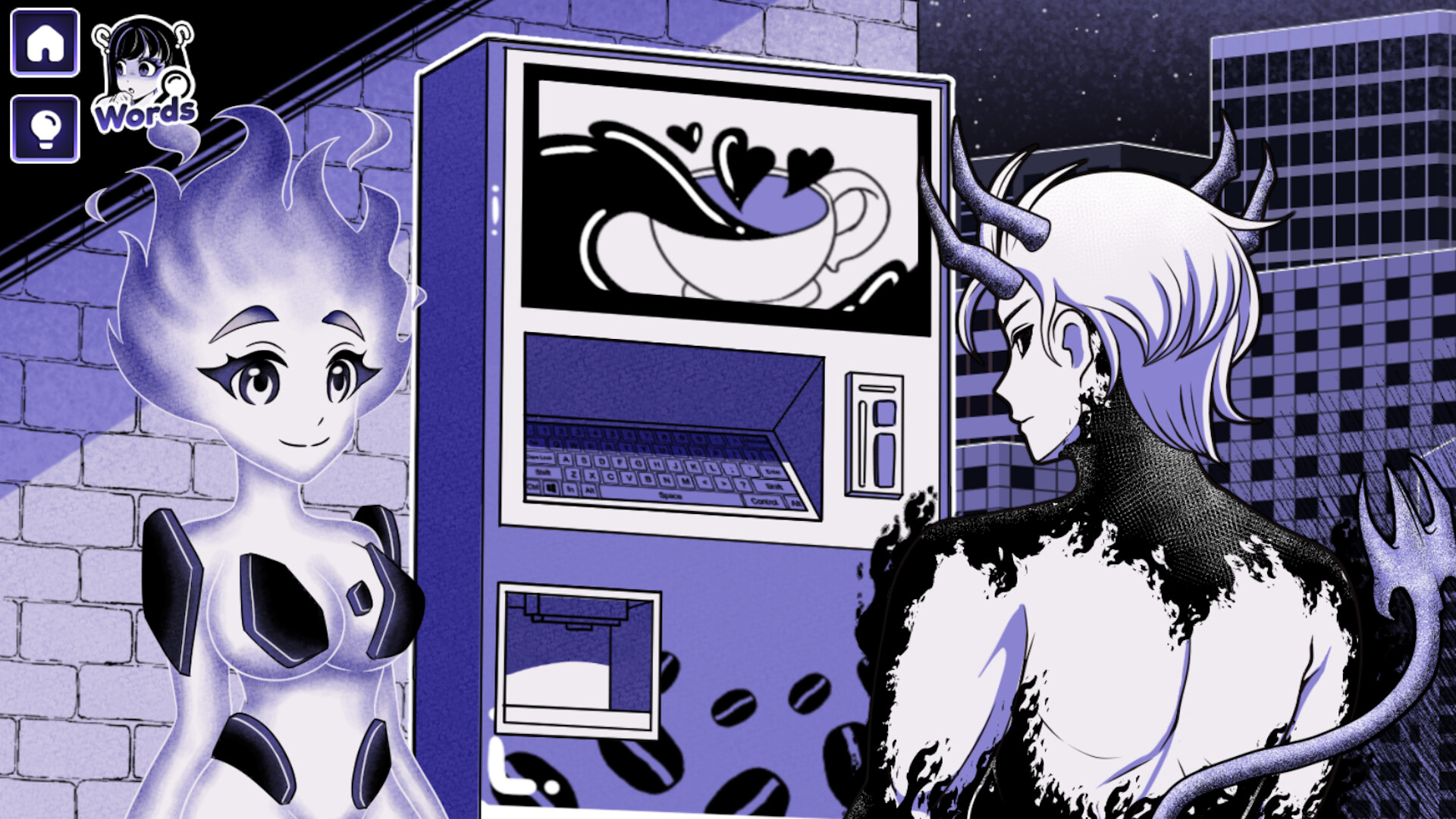
Anomalous Coffee Machine 2 is an interactive visual novel where you sit opposite a silent girl and a coffee‑vending machine that creates any word you type. You type a word, a cup appears, and you decide who drinks it, prompting a reaction that drives the story.
The Windows‑only title offers over 750 discoverable words, 1 600+ possible transformations, 300+ secret combos, 100+ animated scenes, and 200 000+ lines of dialogue. It includes mouse‑only, touch‑only, custom volume, and save‑anytime options for flexible play.
01 / THE GUIDE
Visual Novel Structure
The scene stays static: the girl, the machine, and a text box for input. After you type a single word, a cup materialises and the narrative continues through the girl’s facial cues and dialogue, forming the visual‑novel flow.
There are no quests, markers, or explicit goals. The experience relies on curiosity; each word you enter creates a unique moment that may lead to further dialogue or silence.
- Start with simple nouns to gauge baseline reactions.
- Watch the girl’s expression for hints about hidden outcomes.
02 / THE GUIDE
Word‑Based Transformations
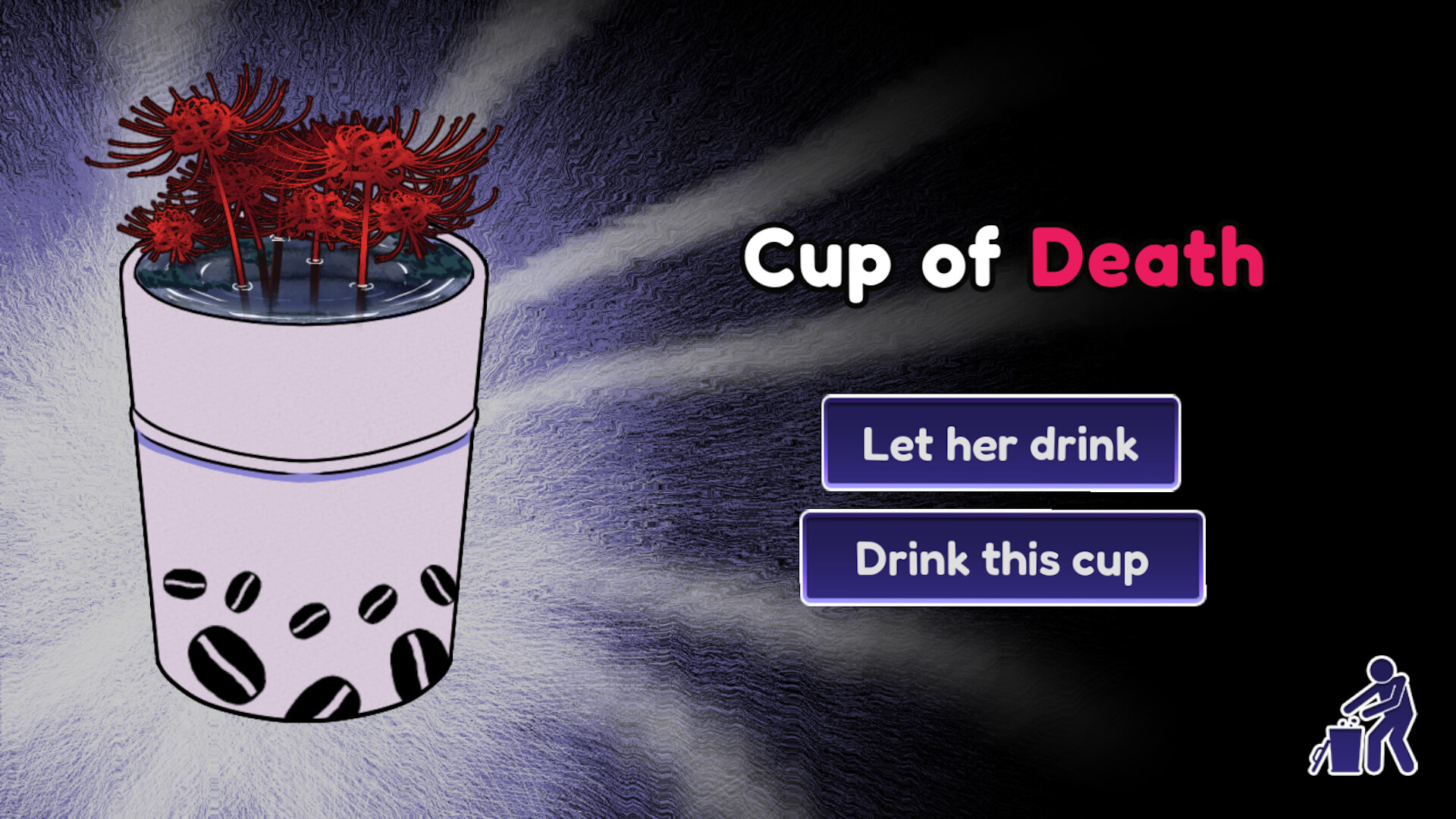
Any typed word generates a cup that produces exactly that item, from ordinary coffee to blood, saliva, or even the concept of death. The machine always responds, though the result may be benign or unsettling.
These outcomes belong to a pool of over 1 600 transformations and 300+ secret combinations, encouraging players to test feelings, abstract ideas, and impossible requests.
- Combine adjectives with nouns for deeper variation.
- Log unusual results to track secret combos.
03 / THE GUIDE
Player Choice Outcomes
When a cup appears you decide who drinks it—the girl or yourself. The machine’s reaction differs: the girl may smile, wince, vanish, or return altered; drinking yourself can trigger distinct effects.
There is no guarantee of a fair trade; outcomes can be helpful, neutral, or harmful, reinforcing the experimental nature of the game.
- Alternate the drinker to compare reactions.
- Note any vanishing events; they often signal hidden content.
04 / THE GUIDE
Accessibility Features
The game supports mouse‑only, touch‑only, and keyboard input, allowing you to type words without a controller. Volume can be adjusted via custom controls, and timed input is optional.
You can save at any moment, with Steam Cloud syncing, and options like Camera Comfort and Family Sharing broaden accessibility for varied players.
- Enable Mouse Only if keyboard feels restrictive.
- Use Save Anytime before testing risky words.
05 / THE GUIDE
Content Depth and Easter Eggs
The title contains over 200 000 words of dialogue, 500+ unique cup art designs, and 100+ animated scenes. Hidden within are numerous secrets and easter eggs unlocked by specific word inputs or combos.
Exploring these rewards adds to the 750+ discoverable words and the extensive transformation list, encouraging thorough experimentation.
- Try abstract concepts to trigger rare animations.
- Record each unique cup art for later reference.


COMMUNITY
Player discussion