 GameWiki
GET YOUR BEARINGS
About Ann
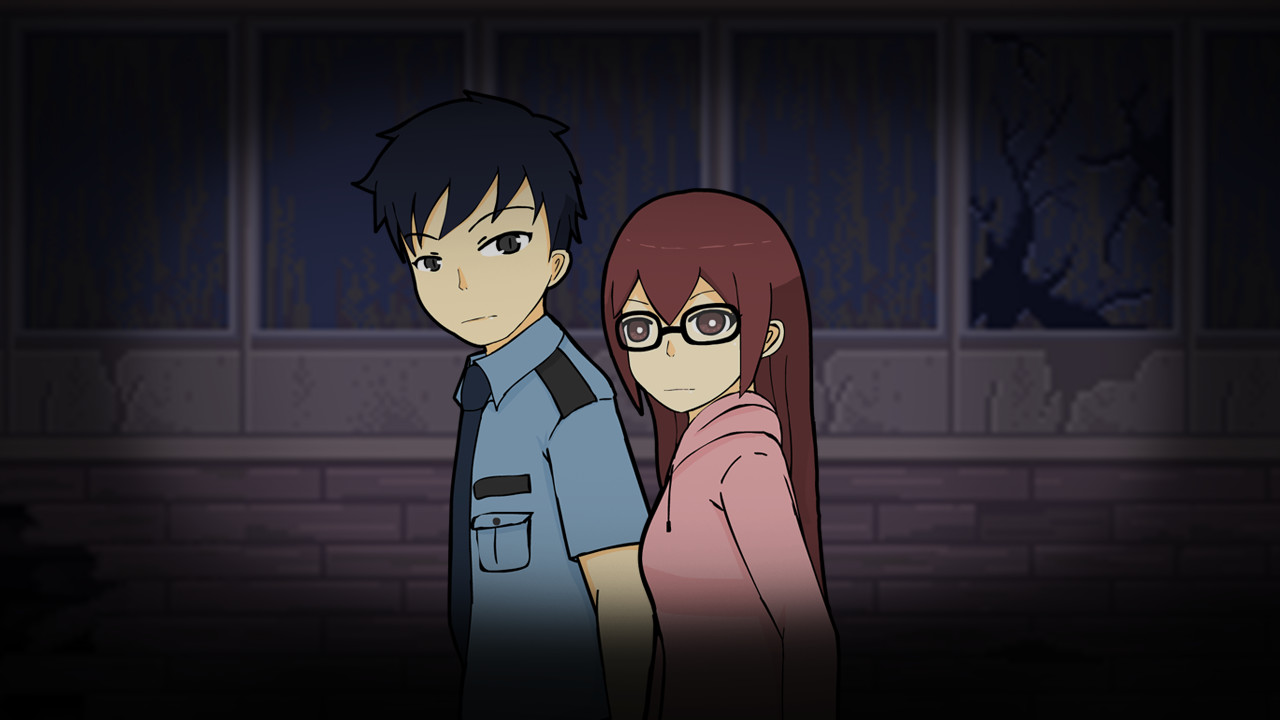
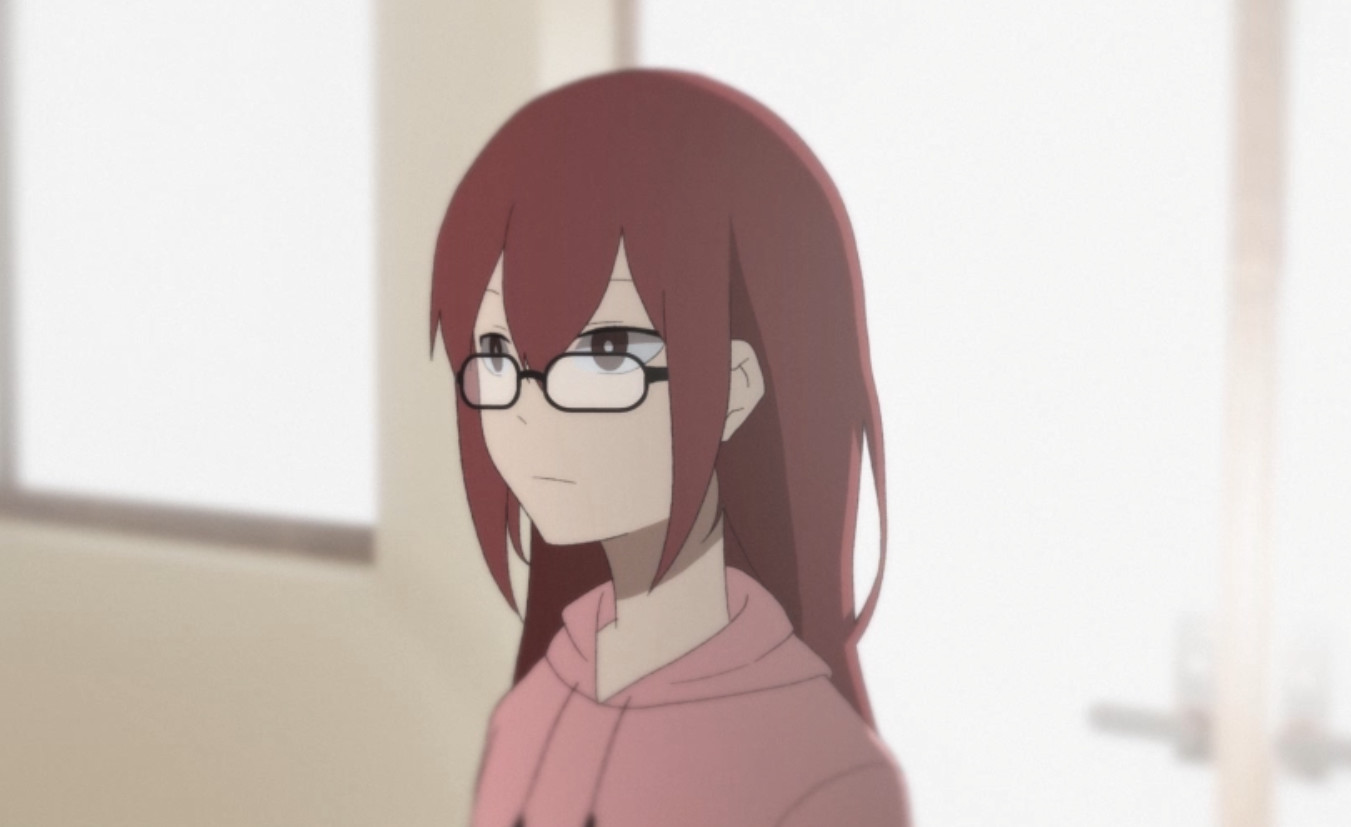
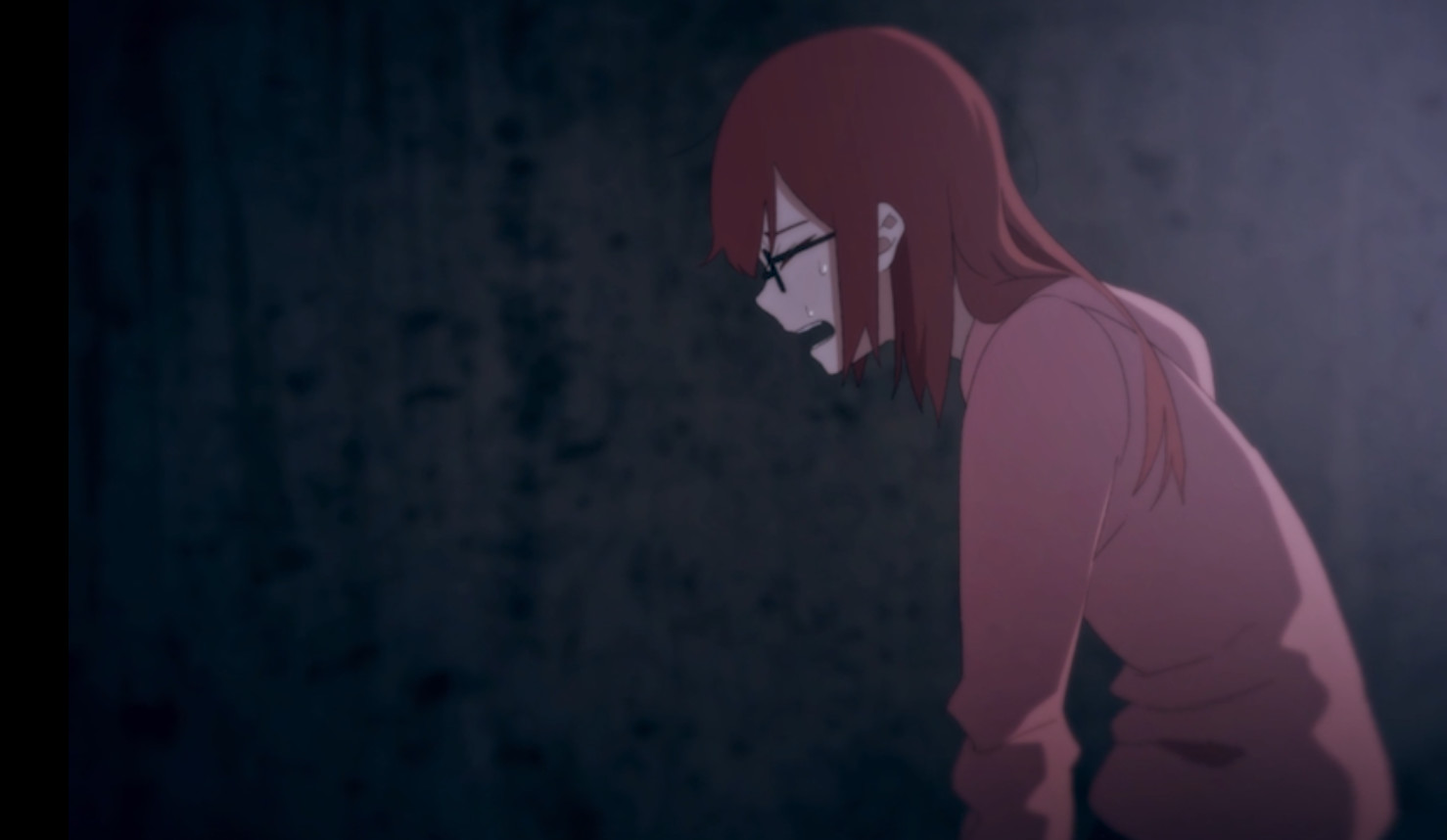
Ann, an art student, becomes trapped inside her school after breaking a rule. With the help of a security guard, players guide her through corridors, uncover hidden secrets, and strive to escape before she is forced to stay forever. The game pays tribute to classic 2012 horror RPG‑maker titles, featuring chase scenes and death puzzles that demand repeated attempts.
The experience includes fully animated cutscenes, multiple possible endings, and an autosave system. It is free to play, offers Steam achievements, runs on Windows, and provides partial controller support. A Digital Artbook DLC is available for players who finish the game and wish to support the developer.
01 / THE GUIDE
Story and Setting
Ann, an art student, accidentally breaks a school rule and finds the building locked behind her. The narrative follows her attempts to escape while learning about the school's concealed history, with the security guard acting as an ally who points out safe routes.
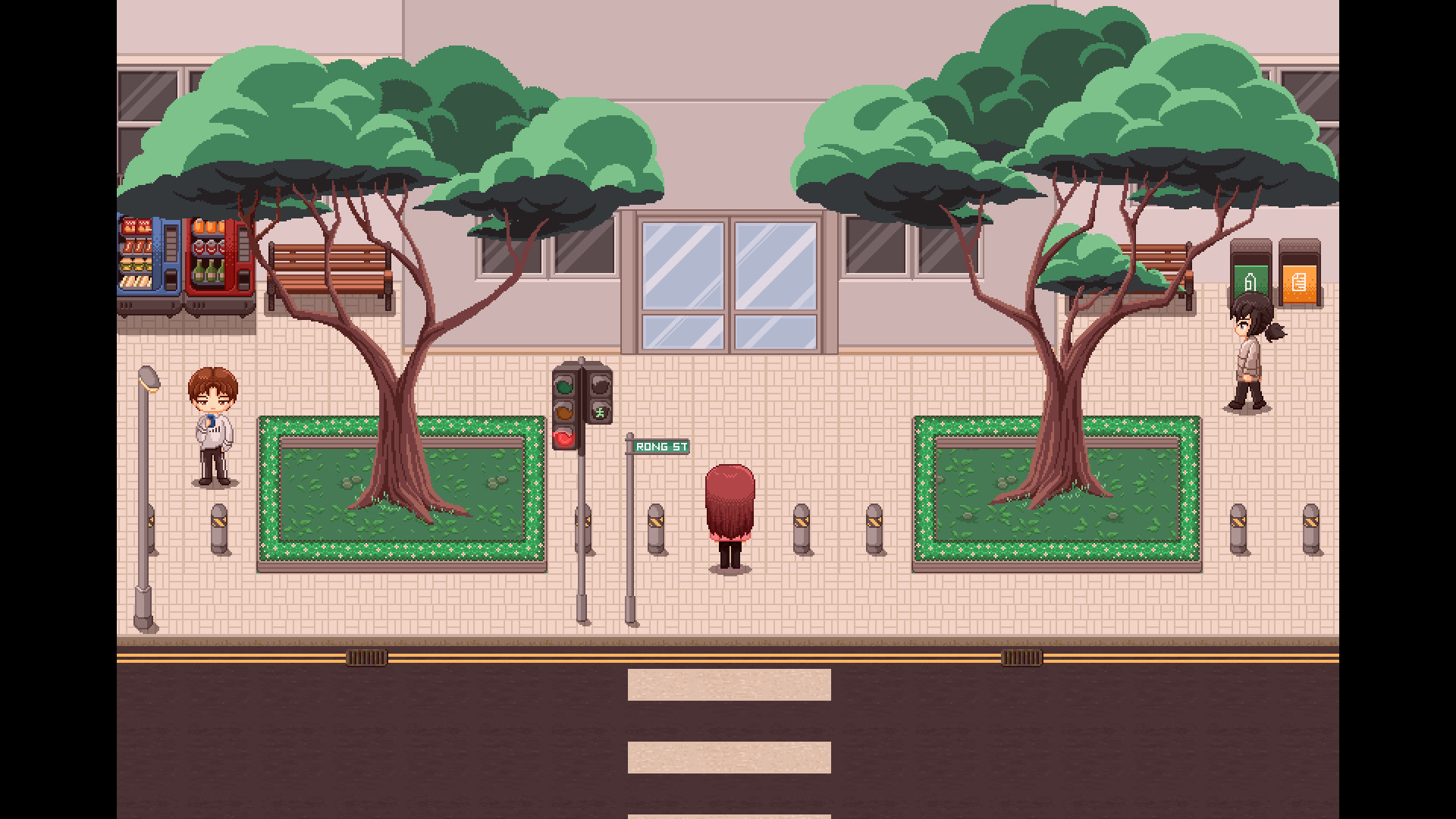
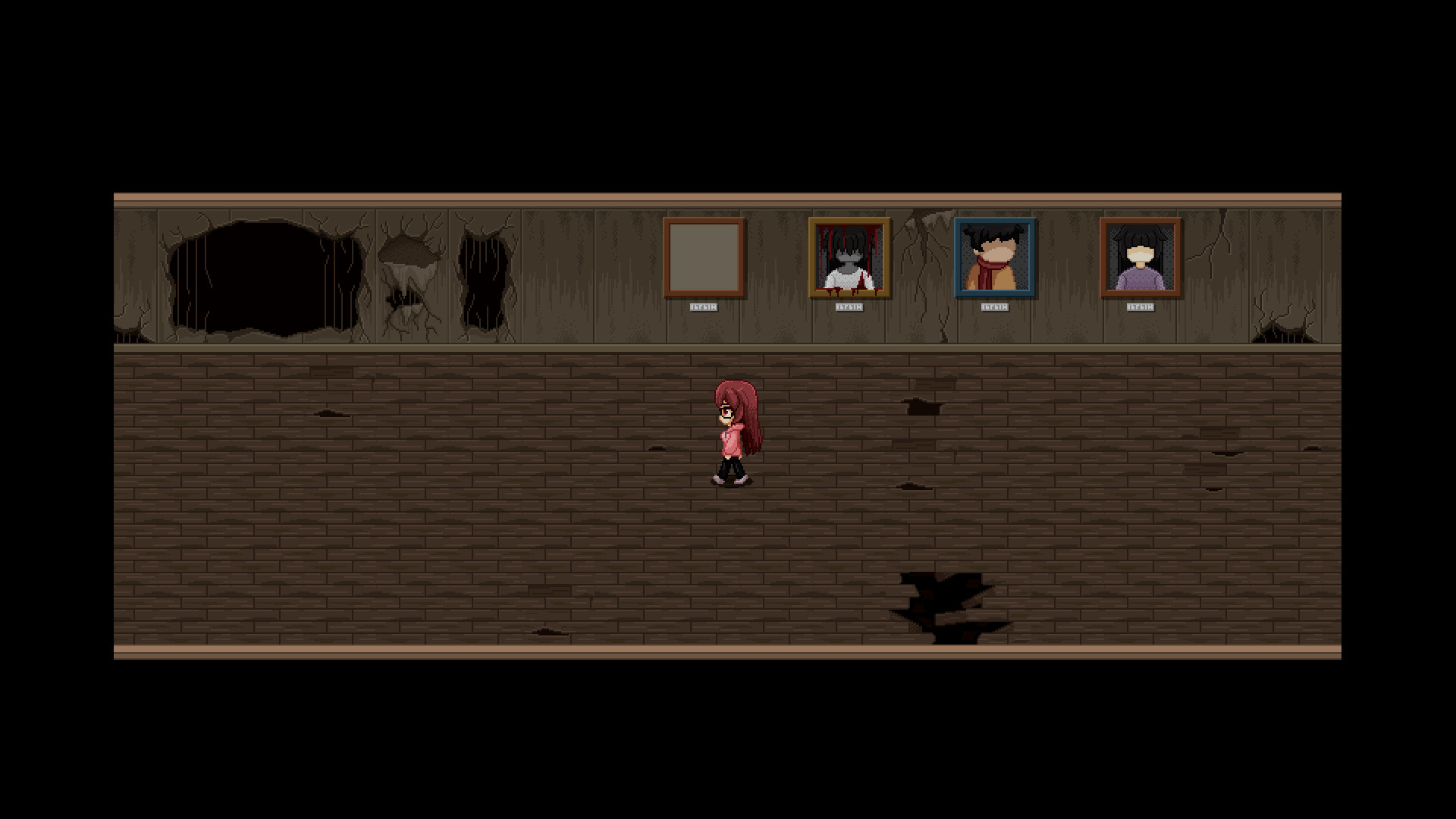
The setting is confined to the school’s interior, creating a claustrophobic atmosphere typical of early horror RPG‑maker games. Environmental details and guard dialogue together hint at past events, encouraging players to piece together the backstory as they progress.
- Observe environmental details; they often hint at the school's backstory.
- Listen to the guard’s remarks for clues about hidden passages.
02 / THE GUIDE
Gameplay Mechanics
The game mirrors classic horror RPG‑maker titles with chase scenes and death puzzles that require players to retry after each failure. No limit on attempts is mentioned, so repeated tries are expected to progress.
When a death occurs, the player returns to a prior point, allowing exploration of alternative solutions. This design encourages experimentation and learning from each failure to advance through the school.
- Treat each death as a learning opportunity to discover new puzzle paths.
- Experiment with different routes during chase sequences.
03 / THE GUIDE
Endings and Replay
Multiple endings are built into the game, prompting players to explore different choices and actions. Because the title is free, revisiting the game to see each outcome incurs no extra cost.
Each ending offers a different outcome, providing incentive to replay and compare results. The branching structure adds depth without requiring additional content purchases.
- Take notes on decisions that affect the story to compare outcomes.
- After finishing, revisit earlier scenes to test alternative actions.
04 / THE GUIDE
Save and Achievements
An autosave feature records progress automatically, eliminating the need for manual saves. This ensures that advancement is retained across sessions on the same Windows installation.
Steam achievements are integrated, rewarding players for reaching specific milestones. Achievements can be viewed through the Steam overlay, providing external confirmation of progress.
- Check the Steam overlay for unlocked achievements after key events.
- Rely on autosave when experimenting with risky puzzle solutions.
05 / THE GUIDE
Platform and Support
The game is available on Windows and includes partial controller support, meaning some controller input is recognized. It is listed as single‑player and supports Steam Family Sharing, allowing multiple users to play without separate purchases.
Being free to play removes a purchase barrier, and the developer offers a Digital Artbook DLC for players who finish the game and wish to support the developer.
- If using a controller, test which actions respond before starting a chase.
- Family Sharing lets other household members play without buying another copy.
COMMUNITY
Player discussion