 GameWiki
GET YOUR BEARINGS
About Anime Shop Simulator ✨
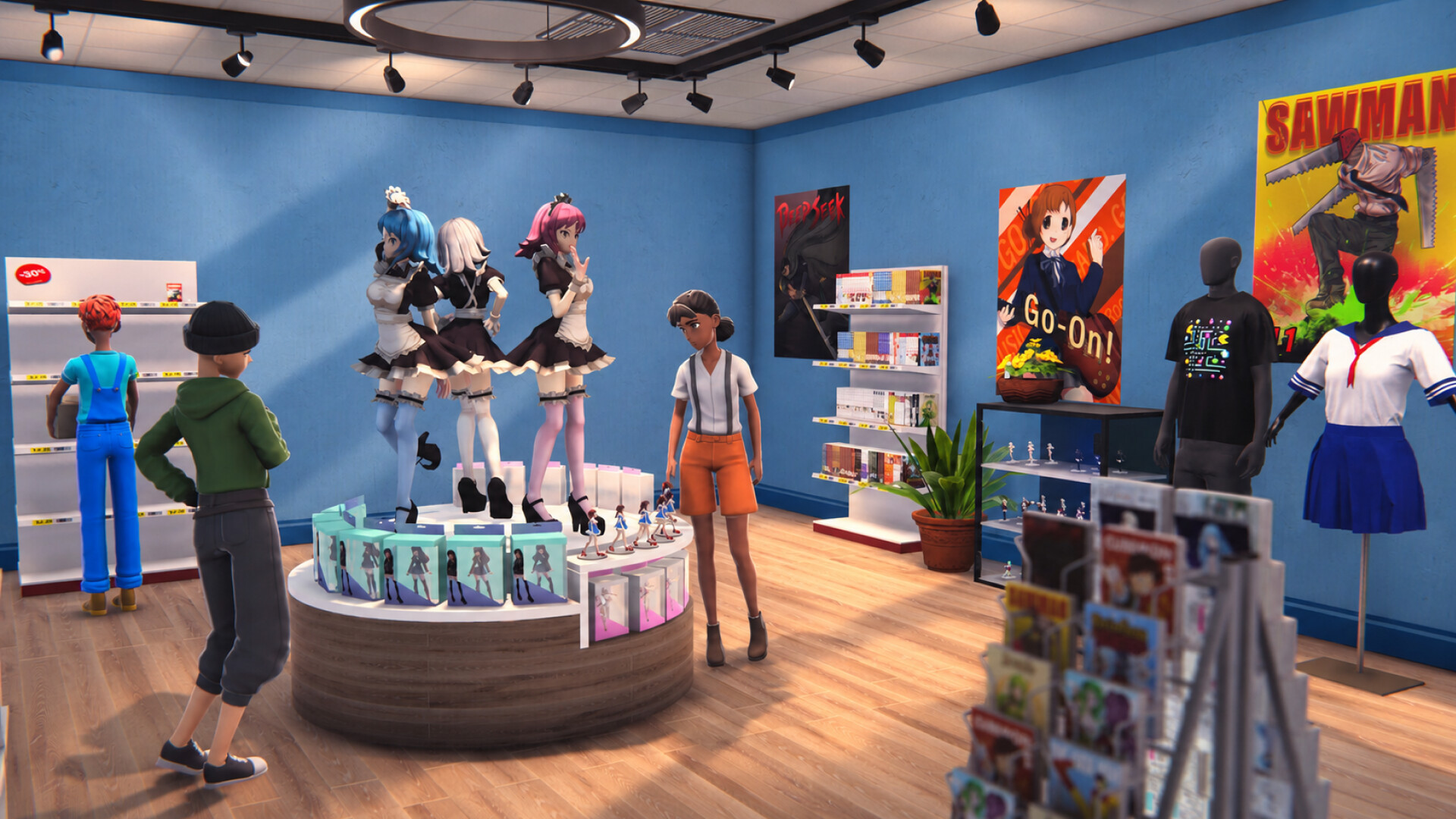
Anime Shop Simulator puts you behind the counter of a first‑person anime shop. You arrange manga, figures, and collectible cards on shelves to create a smooth shopping experience for customers.
The game offers solo play, online 4‑player co‑op, and online PvP trading‑card battles, plus extensive shop customization and upgrades that let you grow a small boutique into a larger otaku hub.
01 / THE GUIDE
Shop Management
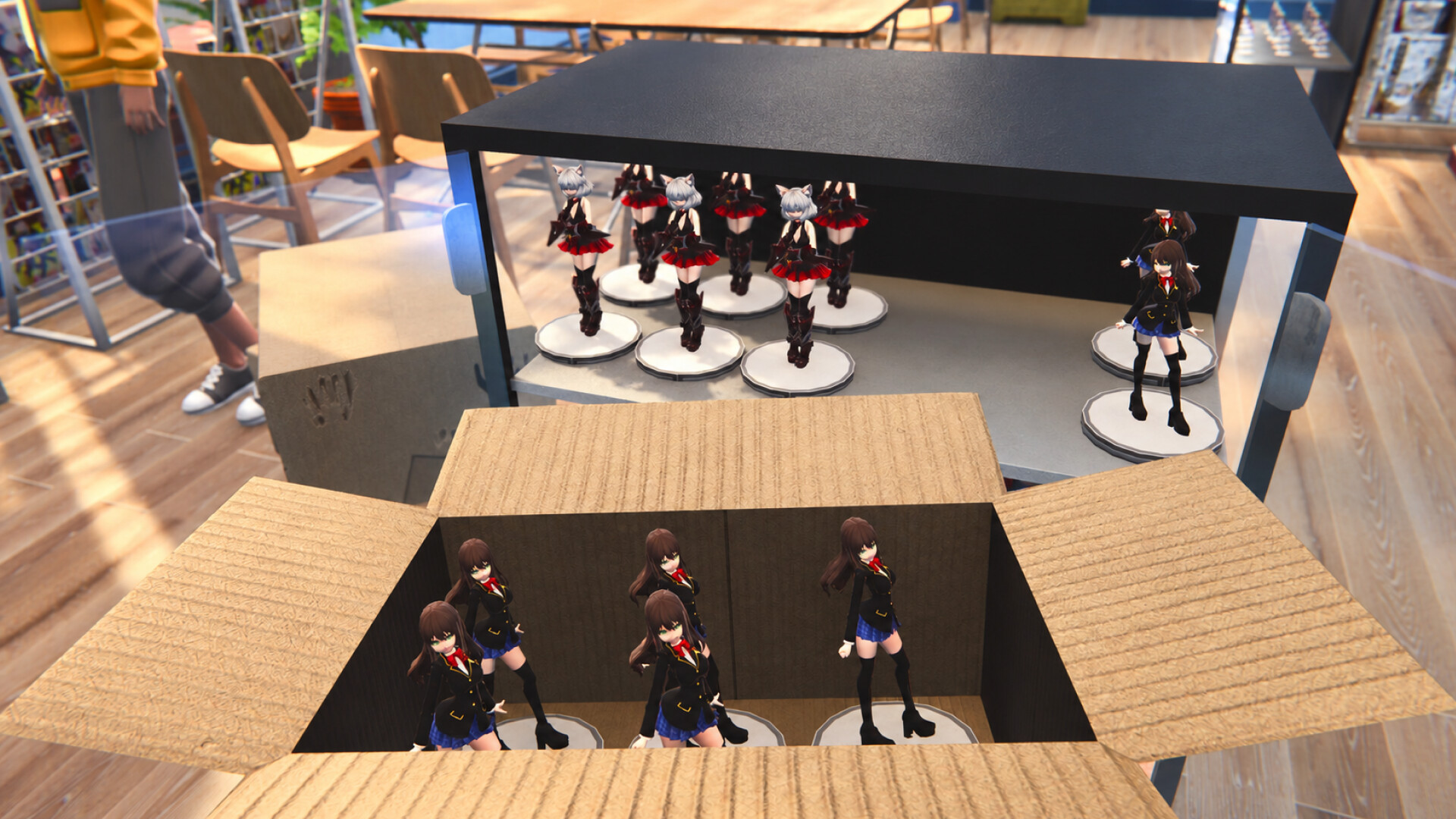
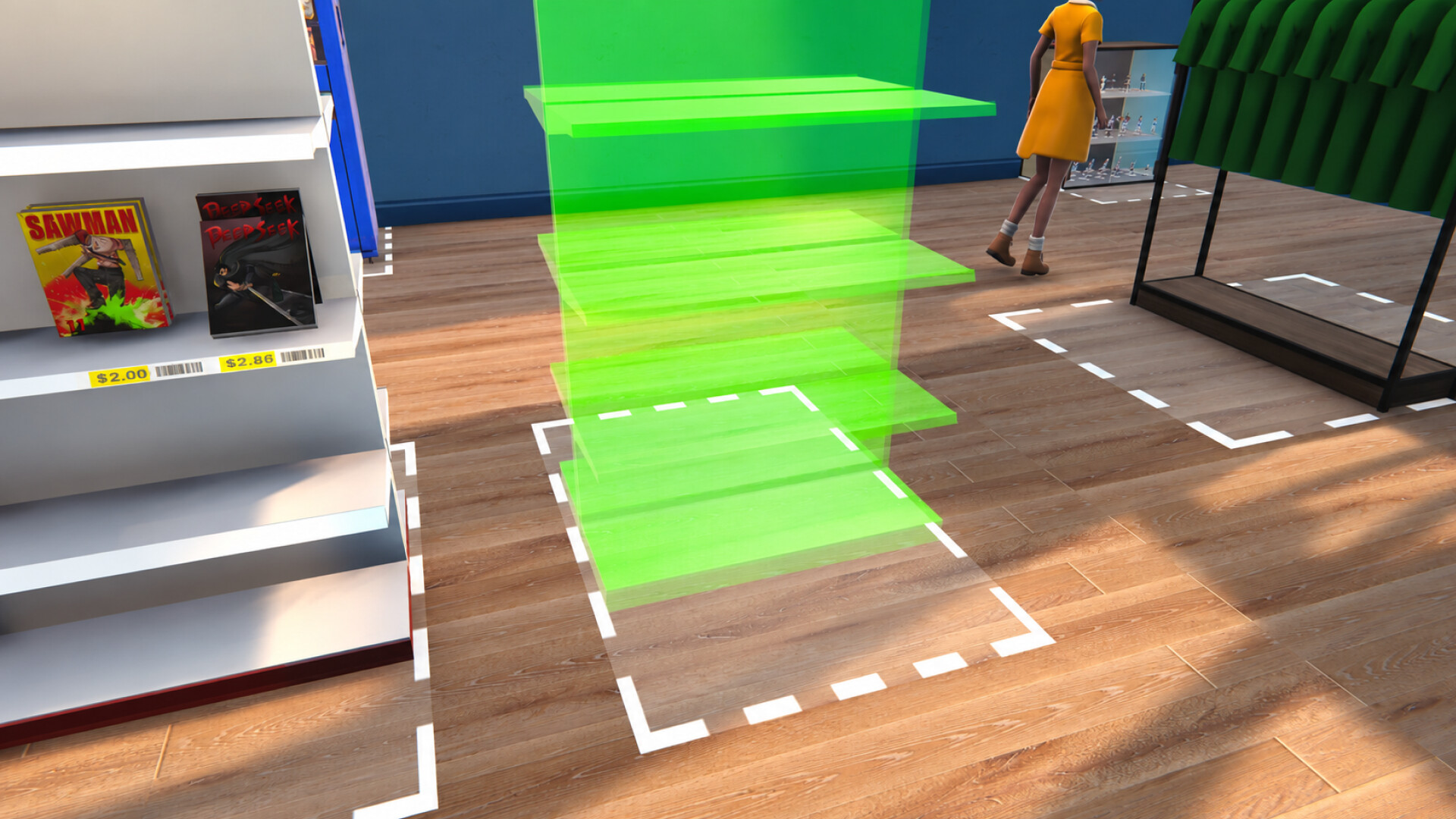
The core loop centers on arranging manga, figures, and collectible cards on shelves. A well‑organized layout creates a seamless experience that influences customer purchases.
Sales revenue can be reinvested to add new inventory, improve the shop’s layout, or expand the space, forming a feedback loop of growth and customer satisfaction.
- Place high‑demand items near the entrance to encourage early purchases.
- Keep a clear visual hierarchy so customers can browse without confusion.
02 / THE GUIDE
Co‑op Gameplay
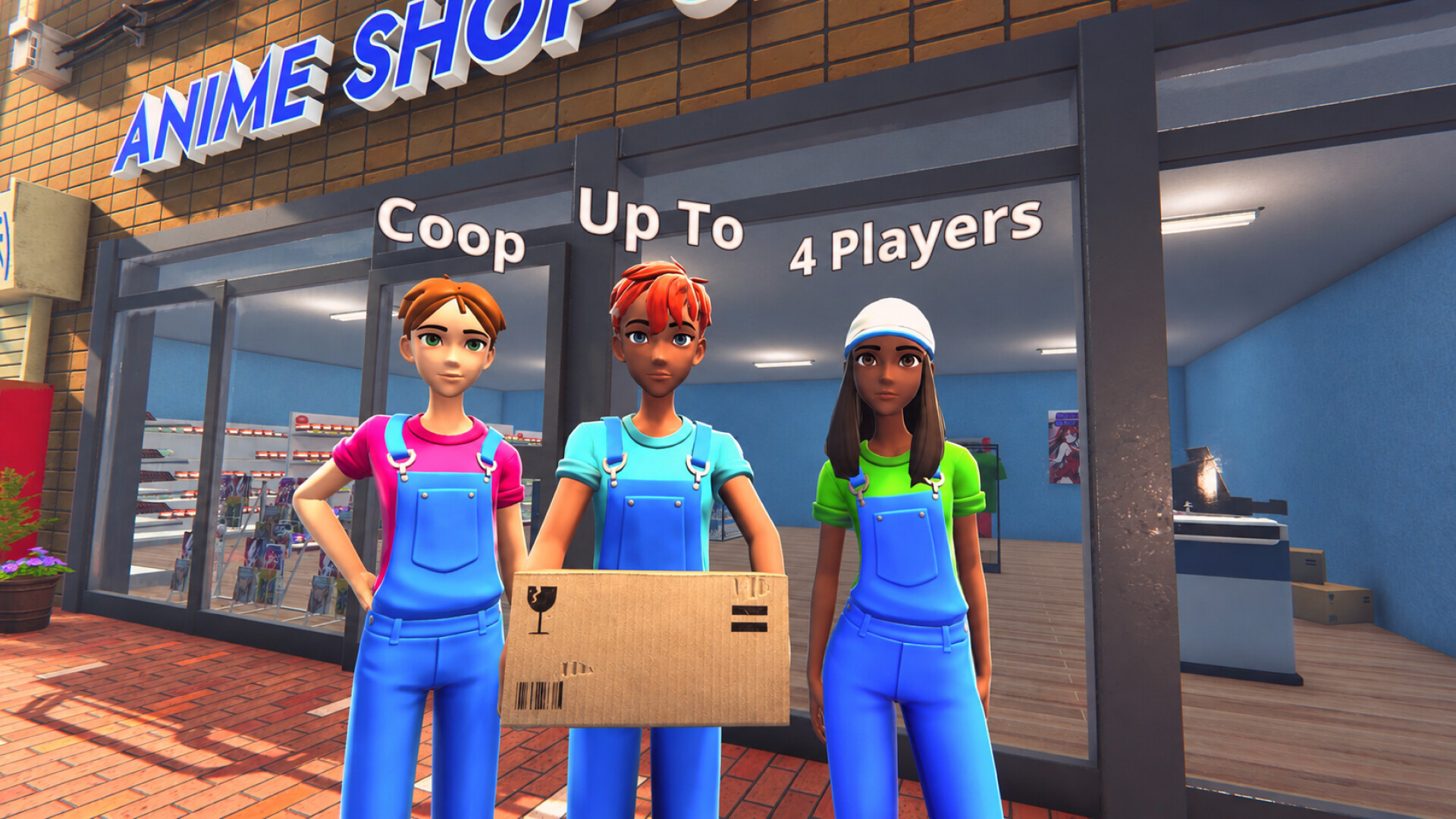
Up to four players can join online in co‑op mode, sharing responsibilities such as stocking, decorating, and planning strategies.
Co‑op lets the team respond to dynamic trends and customer needs together, aiming to maximize profits faster than solo play.
- Assign one player to handle inventory while another focuses on décor.
- Discuss sales goals at the start of each session to stay aligned.
03 / THE GUIDE
Collectible Cards & PvP
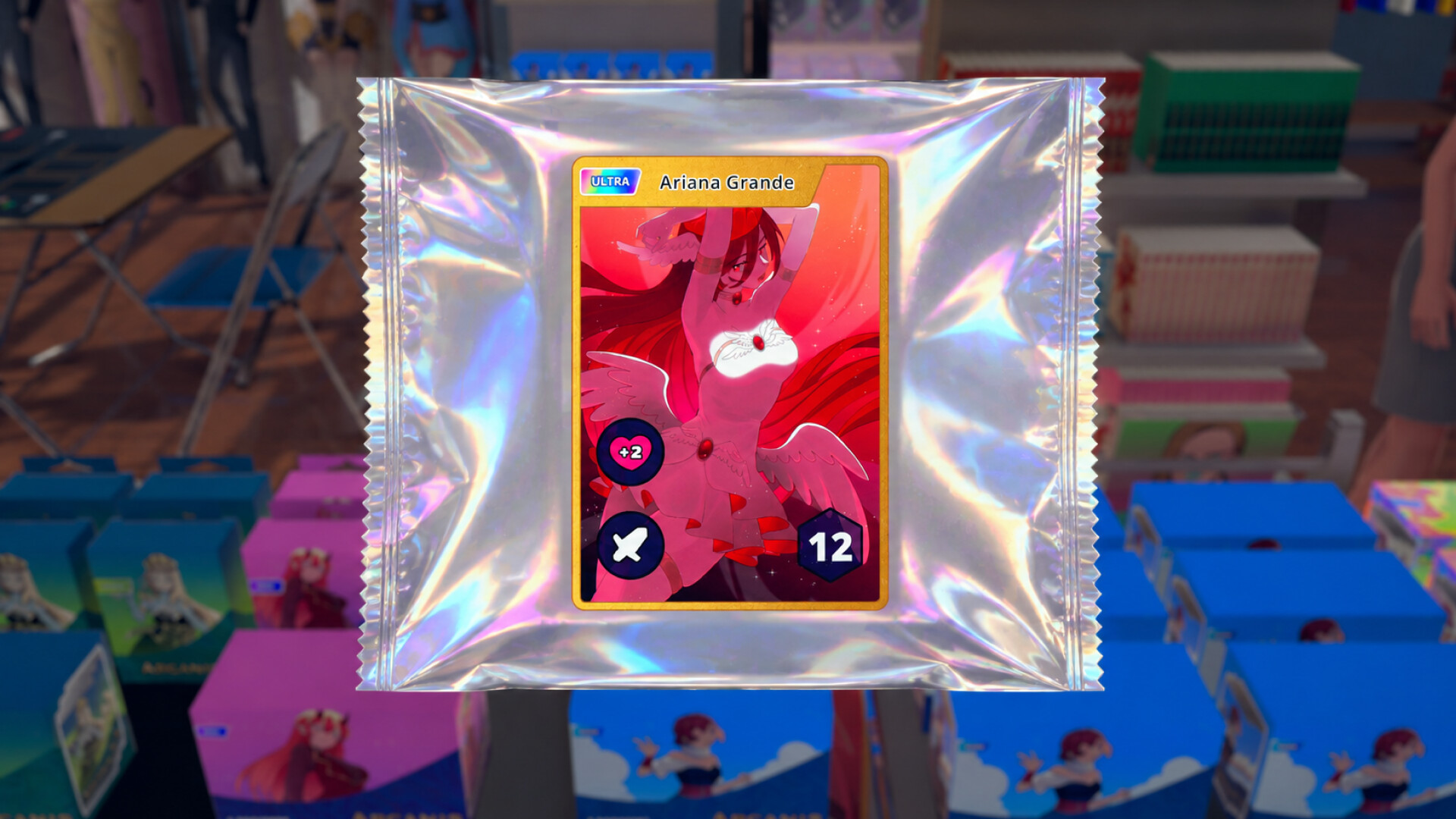
Booster packs can be unboxed to reveal rare cards, which may be sold for profit or kept to complete a personal collection.
Players can test decks against others in PvP trading‑card battles, adding a competitive layer beyond shop management.
- Sell duplicate rare cards early to fund shop upgrades.
- Try different deck builds before entering PvP to find a comfortable style.
04 / THE GUIDE
Customization
The shop’s appearance is fully customizable: choose wallpapers, set a unique name, and add decorative items that reflect personal taste.
Visual identity influences how customers perceive the store, potentially affecting how long they linger and how much they spend.
- Match wallpaper themes with the type of merchandise you stock for cohesive branding.
- Rotate decorations periodically to keep the shop feeling fresh.
05 / THE GUIDE
Growth & Upgrades
Accumulated profit lets you enlarge the shop and upgrade its decor, keeping the store in tune with dynamic anime industry trends.
Larger space allows more inventory and higher customer capacity, helping you stay competitive as other players expand.
- Prioritize space expansion before decorative upgrades for maximum sales impact.
- Watch in‑game trend updates to time upgrades effectively.
COMMUNITY
Player discussion