 GameWiki
GET YOUR BEARINGS
About ANIMAL WELL
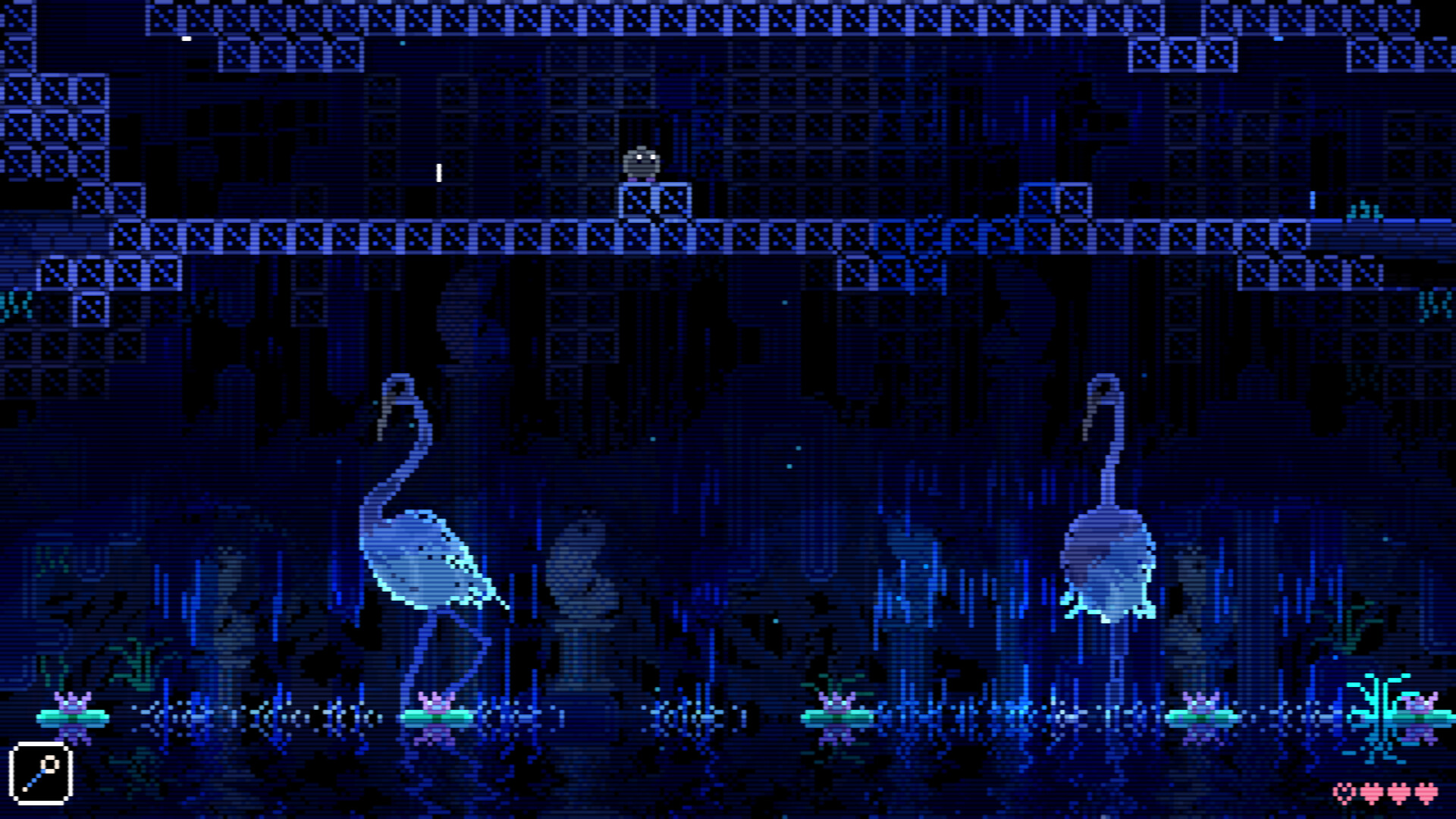
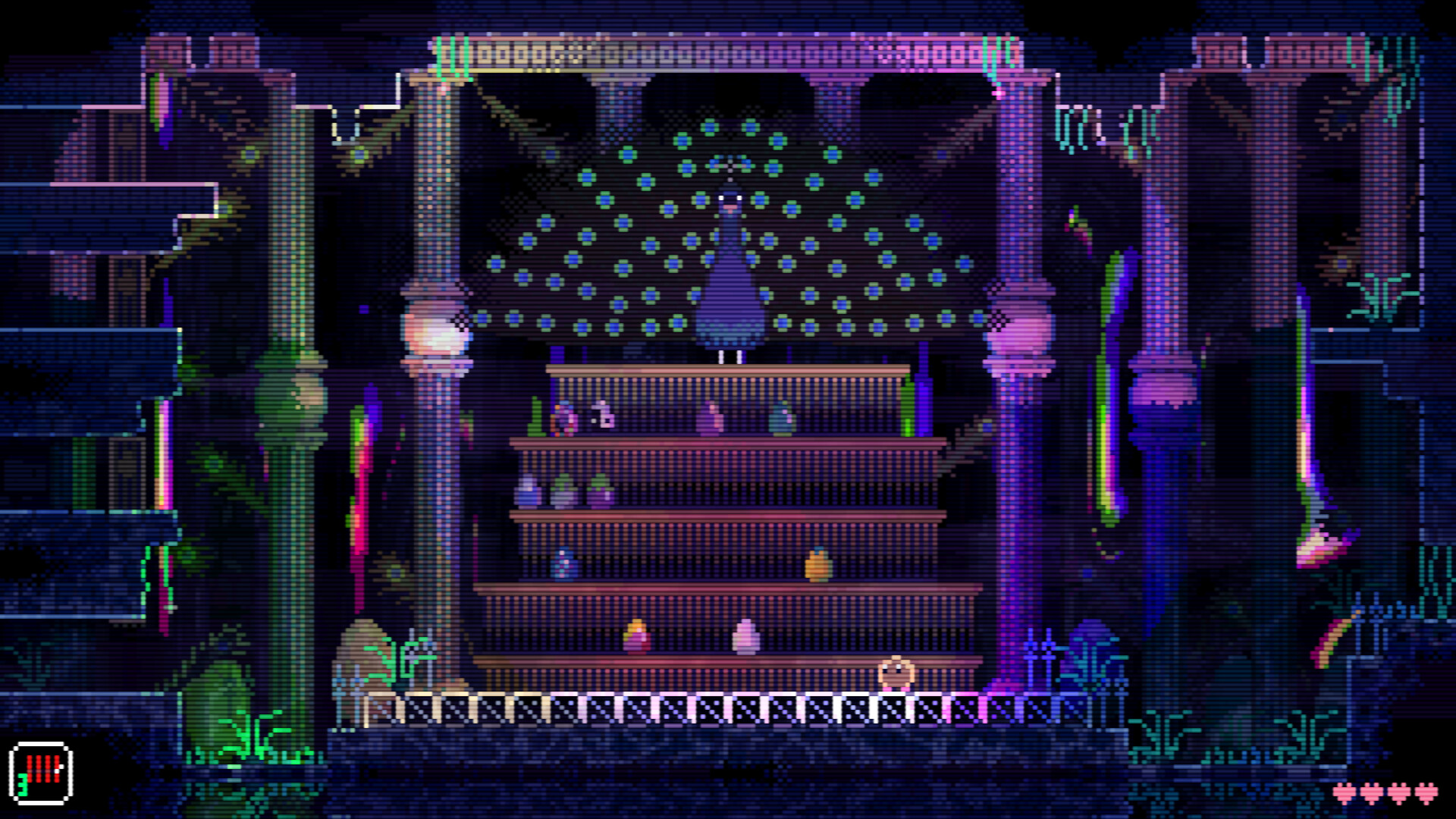
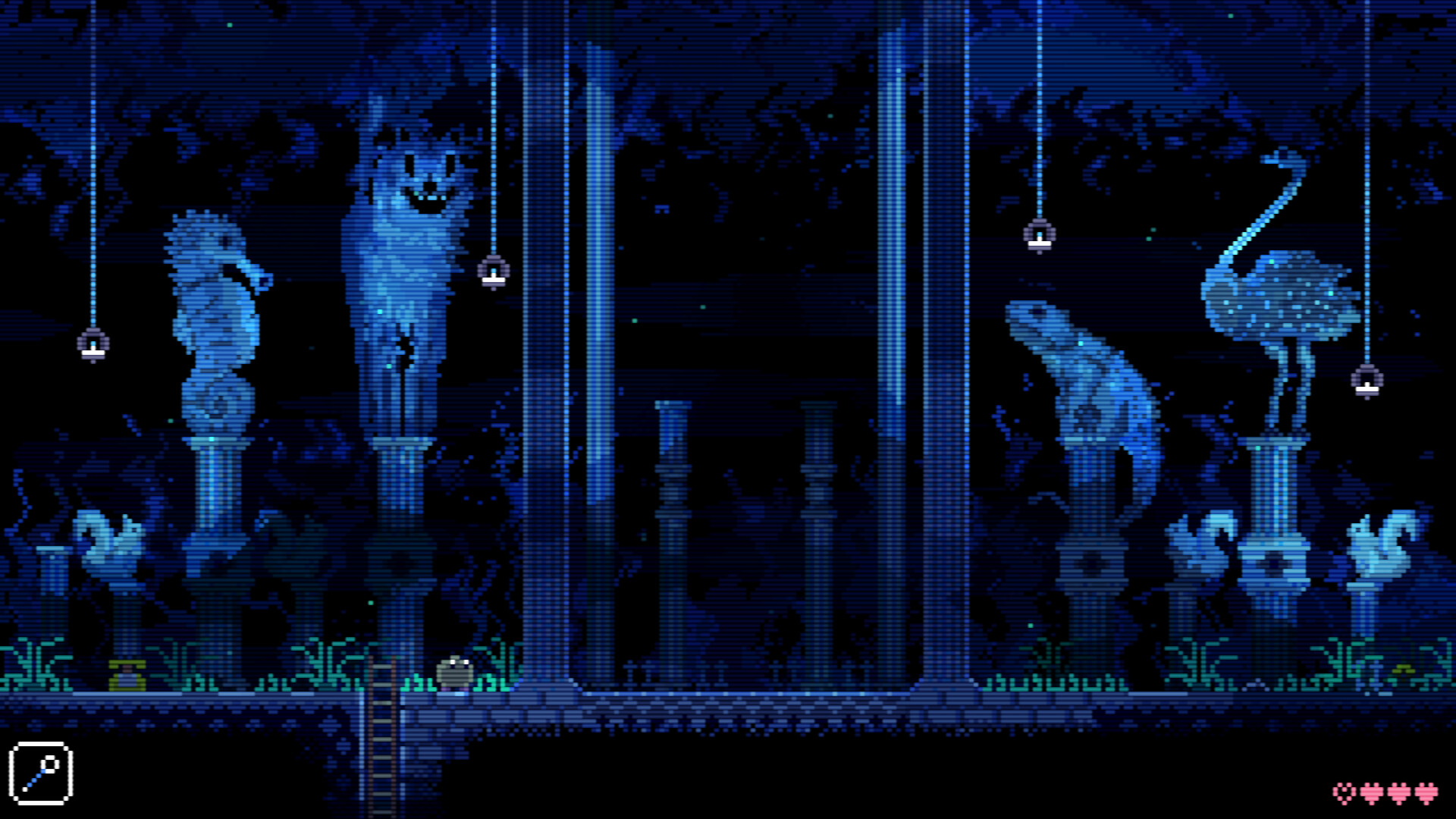
Animal Well drops you into a pixelated cavern that you emerge from a flower, inviting you to explore a world rich in audio and visual detail. The game blends tension and surprise, offering dense atmospheric puzzles, hidden upgrades, and a cast of creatures that can be both helpful and ominous as you map the well. Progress is non‑linear, letting you collect items in any order while learning how simple details become meaningful.
01 / THE GUIDE
Exploration & Mapping
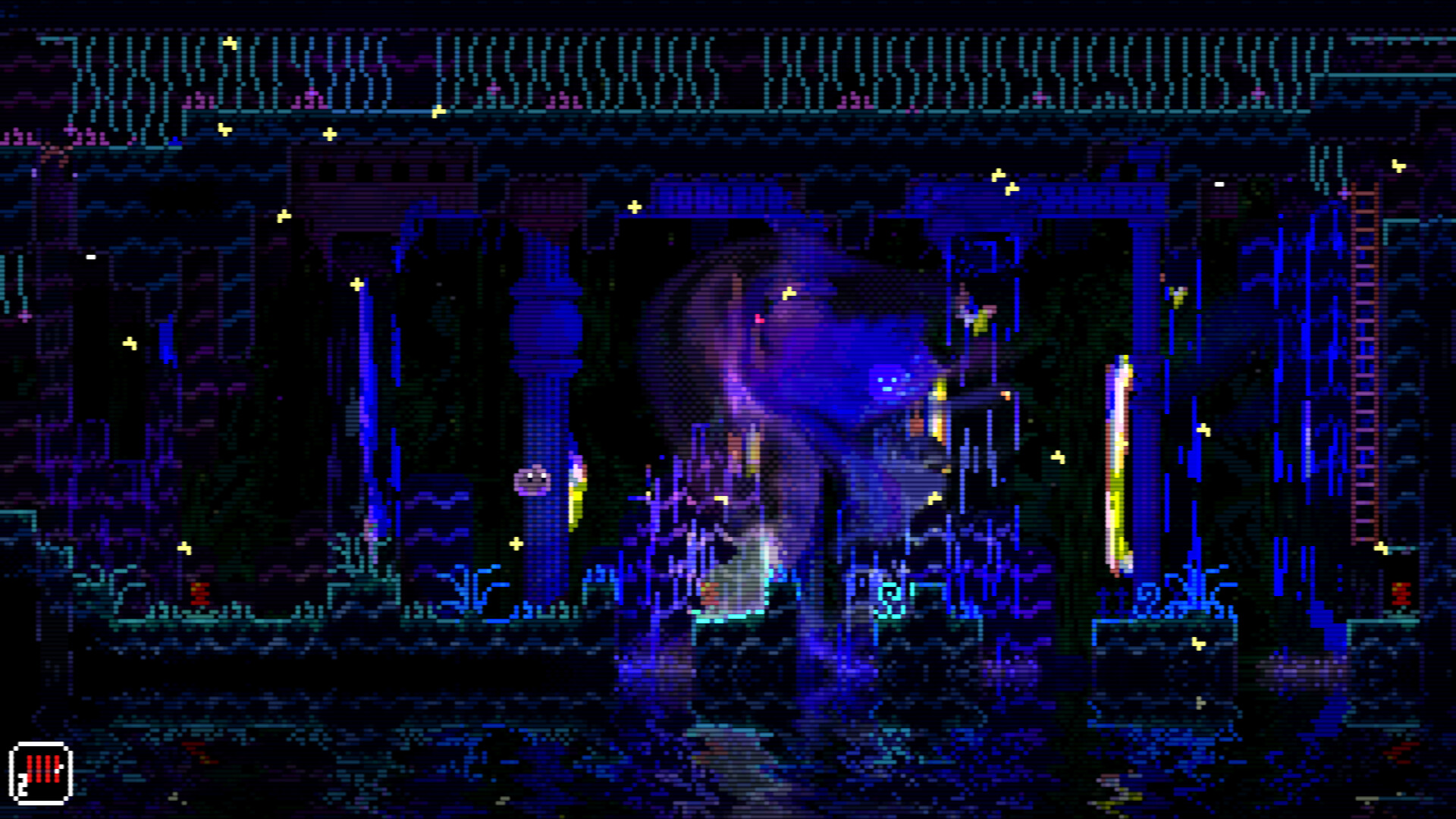
The world unfolds as you light candles, which illuminate darkness and gradually reveal sections of the map.
Because navigation is non‑linear, you may revisit illuminated areas later, using newly discovered items to access hidden passages.
- Try lighting a candle before entering a new corridor.
- Mark interesting landmarks on your map for future reference.
02 / THE GUIDE
Item Interaction & Multipurpose Use
Every collectible serves several functions, encouraging experimentation with how objects affect enemies, terrain, and other items.
Observing subtle reactions can reveal unexpected shortcuts or solutions that the game does not explicitly highlight for the player.
- Combine two items to test if they trigger a hidden effect.
- Watch how enemies respond when you place an object nearby.
03 / THE GUIDE
Atmospheric Design & Audio‑Visual Detail
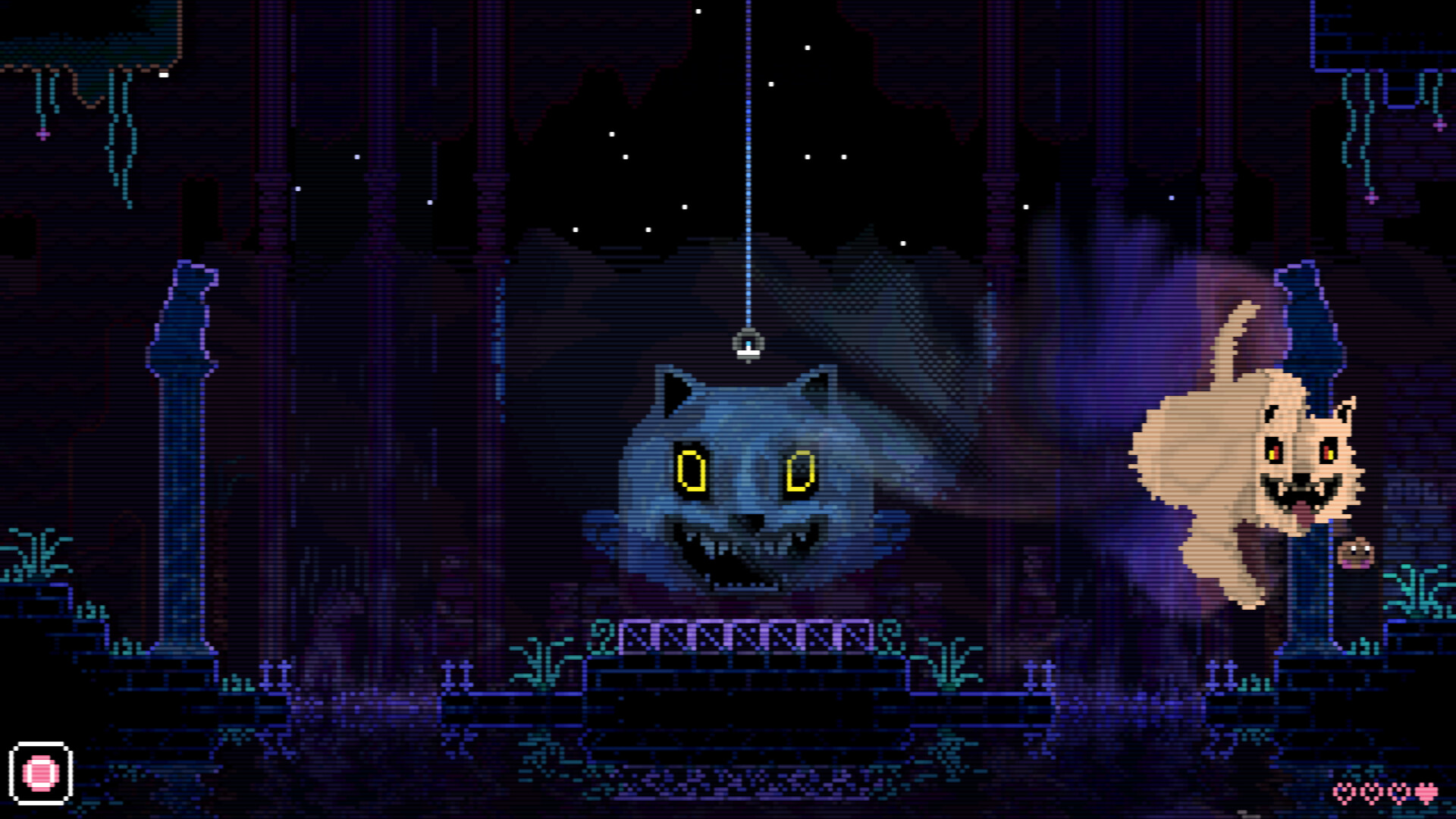
Pixel art visuals are paired with intricate sound design, creating a haunting yet beautiful ambience that reacts to player actions.
The combination of light, shadow, and layered audio cues heightens tension, making each discovery feel rewarding.
- Listen for changes in background tones when entering new zones.
- Notice how lighting shifts after lighting a candle; it may signal nearby secrets.
04 / THE GUIDE
Enemy & Environmental Systems
Creatures range from helpful to ominous, and their behavior can be altered by environmental elements or player‑placed items.
The systemic interaction means a single action may simultaneously affect foes, obstacles, and the surrounding world in surprising ways.
- Observe how enemies react when you drop a candle near them.
- Use terrain features like walls to block line of sight from ominous creatures.
05 / THE GUIDE
Progression & Hidden Puzzles
The initial playthrough only scratches the surface; many puzzles remain concealed, encouraging long‑term exploration.
Players often return years later, discovering new secrets that build upon earlier findings and the game's systemic design for a fresh experience.
- Keep a note of unusual item placements; they may hint at future puzzles.
- Revisit areas after acquiring new upgrades to see if new interactions appear.
COMMUNITY
Player discussion