 GameWiki
GET YOUR BEARINGS
About Animal Shelter
Animal Shelter puts you in charge of a refuge where every animal needs food, health care, play, and a future home. You monitor each pet’s needs, keep the facility tidy, and match animals with owners whose lifestyles fit.
The game adds a photo studio for creating decorative pictures, a construction mode for expanding and rearranging buildings, and quiet drone deliveries that replace noisy trucks. Success comes from balancing care, creativity, and layout.
01 / THE GUIDE
Photo Room
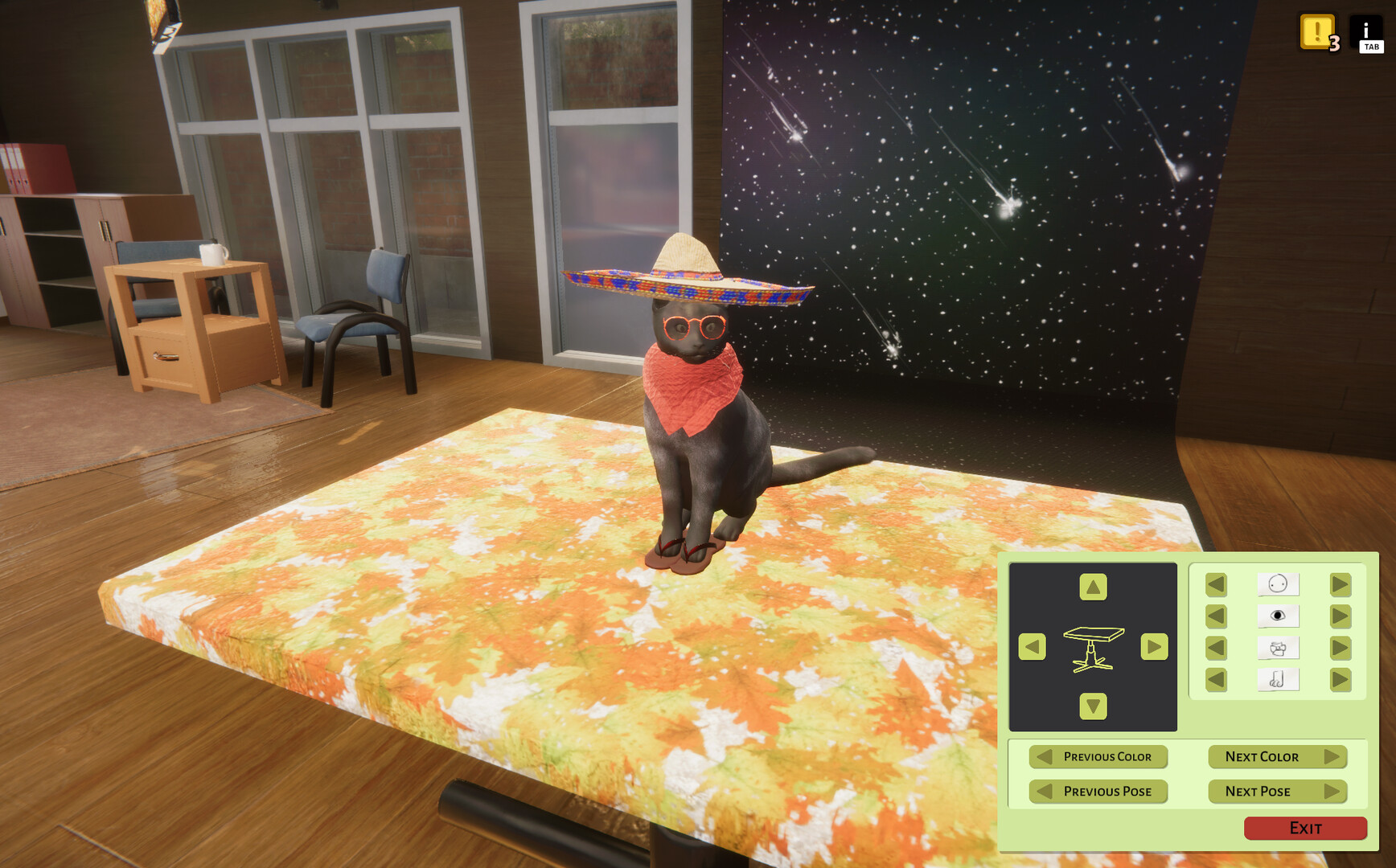
A dedicated photo room lets you stage picture sessions for any pet. You can get creative with your photo sessions to produce images that reflect each animal’s character.
Finished photos can be placed as decorations around the shelter, turning visual creativity into a visible element of the facility’s atmosphere.
- Try different setups during photo sessions to highlight each pet’s features.
- Place completed photos on walls to vary the shelter’s look.
02 / THE GUIDE
Pet Needs Monitoring
Each animal has a name card that shows its current hunger, health, willingness to play, and affection levels. These cards act as a quick reference for what care actions are required.
Regularly checking the cards helps you respond promptly to any need, keeping pets comfortable while they await adoption.
- Check name cards at the start of each in‑game day.
- Use the information to plan feeding and play before the adoption queue grows.
03 / THE GUIDE
Entertainment & Play
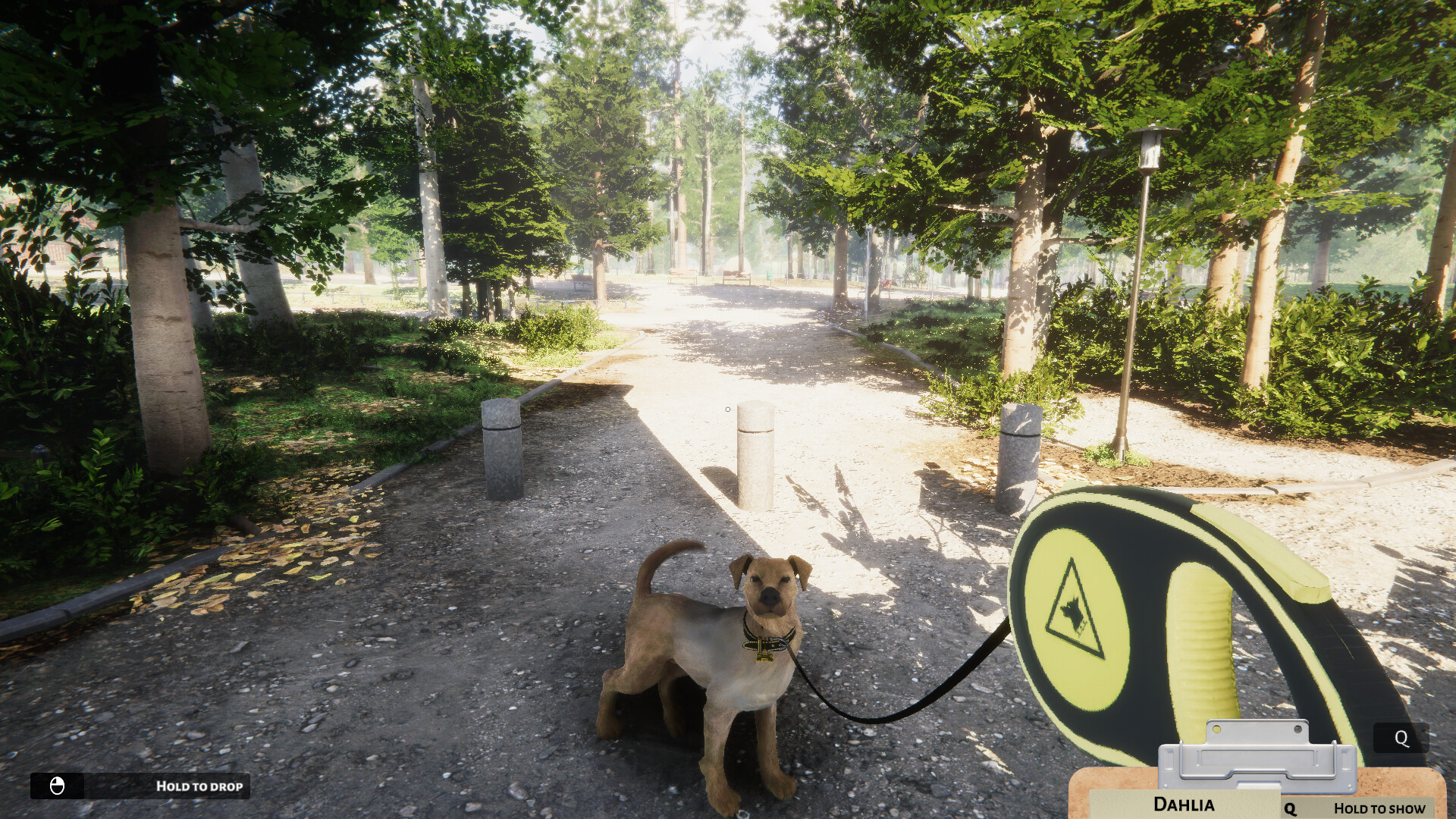
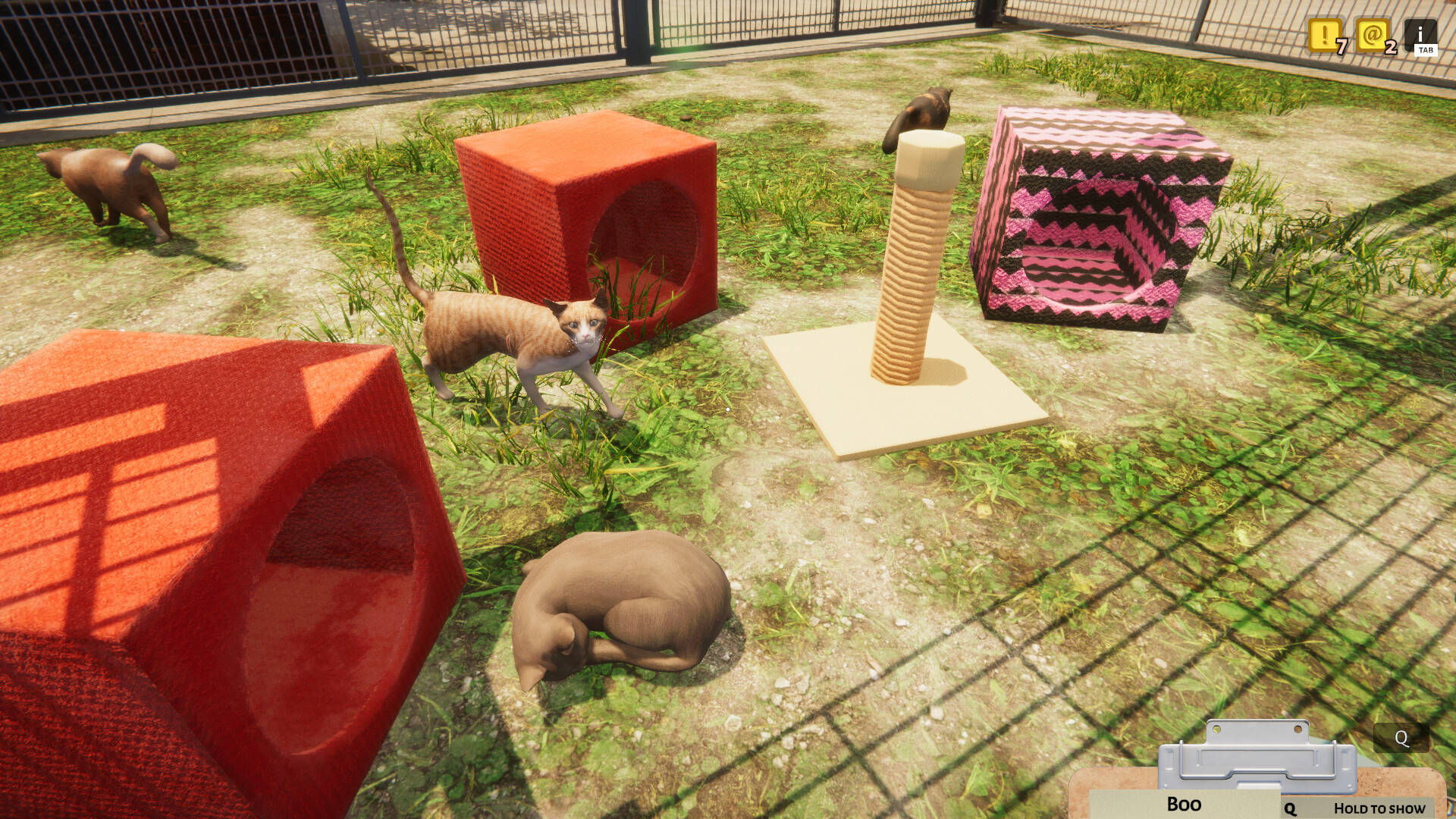
Pets spend most of their time in comfy boxes, so daily interaction is important. You can pet them, hand out treats, or use balls and lasers to provide activity.
These actions build trust and keep animals healthy, which supports a smoother adoption process.
- Rotate between treats, balls, and lasers to keep routines fresh.
- Spend a few minutes petting each animal after feeding.
04 / THE GUIDE
Construction Mode
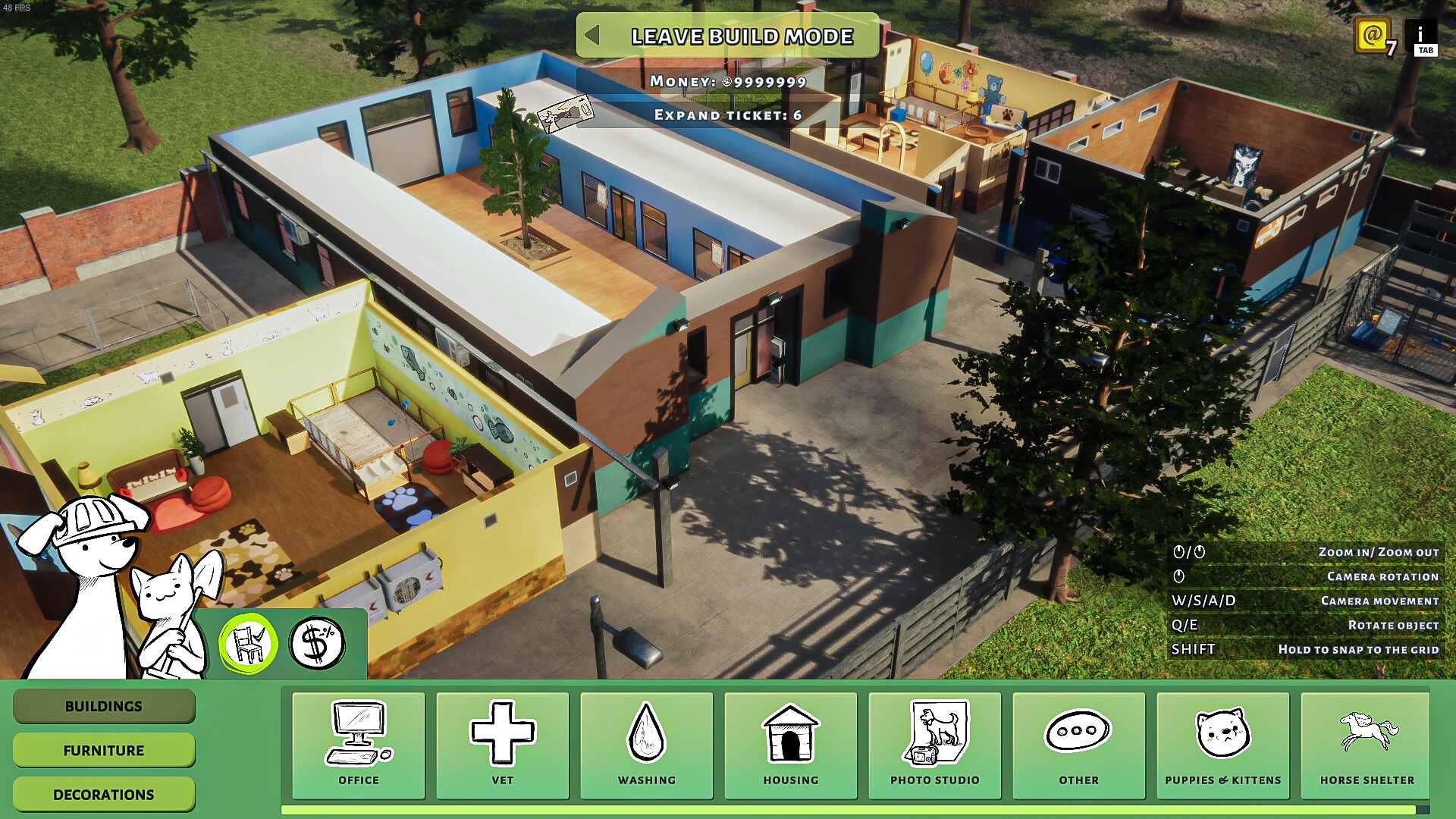
Construction mode lets you buy new buildings, rearrange existing ones, and expand the shelter’s area. You control where each structure sits, including the spacing of outlets and facilities.
Thoughtful placement can make daily tasks easier and give animals more comfortable surroundings.
- Leave clear pathways between boxes and other buildings.
- Consider grouping related facilities to reduce travel time.
05 / THE GUIDE
Drone Delivery
Instead of noisy delivery trucks, the shelter uses fast, quiet drones to bring supplies. The reduced noise is intended to lower stress for animals that dislike loud sounds.
Quiet deliveries help maintain a calm environment for both pets and visitors.
- Observe how pets react after a drone arrives.
- Quiet drone deliveries help keep the shelter calm even during busy times.
COMMUNITY
Player discussion