 GameWiki
GET YOUR BEARINGS
About Angry Penguin
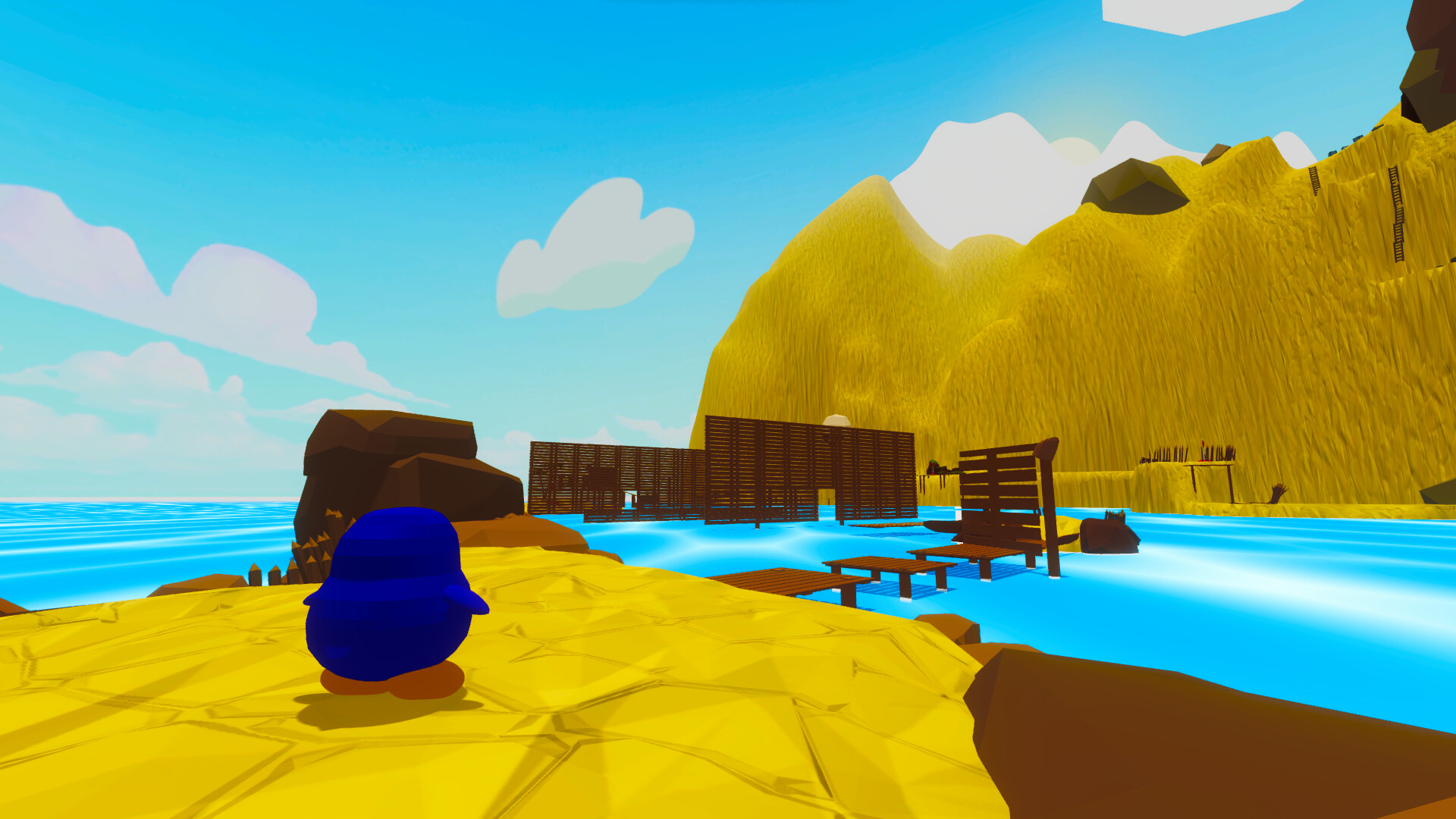
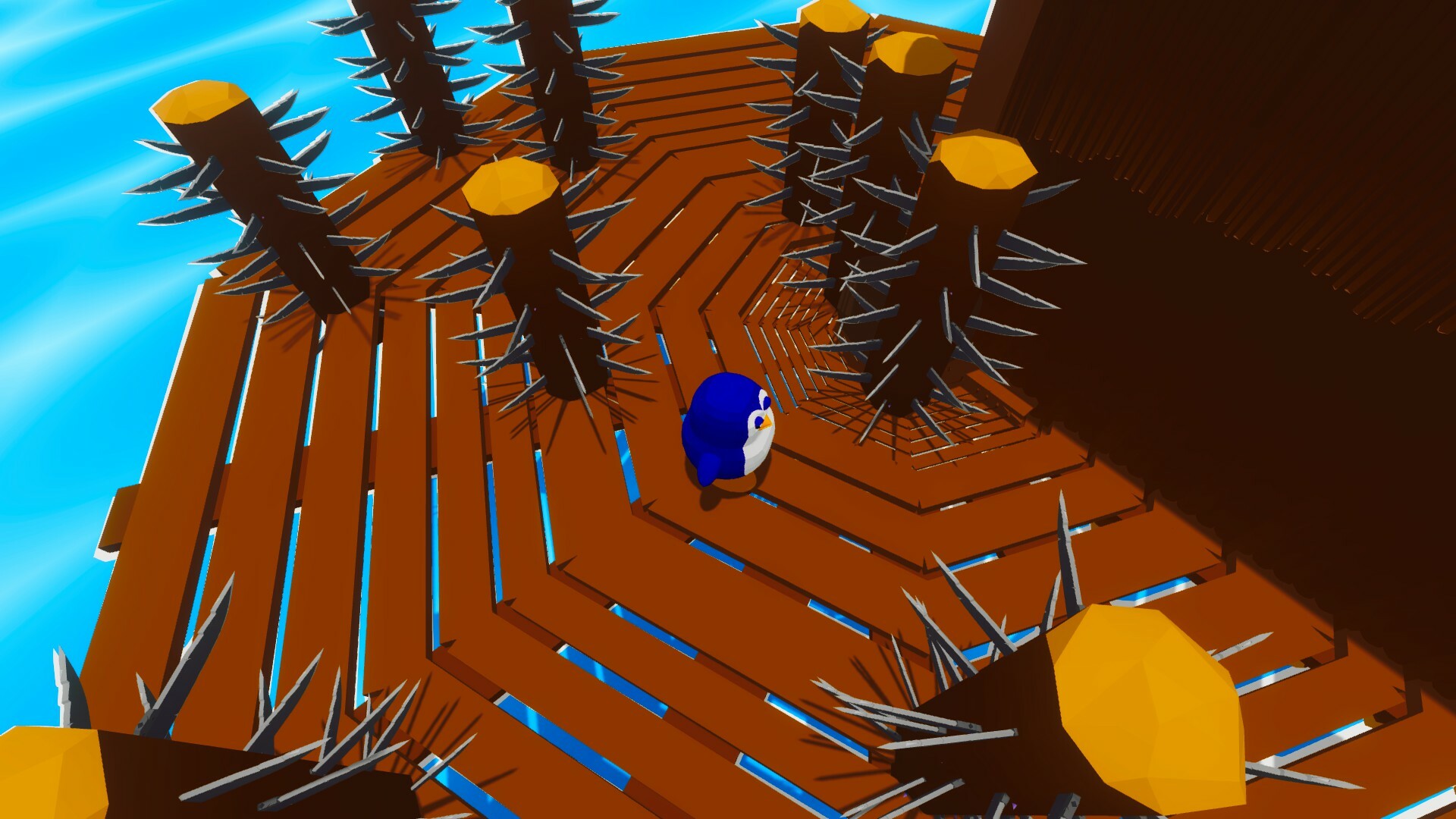
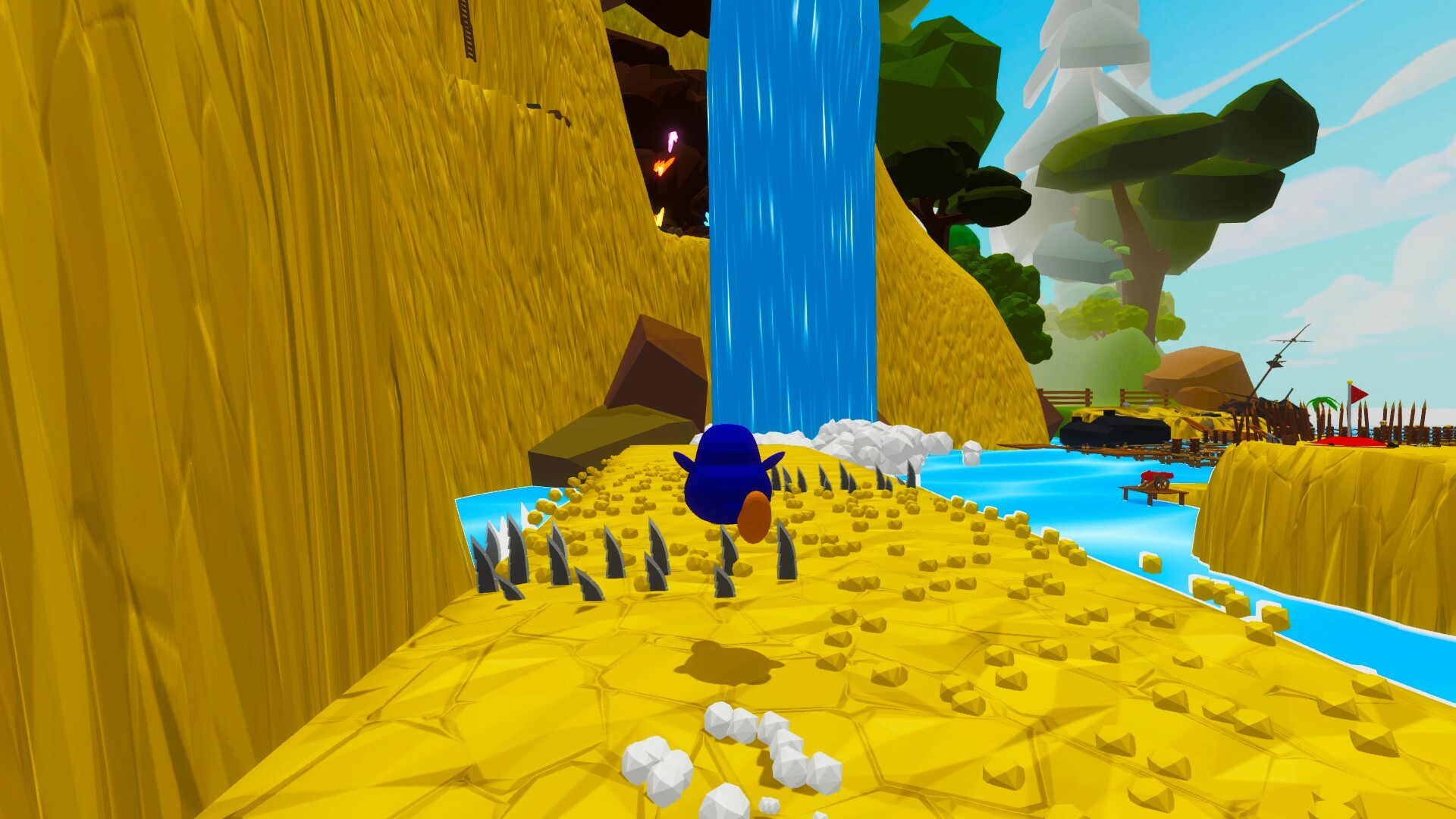
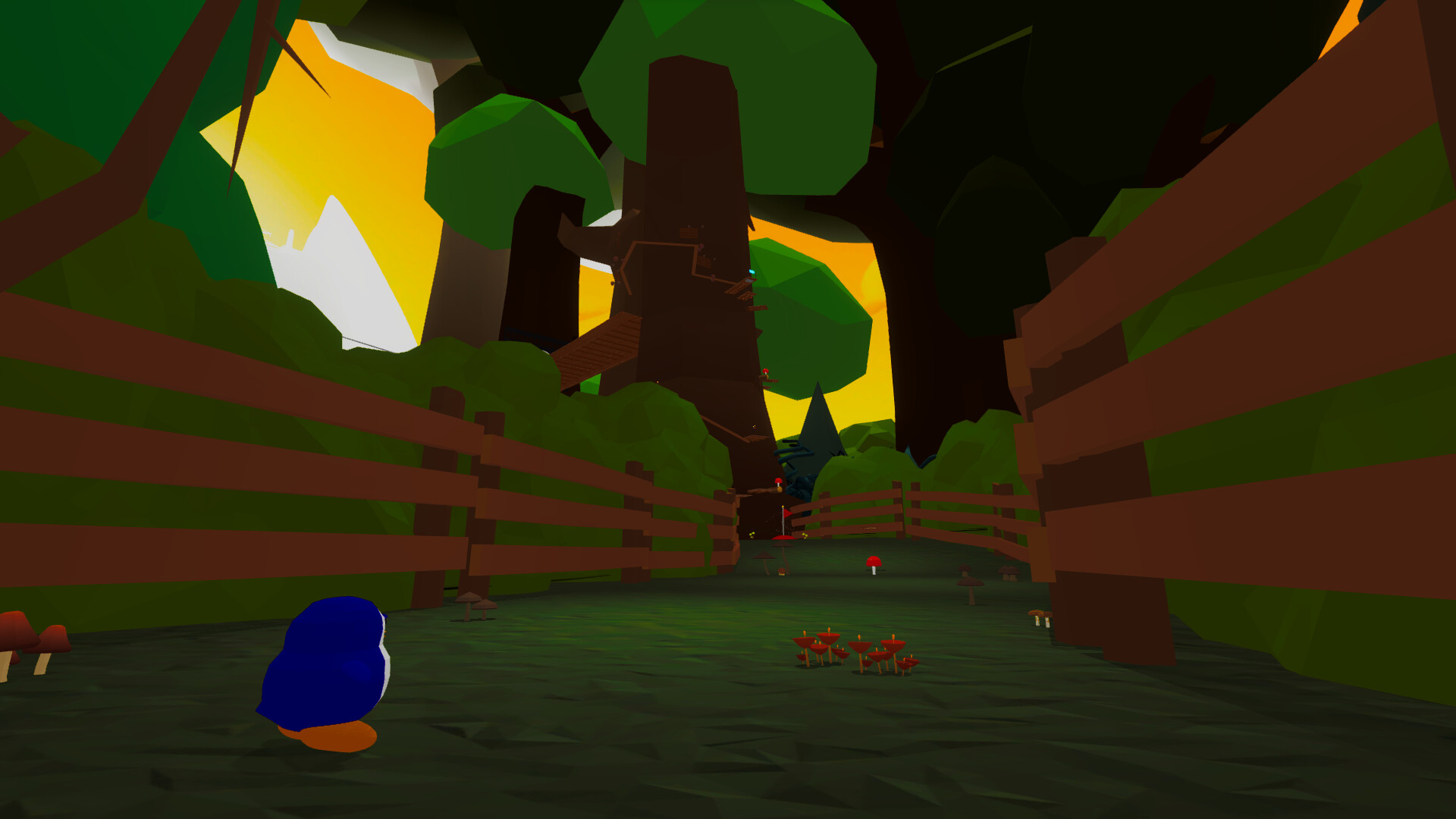
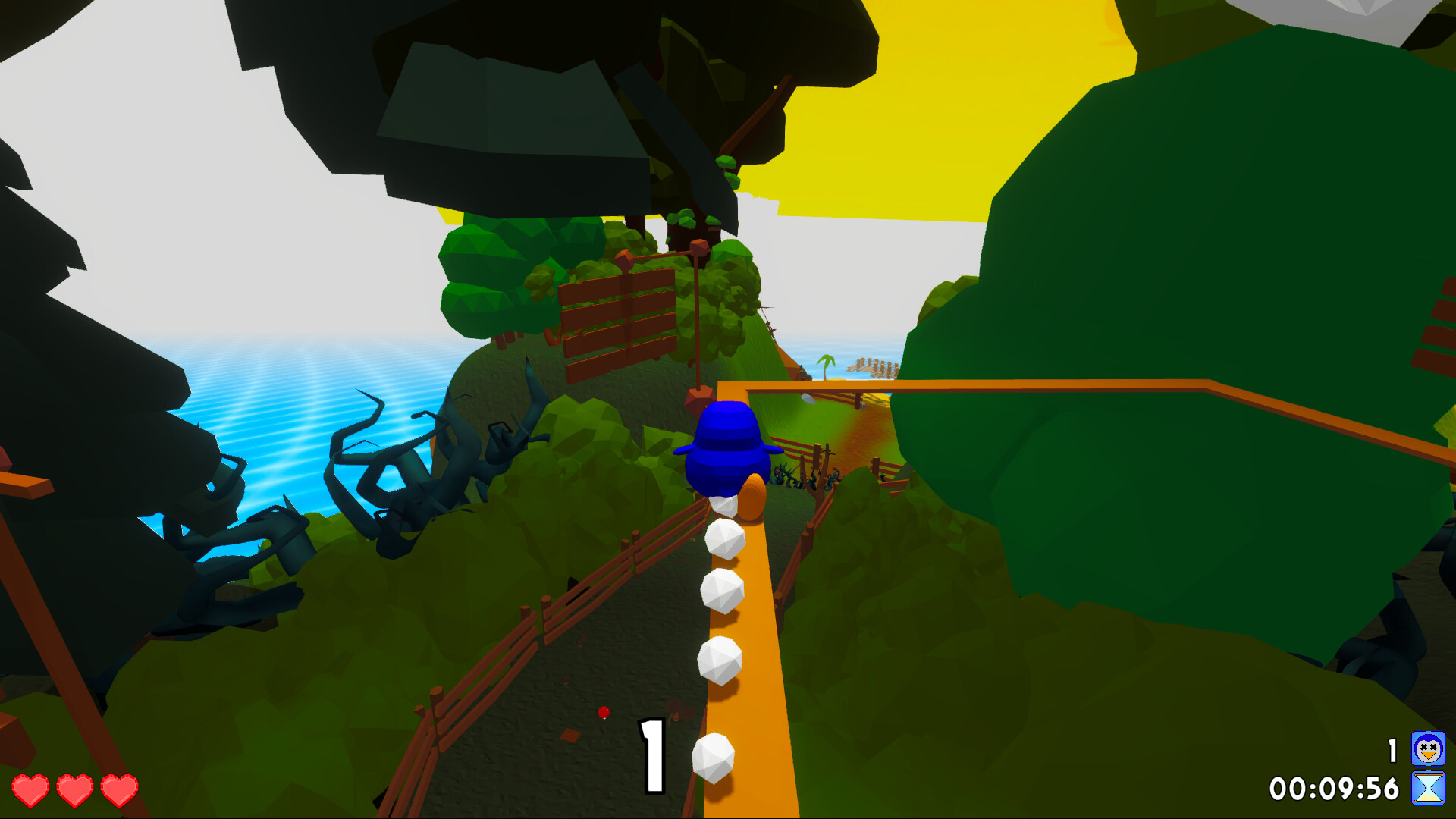
Angry Penguin is a single‑player platformer that emulates the visual style of classic N64, PS1 and Dreamcast titles. Developed by PAIN PEPPER, it runs on Windows and offers Steam achievements, cloud saves and family sharing. The player controls an angry penguin who must recover scattered eggs on an abandoned island, using a boating license for occasional travel.
The game warns of high difficulty but provides an easy mode to help newcomers learn its mechanics. An integrated timer records each run, supporting speedrun attempts without external tools. Future updates promise additional maps and a multiplayer mode, though the current release focuses on the first solo map.
01 / THE GUIDE
Game premise
The narrative centers on an angry penguin whose eggs have been scattered across an abandoned island. The search drives the platforming challenges, requiring the player to traverse varied terrain to locate each egg.
The island serves as the first solo map, and the description notes that more maps will be added over time. This establishes a clear progression path for future content while keeping the current experience focused on a single environment.
- Map the island’s major landmarks to reduce backtracking.
- Compare the island’s layout to classic 3D platformers for spatial clues.
02 / THE GUIDE
Difficulty and easy mode
The store description labels the game as very difficult but confirms the presence of an easy mode designed to help players discover its mechanics without overwhelming frustration.
The store description only confirms that an easy mode exists to help players discover the game, so treat it as a gentler entry point without assuming exactly how it differs from the standard difficulty.
- Begin with easy mode to learn level patterns before tackling harder sections.
- Use progress in easy mode as a reference when switching to the higher difficulty.
03 / THE GUIDE
Integrated timer for speedruns
An in‑game timer tracks playtime, eliminating the need for external tools such as LiveSplit when attempting speedruns.
The timer records each attempt, allowing players to compare their completion times directly within the game and monitor improvement over multiple runs.
- Watch the timer during practice runs to spot sections that feel slow.
- Record several attempts and note any consistent time reductions.
04 / THE GUIDE
Full controller support
The feature list includes full controller support, confirming that the game can be played with a gamepad on Windows.
No other input methods are specified, but the presence of controller support ensures that players have at least one alternative to default input devices.
- Test a controller to see if it feels comfortable for platforming jumps.
- Compare the responsiveness of a controller versus other inputs you may have.
05 / THE GUIDE
Steam achievements, cloud and family sharing
Angry Penguin integrates Steam achievements, providing recognitions for in‑game milestones that can be viewed on the Steam profile.
Steam Cloud saves progress across sessions, and family sharing allows other accounts on the same device to access the game without purchasing a separate copy.
- Review the achievement list to set personal goals while exploring the island.
- Enable cloud saves to continue progress on another Windows machine safely.
COMMUNITY
Player discussion