 GameWiki
GET YOUR BEARINGS
About Andro Dunos II
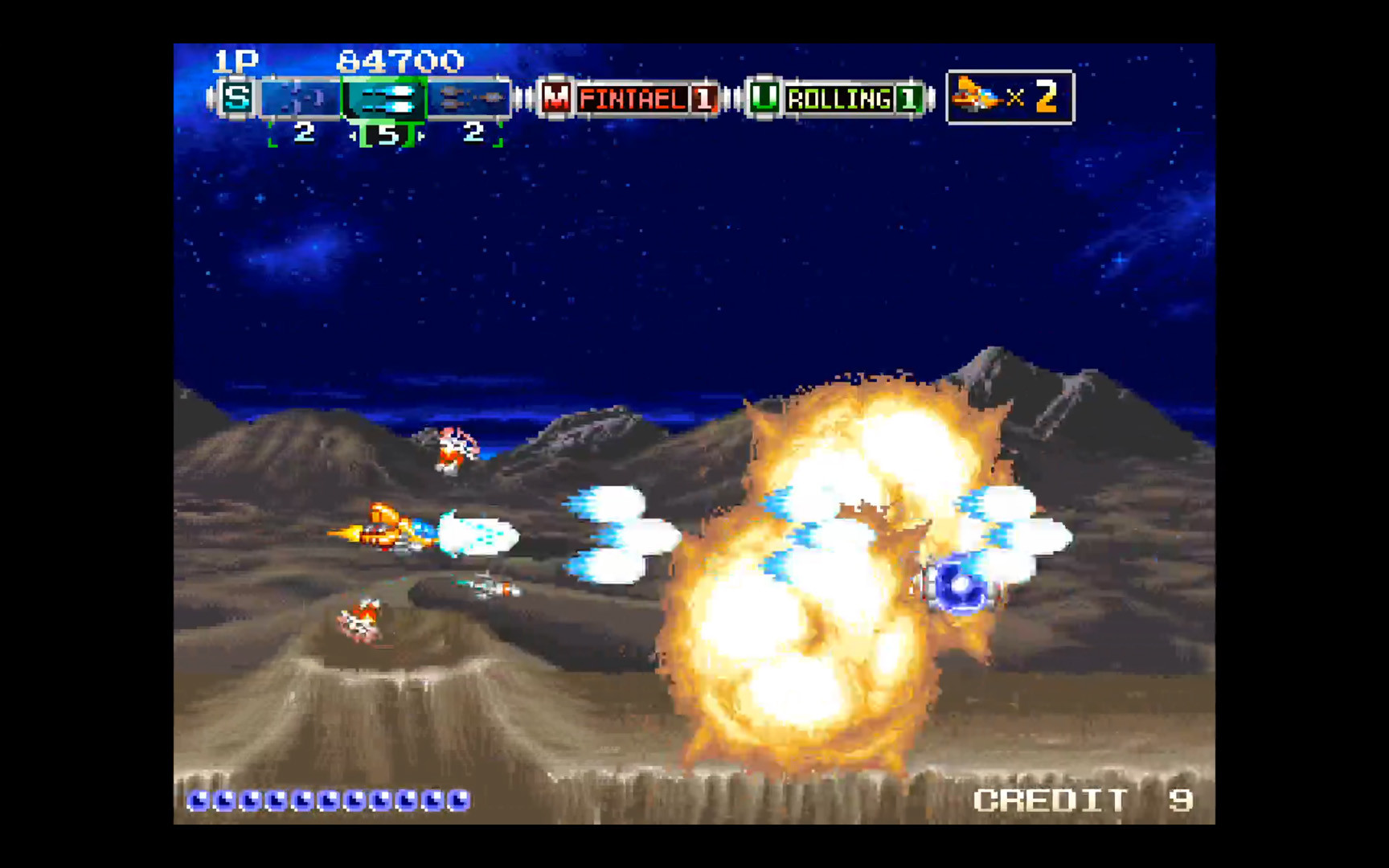
Andro Dunos II revives the classic horizontal scrolling shoot‑em‑up that first appeared on Neo‑Geo hardware in 1992. Developed by Picorinne Soft, the sequel keeps the side‑scrolling space combat and features weapons such as lasers and homing missiles.
The game runs on Windows, offers single‑player action, and includes partial controller support and family‑sharing features. Players pilot a battle ship, defeat waves of enemy vessels, and collect power‑ups to boost firepower.
01 / THE GUIDE
Sequel Background
Andro Dunos II is marketed as the direct sequel to the 1990s shmup Andro Dunos, bringing the series back after three decades. The original arcade version was exclusive to Neo‑Geo MVS and AES in 1992, establishing the franchise’s arcade roots.
The sequel retains the horizontal scrolling format, preserving the core gameplay that defined the original. This continuity lets players recognize the series’ signature side‑scrolling perspective while encountering updated visuals and enemy designs.
- Compare visual elements with the 1992 arcade release to spot series‑wide design cues.
- Note the persistence of side‑scrolling when evaluating difficulty spikes.
02 / THE GUIDE
Gameplay Mechanics
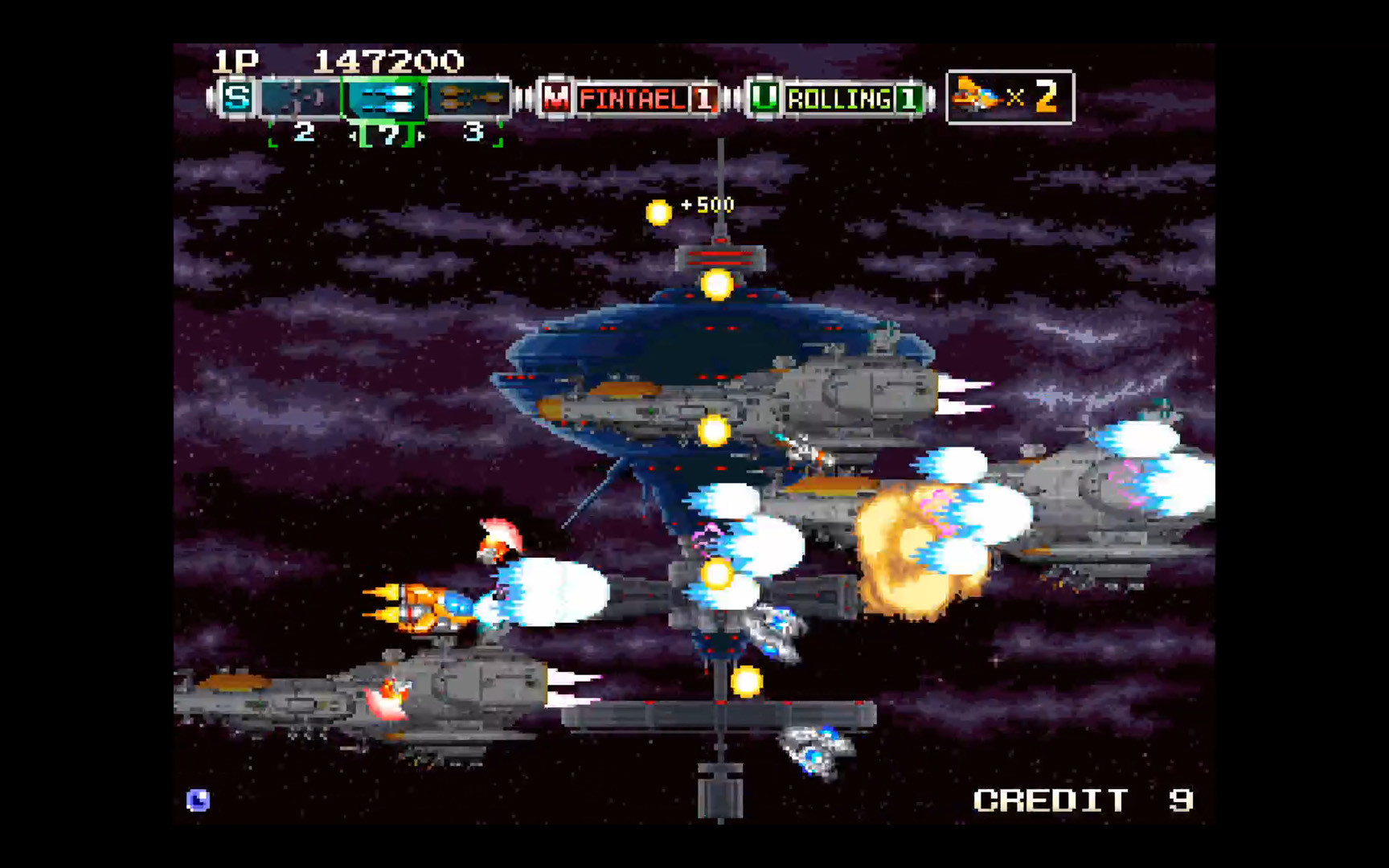
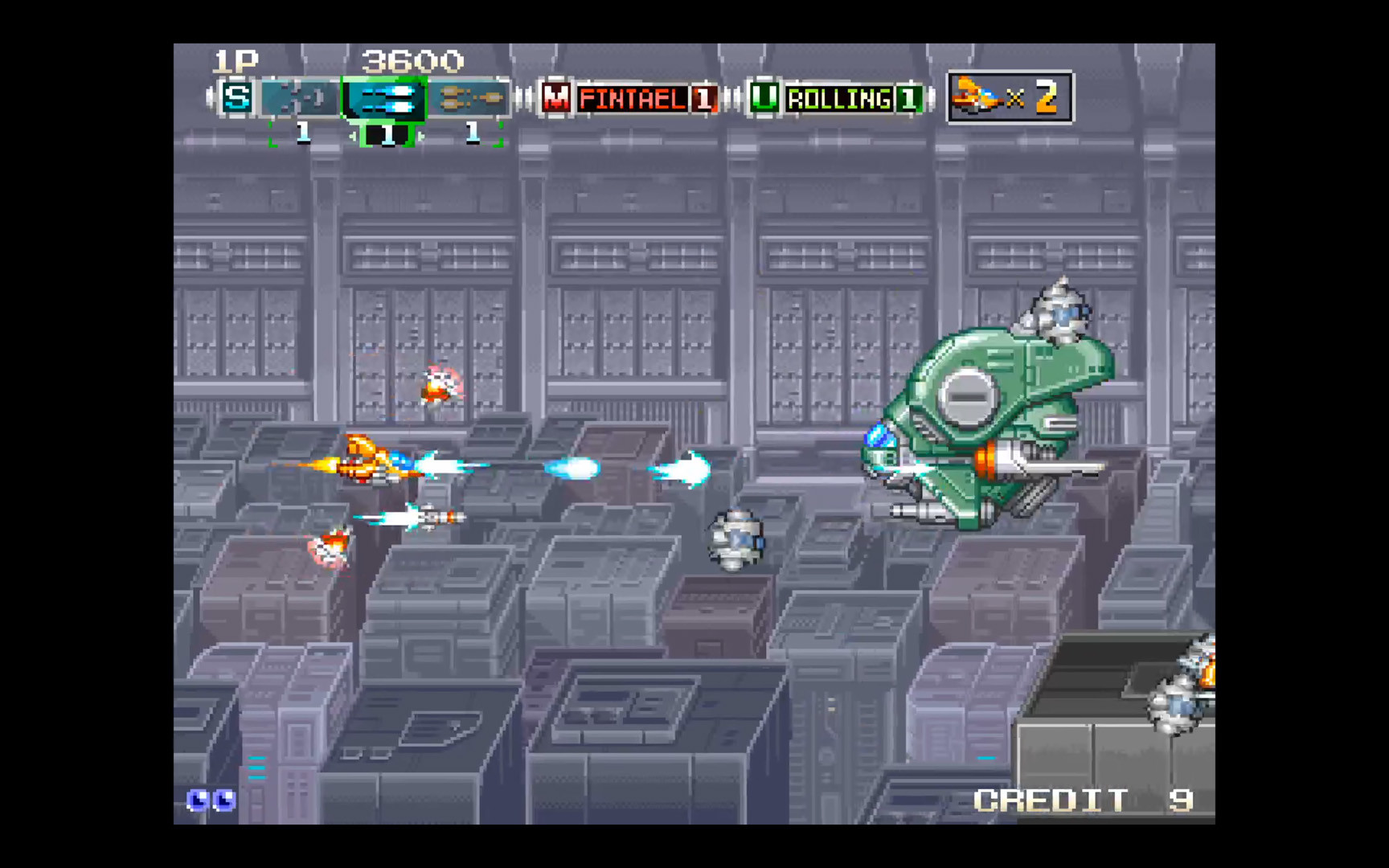
The game is a horizontal scrolling arcade shooter where the player controls a battle ship moving across a space backdrop. Enemies appear in organized waves, requiring navigation and firing to survive each stage.
Only single‑player mode is documented, and the title lists partial controller support for Windows users. This indicates that some controller input is accepted, though the exact extent is not detailed.
- Observe enemy wave patterns to anticipate movement requirements.
- Test the available controller input to see which actions respond.
03 / THE GUIDE
Weapon Types
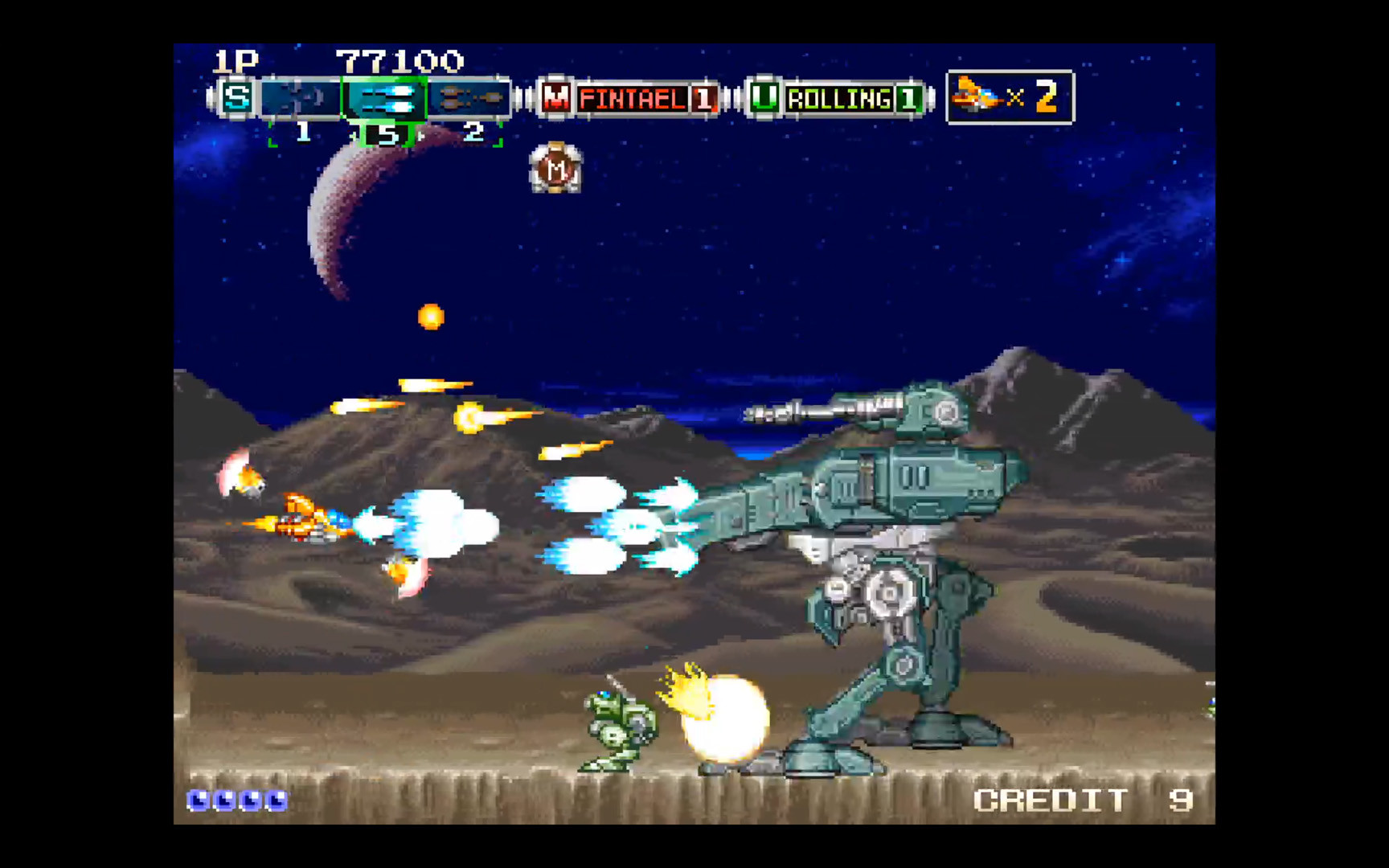
Players can fire a variety of weapons, including lasers, hawk projectiles, and homing missiles. Each weapon type provides a distinct firing behavior, allowing different tactical approaches against enemy formations.
The description emphasizes immediate combat options without mentioning upgrade paths, suggesting that weapon choice is the primary method for adapting to varied enemy threats during a run.
- Try homing missiles when facing dense clusters of enemies.
- Switch between laser and hawk weapons to match enemy speed and formation.
04 / THE GUIDE
Power‑Up System
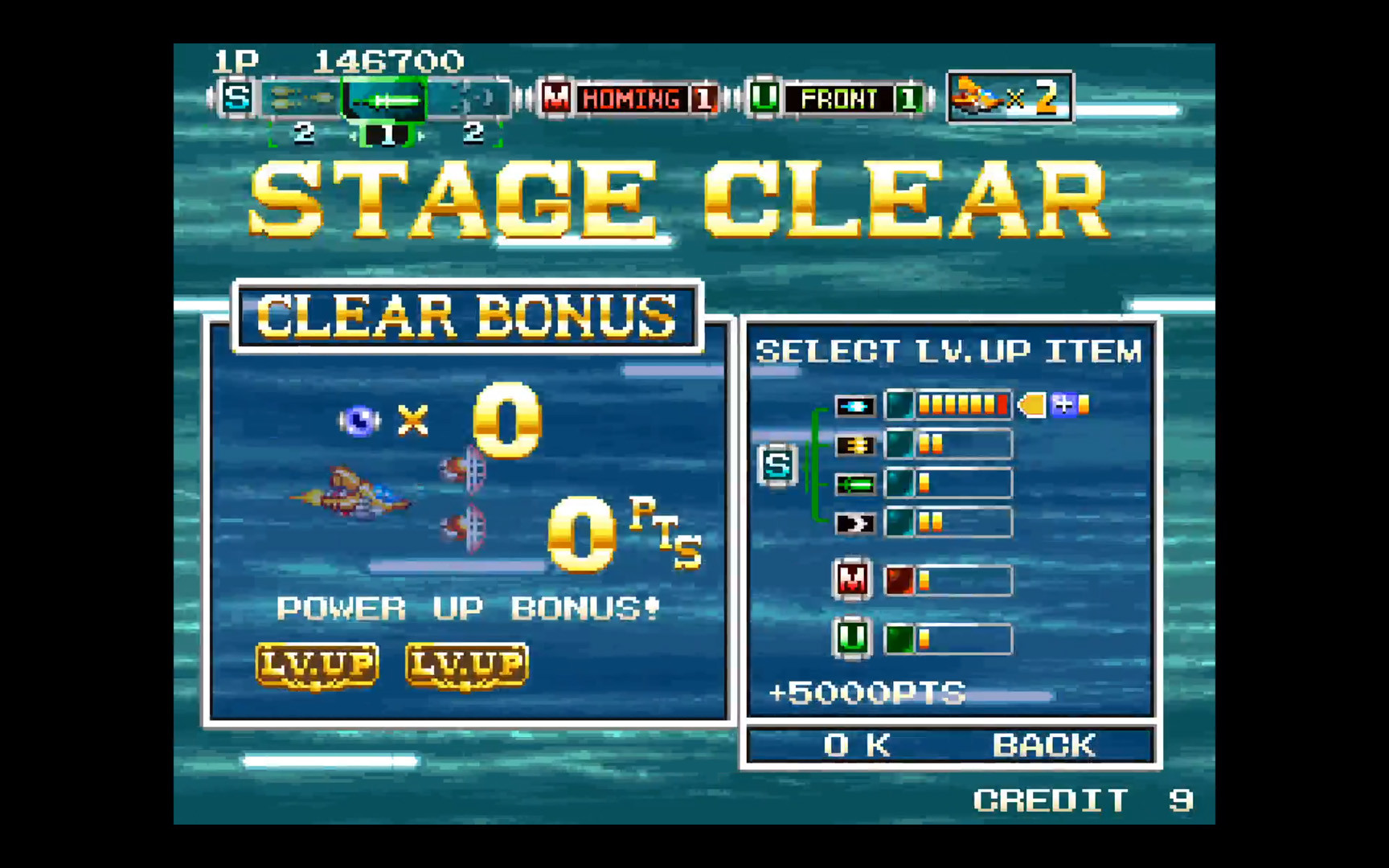
Defeating enemies yields power‑ups that can be collected during a run. This system encourages aggressive play, rewarding players for destroying foes along the way.
Power‑ups are collected by eliminating enemies during a run, making in‑level enemy destruction the documented way to obtain them.
- Focus on eliminating enemies quickly to generate more power‑ups.
- Watch for groups that drop multiple upgrades after a single kill.
05 / THE GUIDE
Music and Audio
The soundtrack is composed by Allister Brimble, known for titles such as Alien Breed and Superfrog. His music provides an energetic backdrop that matches the fast‑paced space battles.
The soundtrack reinforces the arcade atmosphere, and no gameplay effects are described for the music, so its role remains atmospheric.
- Listen for musical shifts that may accompany changes in the action.
- Adjust volume levels to keep sound effects audible over the music.
COMMUNITY
Player discussion