 GameWiki

GET YOUR BEARINGS
About and Roger
and Roger is an interactive novel that places you directly in the protagonist’s perspective, letting you question whether what you see is reliable.
The story is divided into three chapters and can be finished in roughly one hour.
It offers a single‑player experience with full controller support, a mouse‑only option, custom volume controls, save‑anytime, stereo sound, Steam Cloud, Family Sharing, and runs on Windows and macOS.
01 / THE GUIDE
Story Structure
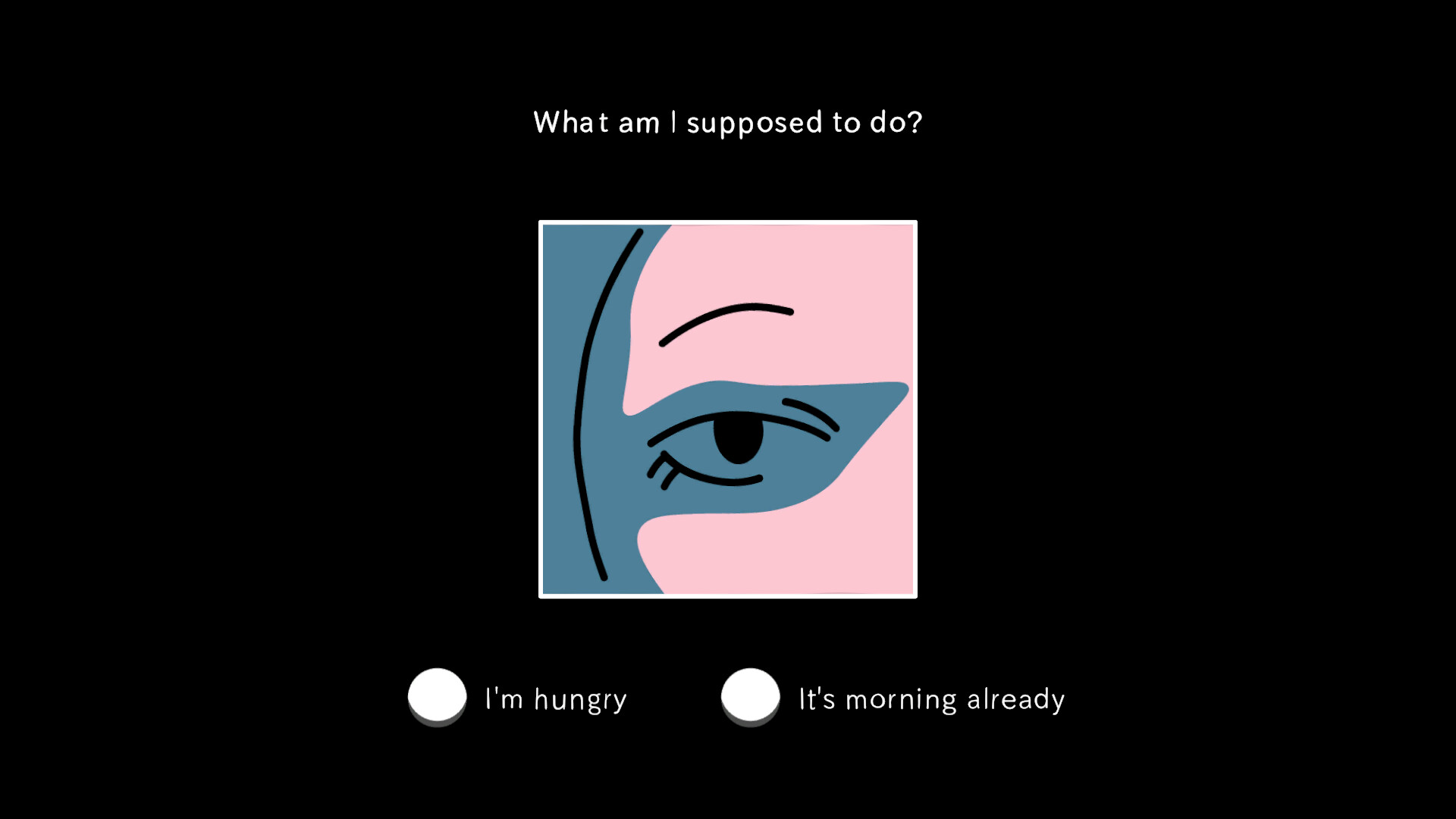
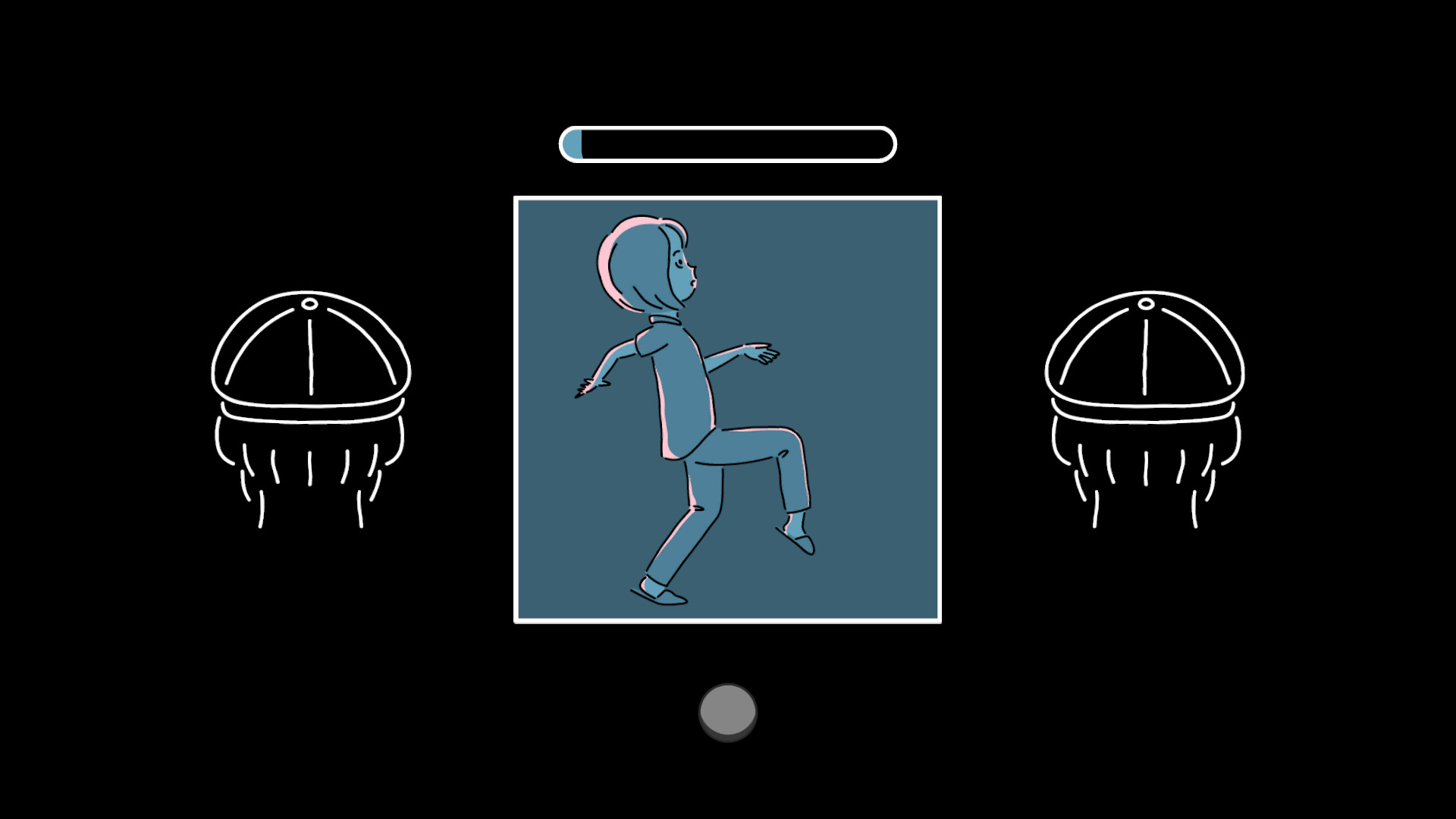
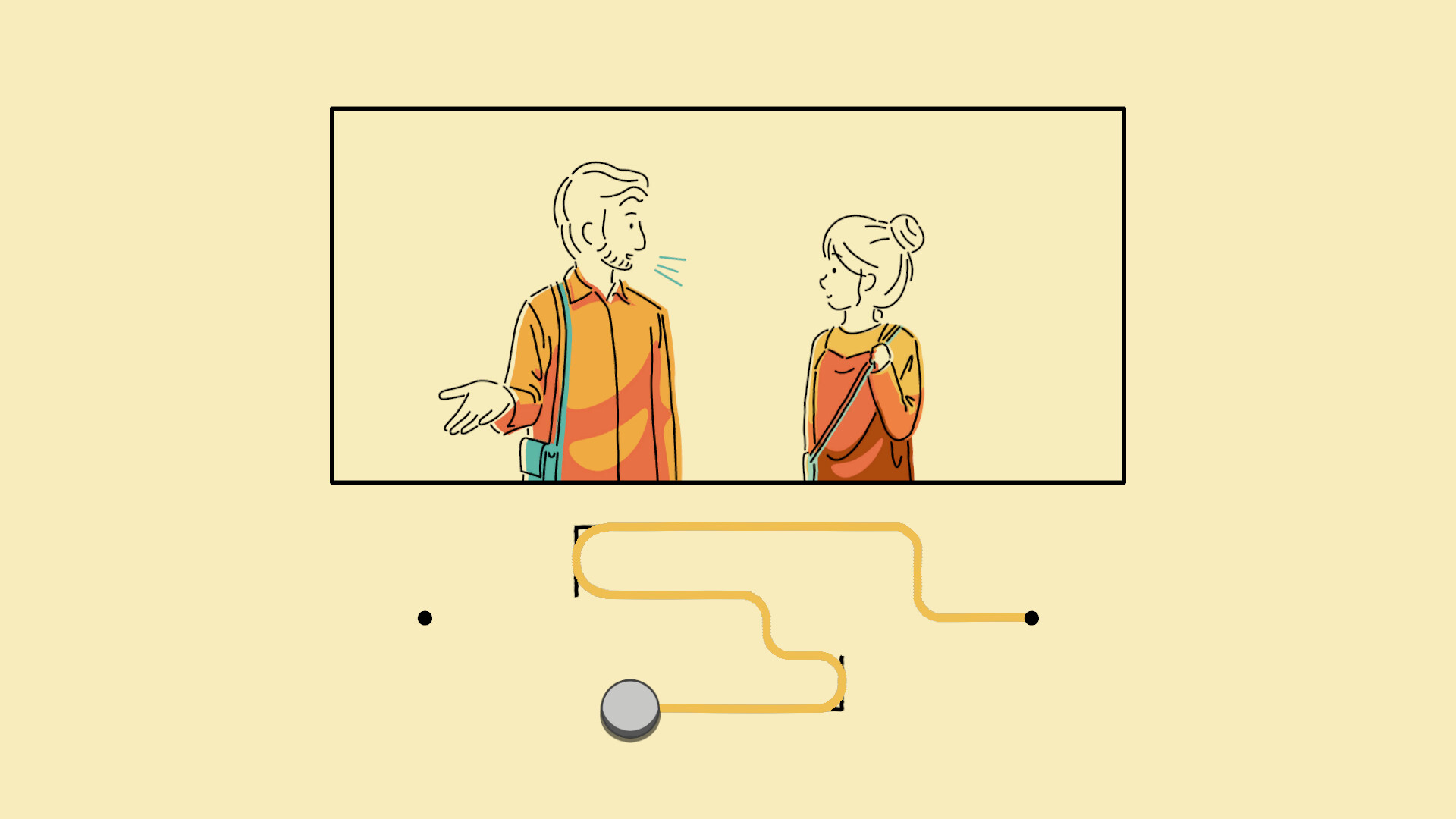
The narrative follows a young girl who wakes up, prepares for the day, and immediately senses that something is wrong. When she finds a stranger on the couch instead of her father, she flees the house and walks a twisting path that reveals more of the unsettling situation.
The game is split into three chapters, each presenting new visual and dialogue moments that deepen the mystery.
- Observe visual cues; they may hint at the protagonist’s unreliable perception.
- Pay attention to dialogue, as the story is delivered through the girl’s point of view.
02 / THE GUIDE
Platform Availability
and Roger is officially released for Windows and macOS; no Linux version is listed. This covers the majority of PC gamers on those operating systems.
Steam features such as achievements, cloud saves, and family sharing are supported, allowing progress to be retained and the game to be shared within a household.
- Enable Steam Cloud before playing to keep your save data synchronized.
- Use Family Sharing to let multiple accounts access the game without separate purchases.
03 / THE GUIDE
Control Options
The title provides full controller support, including DualSense compatibility, as well as a mouse‑only option for point‑and‑click interaction. Custom volume controls let you adjust overall audio levels.
- Both input methods are available; try each to see which feels most natural for you.
- Adjust the custom volume controls if the overall audio feels too loud or quiet.
04 / THE GUIDE
Save System
Players can save at any point, giving flexibility to pause and resume the hour‑long experience. Saved games are synchronized with Steam Cloud, so the same file appears on any device linked to the account.
The save‑anytime feature lets you preserve your progress without restricting narrative flow.
- Create a save before a major moment if you want to revisit it later.
- Confirm that Steam Cloud sync is active after each session.
05 / THE GUIDE
Audio Experience
Stereo sound delivers a clear auditory landscape that complements the visual storytelling. The custom volume controls let you raise or lower the overall level to suit your listening environment.
Audio cues often align with the protagonist’s emotional state, offering subtle hints about the unfolding mystery.
- Use headphones to experience the stereo sound design fully.
- Raise overall volume if dialogue becomes difficult to hear.


COMMUNITY
Player discussion