 GameWiki
GET YOUR BEARINGS
About Ancient Warfare 3
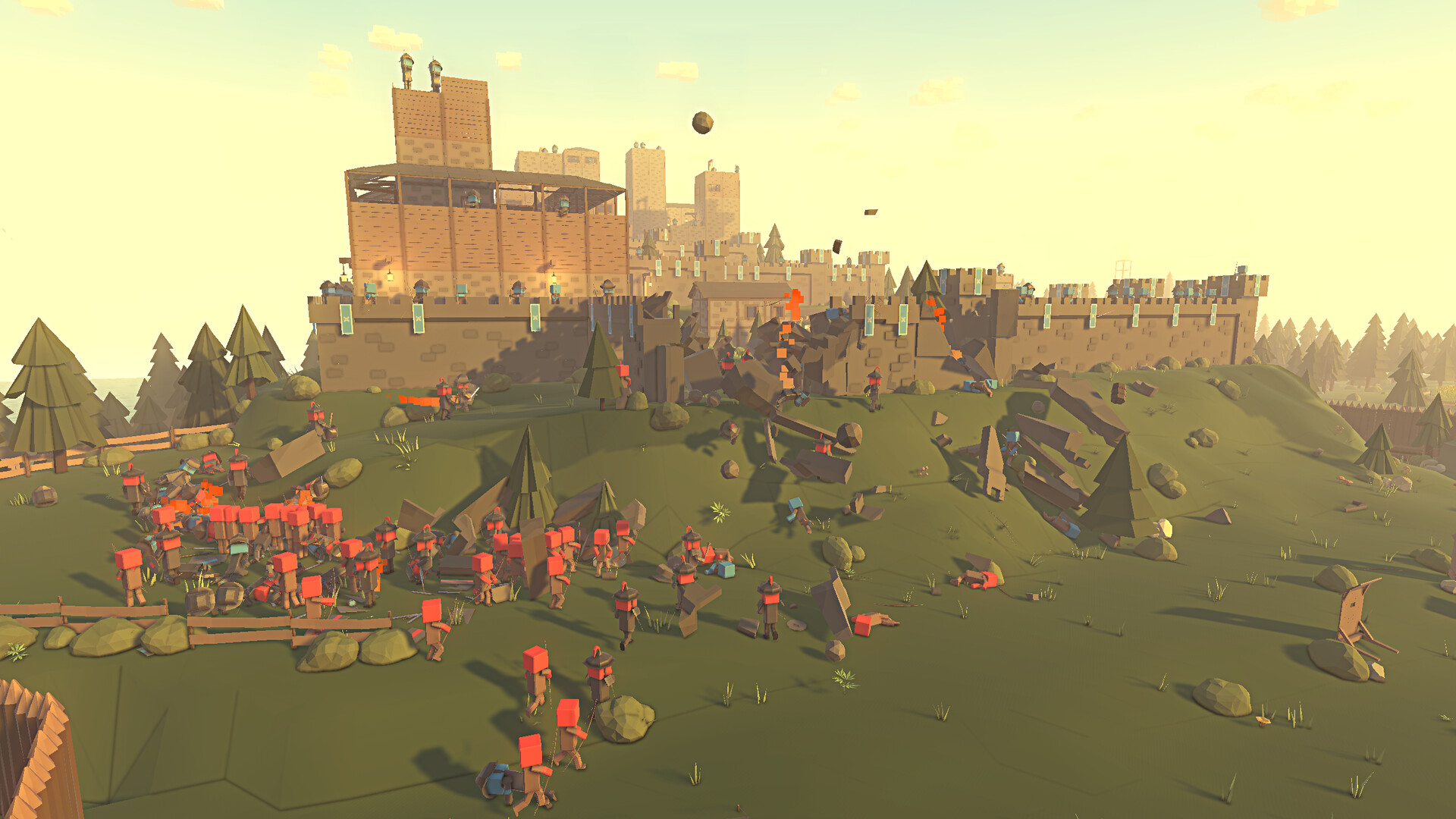
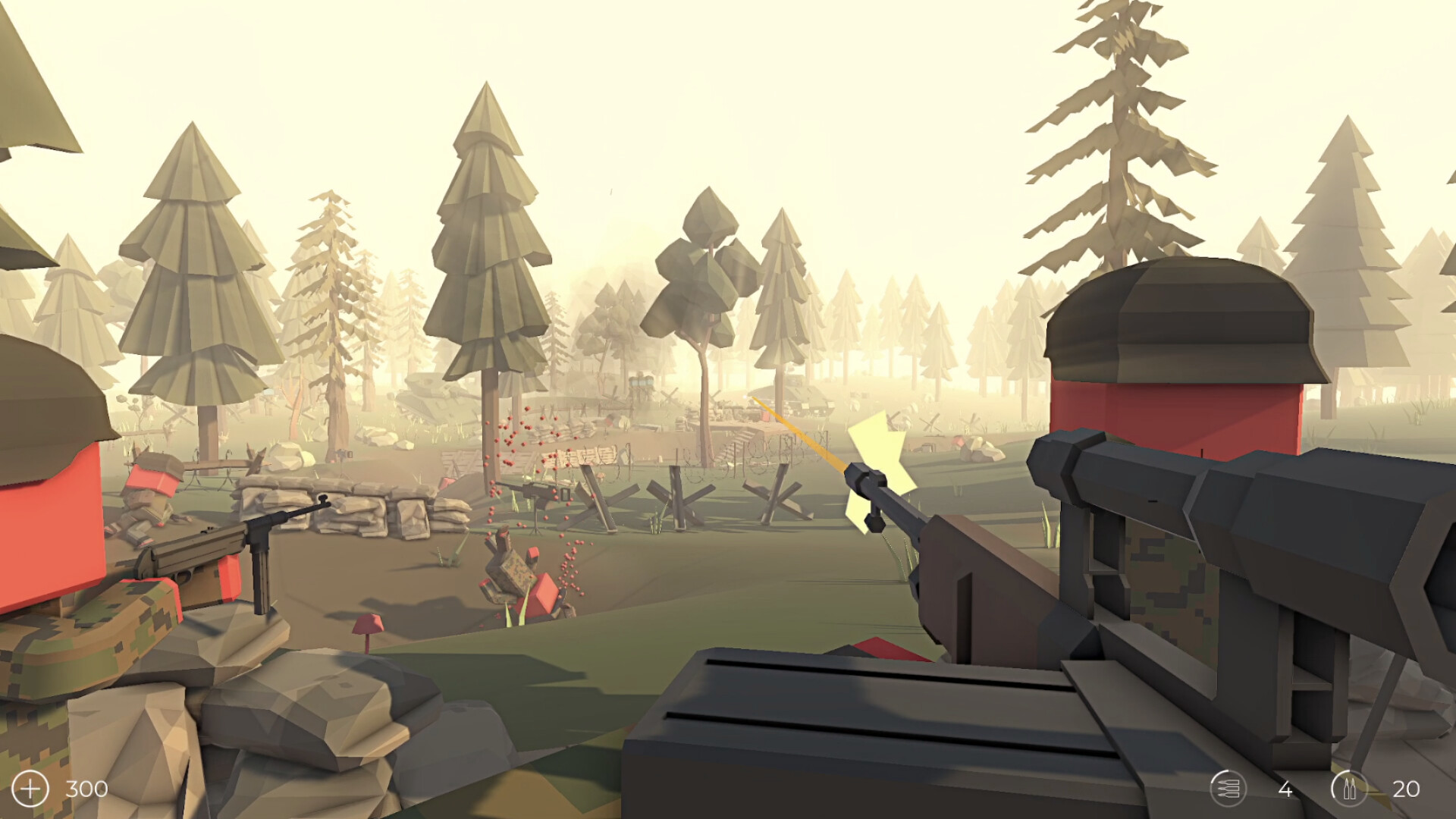
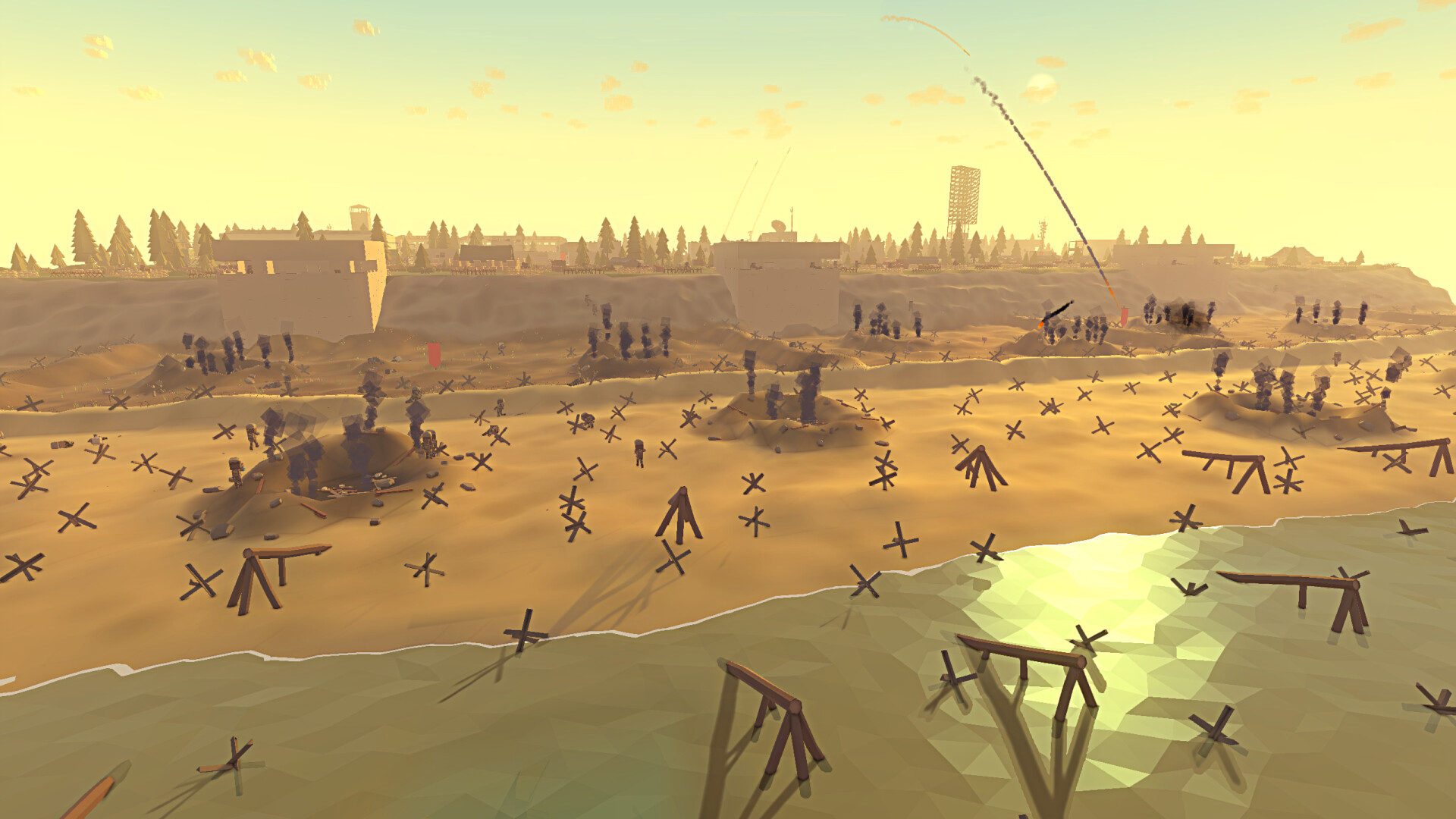
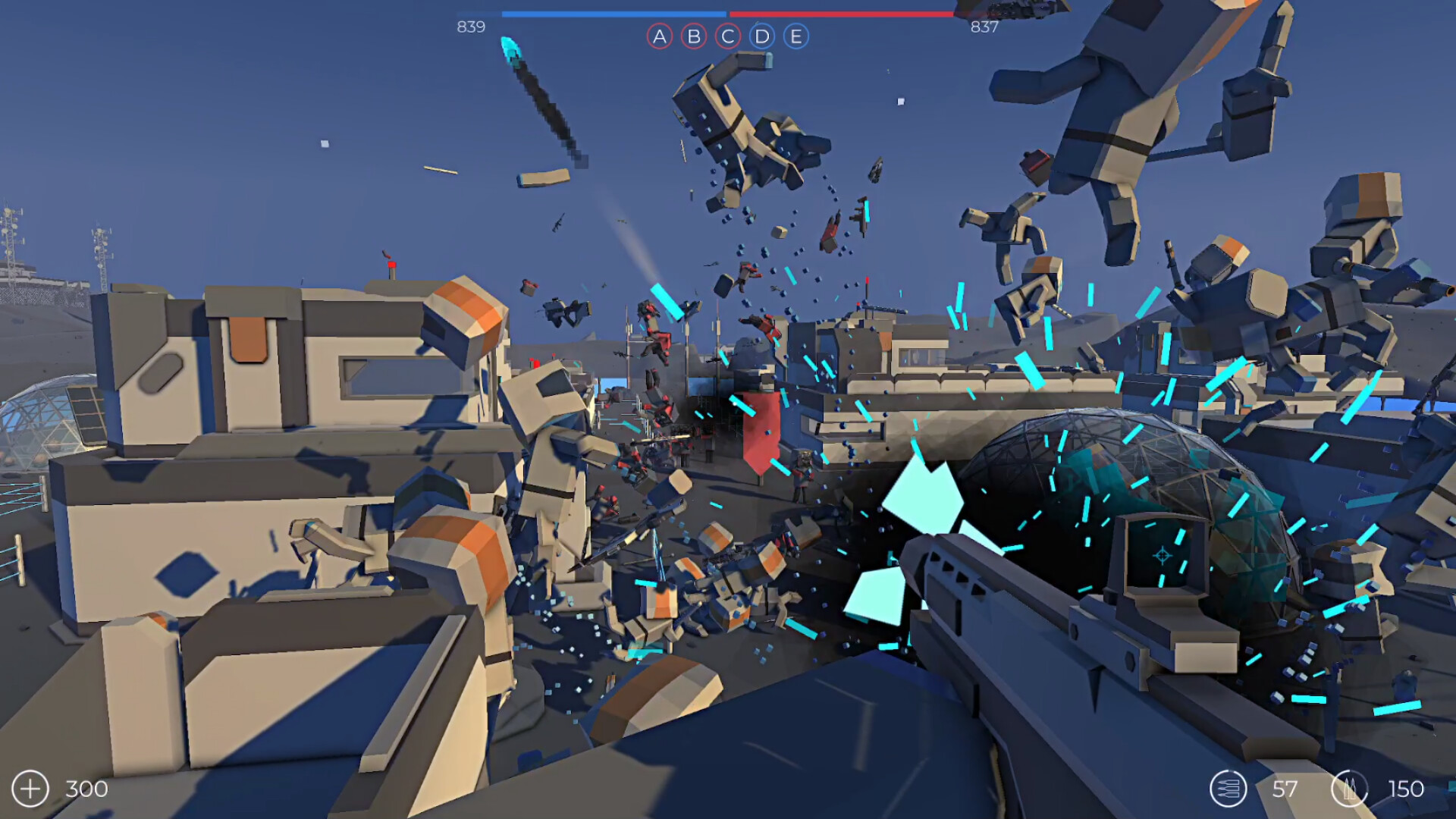
Ancient Warfare 3 is a sandbox‑style action game that emphasizes player‑driven customization. Players can pick from a range of modes—including deathmatch, conquest, king of the hill, and zombie survival—and then tailor the battlefield with a robust editor suite. The title spans eras from the stone age to futuristic sci‑fi, offering thousands of units, objects, and equipment, plus deep Steam Workshop support for sharing and downloading community creations.
01 / THE GUIDE
Game Modes
The core experience includes several predefined modes such as deathmatch, conquest, king of the hill, and zombie survival. Each mode sets its own win conditions and pacing, letting players focus on pure combat or objective‑based play.
Beyond the built‑in options, the custom battle editor lets you design new modes by adjusting rules, environment, and unit behavior, giving you total control over how a match unfolds.
- Try mixing a fast‑paced deathmatch layout with strategic choke points for varied combat.
- Experiment with zombie survival rules to test how different unit load‑outs hold up against waves.
02 / THE GUIDE
Custom Battle Editor
The custom battle editor is the central tool for creating scenarios. You can place units, objects, and traps, then adjust each element’s settings to define behavior, equipment, and environmental effects.
Every scenario can be saved, played, or shared through Steam Workshop, allowing others to experience your designs without additional setup.
- Start with a small map to test unit interactions before expanding the battlefield.
- Use the editor’s rule settings to create unique win conditions beyond the default modes.
03 / THE GUIDE
Custom Unit Editor
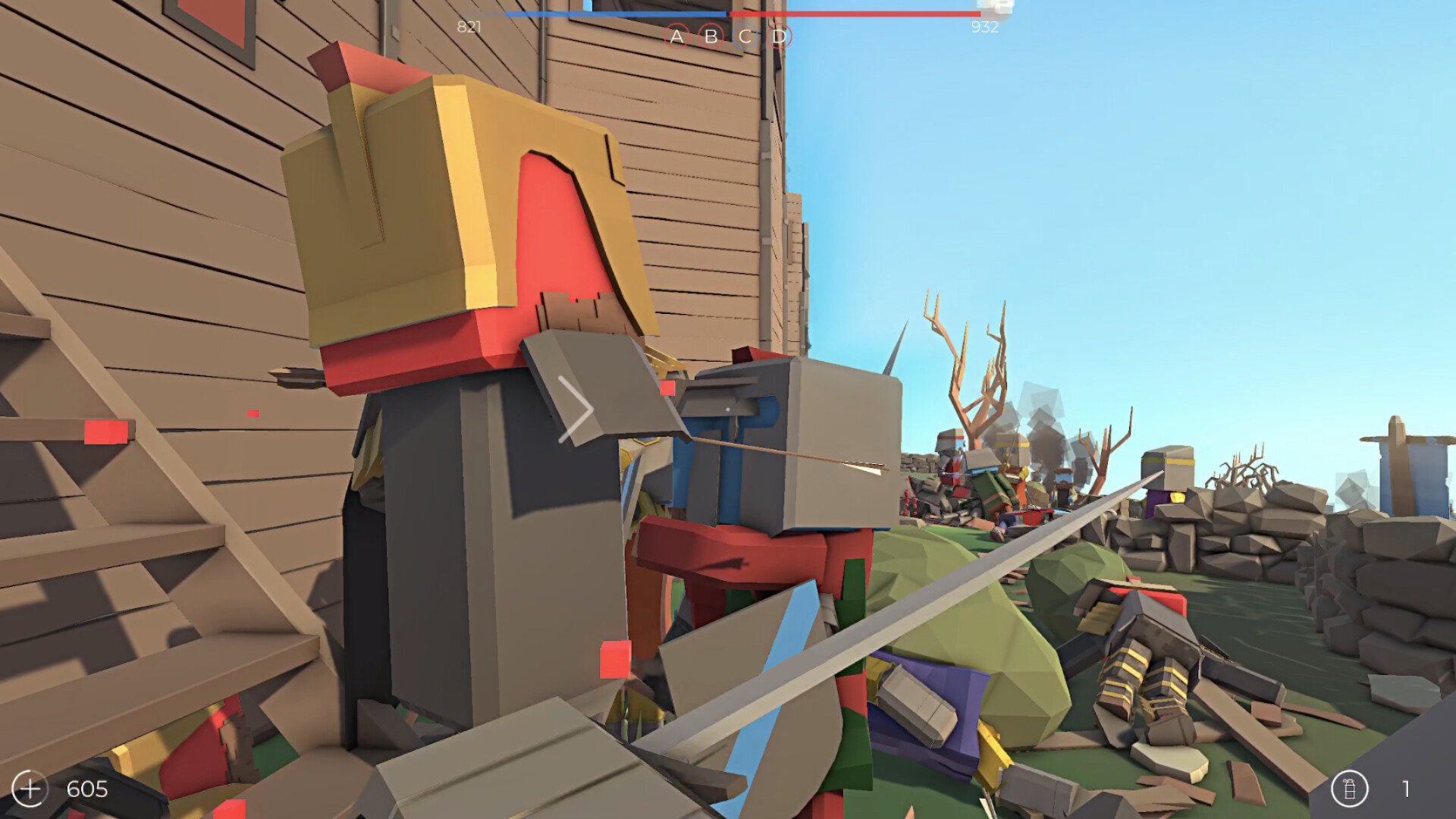
The custom unit editor lets you build detailed units, assigning equipment slots, colors for armor and clothing, and other visual tweaks. This depth enables the creation of both historically accurate troops and imaginative sci‑fi fighters.
Units crafted here can be dropped into any battle or shared via the Workshop, expanding the pool of playable forces for the community.
- Use color adjustments to differentiate friendly and enemy squads at a glance.
- Balance equipment choices to keep custom units competitive in varied modes.
04 / THE GUIDE
Steam Workshop Integration
Steam Workshop is tightly integrated, offering access to over 23,000 community battles, 5,900 prefabs, 25,000 units, and thousands of equipment items. You can both upload your creations and download others’ work directly from the game.
This library provides a constant stream of fresh content, from full campaigns to single‑battle scenarios, keeping the sandbox experience lively.
- Browse prefabs for quick building blocks when designing a new map.
- Browse community battles to find scenarios that suit your playstyle.
05 / THE GUIDE
Visual Scripting Engine
An event‑based visual scripting engine gives players the ability to script custom behaviors for battles, units, objects, and the player themselves. No code is required; you connect events and actions in a visual interface.
Through scripting you can craft unique rules, trigger environmental effects, or create complex AI patterns that react to in‑game conditions.
- Begin with simple triggers, like spawning a unit when a flag is captured.
- Layer multiple events to produce dynamic battlefield moments, such as timed environmental hazards.
COMMUNITY
Player discussion