 GameWiki
GET YOUR BEARINGS
About Ambidextro
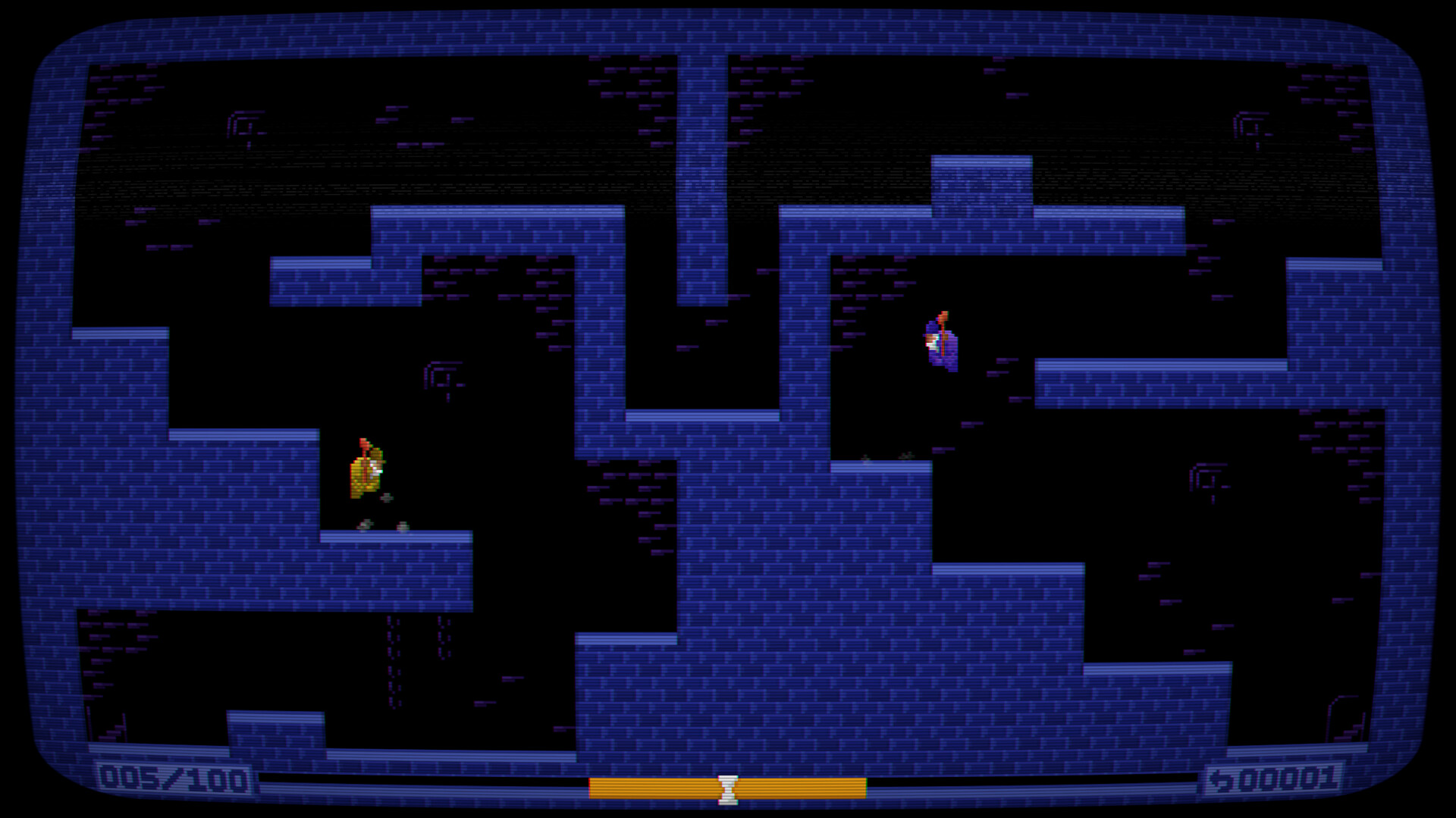
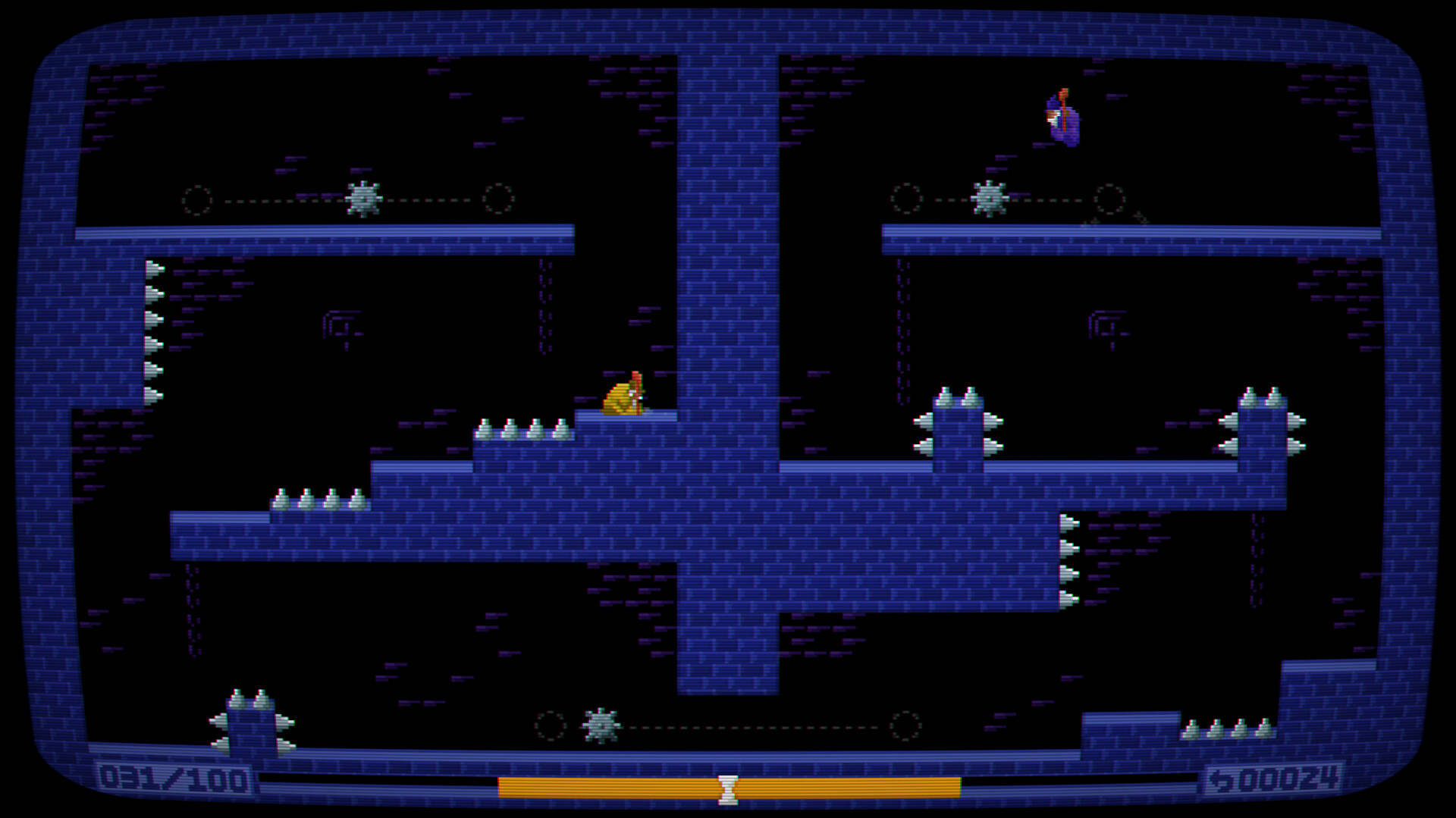
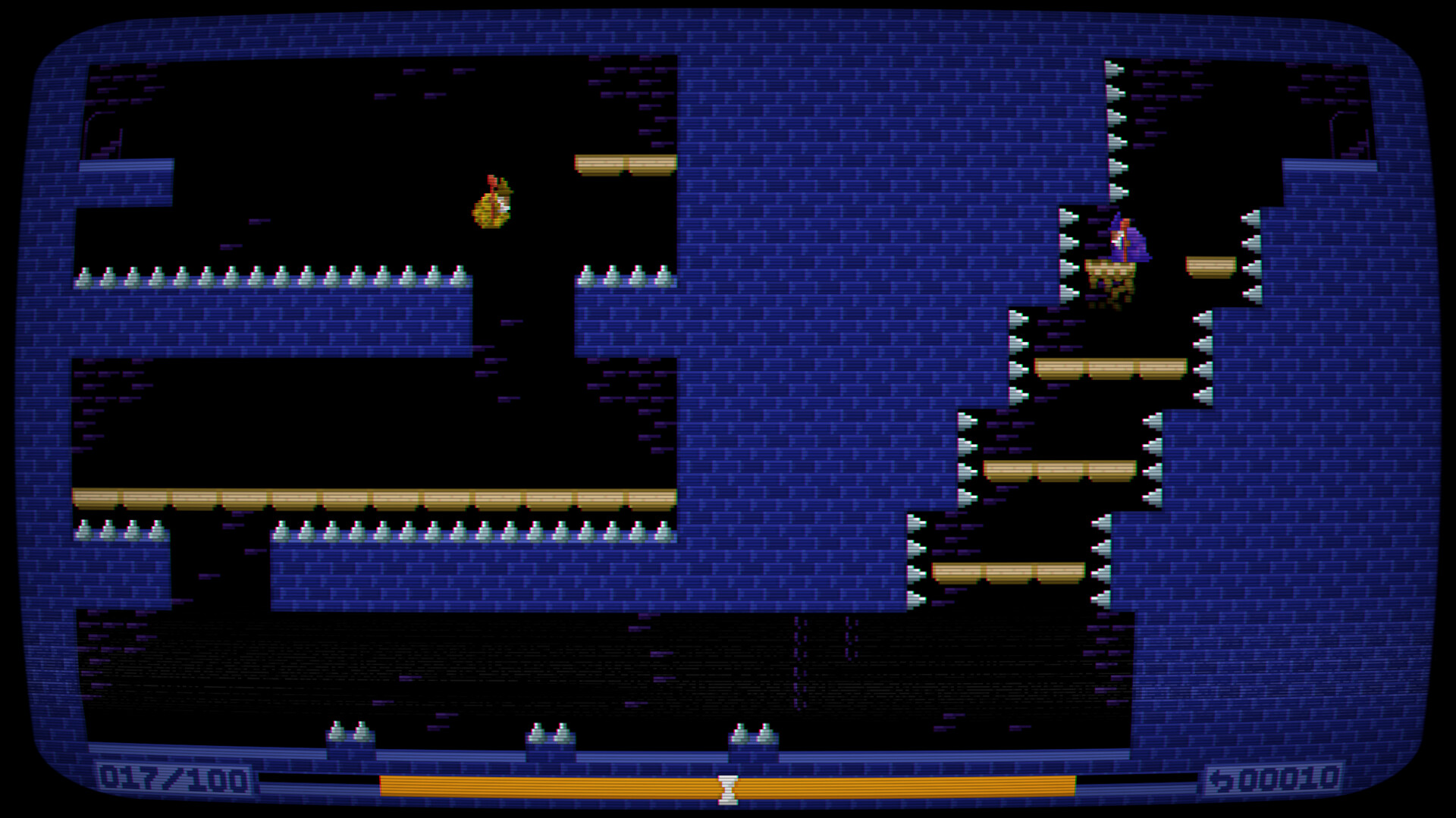
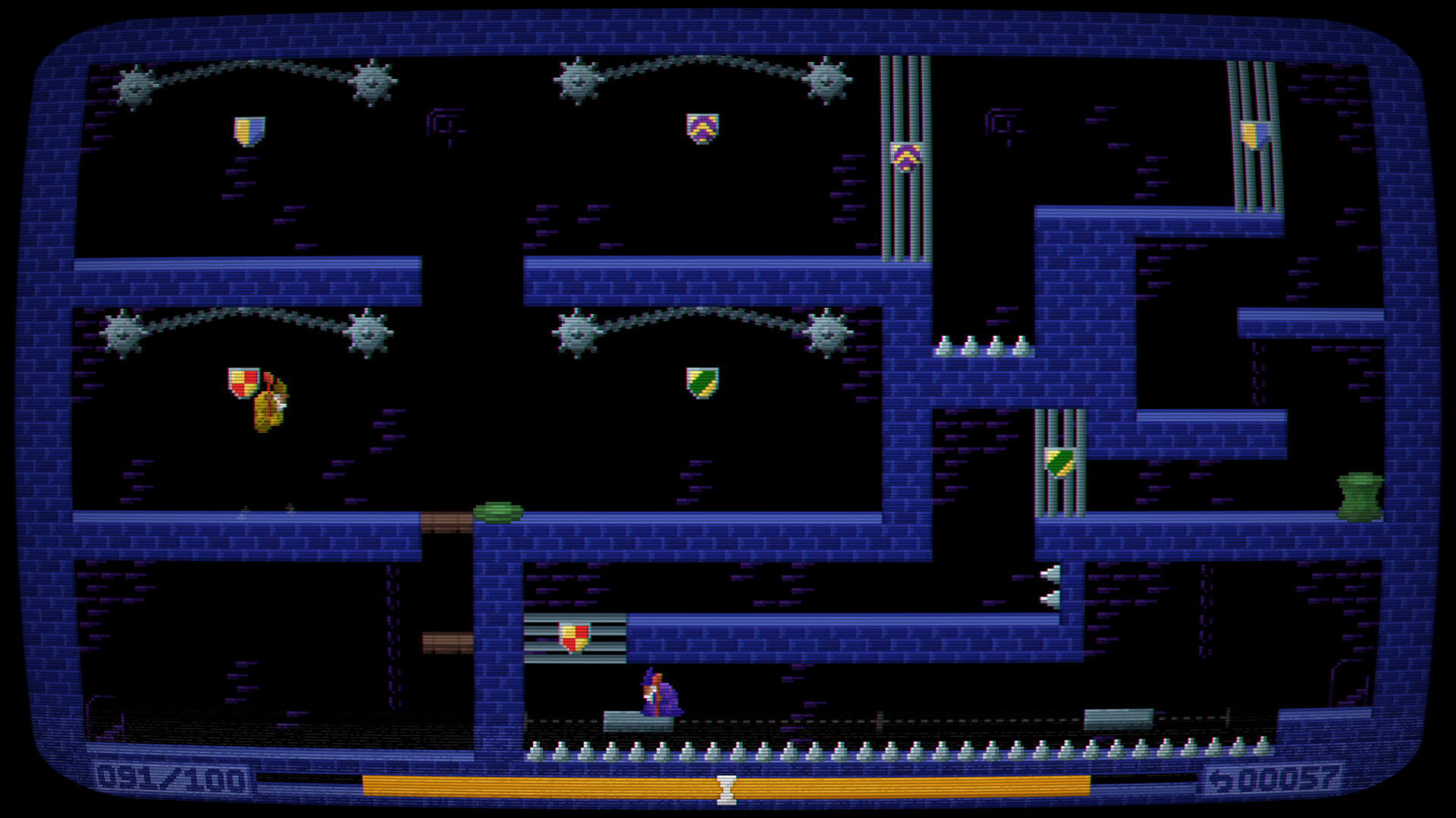
In Ambidextro you play a split royal wizard, each half controlled by a different hand. The game presents quick, single‑screen platforming stages where you must guide both halves toward each other before time expires. With a retro dark‑fantasy look and dungeon‑synth soundtrack, the title challenges coordination across 100 increasingly demanding levels.
01 / THE GUIDE
Gameplay Mechanics
Each hand controls its own character, requiring simultaneous movement, jumps, and actions. The core objective is to reunite the two halves before the level timer runs out.
Success depends on learning to split focus, as the game gradually introduces more complex platform layouts and timing challenges.
- Start each level by scanning both halves’ positions to plan a meeting path.
- Practice steady rhythm rather than frantic button presses to improve coordination.
02 / THE GUIDE
Level Structure
The game offers 100 single‑screen levels, each designed as a self‑contained puzzle. Levels increase in difficulty, presenting increasingly demanding platforming challenges.
Because each level is isolated, you can focus on mastering the specific platforming patterns presented without carrying over progress complications.
- Treat early levels as tutorials; repeat them to build muscle memory.
- Notice recurring obstacle types to anticipate required timing.
03 / THE GUIDE
Audio & Atmosphere
Ambidextro’s visual style is described as retro dark‑fantasy, complemented by a dungeon synth soundtrack that reinforces the moody setting.
The consistent audio theme helps maintain focus, especially during the precise timing required for each half’s movements.
- Play with headphones to better hear subtle audio cues.
- Adjust volume so the music supports rather than distracts from timing.
04 / THE GUIDE
Platform Availability
Ambidextro is released for Windows, macOS, and Linux, making it accessible across the major PC operating systems.
The game supports full controller input, including DualShock and DualSense devices, allowing players to choose their preferred hand‑held controller.
- Test both controller types to see which feels more natural for split‑hand control.
- Check controller battery levels before long sessions to avoid interruptions.
05 / THE GUIDE
Achievements & Cloud
Steam Achievements are integrated, giving players milestones to track progress through the 100 levels.
Steam Cloud support is listed, so your progress can be saved through Steam's cloud service.
- Aim for early achievements to gauge skill development.
- Enable Cloud sync in Steam settings to preserve your progress.

COMMUNITY
Player discussion