 GameWiki
GET YOUR BEARINGS
About Amazing Frog?
Amazing Frog? drops you into Swindonshire, an open‑world sandbox where ragdoll frogs can be tossed, farted, and flung using the game’s bonkers physics. The world stretches from the town centre to surrounding countryside and even a lunar area, offering many places to explore.
The title supports solo play and up to four players sharing a split‑screen. You can cooperate, compete, or simply act independently, while collecting items, taking odd jobs, and experimenting with the Magical Mystery Toilet for strange transformations.
01 / THE GUIDE
Open‑World Sandbox
Swindonshire is presented as a large, open environment where players can move freely. The description mentions the town, surrounding countryside, and a moon, indicating a variety of locations to discover.
Physics are described as “bonkers,” allowing frogs to be thrown in exaggerated ways. This encourages creative navigation and chaotic movement across the map.
- Observe how different launch angles affect frog distance.
- Try using high ground to extend travel range.
02 / THE GUIDE
Split‑Screen Multiplayer
The game supports up to four players on a shared screen, listed under both co‑op and PvP modes. This lets groups decide whether to cooperate or compete.
Split‑screen can host independent exploration alongside shared activities, since the description says players can “do your own thing.”
- Coordinate screen space early to avoid crowding.
- Switch between co‑op and PvP to vary the session.
03 / THE GUIDE
Item Collection
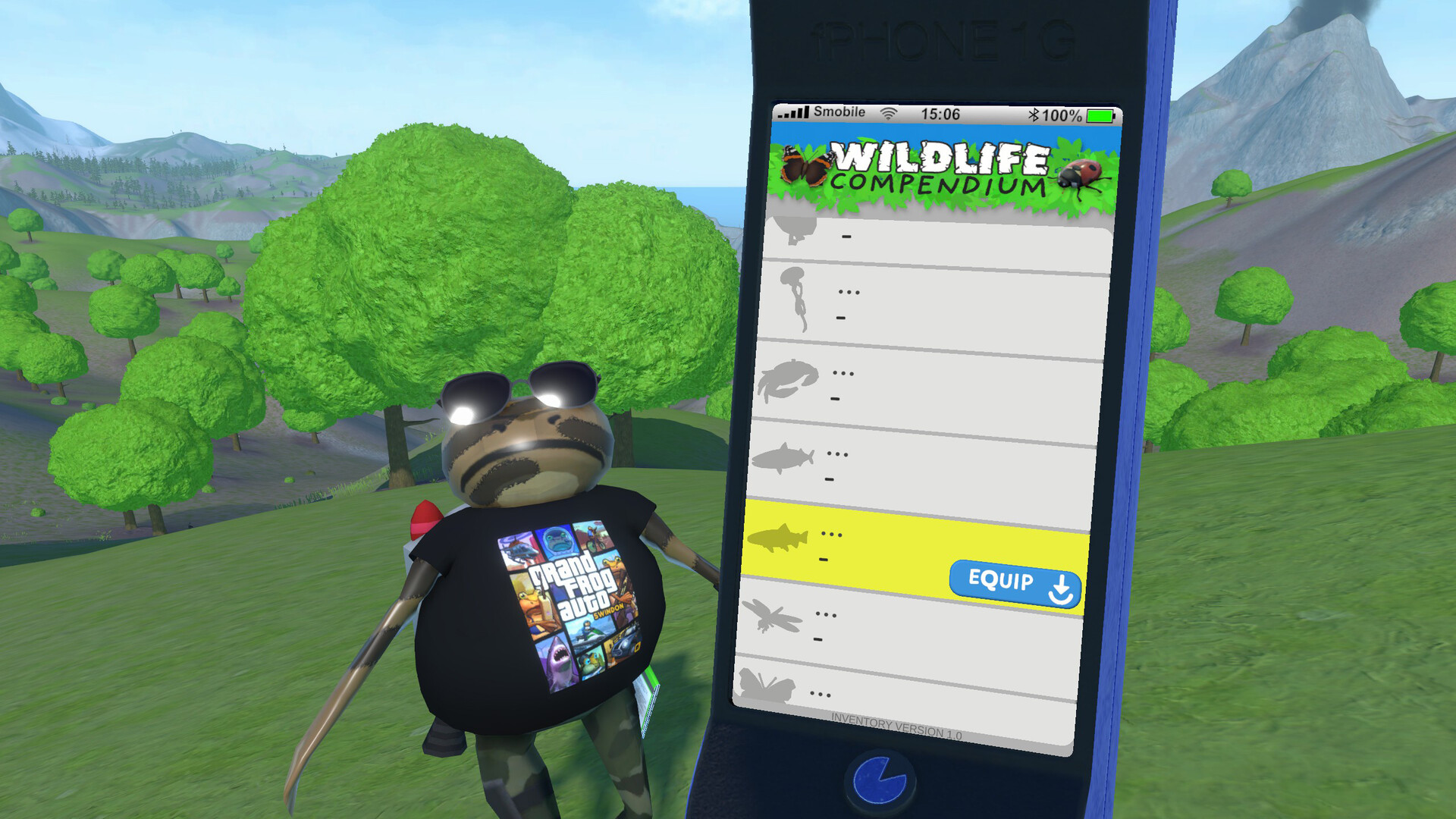
Players can gather a wide range of objects, including berries, jam jars, zombie flesh, money, skulls, fish, and dead pigeons. The description notes a large inventory capacity.
A vacuum tool is mentioned for faster bulk collection, and money can be loaded up in the Bank of Swindon as part of getting rich.
- Use the vacuum when clusters of small items appear.
- Prioritise high‑value items such as money and skulls.
04 / THE GUIDE
Odd Jobs
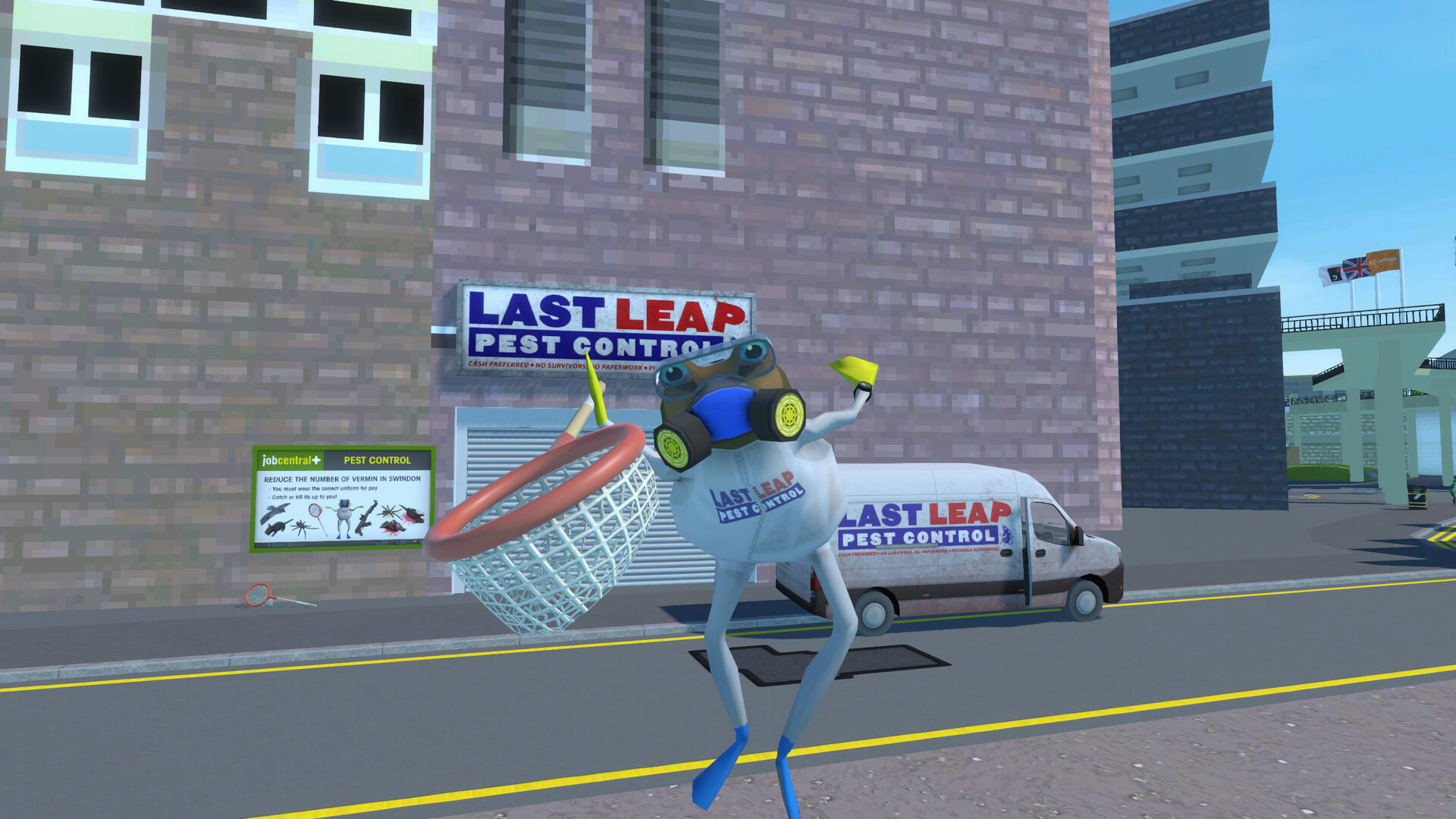
Swindonshire offers jobs like driving a taxi and collecting trash on “Bin Day,” providing additional ways to earn money.
The description hints at other jobs around Swindon, encouraging players to explore the map for further income opportunities.
- Try the taxi job after acquiring a vehicle.
- Check for “Bin Day” events to maximise trash earnings.
05 / THE GUIDE
Magical Mystery Toilet
Flushing items into the Magical Mystery Toilet triggers “transformative effects,” and the description notes that repeated flushes can intensify the magic.
The toilet’s behavior is compared to “real life,” suggesting that the more you flush, the stronger the effect becomes.
- Start with low‑value items to observe basic effects.
- Repeat flushing the same item to see intensified changes.

COMMUNITY
Player discussion