 GameWiki
GET YOUR BEARINGS
About Amazing Frog? 2
Amazing Frog? 2 drops you into SwindonShire, an open‑world sandbox described as a “buffet of bonkers physics sandbox…ness.” The city includes a coffee shop, a fart‑gym, a seaside drive and other quirky locations for freeform exploration.
The title offers single‑player and up to four players locally or via Remote Play Together. Full controller support is listed, and the game runs on Windows, macOS and Linux.
01 / THE GUIDE
Open World Sandbox
SwindonShire is presented as an open world where you can hop around the city and visit distinct spots such as Frog Milk Coffee, the fart gym and a seaside drive. The description calls the setting a “buffet of bonkers physics sandbox…ness,” indicating a non‑linear environment.
The world contains many interactable objects, from balloons and tanks to eggs and sports balls. Because the description says “loads of different items to interact with (but not limited to),” the sandbox encourages experimentation with physics‑driven antics rather than following a scripted path.
- Visit each named location to see how the surrounding scenery influences object behavior.
- Try interacting with multiple object types in the same area to observe combined physics effects.
02 / THE GUIDE
Multiplayer Modes
Amazing Frog? 2 offers four‑player local multiplayer and four‑player remote play, covering split‑screen and online sessions. The feature list includes PvP, co‑op, and shared/split‑screen variations, so friends can either compete or collaborate within the same sandbox.
Friends can join Amazing Frog? in Swindon, sharing the game's open‑world sandbox setting. Players can see each other's actions in real time, whether racing, launching from cannons, or causing chaos together.
- Use Remote Play Together if you lack extra controllers, as the feature is explicitly supported.
- Coordinate simple physics experiments with friends to see how multiple players affect the same objects.
03 / THE GUIDE
Interactive Items
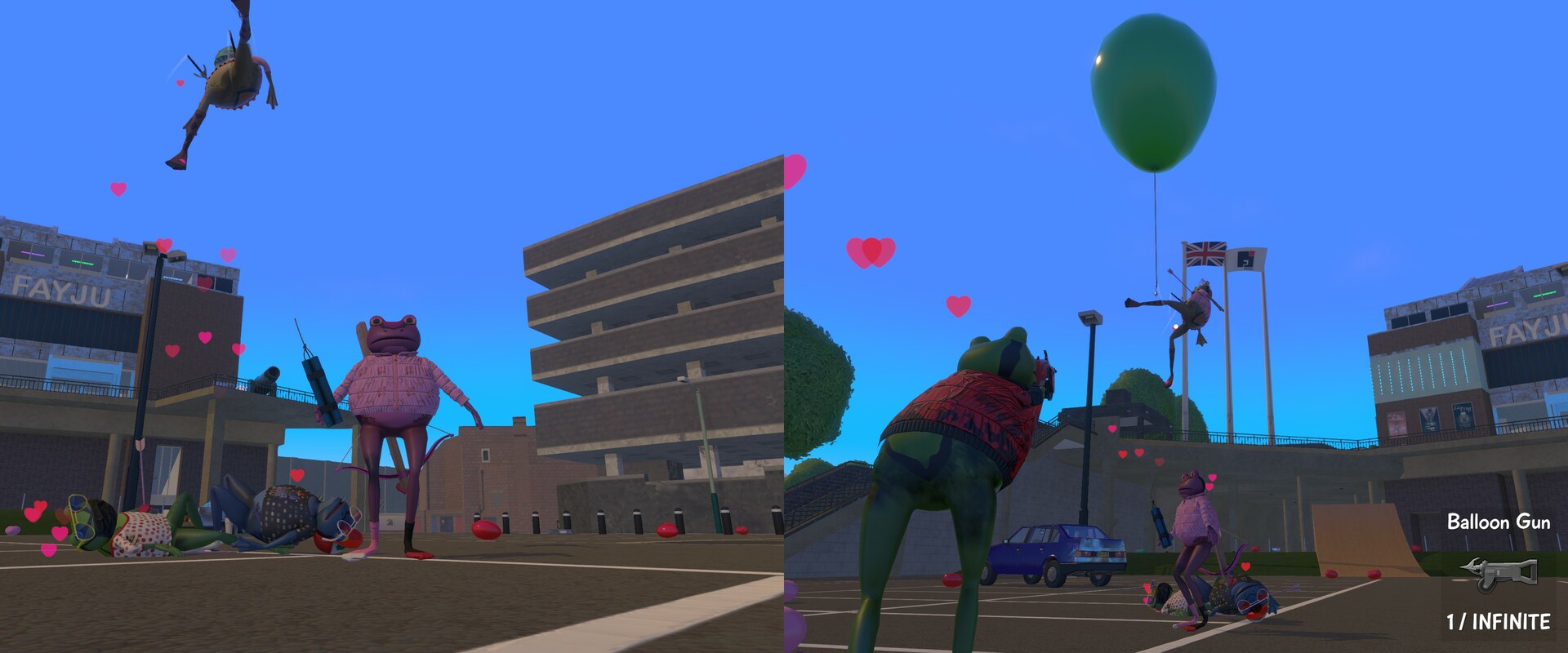
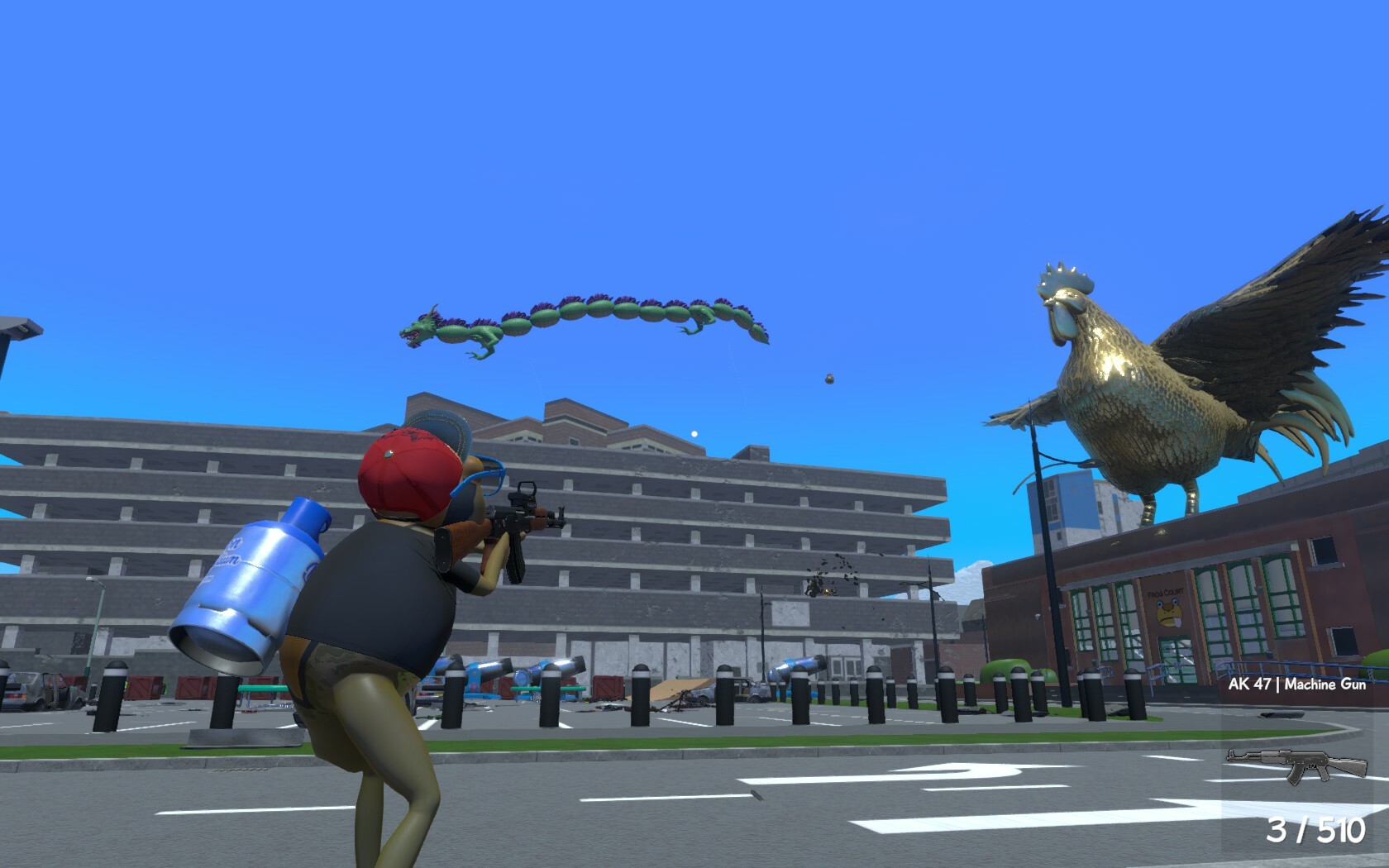
The game lists a broad range of interactable objects: balloons, tanks, eggs, weapons and sports balls. Because the description says “loads of different items to interact with (but not limited to),” the sandbox encourages mixing these items for unpredictable results.
In addition to static objects, the description mentions firing yourself from a cannon. This provides a player‑controlled physics launch, adding another layer of interaction that can be combined with other items for chaotic outcomes.
- Combine a weapon with a sports ball to test projectile behavior.
- Launch from the cannon before colliding with another object to see how momentum transfers.
04 / THE GUIDE
Rideable Creatures
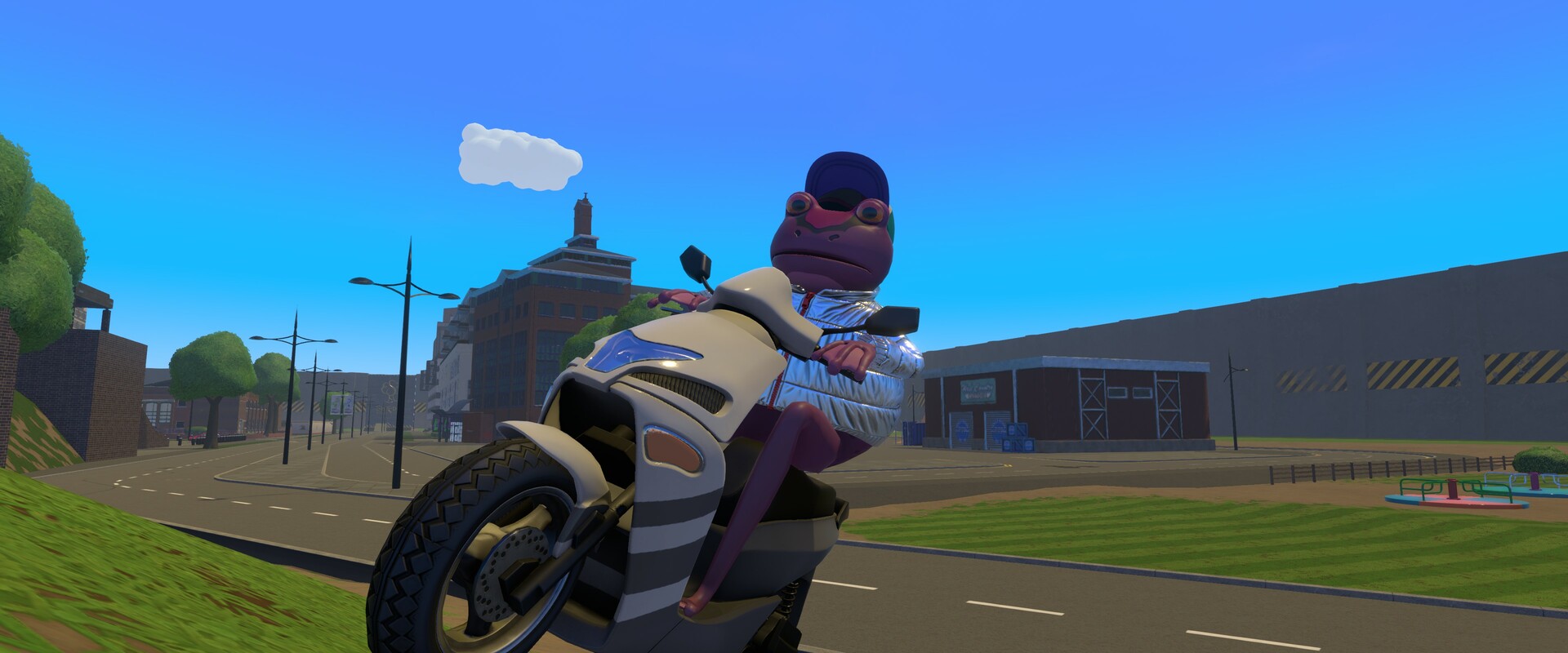
SwindonShire includes a “muddy pig waiting to be ridden,” indicating that at least one creature can be mounted for movement. The description also mentions “a nice, friendly race with some friends,” suggesting that riding can be used competitively.
Because the pig is described as “muddy” and rideable, it offers a mobility option distinct from hopping or cannon launches. This adds variety to how players traverse the city and interact with other players during races or co‑op play.
- Try a pig‑riding race in local co‑op to compare speed with other movement methods.
- Observe how the pig’s movement interacts with physics objects like balloons or tanks.
05 / THE GUIDE
Controller Support
The feature list includes Full controller support, DualShock Controller Support, DualSense Controller Support, and a note that a gamepad is recommended. This confirms the game can be played with a compatible controller.
Because the game also lists Remote Play Together and Shared/Split Screen, the controller can be used both locally and over the network, aligning with the recommendation to use a gamepad.
- Use a DualSense controller if you have one, as it is explicitly listed as supported.
- When playing split‑screen, ensure each player has a controller for the recommended experience.

COMMUNITY
Player discussion