 GameWiki
GET YOUR BEARINGS
About All Quiet Roads
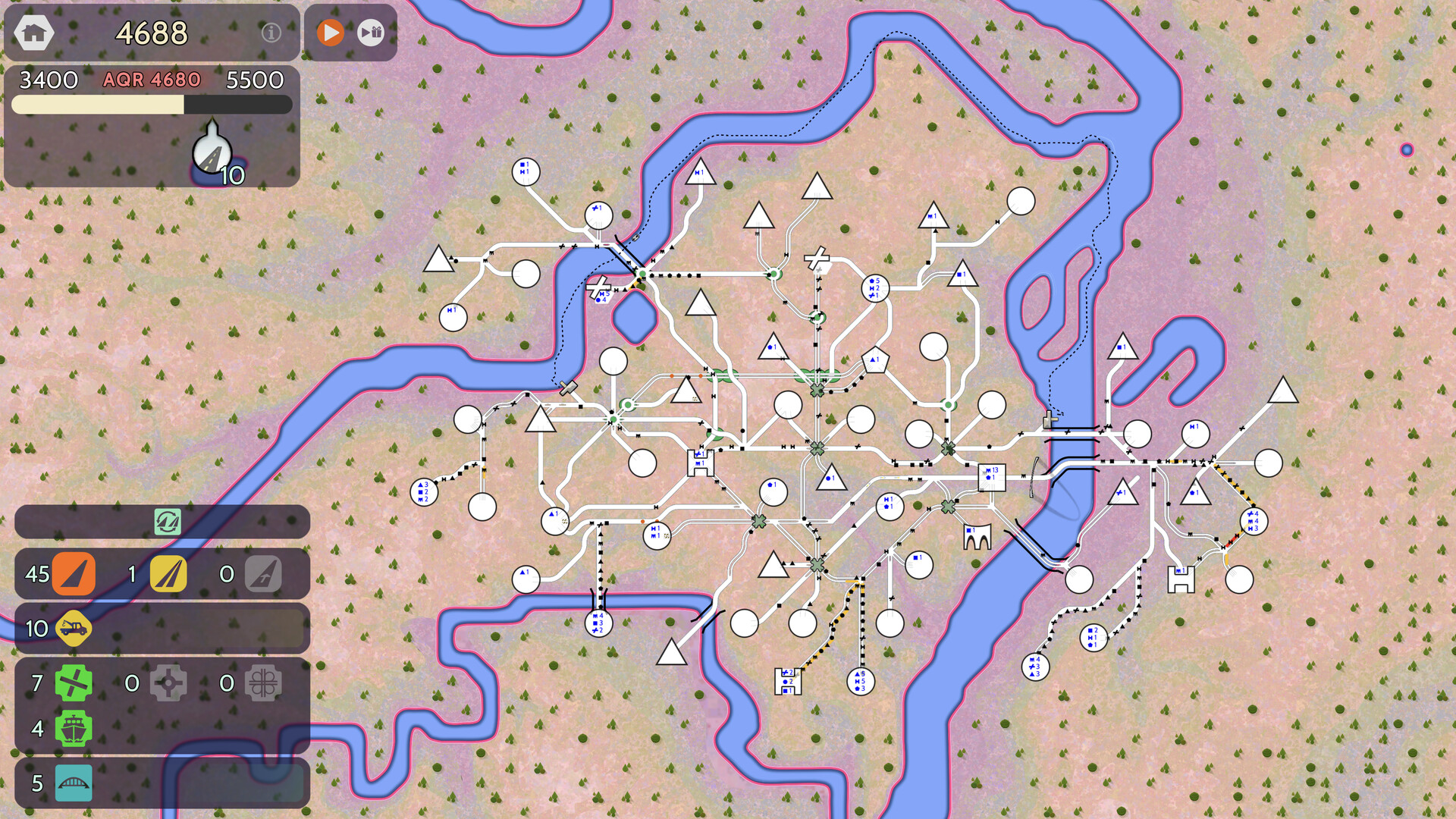
All Quiet Roads is a single‑player traffic‑management simulation where you place roads, bridges, tunnels and ferries to link expanding neighborhoods. Vehicles spawn in each district and travel to a destination type, following the routes you create.
Your primary objective is to keep every road out of the red‑warning state so the All Quiet Roads (AQR) score matches your raw trip count. Achieve city milestones, unlock new maps, and compete on Steam leaderboards while avoiding jammed neighborhoods that end the game.
01 / THE GUIDE
Road Construction and Inventory
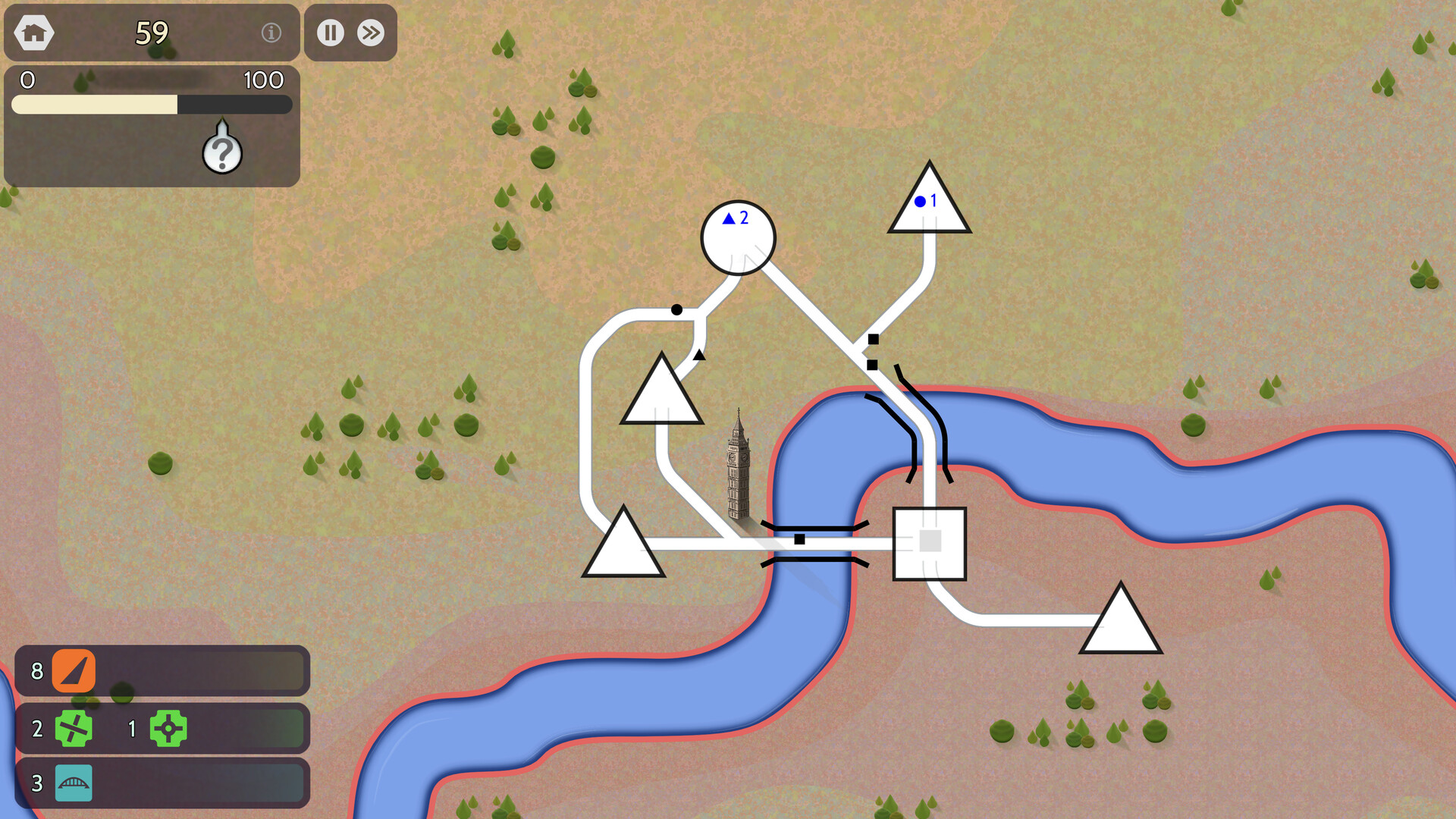
At the start of a city you receive a limited number of road pieces and may also have a few bridges or other items. As your raw score rises the game grants additional inventory, including faster freeway pieces that behave like regular roads but move traffic more quickly.
If you run out of inventory you can erase an existing road to reclaim its item, but you must wait until any vehicles planning to use that segment have finished traversing it. This allows you to re‑allocate resources as the network grows.
- Erase a road only after confirming no vehicles are on it.
- Keep an eye on your inventory count when the progress bar fills.
02 / THE GUIDE
Traffic Jams and Red Roads
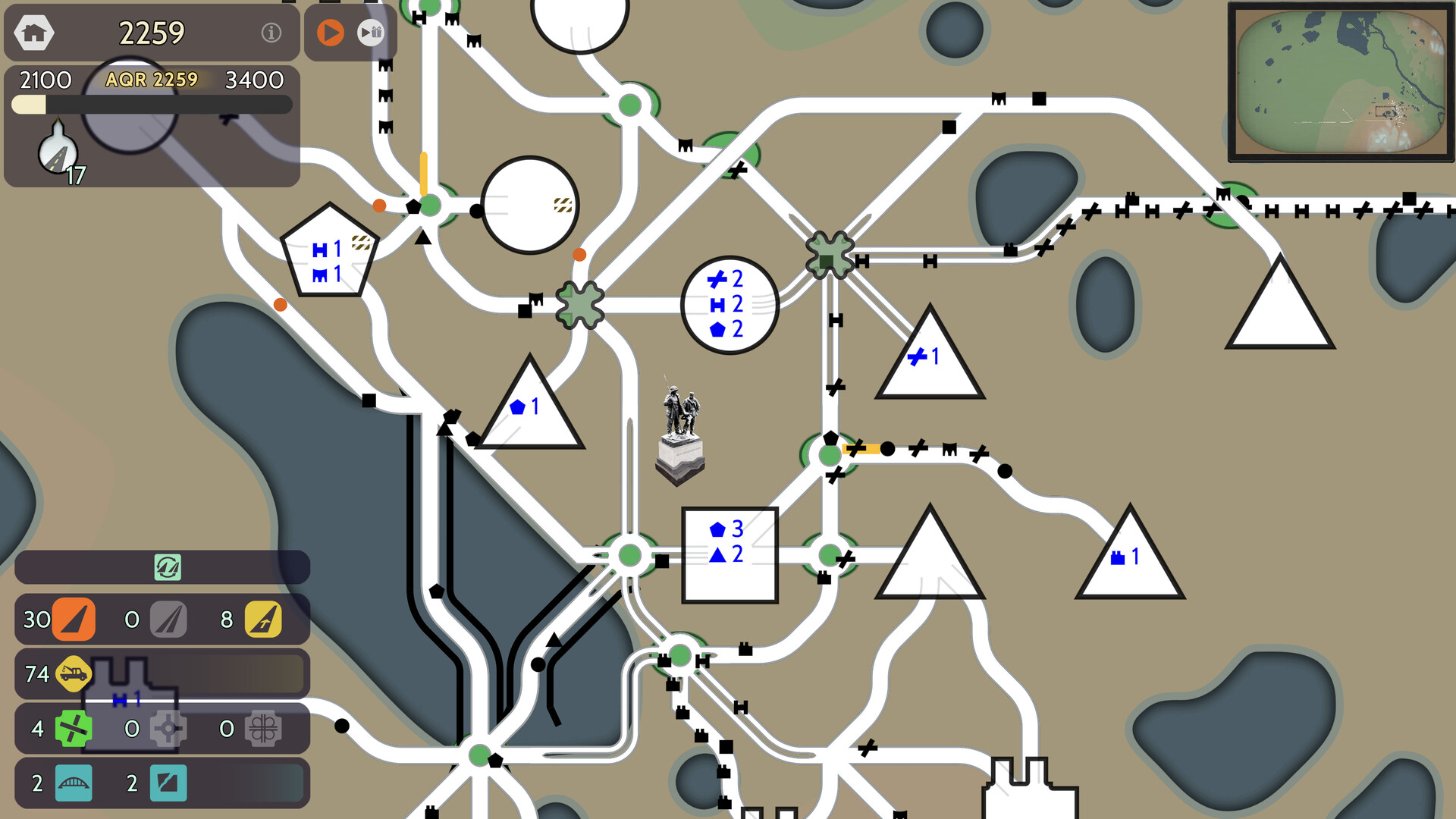
Roads change from amber to red when traffic slows or stops; a red road stops vehicles and prevents the AQR score from updating. Vehicles will automatically seek alternative routes when possible, so providing multiple paths can reduce the chance of a road turning red.
Tow trucks appear in your inventory from time to time and can remove a single vehicle from a road. The removed vehicle does not contribute to raw or AQR scores, but the action can clear a blockage that would otherwise keep a road red.
- Monitor road colors and add alternate routes before they turn red.
- Use tow trucks sparingly on critical choke points.
03 / THE GUIDE
Intersection Upgrades
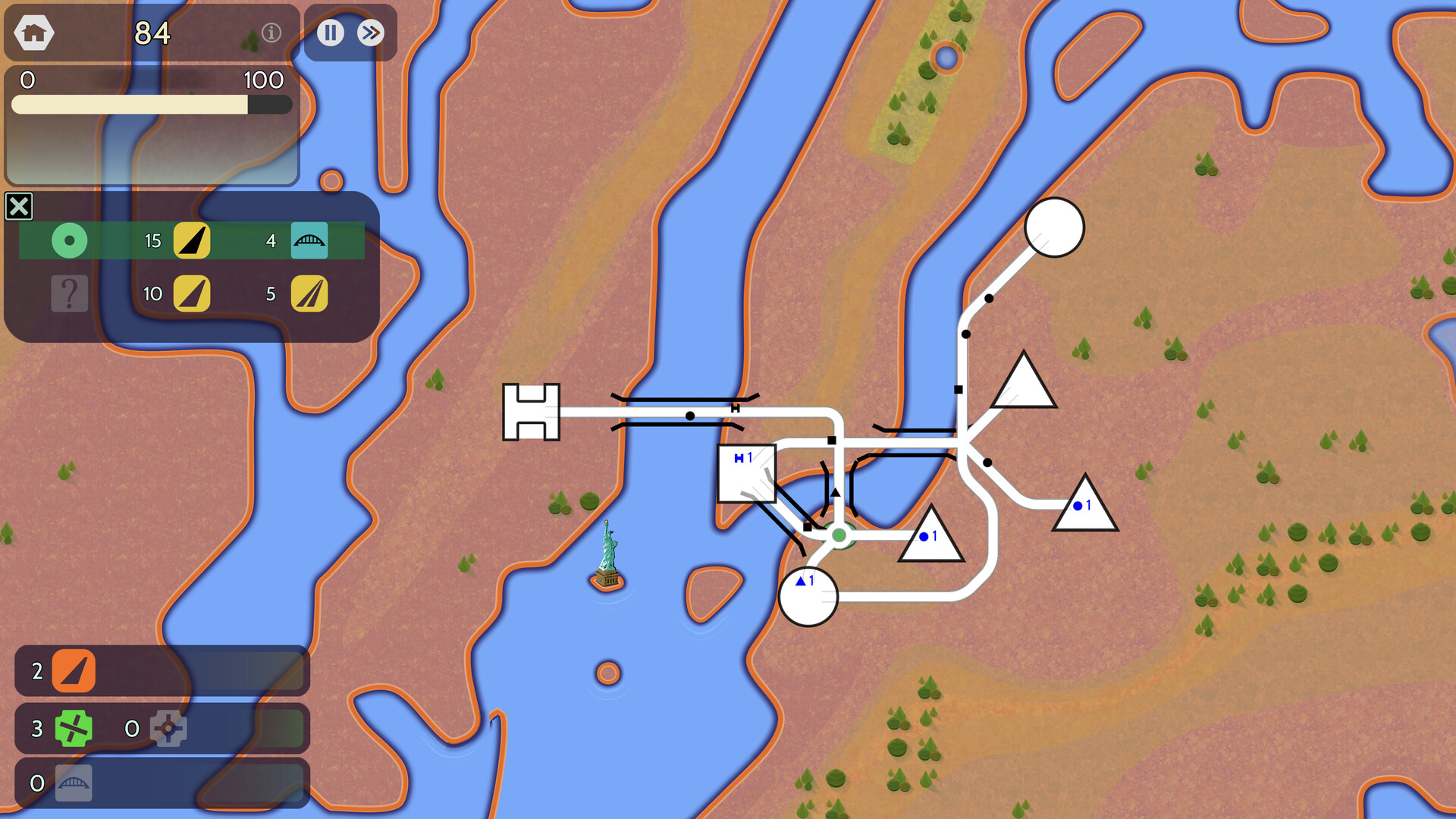
Cloverleaf upgrades reduce congestion at an intersection by allowing one road to pass over another, so vehicles do not need to wait for the crossing to clear. Bridges let a road cross water, tunnels let it pass through hills, and ferries connect separate shorelines without a bridge.
Each time the progress bar fills you receive a selection of upgrades. Choosing the upgrade that best matches the current layout—such as a cloverleaf for a busy crossroads or a bridge for a water obstacle—helps keep traffic flowing and avoids red‑road warnings.
- Consider cloverleafs at intersections with frequent amber or red states.
- Select bridges or tunnels when natural terrain forces long detours.
04 / THE GUIDE
Scoring, AQR and Achievements
Every completed vehicle trip adds one to the raw score. The AQR score mirrors the raw score only while no road is red; if any road remains red, the AQR does not change even though the raw score continues to rise.
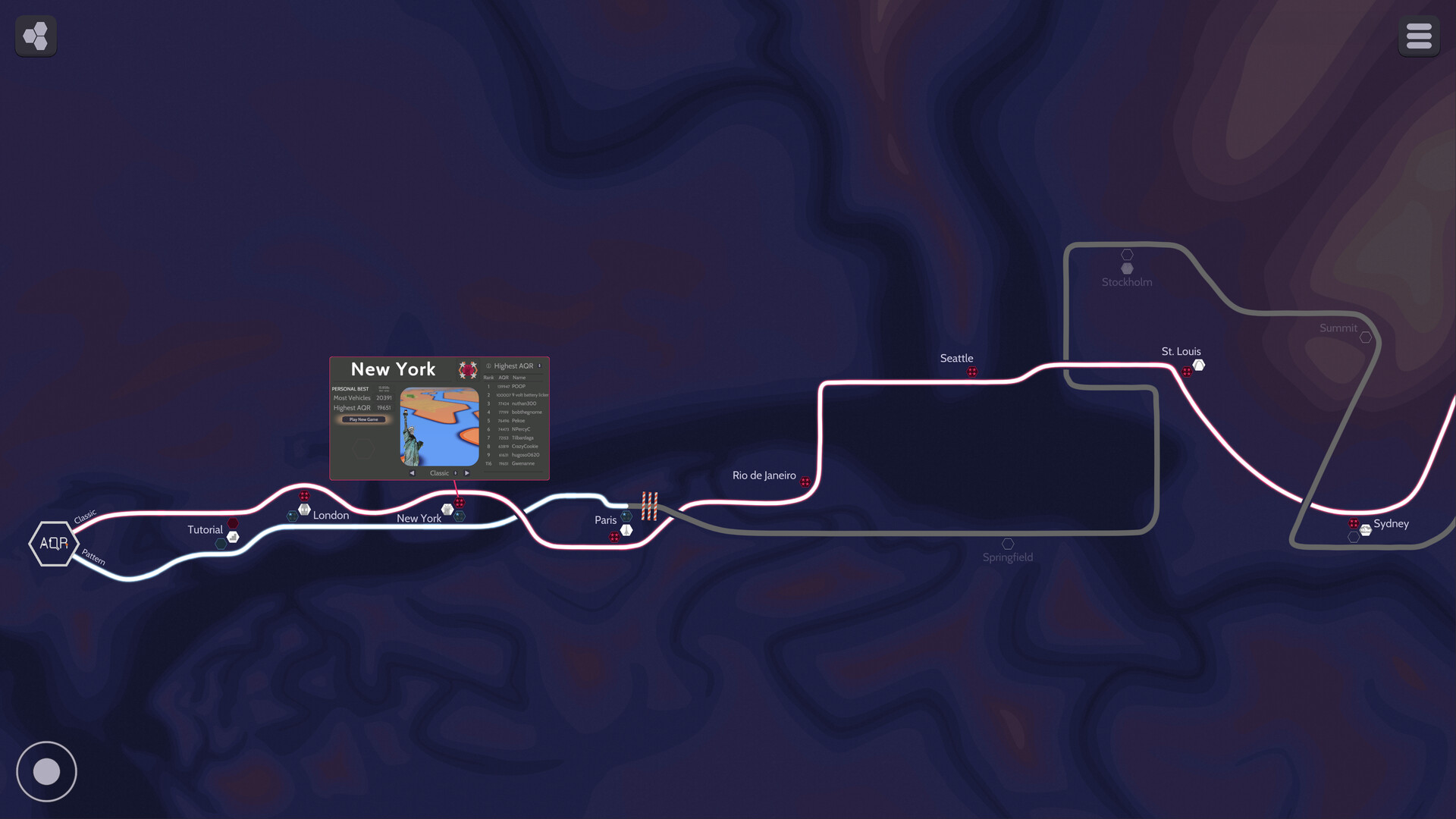
Three achievement thresholds exist per city: AQR 527 unlocks the Quiet Roads achievement and any locked city, AQR 1581 grants the City Flourishes achievement, and AQR 4743 awards the city‑specific goal achievement and leaderboard placement.
- Aim to keep all roads green before the progress bar fills to allow AQR to increase.
- Target the 527 threshold early to unlock the next city.
05 / THE GUIDE
Neighborhood Capacity and Game End
Each neighborhood has a limit on how many vehicles can wait to leave. When the limit is exceeded the neighborhood turns amber, then red, and finally purple. Purple neighborhoods indicate maxed‑out parking space and cause the game to end.
Vehicles continue spawning regardless of existing queues, so connecting new neighborhoods promptly spreads traffic and reduces the risk of reaching the purple state. Restarting after a purple neighborhood begins the city again with a fresh map and zero score.
- Connect new neighborhoods as soon as they appear to disperse vehicle load.
- Watch for amber neighborhoods as early warnings of capacity issues.
COMMUNITY
Player discussion