 GameWiki
GET YOUR BEARINGS
About Alien: Rogue Incursion Evolved Edition
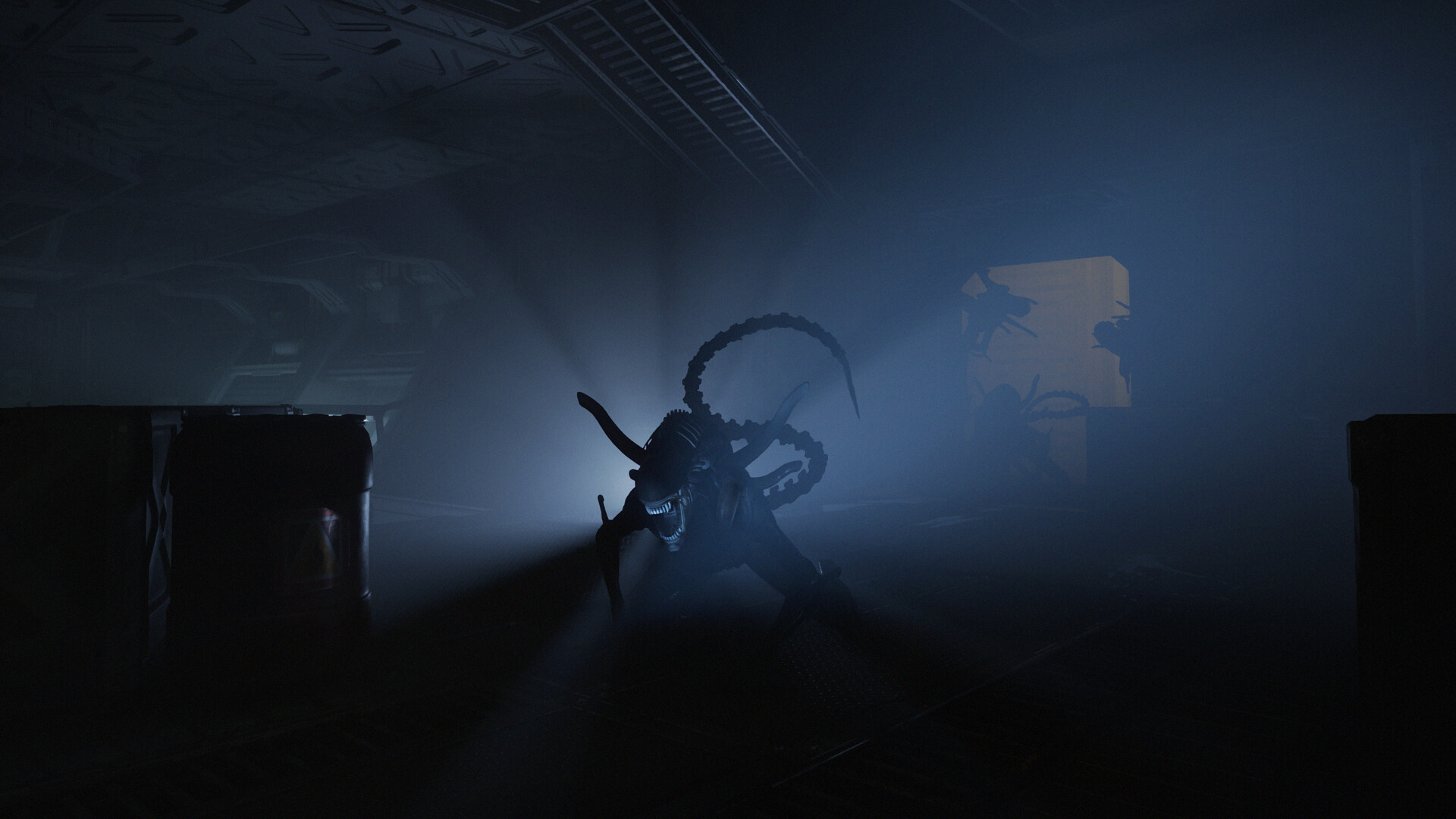
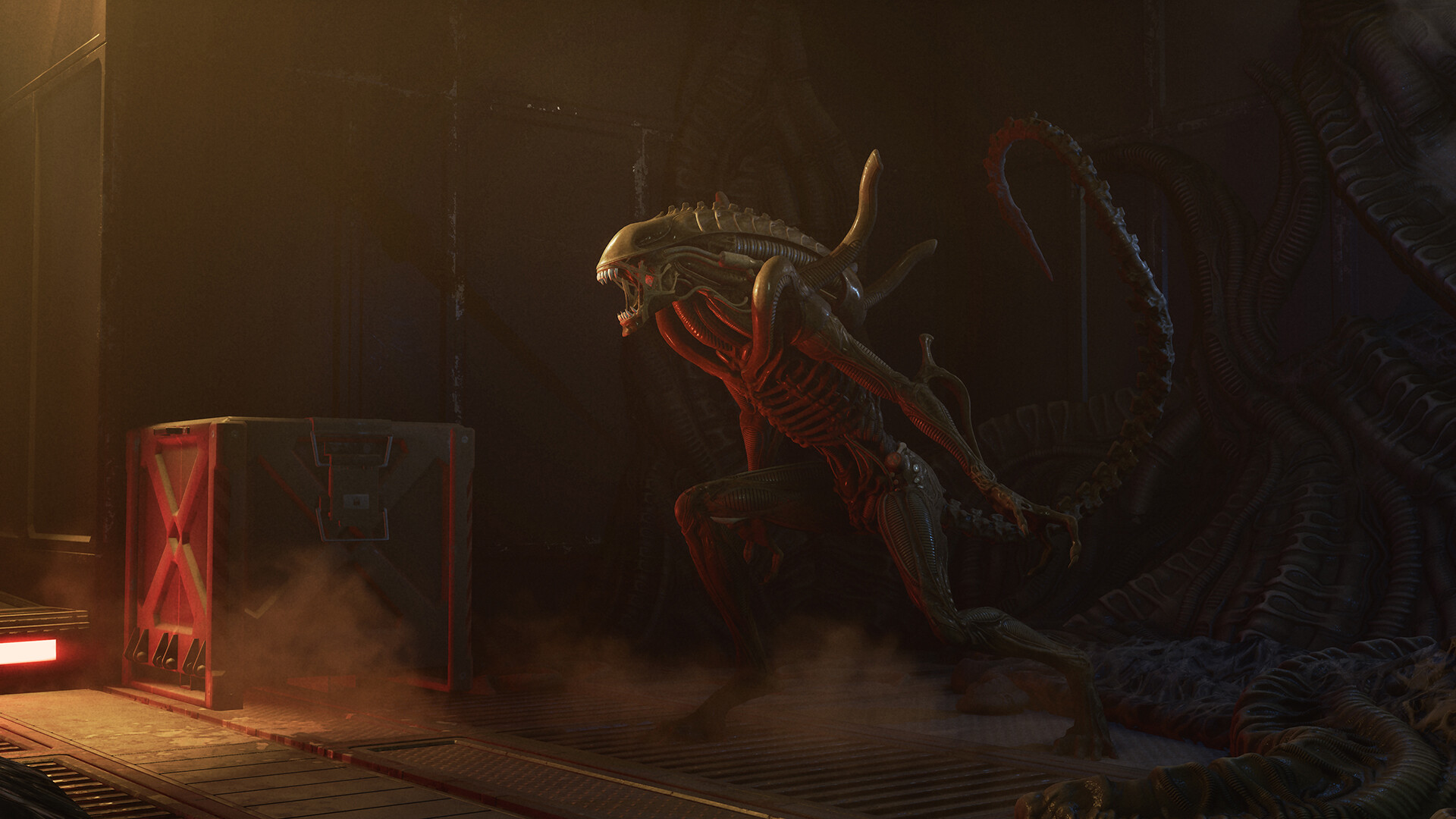
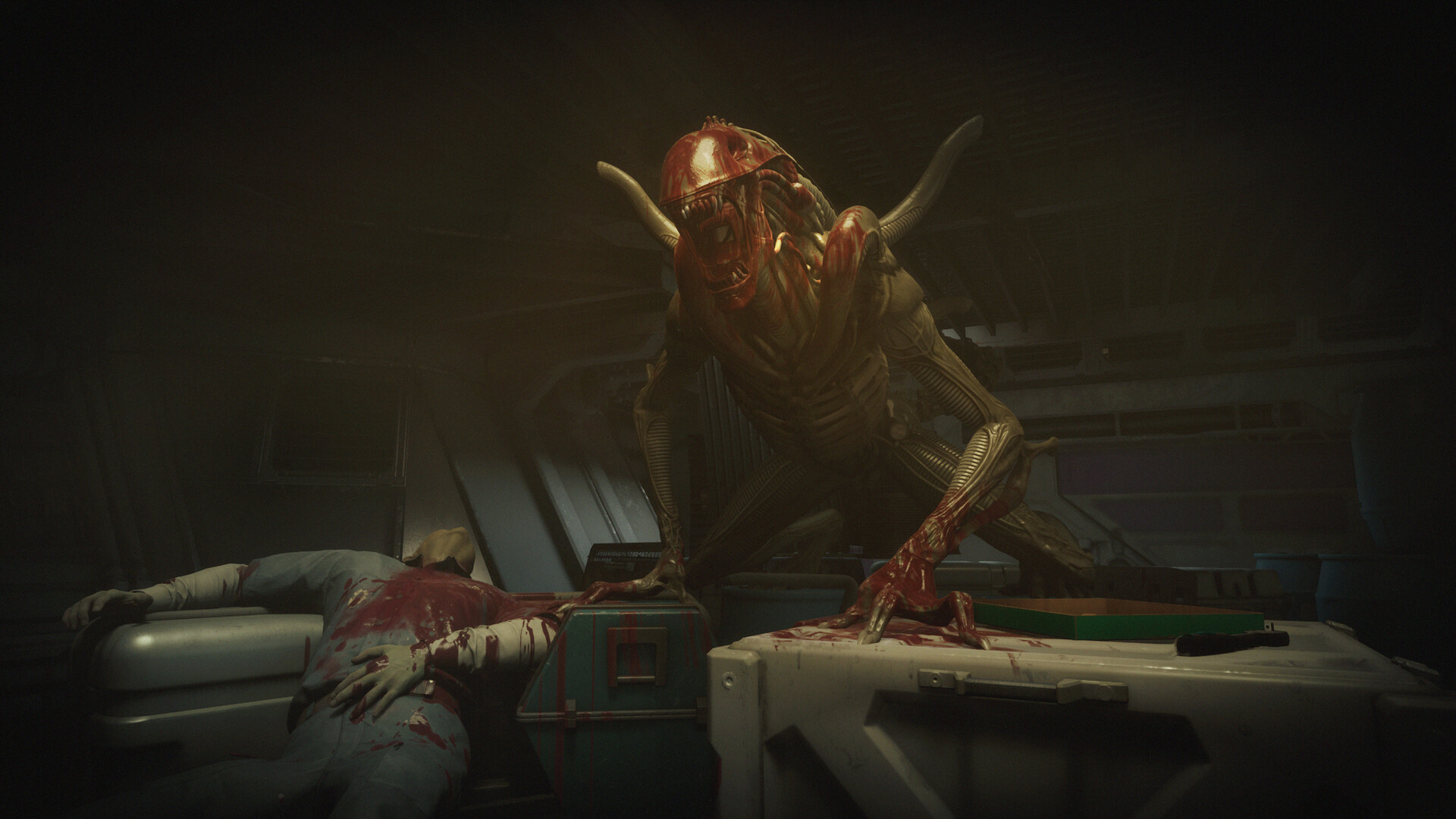
Alien: Rogue Incursion Evolved Edition puts players in the boots of rogue Colonial Marine Zula Hendricks, who answers a distress call on the remote planet Purdan. The first chapter of a two‑part saga is set between the films Alien and Aliens, delivering an original story that expands the franchise lore.
The PC version runs at 60 fps with 3D audio, stereo sound, and controller haptics such as adaptive triggers. These technical choices aim to create a cinematic action‑horror experience while keeping the core gameplay focused on survival against Xenomorphs.
01 / THE GUIDE
Story Setup
Zula Hendricks is sent to investigate a distress signal on Purdan, where she discovers a secret Weyland‑Yutani blacksite that has been overrun by deadly Xenomorphs. This premise establishes the immediate threat and the setting for the first chapter.
The narrative is positioned between Alien and Aliens, providing a bridge for fans of the series. The story emphasizes survival against unpredictable alien aggression while gradually revealing the purpose of the hidden facility.
- Observe environmental cues that hint at the blacksite’s layout.
- Watch how Xenomorph behavior varies in different areas to anticipate encounters.
02 / THE GUIDE
Gameplay Mechanics
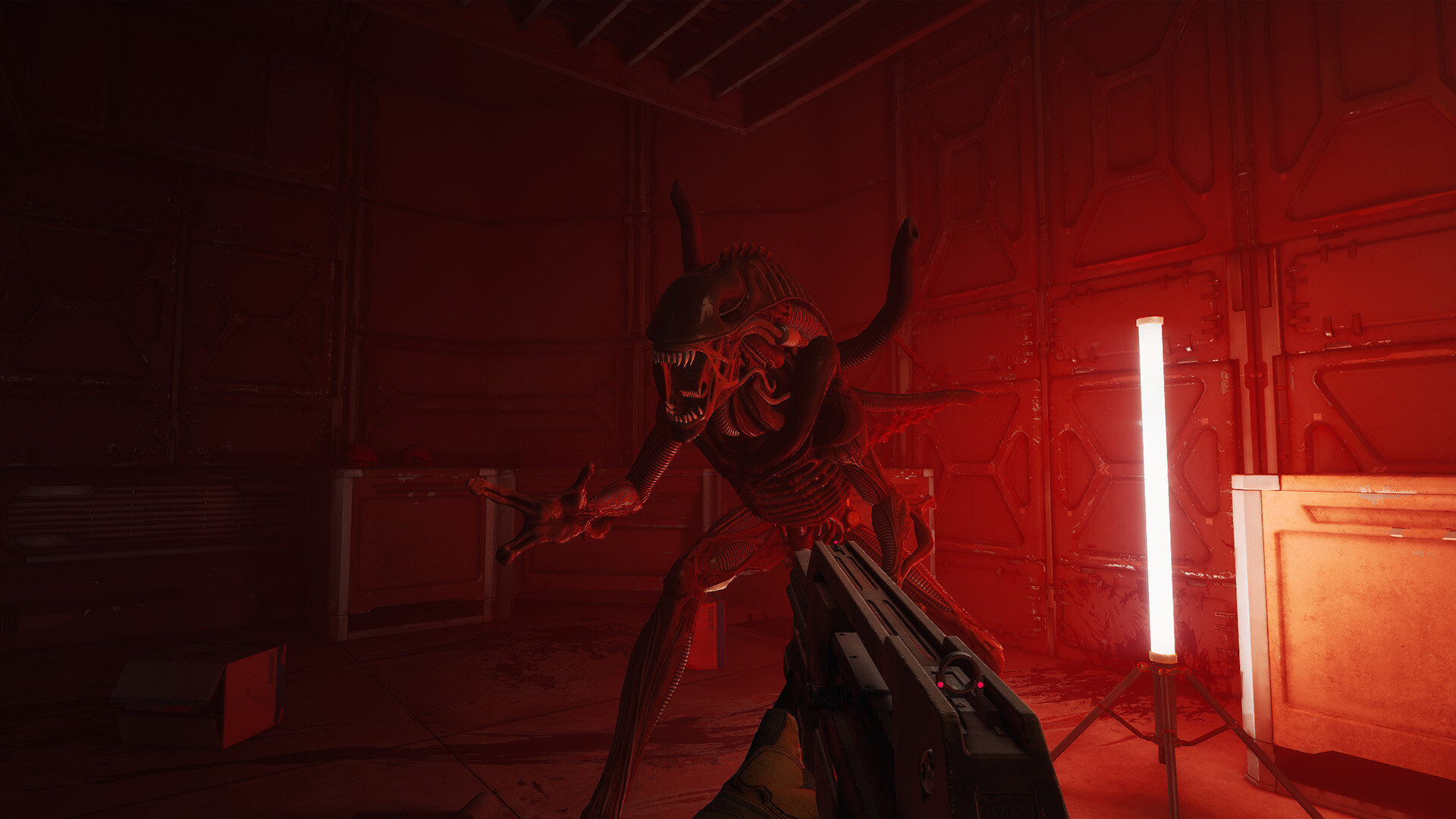
Players rely on weapons, skills, and a synth companion named Davis 01 to survive the Xenomorph incursion. The creatures stalk, hunt, and attack continuously, requiring a balance of aggression and caution.
Adjustable difficulty is listed, allowing players to modify the challenge level while preserving the core tension of the incursion. The design encourages strategic use of Davis 01’s assistance during overwhelming moments.
- Experiment with different weapon types to see which handle Xenomorph attacks best.
- Call on Davis 01 when enemy numbers become high to manage pressure.
03 / THE GUIDE
Audio & Visual Presentation
The PC version delivers visuals at 60 fps paired with 3D audio, creating spatial cues that help locate threats. Stereo sound is also supported for setups that prefer a traditional mix.
Supported controllers provide haptic feedback and adaptive triggers that mirror combat and environmental events. Subtitle options and custom volume controls let players tailor the audio experience to personal preferences.
- Enable subtitles if locating 3D audio cues proves difficult.
- Adjust volume sliders to prioritize sound effects over music for clearer enemy detection.
04 / THE GUIDE
Controller Support
Full controller support is listed, including compatibility with DualShock and DualSense devices. Players can navigate menus, combat, and exploration using either controller type on PC.
DualSense controllers provide adaptive trigger resistance, while both controller types deliver haptic feedback that mirrors in‑game actions. The description highlights controller support, and DualShock and DualSense devices are specifically listed.
- Test a DualSense controller to feel adaptive trigger feedback during combat.
- Swap between DualShock and DualSense to compare their haptic responses.
05 / THE GUIDE
Platform Features
Alien: Rogue Incursion Evolved Edition runs on Windows PCs and integrates several Steam services, such as Achievements, Cloud, and Family Sharing. These features are listed as part of the game's platform support.
Additional options include custom volume controls, adjustable difficulty, and subtitle settings, allowing players to modify audio balance, challenge level, and text display according to personal needs.
- Check the Steam overlay for achievement progress during play.
- Use custom volume controls to emphasize sound effects when hunting Xenomorphs.

COMMUNITY
Player discussion