 GameWiki

GET YOUR BEARINGS
About Alan Wake
Alan Wake follows a best‑selling author whose wife disappears during a vacation, thrusting him into Bright Falls where mysterious manuscript pages appear, hinting at an unseen darkness.
Presented like a TV series, the game delivers cliffhanger episodes that compel players to piece together the thriller’s plot while mastering light‑based combat.
01 / THE GUIDE
Narrative Premise
Alan Wake’s wife disappears during a vacation, prompting his search through Bright Falls and mysterious manuscript pages unwritten.
The story unfolds like a TV series, delivering cliffhangers that drive the player to piece together the hidden thriller.
- Pay attention to each page fragment for narrative clues.
- Notice episode transitions for pacing cues.
02 / THE GUIDE
Fight With Light Mechanic
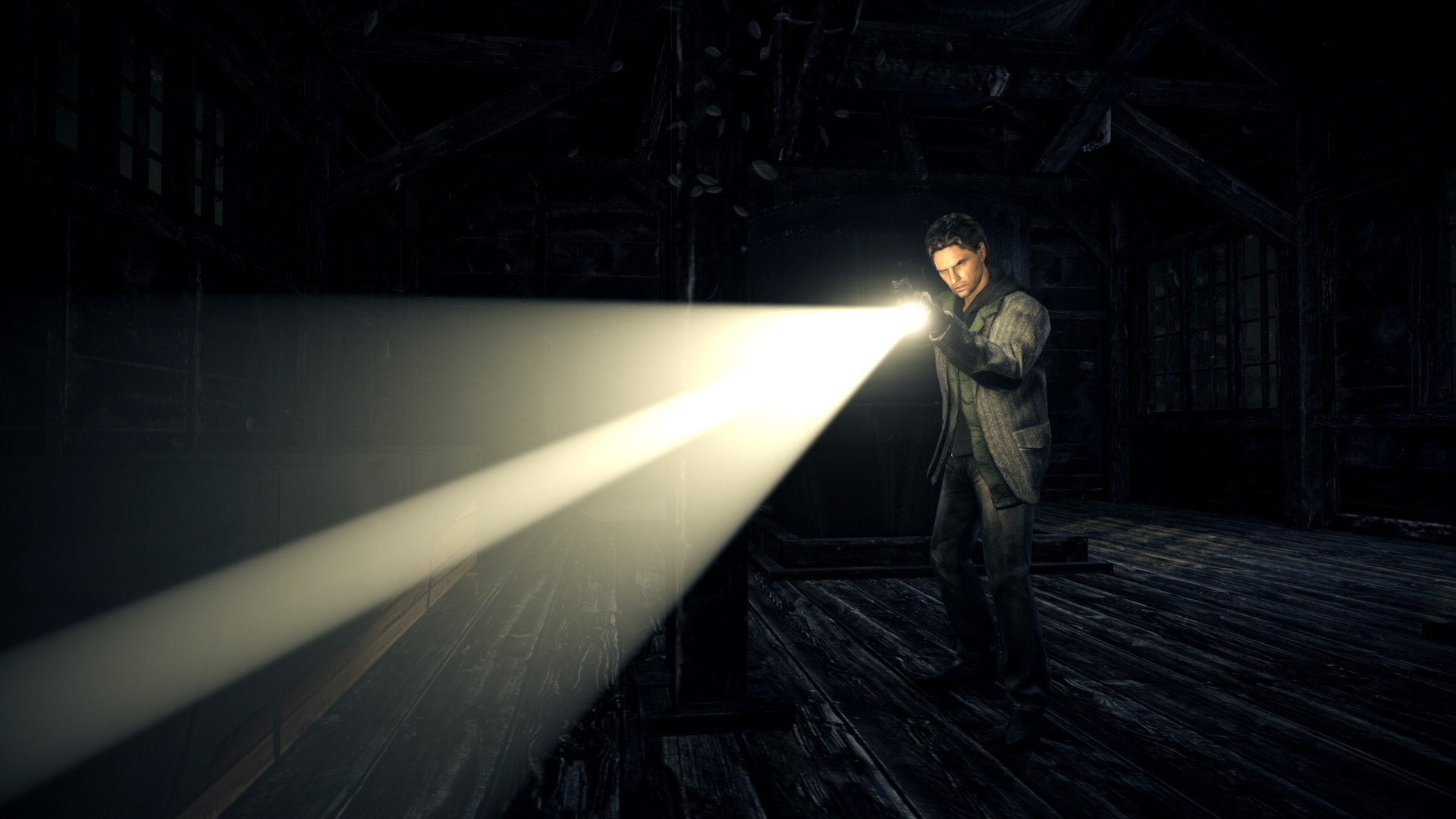
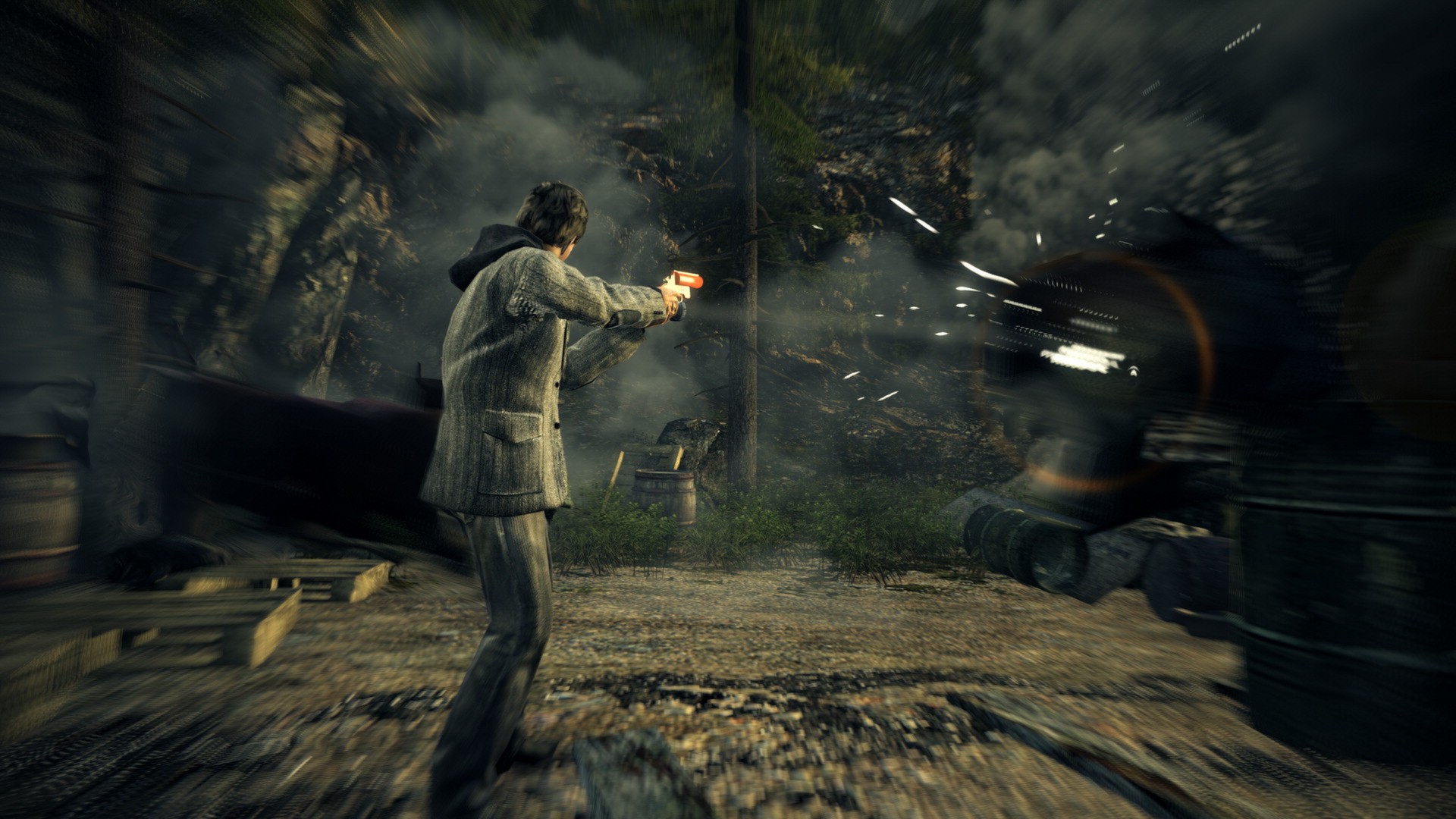
Combat relies on the Fight With Light system, where illumination becomes the primary means to confront darkness effectively.
Keeping light sources active lets players stay ahead of enemies that emerge from the spreading darkness throughout Bright.
- Position flashlights to reveal hidden foes.
- Maintain at least one active light source during encounters.
03 / THE GUIDE
PC Exclusive Content
The PC edition adds two Special Episodes, “The Signal” and “The Writer,” extending the original narrative for players.
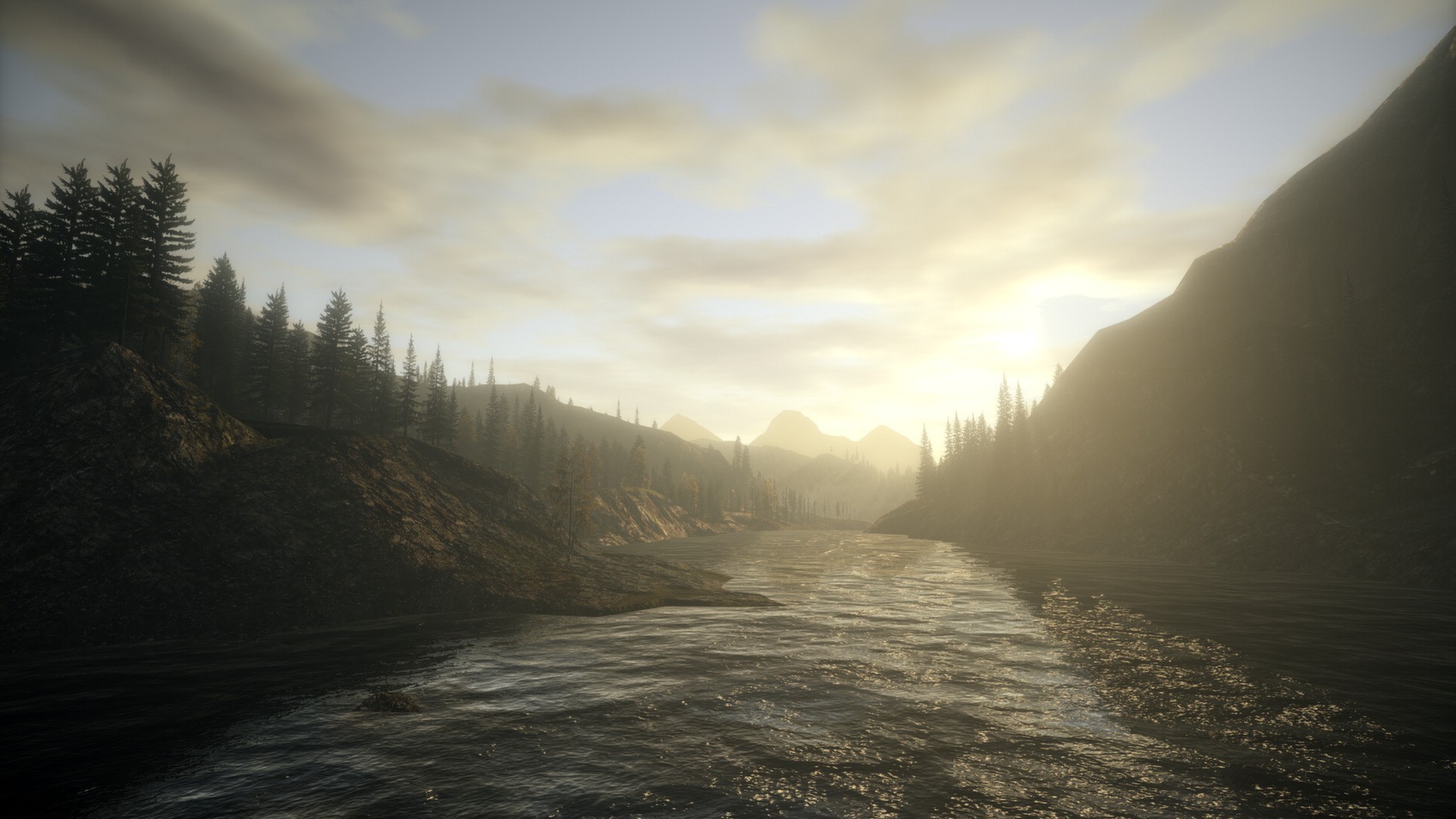
Higher resolution and fidelity improve visual clarity, showcasing the Pacific Northwest setting with greater detail than the Xbox360 version.
- Enable your monitor’s maximum resolution for sharper visuals.
- Play the added episodes to explore extra story content.
04 / THE GUIDE
Input and Controller Support
Alan Wake offers fully configurable mouse and keyboard controls, allowing precise aiming and navigation throughout the game smoothly.
A Steam or Microsoft gamepad can also be connected, providing an alternative input method for the entire experience.
- Try both mouse/keyboard and gamepad to see which feels more natural.
- Adjust in‑game sensitivity settings for smoother movement.
05 / THE GUIDE
Graphics & Performance Settings
The game includes many graphics options, supporting 4:3, 16:9, and 16:10 aspect ratios for various displays on PC.
Players can modify field of view and hide the HUD, while the multithreaded engine utilizes quad‑core CPUs effectively.
- Adjust FOV to reduce edge distortion in tight areas.
- Hide the HUD for a more immersive atmosphere.
COMMUNITY
Player discussion