 GameWiki
GET YOUR BEARINGS
About Airport X-Ray Simulator
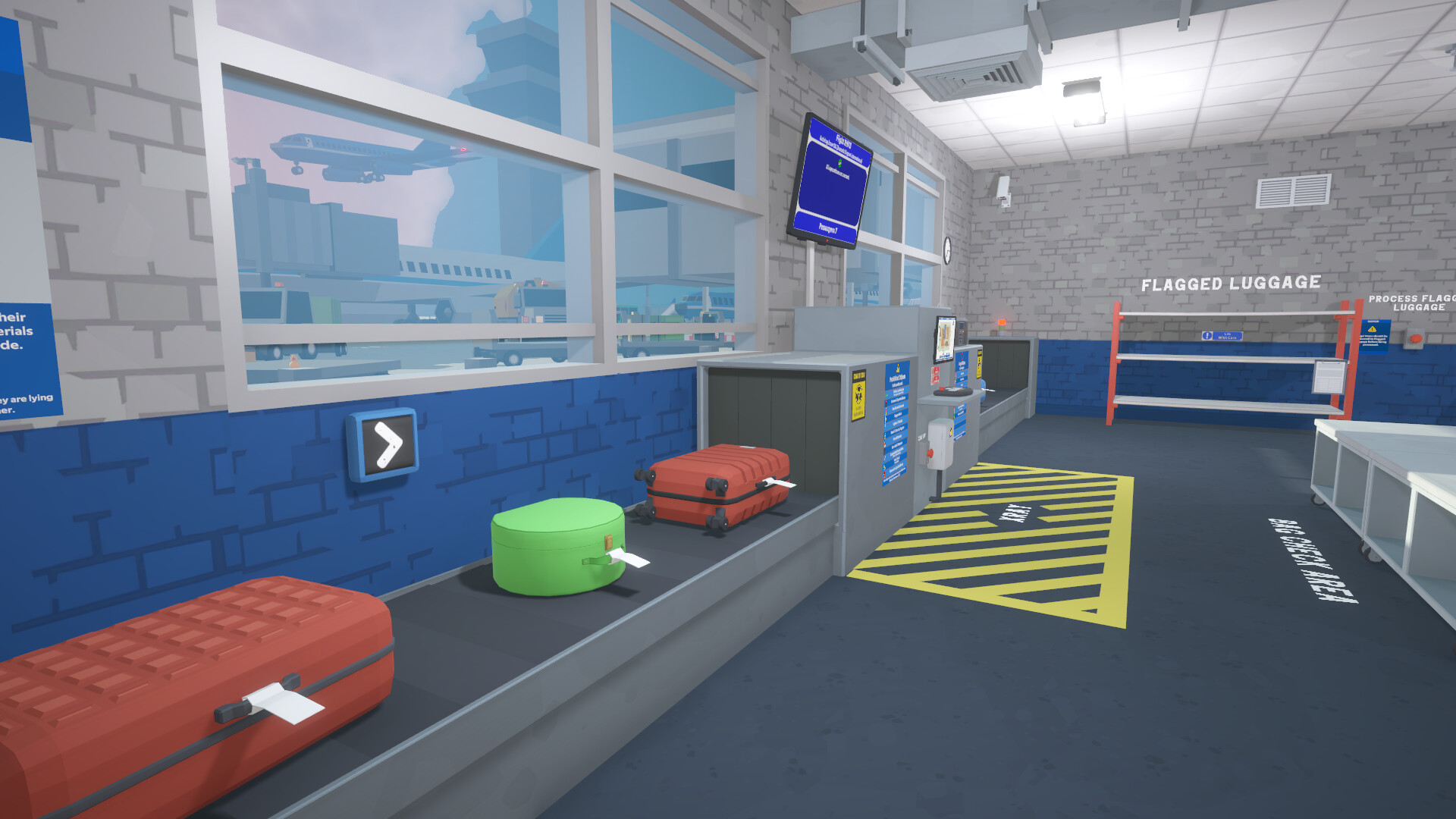
Airport X‑Ray Simulator puts you in the shoes of a baggage security operative, tasked with preventing prohibited or illegal items from reaching aircraft. You work a conveyor line, scan bags with an x‑ray machine, and conduct manual searches when needed.
The game offers detailed performance summaries, earnings that can buy upgrades, and a passenger information system for checking permits. A text‑heavy tutorial introduces the complex mechanics, and the experience is designed for single‑player play with full controller support and adjustable difficulty.
01 / THE GUIDE
X‑Ray Screening
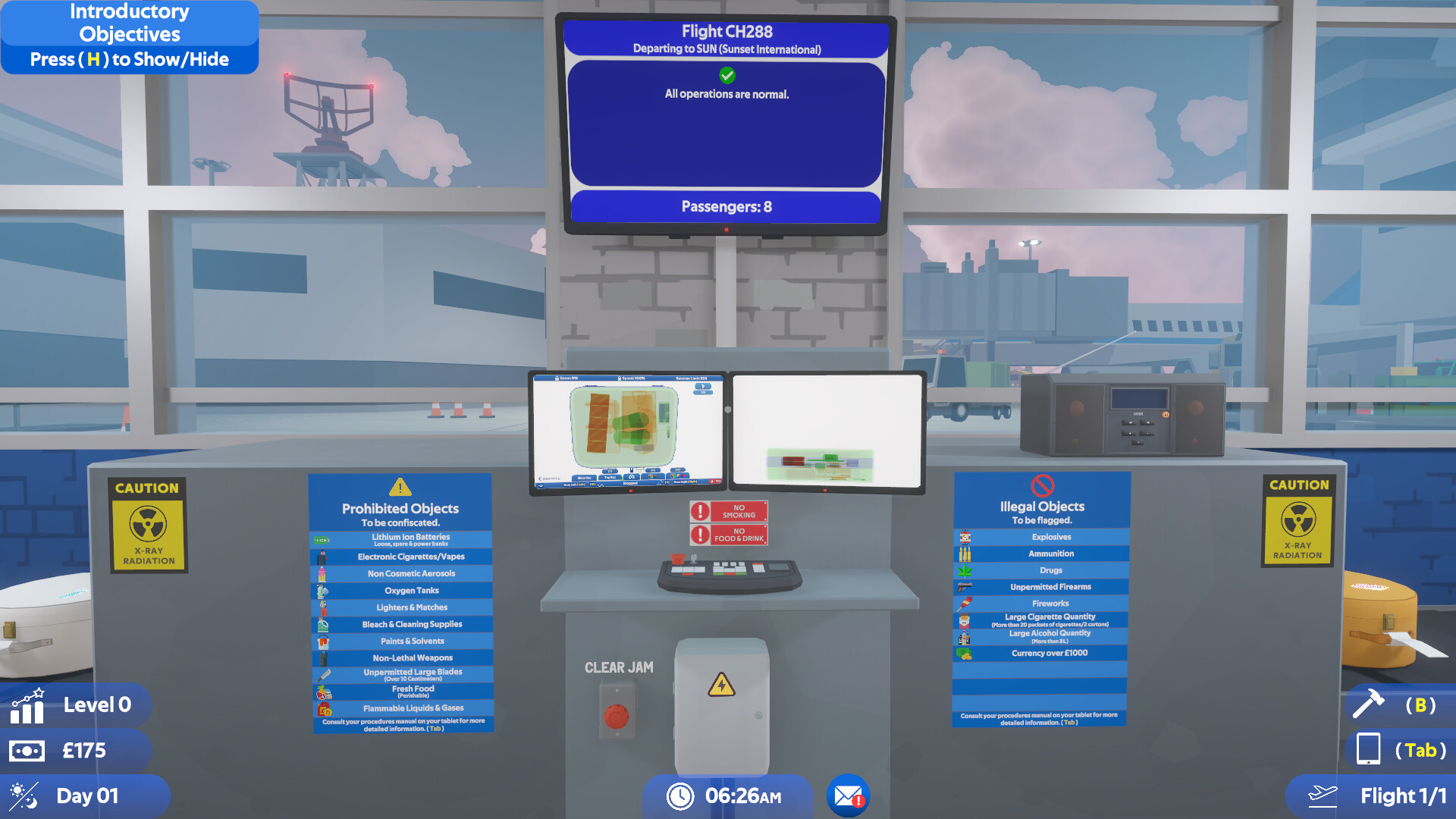
You inspect each bag using an on‑screen x‑ray machine, looking for prohibited or illegal items. The x-ray image requires careful observation to spot anything suspicious. When a suspicious item is spotted, you can flag it for further action or move the bag to a manual search. Mastery of the scanner reduces missed threats and improves daily performance.
- Compare the shapes of everyday objects to known threats to build a mental library.
- Pause briefly on each bag before deciding.
02 / THE GUIDE
Manual Searches
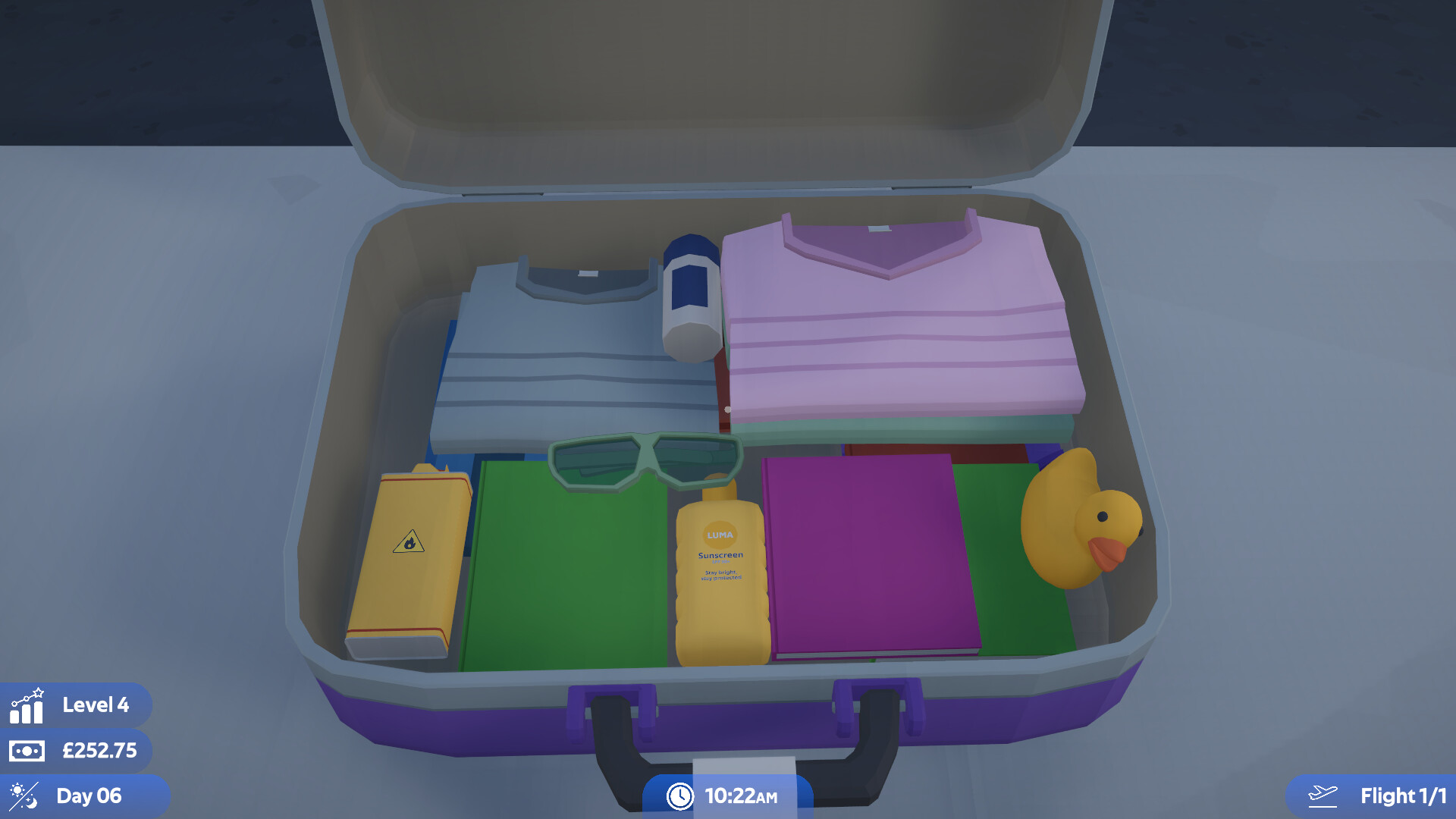
If a bag is flagged, you remove it from the conveyor and open it for a thorough examination. Every object inside can be interacted with and inspected individually. Manual searches let you confirm threats that the scanner may have missed, and successful searches contribute positively to your performance summary.
- Rotate items slowly to view all angles before deciding to confiscate.
- Use the manual search as a backup when the scanner’s image is unclear.
03 / THE GUIDE
Substance Scanning
Some items are difficult to identify visually, so the game provides a substance scanner. Activate it on a selected object to reveal hidden materials. The scanner adds another layer to threat detection for items that are hard to identify by sight.
- Prioritize scanning items that look ordinary but are unusually dense.
- Combine substance scanning with manual searches for ambiguous cases.
04 / THE GUIDE
Passenger Information System
A computer interface lets you check passenger details, including permits for firearms or blades. You can also access email for additional context. Cross‑referencing permits with bag contents helps you decide whether an item is lawful or requires confiscation, influencing your daily summary.
- Verify permits before flagging items that could be legally owned.
- Use the email log to spot patterns in recurring suspicious items.
05 / THE GUIDE
Performance Summary & Upgrades
At the end of each day you receive a detailed performance summary, showing detailed feedback on your performance and your earnings. Money earned can be spent on upgrades that improve efficiency. Upgrades improve your efficiency and capabilities, encouraging players to refine their workflow over multiple sessions.
- Focus on upgrades that address your most frequent mistakes.
- Review the summary before purchasing to prioritize the most impactful improvements.


COMMUNITY
Player discussion