 GameWiki
GET YOUR BEARINGS
About Airport CEO
Airport CEO puts you in the chair of an airport’s chief executive. You design every piece of infrastructure—from runways and taxiways to terminals with check‑in, security, restaurants and shops—while negotiating airline contracts and watching the budget.
The simulation tracks passengers, employees and weather, so you must keep queues short, staff motivated and flights on time. Successful management yields profit; delays, equipment breakdowns or storms can trigger emergencies that test your decisions.
01 / THE GUIDE
Airport Construction
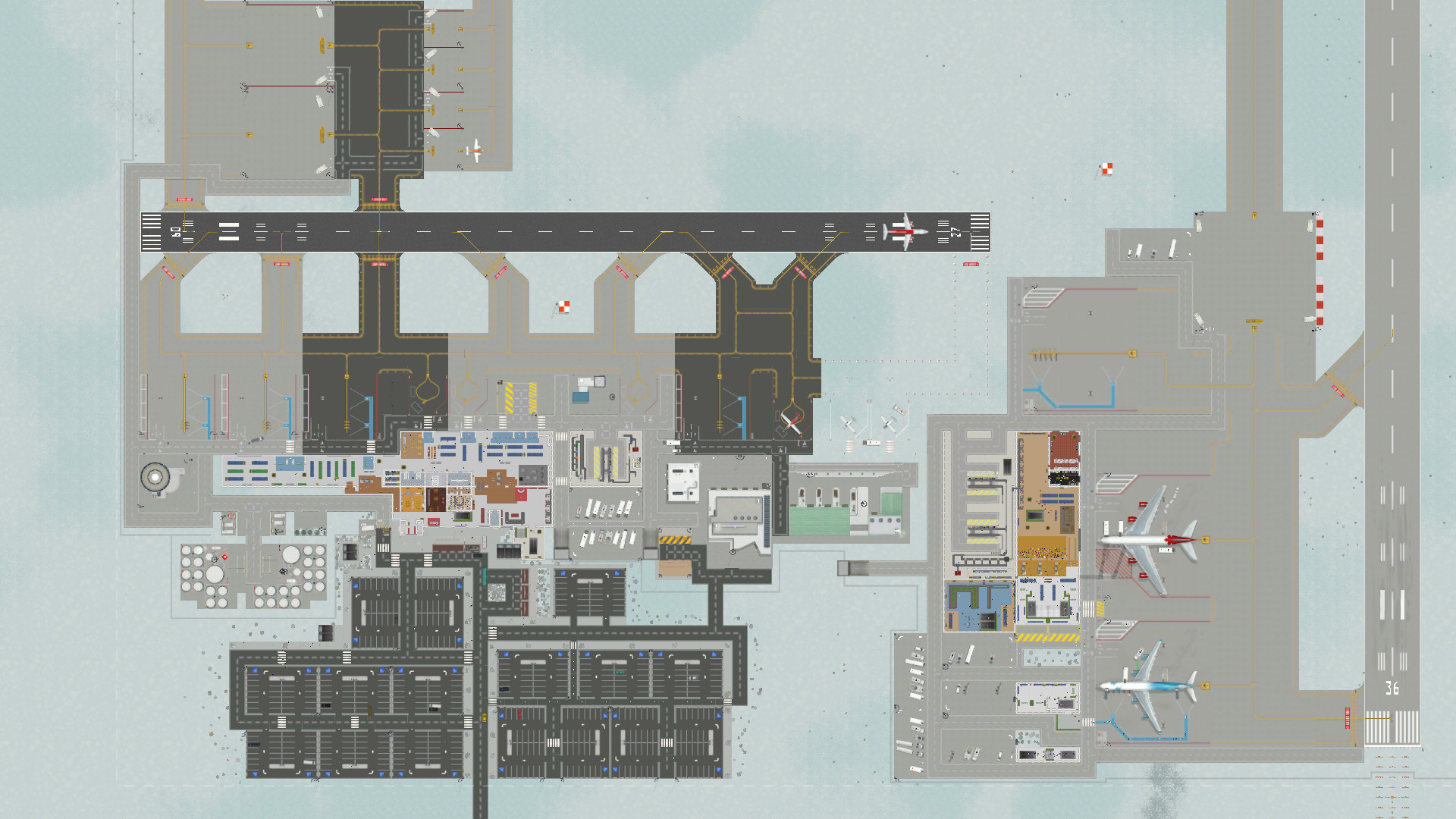
You begin with an empty plot and build the core infrastructure: runways, taxiways, aprons and gates. Each element can be placed and sized to shape traffic flow, and terminals are fully customizable with floors, walls, doors and interior items.
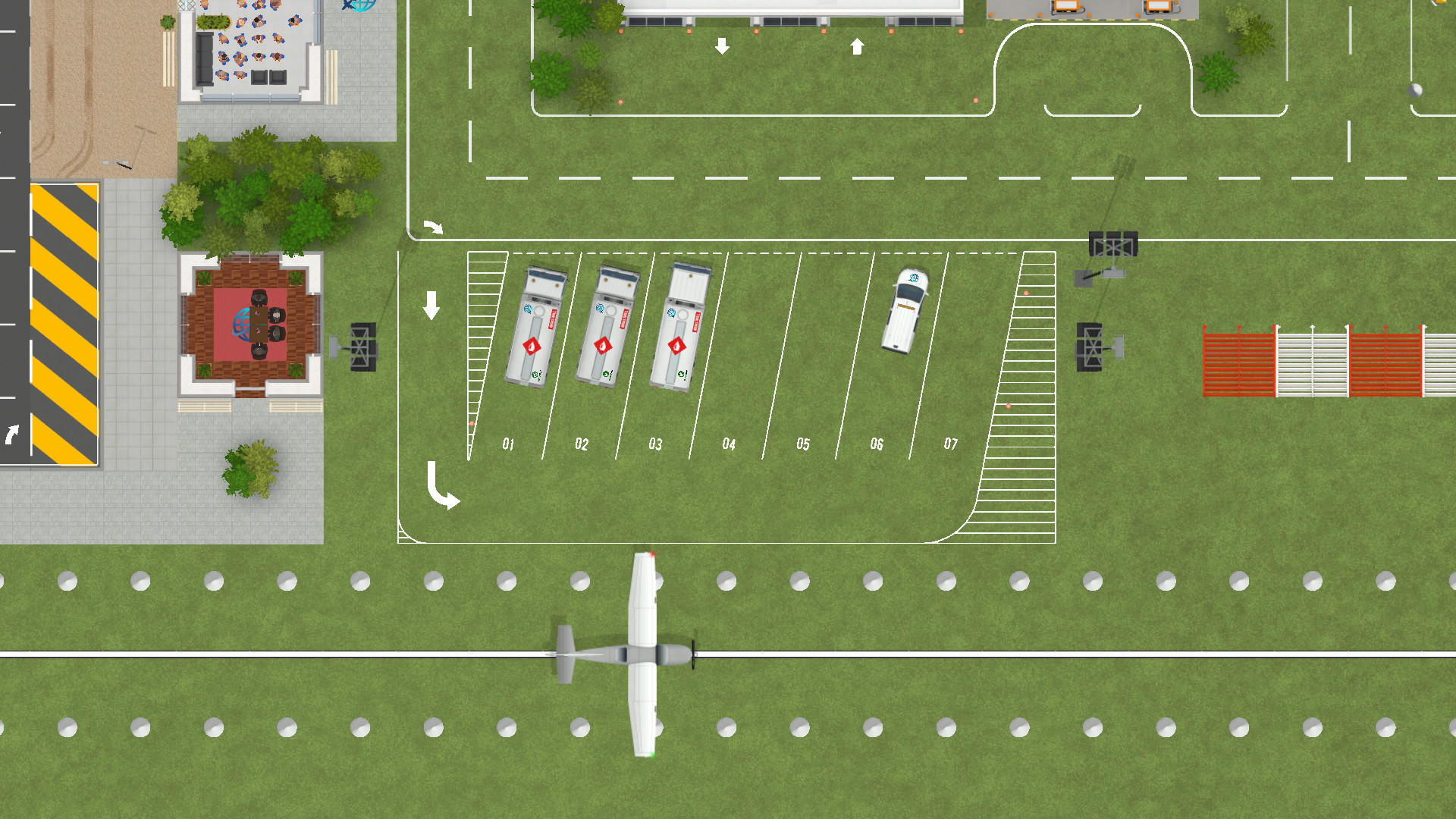
As the airport grows you add larger control towers, fuel stations, fire stations and other facilities. Expanding these structures must match rising passenger and airline demand while avoiding bottlenecks in movement or service.
- Map runway and taxiway routes early to preserve space for later expansions.
- Use modular terminal sections to experiment with different passenger‑flow patterns.
02 / THE GUIDE
Airline Contracts
Airlines are the main source of income; signing contracts brings cash flow and passenger traffic. Each airline varies in size and has specific service requirements that you must satisfy with appropriate facilities.
Contracts also generate service fees and passenger spending. Maintaining good relationships helps keep revenue steady as you meet each carrier's needs.
- Match terminal capacity to the size of the airline you sign.
- Watch contract terms for the facilities each airline requires.
03 / THE GUIDE
Passenger Management
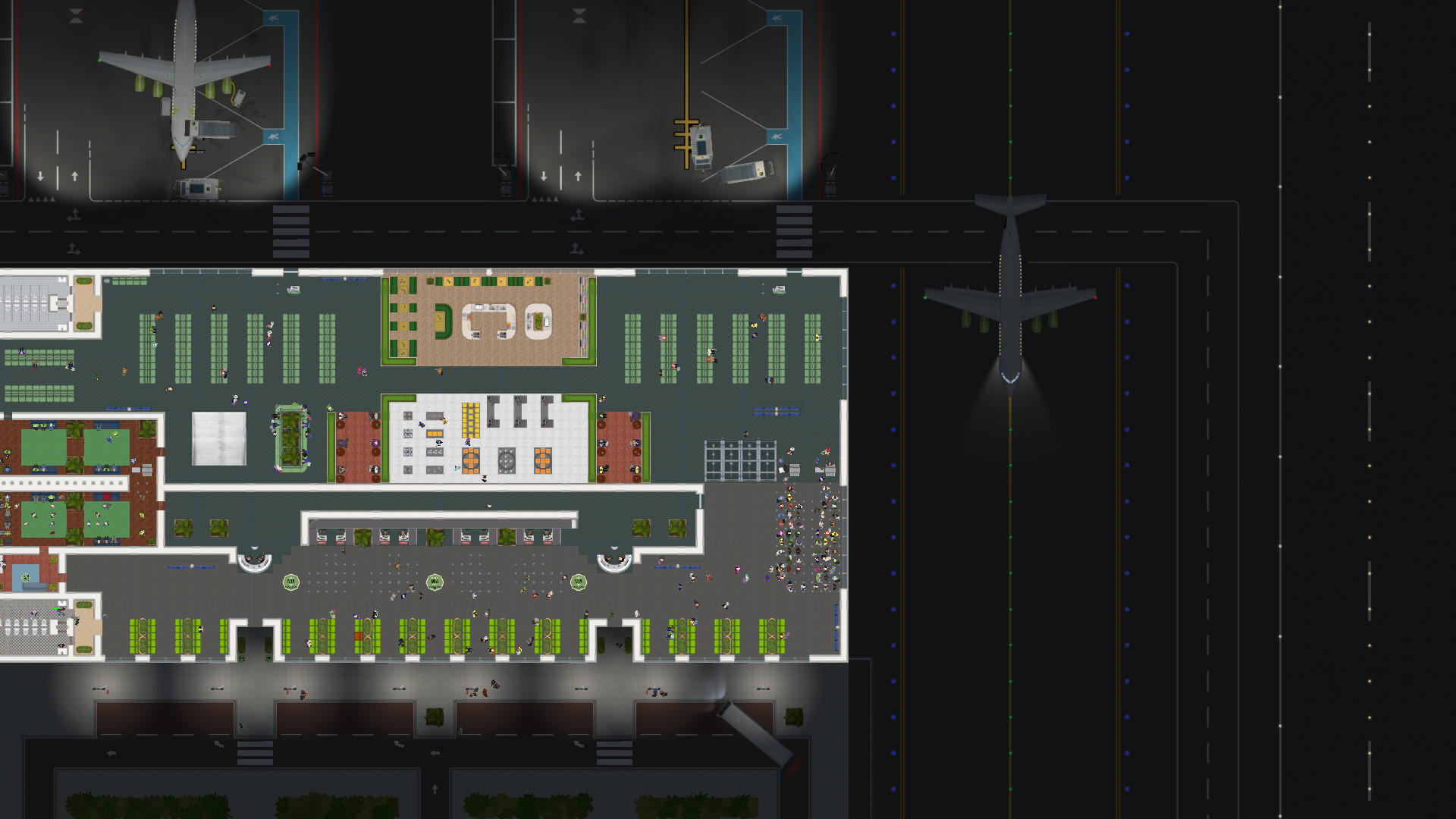
Passengers are simulated with unique personalities, needs and a scheduled flight. They must check in, clear security, shop and reach their gate on time, and arriving travelers must navigate baggage claim and customs.
Long queues, confusing signage or a lack of amenities can irritate travelers, reducing spending and increasing missed flights. Providing information desks, extra security lanes or leisure options helps keep satisfaction high.
- Add information desks to reduce way‑finding complaints.
- Increase security lane count during peak hours to keep wait times low.
04 / THE GUIDE
Employee Management
Employees range from passenger service agents and janitors to ramp agents, mechanics, security officers and executives. Each is simulated with stress levels and skill sets that affect performance.
Hiring the right mix and keeping staff motivated prevents mistakes, improves passenger service and reduces operational delays. Expanding capacity often requires more versatile and skilled staff.
- Balance hiring between front‑line staff and behind‑the‑scenes technicians.
- Monitor employee stress indicators and assign breaks when needed.
05 / THE GUIDE
Data & Decision Tools
As CEO you receive multiple data sources—budget reports, flight schedules and performance metrics—to guide strategic choices. These tools let you assess the impact of each decision on profit and satisfaction.
You can establish an informatics department to automate flight planning or hire a CFO to manage finances, allowing you to focus on larger design and expansion tasks.
- Review monthly budget balances before expanding facilities.
- Use the informatics department to reduce manual schedule adjustments.


COMMUNITY
Player discussion