 GameWiki
GET YOUR BEARINGS
About AirMech
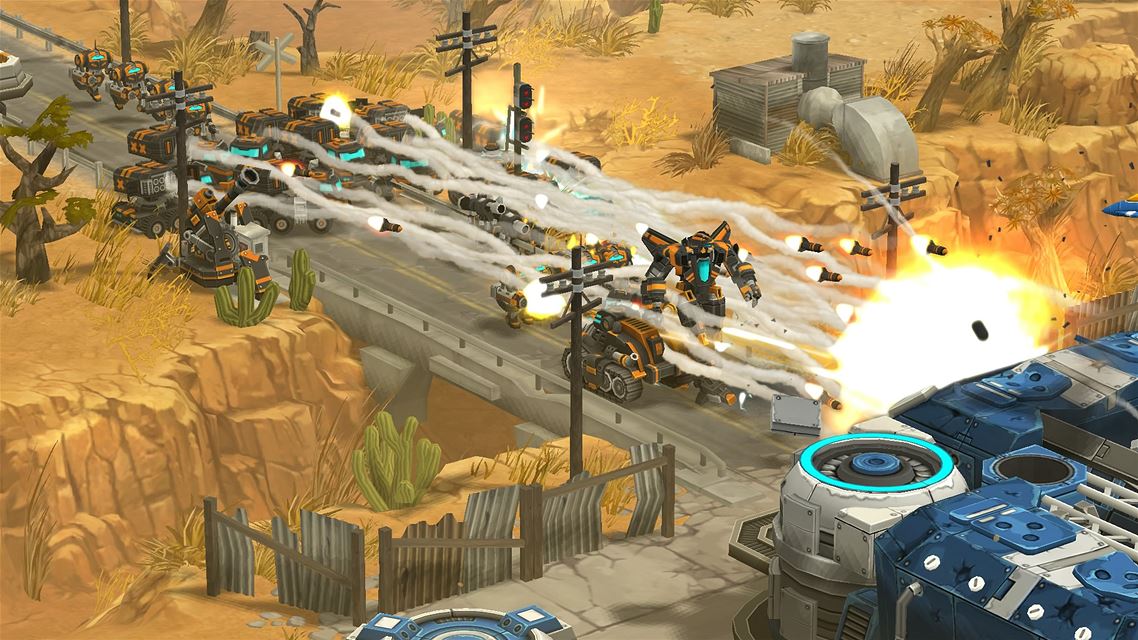
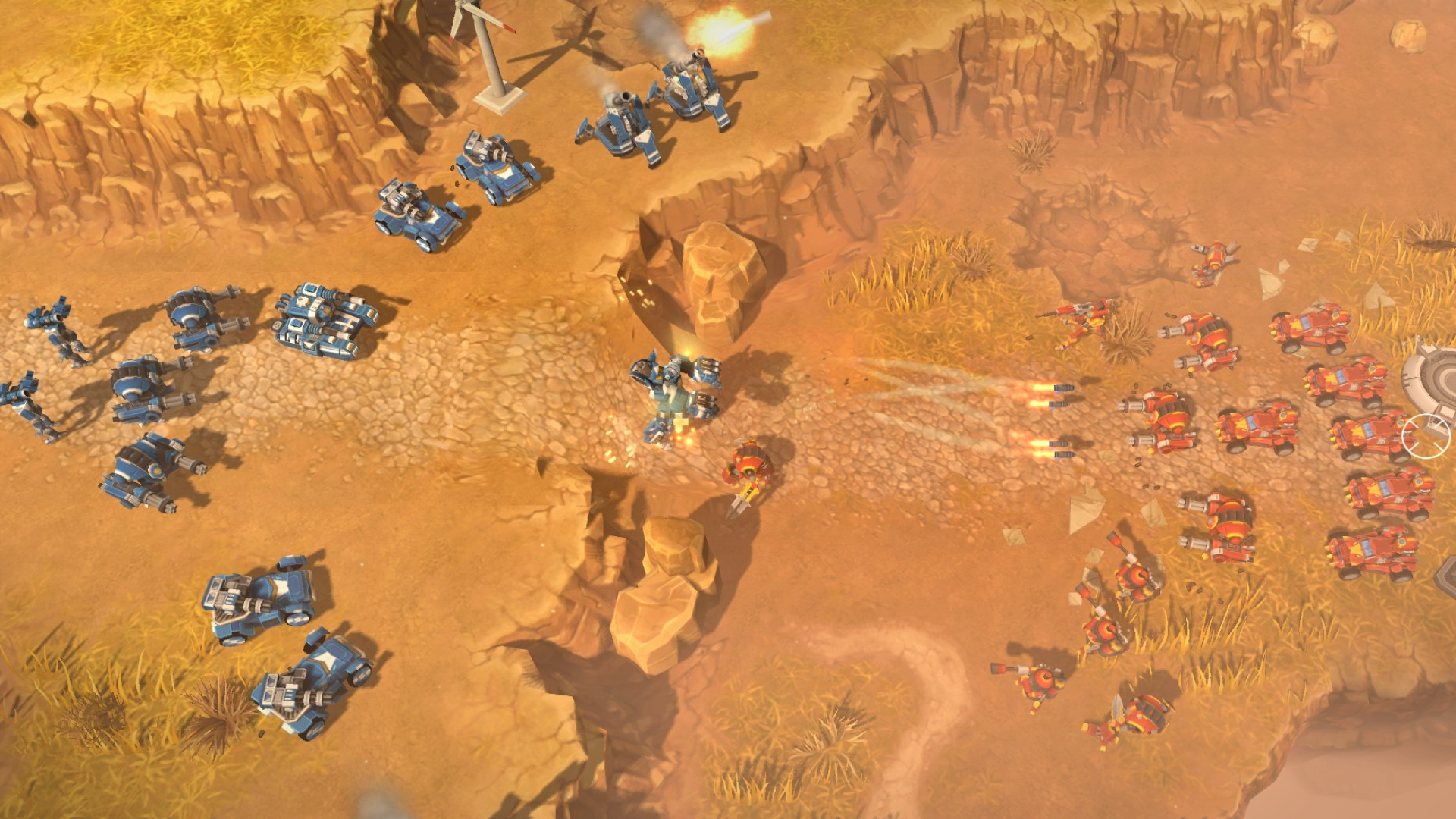
AirMech® blends action and real‑time strategy, letting players pilot a transforming mech that serves as both cursor and combat unit. The game offers solo, cooperative and competitive online modes, with tower‑defense elements and unit‑building progression.
Players collect Parts from defeated foes to upgrade their AirMechs and unlock dozens of units, while customizing frames and skins to suit different playstyles. The title supports mouse/keyboard and partial gamepad input on Windows.
01 / THE GUIDE
Action‑RTS Mech Mechanics
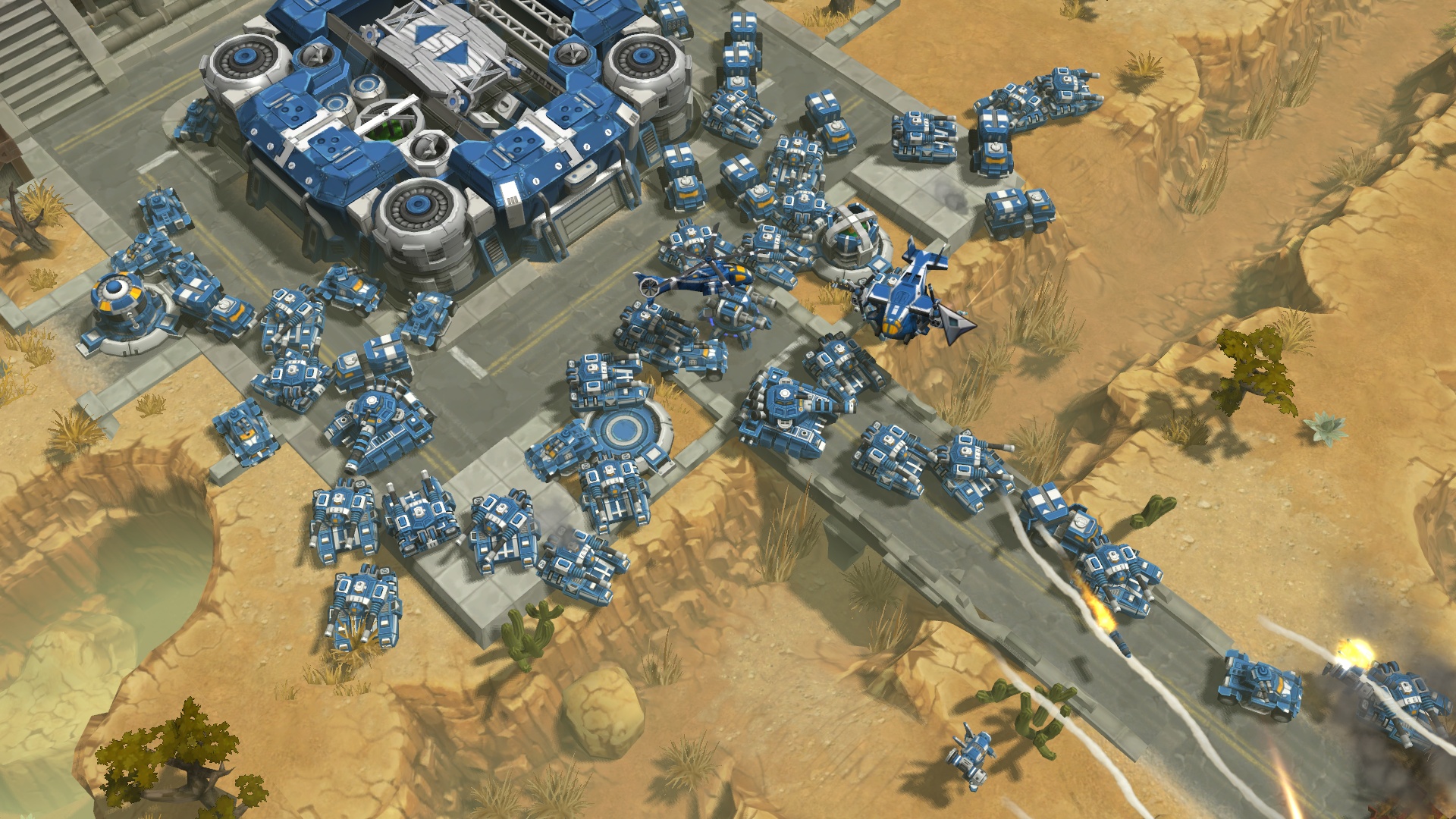
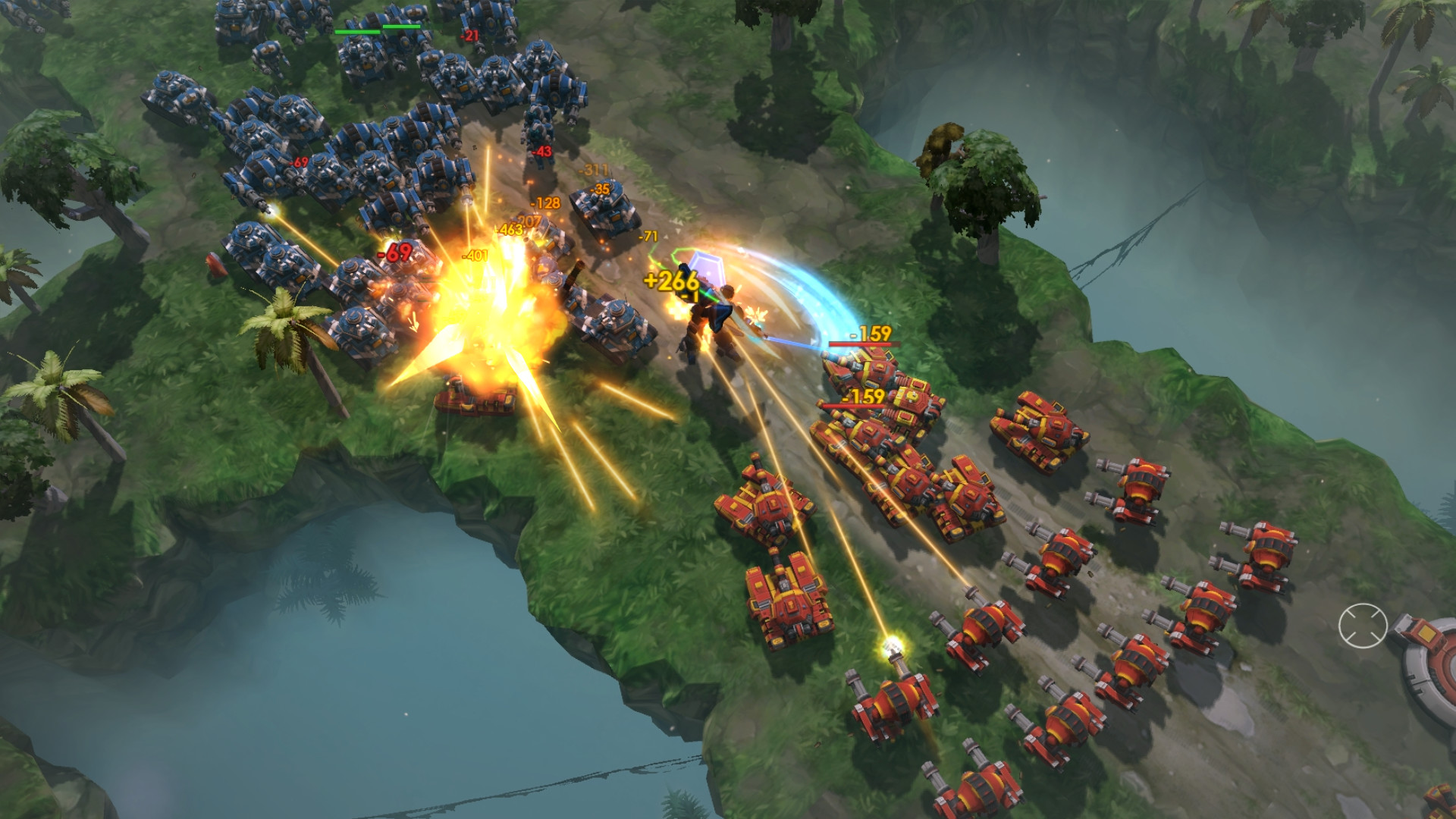
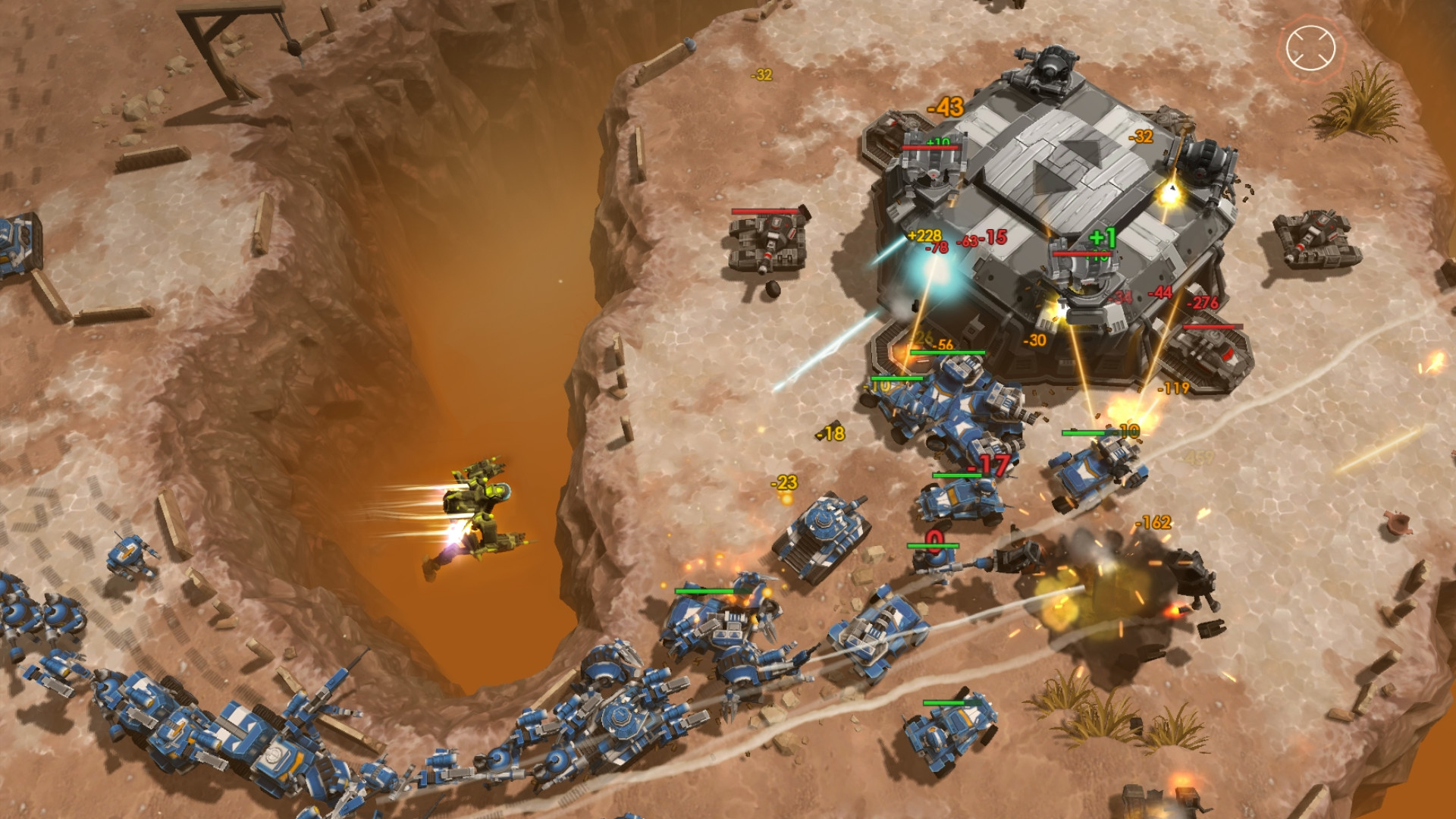
Your AirMech functions as the cursor, letting you pick up and drop units from the sky, a twist on typical RTS control. It can also transform into mech mode to fight alongside its units.
Nine distinct AirMech frames are available, each paired with multiple skins, allowing players to match a frame to their preferred style or collect them all for flexibility.
- Experiment with different frames to discover which suits your unit‑placement habits.
- Use the drop‑off ability to reposition units quickly during battles.
02 / THE GUIDE
Unit Building & Parts Collection
Defeated enemies drop Parts that can be recovered to make AirMechs more powerful as you advance. Progress unlocks dozens of units, letting you shape an army that fits your strategy.
Gameplay‑related items are unlocked through play, providing a steady stream of new content to explore.
- Prioritize collecting Parts after each battle to accelerate upgrades.
- Mix unit types to cover both offensive and defensive needs.
03 / THE GUIDE
Multiplayer Modes
AirMech supports online co‑op and PvP, allowing players to team up or face off against others. Both solo and team play are available, with matches ranging from casual to competitive.
Steam Leaderboards and Achievements track performance, offering additional goals for players who enjoy competitive ranking.
- Join co‑op matches to learn unit synergies from other players.
- Check leaderboards to gauge where you stand among the community.
04 / THE GUIDE
Control Options
The game supports both mouse/keyboard and partial gamepad input on Windows. Gamepad support is a work‑in‑progress but functions well in‑game.
Players can choose their preferred input method without affecting core gameplay features.
- If using a gamepad, adjust sensitivity in settings for smoother unit placement.
- Switch to mouse/keyboard for precise cursor control during intense battles.
05 / THE GUIDE
Free‑to‑Play Structure
AirMech is free to play with optional in‑app purchases. Steam Achievements, Trading Cards and Stats are integrated, providing extra incentives for continued play.
All core gameplay, including unit upgrades and multiplayer, is accessible without mandatory purchases.
- Earn Steam Achievements to unlock cosmetic items.
- Use in‑app purchases sparingly if you prefer a purely free experience.
COMMUNITY
Player discussion