 GameWiki

GET YOUR BEARINGS
About AIR
AIR is a visual novel from Key, the studio behind titles like CLANNAD and Little Busters. The story follows themes of familial love and sensitive emotions, offering multiple endings based on player choices. A side‑story novel, “First Sky Chapter,” is also presented in visual novel format.
The Steam release adds full Japanese voice acting, retouched HD visuals, and CG coloring tuned for LED displays. Players can switch text between Japanese, English, and Simplified Chinese at any time, and use touch gestures on tablets or a Steam Deck. The game runs on Windows and supports a range of controllers via Steam Input.
01 / THE GUIDE
Branching Story and Endings
AIR’s narrative changes according to the decisions you make, leading to a variety of distinct endings. This branching structure encourages multiple playthroughs to uncover every outcome.
The included side story, “First Sky Chapter,” is presented as a separate visual novel segment, expanding the main plot with additional scenes and character moments.
- Experiment with different dialogue options early to see how they affect later routes.
- Take notes on key choices to track which paths you have explored.
02 / THE GUIDE
HD Visuals and CG Coloring
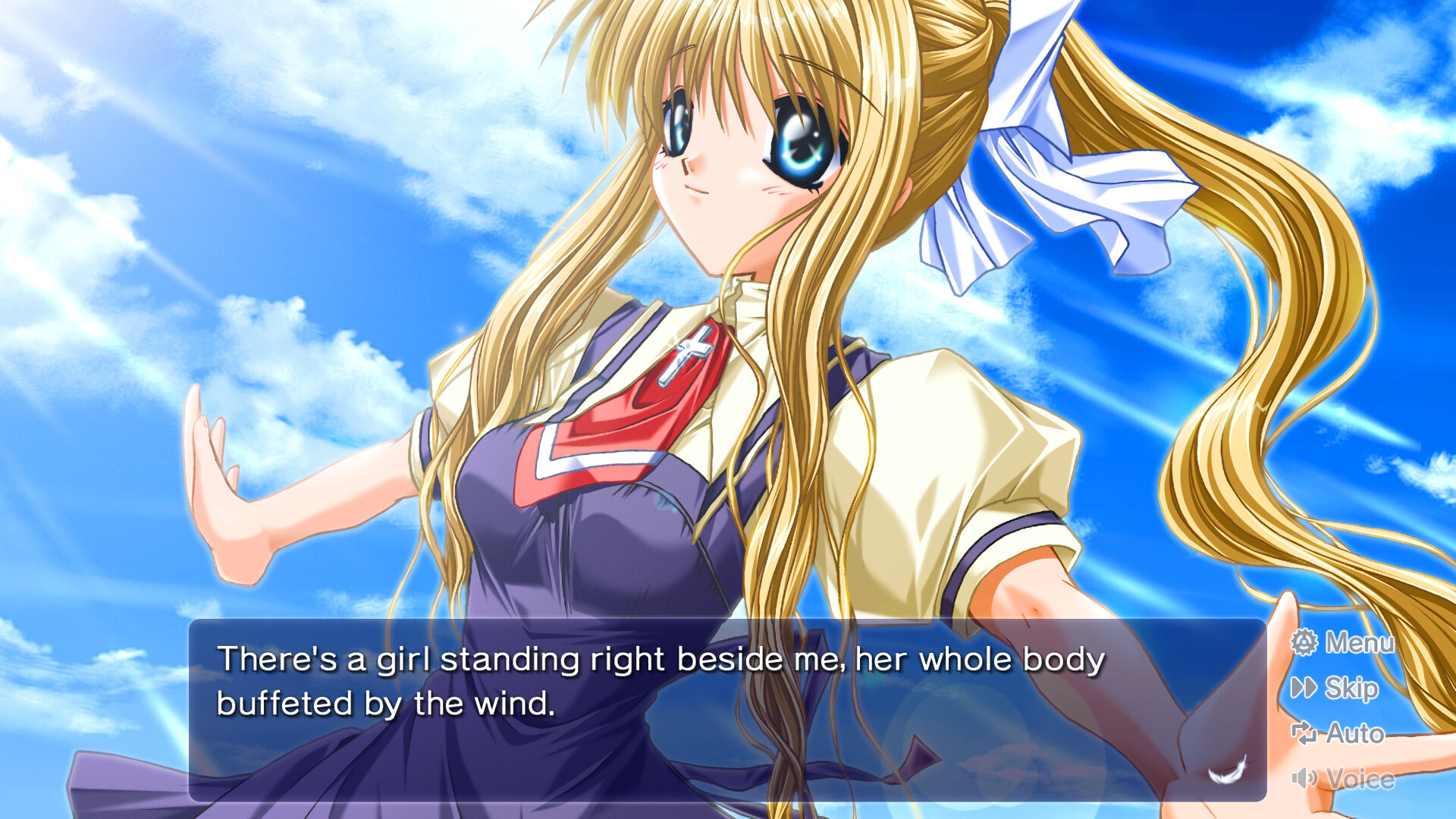
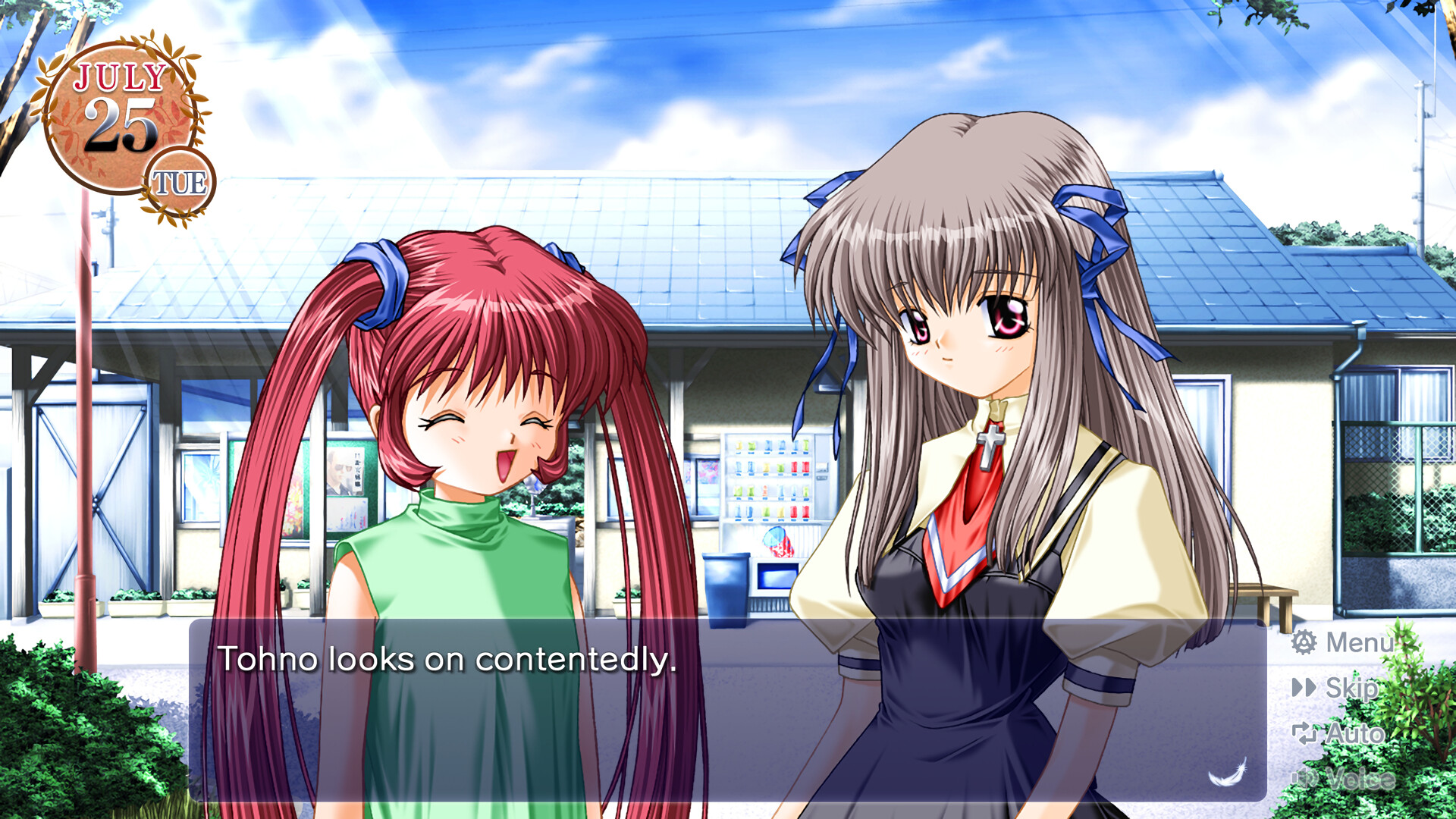
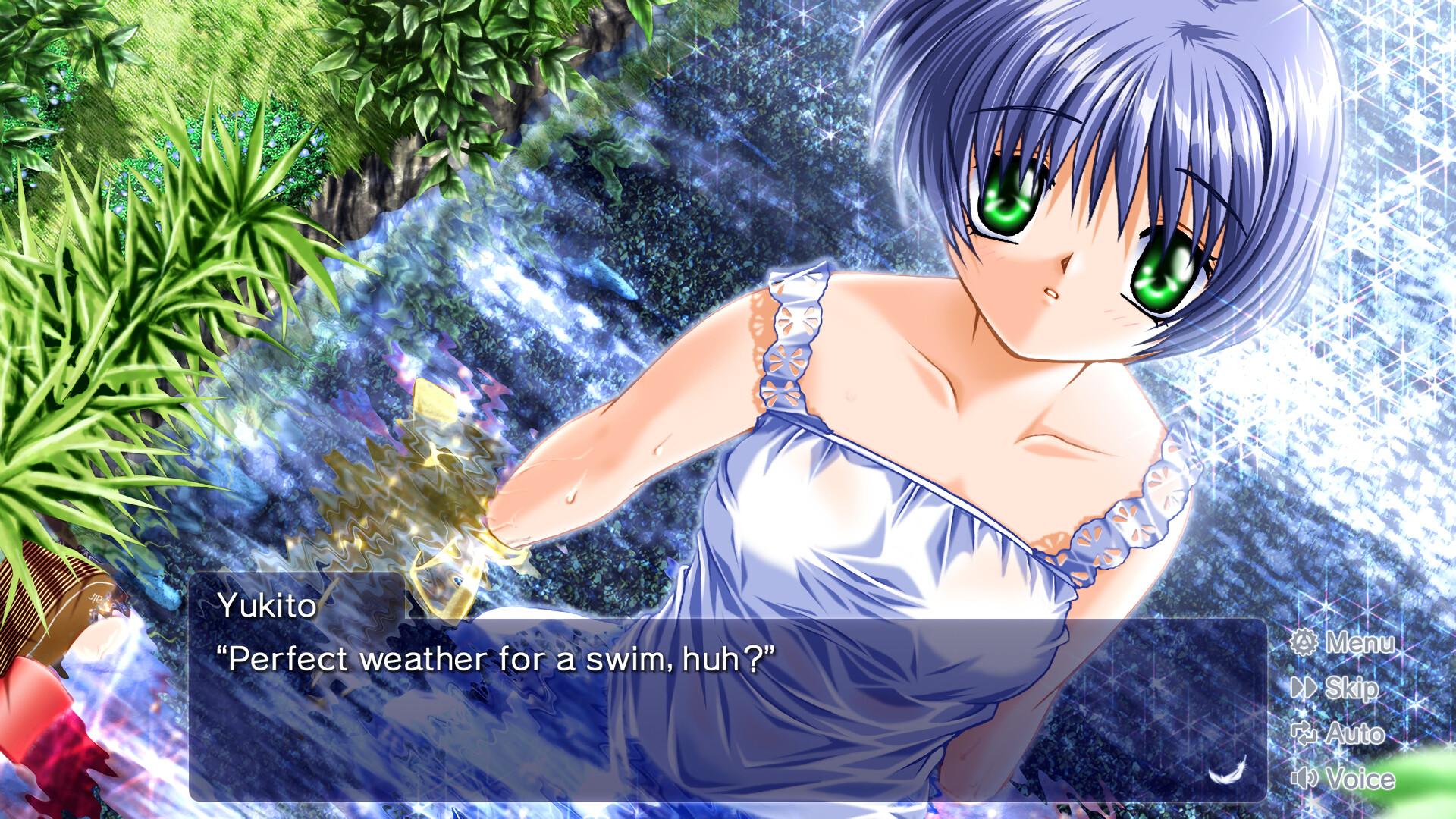
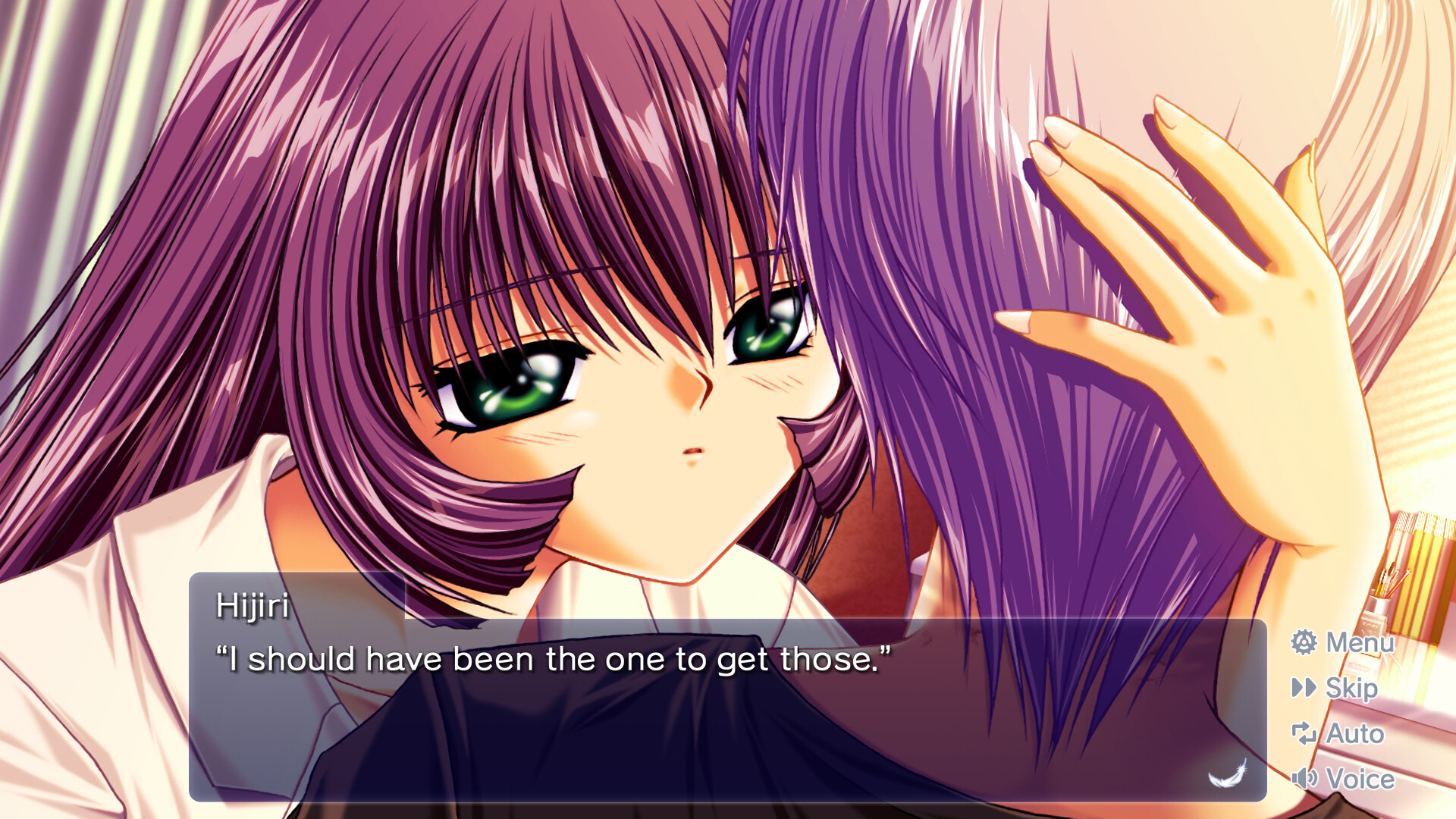
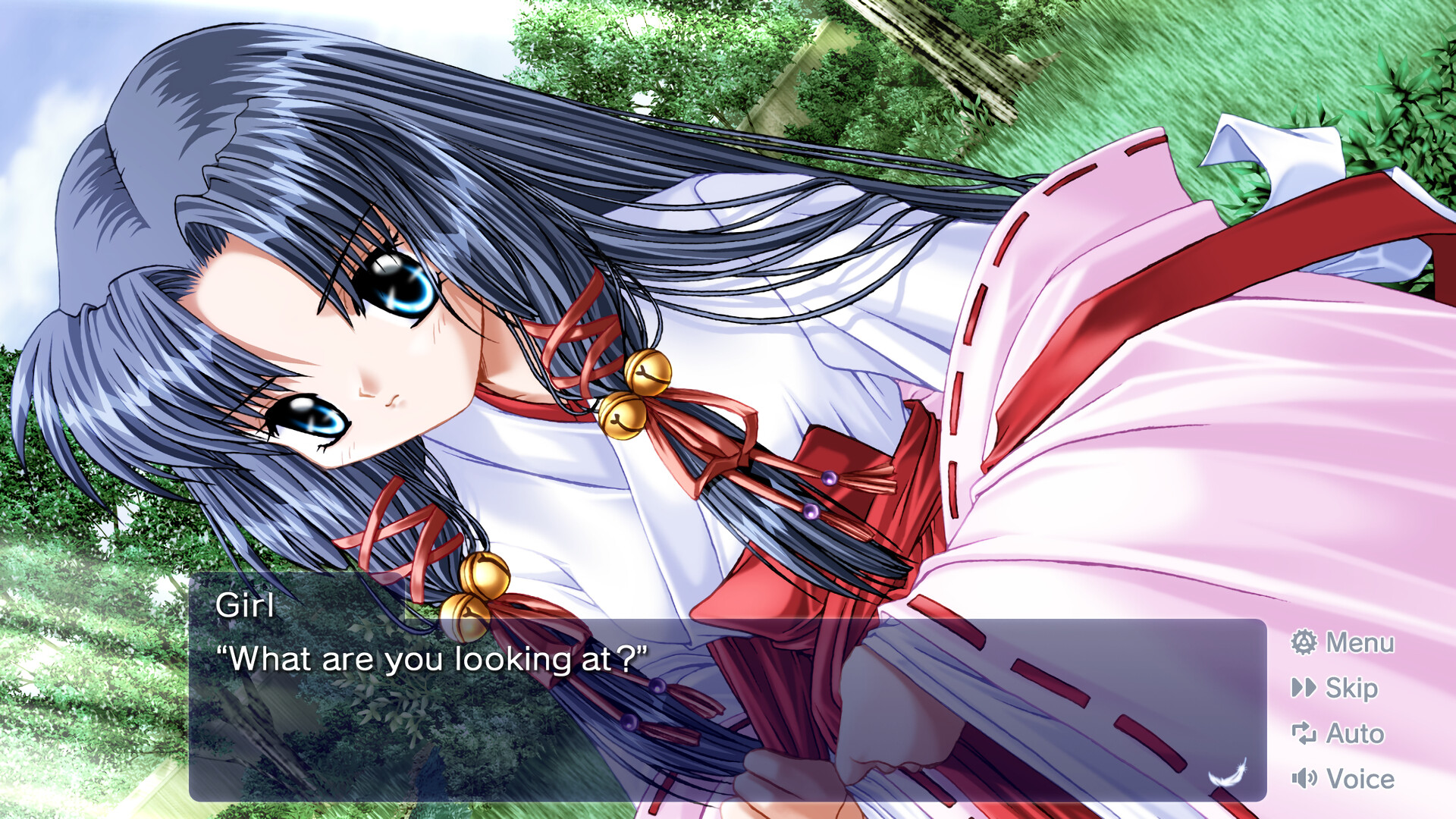
This version of AIR features retouched high‑definition visuals, delivering sharper backgrounds and character art. CG coloring has been adjusted to better match LED display colors, enhancing overall picture quality.
The visual improvements are designed to work across a range of monitor types, ensuring the artwork looks vibrant whether on a laptop or a larger screen.
- Enable your monitor’s highest resolution setting to fully appreciate the HD art.
- Adjust brightness if LED colors appear overly saturated.
03 / THE GUIDE
Full Voice Support
Unlike earlier Windows releases, the Steam version includes complete Japanese voice acting performed by a cast of well‑known actors. All dialogue is spoken, adding emotional depth to the story.
Audio is limited to Japanese; there is no English voice track, but subtitles are available in multiple languages.
- Use headphones to catch subtle vocal nuances.
- Mute the voice track if you prefer reading the original text.
04 / THE GUIDE
Multilingual Text Settings
In‑game text, options, and the digital manual can be displayed in Japanese, English, or Simplified Chinese. Language can be switched at any moment during play, allowing seamless transitions.
Only the audio remains Japanese‑only; the text translations cover the entire narrative and interface.
- Switch to English if you are unfamiliar with Japanese kanji.
- Select Simplified Chinese for a clearer reading experience on high‑resolution screens.
05 / THE GUIDE
Controller and Touch Support
AIR supports full controller input, including DualShock and DualSense devices, via Steam Input API. Touch gestures are also recognized on tablet PCs and the Steam Deck, offering flexible navigation.
The game runs on Windows only, but Steam Cloud and Family Sharing are available for saved data and sharing with other accounts.
- Map frequently used actions to controller buttons for quicker navigation.
- Use touch gestures on a Steam Deck for a more handheld‑friendly experience.
COMMUNITY
Player discussion