 GameWiki
GET YOUR BEARINGS
About AI Learns To Drive
AI Learns To Drive is a sandbox where you construct a feed‑forward neural network to control a racing car. You define layers, select inputs such as vision rays or speed, and assign outputs like steering, throttle, brakes, or battery boost.
The game also provides a track editor for asphalt, ice and dirt surfaces, a challenge system that awards stars and coins, and Steam integration for achievements, cloud saves, a workshop, and leaderboards.
01 / THE GUIDE
AI Network Design
The AI editor lets you set the number of layers and neurons in a simple feed‑forward network. Choosing inputs—vision rays, speed, acceleration, wheel angle, and others—determines what data the network receives each frame.
You also assign outputs such as steering, throttle, brakes, and battery boost. These selections directly dictate how the trained AI will manipulate the car during races.
- Start with a minimal layer count to observe basic behavior before adding complexity.
- Combine positional inputs (wheel angle) with speed inputs for richer decision data.
02 / THE GUIDE
Vehicle Customisation
Each car can be given a paint colour, allowing you to visually differentiate AI experiments. The paint choice is presented as a selectable option in the editor.
Visual differentiation can help when testing multiple AI variants simultaneously, making it easier to track which vehicle belongs to which network configuration.
- Use high‑contrast colours to improve visibility during fast runs.
- Record the paint choice alongside network settings when sharing results.
03 / THE GUIDE
Evolutionary Training
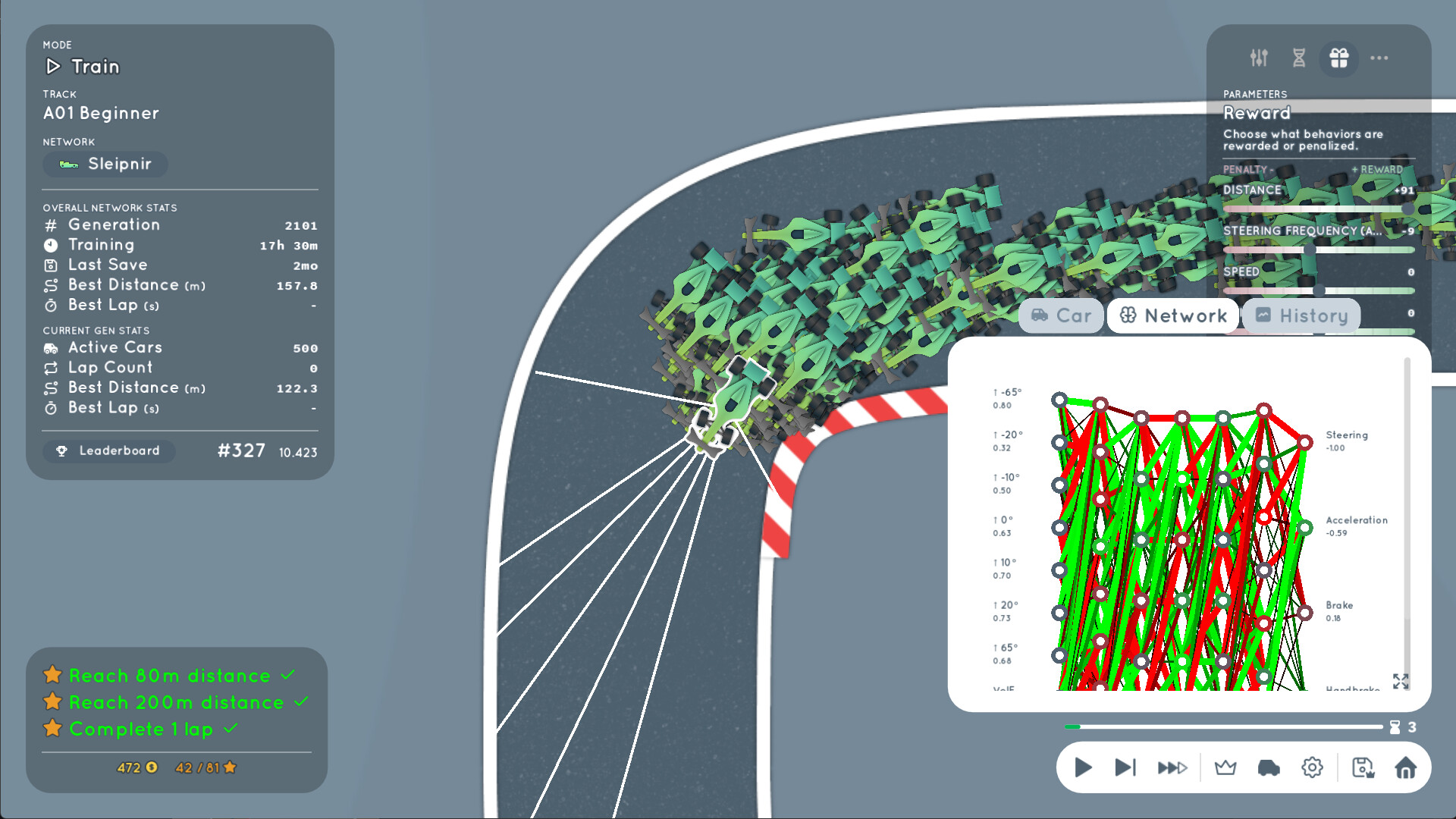
Training runs evolve drivers over generations; the best agents become parents for the next batch. You can adjust the time limit, learning rate, and agent count to shape evolutionary pressure.
Reward functions are mixable, letting you encourage behaviours such as fast racing, cautious driving, or drifting by weighting speed, safety, or other criteria.
- Begin with a modest agent count to reduce compute time while observing early trends.
- Blend a speed‑focused reward with a safety penalty to promote balanced driving.
04 / THE GUIDE
Track Editor
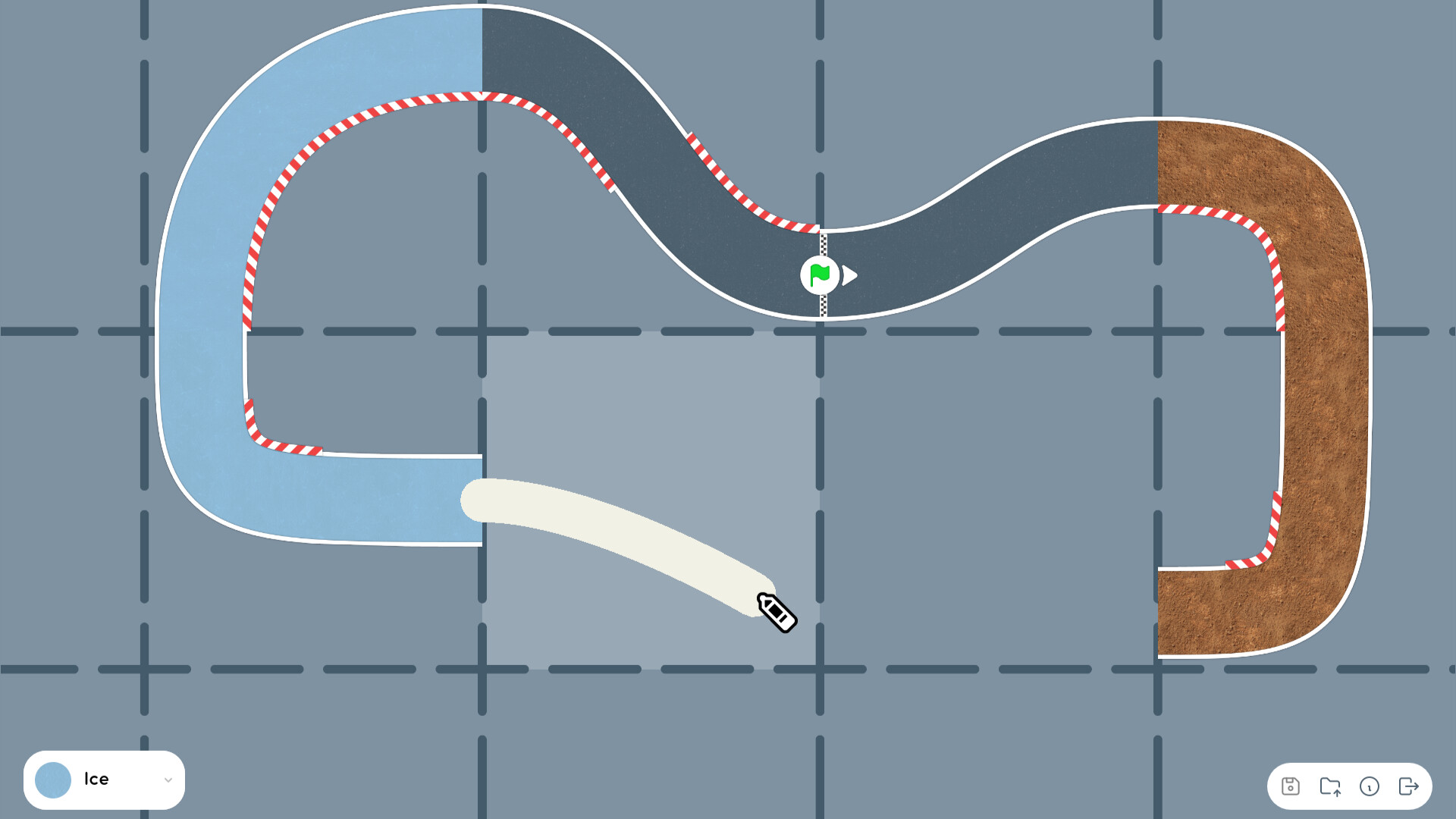
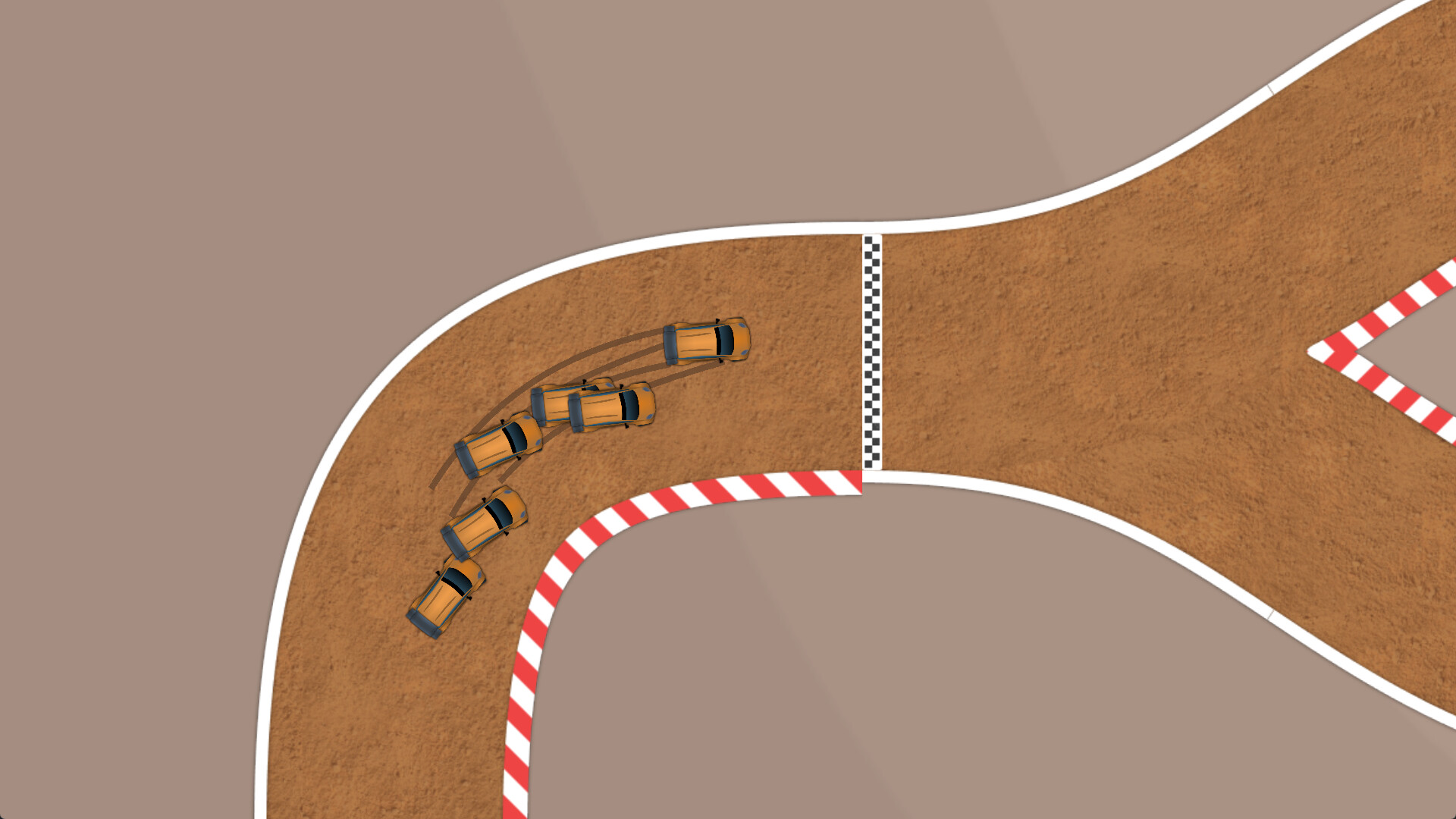
The editor allows you to build tracks using asphalt, ice and dirt surfaces. You can also add custom challenges to any track, creating varied racing scenarios for your AI to face.
Completed tracks can be uploaded to the Steam Workshop, where other players can download, race on, and attempt to beat the recorded times.
- Mix surface types within a single track to test AI adaptation to changing traction.
- Place a simple checkpoint challenge first, then add a more complex one to observe performance shifts.
05 / THE GUIDE
Races and Leaderboards
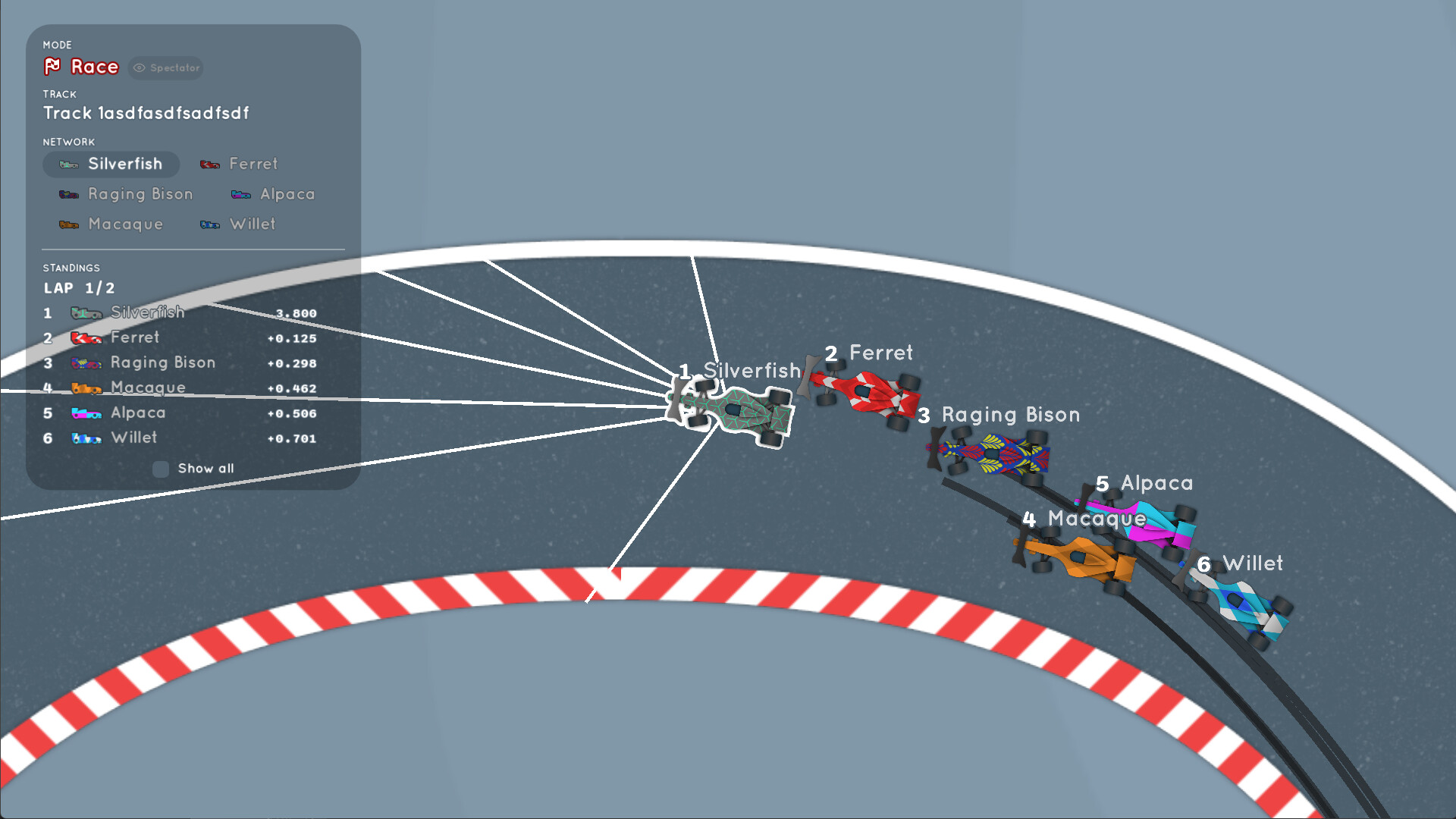
You can race your trained networks against pre‑trained opponents or against other player‑created AIs. Completing campaign challenges awards stars and coins, which unlock additional inputs, outputs and paints.
Steam Leaderboards record world‑record times on both campaign and Workshop tracks, providing a community benchmark for AI performance.
- Use campaign challenges as a baseline before attempting community‑created races.
- Observe how different reward mixes affect your AI’s ranking on the leaderboards.

COMMUNITY
Player discussion