 GameWiki
GET YOUR BEARINGS
About Agreeee
Agreeee is an indie action title that challenges players to navigate a series of agreement screens before accessing the core gameplay. The game’s premise revolves around reading and accepting twelve fictional terms and conditions, with the objective of completing the process as quickly as possible.
The experience is framed as a “Heart‑Pounding Action Game” that only begins after the final agreement is confirmed. A built‑in timer tracks the duration from the start of the terms screen to the moment the action segment is cleared, encouraging speed‑run competition.
01 / THE GUIDE
Agreement Mechanics
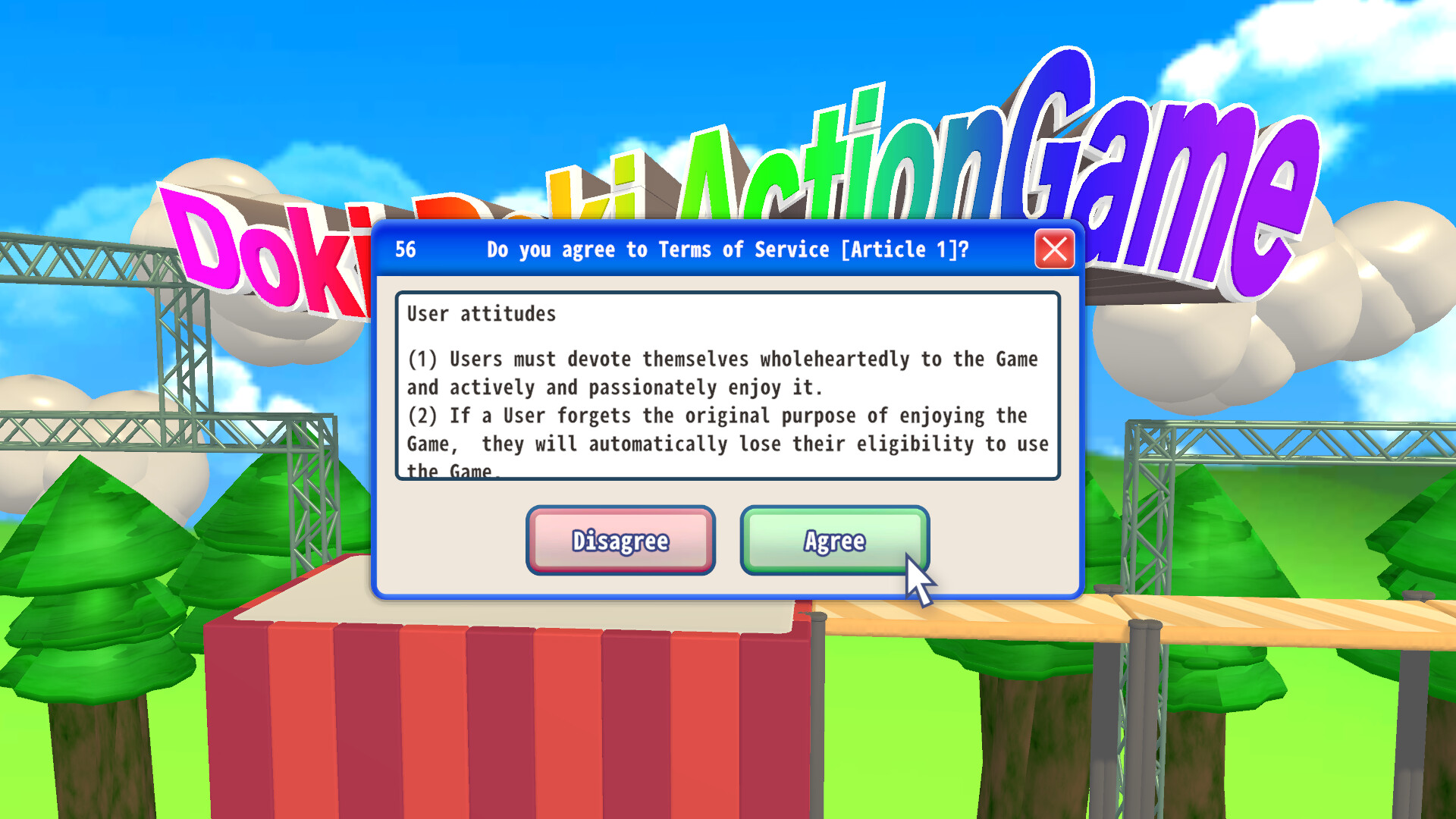
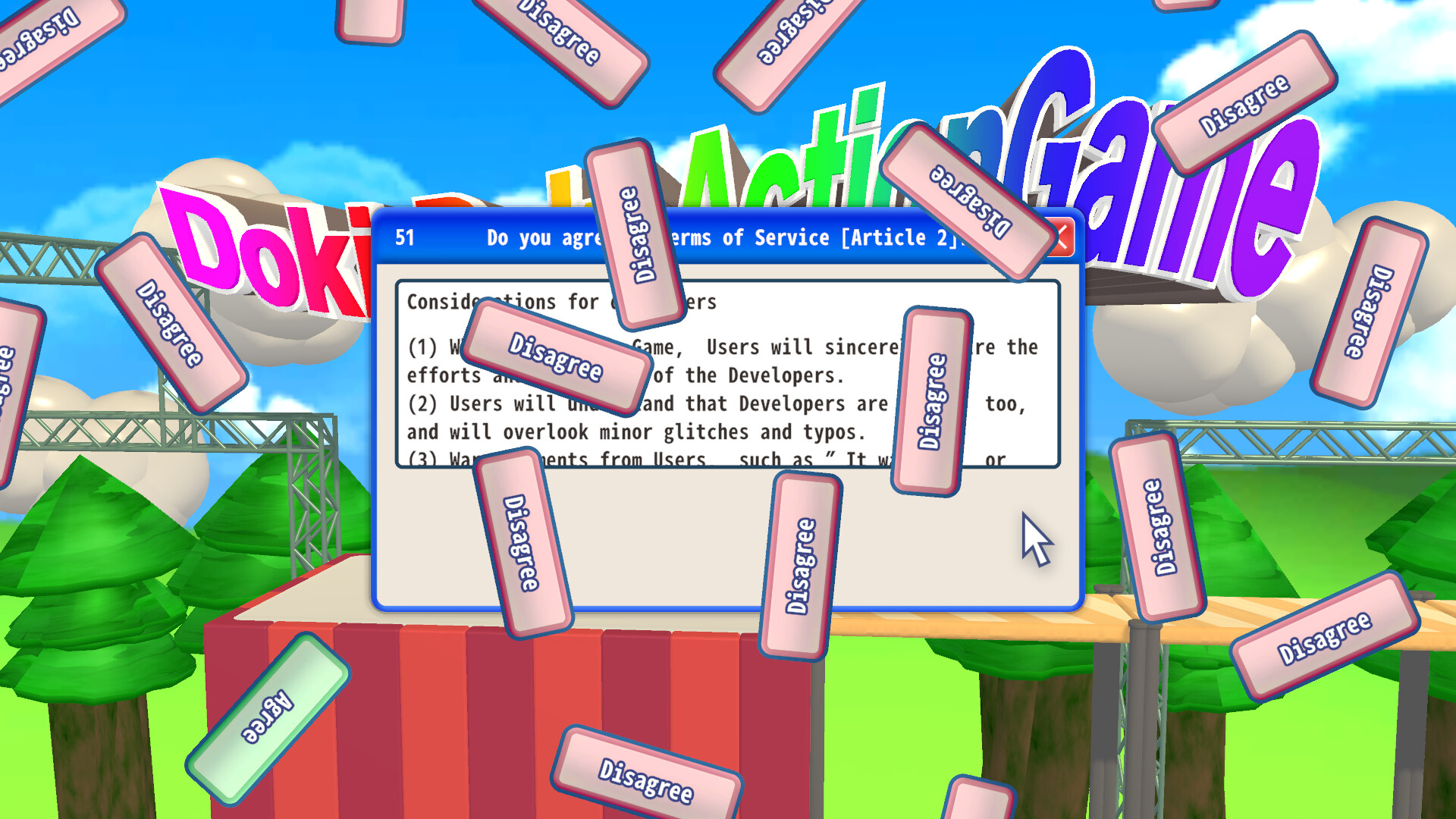
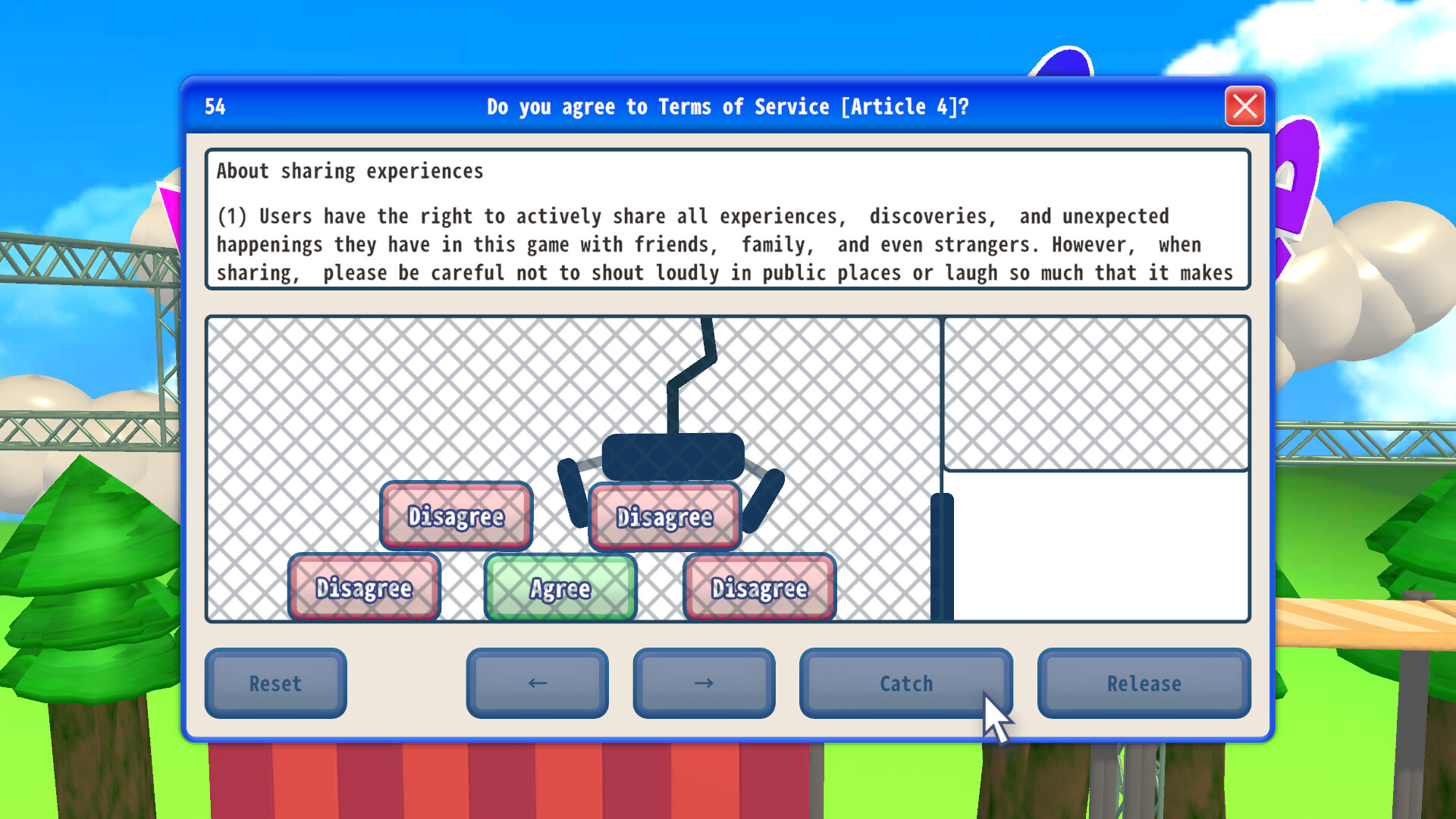
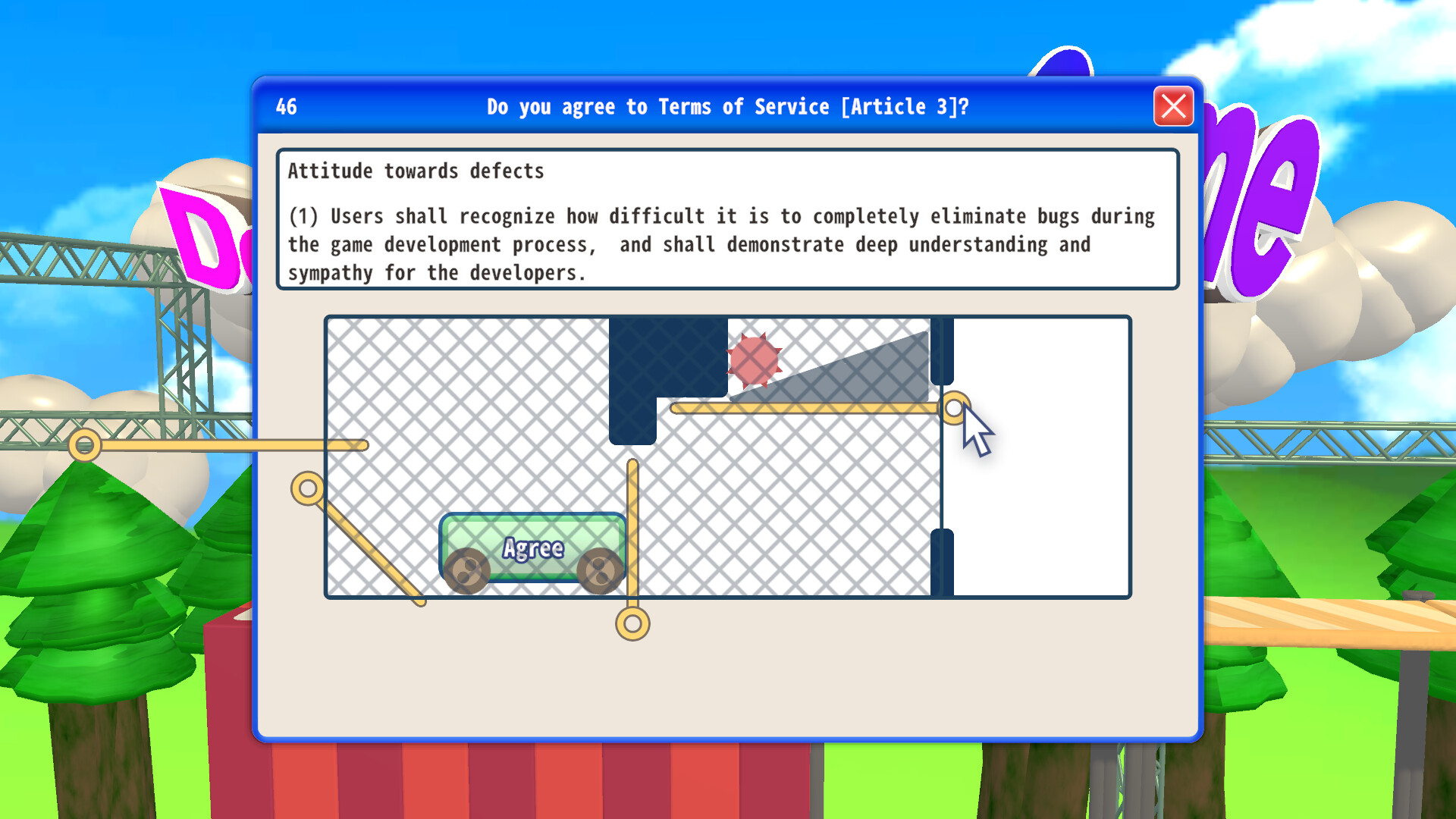
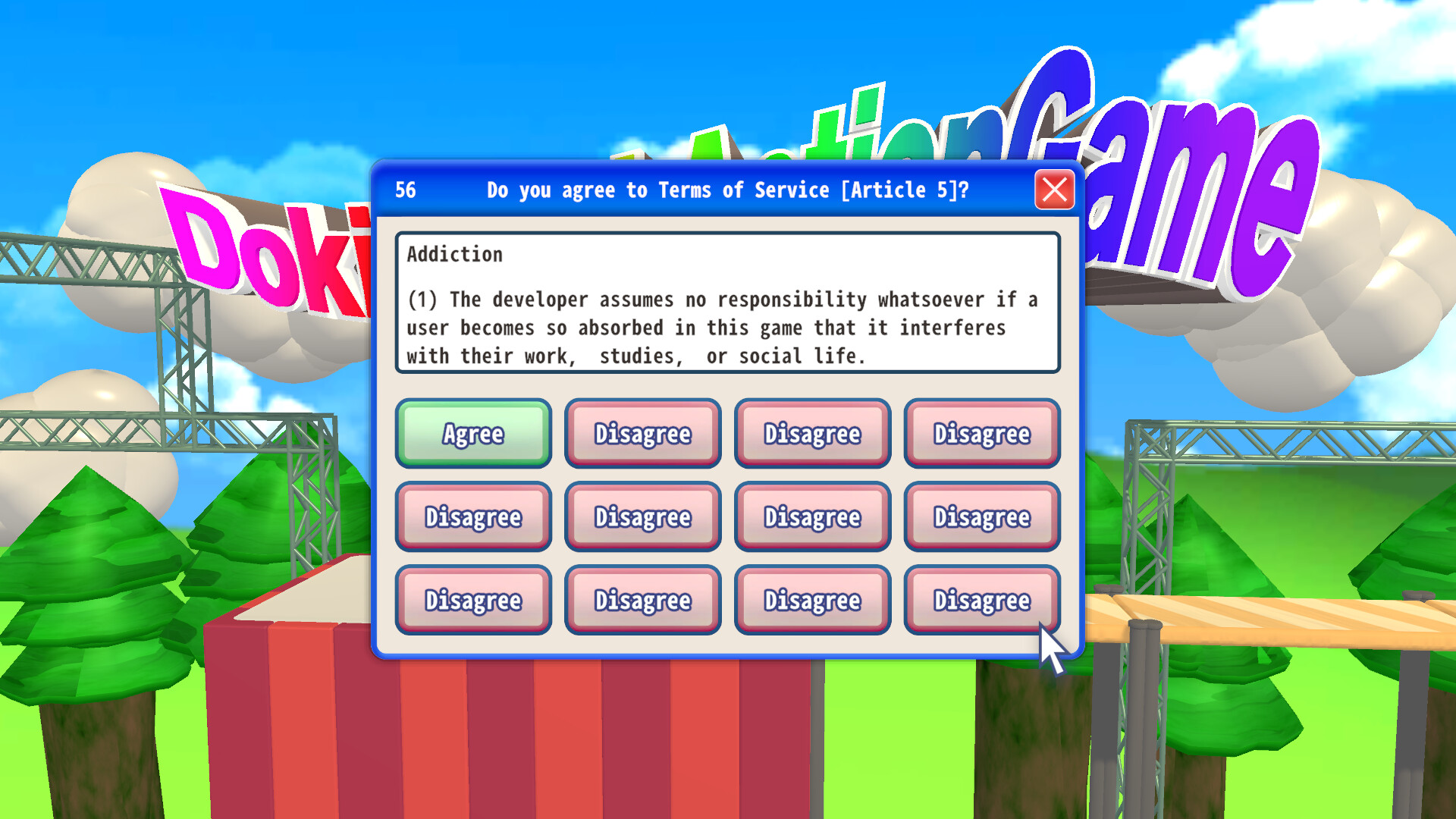
Players must click through twelve distinct terms and conditions screens before the main action can start. Each screen may contain unconventional or misleading controls designed to impede automated input, requiring careful manual interaction.
The final step is an “Agree” button that becomes accessible only after all prior screens are navigated. The game treats the entire agreement process as the official start of the timed run.
- Take a moment to observe each screen’s layout before attempting to click; patterns may repeat.
- Avoid rushing the first few screens; early mistakes can add unnecessary seconds to your total time.
02 / THE GUIDE
Timer Bug
When the Terms of Service confirmation popup appears, a timer begins running before the player has actually agreed. The developers have chosen to leave this behavior unchanged, citing the difficulty of fixing it.
Official competition rules consider the timer’s start point as the beginning of the run, meaning the bug is part of the intended challenge. Players must account for this early start when aiming for fast times.
- Start preparing your clicks as soon as the popup appears to minimize lost seconds.
- Practice the exact moment the timer begins to synchronize your actions.
03 / THE GUIDE
Heart‑Pounding Action Phase
After successfully confirming all terms, the game transitions to its action segment, labeled the “Heart‑Pounding Action Game.” This portion is the only gameplay beyond the agreement screens and is the final checkpoint for the timed run.
Clearing this phase ends the timer, establishing the player’s total time. No additional objectives or levels are described beyond this singular action encounter.
- Maintain focus after the agreement screens; fatigue can cause errors in the action phase.
- Observe any visual cues that indicate the start of the action segment to react promptly.
04 / THE GUIDE
Platform Support
Agreeee is officially released for Windows operating systems. The game does not list support for macOS or Linux platforms, limiting its official availability to PC users running Windows.
Potential players on unsupported platforms should verify compatibility or consider using Windows emulation if they wish to experience the title.
- Check your Windows version for any required updates before installing.
- If using a virtual machine, allocate sufficient resources to avoid performance hiccups.
05 / THE GUIDE
Steam Features
The game integrates with Steam’s ecosystem, offering achievements that track specific milestones within the agreement and action phases. Additionally, it supports Family Sharing, allowing eligible accounts to play without purchasing a separate copy.
These features do not affect core gameplay but provide extra incentives for completion and sharing the experience with others.
- Review the achievement list on Steam to set personal goals beyond the speed run.
- Enable Family Sharing in Steam settings to let friends try the game without extra cost.
COMMUNITY
Player discussion