 GameWiki
GET YOUR BEARINGS
About Ages of Conflict: World War Simulator
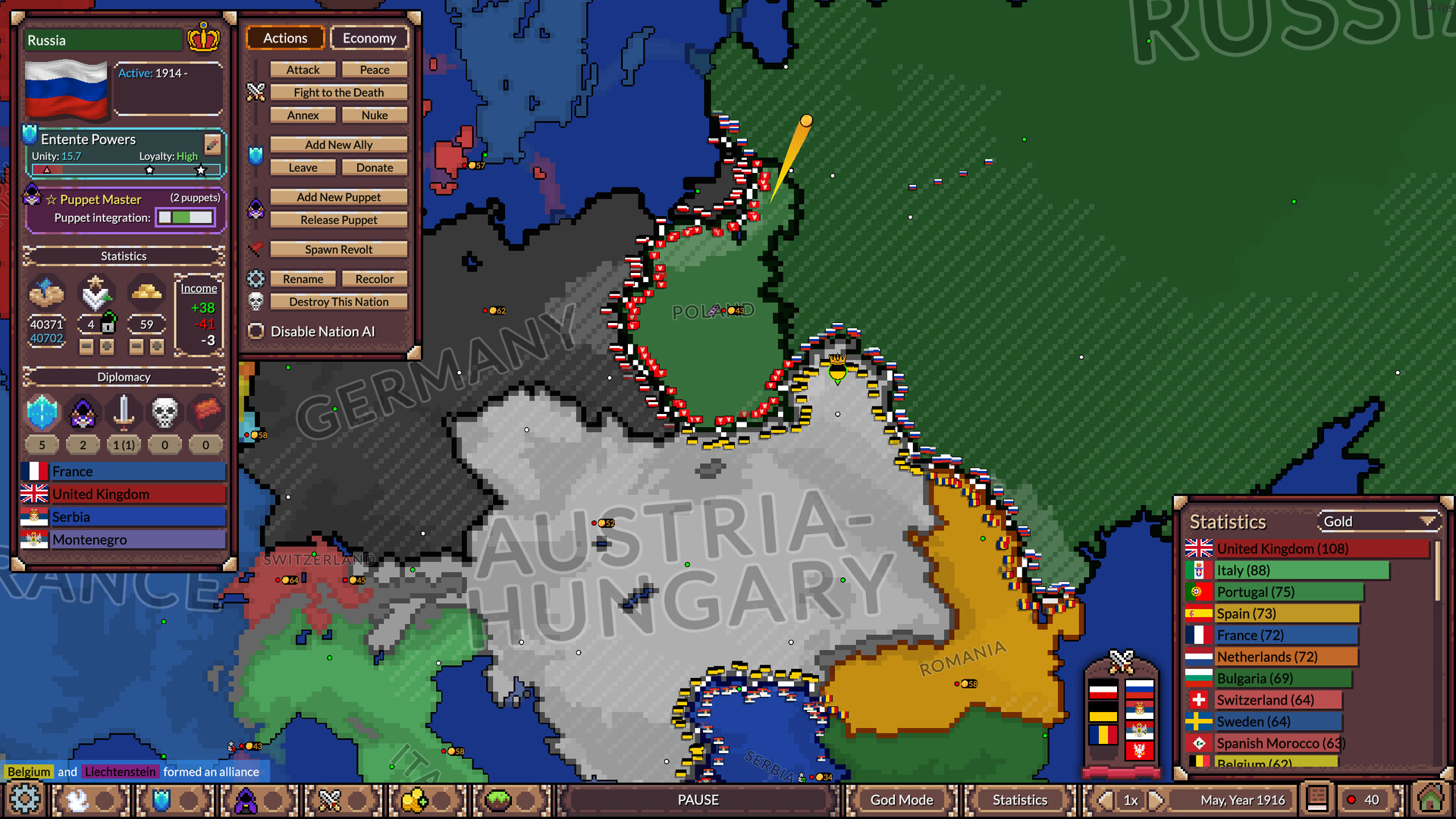
Ages of Conflict: World War Simulator lets you watch AI‑controlled nations clash in a free‑for‑all quest for world domination. The game focuses on observation rather than direct strategic control, featuring alliances, revolts, puppet states and political twists.
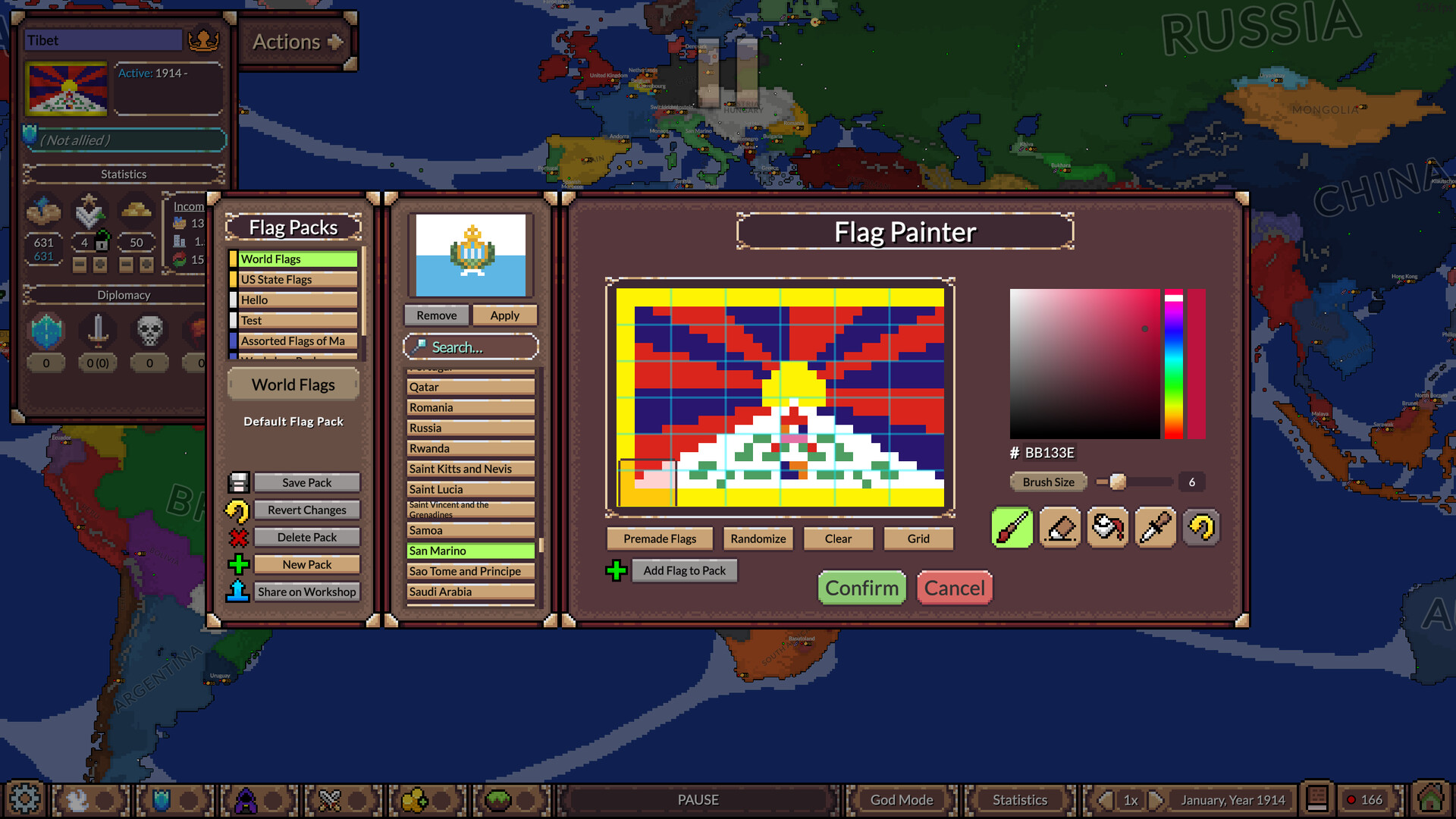
Beyond the simulation, the title includes a robust map creator and God‑mode tools. You can edit borders, terrain, nation stats and AI behaviour at any time, and view detailed history and statistics of each simulation.
01 / THE GUIDE
Simulation Core
The core experience is an AI‑driven battle where nations vie for global control. Players watch the unfolding conflict, which can involve alliances, revolts and puppet states. The system is described as a massive free‑for‑all rather than a traditional strategy game.
The simulation runs continuously and can be saved at any point, allowing you to return later and review the world’s evolution. Statistics and a full history view let you analyse past events and extinct nations.
- Observe early alliances to anticipate later power shifts.
- Use the history view to spot patterns in AI behaviour.
02 / THE GUIDE
Map Creator & God Mode
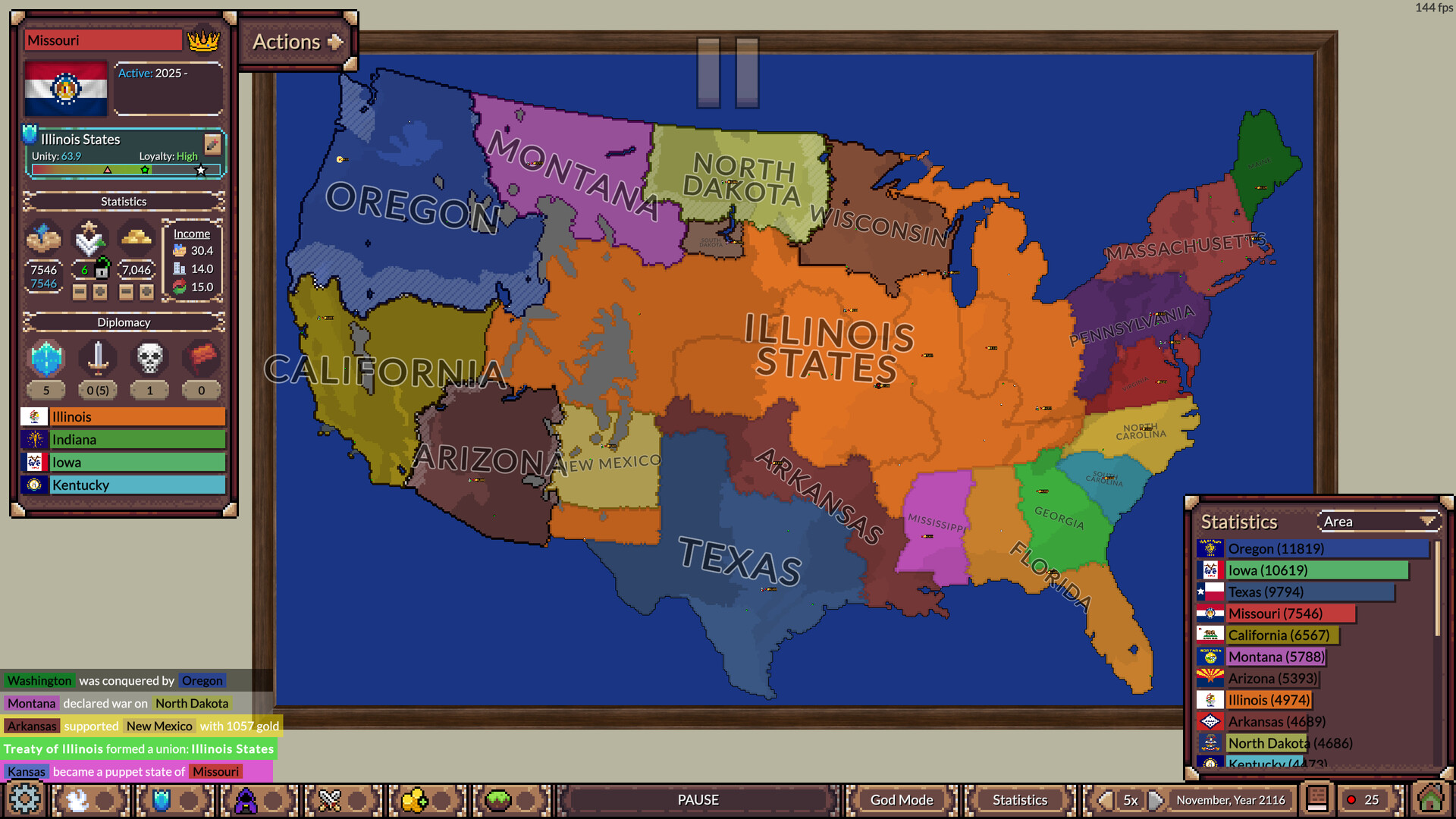
Ages of Conflict ships with premade maps and scenarios, but also provides tools for creating custom maps and borders of any complexity. You can edit terrain, nation statistics and AI parameters during a running simulation.
These tools let you craft historical, fantasy or entirely new worlds, and the changes persist as the simulation continues, potentially for thousands of years with the right settings.
- Start with a simple map to learn the editing interface.
- Experiment with AI behaviour tweaks to see varied outcomes.

03 / THE GUIDE
Steam Workshop Integration
The game connects to Steam Workshop, offering hundreds of high‑quality scenarios created by the community. These range from historical periods to fantasy settings, expanding the base content without leaving the game.
You can download and play these scenarios directly, using them as a foundation for further customization or as standalone simulations to observe different geopolitical dynamics.
- Browse the most downloaded scenarios for proven engaging setups.
- Combine workshop maps with your own edits for hybrid experiences.
04 / THE GUIDE
World Building & Statistics
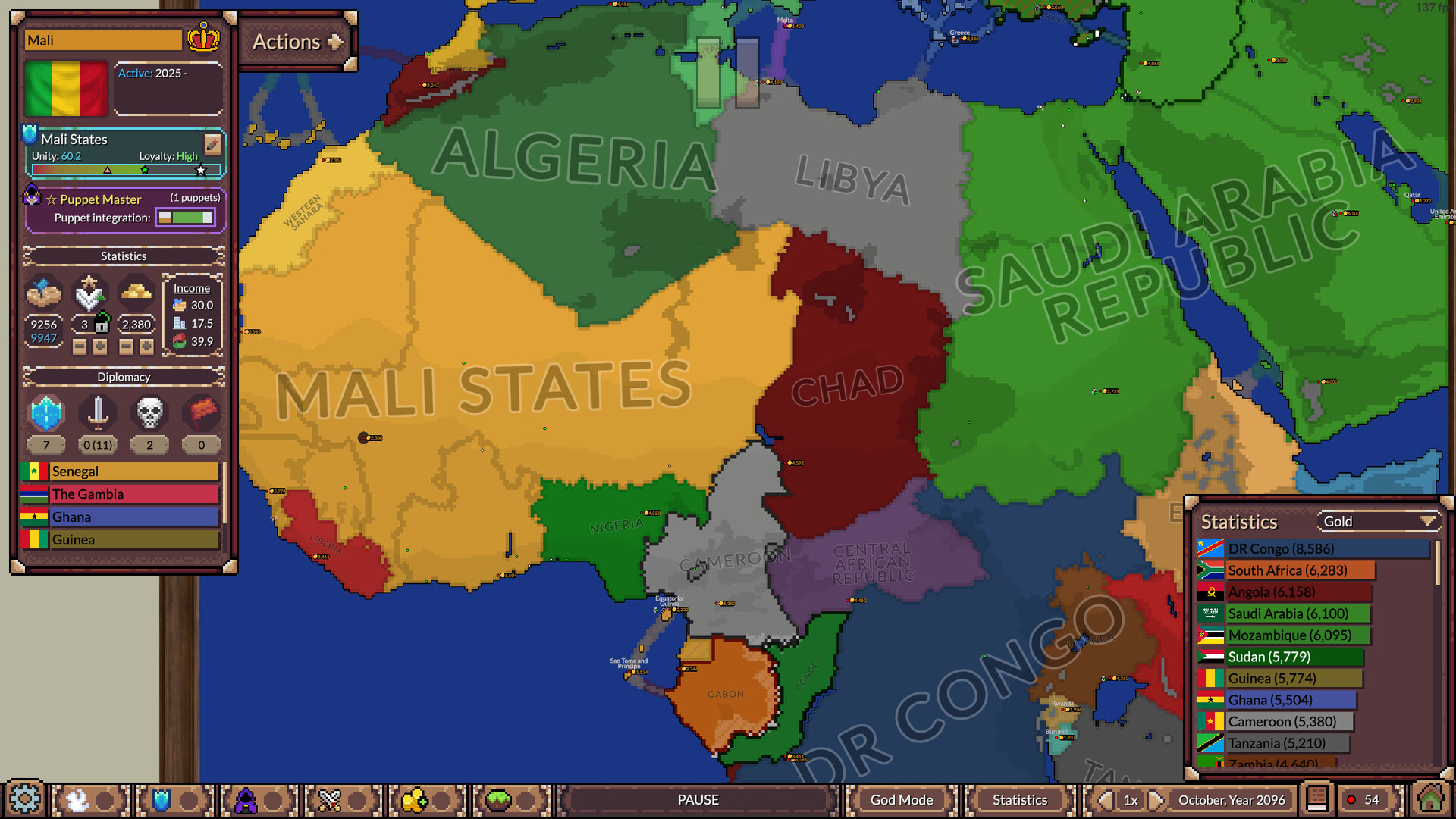
A dedicated view presents the entire history of your simulations, including detailed statistics for each nation. This allows you to track changes over time, such as territorial shifts and population trends.
The statistical overview helps you understand long‑term effects of your edits and the AI’s decisions, making it a useful tool for players interested in geography and history.
- Use the statistics panel to compare nation growth before and after edits.
- Use the statistics panel to track how nations change over time.
05 / THE GUIDE
Platform Support & Features
Ages of Conflict runs on Windows, macOS and Linux, and includes features such as Steam Achievements, Steam Cloud, custom volume controls and the ability to save anytime. The game is single‑player and supports family sharing.
Camera comfort options and the ability to play without timed input make the experience accessible for varied play styles, while the inclusion of a level editor expands creative possibilities.
- Enable custom volume controls for a comfortable audio experience.
- Take advantage of the save‑anytime feature to pause long simulations.
COMMUNITY
Player discussion