 GameWiki
GET YOUR BEARINGS
About Age of History II
Age of History II is a grand‑strategy wargame that blends simple learning with deep strategic depth. Players use military tactics and diplomatic actions to either unite the world under one rule or conquer it through force.
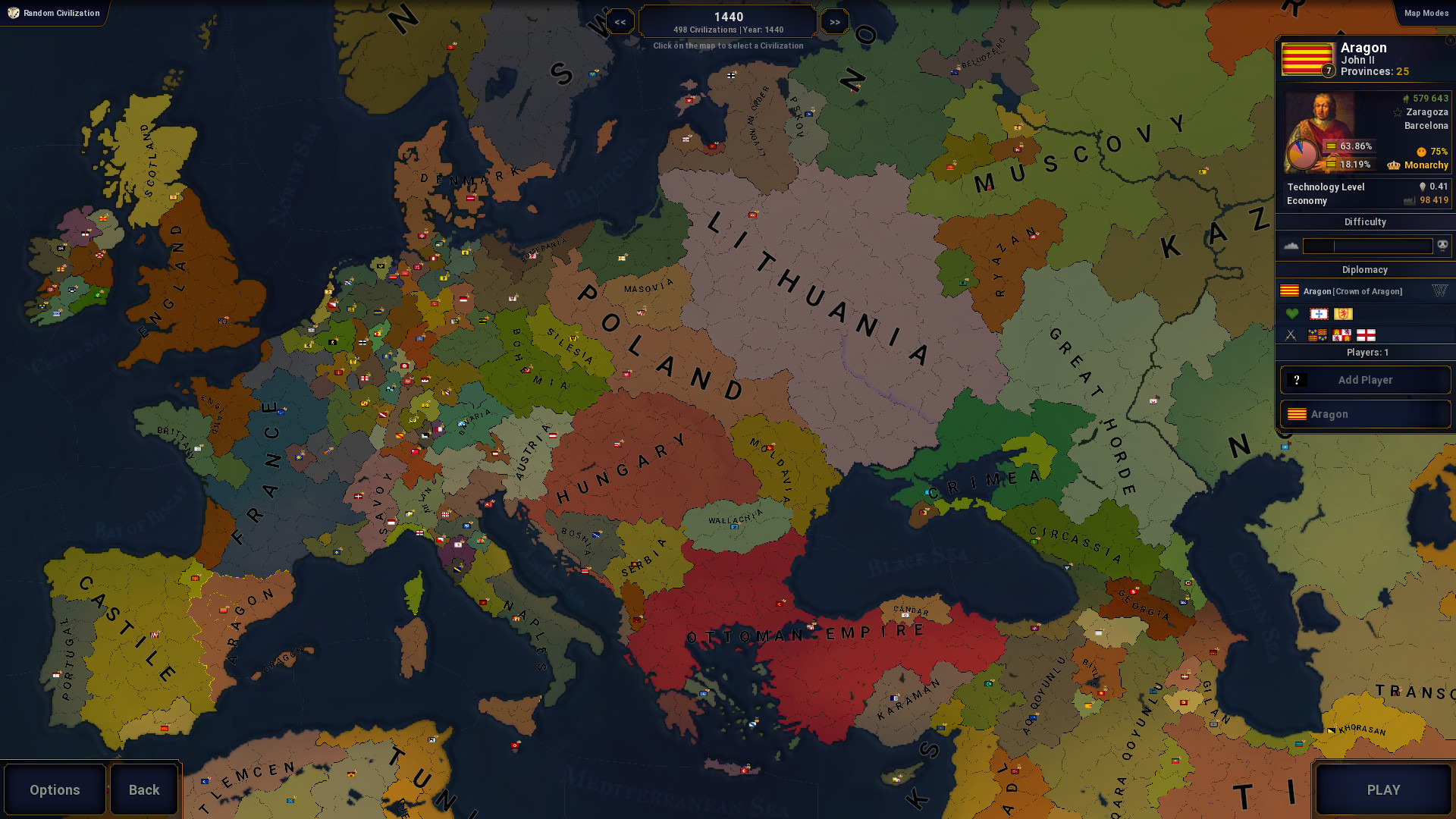
The game spans humanity’s entire timeline, starting in the Age of Civilizations and extending into a speculative future. A detailed world map, varied populations, and extensive editors let players shape history and share creations via Steam Workshop.
01 / THE GUIDE
Gameplay Objective
The core objective is to employ military tactics and diplomacy to either unify the globe or dominate it. Victory is reflected by the amount of territory and influence a civilization holds at the end of the campaign.
Players can pursue either path by expanding borders, forming treaties, or conquering rivals, with each choice influencing the overall outcome of the long‑running campaign.
- Consider balancing expansion with diplomatic agreements to avoid early setbacks.
- Watch the map for rival movements that may threaten your objectives.
02 / THE GUIDE
Historical Scope
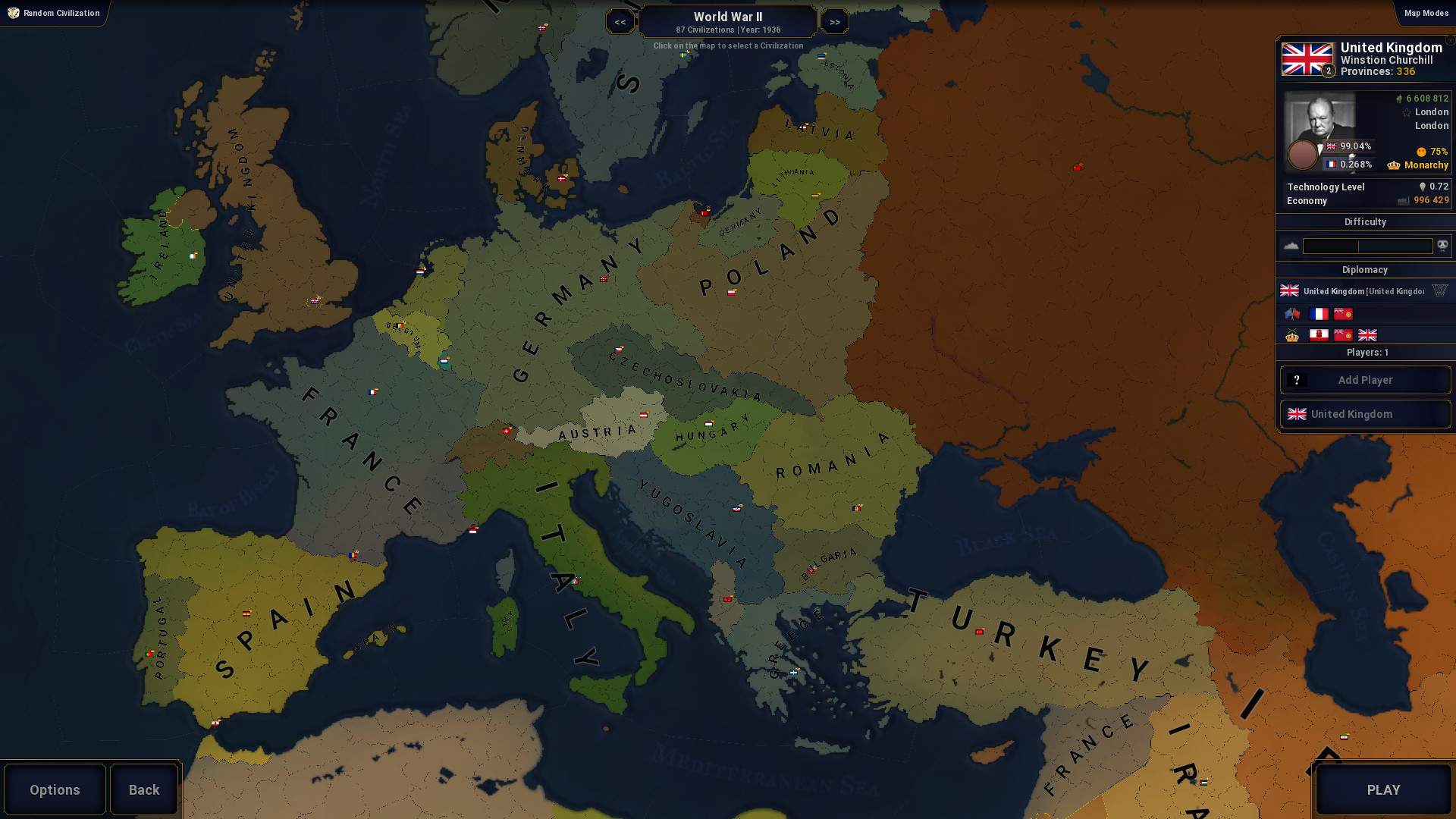
The campaign travels through every major era, beginning with the Age of Civilizations and moving toward a far‑future setting. Each age presents new borders and population configurations that affect gameplay.
All eras are linked in a single continuous playthrough, allowing players to experience the rise and fall of civilizations across thousands of years.
- Plan long‑term moves early to stay adaptable as borders shift.
- Use the timeline view to anticipate upcoming era changes.
03 / THE GUIDE
Diplomacy System
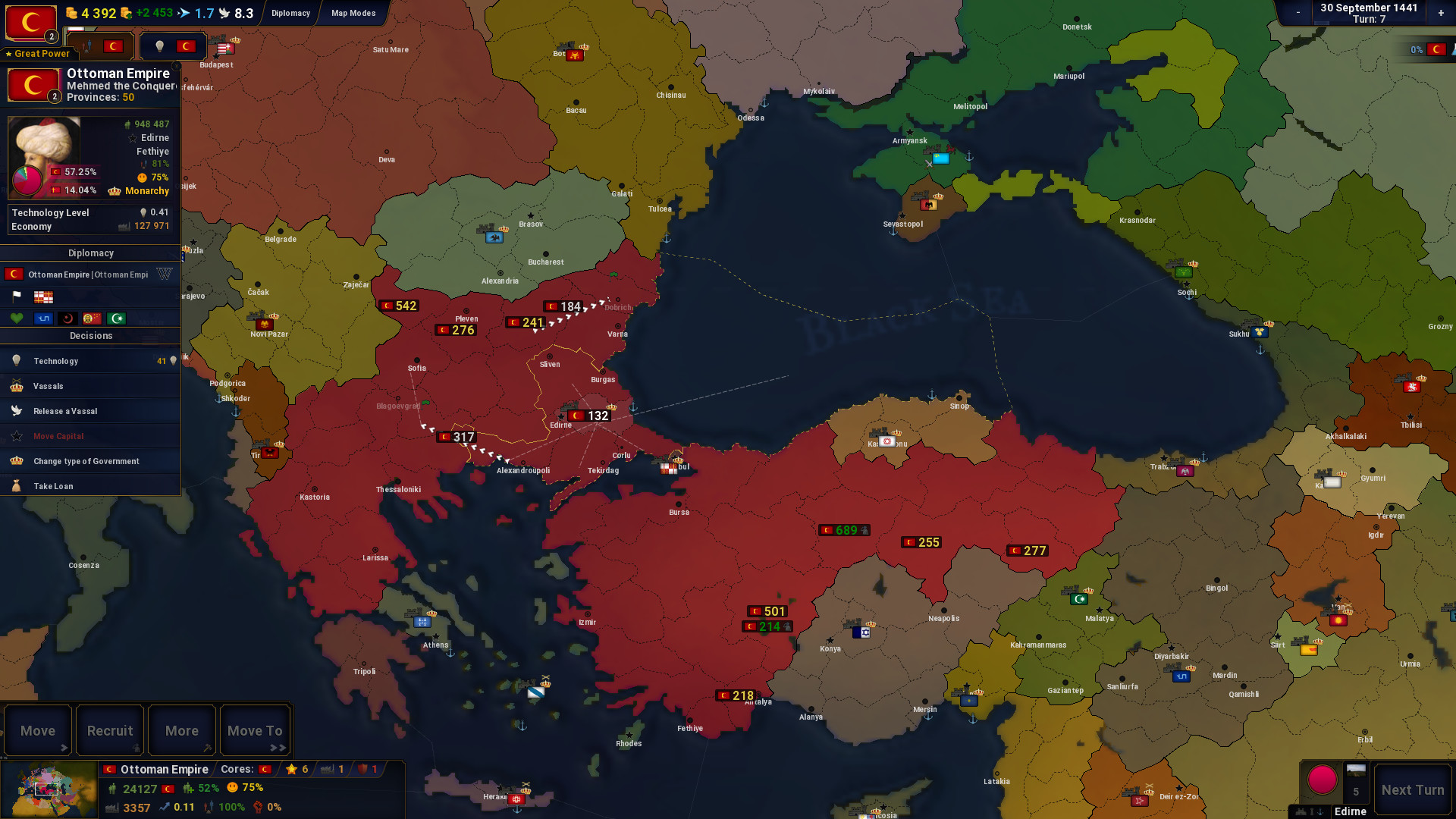
A deeper diplomatic system lets players negotiate peace treaties, form alliances, and trigger revolutions between civilizations. The system includes customizable diplomatic colors and random alliance name generation.
Diplomatic actions interact with population diversity and can lead to revolts, making careful negotiation essential for maintaining stability.
- Use peace treaties to buy time for building forces.
- Monitor diverse populations for signs of potential revolts.
04 / THE GUIDE
Editors & Customization
The game provides a suite of editors—including map, province, terrain, growth rate, city, and continent editors—allowing players to create and modify world elements. Flags and service ribbons can also be designed.
All custom content can be uploaded to the Steam Workshop, where the community can download, play, and share scenarios or alternate histories.
- Start with the Terrain Types Editor to define strategic regions.
- Export your civilization palette for reuse in multiple scenarios.
05 / THE GUIDE
Multiplayer Options
Multiplayer includes hotseat play for as many participants as there are civilizations in a scenario, as well as PvP, shared/split‑screen PvP, and Remote Play on phone or tablet. Remote Play Together and Family Sharing are also supported.
These features let friends and family join a single session without needing separate installations, expanding the ways the game can be experienced together.
- Use hotseat mode for turn‑based diplomacy with friends in the same room.
- Enable Remote Play Together for quick cross‑device matches.
COMMUNITY
Player discussion