 GameWiki
GET YOUR BEARINGS
About Age of Empires Mobile: PC Edition
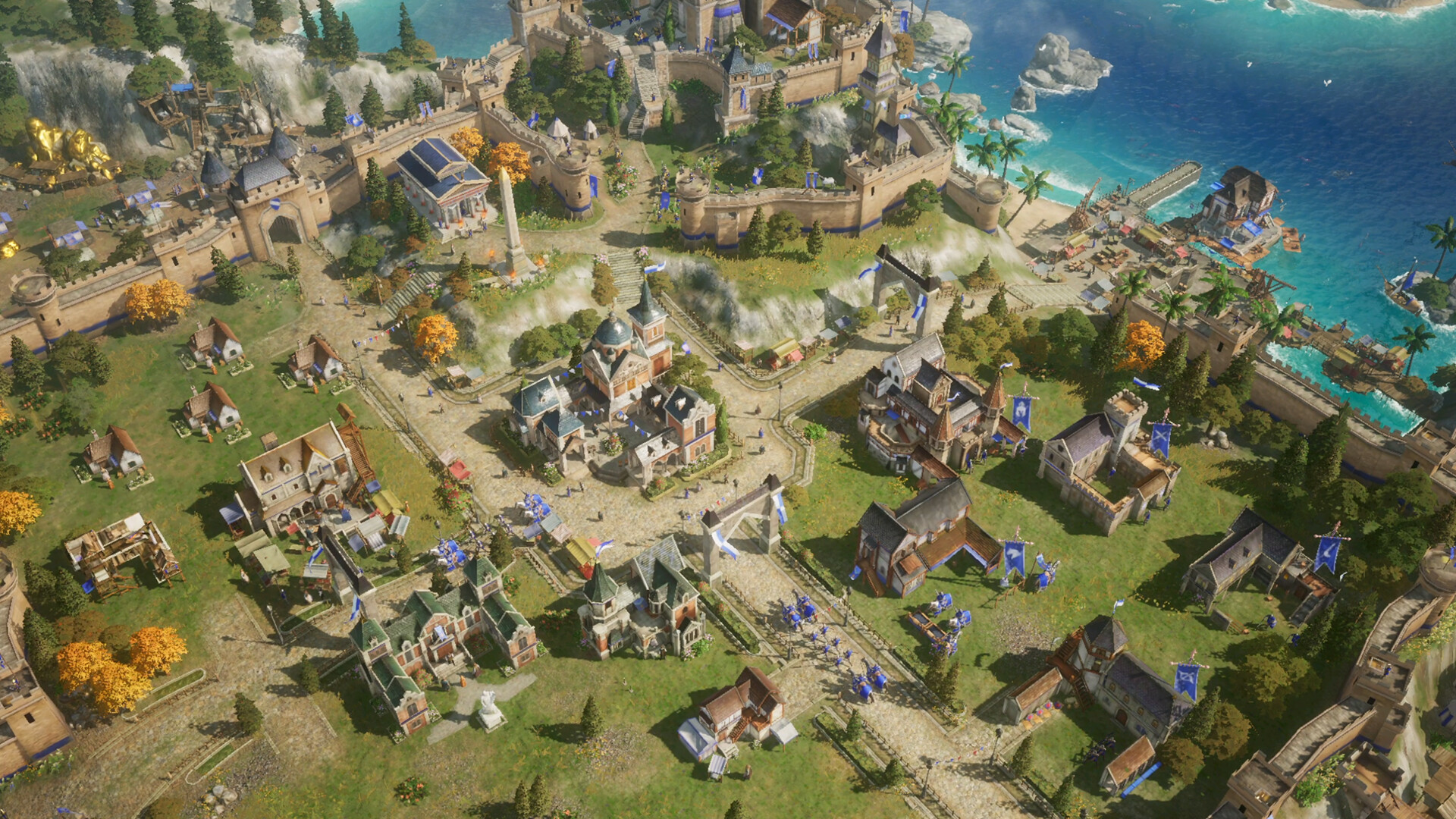
Age of Empires Mobile: PC Edition brings massive real‑time alliance sieges to the PC, letting thousands of units clash in destructible medieval cities. The game blends classic empire management with modern 4K visuals, weather effects, and a roster of over 70 legendary heroes.
Designed for mouse and keyboard, it supports cross‑platform play between PC and mobile, offering ranked PvP, alliance co‑op, and seasonal ladders. Players can swap devices with a single account while staying connected to global servers for persistent alliances and events.
01 / THE GUIDE
Real‑time Alliance Sieges
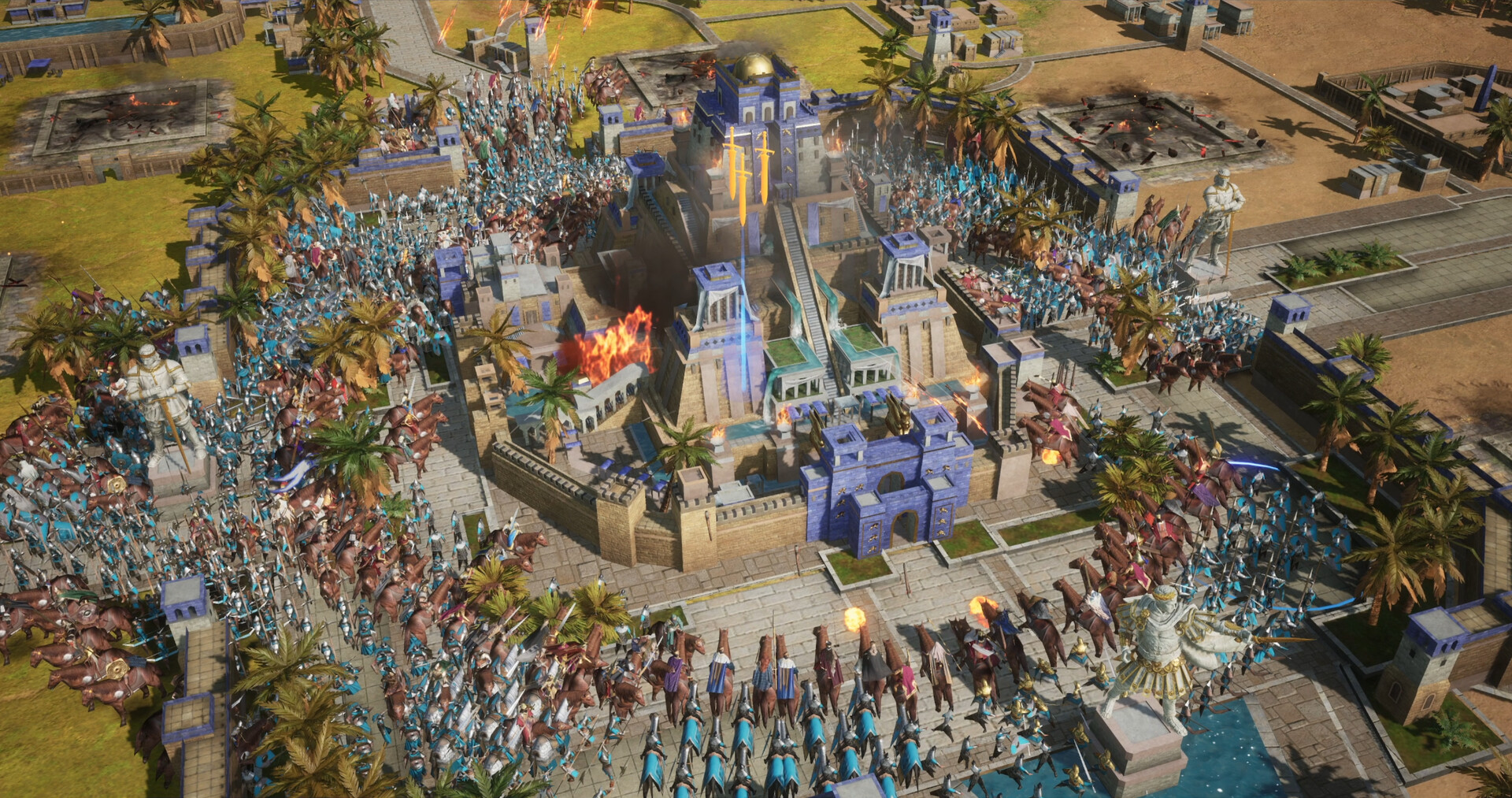
The title highlights epic battles where up to five troops can be led simultaneously, employing siege weapons such as trebuchets and battering rams. These engagements occur in dynamic, destructible cities, delivering a large‑scale war experience.
Siege combat is visualized with thousands of units fighting at once, emphasizing coordinated attacks and defensive strategies across expansive battlefields.
- Observe how terrain destruction alters enemy movement paths.
- Coordinate multiple troops to maximize siege weapon effectiveness.
02 / THE GUIDE
4K Battlegrounds & Dynamic Terrain
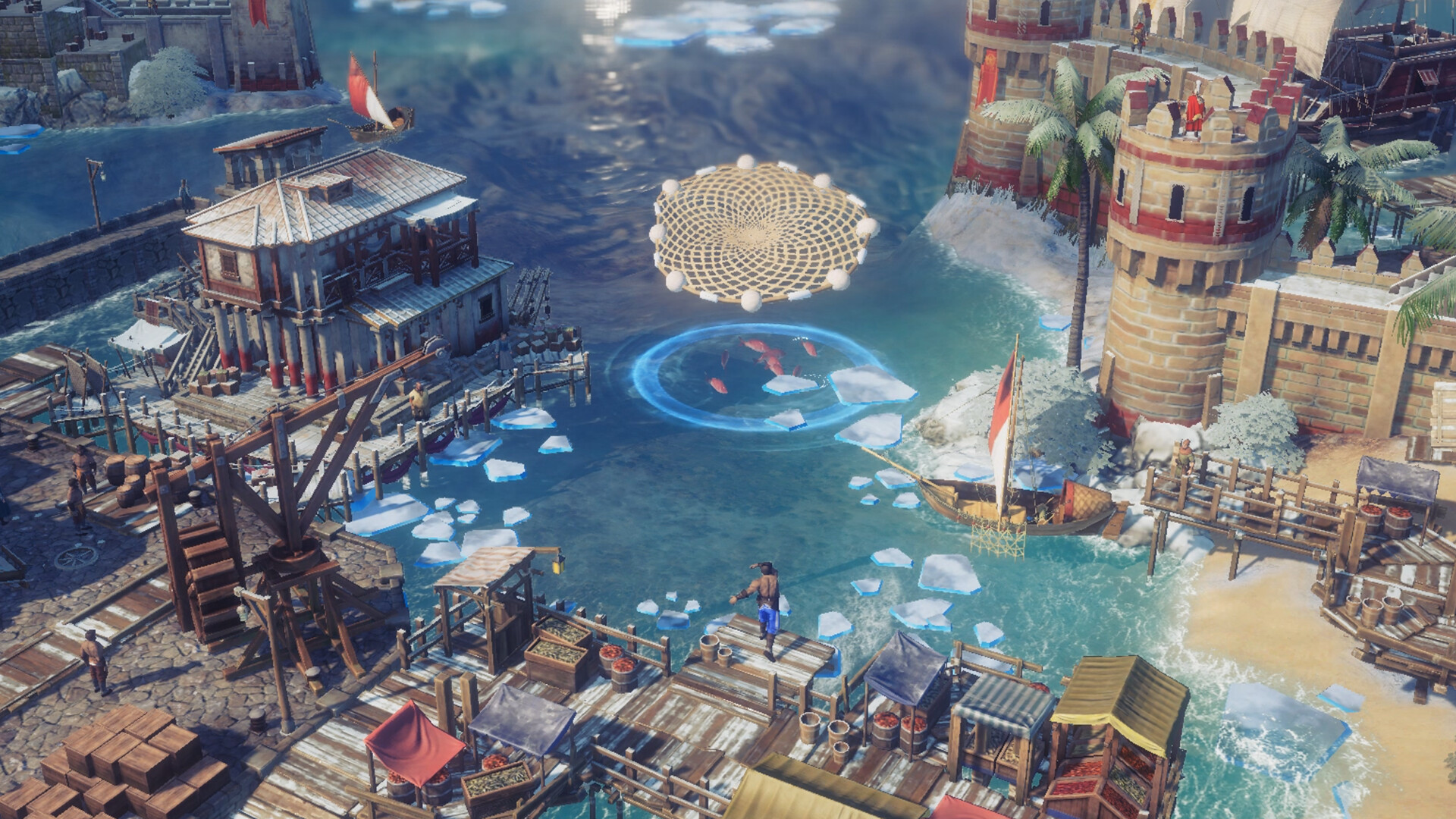
Battles unfold in 4K resolution, featuring richly detailed medieval environments and lifelike unit animations. Real‑time weather and seasonal shifts—rain, fog, etc.—influence strategic decisions.
Terrain can be destroyed during combat, reshaping the battlefield and requiring players to adapt to new pathways and cover opportunities.
- Use weather changes to conceal troop movements.
- Watch for terrain damage that may open new attack routes.
03 / THE GUIDE
Legendary Heroes & Skill Trees
Players can recruit more than 70 historical heroes, each introduced with cinematic intros. Heroes belong to warrior, tactician, or marshal classes, and three can be paired per march for synergistic effects.
Each hero possesses a unique skill tree, allowing customization that reflects their historical background and gameplay role.
- Experiment with different class combinations for varied tactical outcomes.
- Review hero skill trees to align abilities with your preferred strategy.
04 / THE GUIDE
PC‑First Controls & Interface
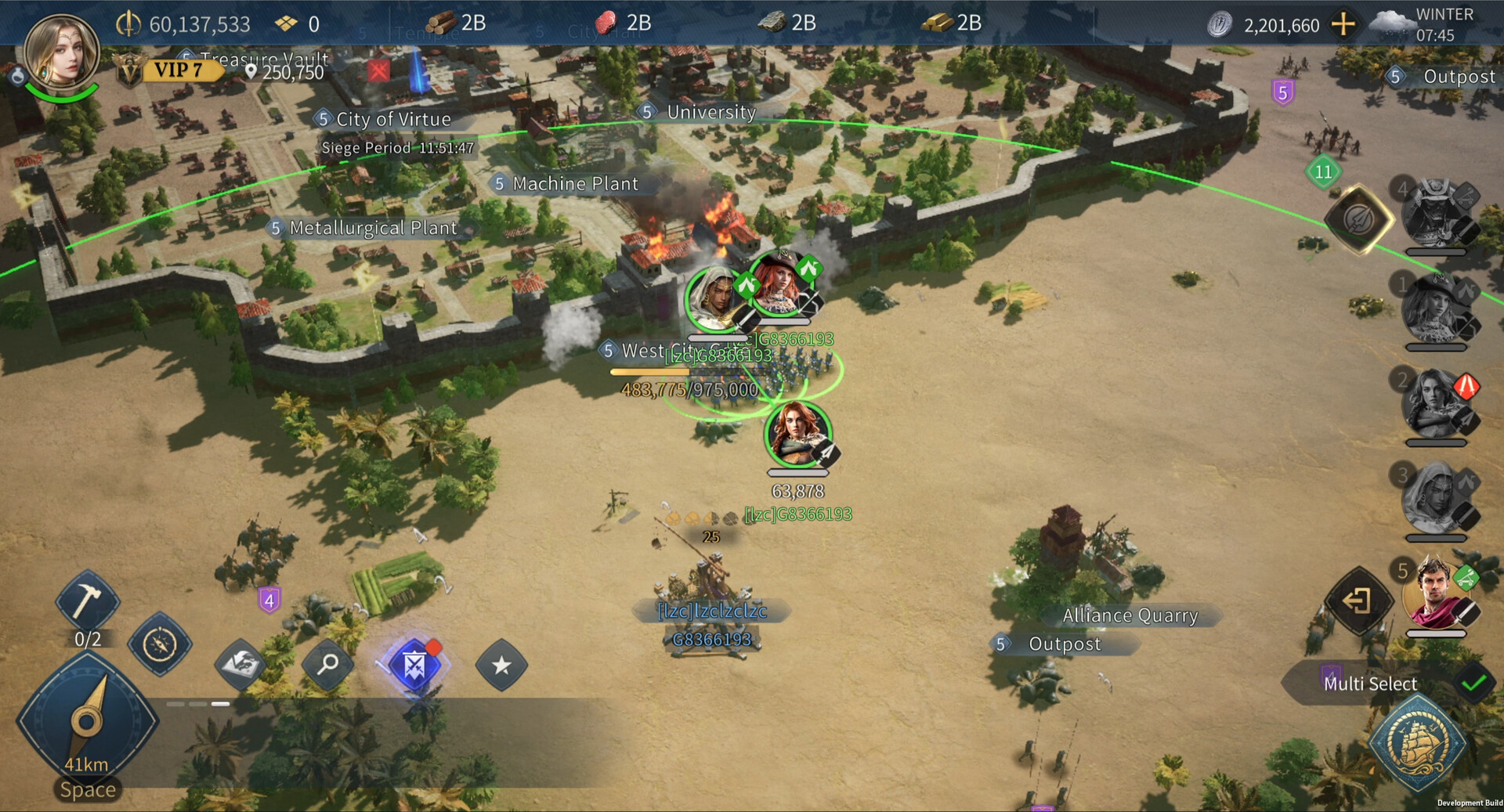
The game is optimized for mouse and keyboard, offering full keyboard navigation and command shortcuts tailored to PC strategy pacing. The UI is refined for rapid economy management and streamlined tech trees.
Integration with Steam and Xbox Live provides achievements, social connections, and dedicated ranked ladders, enhancing the competitive environment.
- Familiarize yourself with keyboard shortcuts to speed up decision‑making.
- Utilize the refined UI for quick access to economy and tech options.
05 / THE GUIDE
Cross‑Play & Cross‑Progression
A single account lets players switch seamlessly between PC and mobile, keeping alliances, chat, and events synchronized on shared global servers. This cross‑platform capability supports both cooperative and competitive multiplayer.
Ranked PvP, alliance co‑op, and seasonal ladders are accessible across devices, ensuring continuity of progress regardless of platform.
- Maintain a single account to keep your empire consistent across devices.
- Join cross‑server alliances to maximize cooperative opportunities.

COMMUNITY
Player discussion