 GameWiki

GET YOUR BEARINGS
About Age of Empires II (Retired)
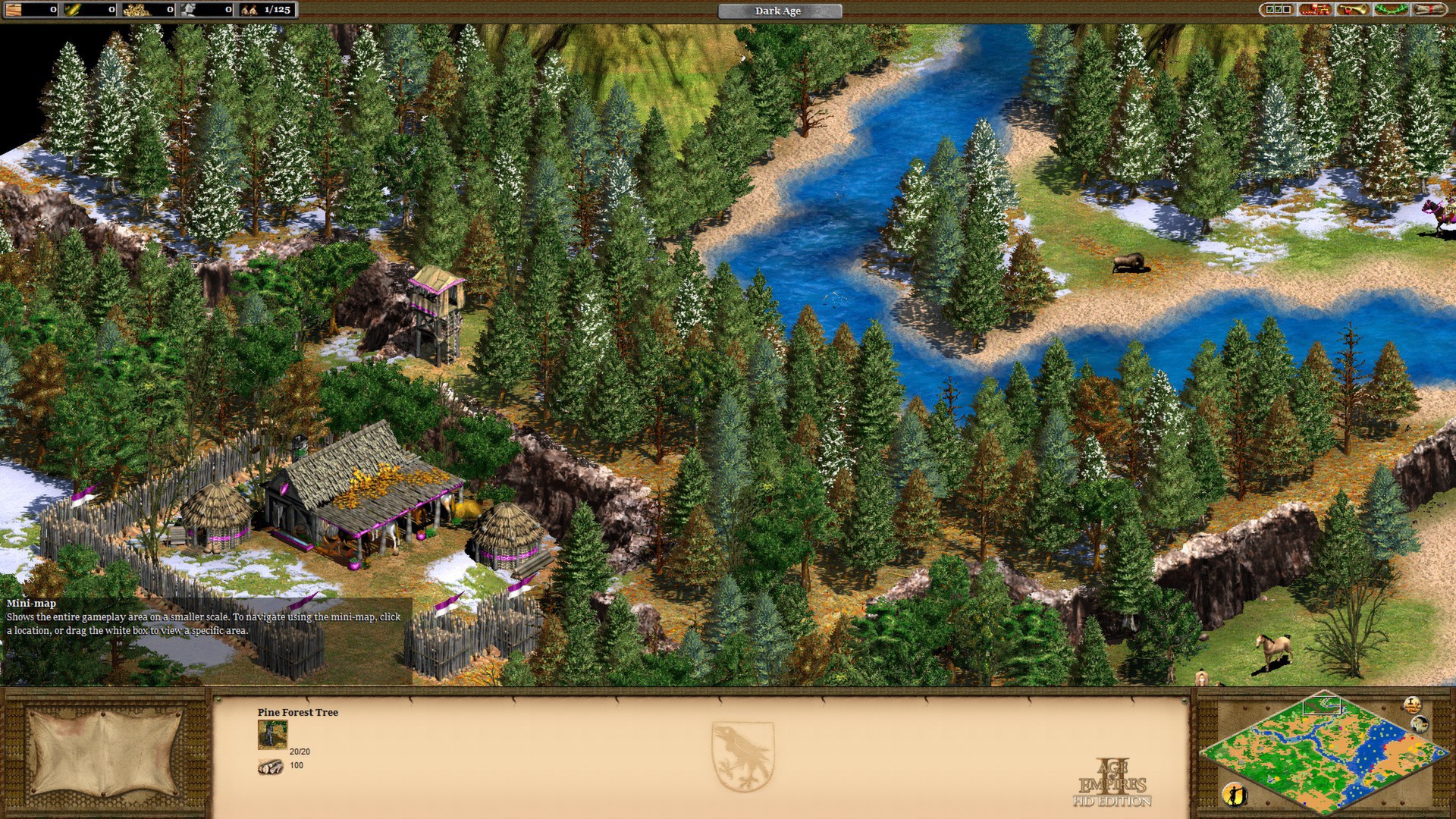
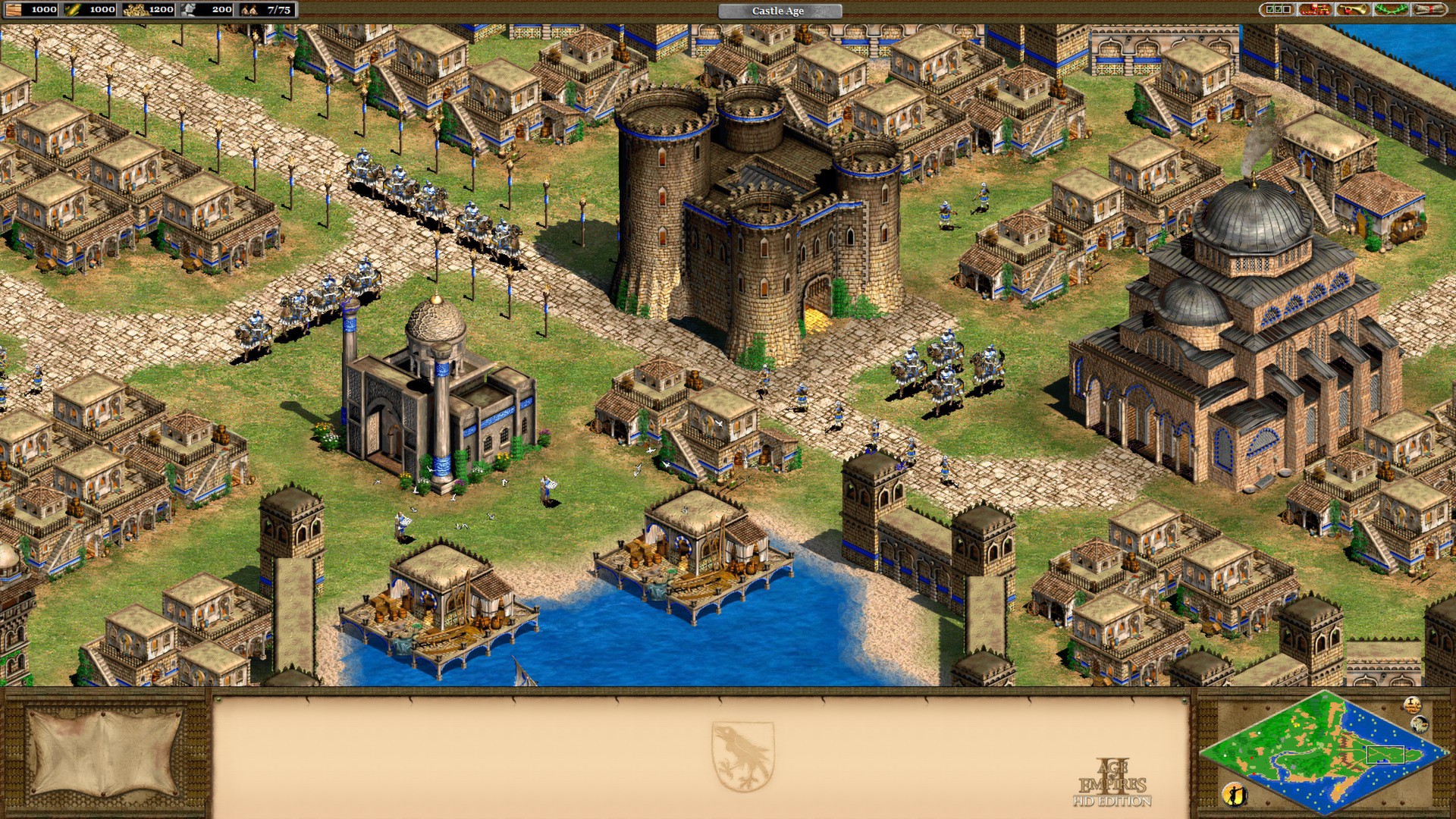
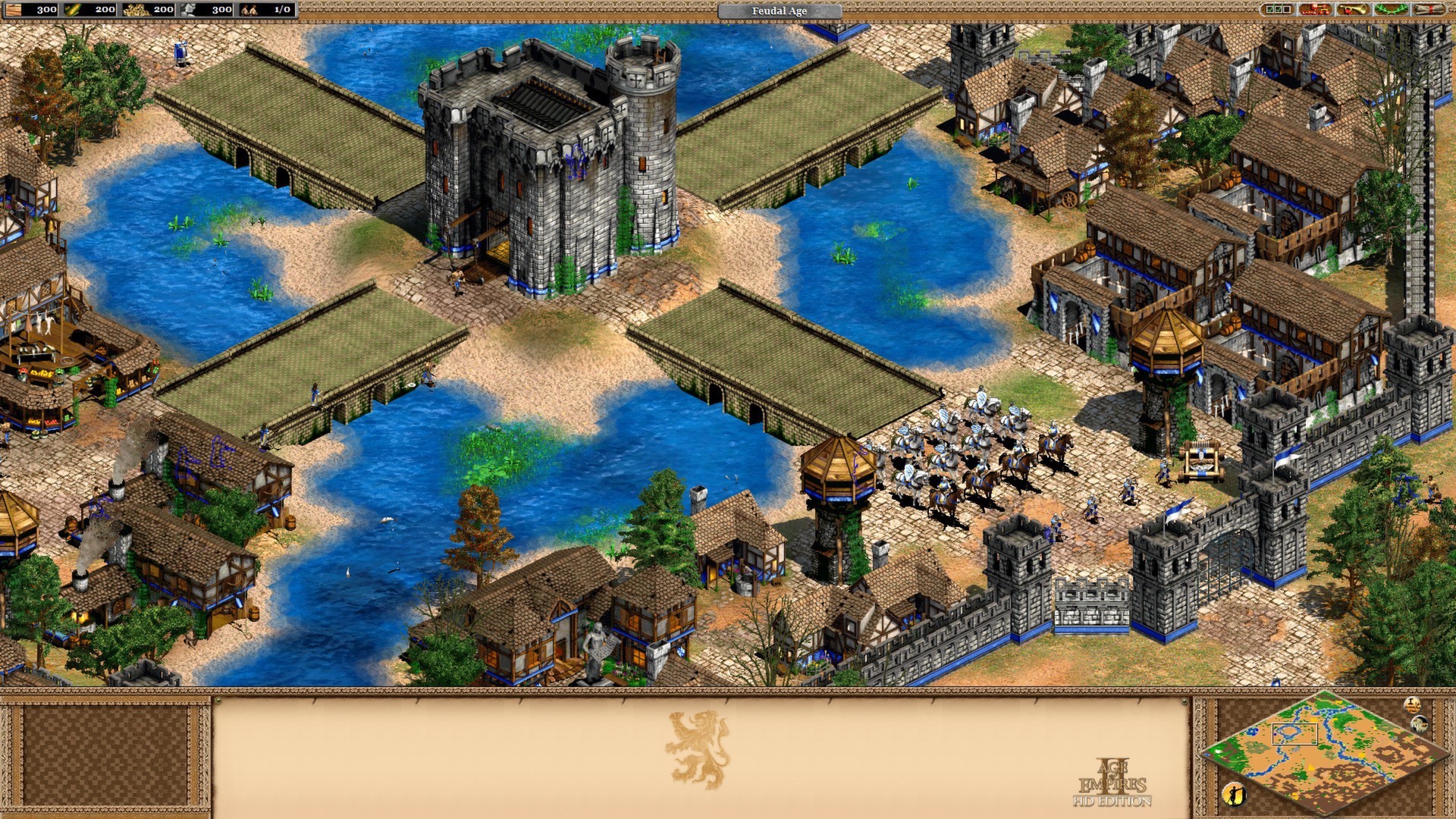
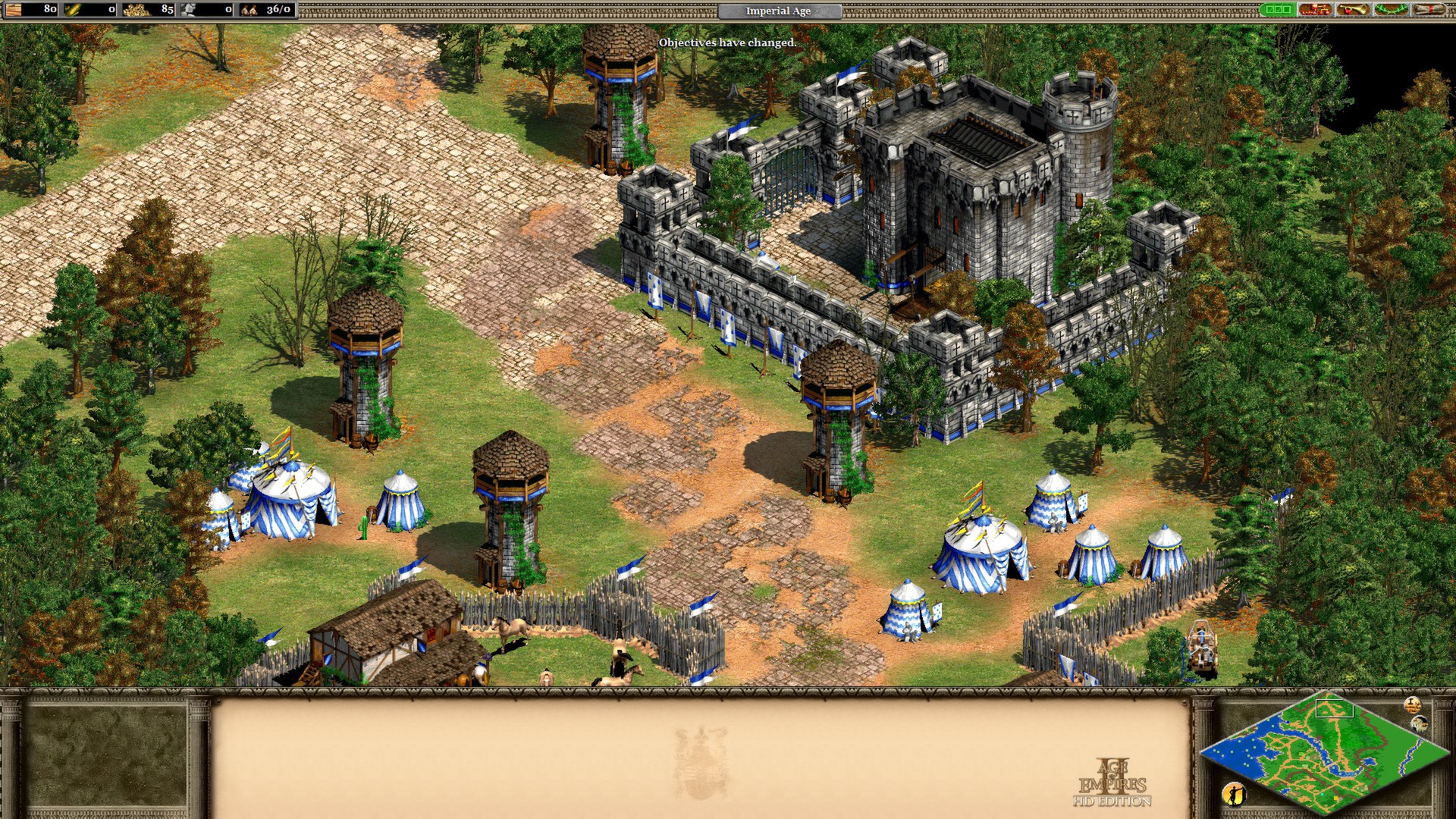
Age of Empires II: HD Edition brings the classic real‑time strategy experience to Steam with high‑definition graphics. It includes the full single‑player campaigns from Age of Kings and The Conquerors expansion, letting players guide historic civilizations through centuries of conflict.
The Windows‑only release adds Steam integration such as achievements, leaderboards, cloud saves, a level editor, and family sharing. Developed by Skybox Labs, Hidden Path Entertainment, Ensemble Studios, and Forgotten Empires, this edition will not receive further updates after the 2019 Definitive Edition launch.
01 / THE GUIDE
Original Campaigns
The HD edition contains every single‑player campaign from both Age of Kings and The Conquerors expansion. Each mission presents historically themed objectives that span a thousand years of warfare, preserving the storyline of the original release.
These campaigns run in high definition, offering updated visuals while keeping the original gameplay mechanics intact. Players can experience the same unit types, resource management, and victory conditions as in the classic version.
- Begin with the Age of Kings campaign to become familiar with core mechanics before tackling The Conquerors missions.
- Review mission briefings carefully; they outline the specific objectives needed for success.
02 / THE GUIDE
Civilization Selection
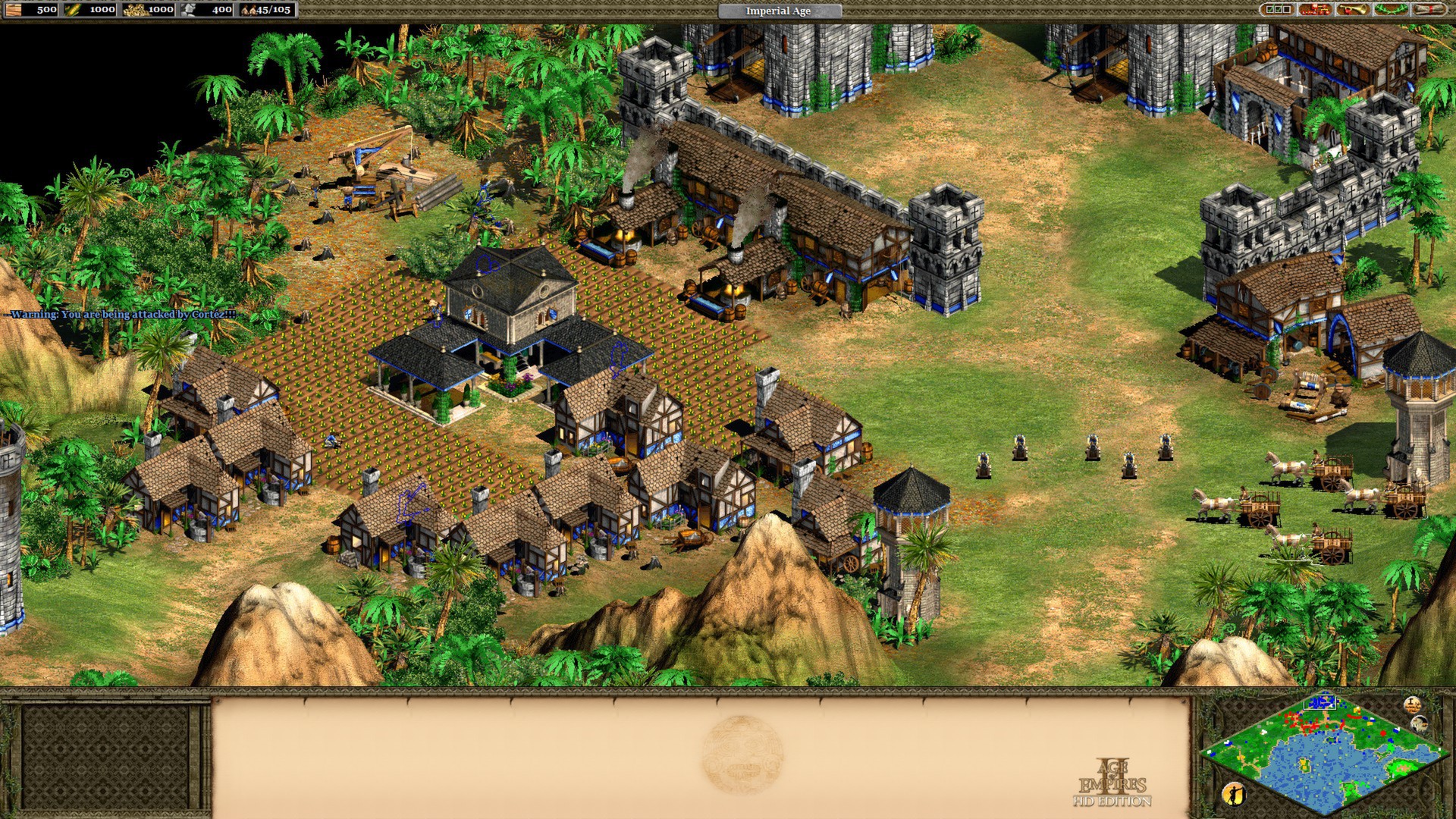
Players may select from 18 distinct civilizations, each representing a different historical culture. Every civilization comes with its own set of units and architectural styles, reflecting its era and region.
Choosing a civilization determines the available unique units and economic bonuses, which in turn shape strategic options during a match. This variety encourages players to adapt tactics to the strengths of their chosen culture.
- Try several civilizations in short skirmishes to discover which unit mix fits your preferred approach.
- Note each civilization’s unique units; they often provide decisive advantages in specific combat scenarios.
03 / THE GUIDE
Online Multiplayer
Through Steam, the HD edition supports online matches where players can challenge other Steam users worldwide. Multiplayer matches use the same maps and units as the single‑player mode, preserving the core gameplay experience.
Performance in multiplayer is tracked by Steam Leaderboards, allowing players to compare their rankings with the broader community. The game’s online functionality is fully integrated with the Steam client.
- Visit the multiplayer lobby to view available maps before starting a match.
- Check the Leaderboards after a game to see how your score compares to other players.
04 / THE GUIDE
Steam Integration
Age of Empires II: HD Edition incorporates several Steam‑specific features, including achievements, trading cards, cloud saves, and a Workshop for community‑created content. These additions provide additional goals and ways to share creations.
Steam Cloud automatically synchronizes saved games across devices, while the Workshop lets players download custom maps and scenarios, extending replay value beyond the original content.
- Enable Steam Cloud in the settings menu to keep your progress backed up online.
- Browse the Workshop for new maps that can refresh your multiplayer experience.
05 / THE GUIDE
Level Editor
The built‑in level editor allows users to design custom maps and scenarios directly from the main menu. Created content can be saved locally or uploaded to the Steam Workshop for community sharing.
Using the editor, players can adjust terrain, place resources, and define victory conditions, enabling endless variations that complement the classic campaigns.
- Start with a simple terrain layout before adding complex objectives to ensure the map is playable.
- Test your custom map in single‑player mode to verify balance before publishing it.
COMMUNITY
Player discussion