 GameWiki
GET YOUR BEARINGS
About Age of Empires II: Definitive Edition
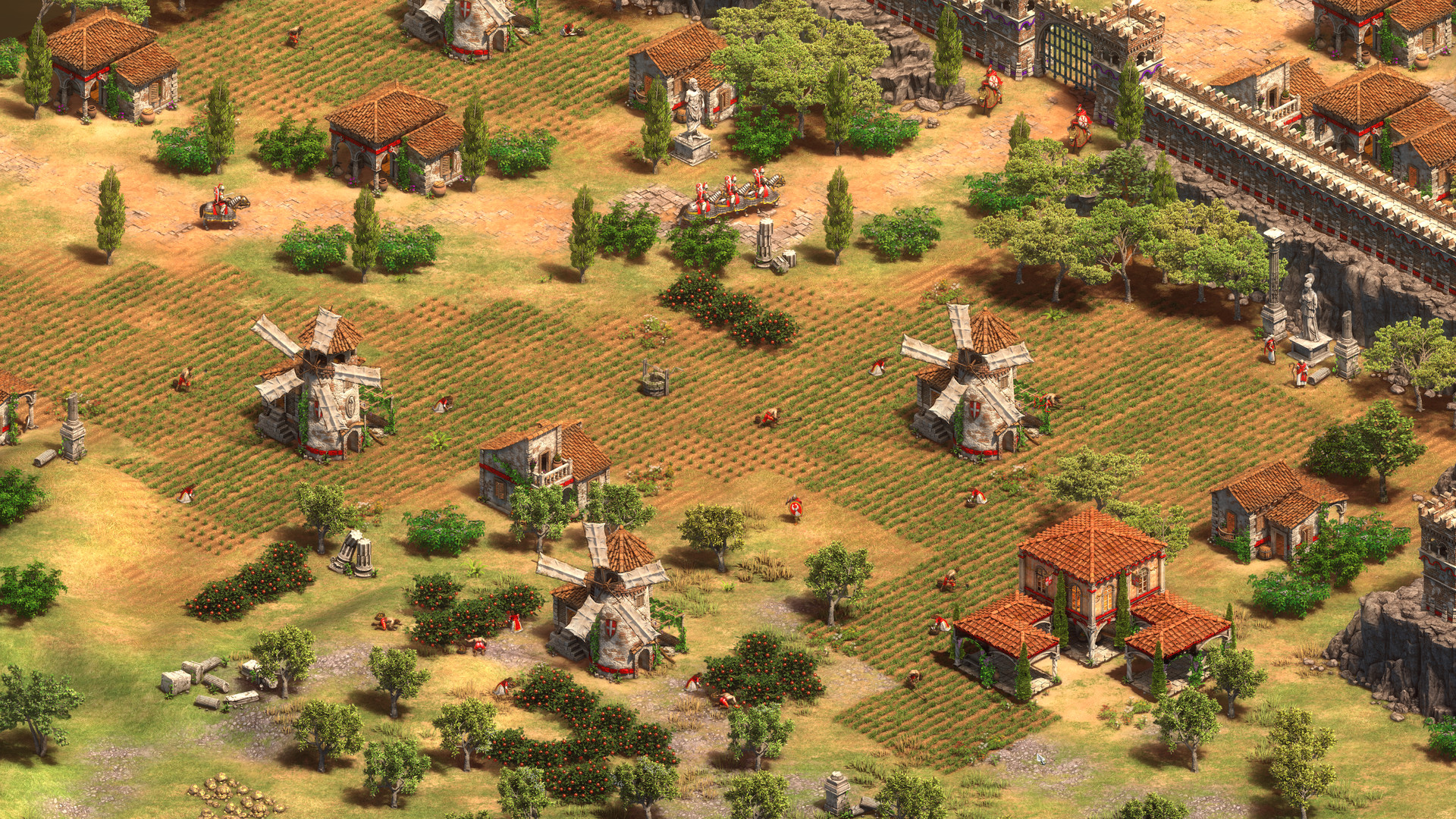
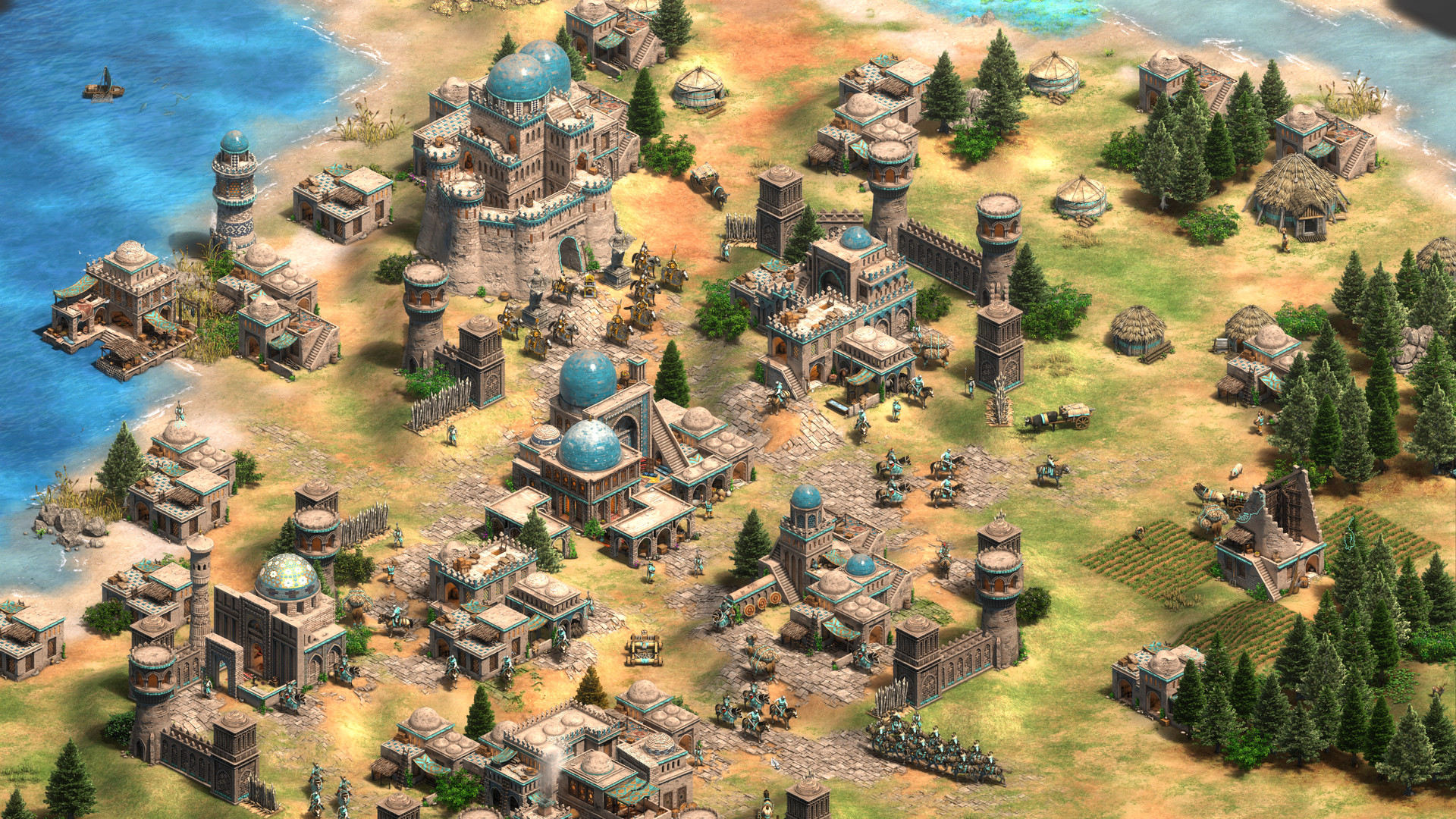
Age of Empires II: Definitive Edition marks the 25th anniversary of the classic real‑time strategy title. It adds 4K Ultra HD graphics and a fully remastered soundtrack while bundling the original campaigns with three expansions—Lords of the West, Dynasties of India, and Dawn of the Dukes.
The game runs on Windows and macOS, supports cross‑platform multiplayer, and receives frequent updates that add new modes, UI tweaks, and community events. Over 200 hours of content cover roughly a millennium of human history.
01 / THE GUIDE
Campaigns and Expansions
All original campaigns are present and the three expansions are integrated into the same interface. Each expansion contributes new historical scenarios and units that match its era.
Together the campaigns provide more than 200 hours of play, allowing players to progress without timed input and to save at any point.
- Try a different civilization in each expansion to see unique units.
- Use the save‑anytime feature before long sessions.
02 / THE GUIDE
Multiplayer Modes
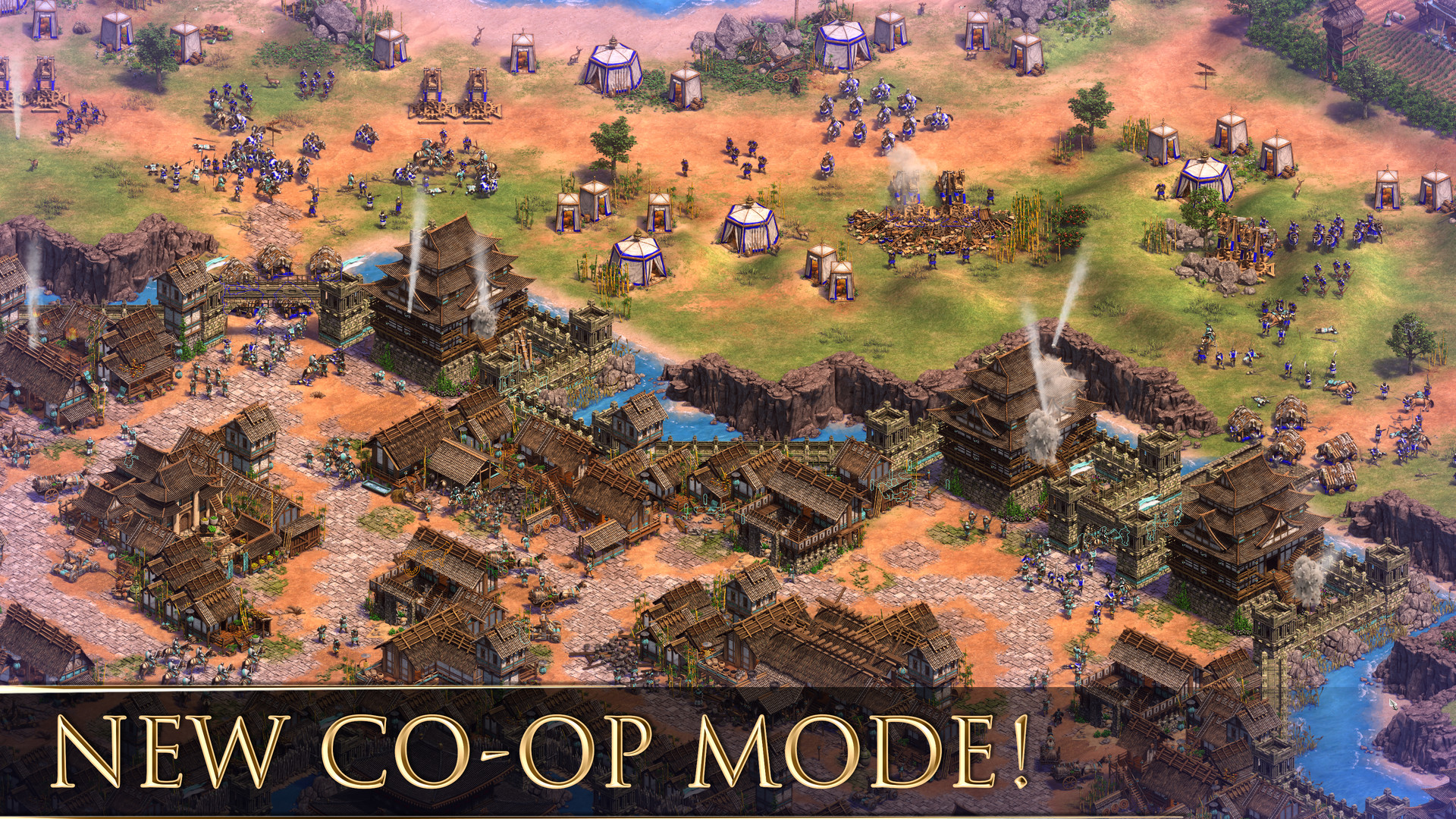
Online PvP, LAN PvP, online co‑op, and LAN co‑op are all supported, and Windows and macOS players can compete together. More than 45 civilizations are available for these matches.
Quick Play lets players join social games quickly, while the Scenario Editor enables custom maps for multiplayer sessions.
- Use Quick Play for a fast test of new strategies.
- Check community events for extra achievements.
03 / THE GUIDE
User Interface Features
Recent updates add adjustable text size, color alternatives, and custom volume controls, improving accessibility. A mouse‑only option is also provided.
The Scenario Editor receives ongoing support, making map creation and sharing easier.
- Increase text size for clearer reading during battles.
- Enable mouse‑only mode if keyboard shortcuts feel cumbersome.
04 / THE GUIDE
Accessibility and Cloud Saves
Adjustable difficulty, narrated menus, and the ability to save anytime let players play at their own pace. Steam Cloud synchronises saves across devices.
Family Sharing allows multiple accounts to access the same installation, and the game can be played without timed input.
- Turn on Steam Cloud before switching computers.
- Activate narrated menus if you prefer audio guidance.
05 / THE GUIDE
Scenario Editor and Modding
A built‑in level editor lets players craft custom scenarios and share them online. Ongoing support adds new tools and updates regularly.
Custom maps can be tested quickly through Quick Play or used in multiplayer matches.
- Start with simple layouts before adding complex scripts.
- Test your scenario in Quick Play to spot balance issues.
COMMUNITY
Player discussion