 GameWiki
GET YOUR BEARINGS
About Afterdream
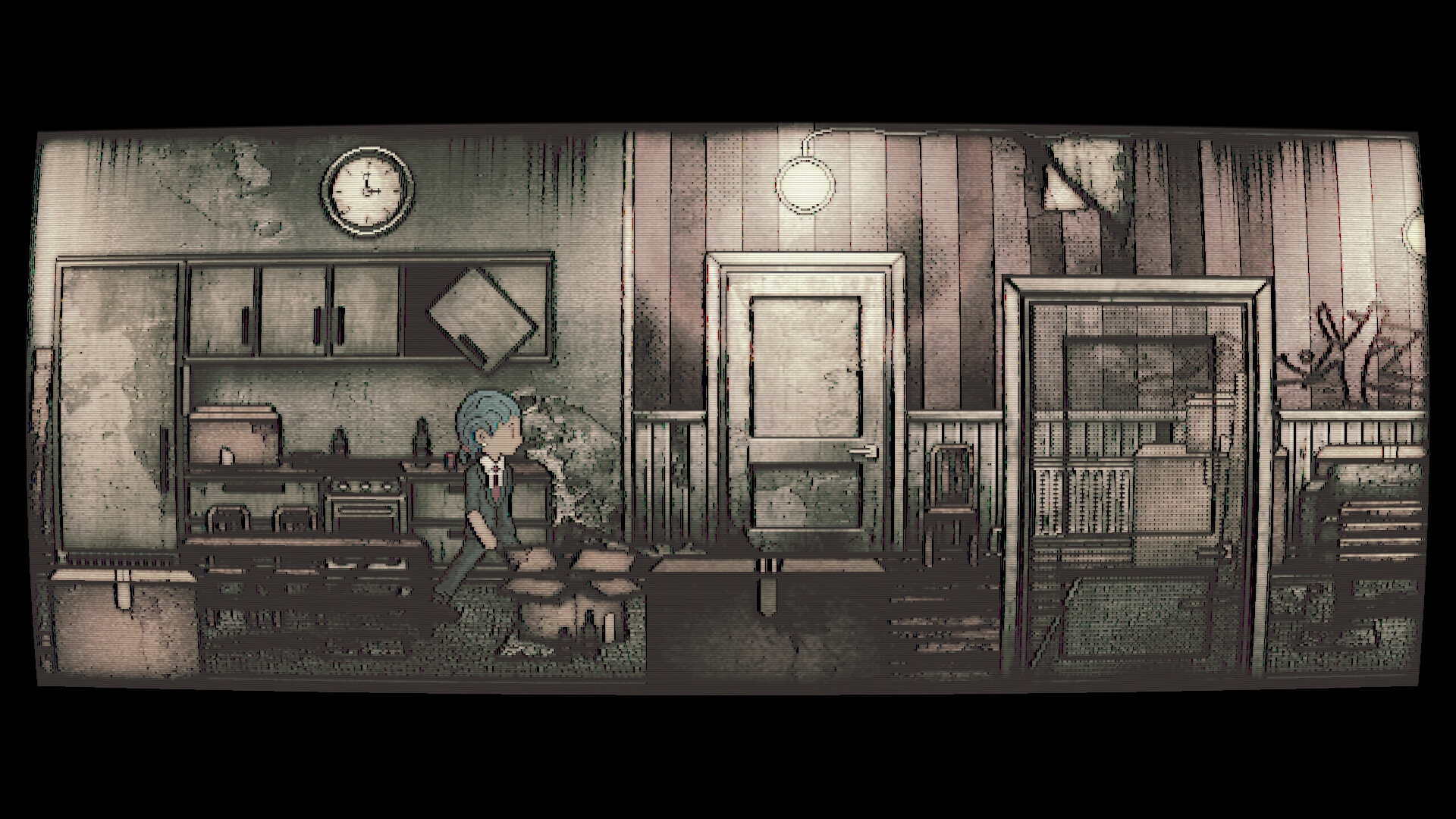
Afterdream is a 2D psychological‑horror adventure that places you inside a lucid dream. The side‑scrolling world blends reality and fiction as you wander a ghost‑filled residence, creating a narrative‑driven experience that emphasizes atmosphere over combat.
The core mechanic uses a strange camera: highlighted objects become photographable, and each picture triggers an effect that advances the story. Minimalist UI, atmospheric sound, and hand‑made Finnish art keep the focus on the unsettling mood.
01 / THE GUIDE
Lucid Dream Environment
The game describes its setting as a vivid, dreamlike location where reality and fiction bend. Exploration occurs in an obscure residence populated by ghosts, giving the world a psychological‑horror tone that is reinforced by surreal visual shifts.
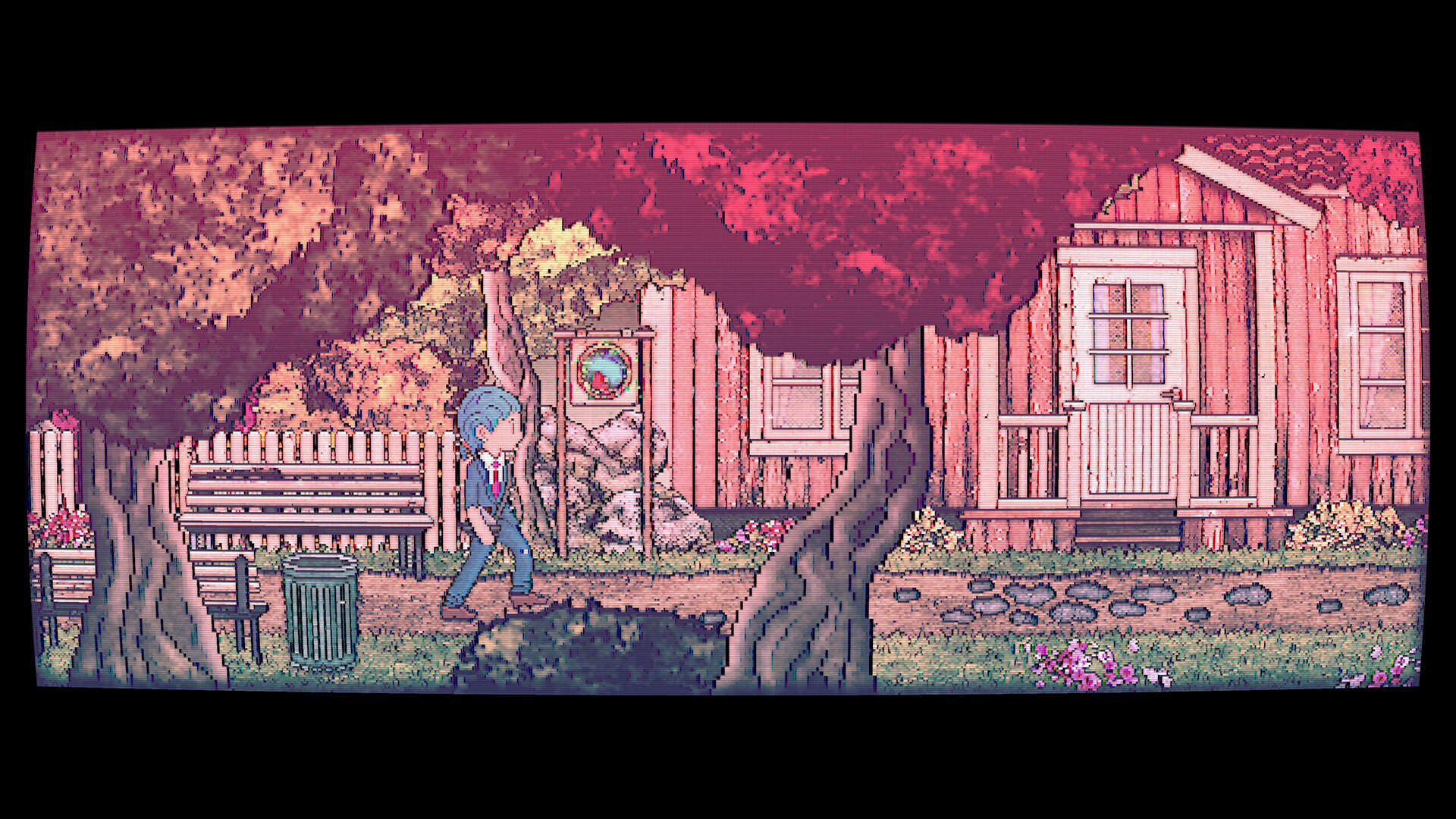
Movement is side‑scrolling, allowing you to travel through rooms that change in tone and lighting. These visual changes reinforce the dreamlike atmosphere of the residence.
- Observe lighting changes after photographing key objects; they often indicate a shift in the story.
- Compare ghost placements between areas to spot subtle narrative clues.
02 / THE GUIDE
Strange Camera Interaction
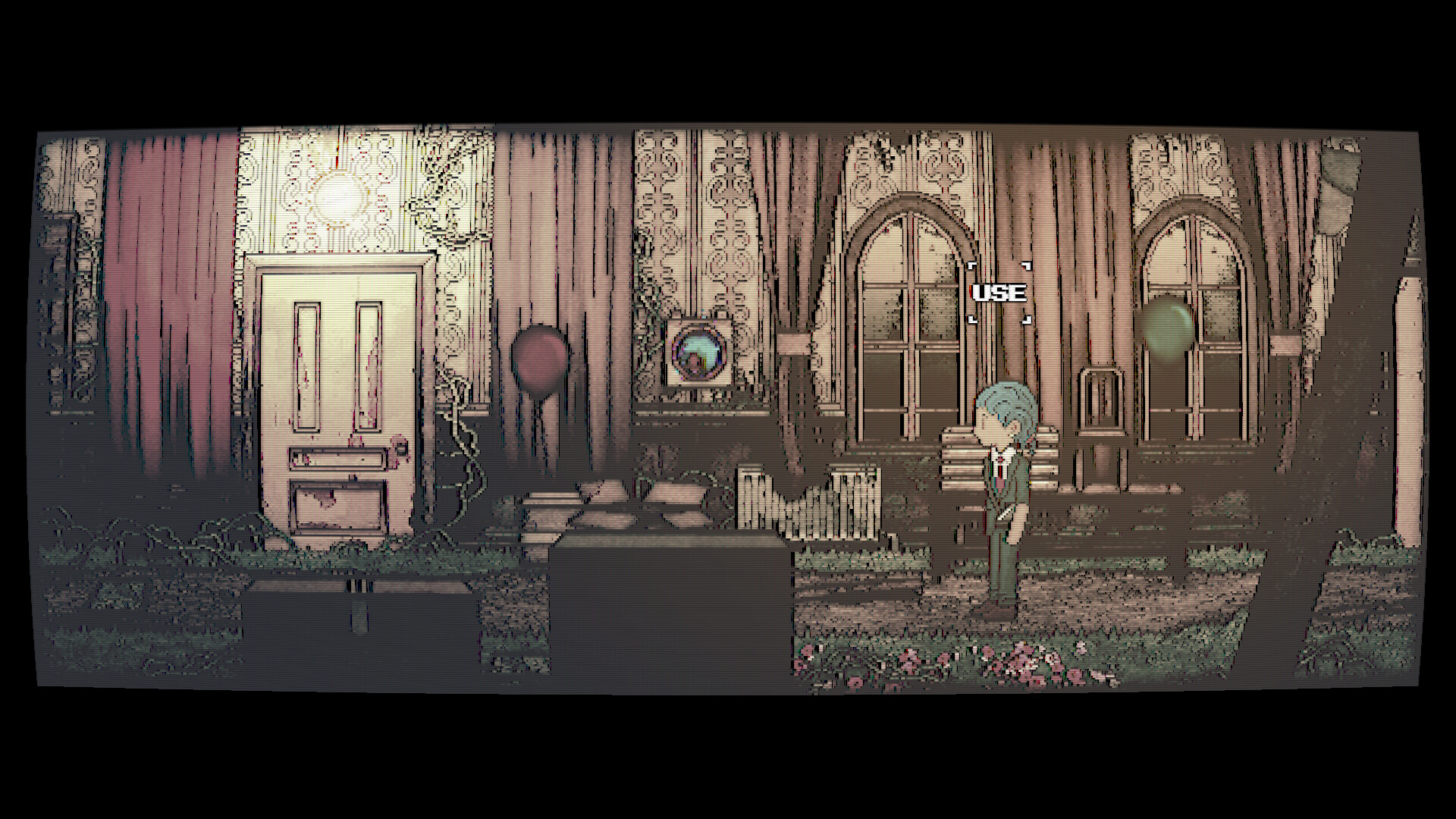
A unique mechanic lets you look through the lens of a strange camera. Highlighted objects become photographable, and taking a picture serves as the primary method of interaction with the environment.
Photographing these objects triggers in‑game effects that open new paths or alter surroundings, allowing progression without traditional button‑press puzzles.
- Prioritise highlighted objects; they are the elements you photograph to interact with the environment.
- Take several photographs in succession to observe how the environment responds.
03 / THE GUIDE
Item Collection and Puzzles
Players gather items scattered throughout the dreamscape. These items are required to solve puzzles that unlock new sections of the residence and move the narrative forward.
Each solved puzzle reveals more about the purpose of your nocturnal visit, deepening the psychological‑horror story while encouraging careful exploration.
- Keep a mental note of collected items; some become useful only after later discoveries.
- Re‑examine earlier rooms after acquiring new items, as hidden solutions may appear later.
04 / THE GUIDE
Art Style and Sound Design
Afterdream features a minimalist yet efficient 2D art style described as unique and hand‑made in Finland. The visual simplicity keeps focus on the unsettling atmosphere while still delivering distinct character designs.
Atmospheric music and sound design complement the visuals, providing audio cues that enhance the psychological‑horror experience and sometimes hint at hidden interactions.
- Use headphones to hear subtle sound cues that may indicate hidden interactions.
- Observe how simple visuals highlight small animation details that can hint at puzzle elements.
05 / THE GUIDE
Platform Availability and Features
The game is released for Windows and lists full controller support, Steam achievements, Steam Cloud, and family sharing. No macOS or Linux support is mentioned, indicating the official platforms are limited to Windows.
These listed features give players flexibility in how they approach the game and indicate that progress can be stored via Steam Cloud, though the exact saving method is not detailed.
- Check the Steam Cloud option in the client if you wish to keep progress across installations.
- Experiment with controller input to see which feels more natural for aiming the camera.


COMMUNITY
Player discussion