 GameWiki
GET YOUR BEARINGS
About aerofly RC 10 - RC Flight Simulator
Aerofly RC 10 lets you pilot a wide range of radio‑controlled aircraft on a PC or in VR, offering realistic flight physics and detailed scenery. It targets beginners to professionals who want to train or simply enjoy model flying. The simulator includes single‑player and multiplayer modes, split‑screen, and support for many USB controllers, joysticks and gamepads, plus full VR compatibility for HTC Vive, Oculus and Windows Mixed Reality.
01 / THE GUIDE
Extensive Model Library
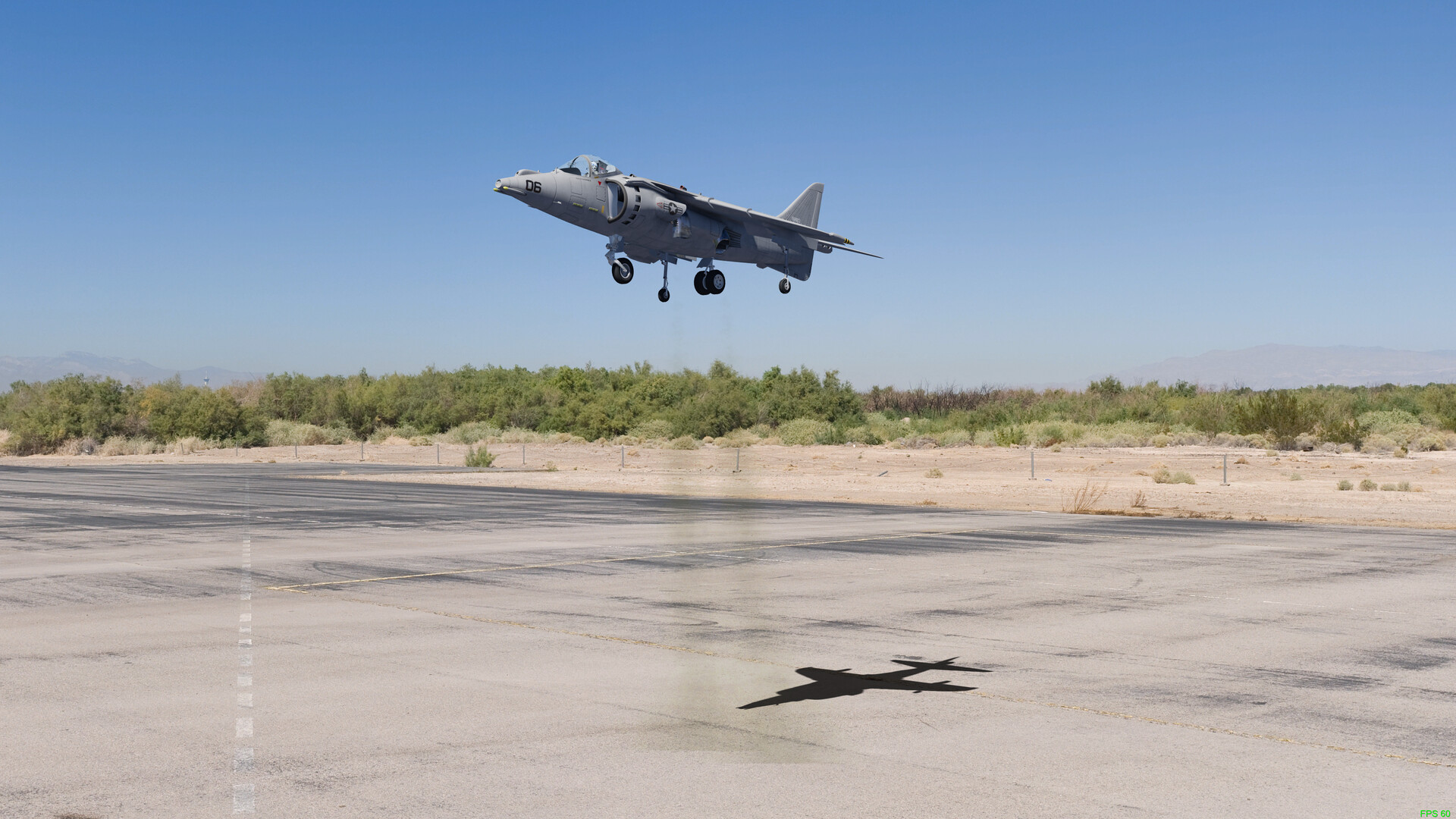
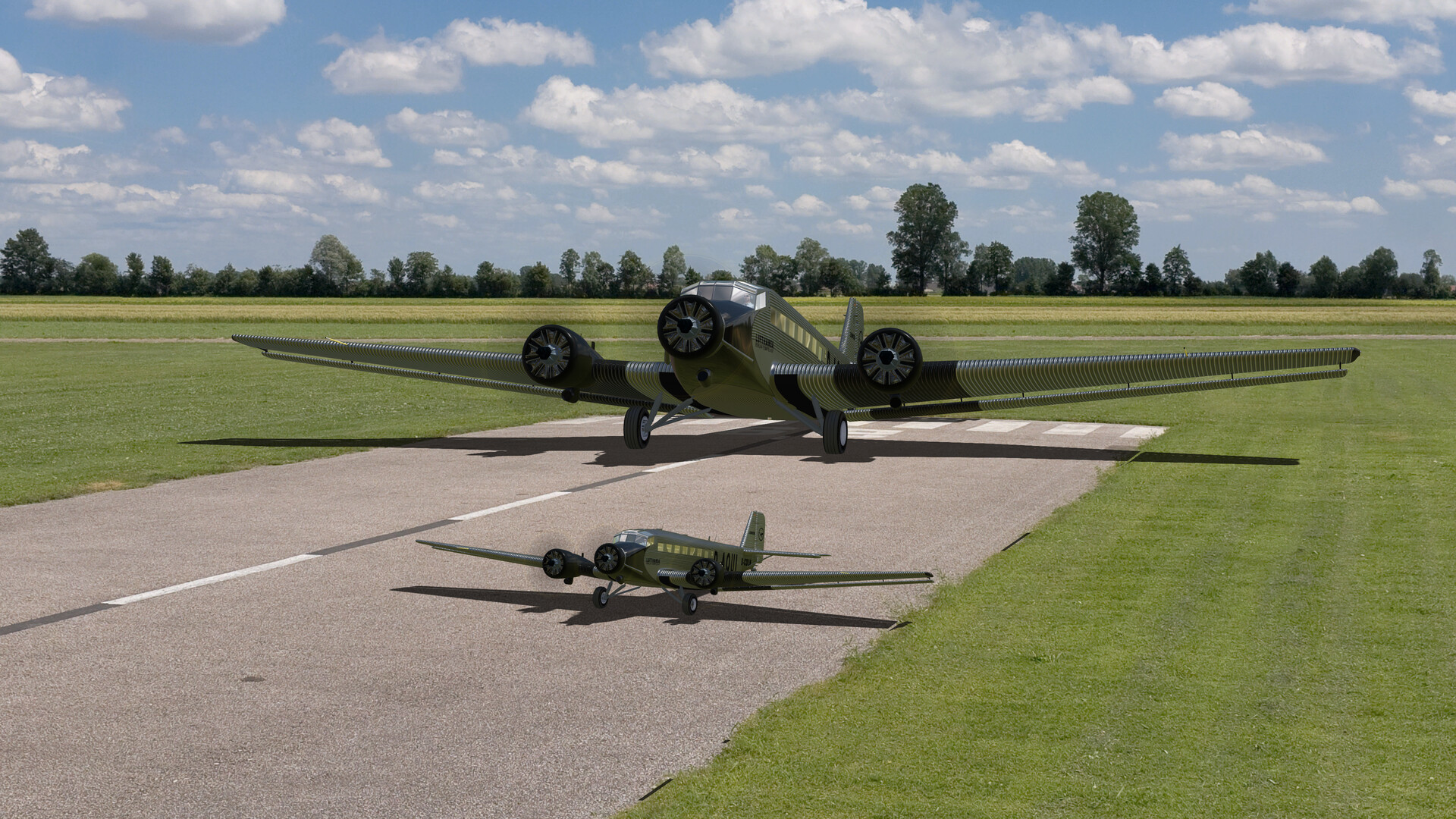
The base game ships with 105 aircraft covering aerobatics, helicopters, multicopters, jets, gliders, scale, indoor, float‑plane and true‑scale categories. Each model is rendered with high detail and realistic physics, letting you experience the nuances of each type.
Expansion packs add 100 new models each, expanding the roster further. The variety lets you switch between fast jets and slow gliders without leaving the simulator.
- Try a few different categories to notice how flight physics change between a helicopter and a glider.
- Use the model list to plan a session that mixes fast and slow aircraft for balanced practice.
02 / THE GUIDE
Diverse Sceneries and Weather
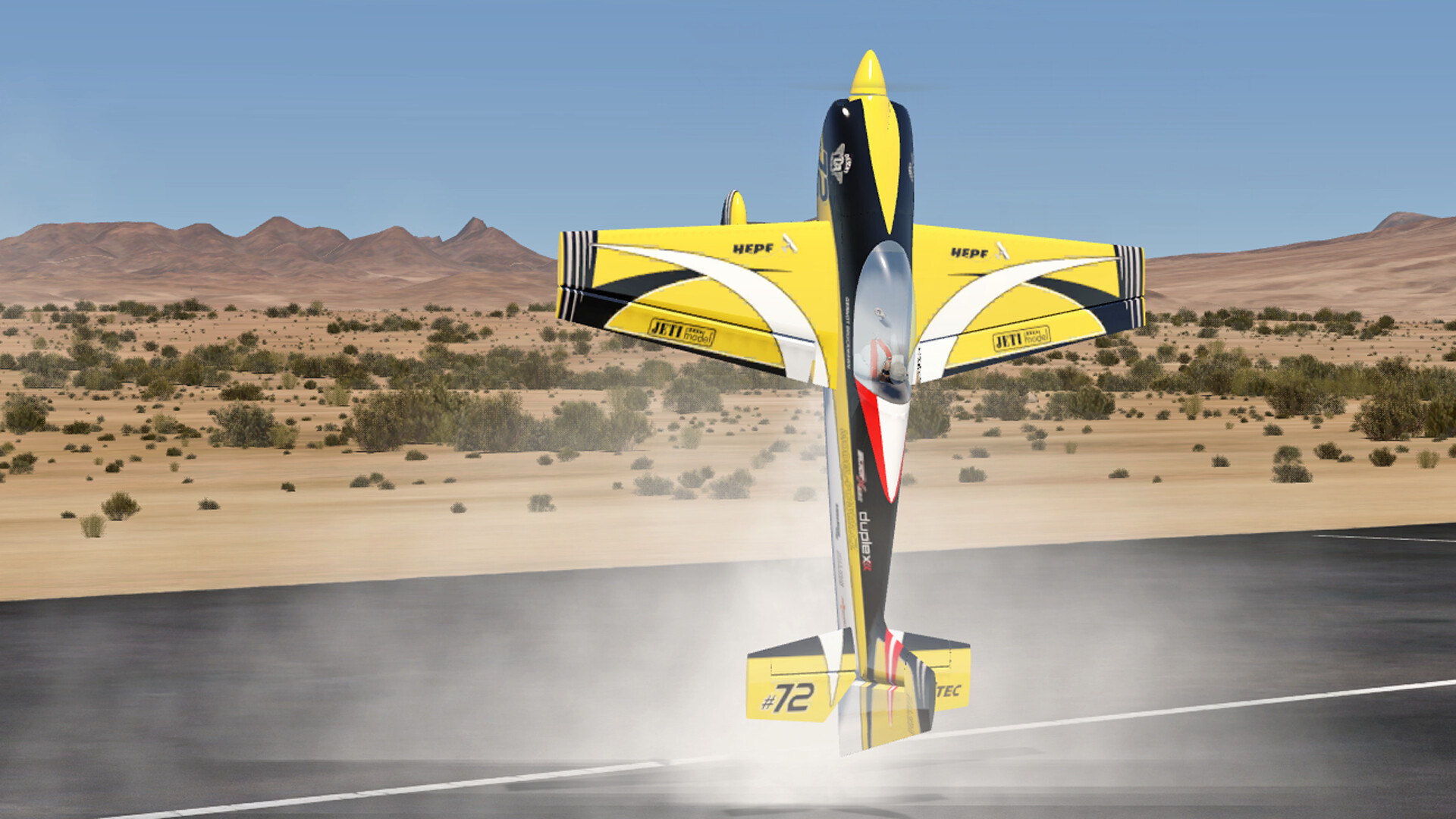
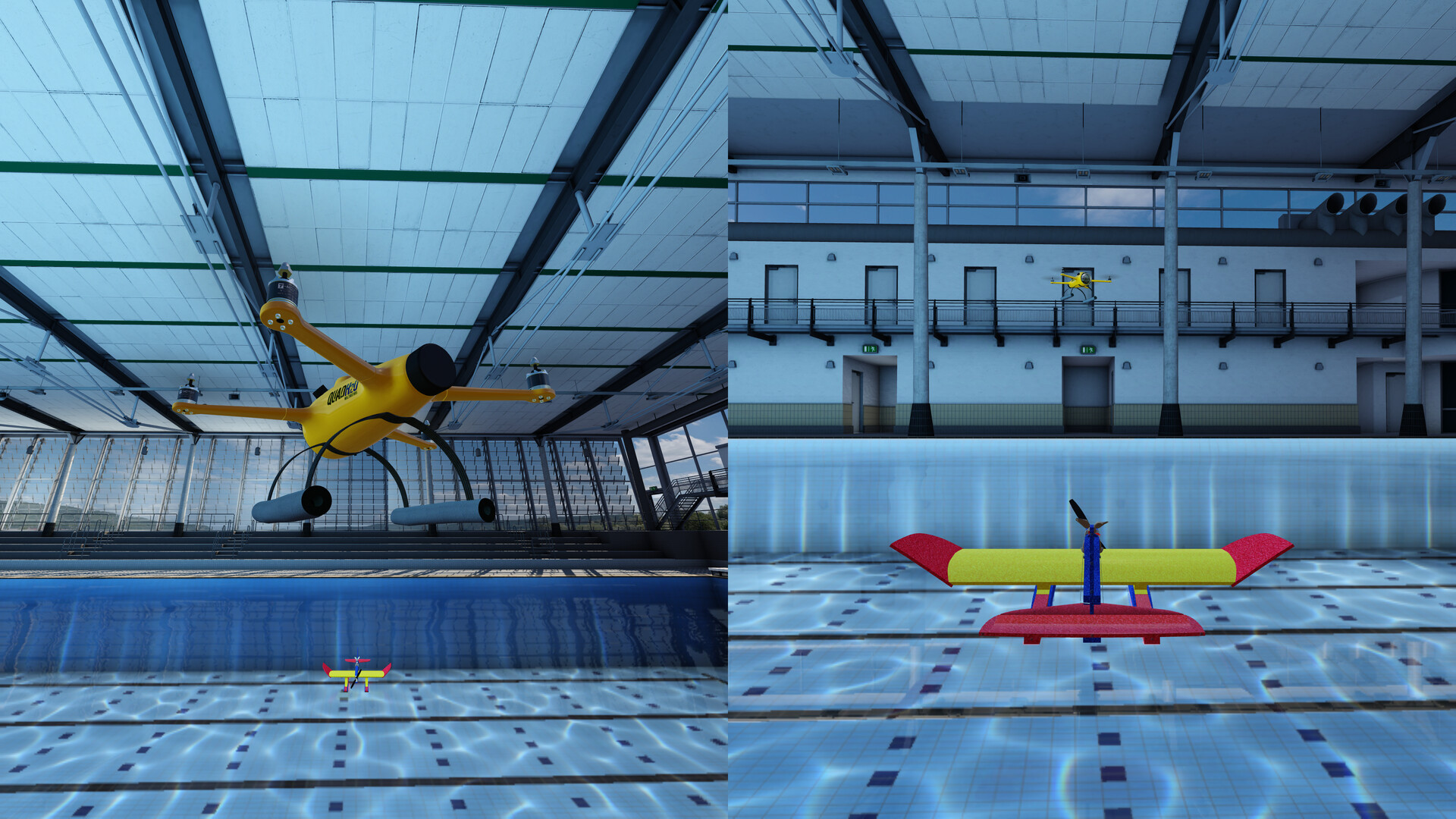
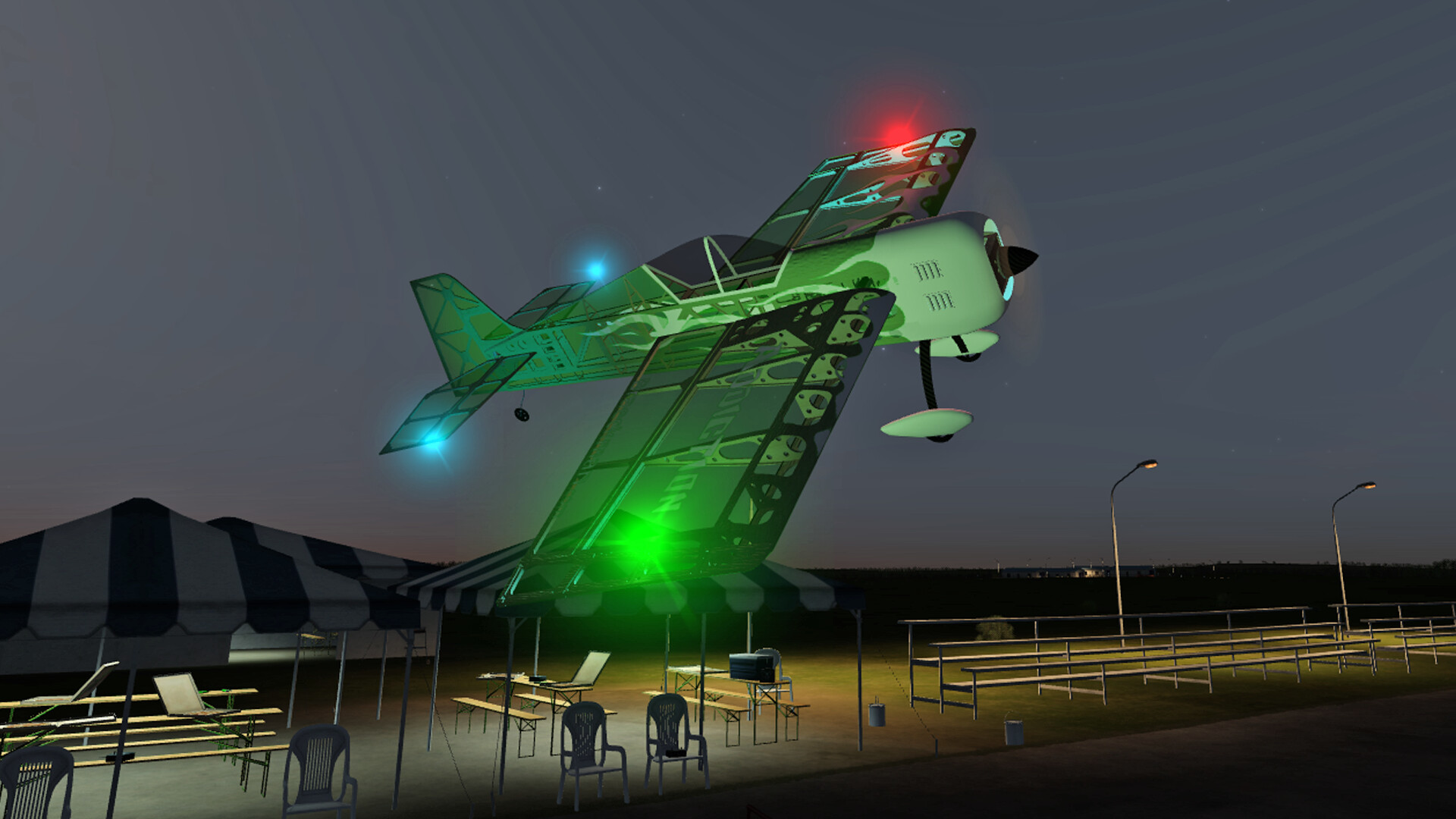
Aerofly RC 10 provides 22 default sceneries, including 4D VR‑ready locations with adjustable time of day and weather. These environments range from desert fields to alpine glider sites, each supporting full HD display.
You can also launch multi‑panorama and panorama sceneries, giving a broad visual backdrop for different flight activities such as racing or soaring.
- Select a scenery that matches the aircraft type, like a glider field for soaring practice.
- Adjust wind and time of day to simulate different training conditions.
03 / THE GUIDE
Specialized Training Trainers
The game features dedicated trainers such as the Helitrainer for hovering, the Torquetrainer for aerobatics, and winch‑launch or glider‑towing setups. These tools focus on specific skills like torque‑roll or precise hover control.
Each trainer provides a controlled environment, allowing repeated practice without the variables of open‑world flight.
- Use the Helitrainer to get comfortable with helicopter hover before attempting free flight.
- Practice torque‑roll in the Torquetrainer to improve aerobatic precision.
04 / THE GUIDE
Multiplayer and Split‑Screen Play
Aerofly RC 10 supports online multiplayer, LAN PvP and shared split‑screen modes, letting you fly with friends or compete in races. The multiplayer mode is compatible with previous aerofly RC versions.
Split‑screen lets two players share a single computer, each controlling their own aircraft in the same scenery.
- Set up a LAN match for low‑latency racing with nearby friends.
- Try split‑screen to compare your technique directly with another player.
05 / THE GUIDE
VR and Input Device Compatibility
Full VR support works with HTC Vive, Oculus and Windows Mixed Reality headsets, delivering a 4D runway experience. The simulator also accepts many USB R/C controllers, joysticks and game controllers, though helicopters need at least four axes.
Partial controller support means you can connect a range of devices, but some models may require specific hardware for reasonable control.
- Check the official list of supported devices if you plan to fly helicopters.
- Experiment with both a gamepad and a dedicated R/C transmitter to find your preferred feel.
COMMUNITY
Player discussion