 GameWiki

GET YOUR BEARINGS
About Aerofly FS 4 Flight Simulator
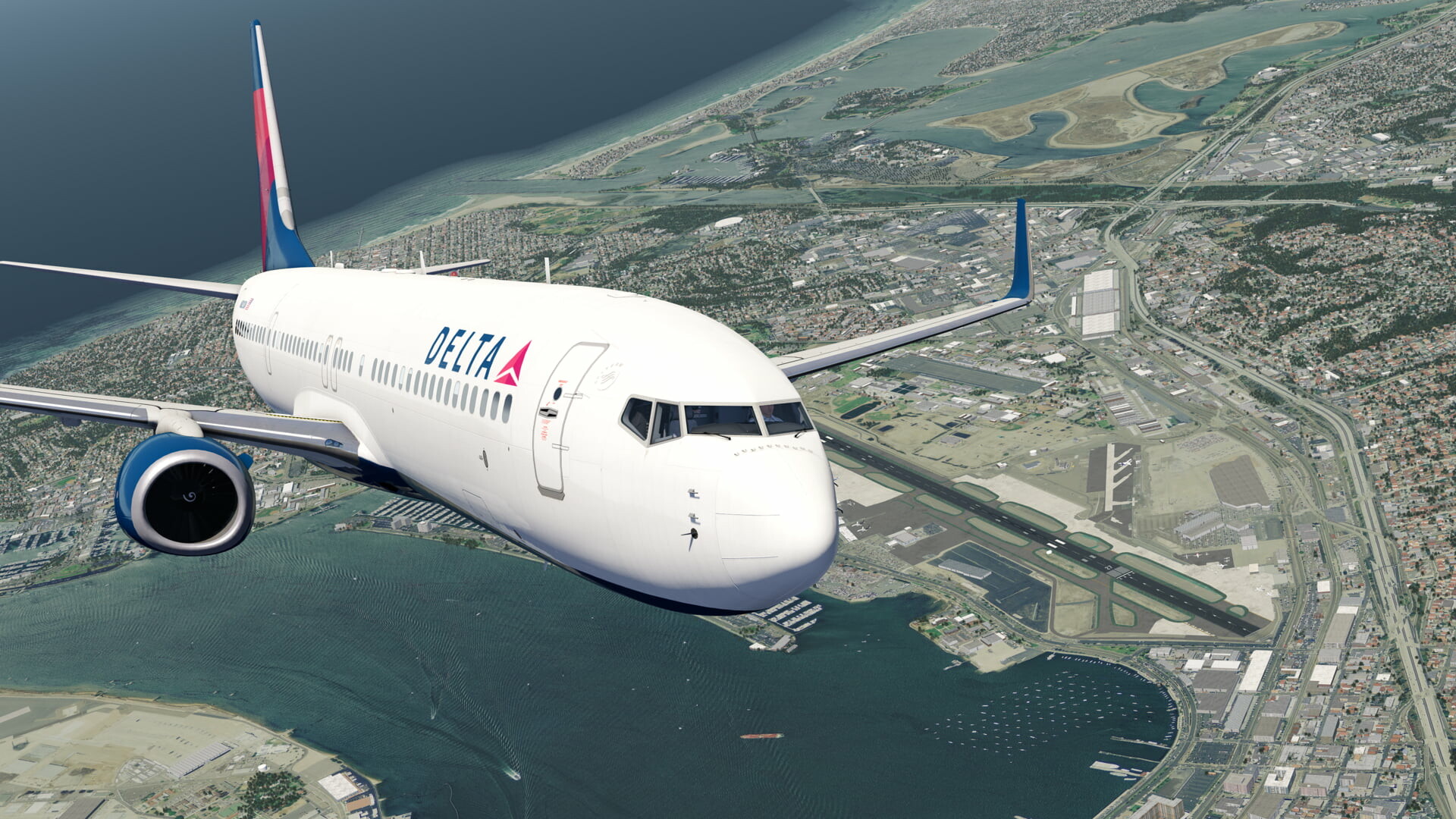
Aerofly FS 4 is a flight simulator aimed at beginners through professionals, offering a large fleet of aircraft with fully animated 3‑D cockpits and custom‑coded systems. The simulator combines photorealistic landscapes, worldwide elevation data and high‑resolution aerial images with a next‑generation graphics and physics engine.
The package includes instant‑start flight options, a route editor, time‑skip, instant replay and a flight‑log for tracking career progress. It supports VR, a range of joysticks, throttle units and partial controller input, making it adaptable to many hardware setups.
01 / THE GUIDE
Aircraft and Interactive Cockpits
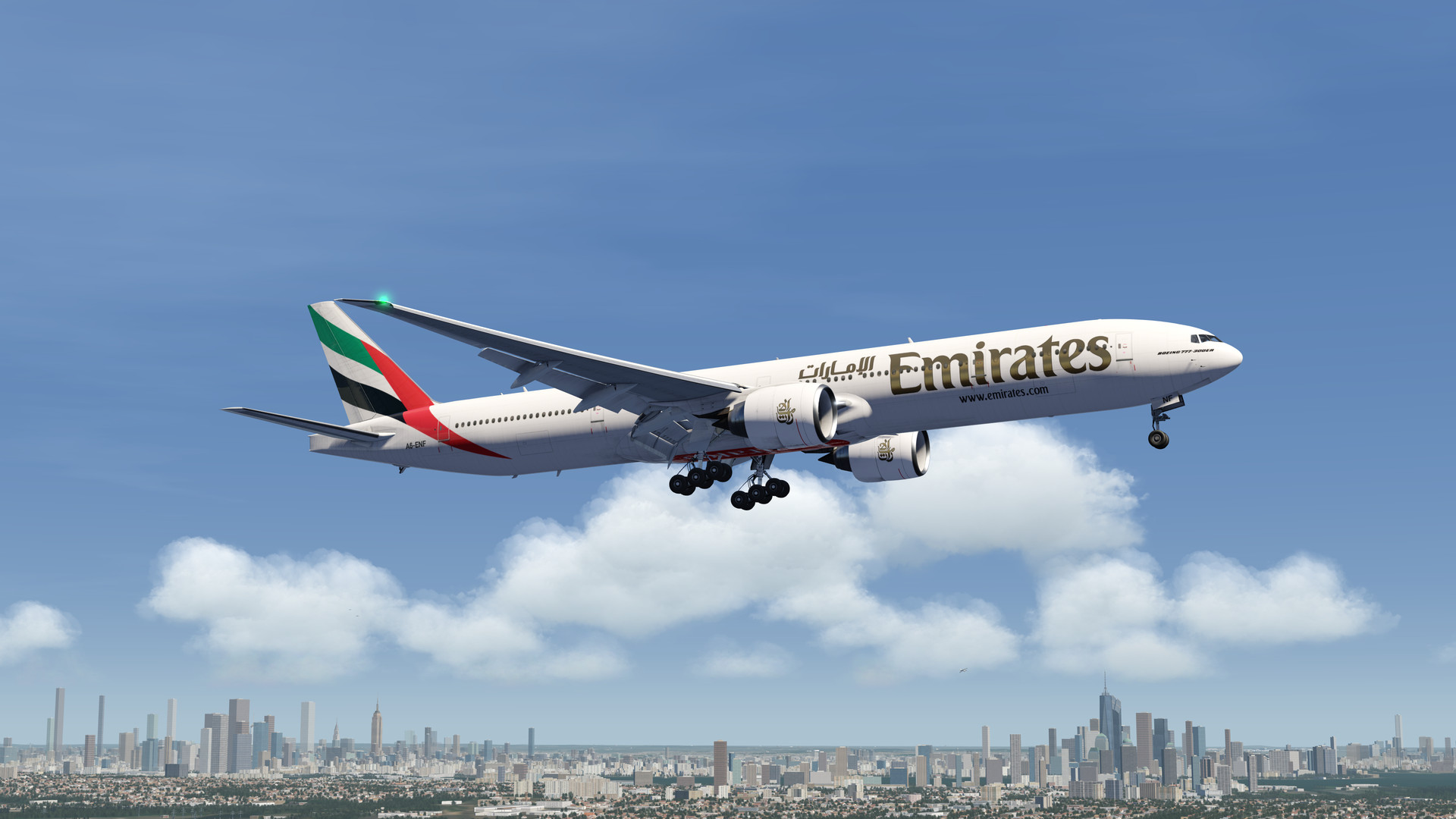
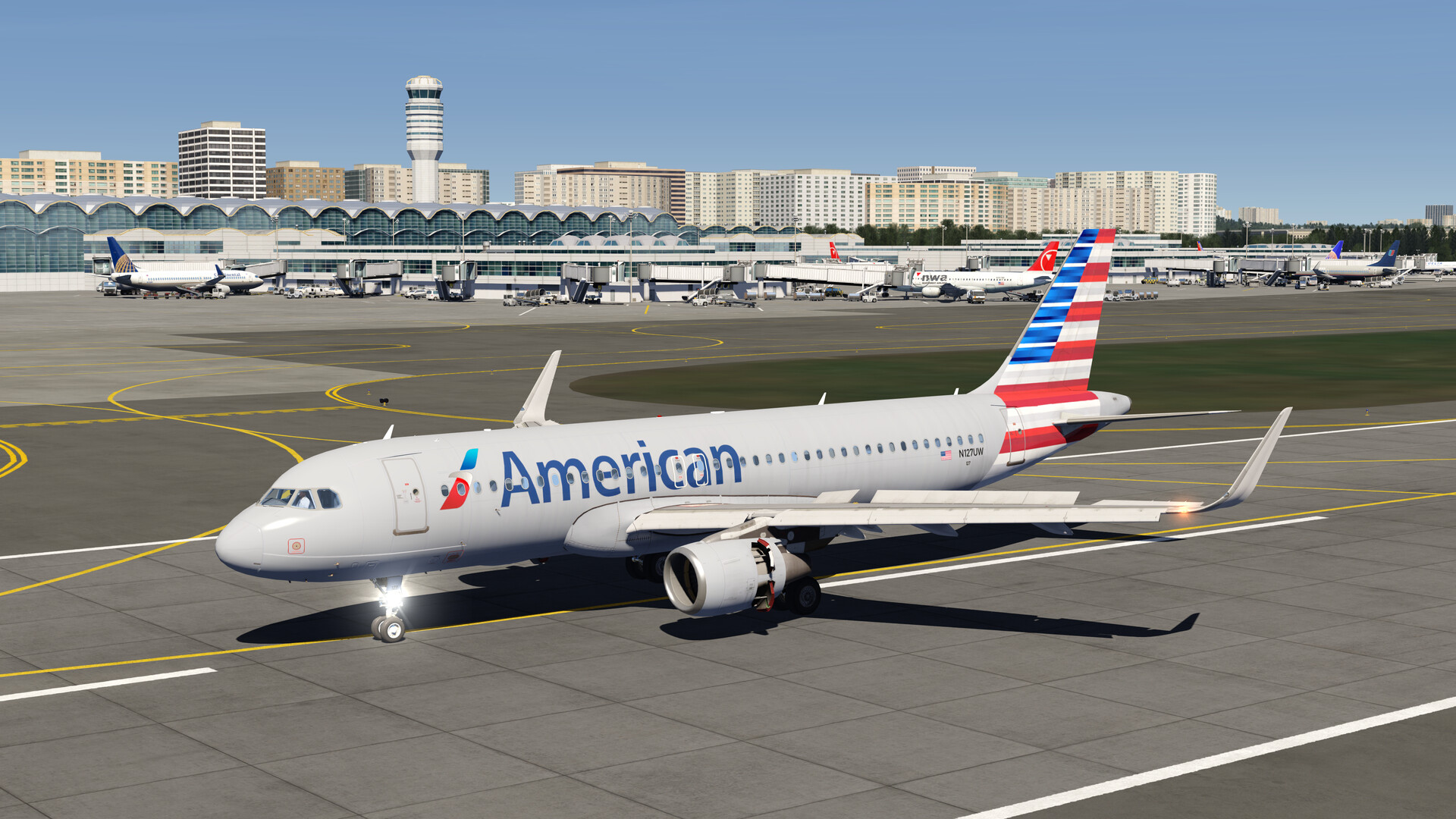
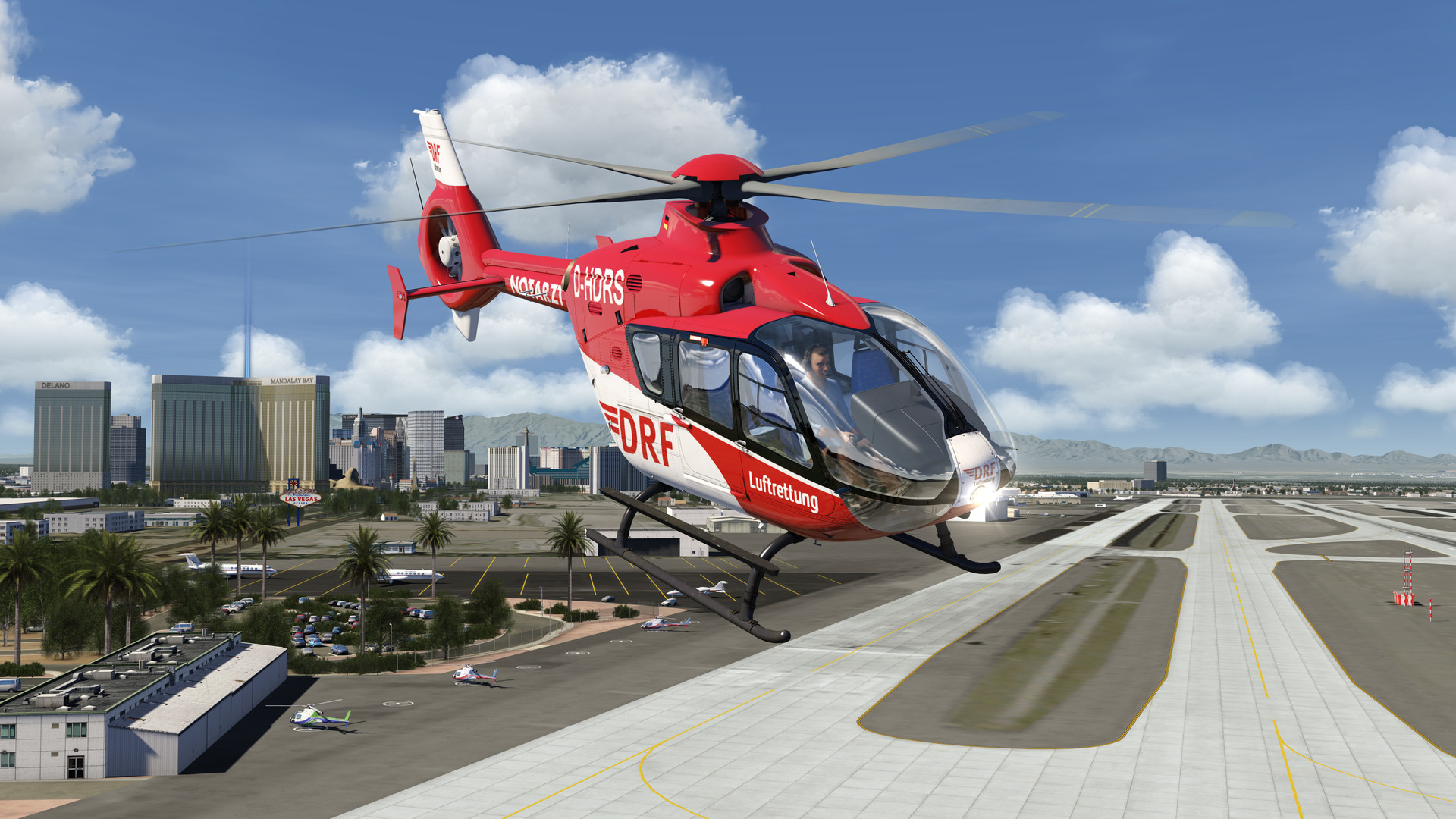
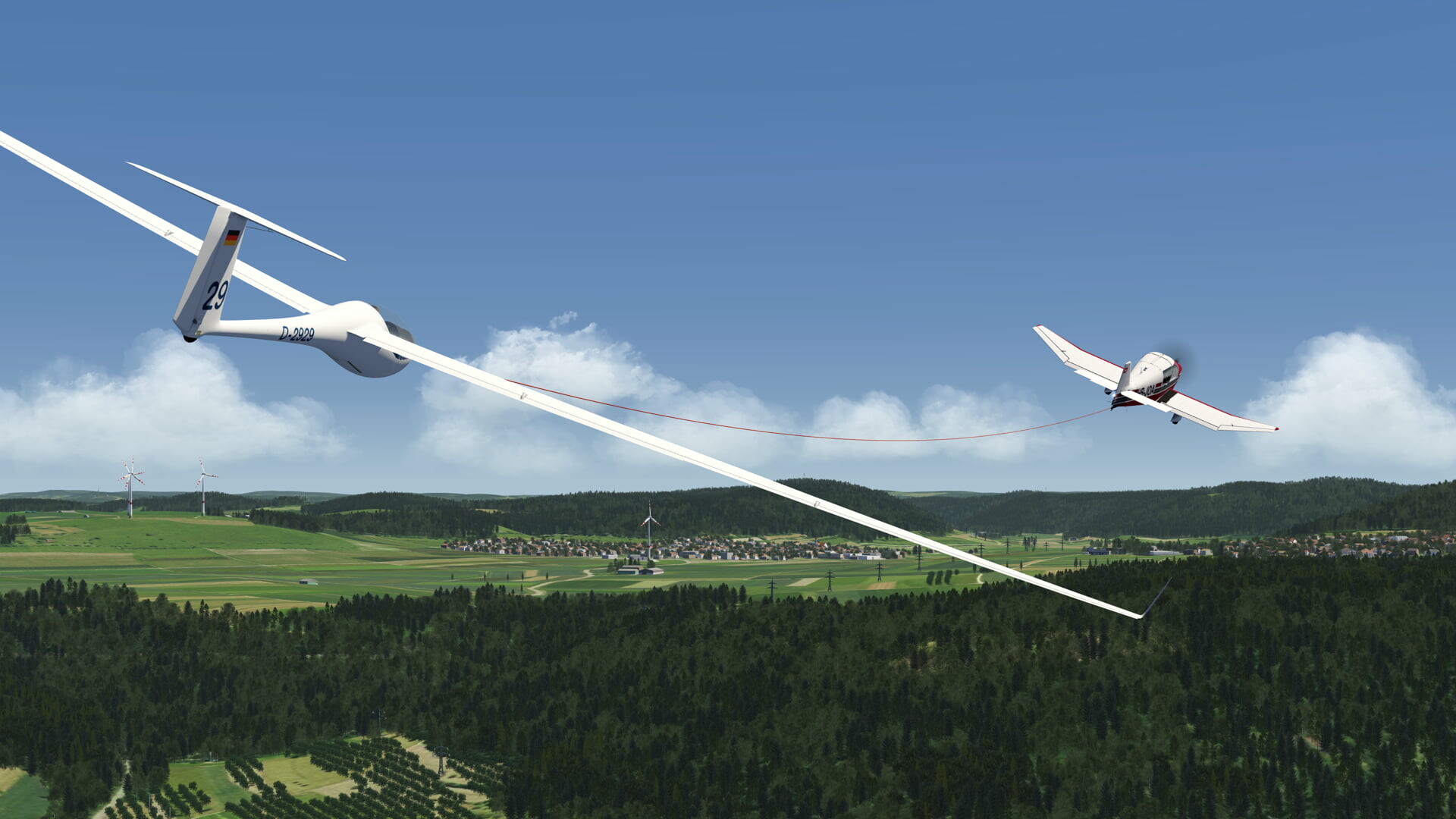
Aerofly FS 4 ships with a diverse roster that spans airliners, helicopters, business jets, fighters, warbirds, general aviation planes, stunt aircraft and gliders. Each aircraft features a fully interactive 3‑D cockpit that works with VR hand controllers.
The simulator also offers optional simulated copilot assistance, automatic navigation tuning and other quality‑of‑life features, while maintaining deep system coding such as EFIS displays, electronic checklists and realistic warning systems.
- Start with the instant‑start options (cruise, takeoff or landing) to familiarize yourself with cockpit controls before attempting a full mission.
- Use the optional simulated copilot to practice complex procedures without overwhelming manual input.
02 / THE GUIDE
Realistic Flight and Ground Physics
The engine uses a real‑time multibody simulation that calculates lift, drag and moments based on flap, slat and spoiler positions, propeller wash, ground effect and wing downwash. Wing bending is simulated natively rather than animated.
Ground physics include full landing‑gear compression and realistic engine thermodynamic cycles, providing authentic cold‑and‑dark startups and dynamic cockpit lighting.
- Experiment with the adjustable time‑of‑day and wind settings to see how turbulence influences the multibody physics.
- Enable the flight‑assistance features like automatic lights to reduce workload during low‑visibility conditions.
03 / THE GUIDE
Missions, Career Tracking and Achievements
Players can select from preset missions, create custom missions, or join a virtual airline using tens of thousands of real‑world flights. Progress is recorded in a flight‑log that tracks statistics and achievements across aircraft categories.
The simulator also offers a global air‑traffic model based on over 10,000 real flights, adding realism to mission planning and career development.
- Use the graphical route editor to design a flight path before launching a custom mission.
- Check the flight‑log after each session to monitor progress toward achievement goals.
04 / THE GUIDE
Global Scenery and Elevation Data
Aerofly FS 4 includes worldwide elevation data, base aerial images and 1,200+ custom‑modeled airports. Additional free DLCs provide higher‑resolution images and more detailed airports where needed.
Scenery cultivation adds 3‑D buildings, powerlines, wind‑turbines, trees and famous landmarks, while sloped and curved runways enhance realism for varied aircraft types.
- Download free DLCs for regions you plan to fly frequently to improve image resolution.
- Adjust visibility and cloud settings to test how terrain rendering performs under different weather conditions.
05 / THE GUIDE
Control Options and VR Support
The simulator supports most common joysticks out of the box and can be paired with throttle units, rudder pedals, Saitek panels and TrackIR. Partial controller support is also listed, and a gamepad is recommended for basic navigation.
Full VR compatibility includes Oculus Rift (with Touch controllers) and HTC Vive (with Vive controllers), allowing hands‑on interaction with the 3‑D cockpit.
- Begin with joystick input before adding throttle or pedal extensions to ensure baseline control familiarity.
- Observe how hand controllers map to cockpit switches and levers when using VR.
COMMUNITY
Player discussion