 GameWiki
GET YOUR BEARINGS
About AdventureQuest 3D
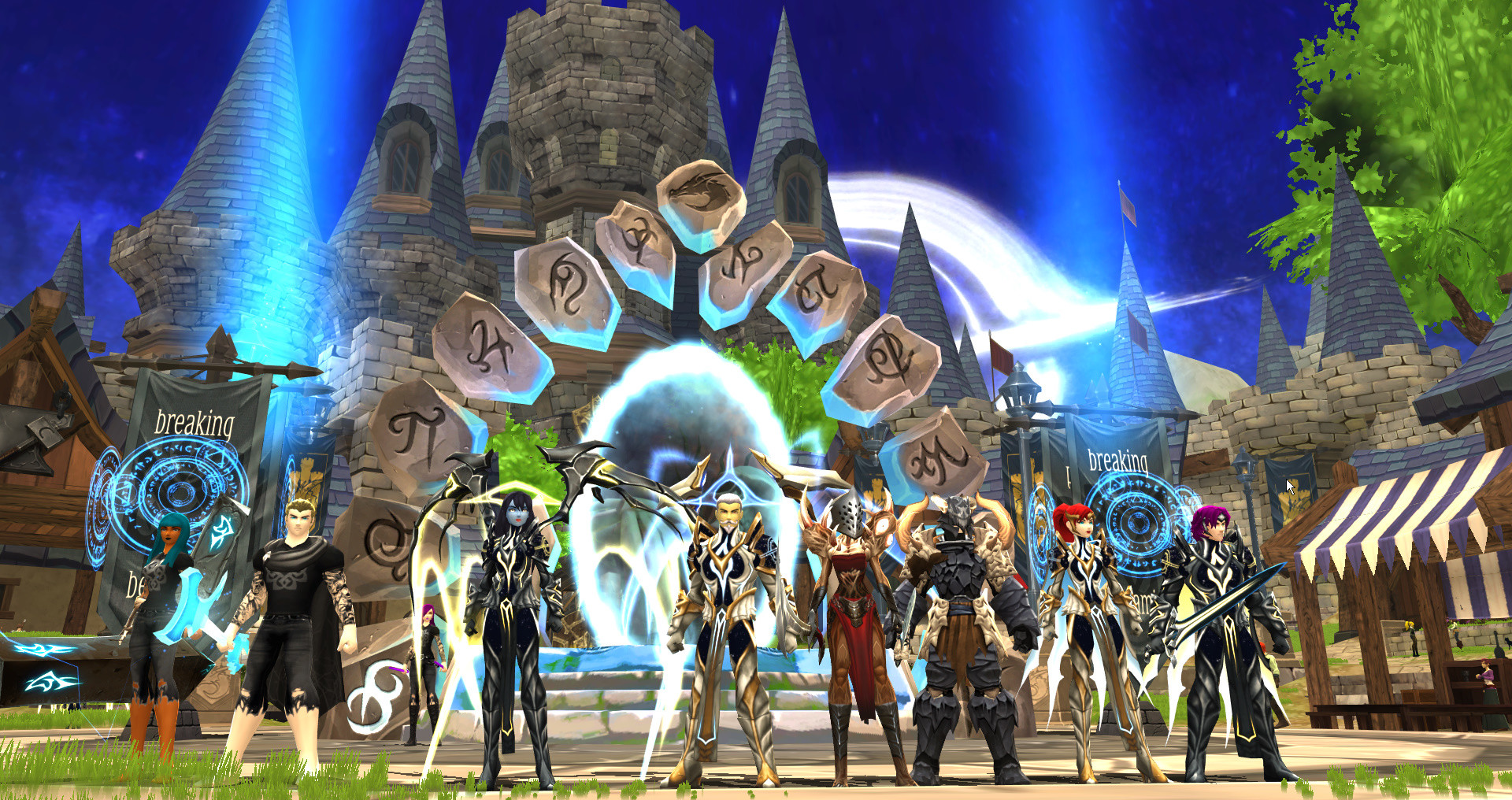
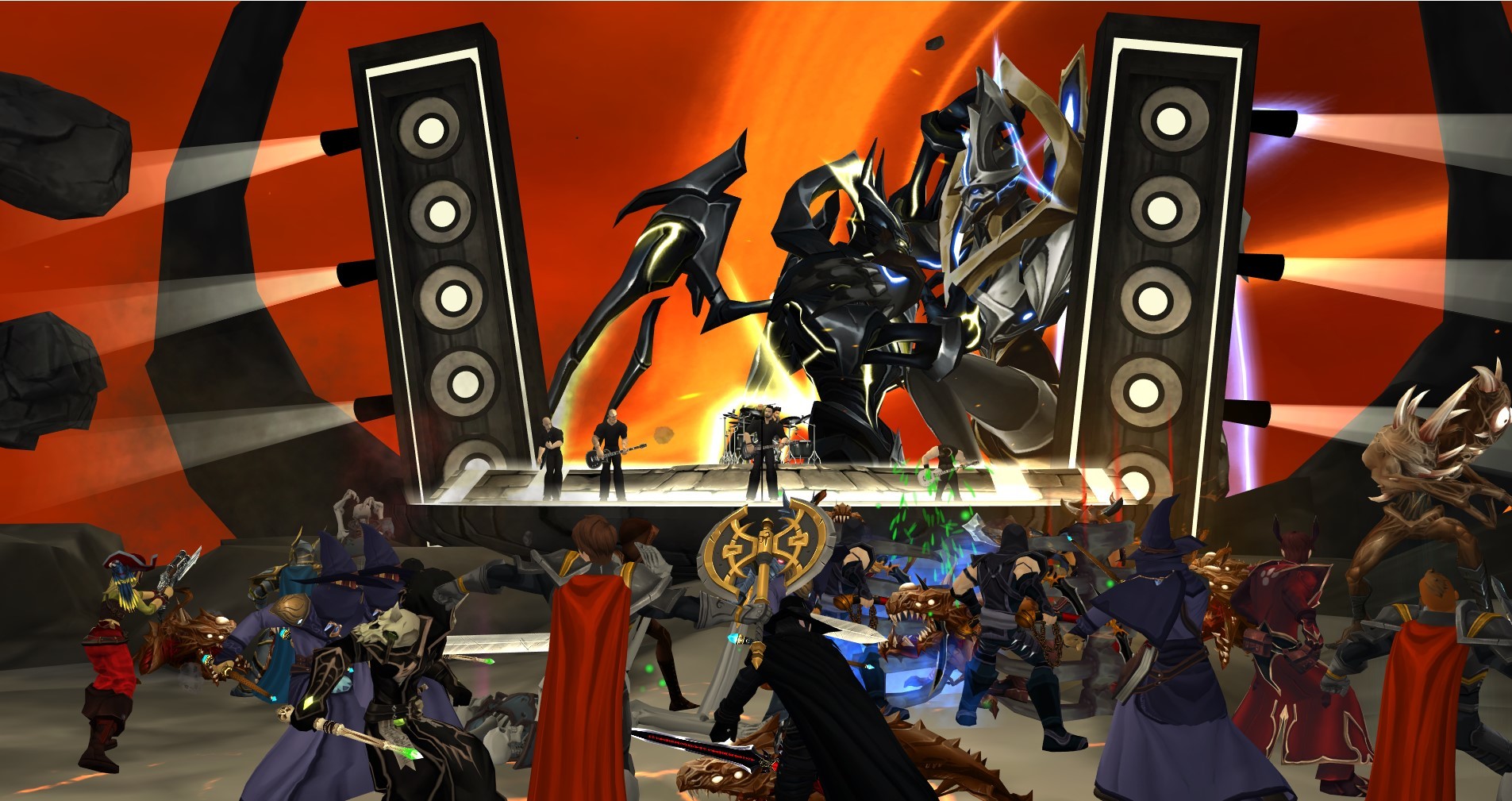
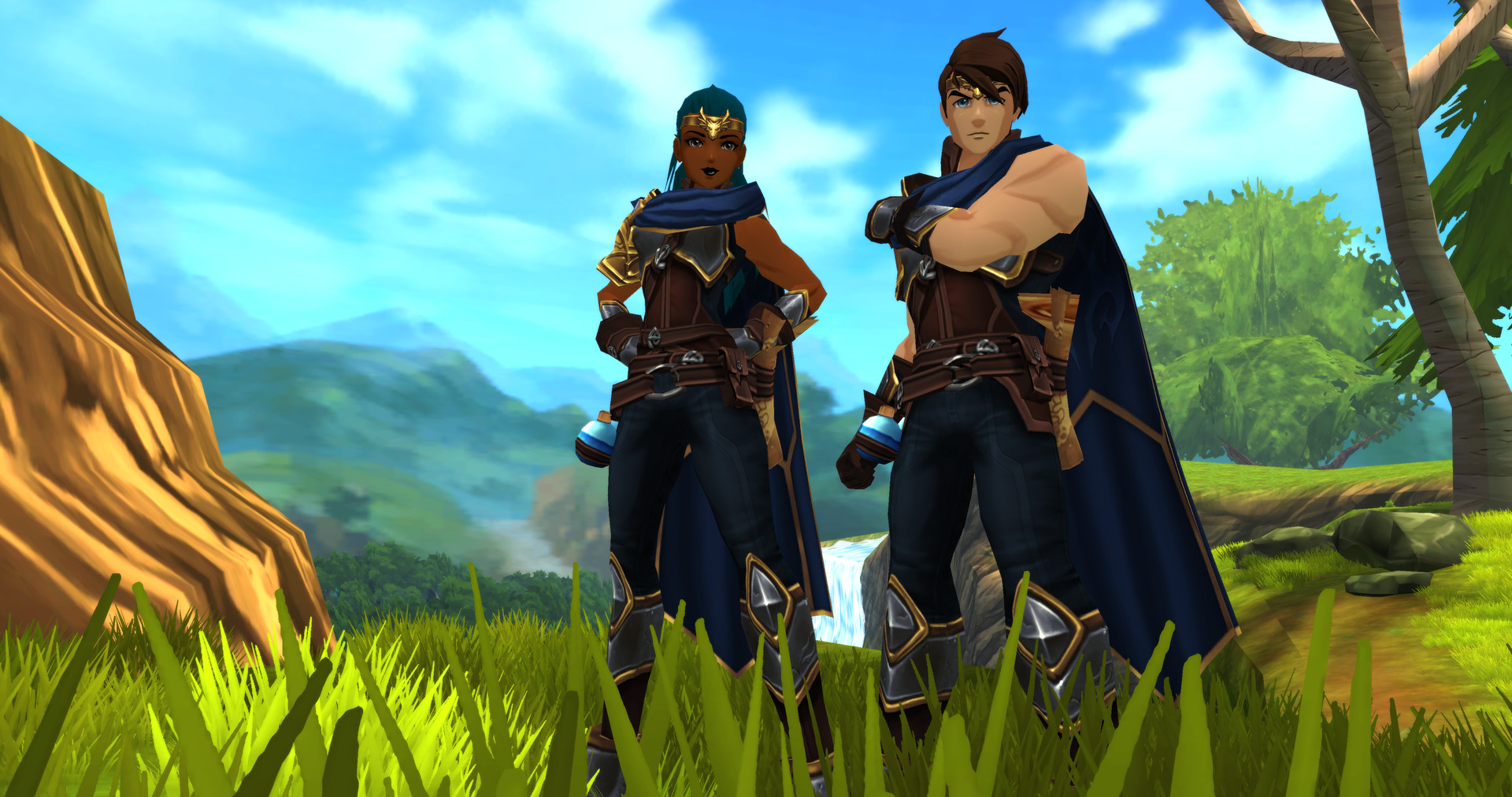
AdventureQuest 3D reimagines the classic browser RPG as a cross‑platform MMO, updating the world weekly with new content. The game maintains the original’s humor while adding real‑time combat and cooperative features.
Play alongside friends on PC, Mac, Android, or iOS, exploring a growing world filled with classes, events, mounts, pets, and PvP. Regular updates introduce fresh monsters, weapons, and storylines, keeping the adventure dynamic.
01 / THE GUIDE
Cross‑Platform Multiplayer
AdventureQuest 3D lets you join the same persistent world regardless of device, whether on PC, Mac, Android, or iOS.
Friends can meet, quest, and battle together even if they are playing on different platforms, keeping the community unified.
- Check platform compatibility first.
- Coordinate play times together.
02 / THE GUIDE
Multi‑Class System
Players can acquire several classes, improve their rank, and change to any owned class whenever they wish.
This flexibility allows experimentation with different combat styles without creating a new character.
- Experiment with class swaps.
- Rank up frequently for power.
03 / THE GUIDE
Live and Seasonal Events
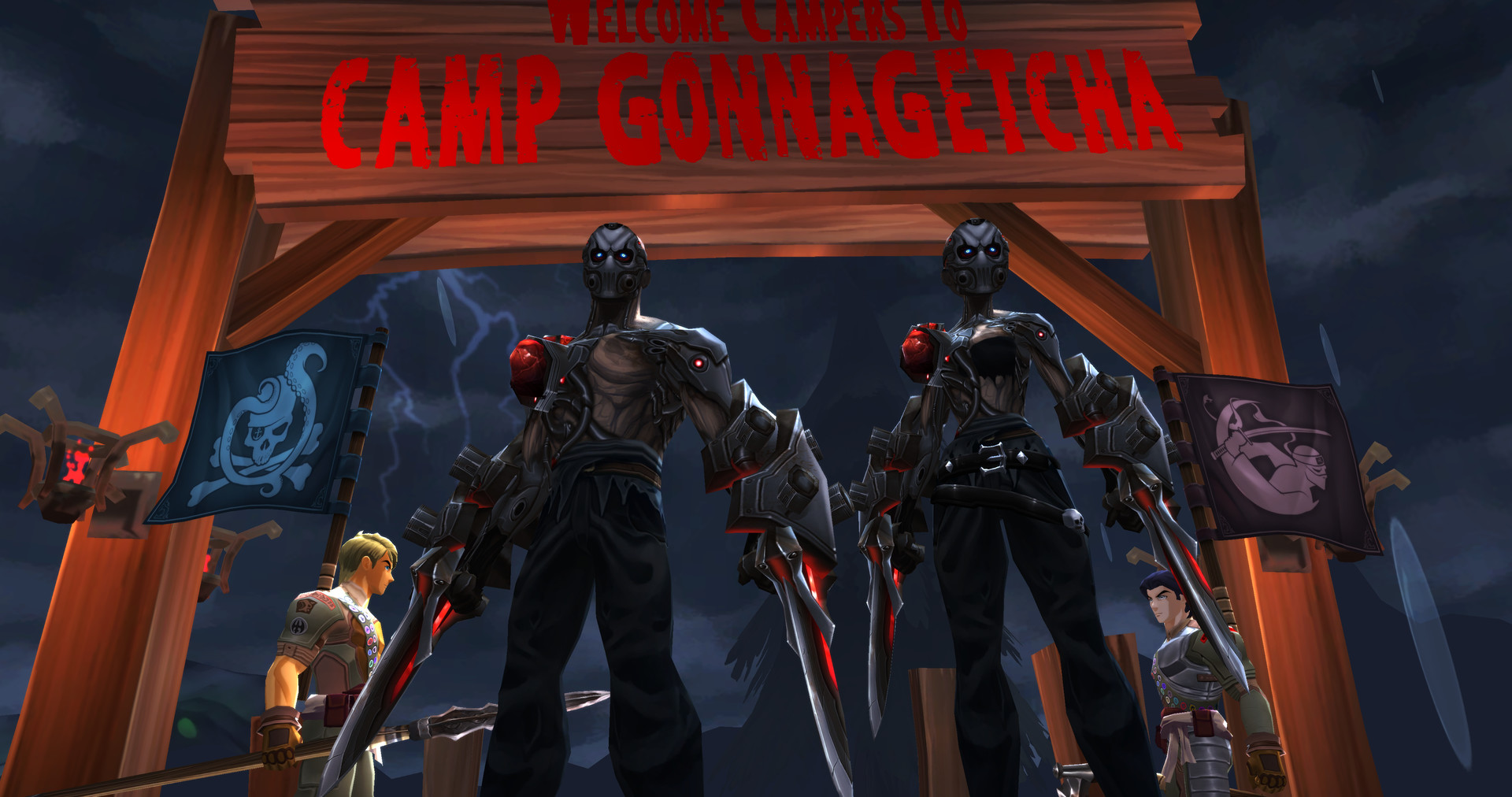
The game hosts live events and seasonal celebrations, such as Friday the 13th, that introduce special temporary content.
These events often bring unique monsters or challenges, encouraging players to log in during the daily scheduled times.
- Mark event dates in calendar.
- Play with a party.
04 / THE GUIDE
Travel Forms (Mount Transformation)
AdventureQuest 3D offers travel forms that let characters become their own mounts, removing the need for separate riding items.
Transforming instantly changes movement speed and visual style, providing both the functional and aesthetic benefits while exploring.
- Try different travel forms.
- Use forms in open areas.
05 / THE GUIDE
Real‑Time Combat Pets
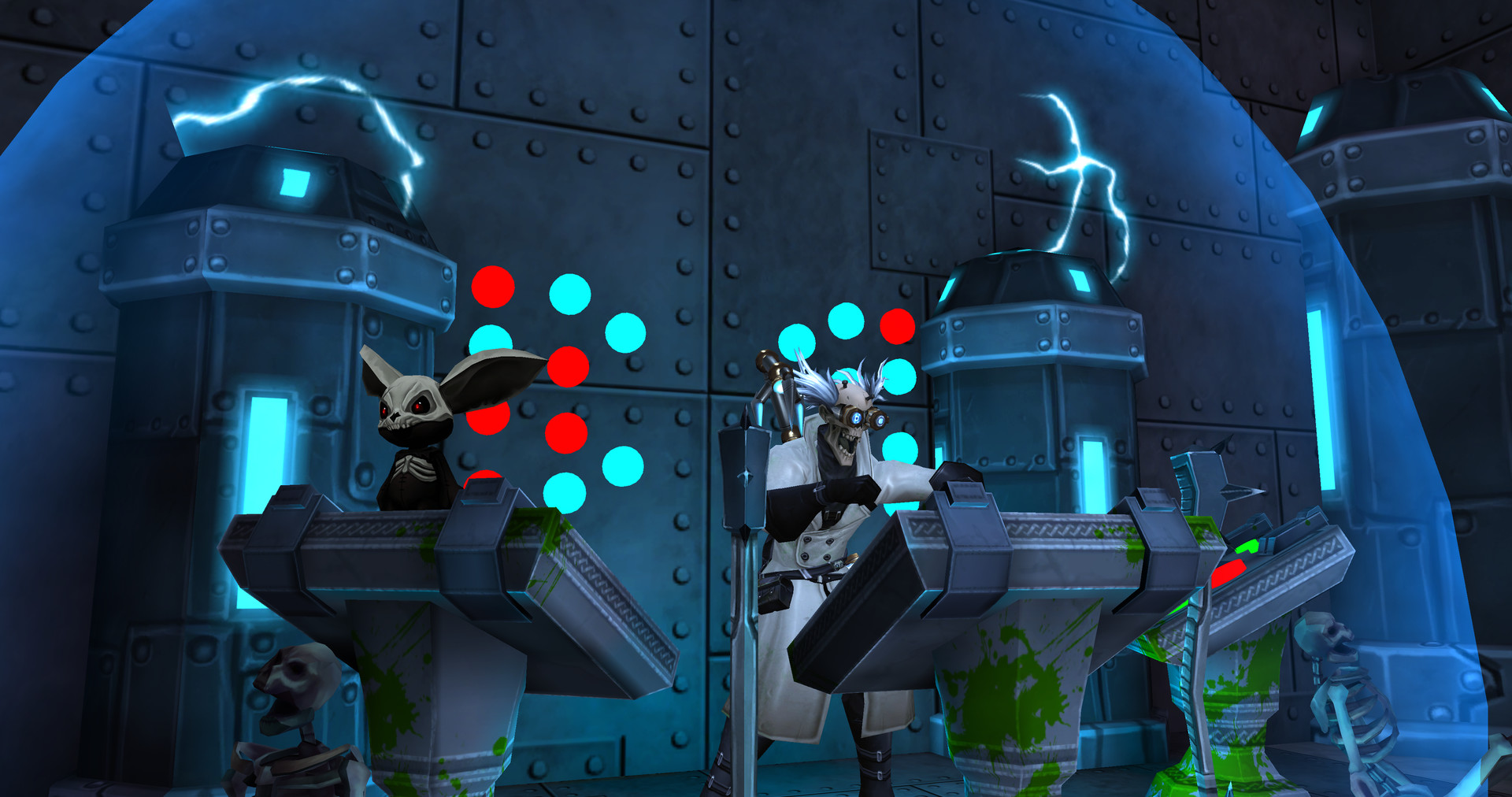
Players can acquire tiny combat pets that act autonomously during battles, adding extra damage or distraction.
Pets persist with the character, offering a personal companion that contributes in every battle significantly without requiring direct control.
- Equip pets with best gear.
- Watch pet behavior closely.
COMMUNITY
Player discussion