 GameWiki
GET YOUR BEARINGS
About Advent NEON
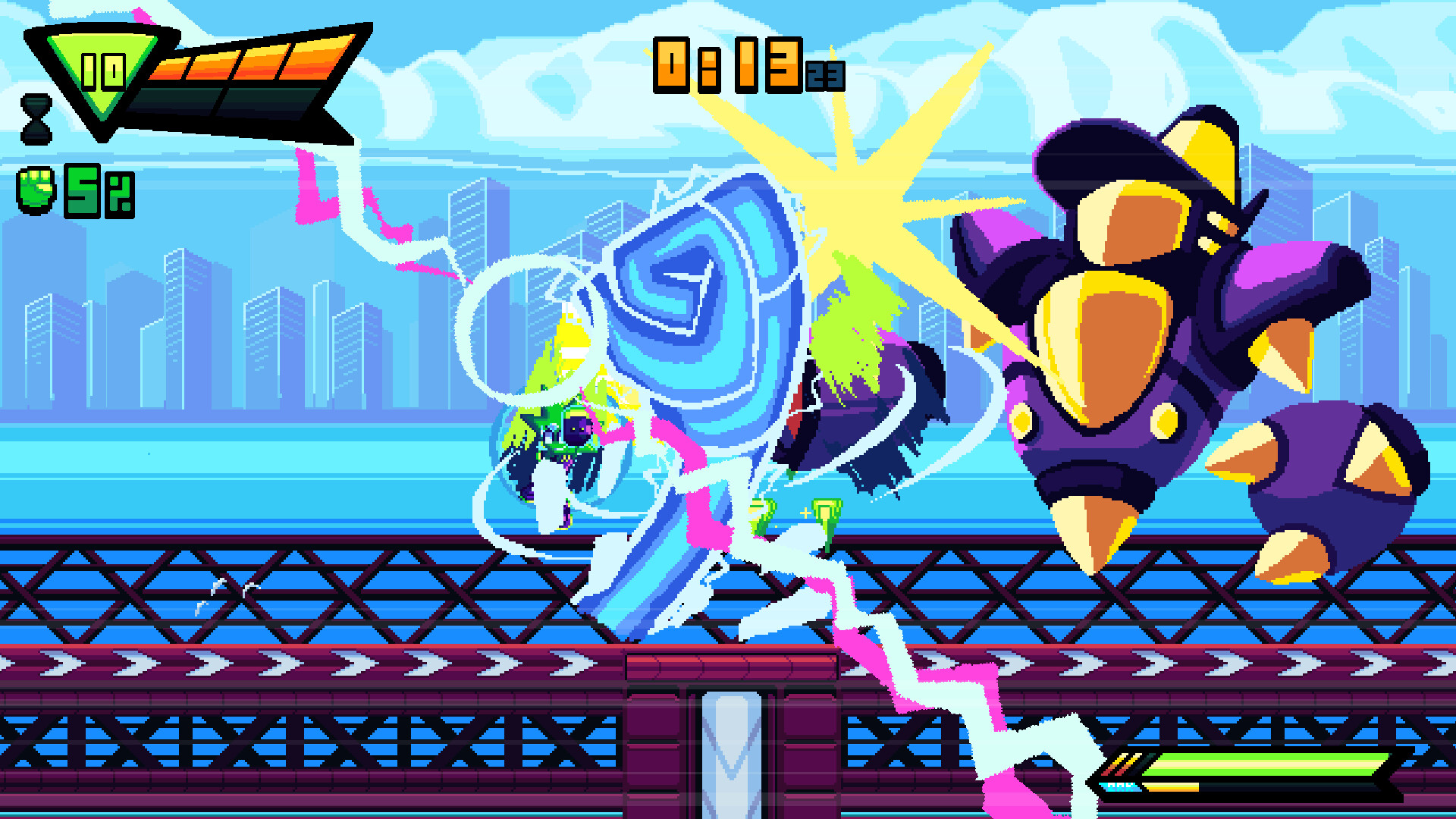
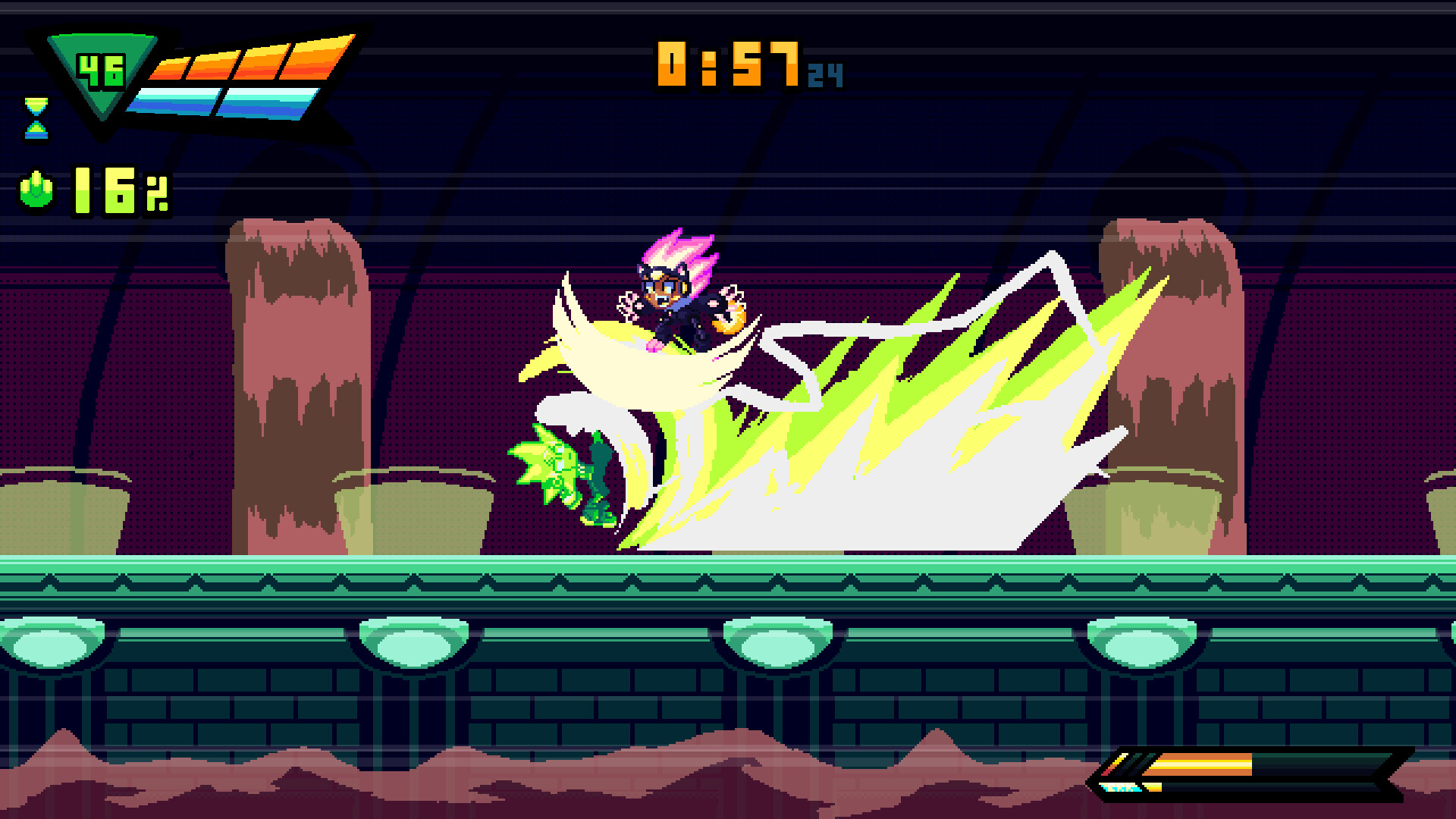
Advent NEON® puts you in the shoes of Neon, a lone combatant navigating the neon‑lit streets of Neopolis. The game focuses on single‑player platform‑fighter combat where attacks can be chained and canceled, encouraging fast‑paced combos against robot foes.
Beyond combat, the title offers extensive input customization, full controller support, and visual options such as FX opacity. Progress is saved through Steam Cloud, and achievements track milestones for players who enjoy mastering the movement and combat systems.
01 / THE GUIDE
Combat Mechanics
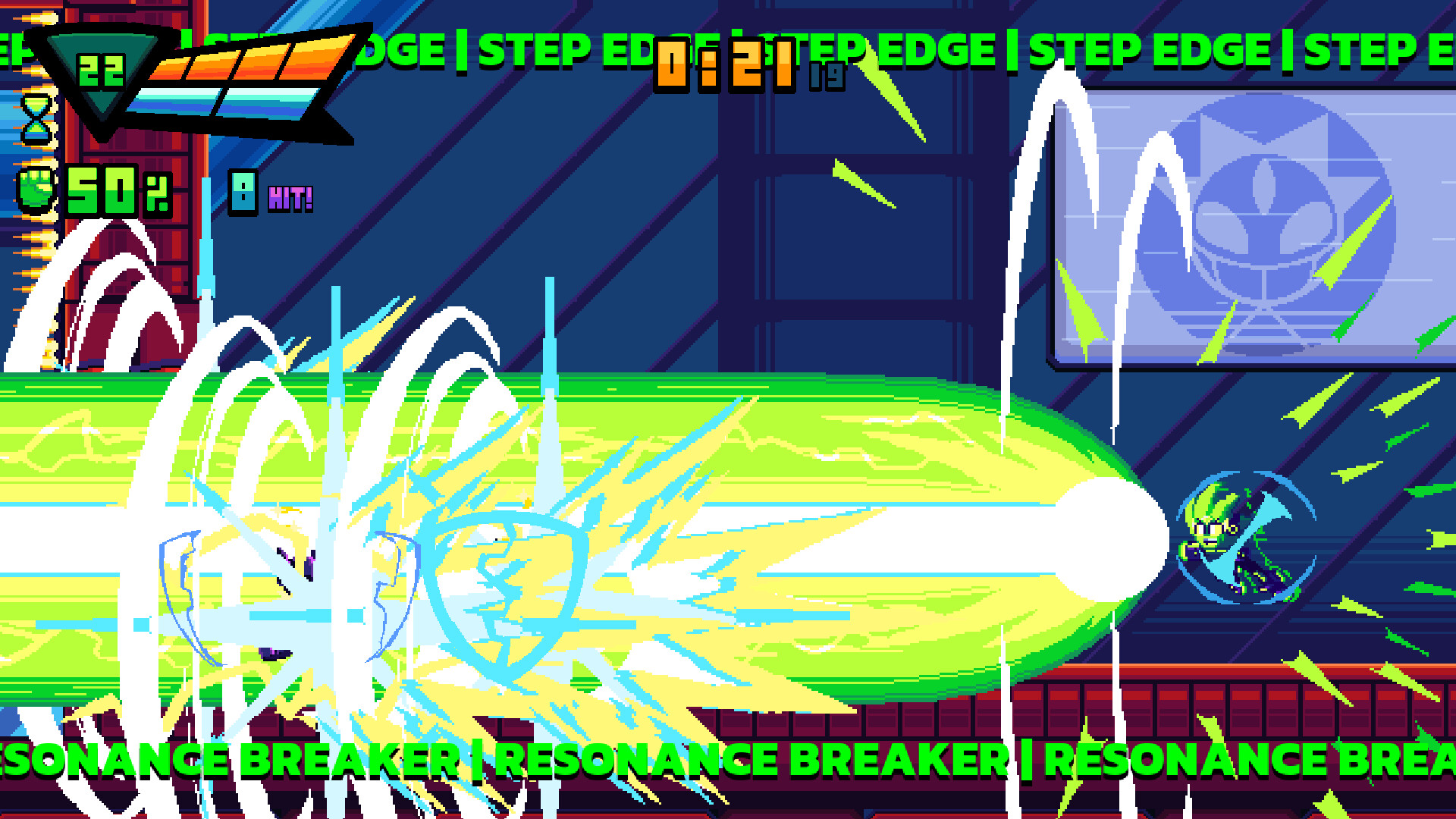
Neon’s attacks follow a full platform‑fighter moveset, allowing strikes in multiple directions. Each hit can be canceled into the next, letting players build fluid combos that react to enemy patterns.
The description emphasizes “extremely responsive inputs,” meaning timing windows are tight and rewarding precise execution, which is essential for maintaining pressure on the robot enemies.
- Practice canceling a light attack into a heavier one to see how the combo speed changes.
- Watch enemy attack cues and time your cancels to avoid being hit.
02 / THE GUIDE
Movement System
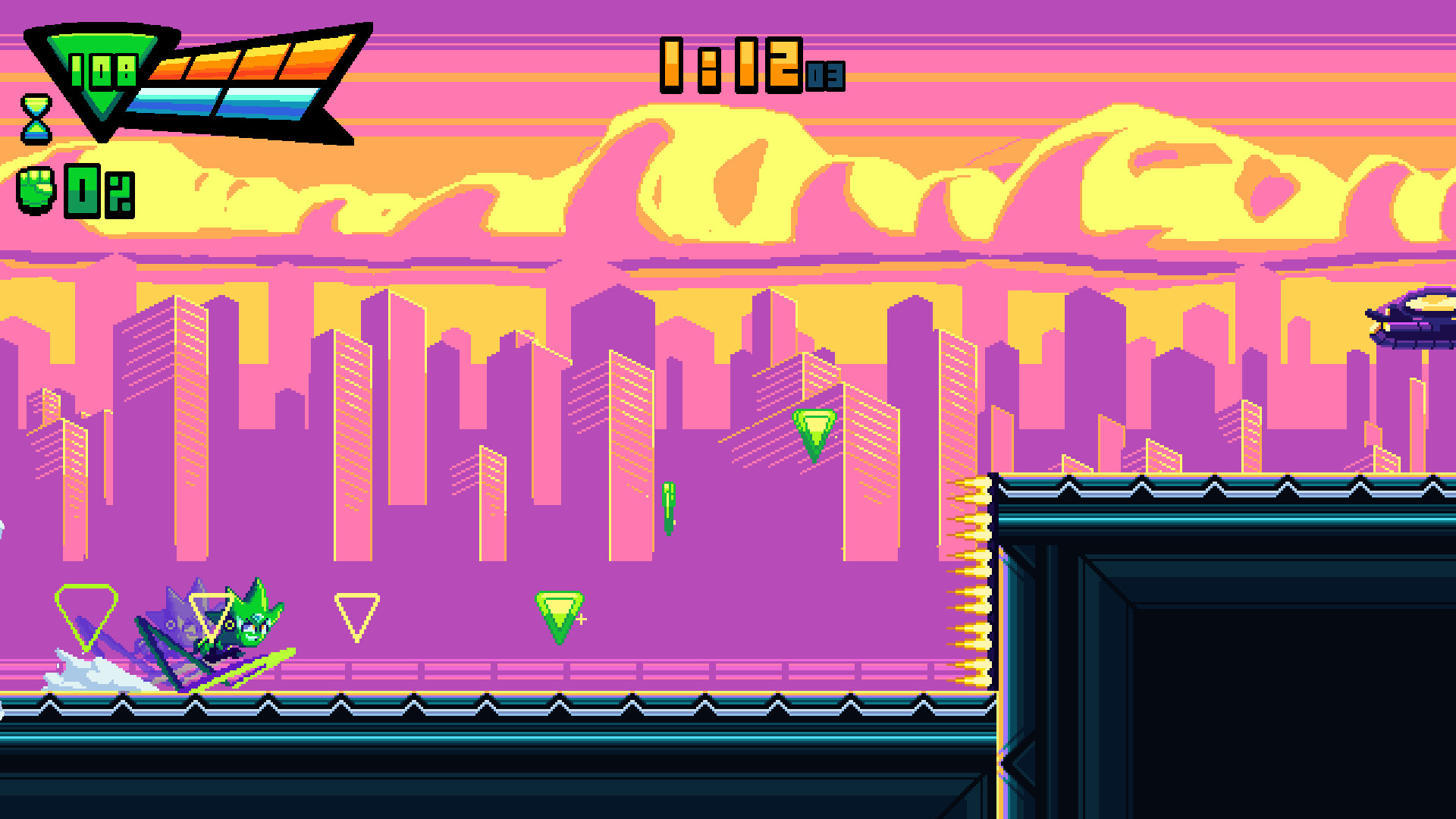
The game provides 8‑way dashing, enabling rapid traversal in any direction and helping players evade or close gaps with speed. This dash can be used repeatedly to navigate complex platform layouts.
Walls are described as “your playground,” indicating that players can interact with vertical surfaces, using them to change direction or maintain momentum during movement.
- Chain dashes across open space before reaching a wall to keep momentum high.
- Experiment with dashing off walls to discover new angles of approach.
03 / THE GUIDE
Control Customization
Options include remappable controls and multiple controller support, letting players assign inputs that feel natural. The ability to hold inputs adds flexibility for actions that require sustained button presses.
Visual feedback can be adjusted by tweaking FX opacity, which may help reduce on‑screen clutter and improve readability during fast combat sequences.
- Map dash to a button you can press quickly for smoother combos.
- Lower FX opacity if particle effects obscure enemy hitboxes.
04 / THE GUIDE
Progression and Save Features
Advent NEON is listed as a single‑player title, meaning the experience is focused on solo progression without multiplayer components. Players advance through levels and challenges on their own.
Steam Cloud support ensures that save data is stored online, allowing progress to be accessed from any Steam installation that runs the game.
- Enable Steam Cloud in the client settings to keep your progress synced.
- Check achievement progress regularly to gauge how far you’ve advanced.
05 / THE GUIDE
Visual and Audio Settings
Custom volume controls are part of the feature set, giving players control over the game's audio levels to their preference. This can be useful for focusing on audio cues during combat.
Family Sharing is supported, allowing the game to be shared with other accounts on the same device with each account’s progress handled separately by the game’s own save system.
- Adjust music volume lower if you rely on sound effects for timing attacks.
- Use Family Sharing to let a friend try the game without purchasing a separate copy.
COMMUNITY
Player discussion