 GameWiki
GET YOUR BEARINGS
About Aces of Thunder
Aces of Thunder is a flight‑simulation title that places the player exclusively in the cockpit of historic WWI and WWII aircraft. The game uses physically accurate flight and damage models derived from the War Thunder series and delivers high‑fidelity graphics that look strong both with and without a VR headset.
Players can purchase more than twenty iconic planes, explore fifteen maps that cover Western, Eastern, Pacific and Great War frontlines, and choose between single‑player missions and online PvP. The experience supports HOTAS rigs, gamepads and a wide range of OpenXR VR devices, and includes a walk‑through hangar for close inspection of aircraft.
01 / THE GUIDE
Legendary Aircraft Collection
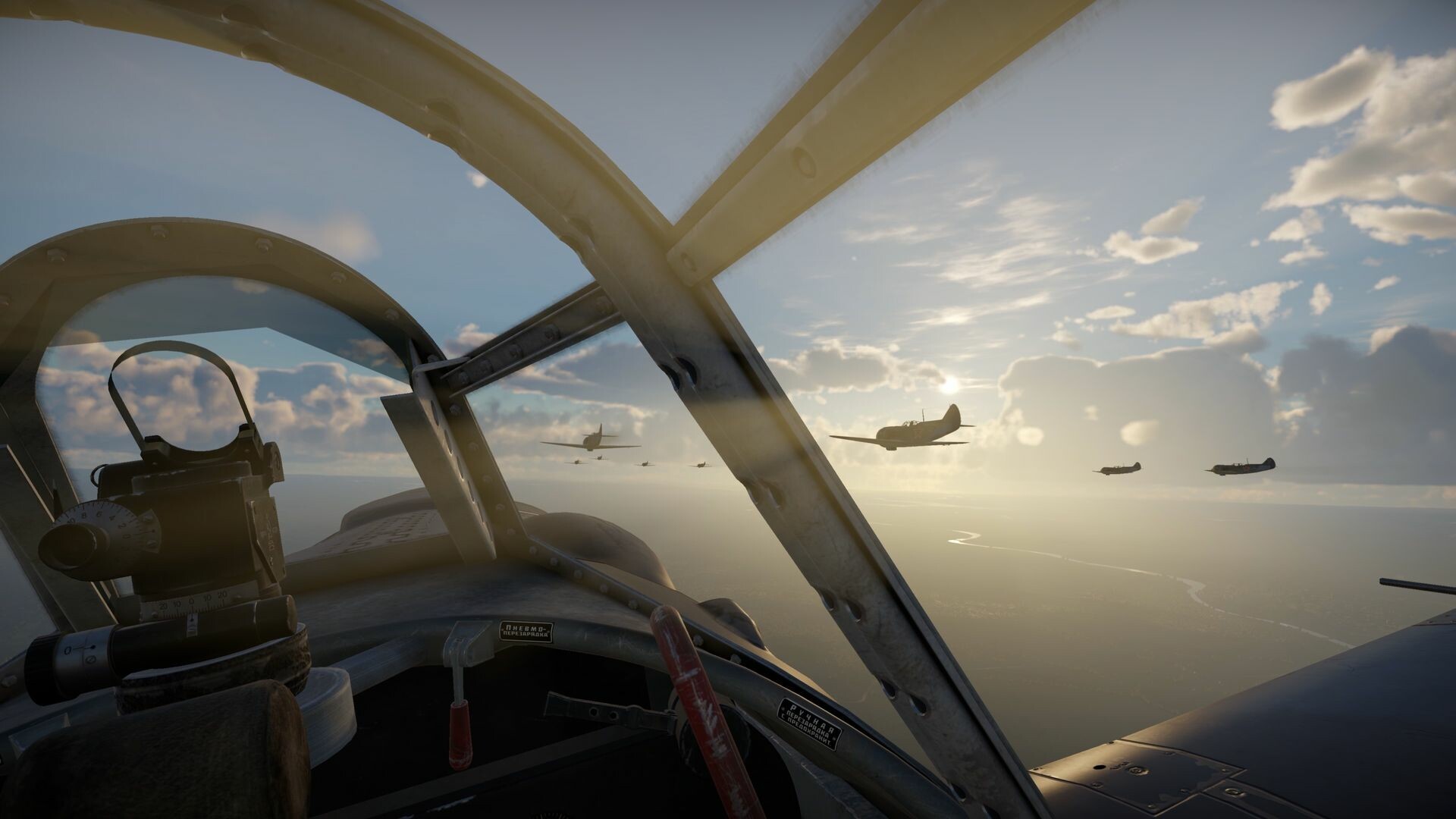
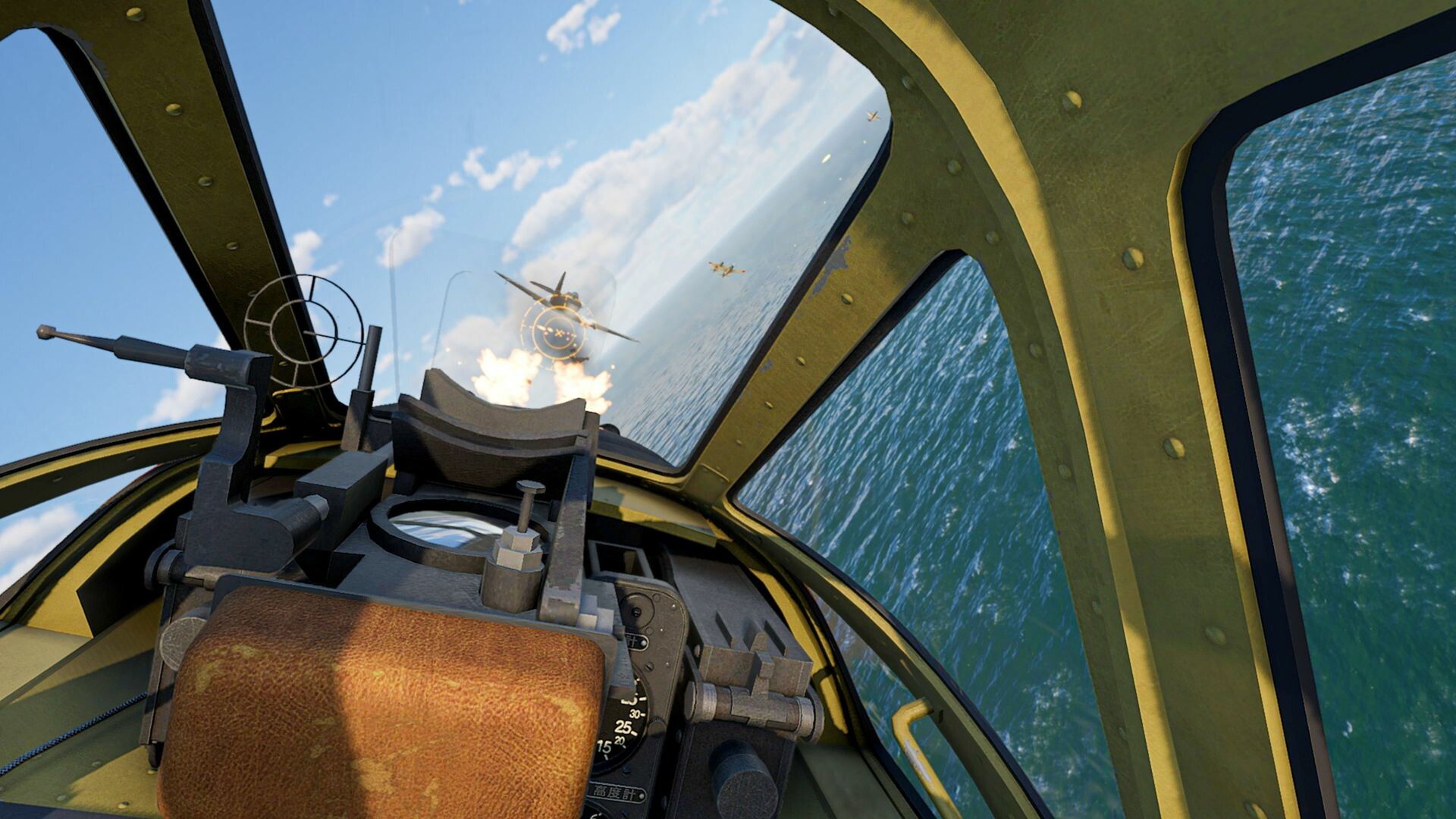
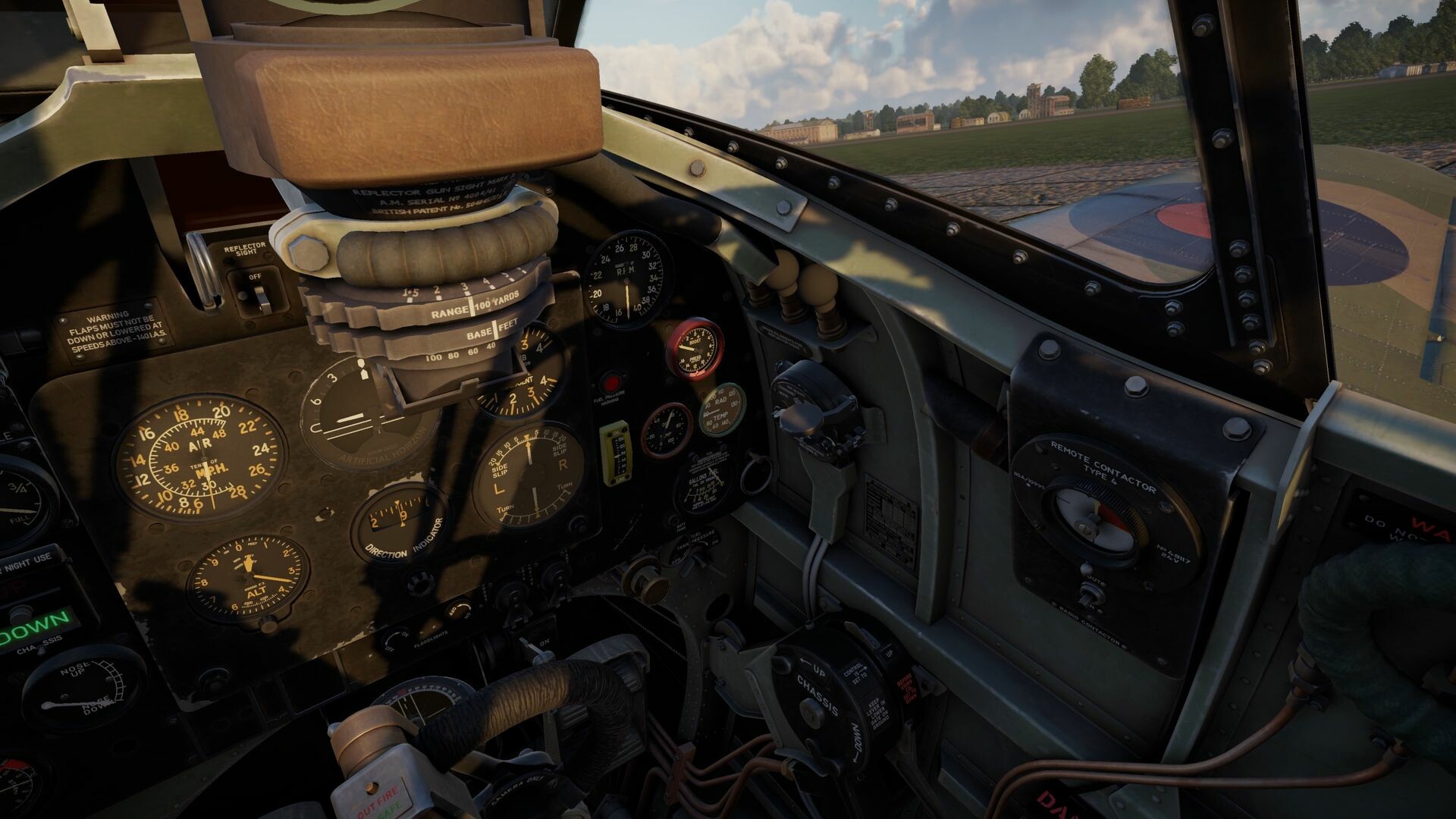
The roster offers over twenty carefully recreated aircraft from both world wars, including the American P‑51 Mustang, German Bf 109, Soviet Il‑2, British Spitfire and Japanese A6M3 Zero. Each plane arrives with an authentically detailed cockpit and period‑accurate weaponry, ready to fly immediately after purchase.
Great War fighters such as the Fokker Dr.I and the SPAD S.XIII are also present, featuring historically accurate armaments and cockpit layouts. This variety lets players experience the distinct handling and firepower of each era’s designs.
- Check the cockpit layout of each aircraft to see which matches your control preferences.
- Note the displayed weapon type for each plane to understand its combat role.
02 / THE GUIDE
World War Theaters
Aces of Thunder provides fifteen maps that represent the Western, Eastern and Pacific fronts of WWII as well as signature WWI frontlines. Each map reflects the terrain and strategic context of its historical setting.
The differing landscapes affect flight paths and engagement ranges, so pilots must adapt tactics to each theater’s geography.
- Study the map overview before a match to anticipate typical enemy approach directions.
- Use natural terrain features such as hills or valleys for altitude advantage.
03 / THE GUIDE
VR and Control Options
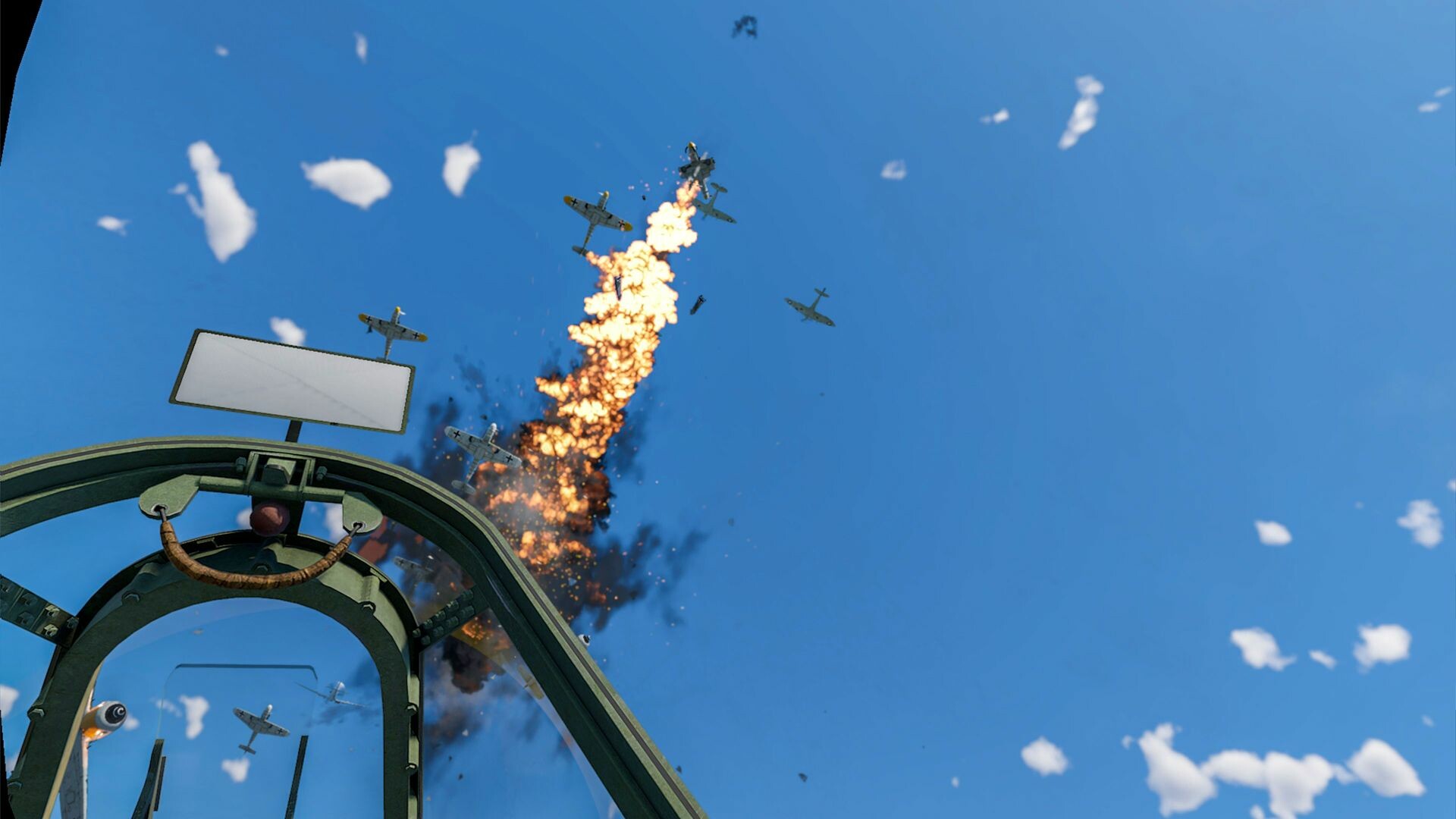
The game natively supports OpenXR, allowing a wide range of VR headsets. In VR, players can use the headset’s controllers to grab a virtual HOTAS, while non‑VR play works with hardware sim rigs or standard gamepads.
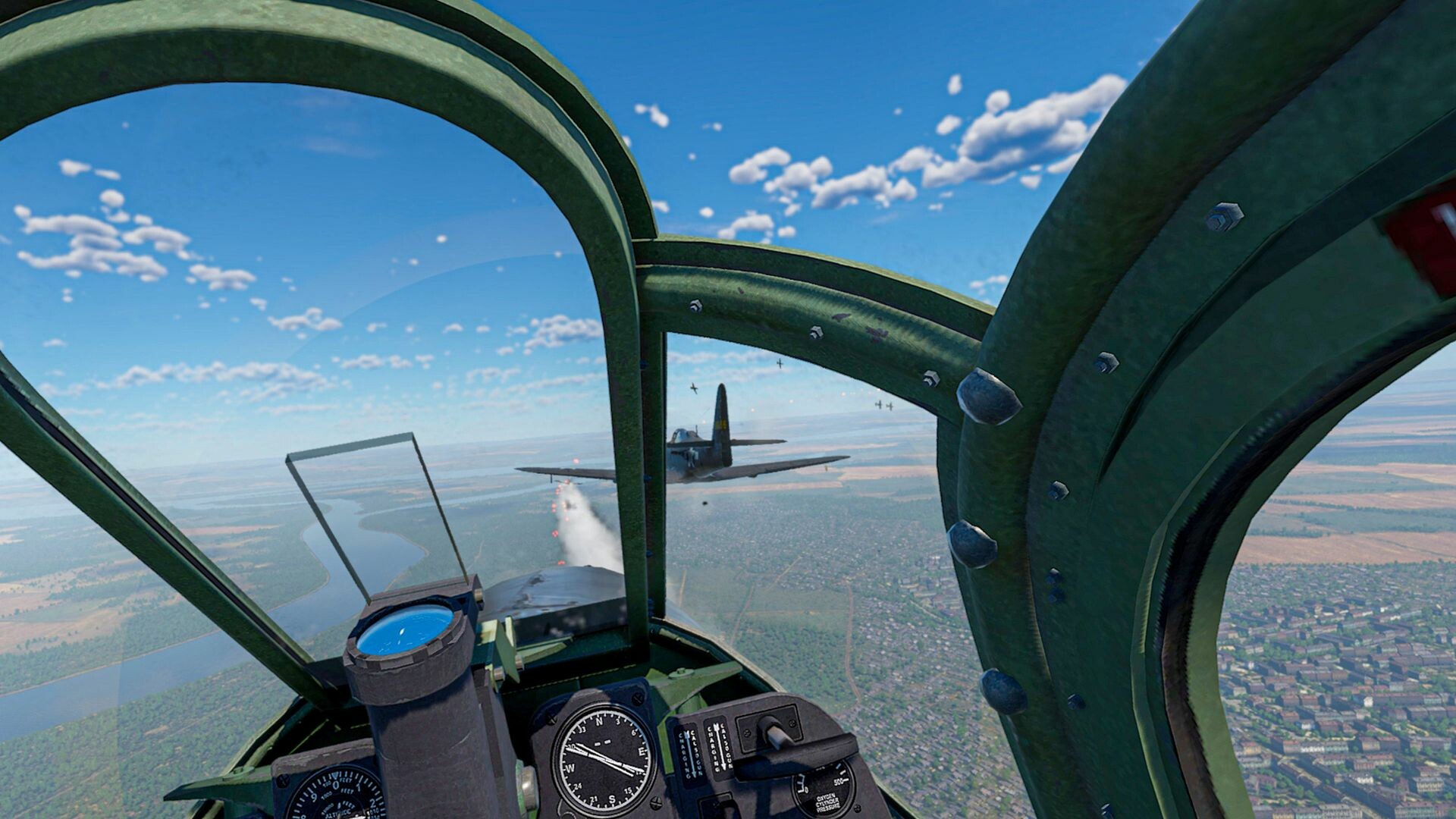
All gameplay is presented from a cockpit‑only perspective, and partial controller support ensures that players without full HOTAS setups can still operate the aircraft.
- If using VR, ensure your headset is comfortably positioned before starting a mission.
- Map essential flight functions to your gamepad or HOTAS for quicker access.
04 / THE GUIDE
Online Multiplayer PvP
Players can compete against others worldwide in real‑time PvP matches. The multiplayer mode uses the same aircraft roster and maps that are available in the single‑player portion, providing a consistent combat environment.
Matches occur on the fifteen official maps, letting pilots test their skills against a variety of opponents and aircraft types.
- Join a match on a map you have previously explored in single‑player to apply familiar terrain knowledge.
- Observe opponent aircraft choices early in a match to anticipate their capabilities.
05 / THE GUIDE
Hangar Interaction
Between missions, players can walk around a detailed hangar to view their aircraft up close. This area displays cockpit instruments and external details without requiring flight.
The hangar serves as a visual showcase and a brief pause point, reinforcing the game’s emphasis on realistic aircraft presentation.
- Use the hangar to locate each instrument before taking off.
- Take a moment to compare external paint schemes for quick visual identification.
COMMUNITY
Player discussion