 GameWiki
GET YOUR BEARINGS
About Abandoned Gameshop
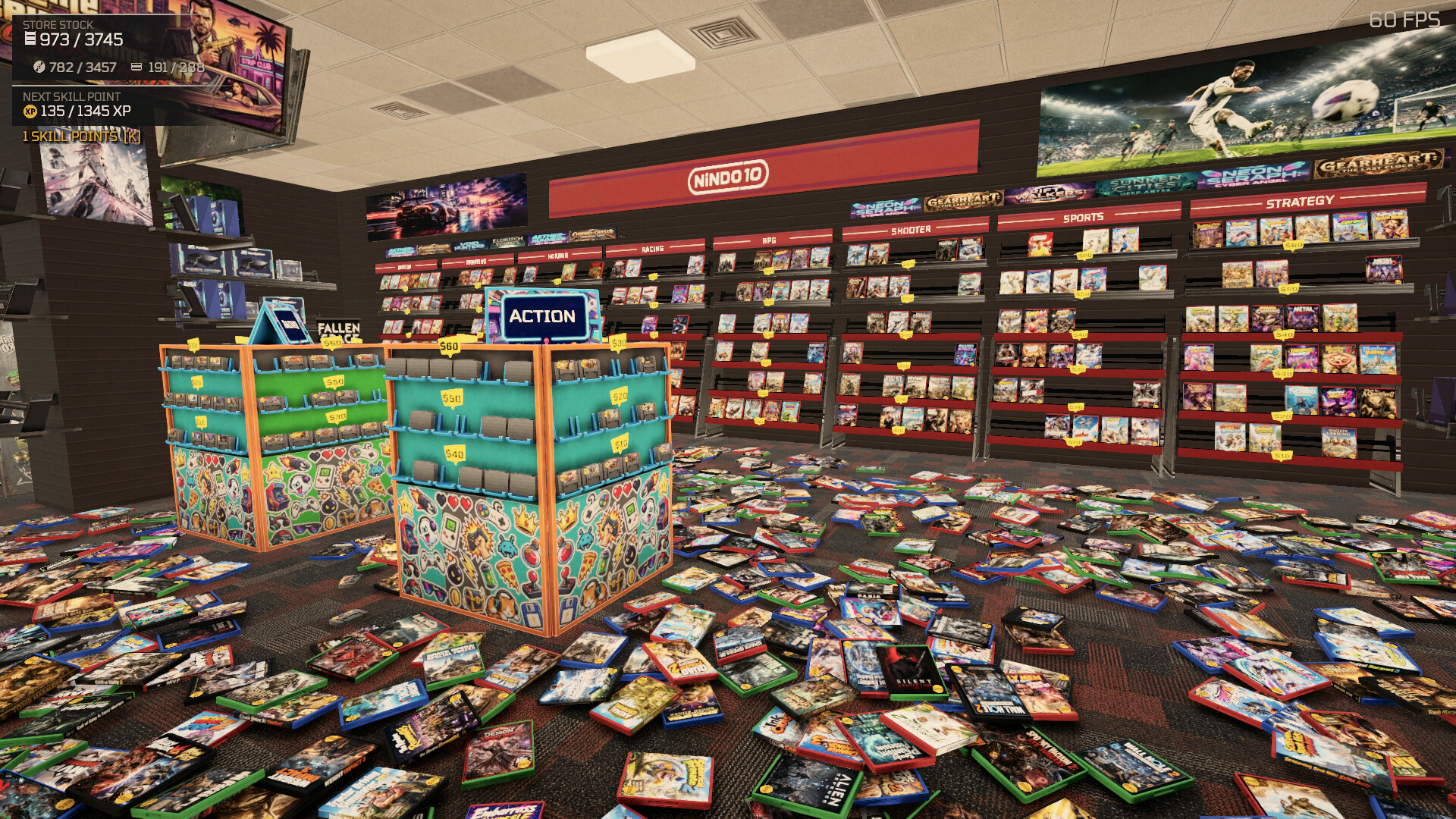
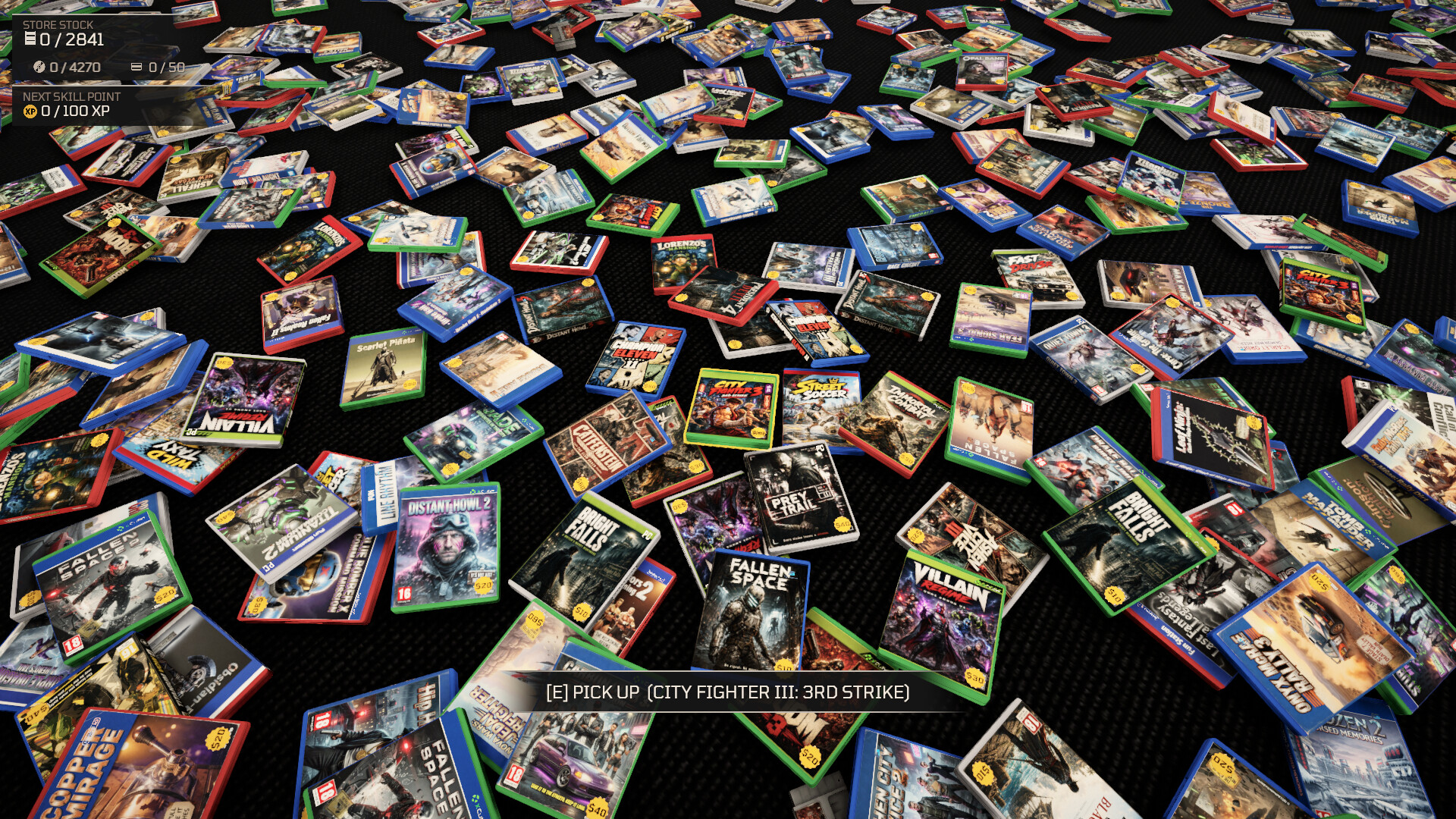
Abandoned Gameshop drops you into a chaotic early‑2000s store where thousands of physical game cases litter the carpet. Your task is to inspect each case’s spine, title, and cover art and return it to the correct shelf based on platform and genre.
The experience is low‑stress: there are no timers or fail states, and the store’s visual and acoustic ambience changes as rows fill, giving a clear sense of progress while you sort at your own pace.
01 / THE GUIDE
Sorting Mechanics
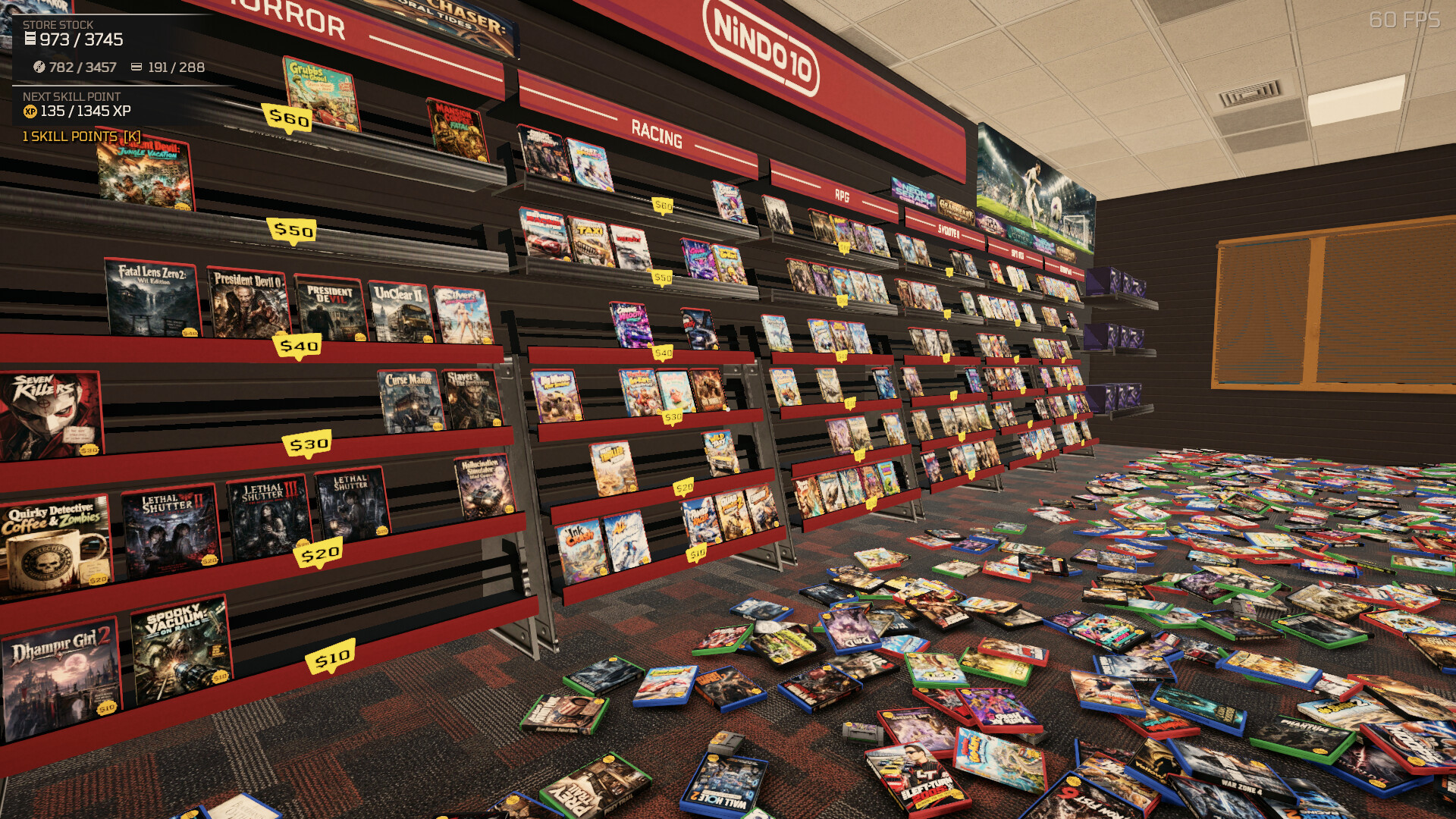
You move a handcart around the floor, collect cases, and place them onto wall displays that correspond to a platform and genre. Each placement adds a case to a row, gradually clearing the cluttered carpet and making the floor look neater.
The game counts how many cases you have sorted and updates the store’s appearance as shelves become fully stocked. When a row is complete, the background music shifts to a calmer track, signalling visual and auditory progress.
- Group cases by platform on the cart before placing them to keep the flow steady.
- Watch the rows fill; a completed row is a quick visual checkpoint.
02 / THE GUIDE
Platform Identification
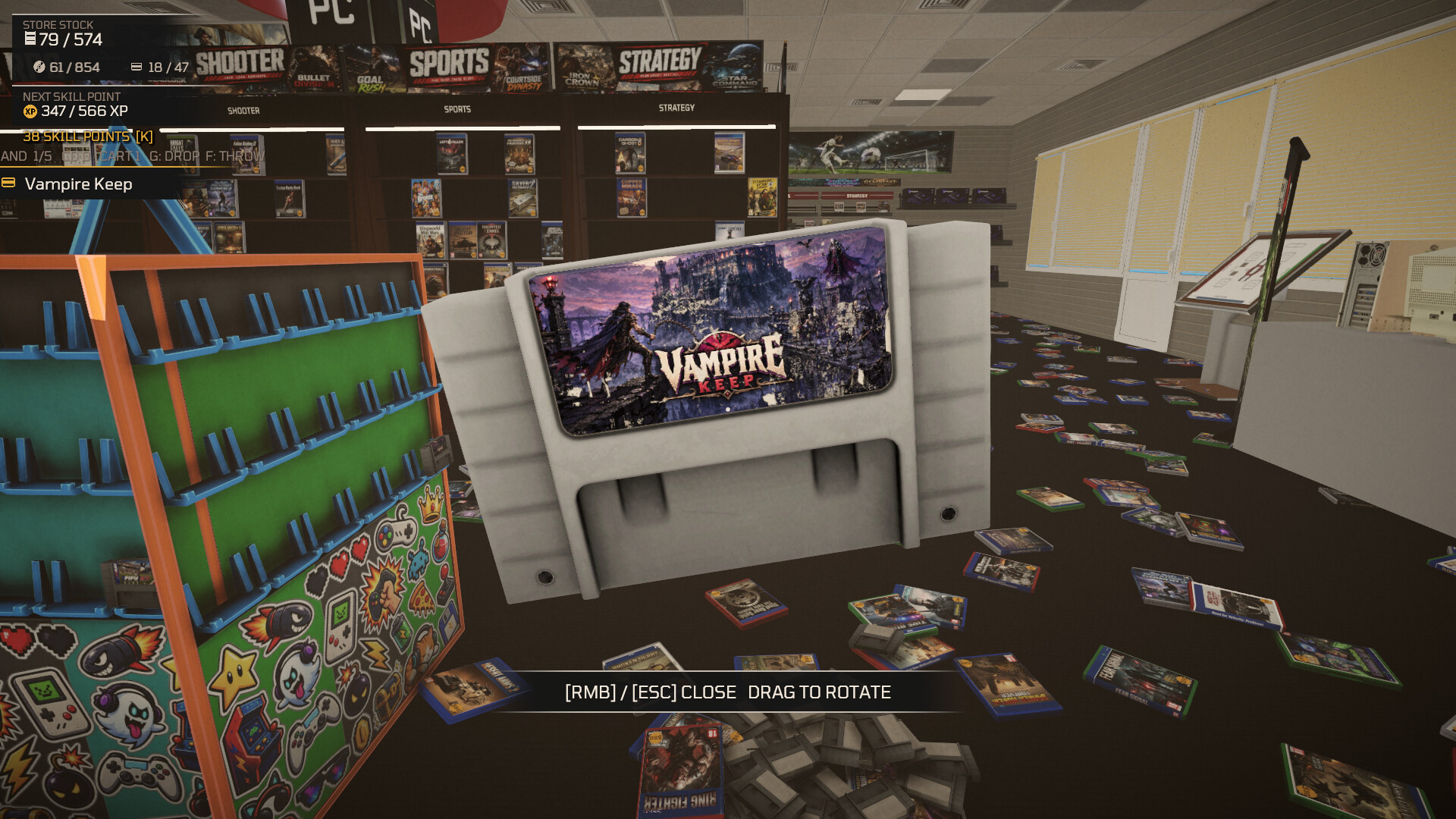
Four major platforms appear: PC, Nindo 10, XCube, and FunStation, plus retro cartridges. Each case’s packaging includes distinct logos or design cues that indicate which platform it belongs to.
Correctly matching a case to its platform is required before it can be placed on the corresponding shelf, ensuring each ecosystem is represented accurately on the store’s walls.
- Look for the platform logo in a corner of the cover art for a quick clue.
- Keep a small pile of cases for each platform on the cart to avoid mixing them up.
03 / THE GUIDE
Genre Identification
Games fall into four genres: Action/Shooter, RPG, Racing, or Platformer. The title and box art give hints—weapon silhouettes suggest shooters, while speedometers point to racers.
Beyond the platform, each case also belongs to one of these four genres, so after you identify the platform you must also determine the correct genre for the case.
- Use the dominant visual theme on the cover to infer genre quickly.
- When uncertain, compare the case to known examples of each genre you have already sorted.
04 / THE GUIDE
Audio & Visual Feedback
As shelves fill, the background music transitions to calmer tracks, providing an auditory cue that a section is complete. Visually, empty wall space is replaced by neat rows of cases, showing tangible progress.
These changes are purely aesthetic; they do not alter any sorting rules but give a satisfying sense of order as you continue to organize the store.
- Listen for the music shift as an easy indicator that a shelf segment is finished.
- Watch the wall displays; a fully populated row confirms correct placement.
05 / THE GUIDE
Multiplayer & Co‑op Options
The game supports single‑player, multiplayer, and co‑op modes, allowing friends to sort together. Achievements are tracked via Steam, and progress can be saved at any time.
Full controller support, including DualShock and DualSense, lets players use their preferred input device while moving the cart and placing cases.
- Divide platforms or genres between players to keep each person focused on a specific area.
- Adjust the custom volume controls so background music and game sounds balance well for conversation.

COMMUNITY
Player discussion