 GameWiki
GET YOUR BEARINGS
About A World of Keflings
A World of Keflings lets you guide tiny Keflings as they build sprawling kingdoms across varied lands. You harvest resources, construct fountains, workshops, castles and more, while completing quests that range from building a robot to rescuing a princess.
Originally released for consoles in 2010, the PC version retains the classic gameplay and adds modern updates such as full controller support, keyboard‑only and mouse‑only options, Steam Cloud saves and family sharing, keeping the adventure accessible to many play styles.
01 / THE GUIDE
City Building
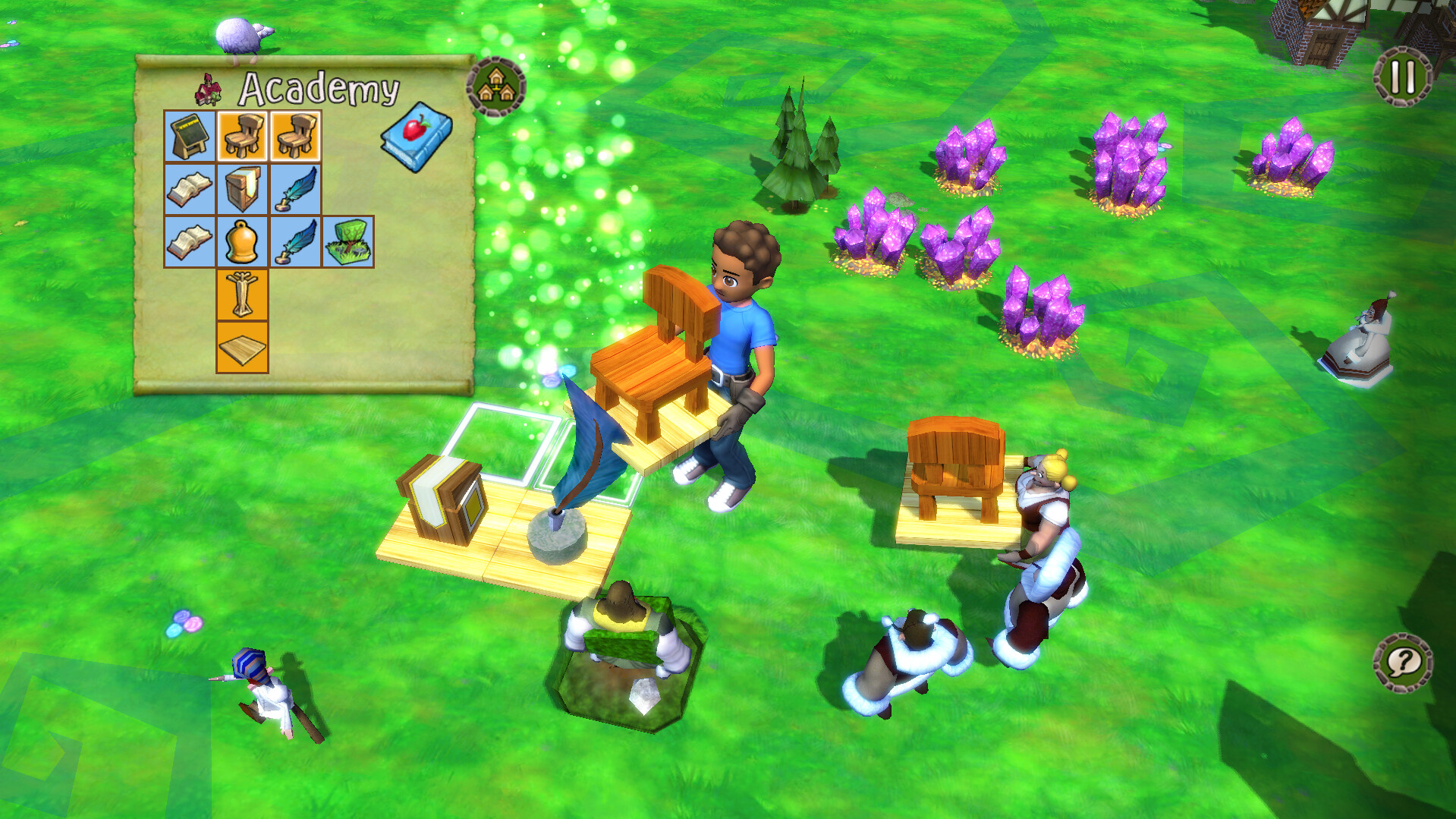
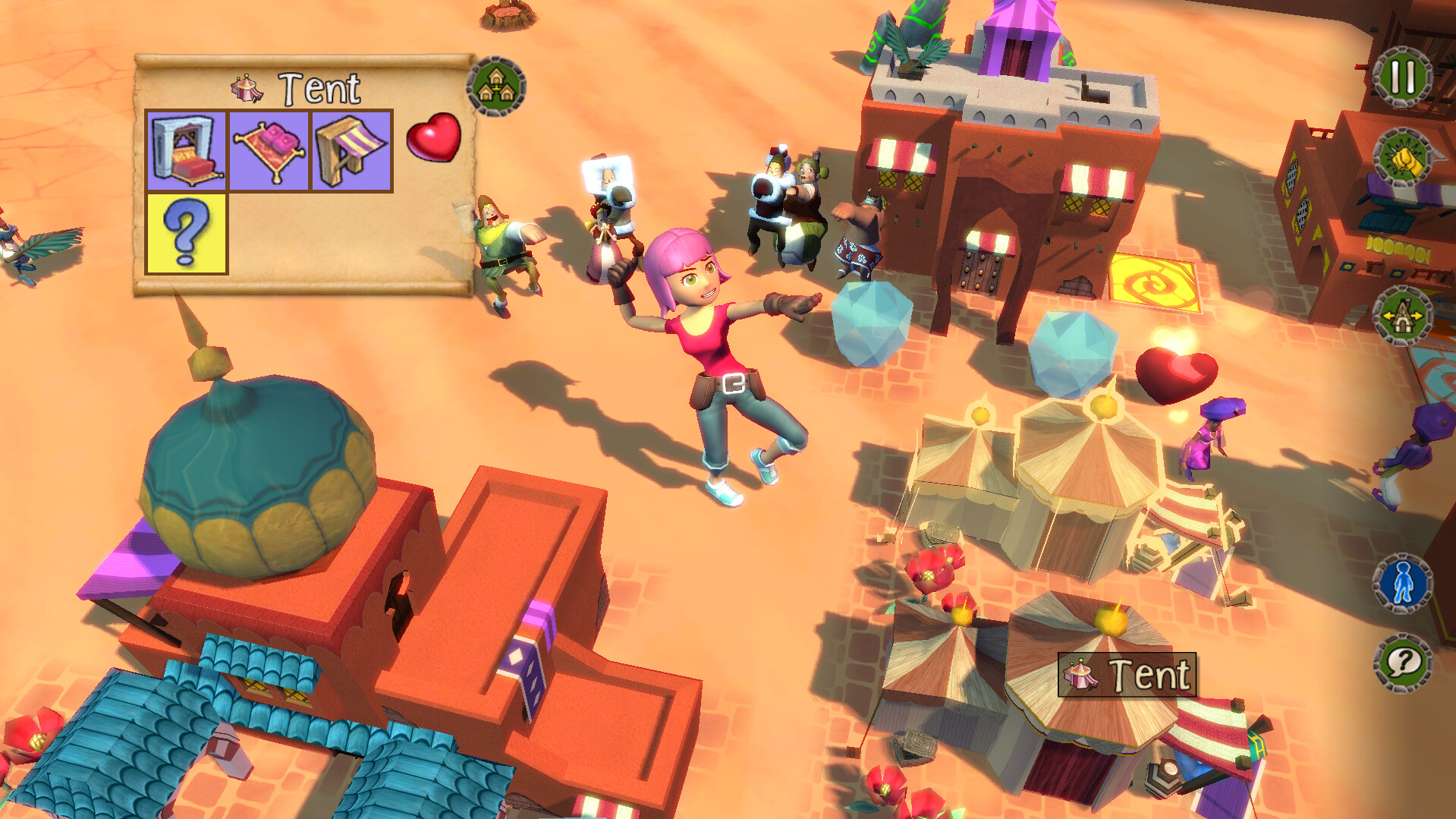
Players collect resources and use them to create and customize a wide array of structures, including decorative fountains, functional workshops and grand castles. Each building adds visual detail and expands the Kefling kingdom.
The building system allows structures to be placed in any layout, letting players arrange their city as they see fit while the growing settlement gradually reveals more building possibilities.
- Experiment with different placement patterns to see which layouts feel most balanced.
- Combine decorative and functional buildings to keep the city both attractive and useful.
02 / THE GUIDE
Quest Adventures
Quests give specific goals such as building a robot, rescuing a princess, befriending a dragon, or helping a witch. Completing a quest moves the storyline forward as you help your Kefling friends along the way.
Each quest presents a distinct theme, providing a sense of progression while showcasing the game’s whimsical tone and varied objectives.
- Read quest prompts carefully to understand the exact objective.
- Use completed quests as markers of how far your kingdom has developed.
03 / THE GUIDE
Online Co‑op
A World of Keflings supports online cooperative play for up to eight participants, allowing friends to build the same kingdom together in real time. Each player can contribute resources and structures.
Co‑op sessions rely on shared construction, so teamwork and communication help avoid overlapping builds and keep the kingdom growing smoothly.
- Discuss building plans before placing structures to reduce conflicts.
- Share resource needs early so teammates can gather what’s missing.
04 / THE GUIDE
Input Options
The game offers several input configurations: full controller support, a keyboard‑only option, and a mouse‑only option. Players can choose the method that feels most comfortable for building tasks.
These options make the game accessible on a range of hardware setups, ensuring that no specific peripheral is required to enjoy the core experience.
- Test each input mode to see which feels most precise for placing buildings.
- Switch input methods if you share the PC with someone who prefers a different setup.
05 / THE GUIDE
Steam Features
Integration with Steam adds achievements, trading cards, cloud saves and family sharing. These features provide extra recognition and convenience without altering gameplay.
Steam Cloud stores progress whenever you save, allowing you to retrieve your kingdom on another installation, while achievements give optional goals for completion‑focused players.
- Review the achievement list to set personal milestones.
- Enable cloud saving to keep your kingdom safe across installations.



COMMUNITY
Player discussion