 GameWiki
GET YOUR BEARINGS
About A Webbing Journey
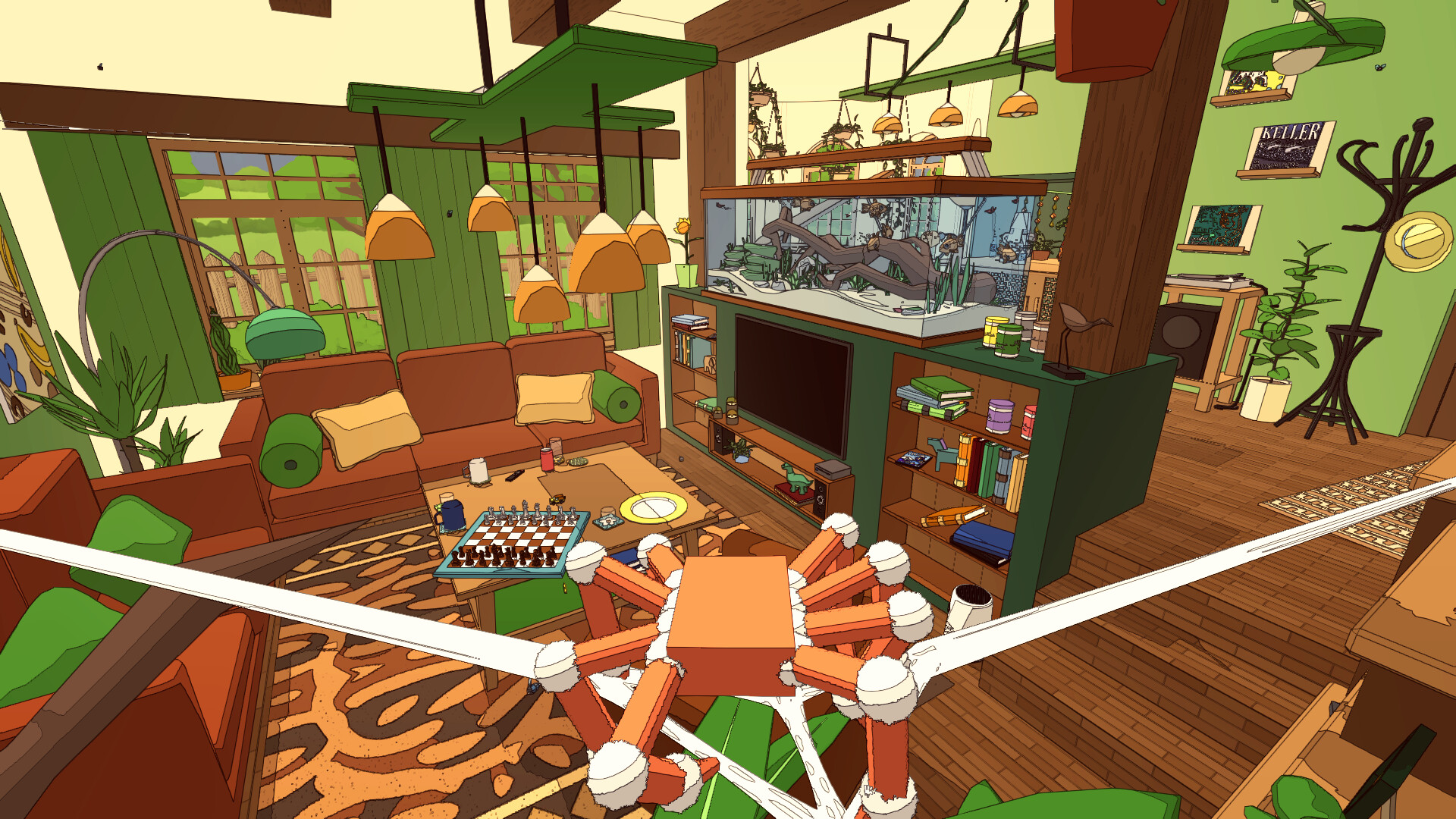
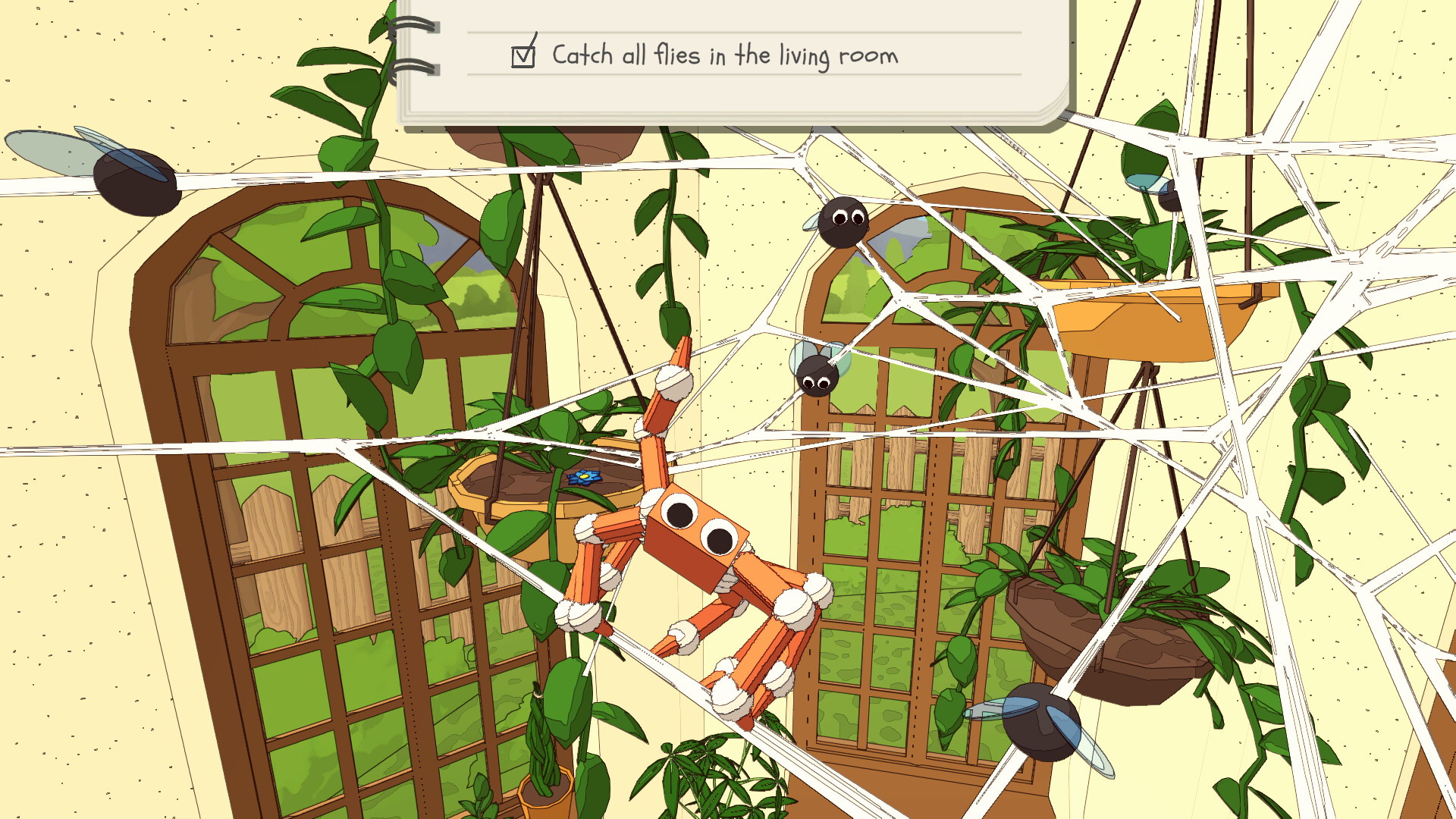
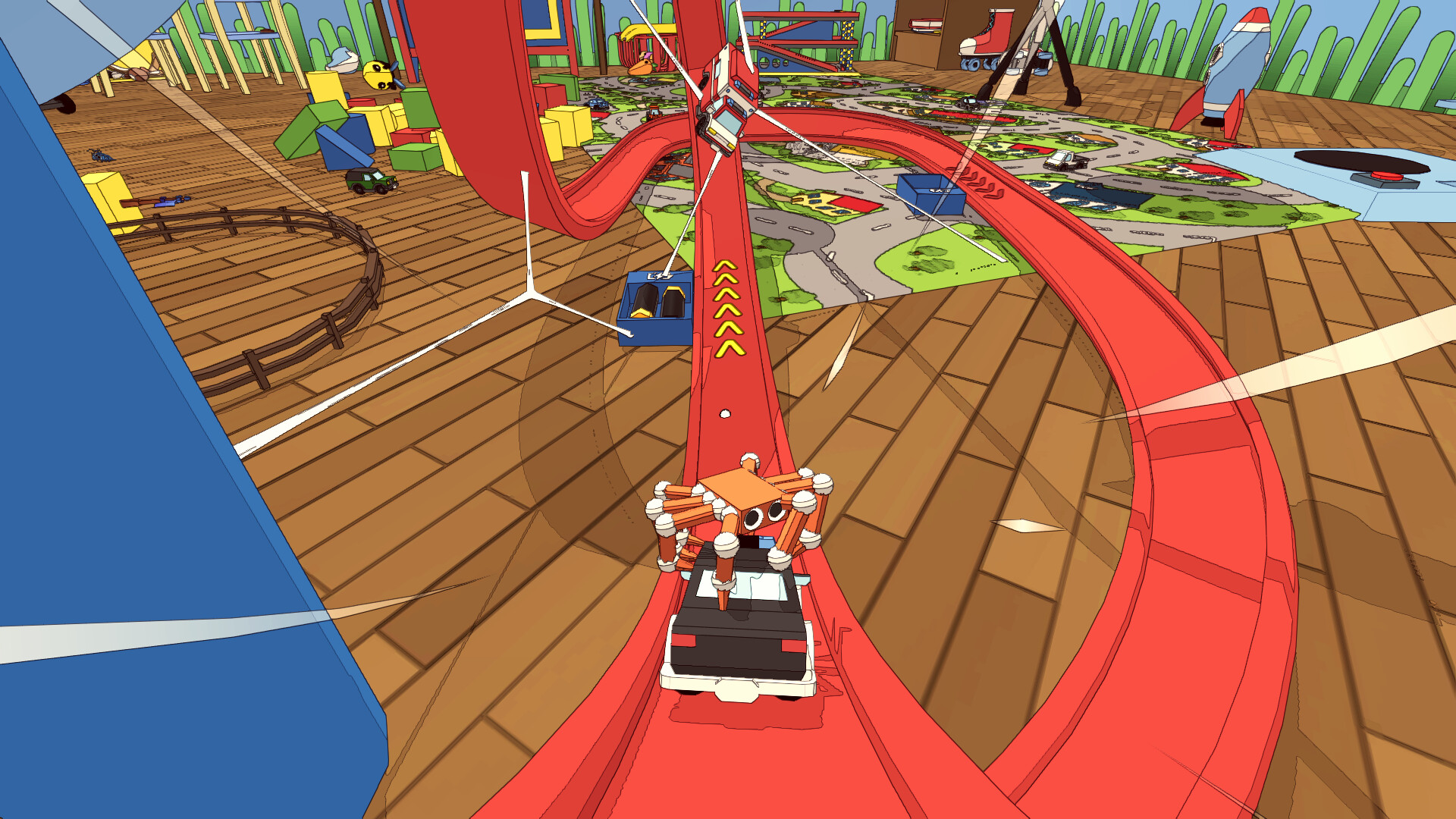
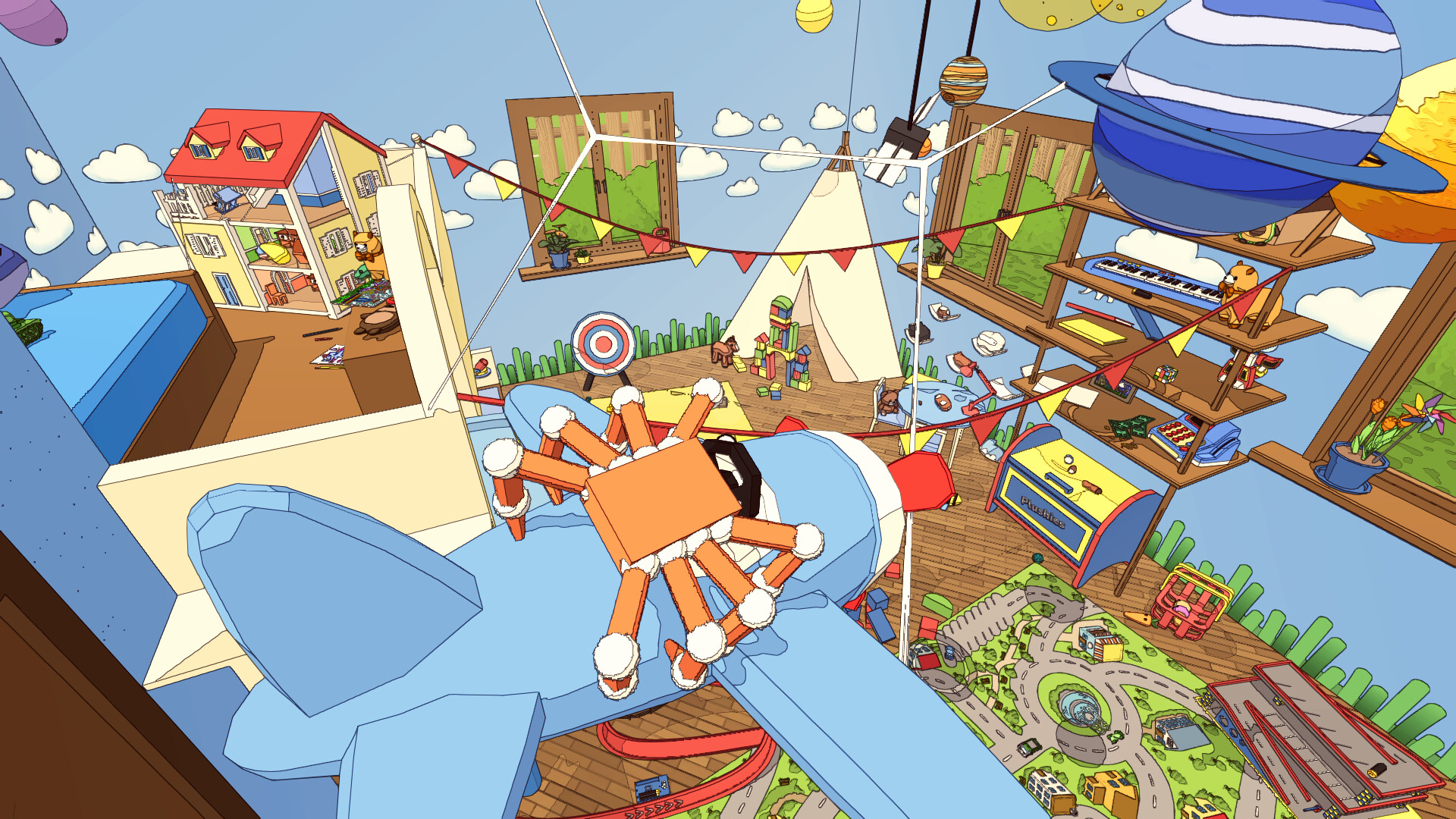
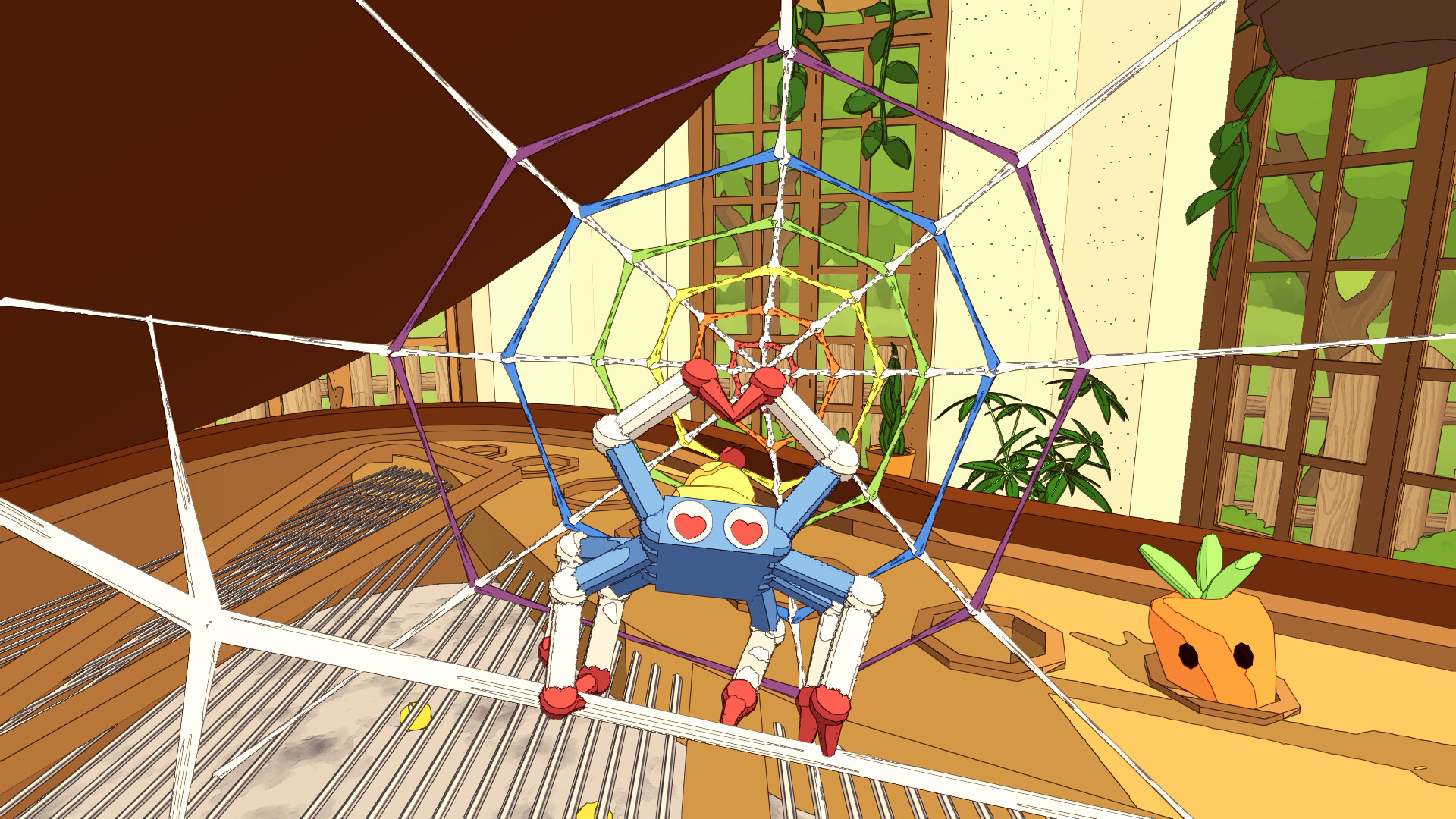
In *A Webbing Journey* you guide Silky, a tiny spider, through an expansive house. You can climb any surface—including walls, ceilings, and underwater areas—while weaving webs that lift objects, create bridges, and let you swing to new heights.
The game mixes adventure, simulation, and casual play, offering solo or 1‑4 player local co‑op. Each room holds distinct spider characters, quests, and physics‑based puzzles that can be solved in multiple ways.
01 / THE GUIDE
Web Mechanics
Silky can stretch webs from any surface to another, forming structures that react to the built‑in physics system. Whether you build a precise transport web or fling a strand wildly, objects respond to each decision you make.
Webs can lift objects, suspend them from ceilings, and act as swing points, allowing you to reach higher platforms or cross entire rooms using the same mechanic.
- Try both tight and loose web placements to see how physics reacts.
- Use webs as temporary bridges for faster navigation.
02 / THE GUIDE
Quest Variety
Each room hosts spiders with unique personalities, tasks, and problems. Quests include cooking breakfast, fixing the aquarium, chasing runaway balloons, and helping Vera solve the Prof. Quack mystery.
Most quests can be solved in more than one way, encouraging you to experiment with different web strategies and environmental interactions.
- Approach a quest with several web configurations to discover alternative solutions.
- Listen to each spider’s hints for clues about preferred approaches.
03 / THE GUIDE
Local Co‑op Play
Up to four players can join locally, sharing the same screen in both story and sandbox modes. Players may cooperate to build webs together or mischievously sabotage each other.
Online play is not built‑in, but Steam Remote Play can stream the game so friends in different locations can join the local session.
- Coordinate web placements with teammates to avoid tangled structures.
- Use sabotage sparingly to keep the experience fun for everyone.
04 / THE GUIDE
Silky Customisation
Silky can be dressed with a range of hats, shoes, and different levels of fluffiness, customisation options alter Silky’s visual appearance.
These visual options let each player personalise their spider, making it easier to identify teammates during co‑op sessions.
- Mix accessories for a unique look each playthrough.
- Use distinct visual cues to spot your spider in fast‑paced co‑op.
05 / THE GUIDE
Platform and Controller Support
The game runs on Windows, macOS, and Linux and includes full controller support, covering DualShock and DualSense devices. Steam Cloud and Remote Play Together are also listed features.
These platform details ensure broad accessibility while keeping input options limited to the documented controller support.
- The game supports DualShock and DualSense controllers; ensure your controller is recognized by the system.
- Enable Steam Cloud to keep progress across devices.
COMMUNITY
Player discussion