 GameWiki
GET YOUR BEARINGS
About A-Train9 TRAIN CONSTRUCTION
A‑Train 9 TRAIN CONSTRUCTION lets you build any railway vehicle you can imagine. From the body shape to lights, horns, and even custom stickers, every detail is editable, and you can link multiple creations into a full train. Once built, you can test‑drive, photograph, and share your designs via Steam Workshop. The game offers four map types—city, suburb, countryside, and space—where up to four trains can be operated. You can adjust speed, direction, junctions, and even switch between day, evening, and night (except on the space map) while using four camera modes and a dedicated photo mode.
01 / THE GUIDE
Vehicle Customization
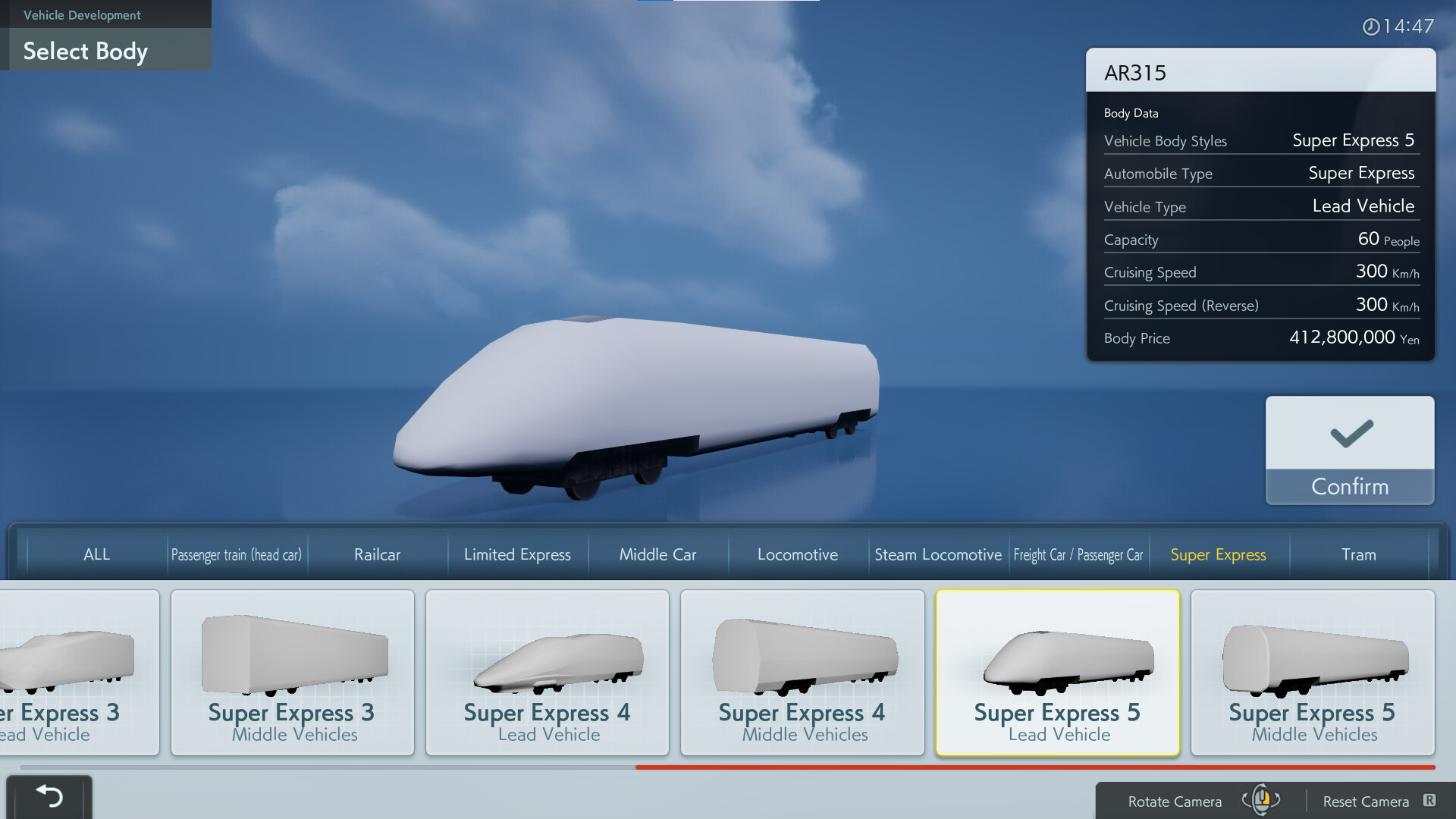
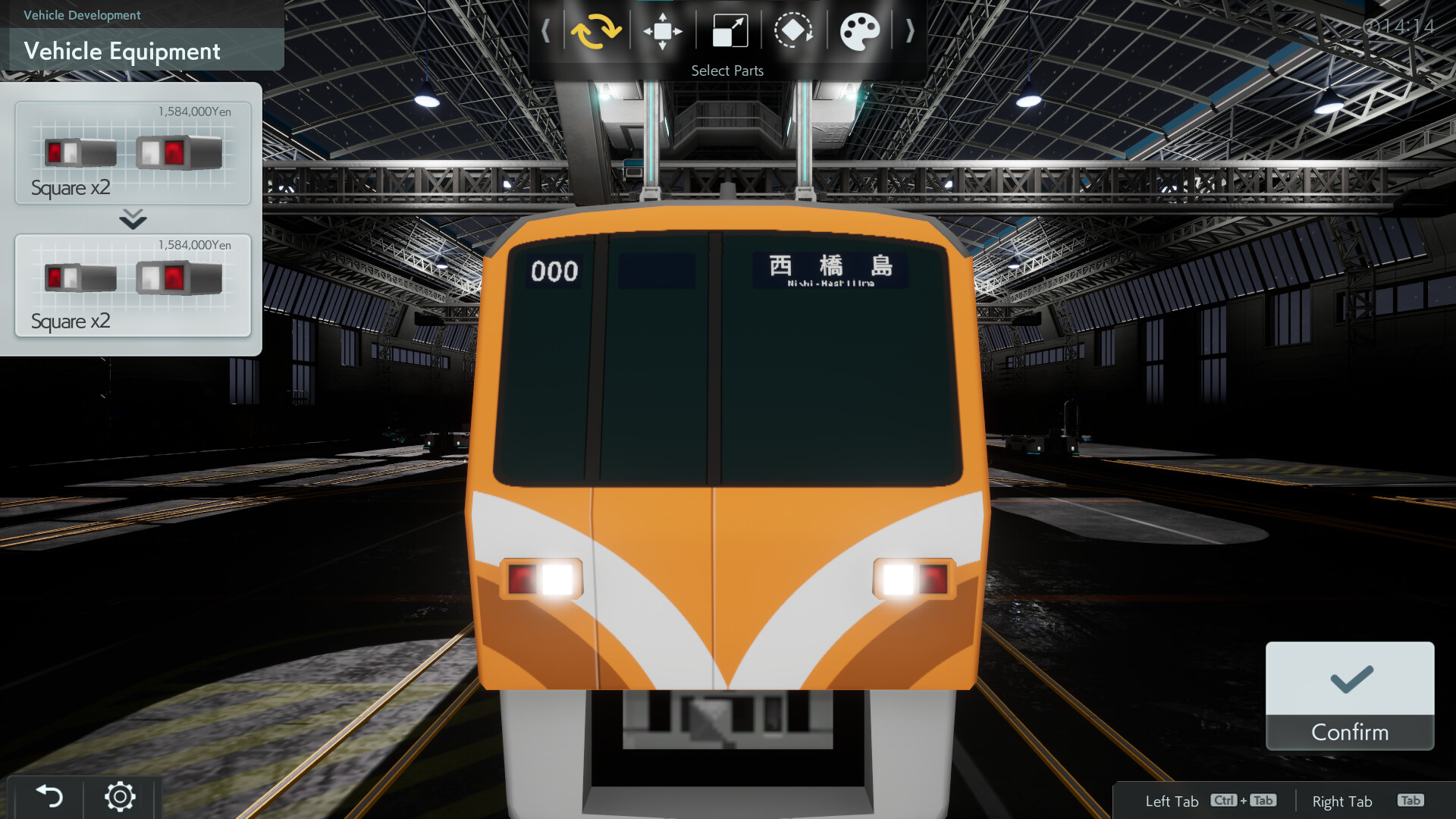
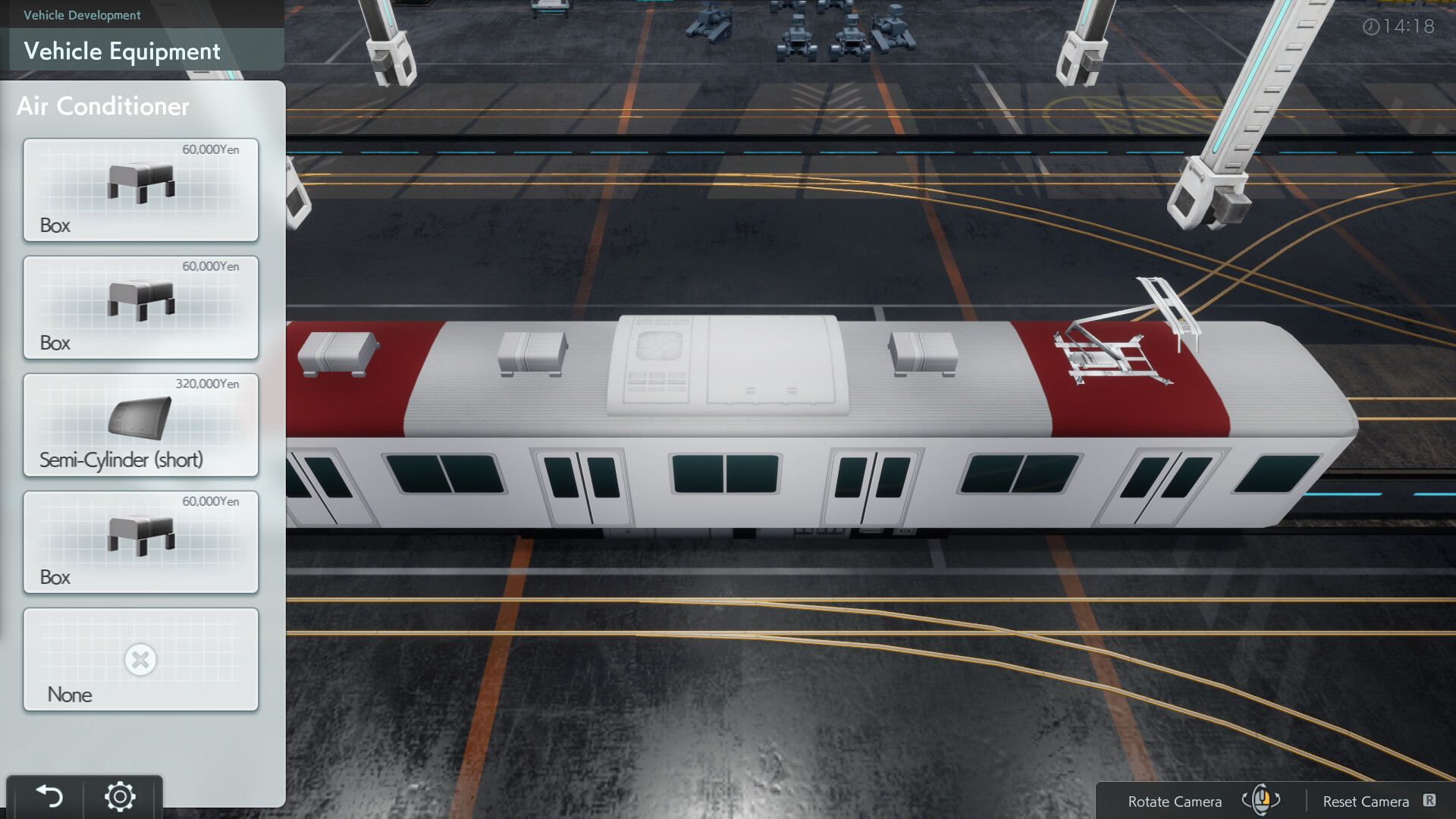
Sixty‑five vehicle body styles are provided, covering freight, express, streetcar, commuter, and steam locomotive types from various eras. Each vehicle can be altered with components such as lights, horns, pantographs, smoke deflectors, and more, allowing fine‑grained realism.
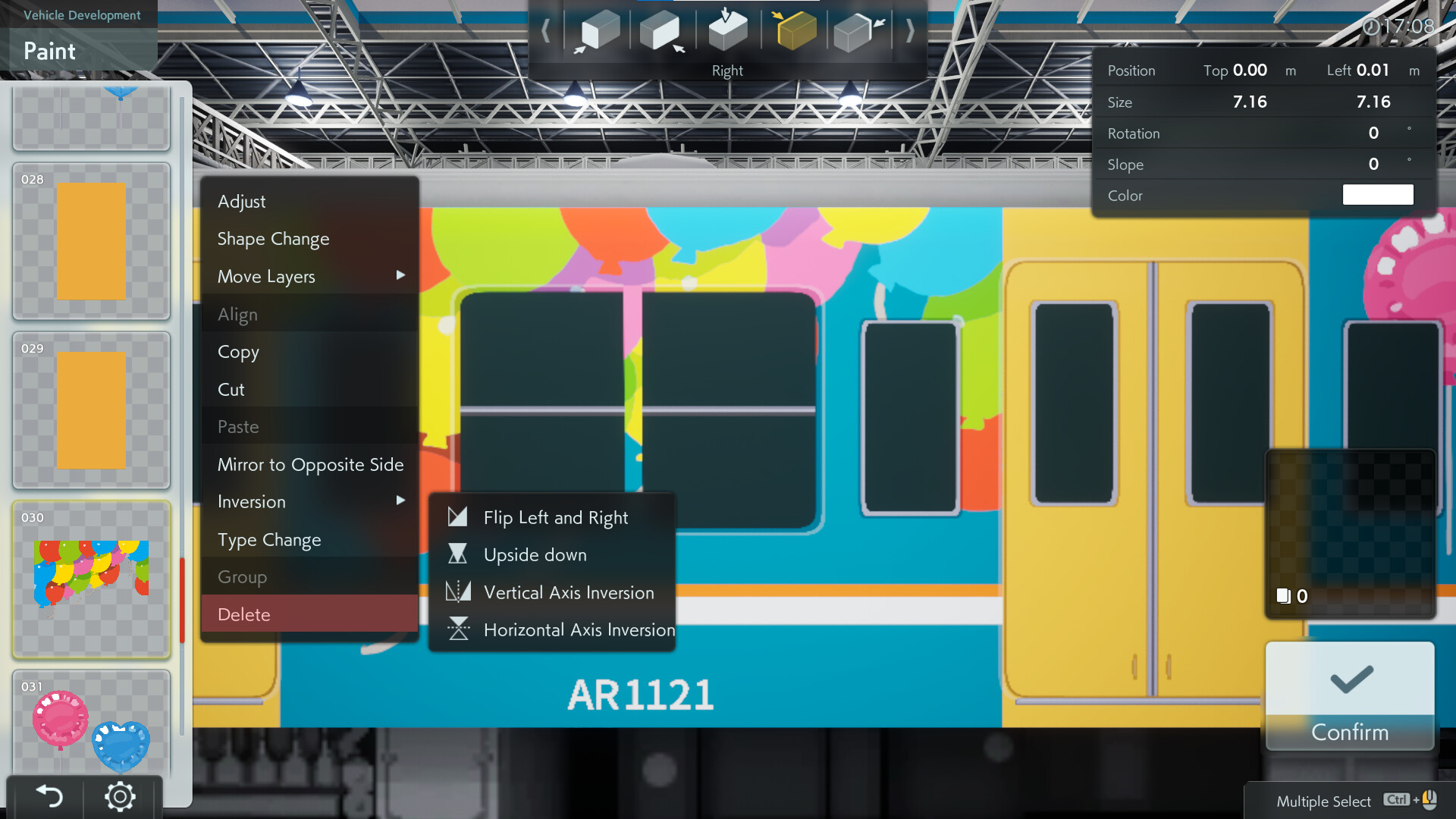
Windows can be reshaped and arranged, and stickers—including custom SVG graphics with Japanese, alphabetic, or numeric text—can be applied as decals. This lets you craft unconventional designs that may not exist in reality.
- Experiment with different component combinations to achieve a unique visual balance.
- Use high‑contrast stickers for clearer photos in night mode.
02 / THE GUIDE
Train Assembly
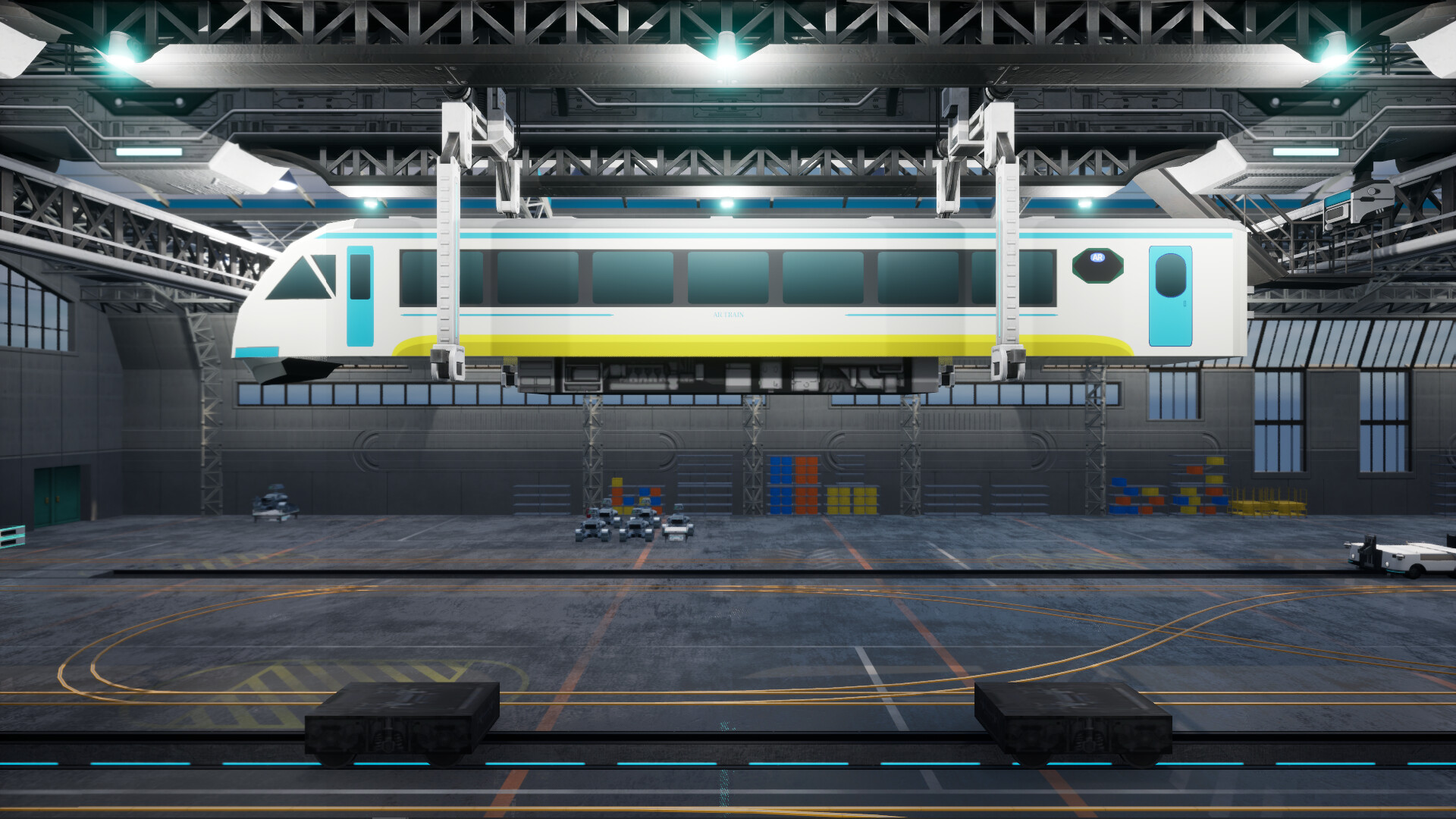
Individual vehicles can be linked to form a complete train, with each car retaining its own custom settings. This modular approach yields limitless train configurations.
In Test Drive mode you can experience the performance of your assembled train, adjusting speed and direction while navigating junctions.
- Mix vehicle types to explore how different components affect overall appearance.
- Test drive after each addition to ensure visual cohesion.
03 / THE GUIDE
Map and Environment
Four map types are available—city, suburb, countryside, and space—each supporting up to four trains. You can select the map that best showcases your design.
Time of day can be switched between daytime, evening, and night (except on the space map), affecting window and light illumination.
- Choose the countryside map for natural lighting contrasts.
- Use night mode on non‑space maps to highlight illuminated windows.
04 / THE GUIDE
Camera and Photo Mode
Four camera options—manual, train window, tracking, and action—provide dynamic perspectives for viewing your train. The built‑in photo mode lets you set lighting and angles before capturing images.
Photos can be shared, helping you become a recognized train designer within the community.
- Use the train window camera for immersive interior shots.
- Adjust lighting in photo mode to reduce glare on reflective surfaces.
05 / THE GUIDE
Steam Workshop Integration
Created vehicles, decal sets, and whole trains can be uploaded to the Steam Workshop, allowing others to view and import your designs. This expands the variety of trains available without personal creation.
Importing from the Workshop offers a quick way to experience diverse train styles if you prefer not to build from scratch.
- Tag your uploads with clear descriptors to aid discoverability.
- Browse popular uploads for inspiration on component combinations.
COMMUNITY
Player discussion