 GameWiki
GET YOUR BEARINGS
About A-Train 9 V5.0 : Japan Train Simulator Ultimate Edition
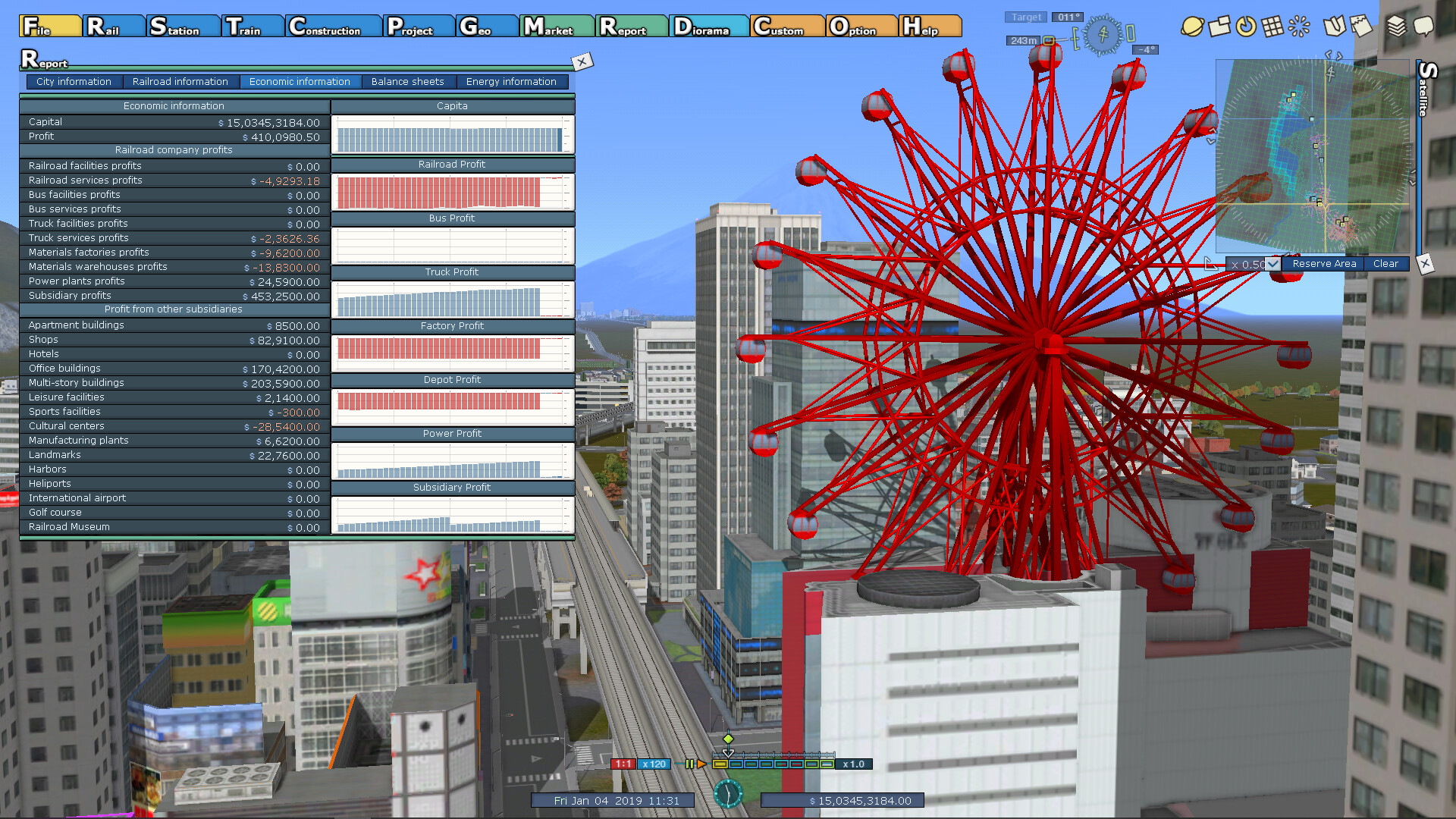
A‑Train 9 V5.0: Japan Train Simulator Ultimate Edition merges transport simulation, city building, and economic strategy. As the president of a railway company you lay tracks, build stations, buy trains and manage timetables while the surrounding settlements grow. The game offers a living ecosystem where each rail decision influences district development, industry logistics and passenger demand. Players can view the network from a cab, passenger seat or a strategic bird’s‑eye perspective, and even switch to a sandbox Construction Mode for unlimited building.
01 / THE GUIDE
Ultra‑Realistic City Simulation
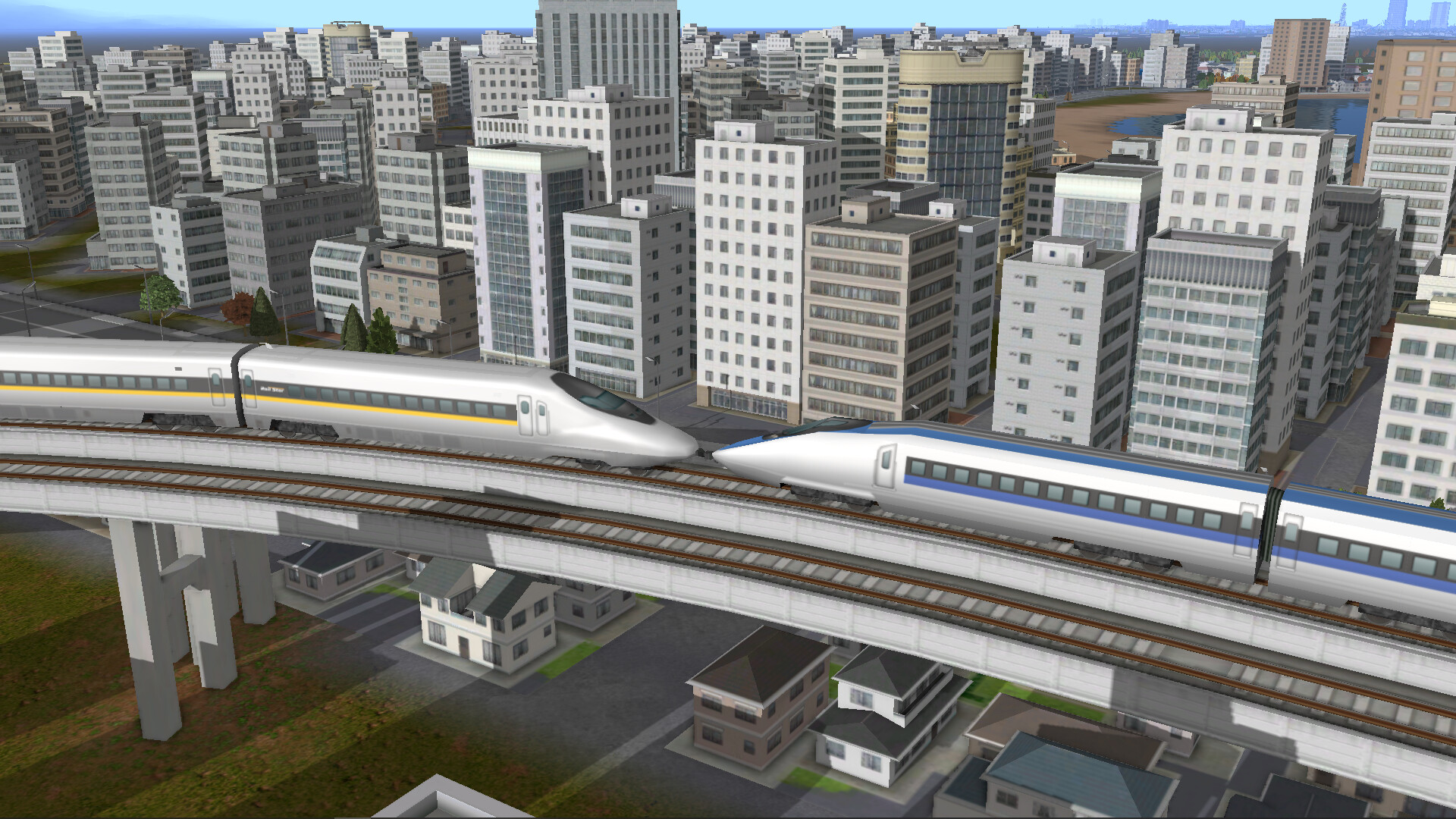
The title boasts an “Ultra Realistic City Simulator” with tools to manage districts, build infrastructure and direct urban expansion. Over 500 building types let you shape each neighbourhood’s growth. City districts react to your rail network, and you can manually place buildings to guide development. Landscaping tools let you flatten terrain, redirect rivers or create hills, giving you control over the city’s physical layout.
- Compare the impact of placing a station near residential versus industrial zones to see how each influences growth.
- Use the landscaping tools early to smooth terrain, making later track placement easier.
02 / THE GUIDE
Transport Network Design
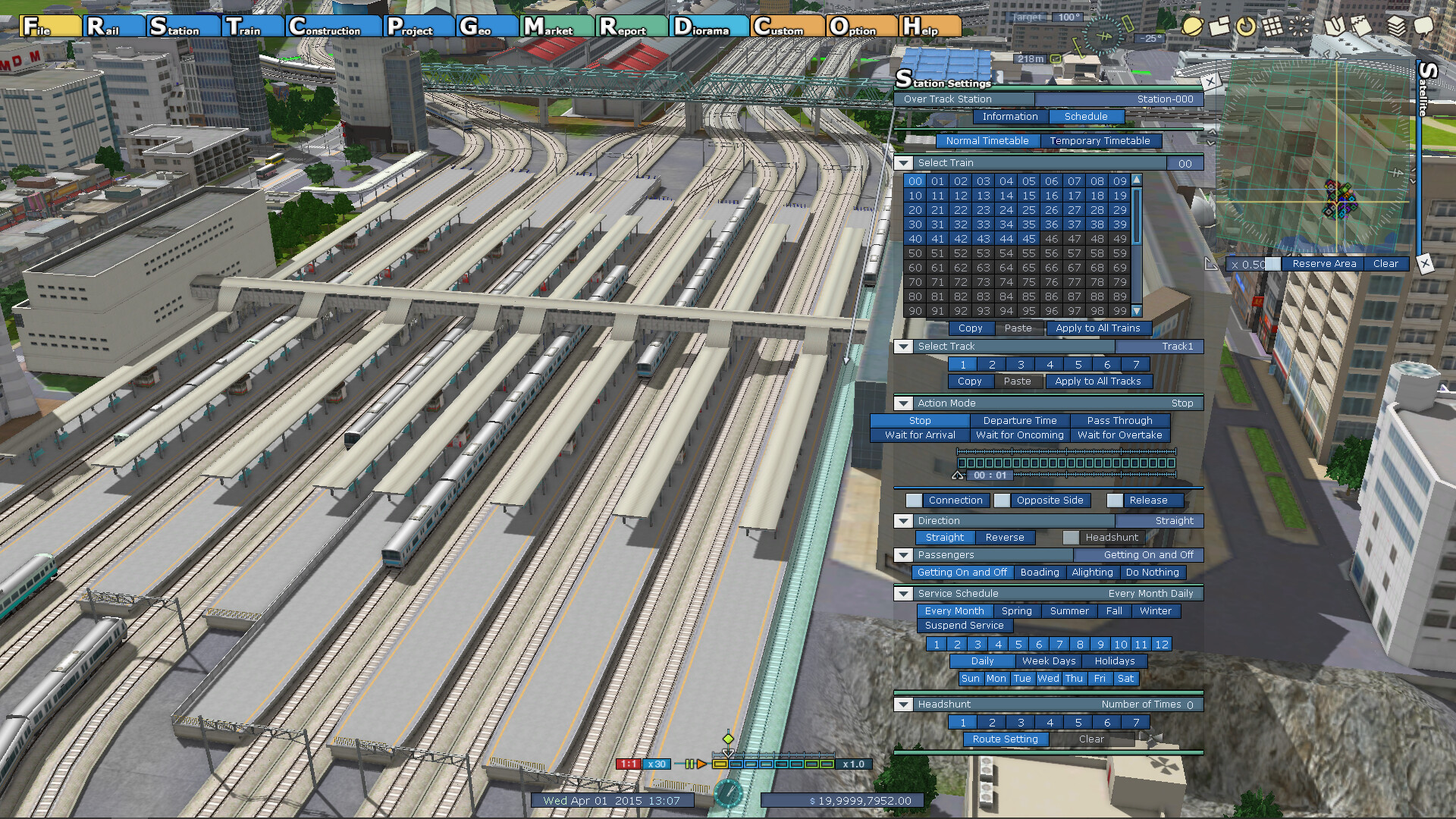
Players lay tracks and stations across varied geography—mountains, coasts and plains—deciding where the network expands. The system includes 97 train varieties, each with adjustable top speed and timetables. Every timetable, suburban expansion and industrial hub feeds back into the city’s success, requiring careful balance of industry, logistics and passenger demand.
- Test different timetables on the same route to observe changes in passenger flow.
- Balance fast‑speed trains with local services to keep both long‑distance and commuter demand satisfied.
03 / THE GUIDE
Sandbox Construction Mode
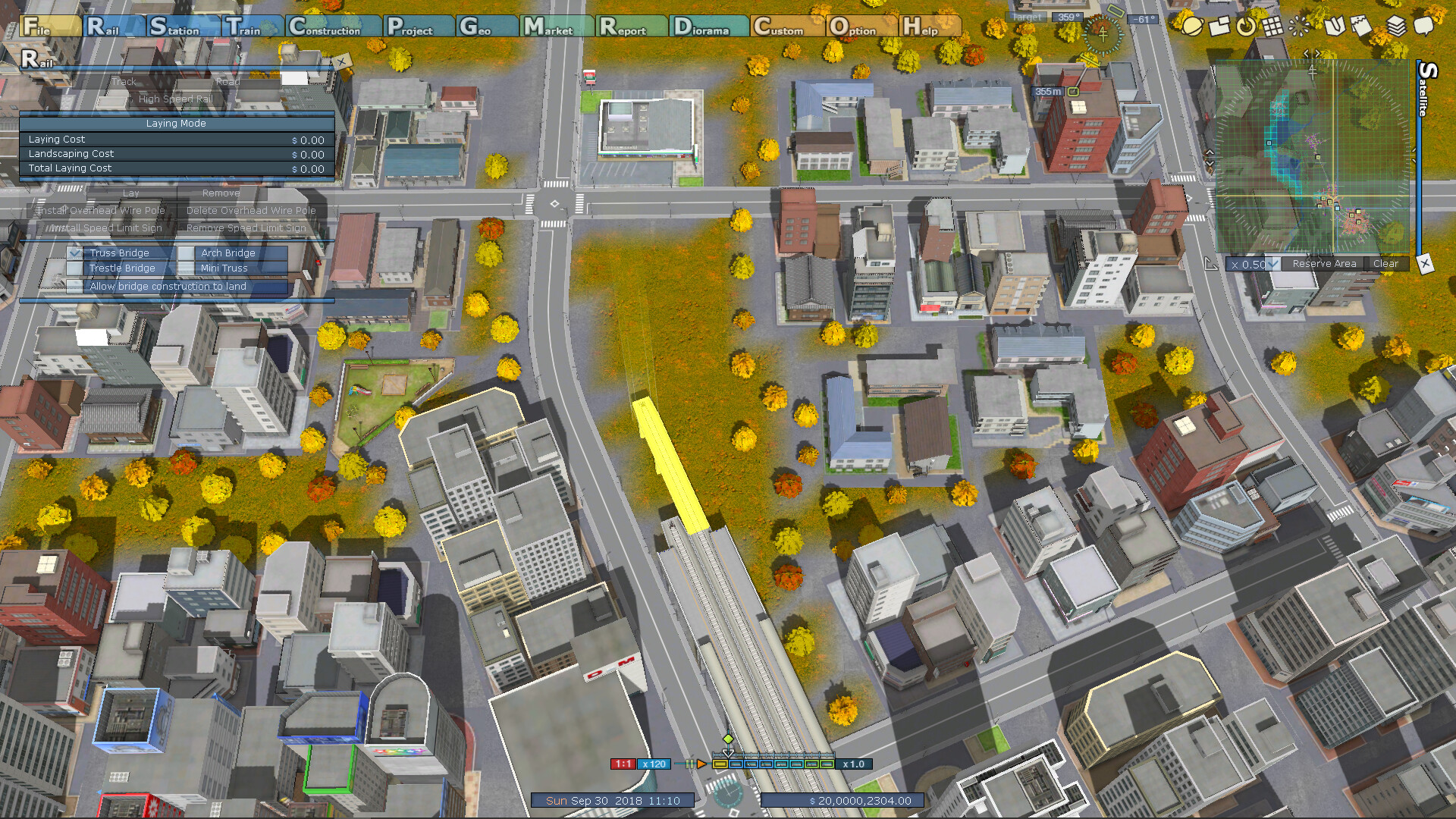
Construction Mode offers sandbox building without resource limits, allowing freeform planning and creative city design. This mode is ideal for experimenting with layouts before committing resources in the main game. Because there are no resource constraints, you can focus on aesthetic and functional aspects such as river redirection or hill creation, then apply successful designs to regular play.
- Use Construction Mode to prototype complex junctions before building them in the main scenario.
- Experiment with different building placements to see how they affect district growth without spending resources.
04 / THE GUIDE
Scenarios, Level Editor and Steam Workshop
The game includes 60 pre‑made scenarios and a level editor that lets you create custom challenges. These creations can be shared via Steam Workshop, extending replayability. Both the built‑in scenarios and user‑generated maps run on the game's simulation engine, allowing custom challenges to incorporate the core city and transport mechanics.
- Start with a simple scenario to learn core mechanics before designing your own map.
- Browse the Steam Workshop for community scenarios that showcase unique city layouts.
05 / THE GUIDE
New Realism Features
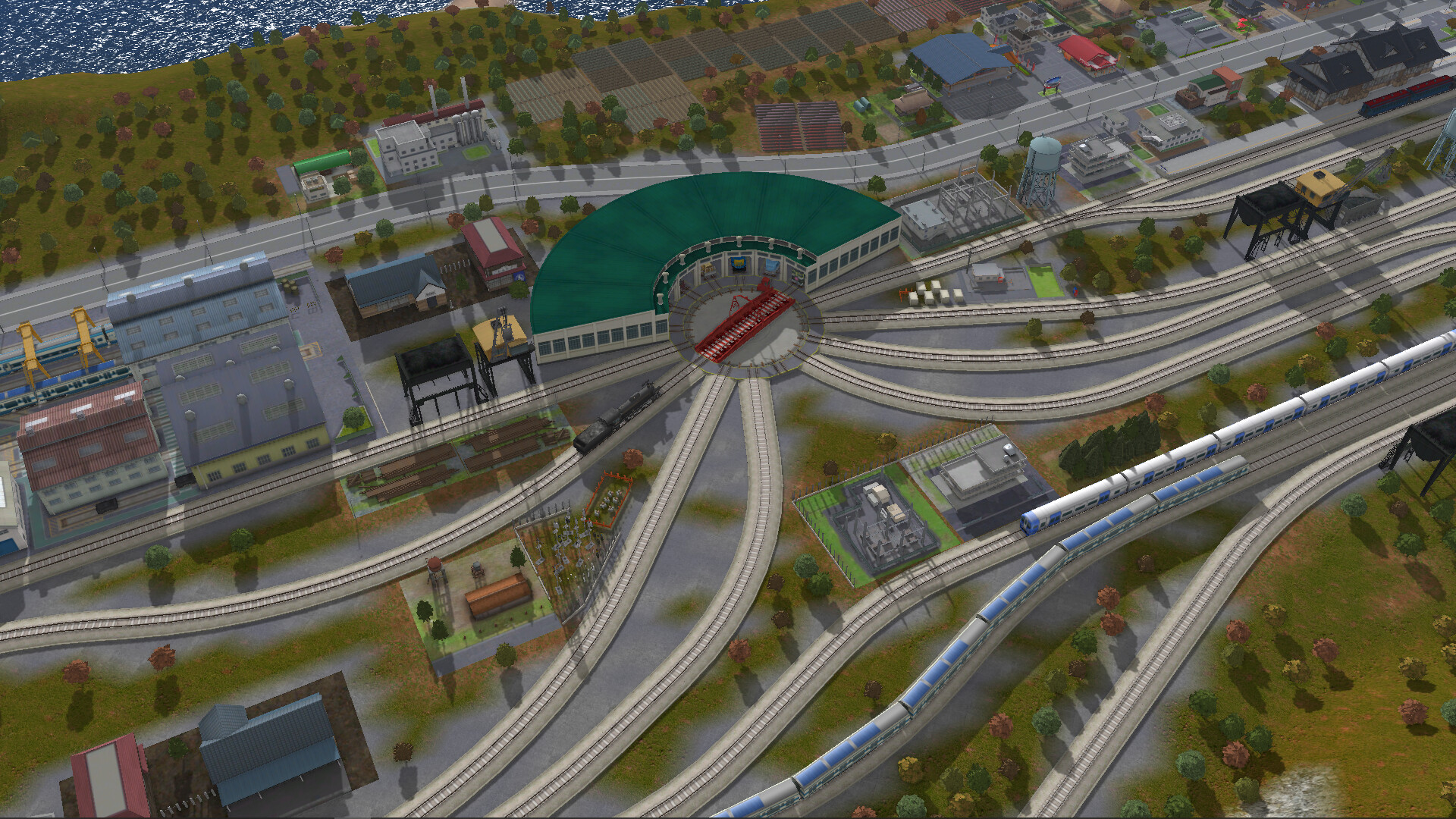
Version 5.0 adds “Switchyards”, “Train Turnstiles” and “Railway Couplings”, enhancing operational realism. These elements are listed as new features in version 5.0, though their exact gameplay impact has not been detailed by the developer. While the description does not detail their exact function, their inclusion signals deeper logistical management for players seeking a more authentic railway experience.
- Observe the presence of Switchyards, a new feature introduced in version 5.0, and consider how they might differ from standard junctions.
- Experiment with Train Turnstiles, a newly added feature, while observing how they influence your overall railway layout.
COMMUNITY
Player discussion