 GameWiki
GET YOUR BEARINGS
About A-Train 8
A‑Train 8 puts you in charge of a new railway company, requiring you to schedule trains, lay tracks, construct buildings, and manage the stock market while aiming for a trillion‑dollar profit. Your decisions affect both the company’s revenue and the city’s development, creating a tightly linked economy.
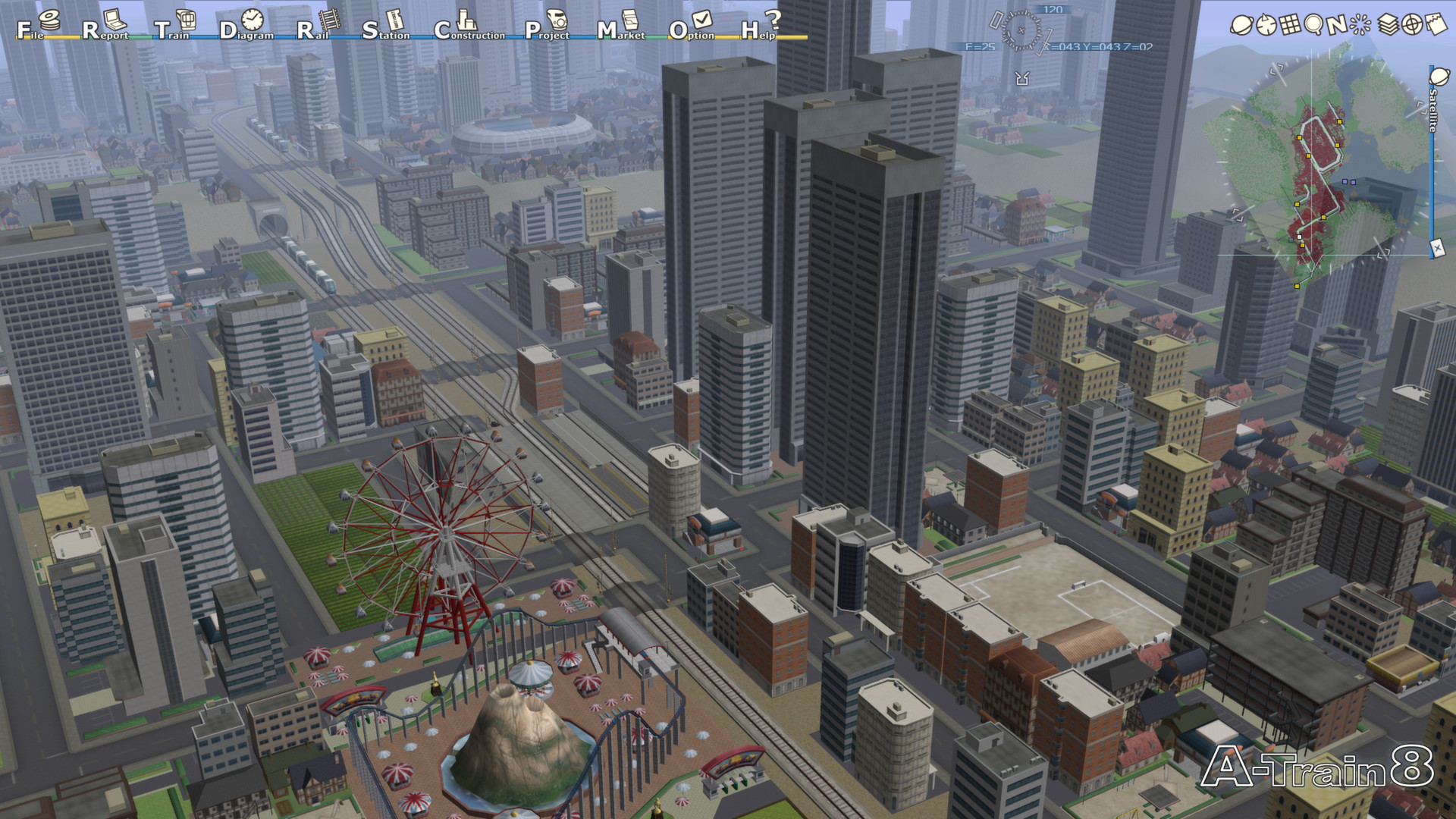
The game includes ten preset scenarios that each present a distinct city problem, plus a Map Construction Mode that lets you design a custom landscape before simulating it. Real‑world‑inspired trains, buildings and monuments populate a 3D world, and a variety of reports keep you informed of finances, city trends and market activity.
01 / THE GUIDE
Financial Management
A‑Train 8 gives you full access to balance sheets, railroad statistics, city trends and stock/real‑estate reports, all of which update continuously during play. You can buy or sell stocks, take out loans, and trade property to fund new tracks or buildings.
Because every investment costs money, monitoring these reports helps you avoid overextension, which can reduce commuter numbers and hurt your bottom line. Timing purchases to match favorable market conditions can improve cash flow and support city growth.
- Check stock and real‑estate reports before taking a loan to gauge market timing.
- Use city‑trend data to prioritize building projects that attract more commuters.
02 / THE GUIDE
Scenario Challenges
Ten default scenarios each provide a pre‑built city with a specific problem such as difficult terrain, limited infrastructure, or poor management. Each scenario presents a distinct challenge designed to help you learn and master the game.
Playing a scenario forces you to consider time, weather, and terrain while managing schedules, tracks and finances, giving a structured way to learn the systems before tackling custom maps.
- Start with a scenario that emphasizes terrain difficulty to practice track‑laying costs.
- Try scenarios with different challenges to learn the game’s systems step by step.
03 / THE GUIDE
Map Construction Mode
Map Construction Mode lets you shape elevation and water on a blank canvas, then place any buildings, tracks or monuments without any cost. This sandbox lets you experiment with layout before the simulation begins.
When you are satisfied, you can switch to Game Mode, where the same financial and scheduling tools apply, allowing you to test your custom map under real‑time conditions.
- Create varied elevation to see how it influences future track costs.
- Place a mix of building types to observe commuter flow before simulating.
04 / THE GUIDE
Trains and Buildings
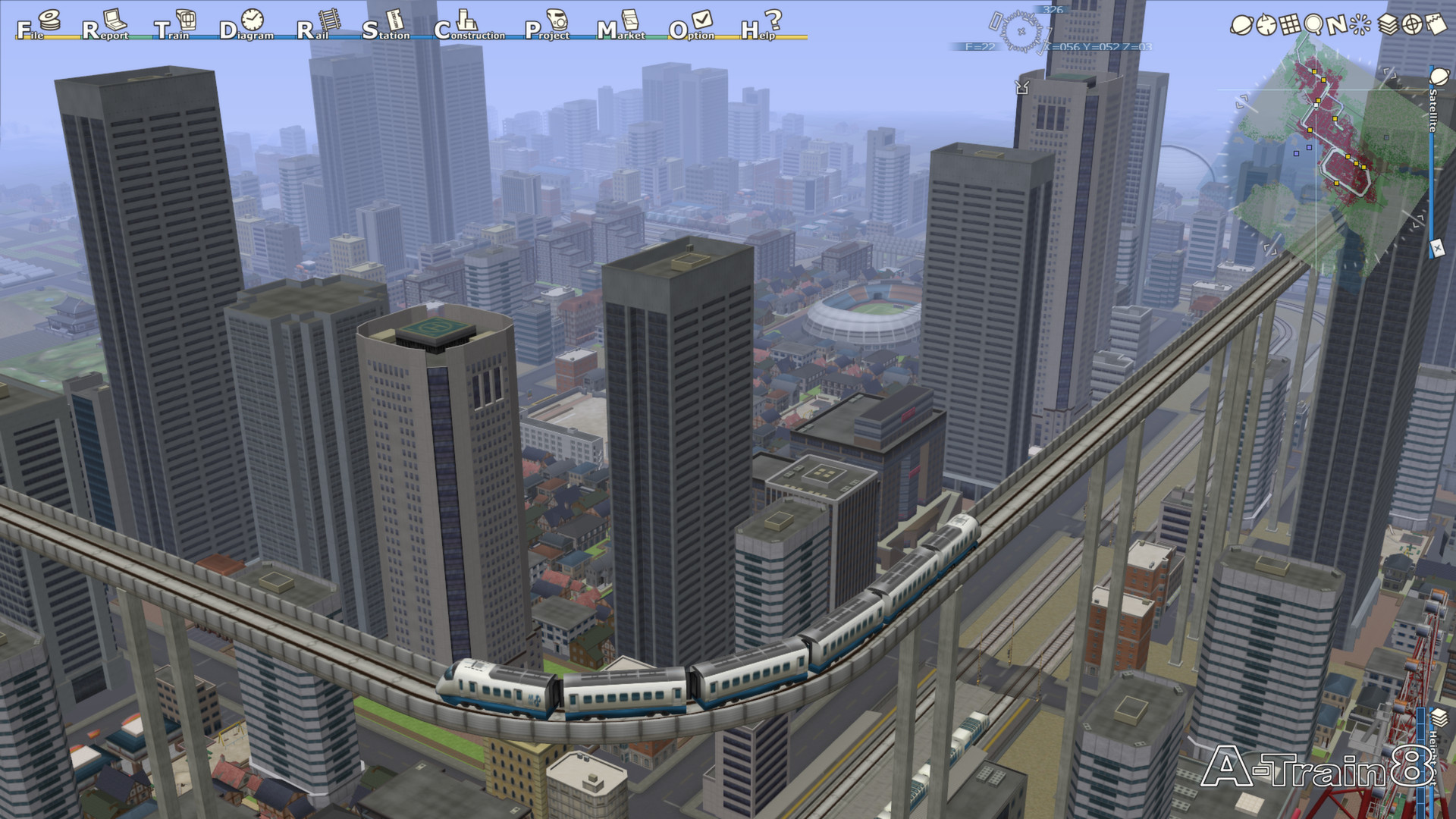
Eleven default trains range from commuter units to high‑speed magnetics, each with its own speed, cost, maintenance and capacity characteristics. Dozens of buildings—including hotels, factories, high‑rises and parks—can be placed to influence commuter numbers.
Matching train capacity to route demand and placing appropriate buildings in growth zones creates a feedback loop: more commuters encourage more development, which in turn raises revenue.
- Assign higher‑capacity trains to routes with many commuters to avoid wasted capacity.
- Combine residential buildings with parks to boost commuter attraction.
05 / THE GUIDE
Realistic 3D Graphics
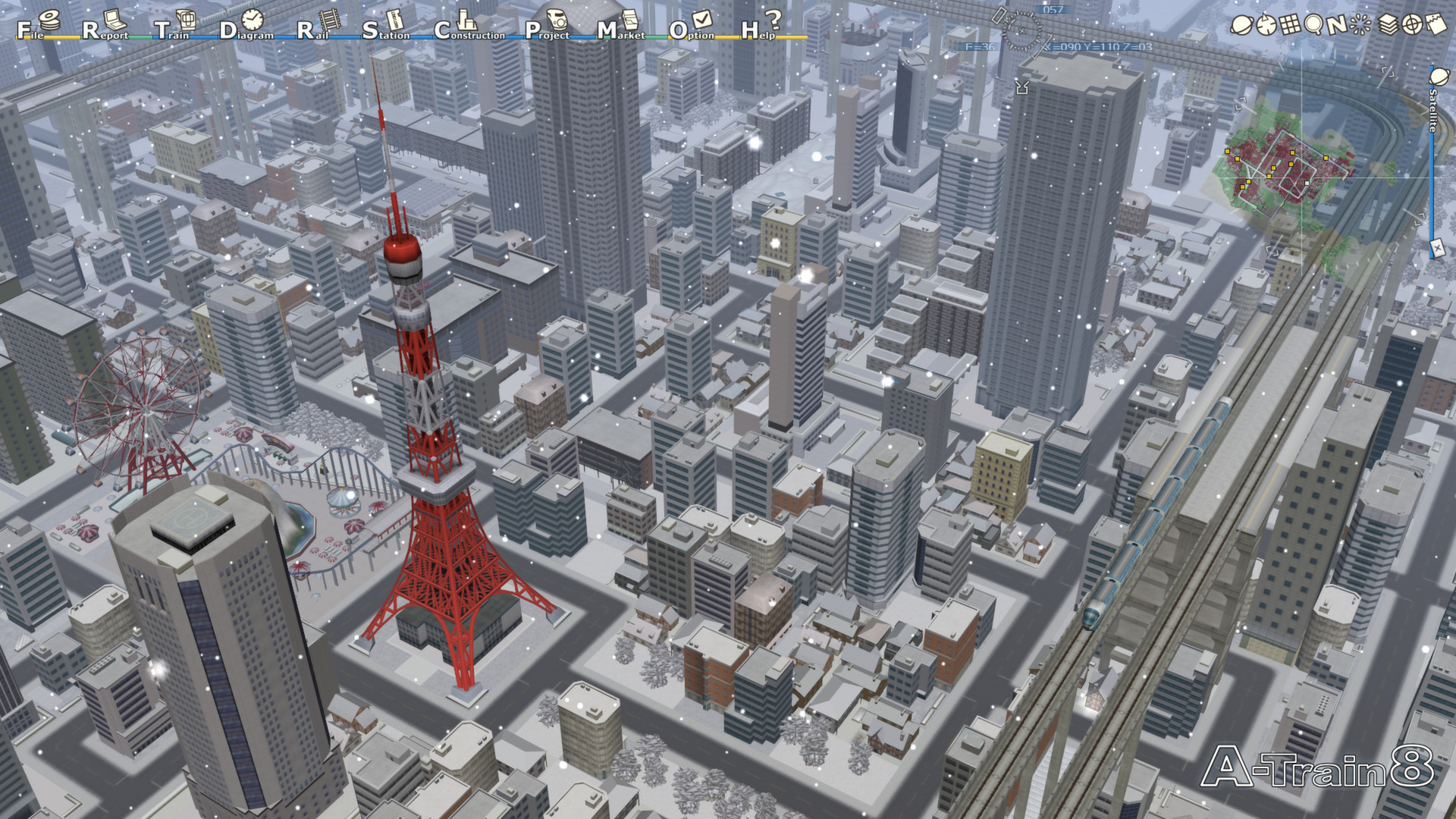
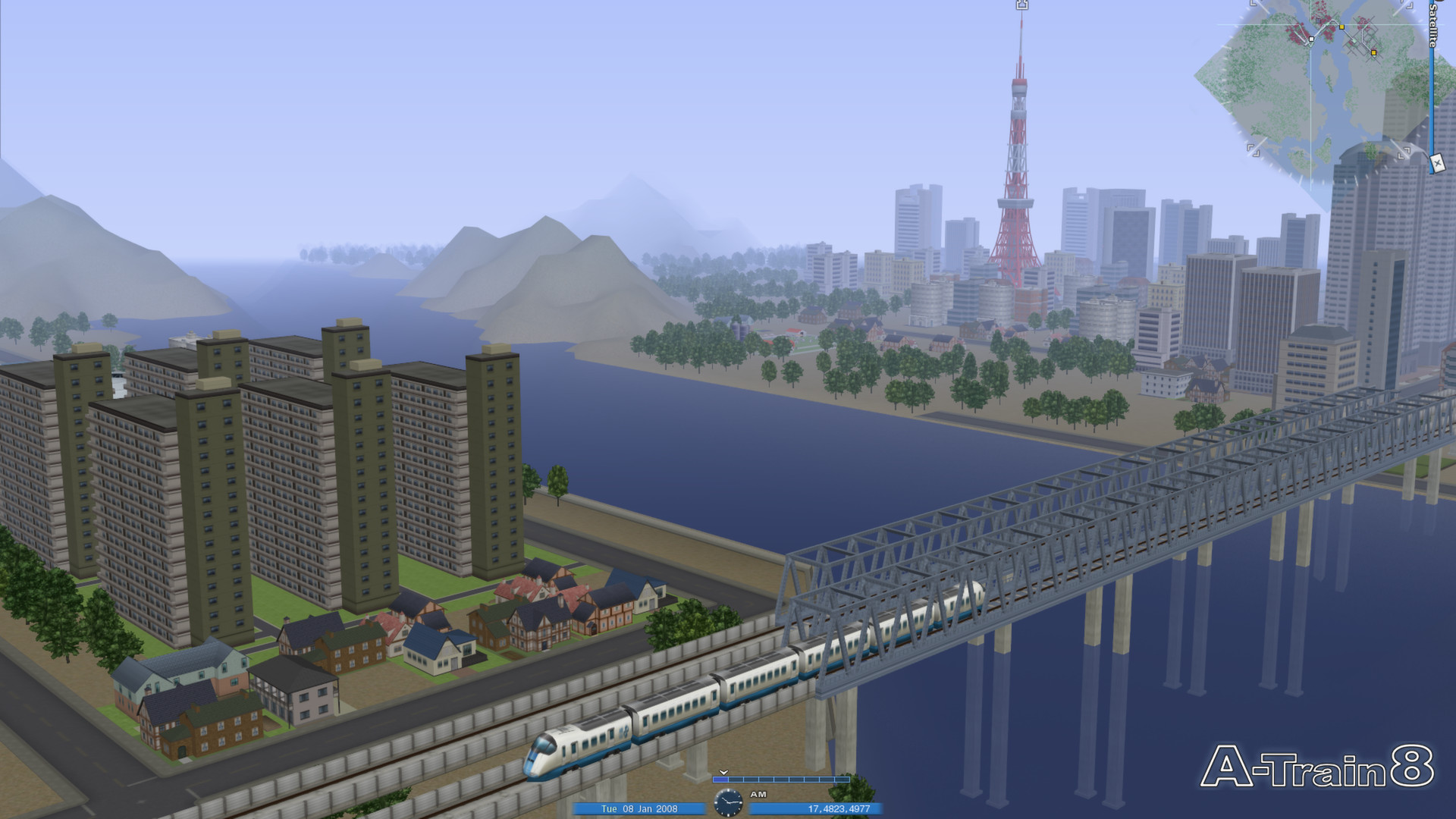
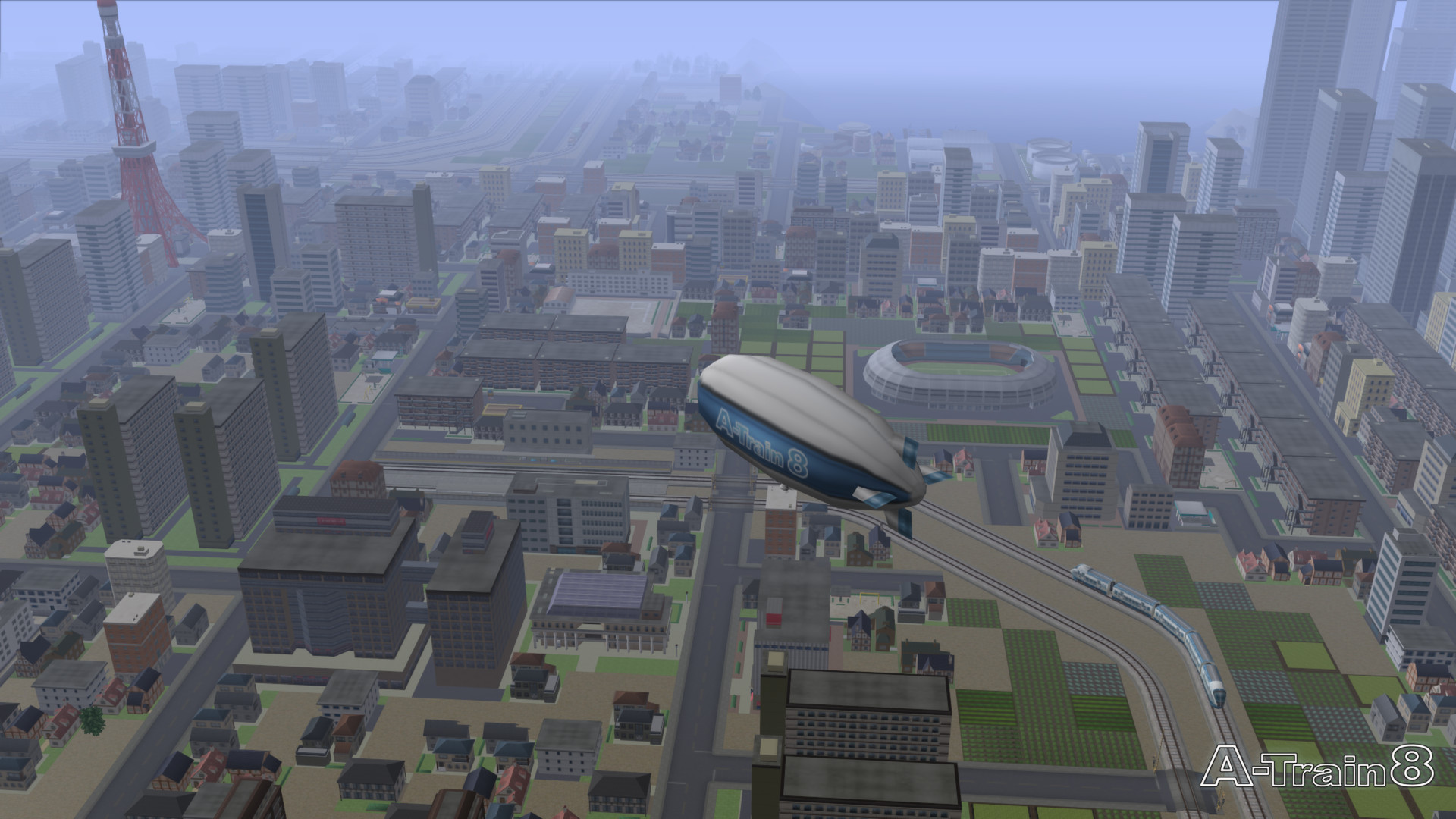
The visual style draws from real‑world trains, buildings and monuments such as the Eiffel Tower, Big Ben and the Colosseum, giving the city a recognizable look. Weather changes—rain or snow—appear dynamically during play.
These realistic textures provide clear visual cues about the environment, helping you keep track of conditions as rain or snow appear at a moment’s notice.
- Watch for weather changes, as rain or snow can appear at a moment’s notice.
- Use iconic monuments to give your city a distinct visual identity.
COMMUNITY
Player discussion