 GameWiki
GET YOUR BEARINGS
About A Simple job
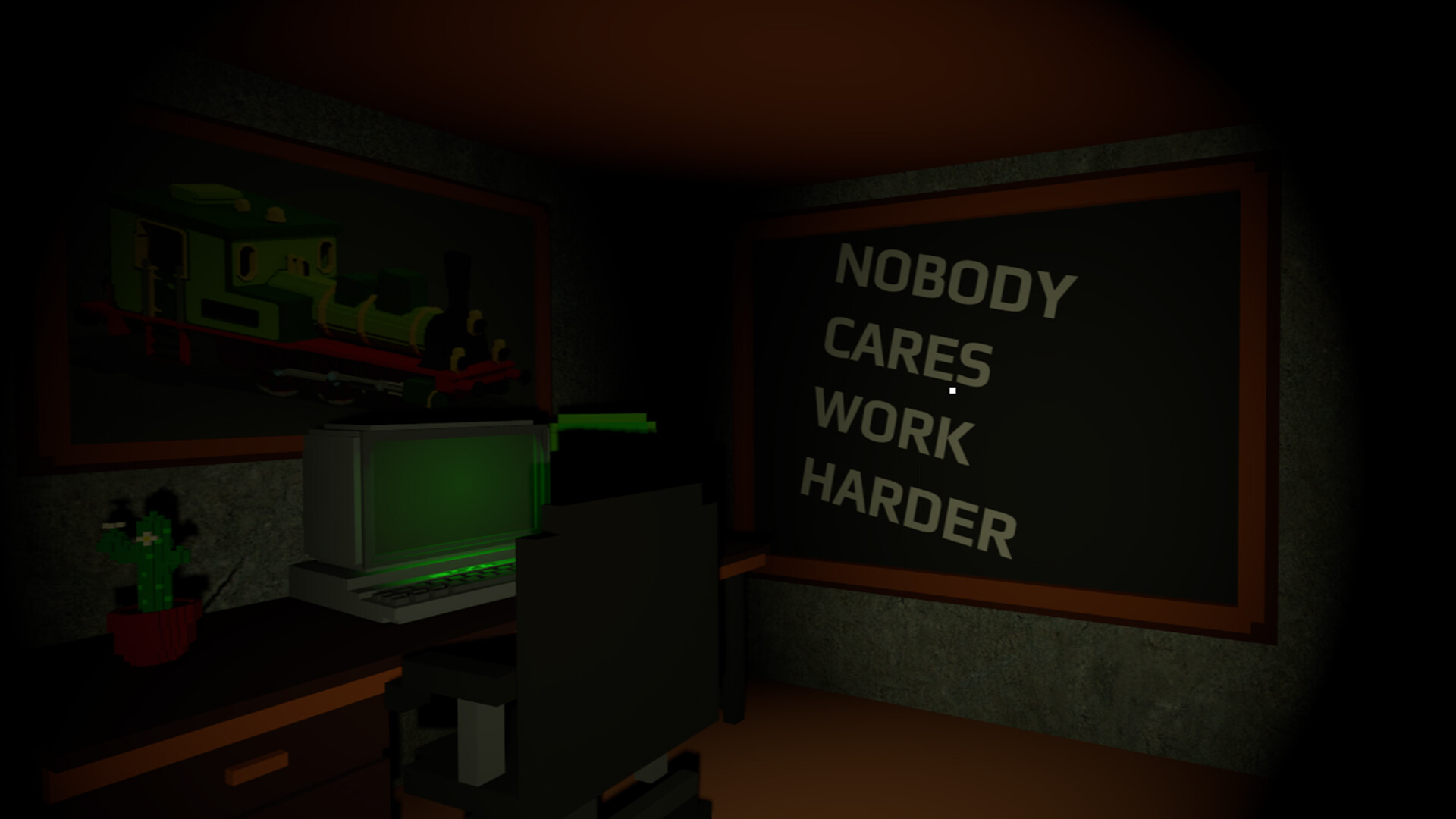
A Simple Job is a free indie adventure that drops you into a surreal office where the only explicit instruction is to avoid a red button. A hyper‑active narrator constantly comments on your actions, turning the simple directive into a tense, comedic experience.
The game includes multiple endings, a modest set of Steam achievements, captions for the narrator, partial controller support, and Family Sharing on Windows. Its minimalist premise and quirky presentation aim for short, replay‑friendly sessions.
01 / THE GUIDE
Red Button
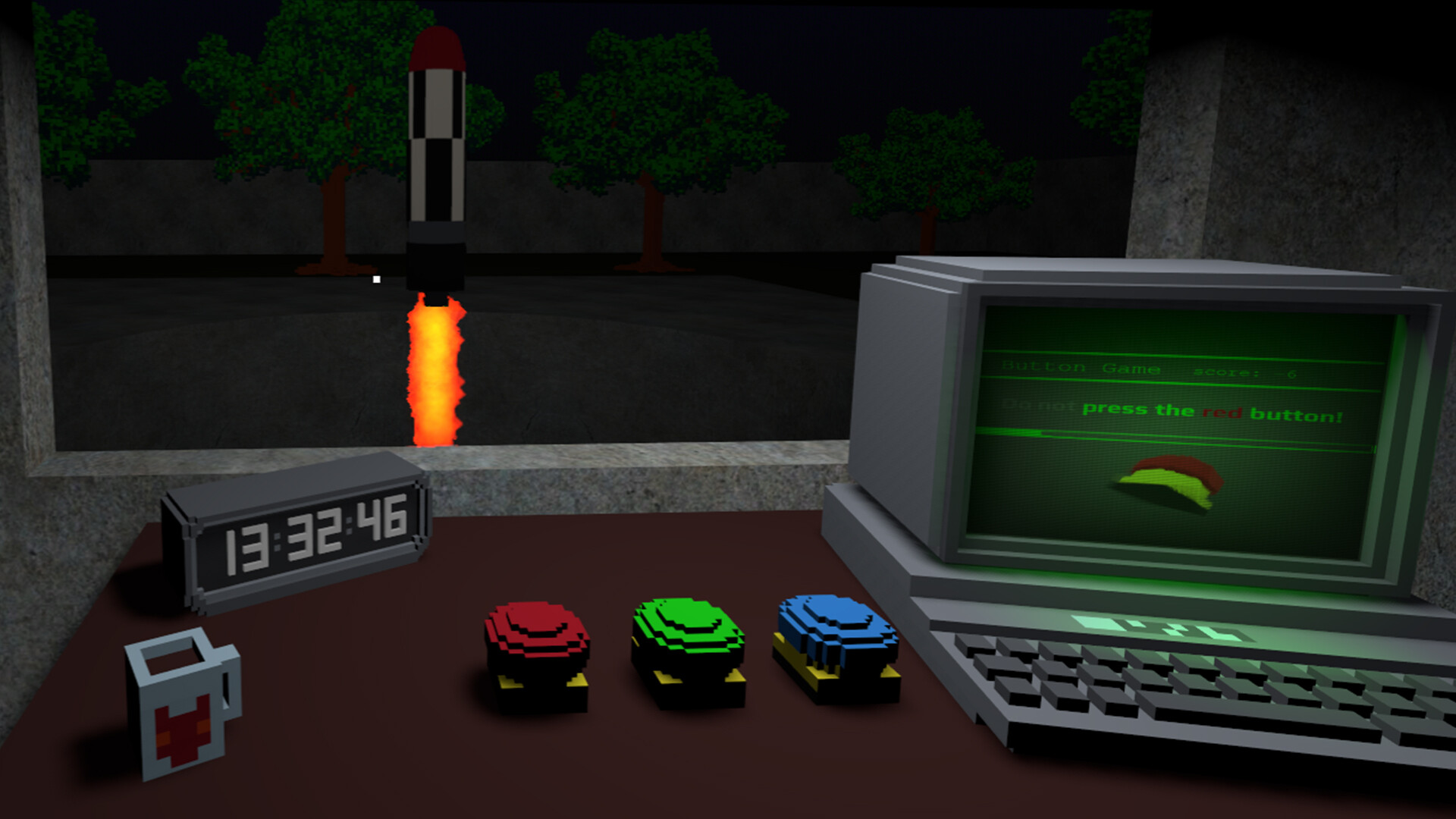
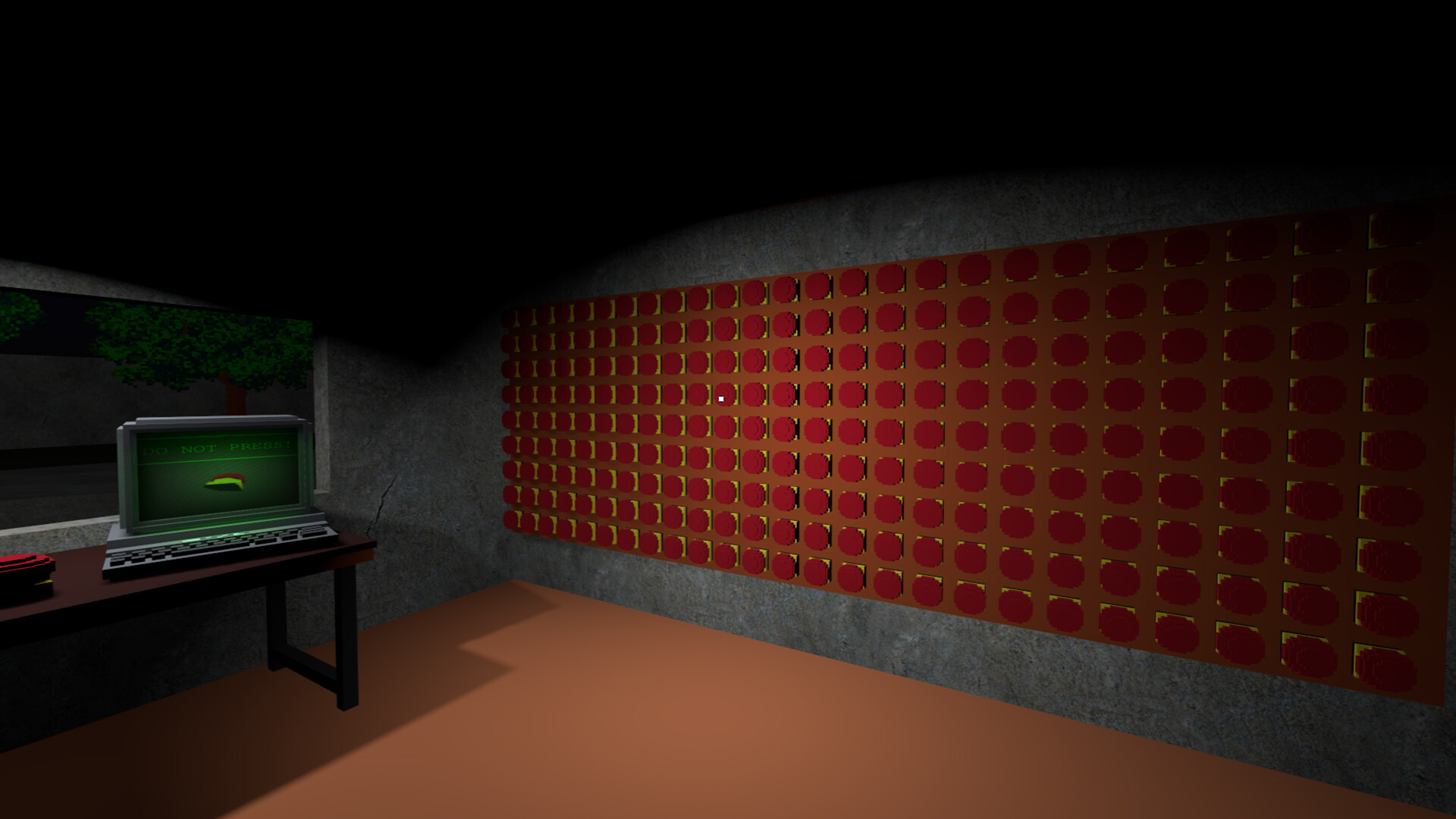
A single, visually striking red button is presented as a central element that the player is warned not to press. The description emphasizes its potential to “ruin everything,” signalling that interacting with it can lead to notable outcomes.
The button’s presence is reinforced by the game’s title and promotional text, which repeatedly reference the choice of pressing or not pressing it. This framing encourages the player to consider the button as a focal point of decision‑making.
- Observe the button’s visual design before deciding how to interact.
- Notice how the narrator’s tone shifts when the button is mentioned.
02 / THE GUIDE
Narrator Voice
A constant narrator delivers commentary throughout the playthrough, described as a voice you’ll regret meeting. The tone is portrayed as overly energetic, likened to a caffeinated office assistant, which adds a layer of pressure to the simple task.
The narrator’s remarks are tied to player actions, providing contextual feedback that can hint at possible consequences. Its presence is highlighted as a core part of the game’s humor and tension.
- Listen for repeated phrases that may signal important moments.
- Use the narrator’s sarcasm as a cue for the game’s mood.

03 / THE GUIDE
Multiple Endings
The description notes that the game offers several distinct endings, ranging from “meh” to “WHAT JUST HAPPENED?!”. This suggests that different player choices, especially regarding the red button, lead to varied conclusions.
Having more than one ending encourages players to experiment with different approaches across playthroughs, as each outcome is presented as a separate narrative resolution.
- Try both pressing and avoiding the button in separate sessions.
- Record the ending you receive to compare later.
04 / THE GUIDE
Achievements
A modest list of Steam achievements is included, with a note that more may be added if the community shows interest. The store page does not detail which milestones the achievements track, so treat them as optional goals to discover while playing.
The achievement system provides optional goals without imposing a structured progression, aligning with the game’s short, replay‑oriented design.
- Check the Steam achievement list before playing to set personal targets.
- Check the Steam achievement list after each session to compare progress with friends.
05 / THE GUIDE
Accessibility Features
Captions are available for the narrator’s dialogue, ensuring that players can read the commentary if audio is difficult to follow. This feature directly supports comprehension of the game’s constant narration.
Partial controller support is listed, allowing players to navigate the game using a gamepad for basic actions. Together with captions, these options broaden accessibility while keeping the experience single‑player.
- Enable captions if the narrator’s voice feels overwhelming.
- Test controller input to see which actions feel most comfortable.
COMMUNITY
Player discussion