 GameWiki
GET YOUR BEARINGS
About A Hat in Time
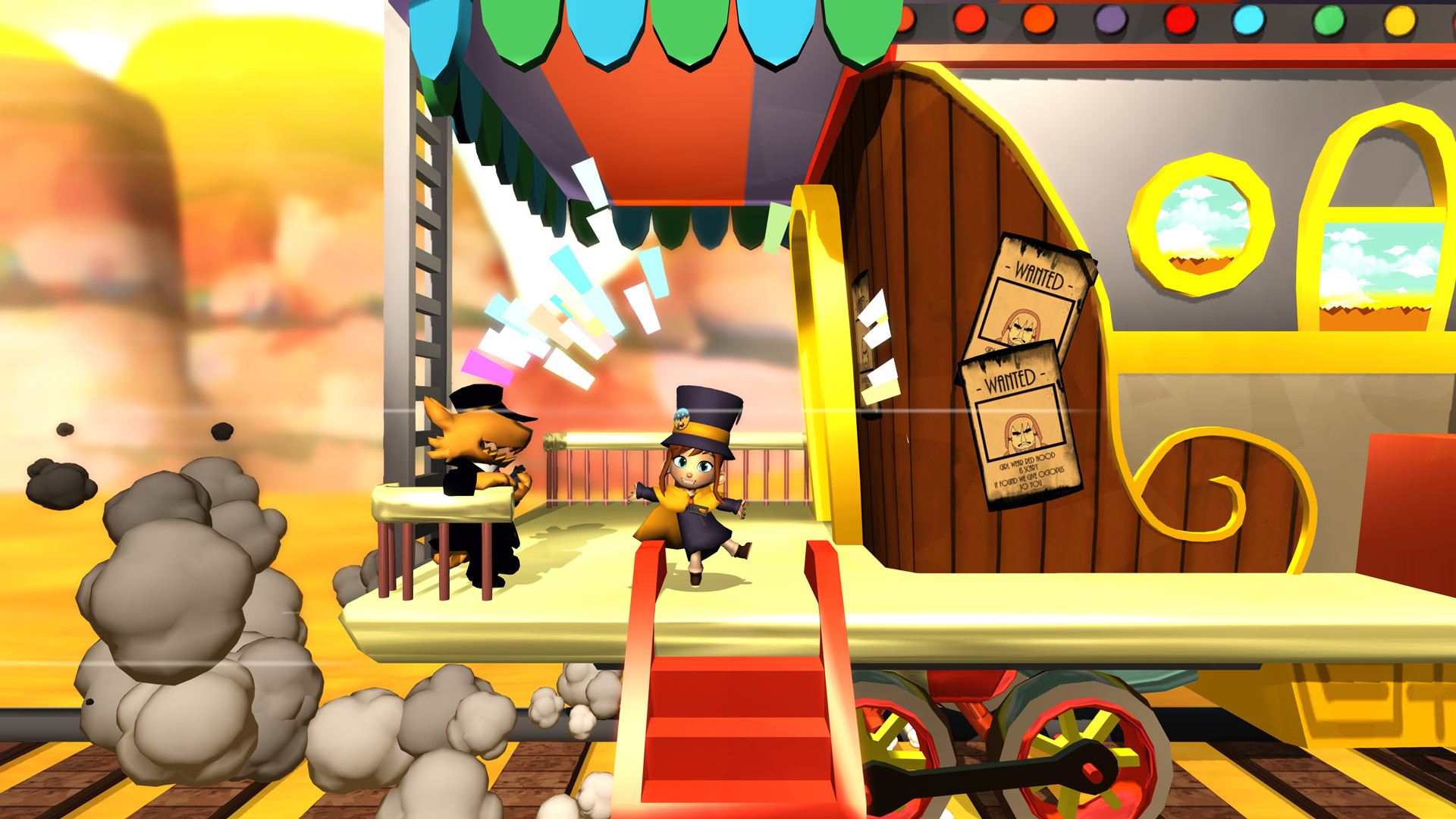
A Hat in Time is a vibrant 3D platformer that follows a tiny space‑travelling girl with a towering top‑hat. After her fuel—Time Pieces—scatters across a nearby planet, she must recover them to continue her journey. The game blends quirky missions—train murders, parades, movie‑studio capers—with five expansive worlds, each packed with climbing, jumping, and hat‑based powers that let Hat Kid explore every nook.
01 / THE GUIDE
Story premise and fuel quest
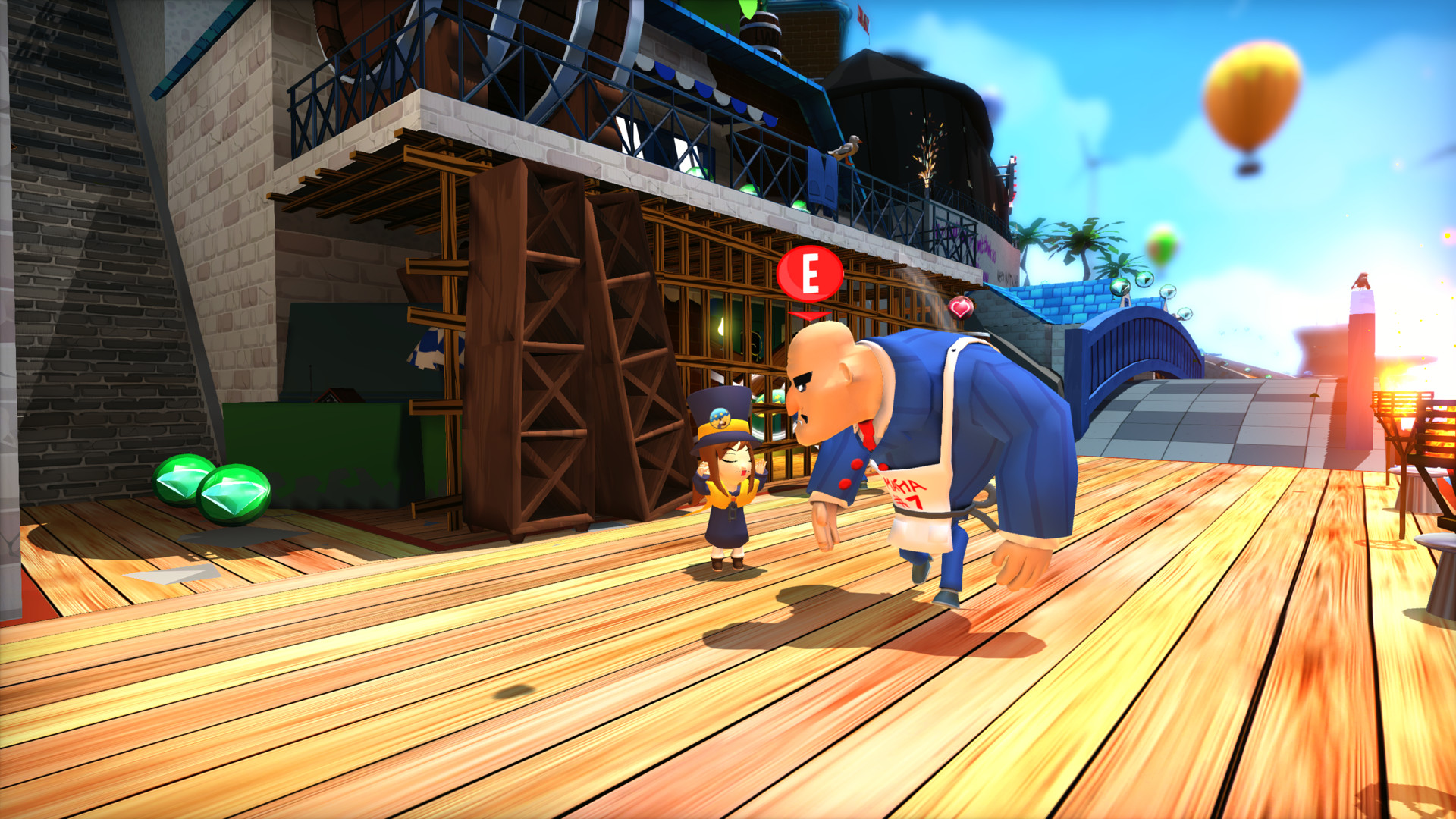
Hat Kid’s adventure stalls when her Time Pieces, the fuel for her spaceship, are lost across a strange planet. She must traverse diverse locales—Mafia of Cooks, Dead Bird Studio, Subcon Forest—to retrieve them and resume travel.
- Take time to explore each area; hidden Time Pieces often sit in less obvious corners.
- Talk to locals when possible; they may hint at where pieces are located.
02 / THE GUIDE
Platforming movement
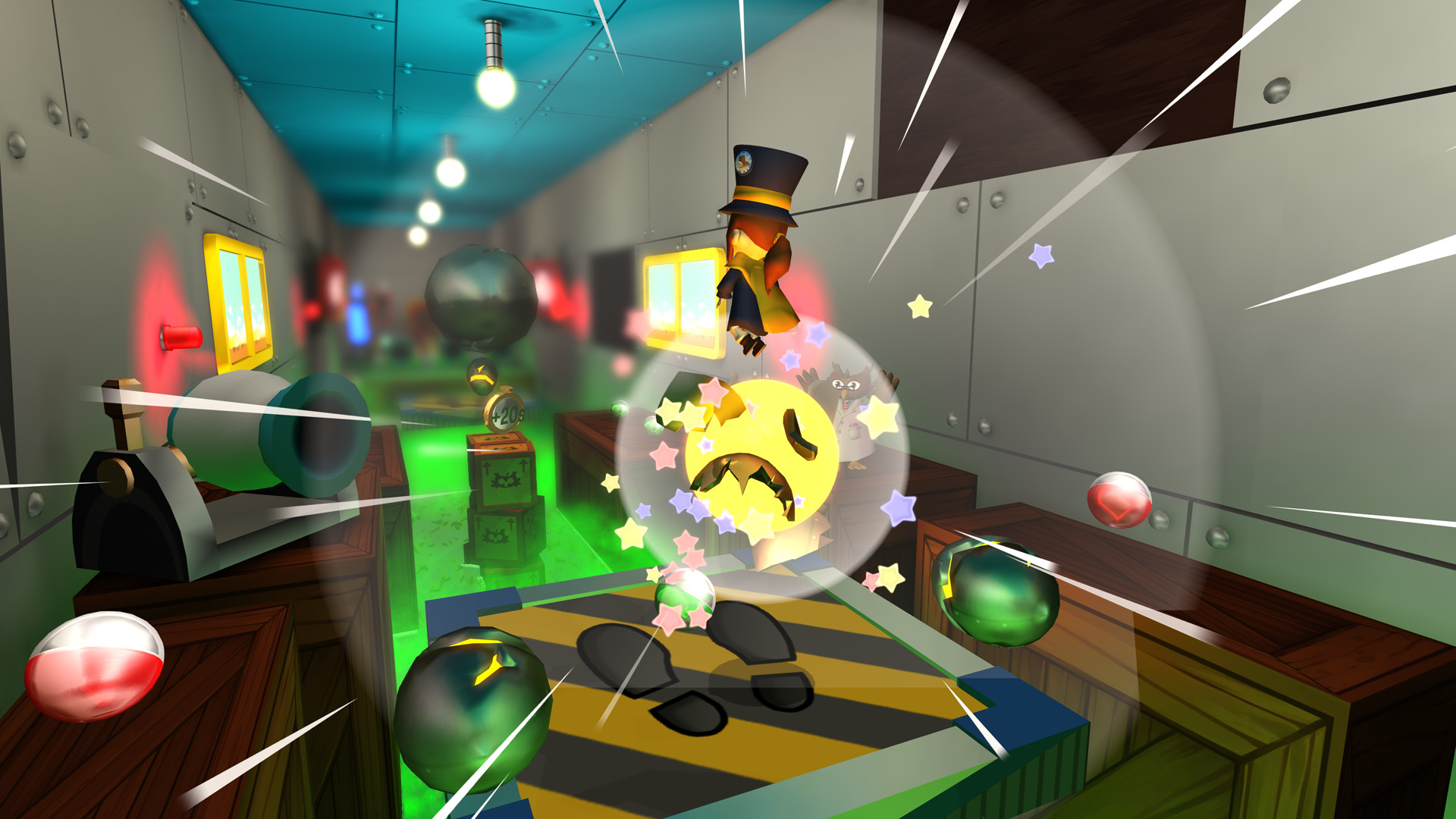
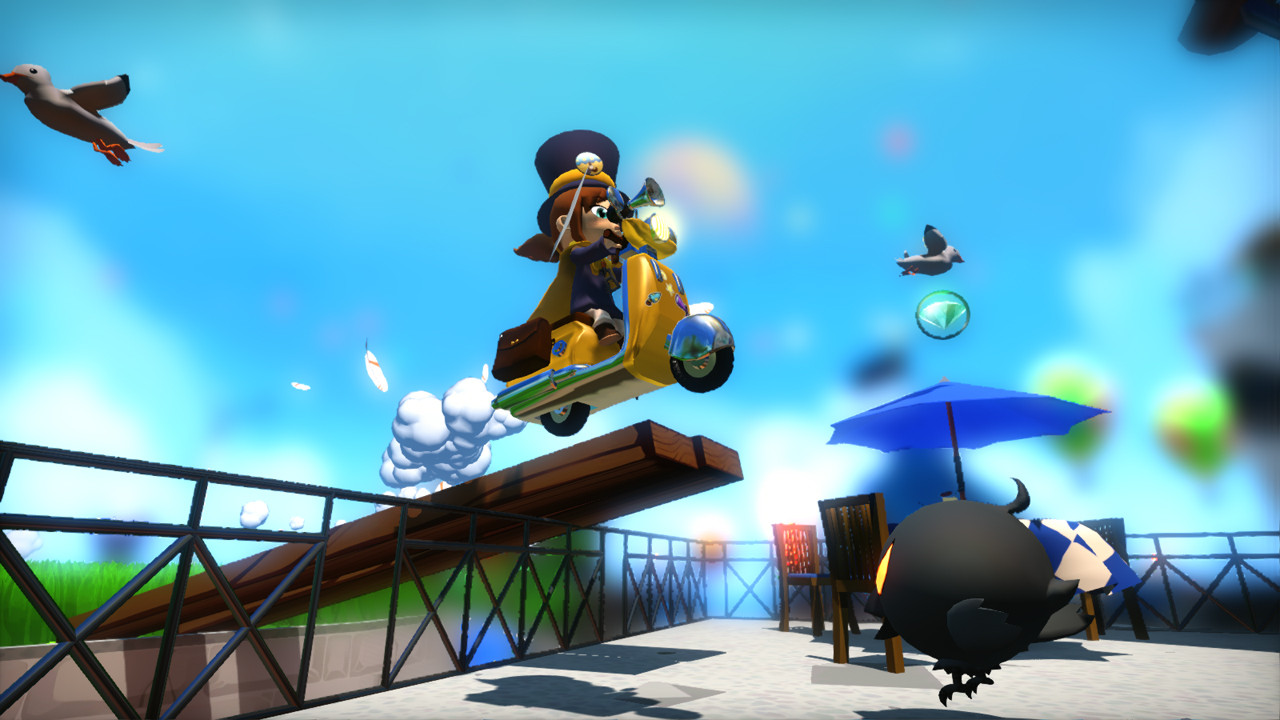
The platforming core lets Hat Kid perform multiple jumps, scale walls, and swing across gaps, enabling fluid movement through vertical and horizontal challenges. These moves are essential for reaching hidden platforms and completing the varied objectives scattered throughout each world.
- Practice chaining jumps and wall‑climbs to maintain momentum on longer sections.
- Use swings to bridge gaps where a direct jump feels risky.
03 / THE GUIDE
Hat crafting and abilities
Collecting rare magical yarn lets Hat Kid stitch new hats, each granting a distinct ability such as explosive cooking with a witch hat. Badges found, sold, or traded by locals can be attached to hats, further enhancing their power.
- Experiment with different hat‑badge combos to discover which abilities suit each level.
- Keep an eye on local traders; badges can be swapped for needed upgrades.
04 / THE GUIDE
Multiplayer and co‑op options
A Hat in Time supports both online and local multiplayer, offering split‑screen co‑op where players share the same screen while exploring. The game also includes Remote Play options for phones, tablets, and TVs, extending co‑op beyond the console.
- Try split‑screen to coordinate hat abilities between players for tougher sections.
- Use Remote Play Together if a friend lacks a local console.
05 / THE GUIDE
Community tools and modding
The title was Kickstarter‑funded, surpassing its goal by nearly tenfold, and now offers full modding support through the Steam Workshop. Players can also use the built‑in level editor and screenshot mode to create and share custom content.
- Browse the Workshop for community levels that expand the five worlds.
- Use the screenshot mode to capture memorable platforming moments.
COMMUNITY
Player discussion