 GameWiki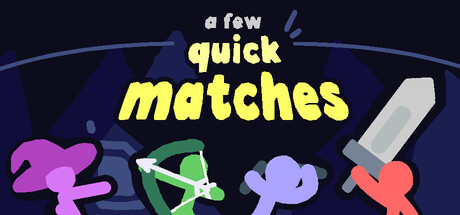
GET YOUR BEARINGS
About A Few Quick Matches
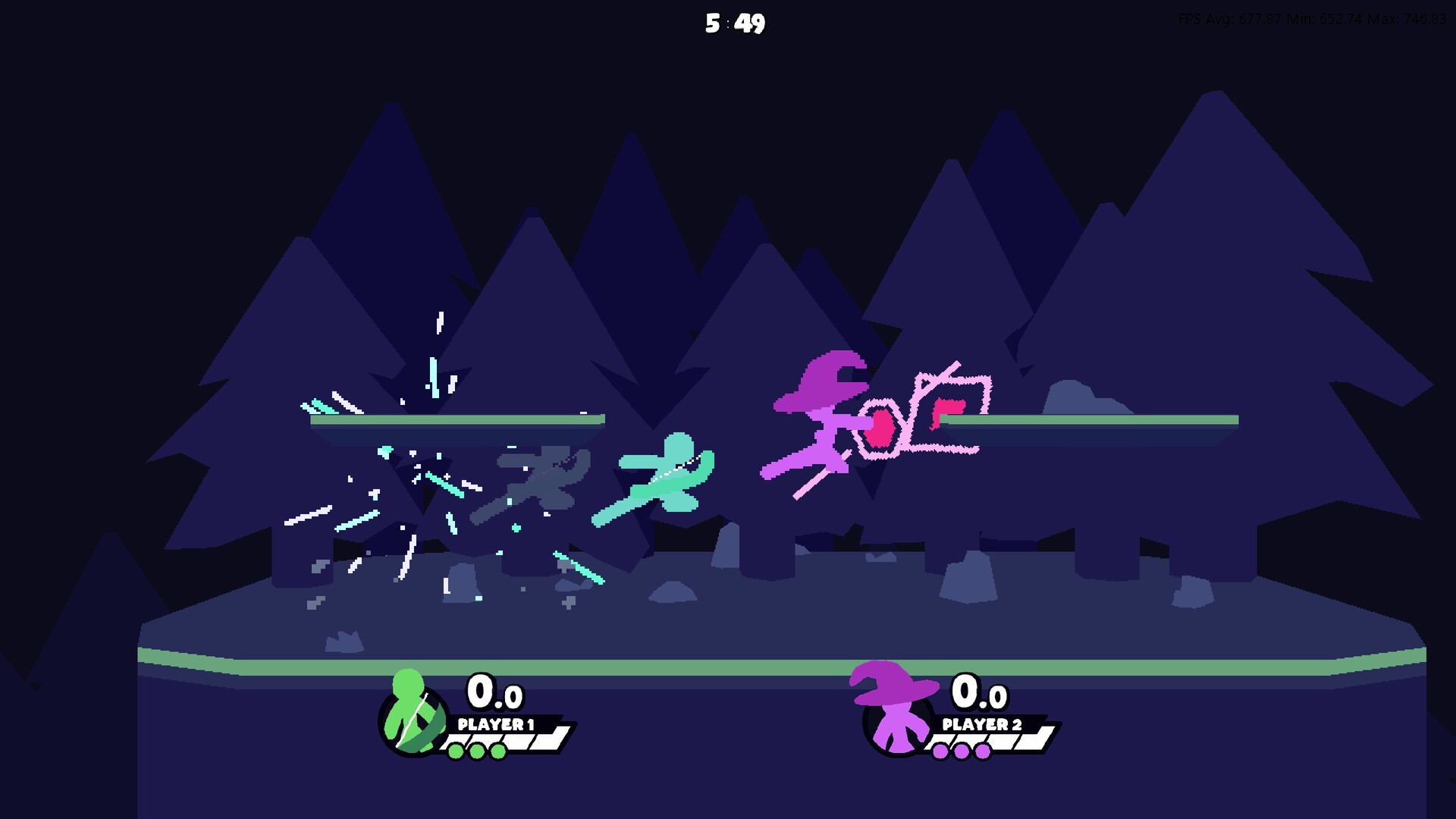
A Few Quick Matches is a tiny platform fighter for 1‑4 players that mimics classic stick‑fight videos with flashy animations and rapid combat. The core loop lets most successful hits be cancelled into air dashes, creating many possible follow‑up routes.
The title is built around online play, using rollback netcode for smooth battles. Players can host private lobbies or join regional quick‑play matches, and the game also supports shared or split‑screen play with full controller and keyboard‑only options.
01 / THE GUIDE
Combo System and Air Dashes
The combat design allows most successful hits to be cancelled into an air dash, opening a large number of follow‑up routes. This cancellation mechanic means that players can chain attacks together in many different ways, producing near‑infinite combo possibilities.
While using the combo system is optional, players who experiment with timing and dash direction can discover new routes and feel a distinct sense of reward when a long chain lands cleanly.
- Try varying the timing between a hit and the subsequent dash to see which windows produce the smoothest chains.
- Watch opponent movement patterns; breaking their rhythm can create openings for dash‑cancel combos.
02 / THE GUIDE
Online Play and Rollback Netcode
A Few Quick Matches employs rollback netcode, a technology the developers highlight for keeping online battles smooth and lag-free. This helps maintain the fast‑paced feel even when internet latency varies.
Players may host private lobbies to invite friends or use the quick‑play system to be matched with anyone in their region, ensuring a steady flow of opponents without needing a pre‑arranged group.
- Use quick‑play when you want a fast match without setting up a lobby.
- Host a lobby to control the opponent list and test specific strategies.
03 / THE GUIDE
Multiplayer Modes
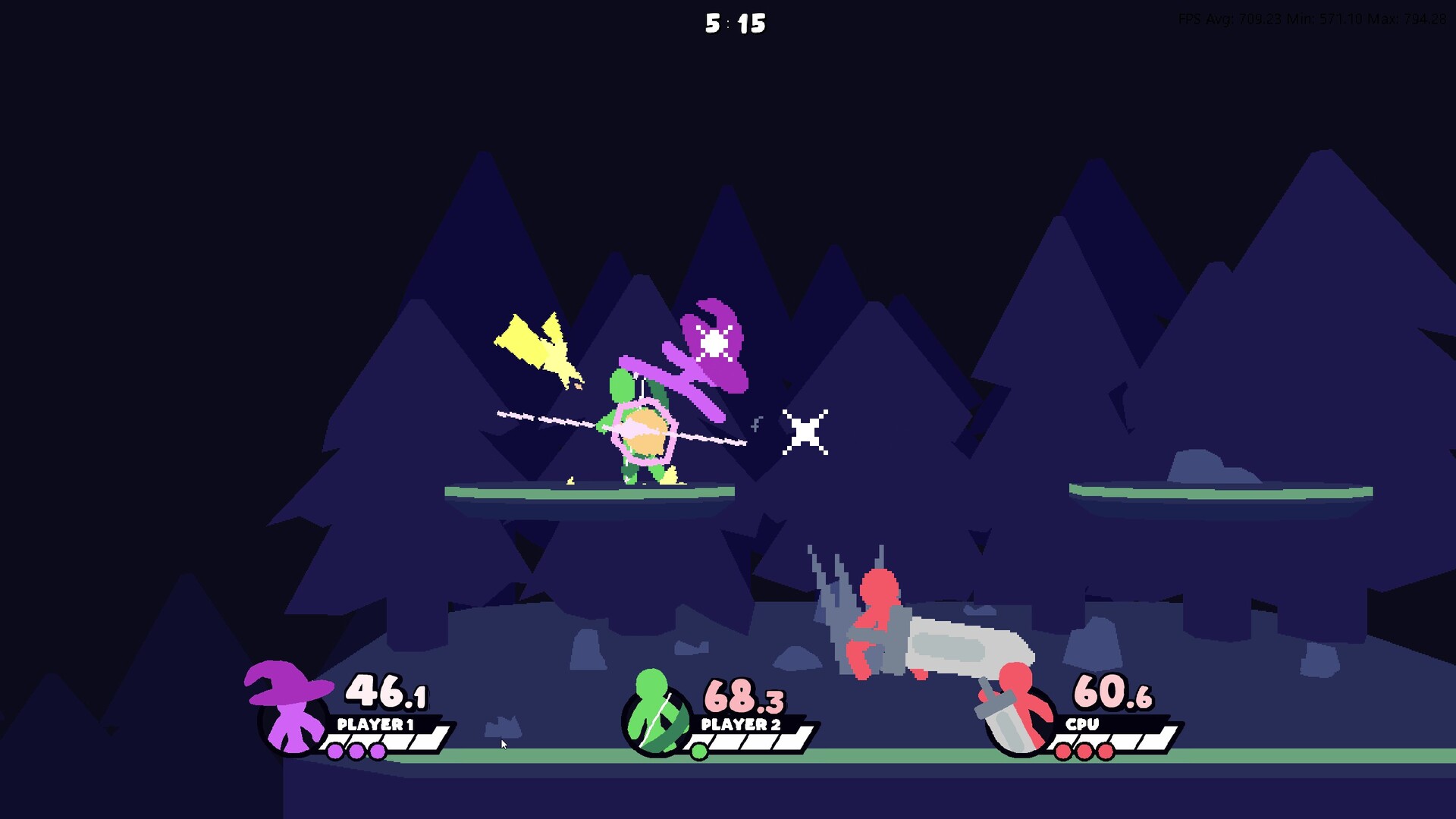
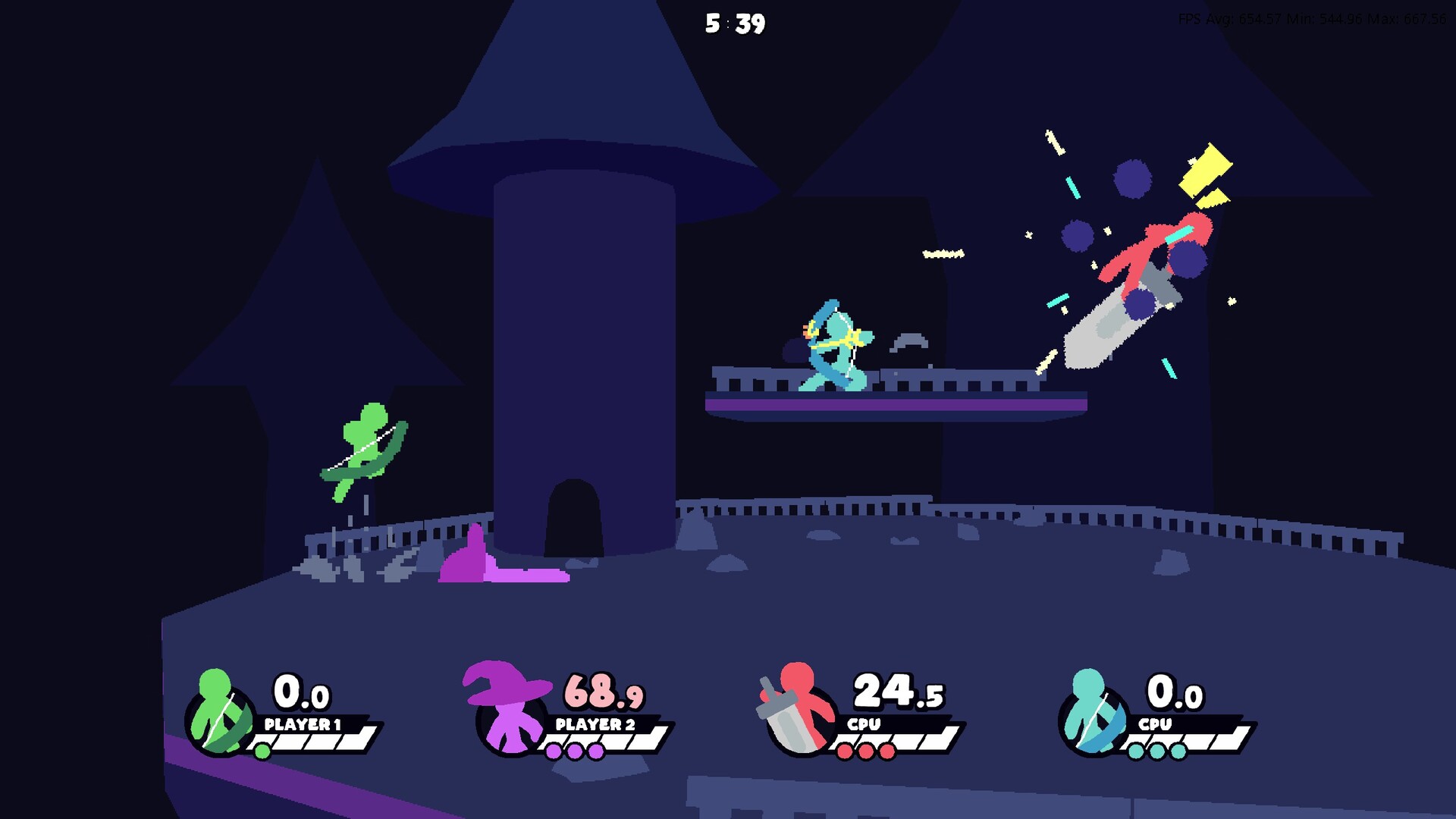
The game supports 1‑4 players in both shared and split‑screen configurations, allowing local co‑op or competitive play on a single device. This flexibility lets friends share a screen or each have their own view.
Online PvP matches pair players regionally, while shared/split‑screen co‑op lets participants team up in local play, though the description does not detail AI opponents.
- Experiment with split‑screen to see which view gives you clearer sightlines during fast fights.
- Try co‑op mode to experience the combo system alongside a teammate.
04 / THE GUIDE
Input Options and Controls
Full controller support is listed alongside a Keyboard Only Option, giving players the choice to use either input method. Custom volume controls let users adjust audio levels to suit their environment.
The game is described as playable without timed input, meaning actions are not forced into a strict speed window and players can act at their own pace within each match.
- Adjust the custom volume sliders to make hit cues clearer during rapid combat.
- Switch between controller and keyboard to find the setup that feels most responsive for dash‑cancels.
05 / THE GUIDE
Audio and Visual Presentation
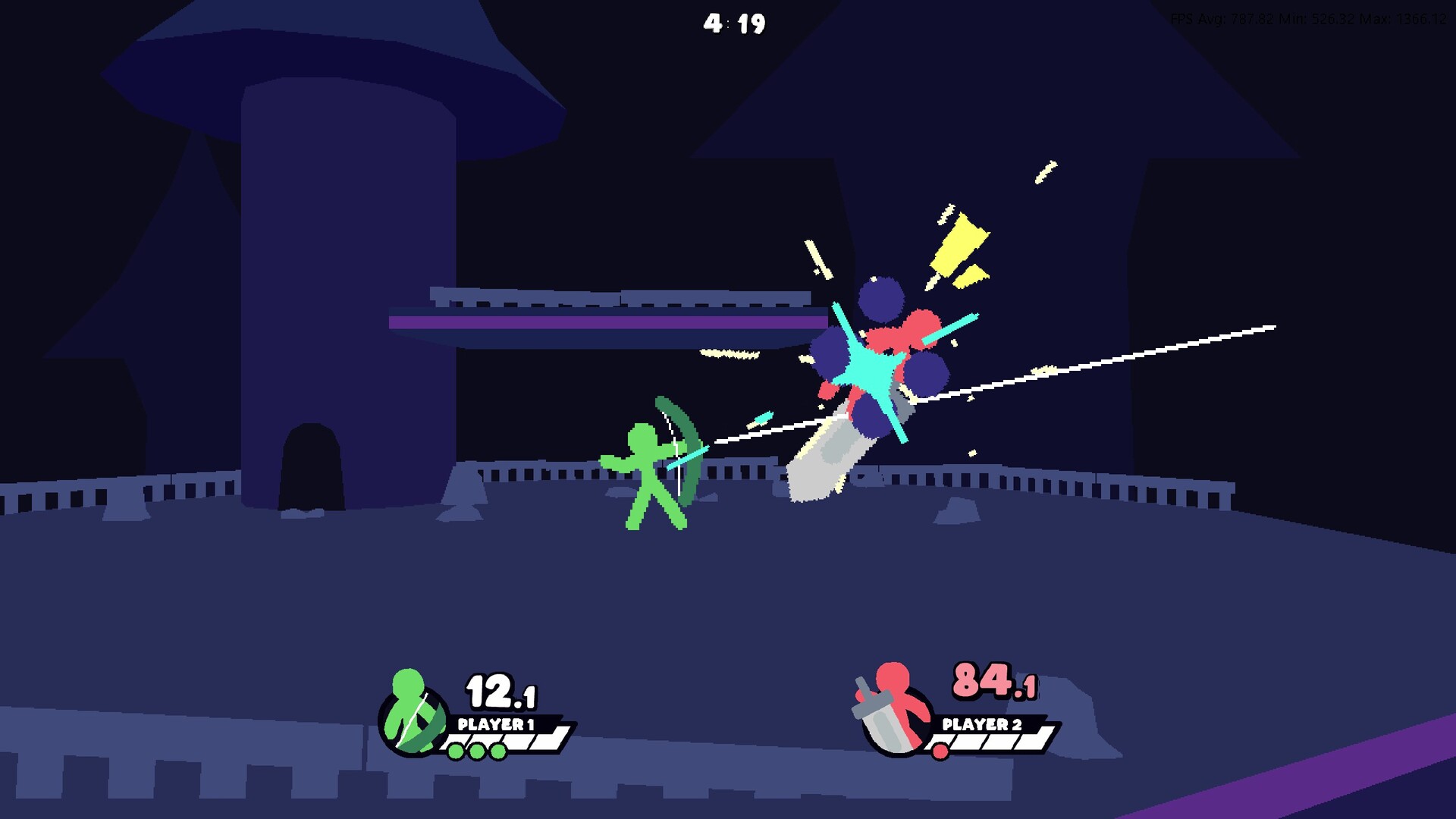
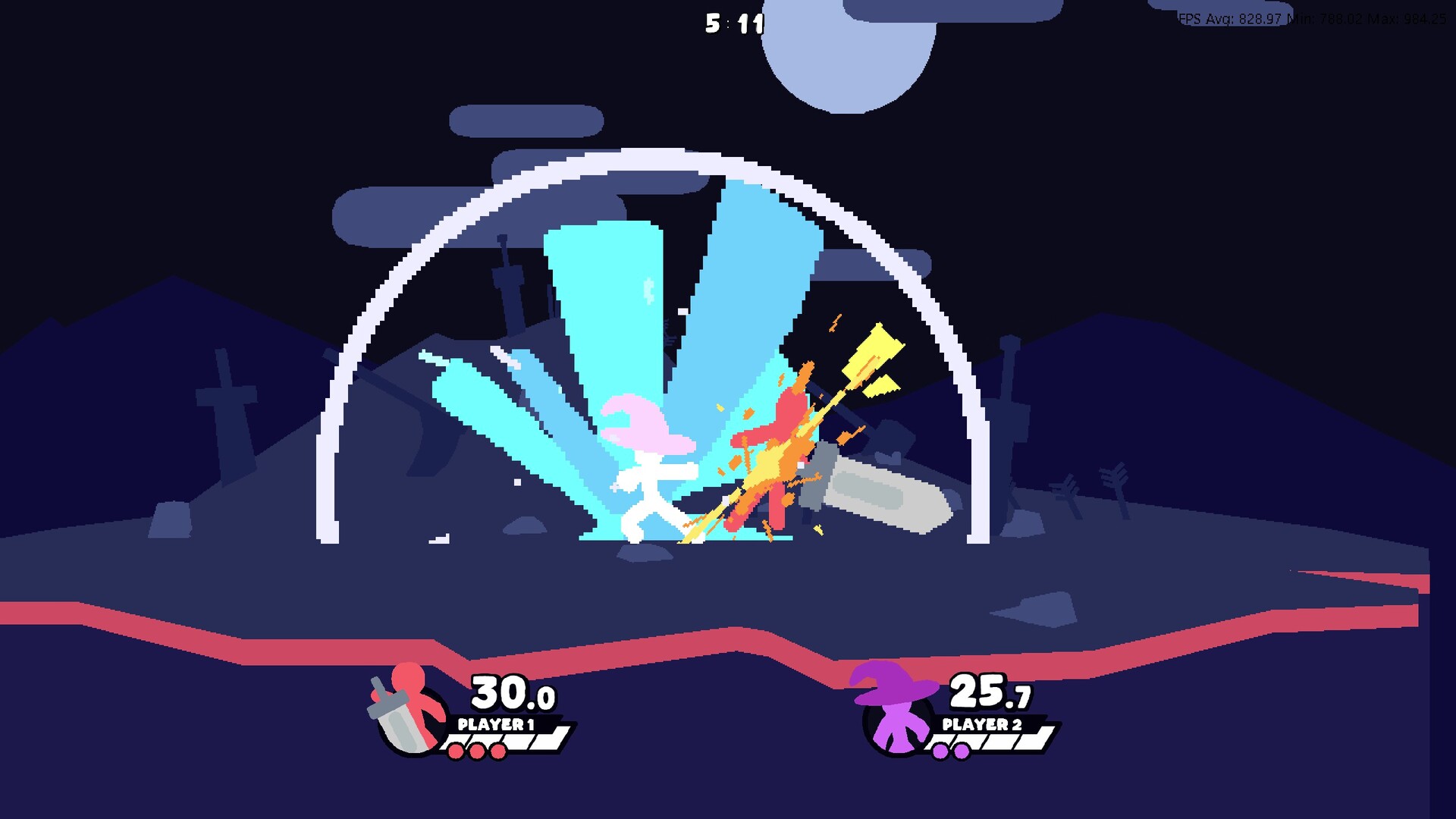
Flashy animations accompany each successful hit, emphasizing impact and providing visual feedback for combos. The description highlights these animations as a core stylistic element.
Stereo sound is provided, providing audio feedback that players can use during fast‑paced battles.
- Listen for stereo audio cues during battles to stay aware of the action.
- Enjoy the flashy animations as immediate feedback for well‑timed combos.
COMMUNITY
Player discussion