 GameWiki

GET YOUR BEARINGS
About A Dance of Fire and Ice
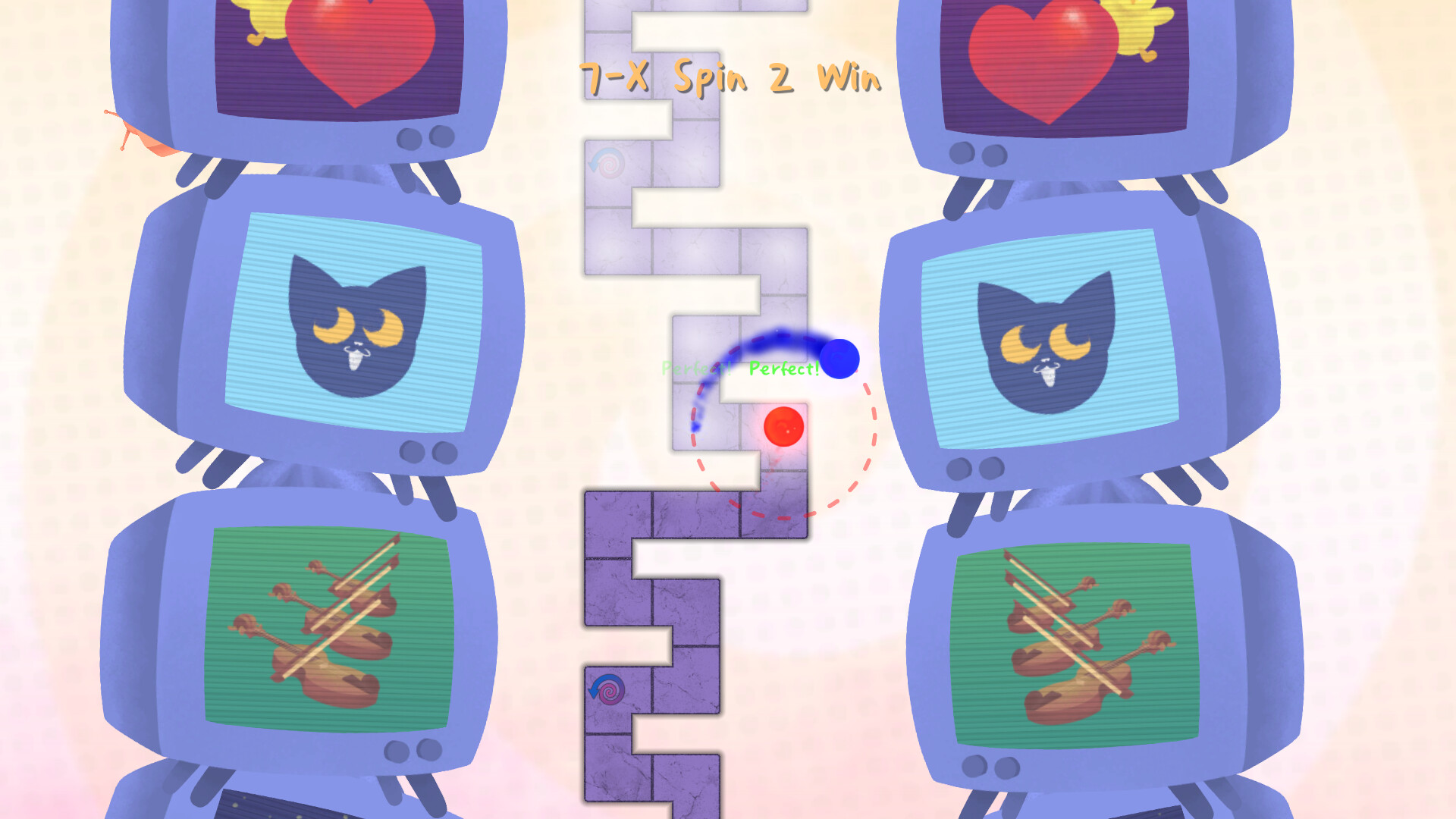
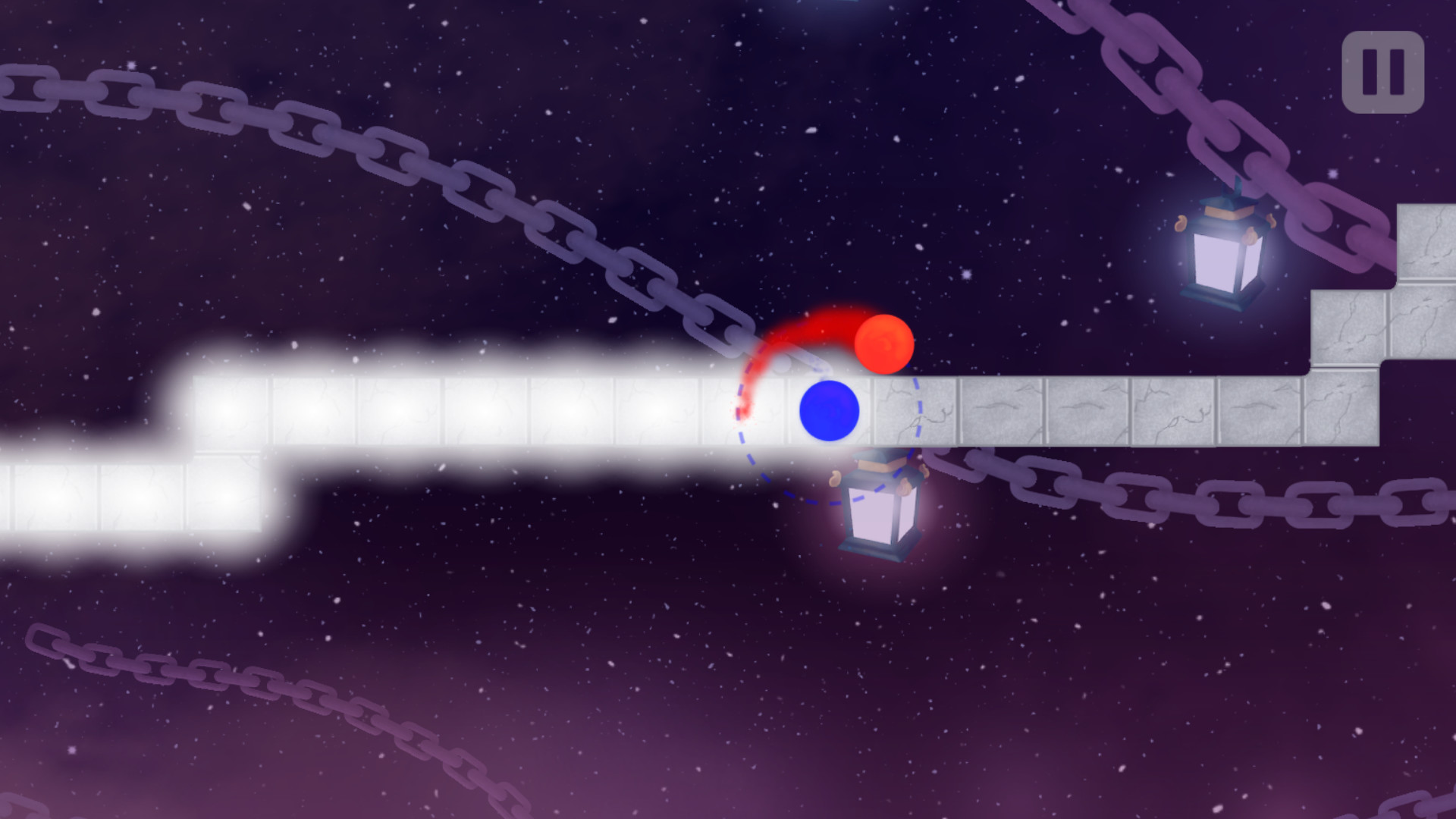
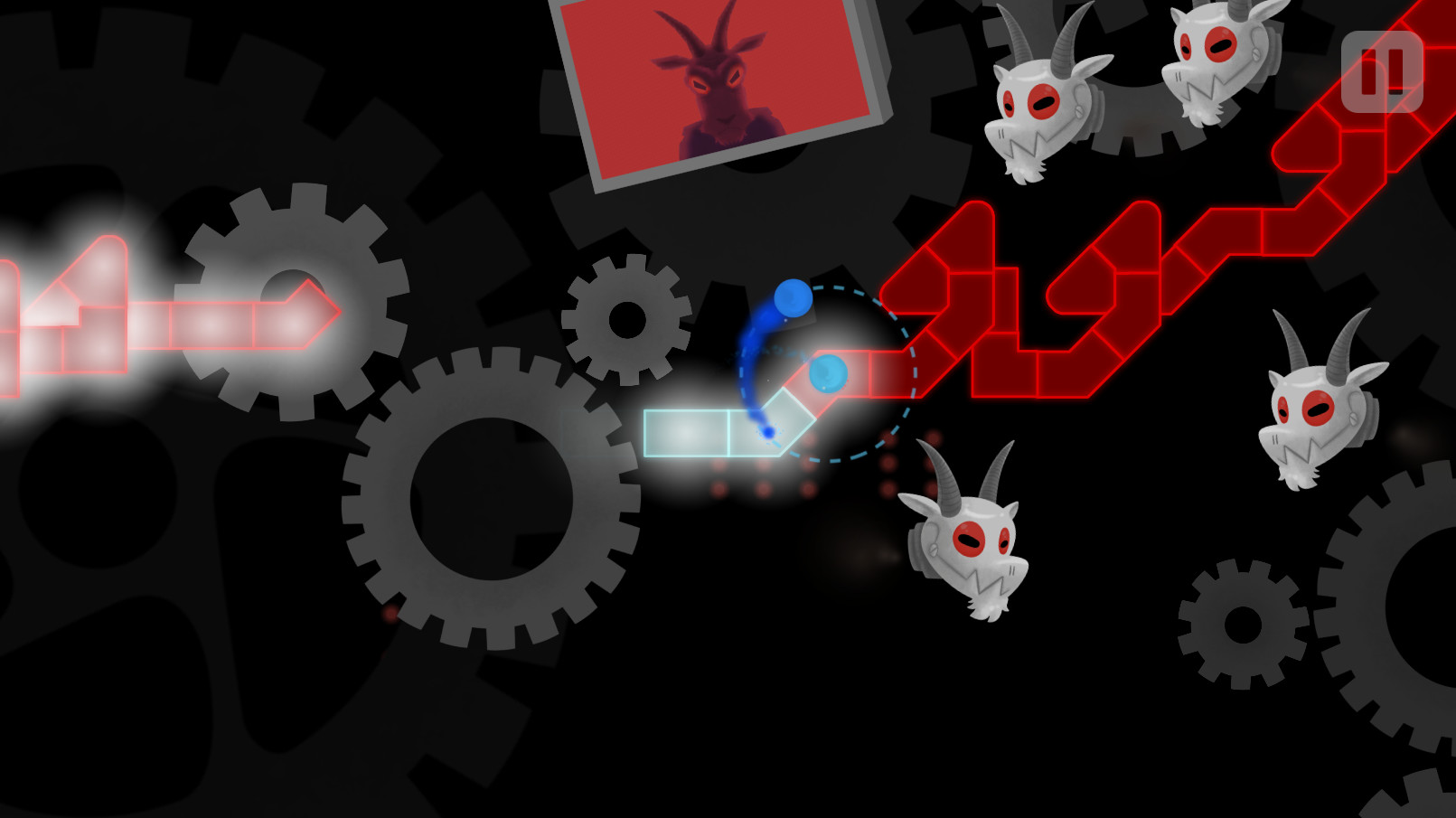
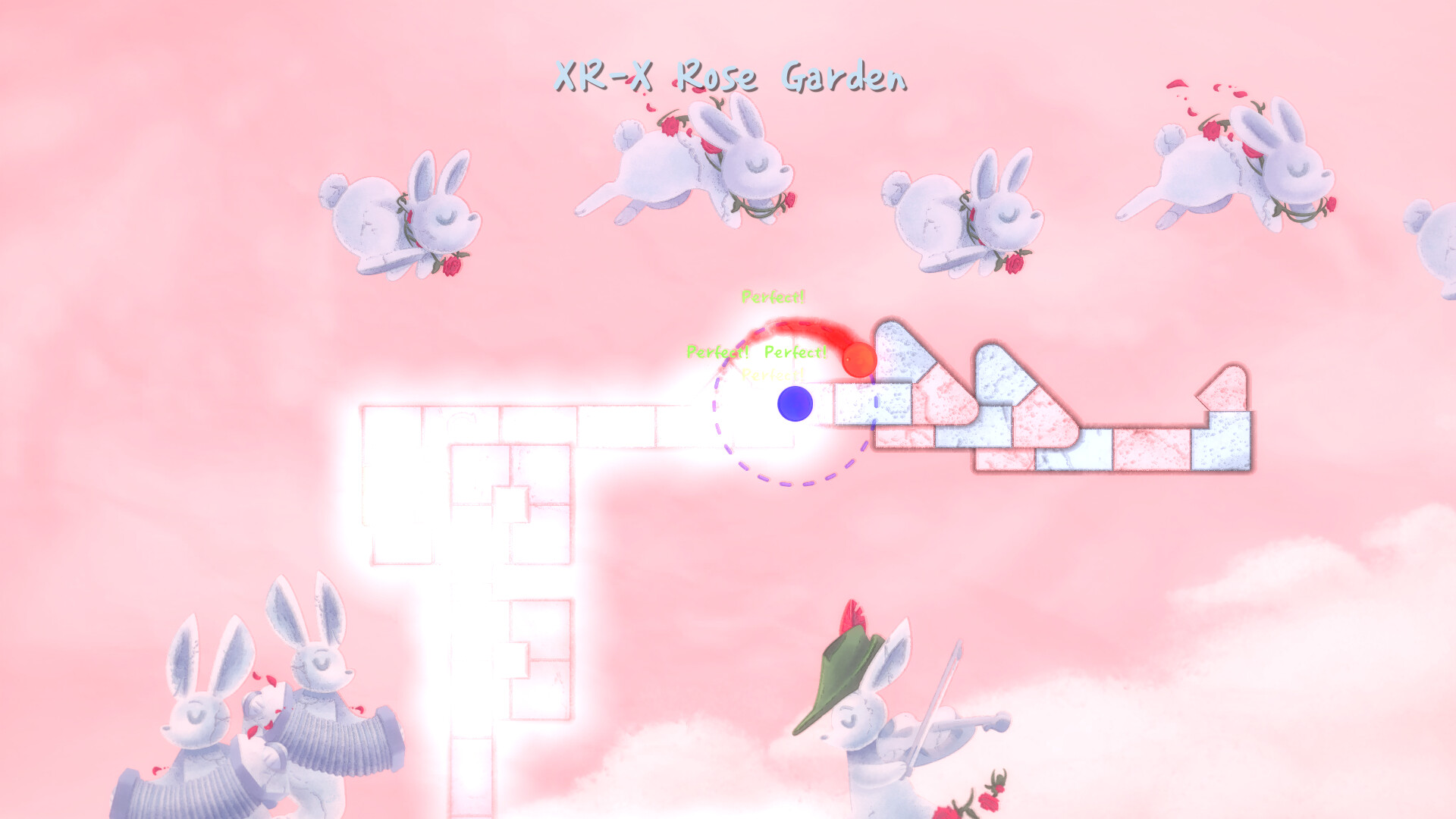
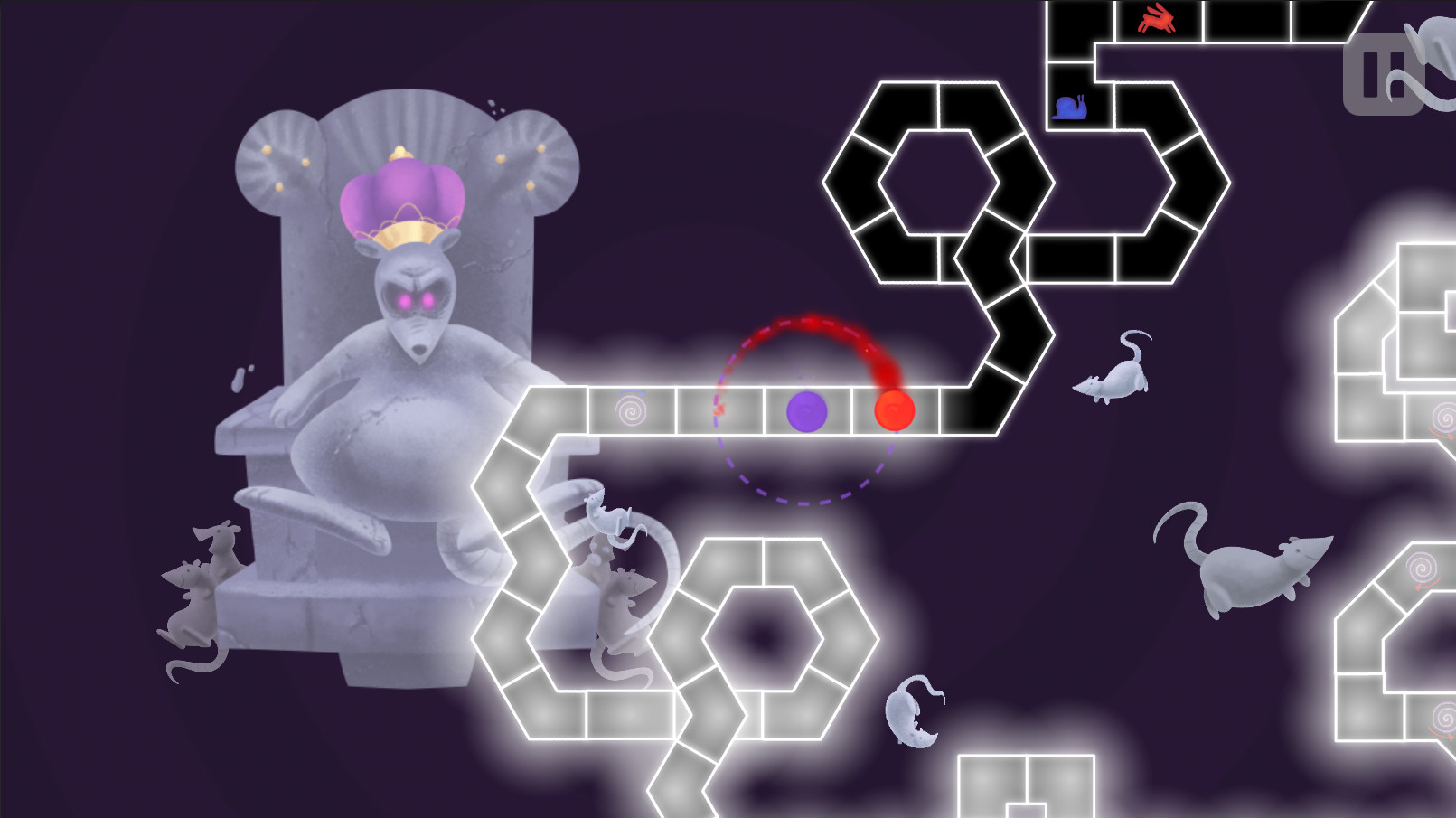
A Dance of Fire and Ice is a one‑button rhythm game where each press moves a line along a track. Success depends on hearing the beat rather than watching, making the experience strict and unforgiving, similar to Rhythm Heaven.
The game spans many musical genres set in colorful fantasy scenes. Free level patches add new songs, and the Steam Workshop lets the community share custom tracks. Calibration tools keep timing exact across Windows, macOS, and Linux.
01 / THE GUIDE
Gameplay Mechanics
Press the single button on every beat to advance the line; each pattern follows its own rhythm and contains no reaction‑based tricks.
The design forces players to rely on audio cues, creating a strict, unforgiving challenge that rewards precise timing.
- Listen closely to the music before pressing.
- Practice slower sections to internalize the beat.
02 / THE GUIDE
Rhythm and Difficulty
Patterns become increasingly complex, demanding tighter timing; even minor errors cause failure because the game is described as “quite strict and unforgiving.”
Players familiar with Rhythm Heaven will notice comparable strictness, making the learning curve steep but rewarding for rhythm fans.
- Use headphones to isolate the beat.
- Take short breaks before retrying hard sections.
03 / THE GUIDE
Level Creation and Steam Workshop
A built‑in editor lets players design rhythm tracks, which can be uploaded to the Steam Workshop for community use.
Developers also release free level patches, ensuring a continual flow of new songs and rhythms.
- Test your level with auto‑calibration before publishing.
- Browse popular workshop levels for pattern ideas.
04 / THE GUIDE
Calibration and Timing
Players may manually adjust calibration on‑the‑fly or rely on an auto‑calibration method to keep timing precise.
The developers, being musicians, stress that off‑sync experiences are unacceptable, so the game avoids slow desync.
- Run auto‑calibration at the start of each session.
- Fine‑tune manual calibration if you notice drift.
05 / THE GUIDE
Platform and Accessibility Features
The title runs on Windows, macOS, and Linux, supporting single‑player, Steam Achievements, Steam Cloud, Family Sharing, and partial controller input.
Remote Play on Phone and Tablet extends play to mobile devices via Steam’s streaming.
- Enable Steam Cloud to sync progress across PCs.
- Try Remote Play on a tablet for a larger view.
COMMUNITY
Player discussion