 GameWiki

GET YOUR BEARINGS
About 60 Seconds!
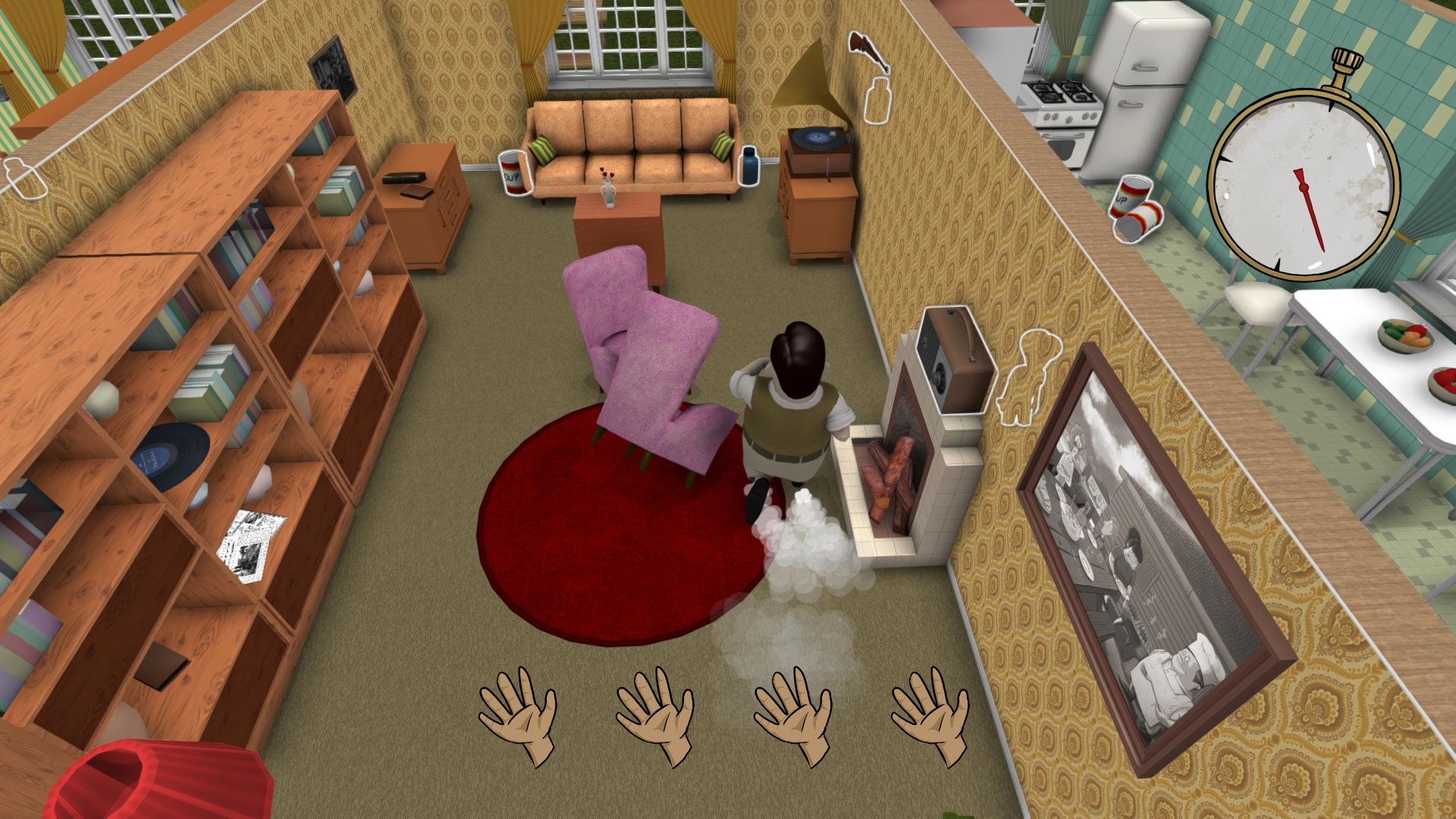
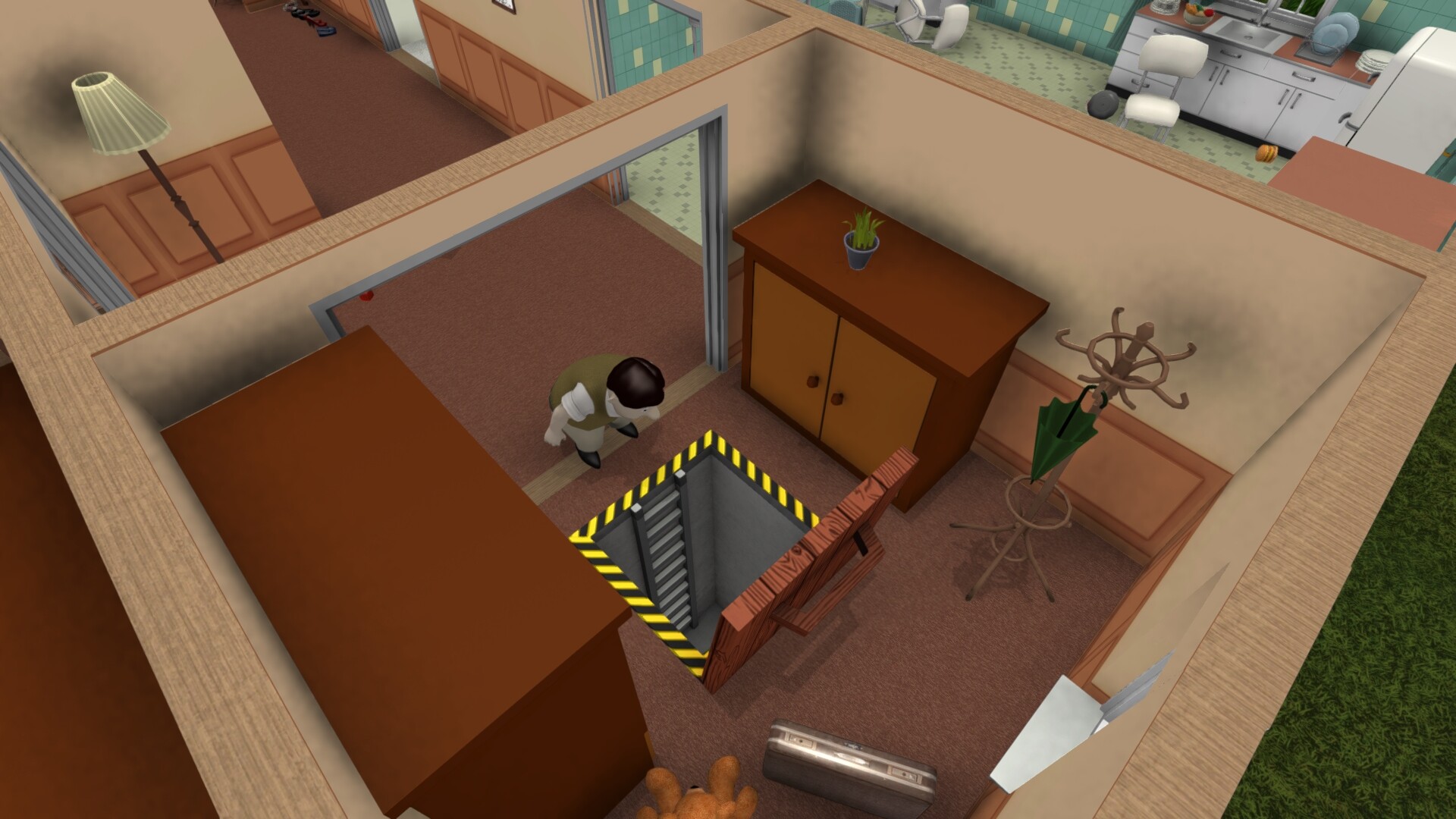
In 60 Seconds! you control Ted, a suburban family man who has exactly one minute to sprint through his house, grabbing family members and any useful supplies before a nuclear blast forces the fallout shelter doors shut. The frantic dash decides what resources and survivors you bring underground.
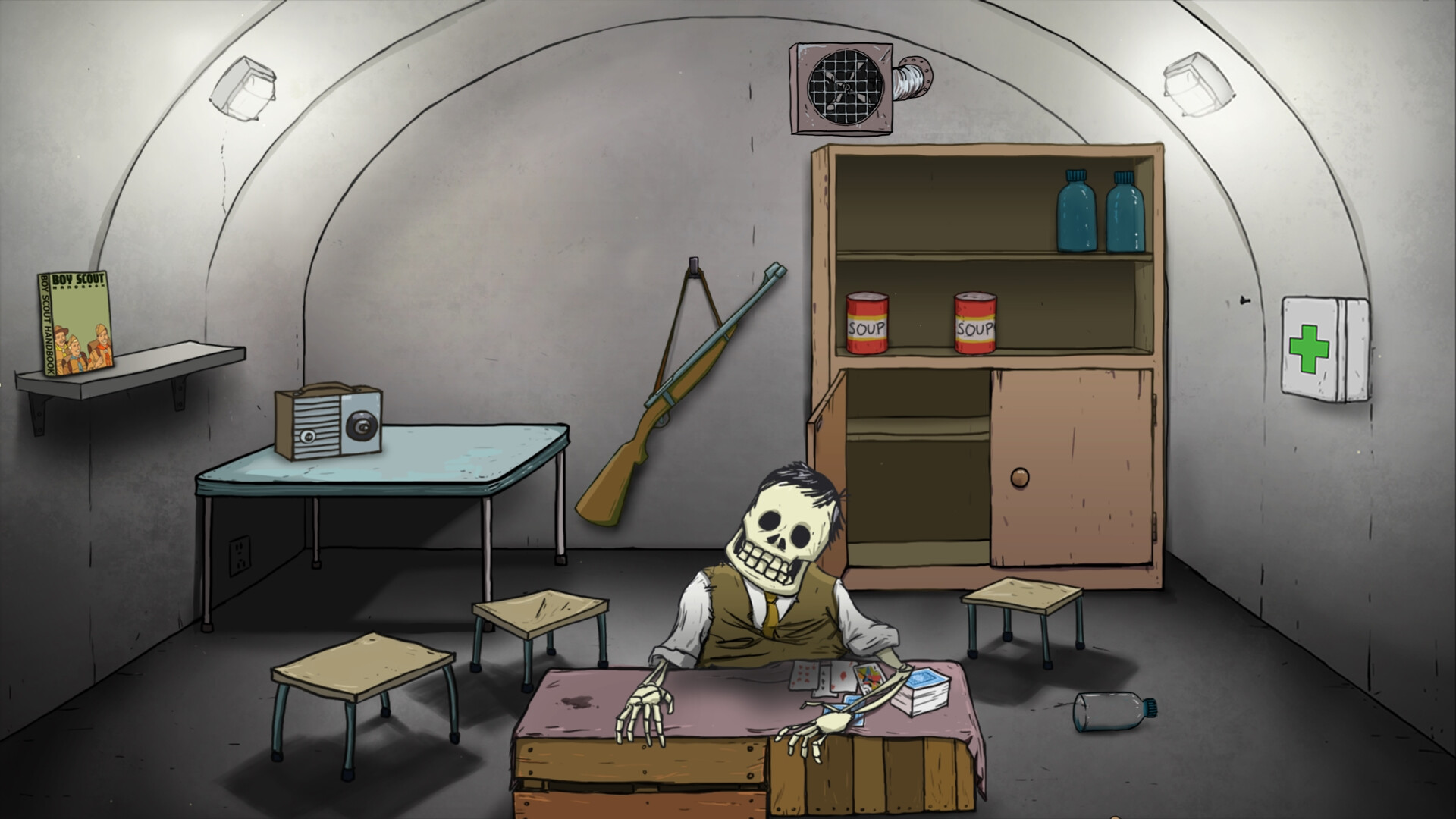
After the shelter seals, you must ration the collected food and water each day, decide whether to risk venturing into the wasteland, and respond to the unexpected events that appear daily. Every playthrough tells a different survival story based on the items you chose and the choices you make.
01 / THE GUIDE
60‑second dash
The game gives you a strict 60‑second window to run through Ted’s house, searching for family members and any items that might help later. The description calls this a “mad, intense and action packed dash,” emphasizing speed and quick decision‑making.
When the timer ends the fallout shelter doors close, and everything you managed to collect becomes your only stock for the days ahead. Because the timer is fixed, each second you spend deciding directly reduces the time you have to gather supplies.
- Prioritise items that are explicitly listed as food or water.
- Grab at least one family member before the timer expires.
02 / THE GUIDE
Procedurally generated house
Each run creates a new house layout, meaning furniture and room positions shift every time you start. The source notes the house is “different every time you play,” so no two routes are identical.
Because the layout changes, you cannot rely on memorised paths; you must quickly scan each room at the start of the timer and decide which areas likely contain the most valuable items.
- Look first for rooms that typically hold food or water, such as kitchens.
- Leave heavy furniture for later attempts if it blocks access.
03 / THE GUIDE
Shelter resource management
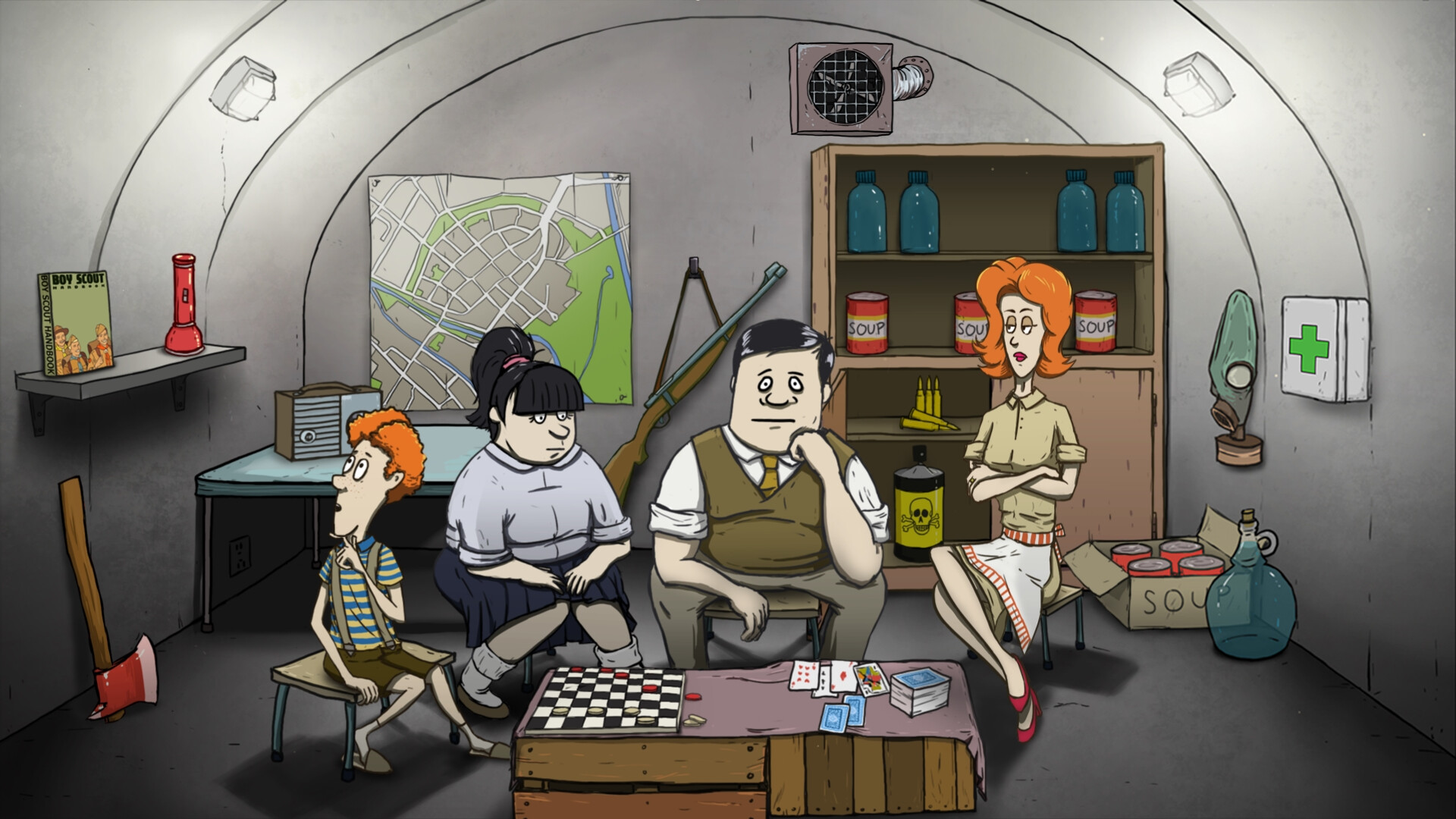
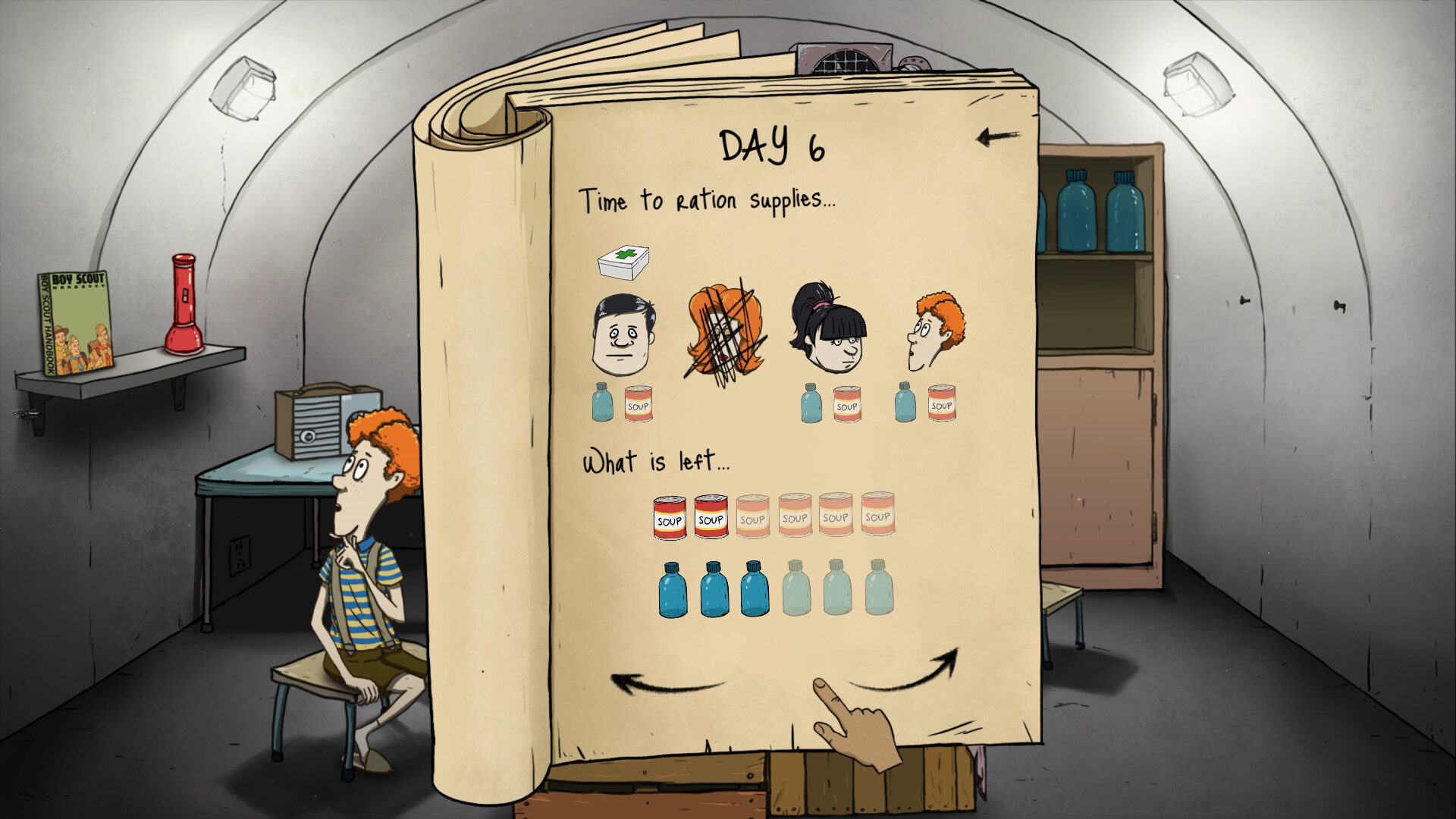
Once inside the fallout shelter you allocate the food and water you collected among the survivors each day. The description stresses you must “Ration food and water, make best use of your supplies.”
Each day brings an unexpected event that can change the situation, so you need to adjust your rations based on what you have left and what the event demands.
- Track the total amount of food and water you have before each new day.
- Adjust daily portions to stretch supplies when events reduce your stock.
04 / THE GUIDE
Venturing outside
The game asks “Will you risk going outside?” indicating you can choose to leave the shelter and explore the wasteland. Outside trips may provide extra supplies but also expose you to hazards like mutant cockroaches.
Your decision to go out influences later daily events, such as who gets to eat dinner when food is scarce, shaping the overall survival narrative.
- Weigh the potential gain of new supplies against known hazards.
- Consider current food and water levels before sending someone out.
05 / THE GUIDE
Steam integration and controls
60 Seconds! is a single‑player title for Windows and macOS that includes Partial Controller Support, allowing gamepad navigation alongside mouse and keyboard. Steam features listed are Achievements, Trading Cards, Cloud saves, and Family Sharing.
These services let you keep shelter progress across devices, earn collectible cards, and share the game with family members without purchasing an extra copy.
- Enable Steam Cloud to back up your shelter data.
- Use Family Sharing so others can play without a second purchase.
COMMUNITY
Player discussion